






Find Your Perfect Match
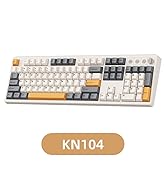
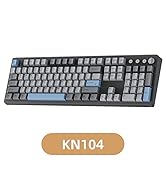
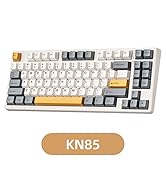
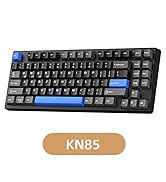
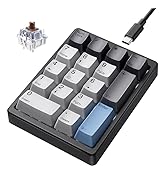
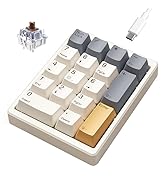
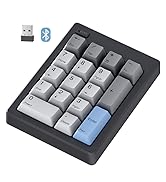
 KN104 |  KN85 |  KN17 |
|---|---|---|
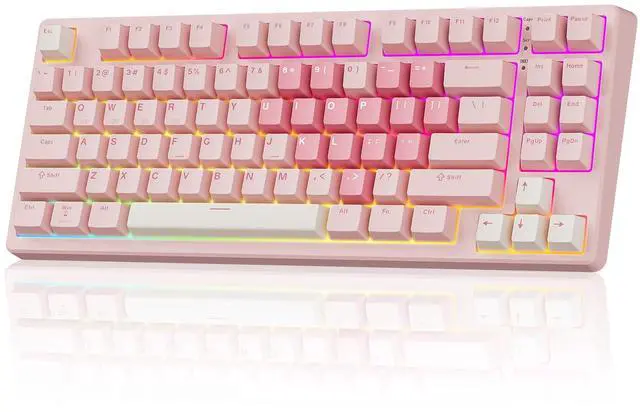
Layout/Size 100% Full-size/ 17.52*5.55*1.65in | Layout/Size 75% Compact Layout/ 13.68*5.51*1.77in | Layout/Size 17 Keys Layout / 4.41*3.39*1.38in |
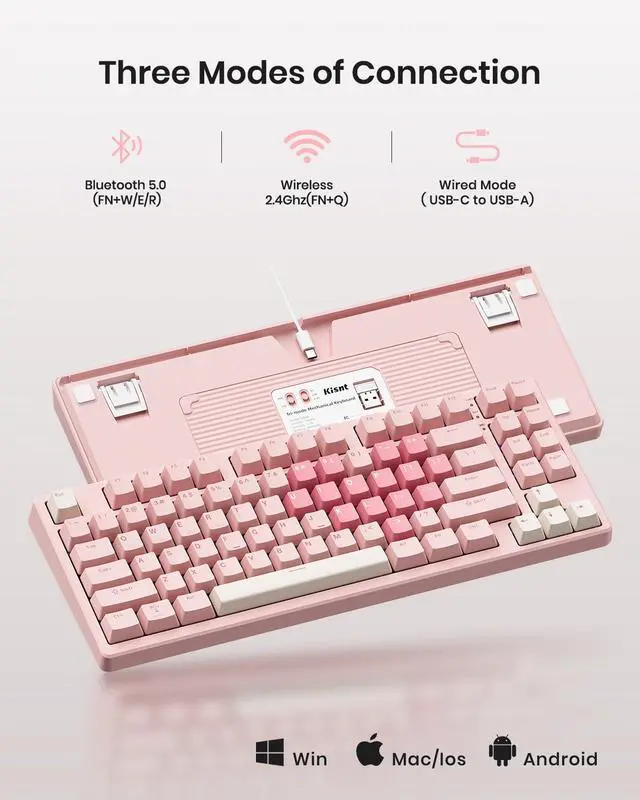
Connectivity USB-C, 2.4GHz, Bluetooth 5.0 | Connectivity USB-C, 2.4GHz, Bluetooth 5.0 | Connectivity Detachable Type-c Wired |
Programmable KN104 Software(WIN only) | Programmable KN85 Software(WIN only) | Programmable × |
Purpose Office, Data-heavy Work | Purpose Writing& Typing, Gaming, Coding | Purpose Speedsheets, Data Entry, Accounting |
Ideal Users Accountants& Finance Pros, Home Desktop Users, Traditional Typists | Ideal Users Laptop Users, Gamers, Programmer, Minimalists | Ideal Users Accountants& Finance Pros, Laptop Users, Compact Keyboard Owners |


Two-stage Adjustable Tilt Legs

Wired Tri-side Conductor Groove

2.4G Interface Storage

Compatible with Mac&Win
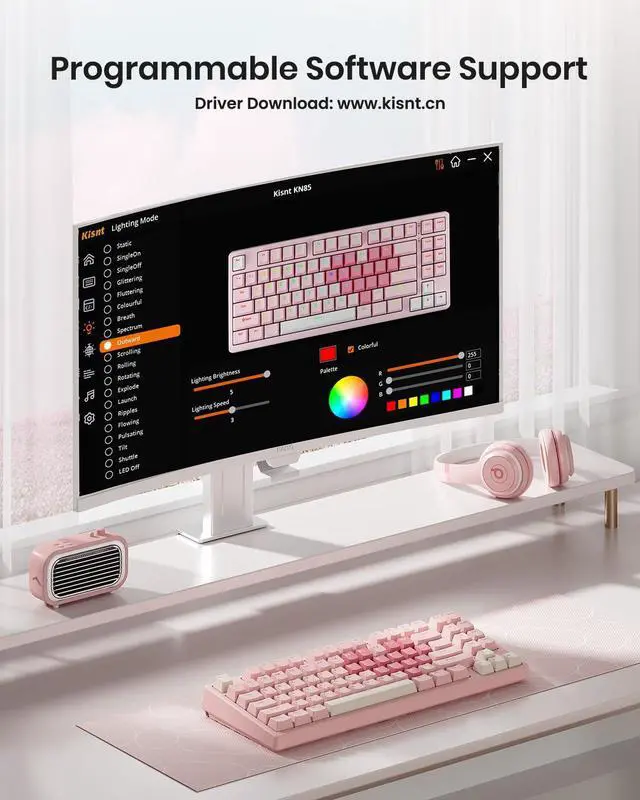
How can I get the software for KN85?
The custom keyboard works seamlessly with both Windows and Mac, but programming is only supported in wired/2.4G wireless mode on Windows. You can download the driver from: www.kisnt.cn.
How to adjust the RGB backlighting?
1. Shortcut keys for quick adjustments:
FN+Insert = Switch 20 RGB lighting effects. FN+Delete= Backlight color switching.
Brightness : FN+? /?, Backlight speed: Fn+?/?.
2. The KN85 driver for advanced programmable lighting effects and patterns.
Is quiet to type on?
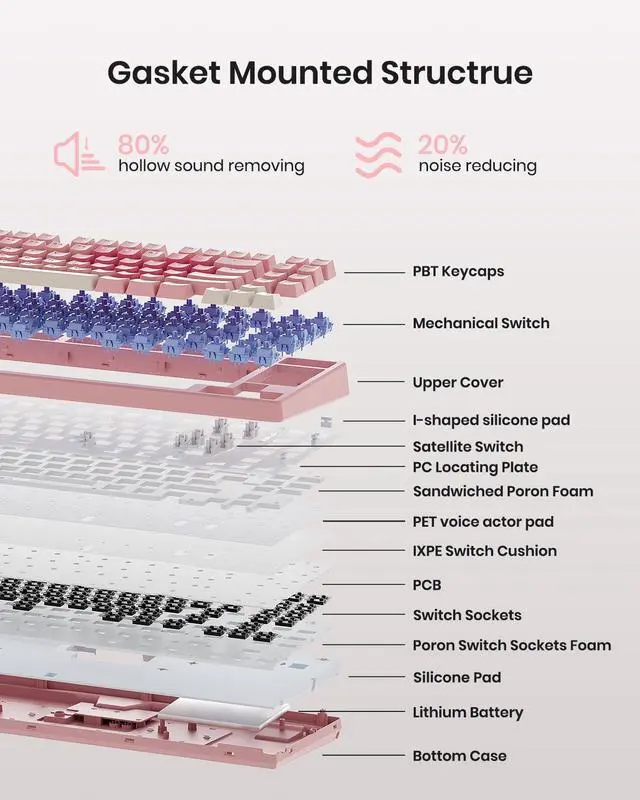
It is not a silent keyboard, but be quieter than typical mechanical keyboards and delivers a satisfying "thocky" creamy sound instead of clicky noise.
Why does the keyboard fail to connect (or keep disconnecting) in wireless mode?
Low battery- Make sure the battery is still active before further troubleshooting.
Bluetooth compatibility- Bluetooth connectivity requires Windows 8 or later and only supports Bluetooth version 4.0 to 5.3.
How to pair it with Bluetooth device?
Switch the toggle to ?BT?firstly, press the FN+W and hold down for about 3s until the W key flashes rapidly, pair your device with “?KN85 BT-1?”(The same as FN+E/FN+R).

Complete Your Setup
Looking for more than a lone upgrade? Meet your new desk aesthetics and deck out your battle station with Kisnt.
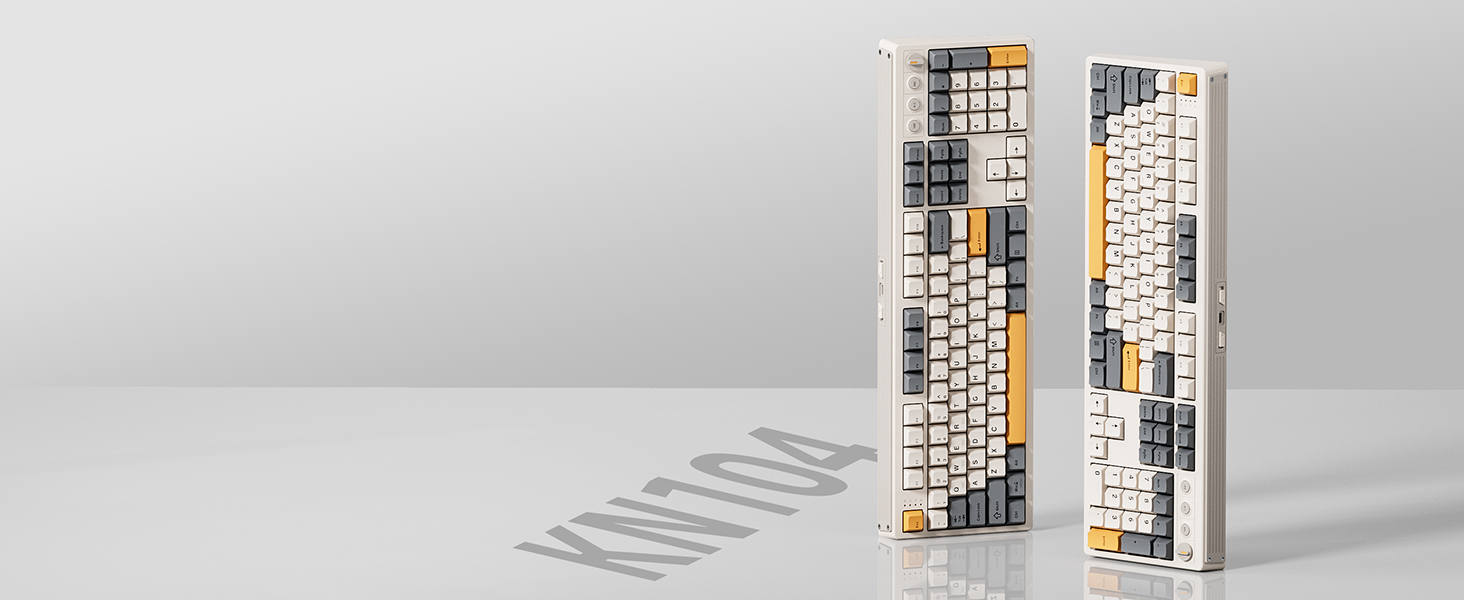
Kisnt KN104
Features 100% full-size layout with function keys, and numeric zones for a more comfortable and productive office. If you're switching from a regular keyboard you will notice a difference with it.

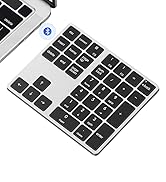
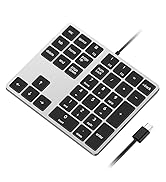
Kisnt KN34
With all the necessary keys for basic calculations and data entry and four arrow keys. Having this keypad now opens up more options for you to go with a compact keyboard.
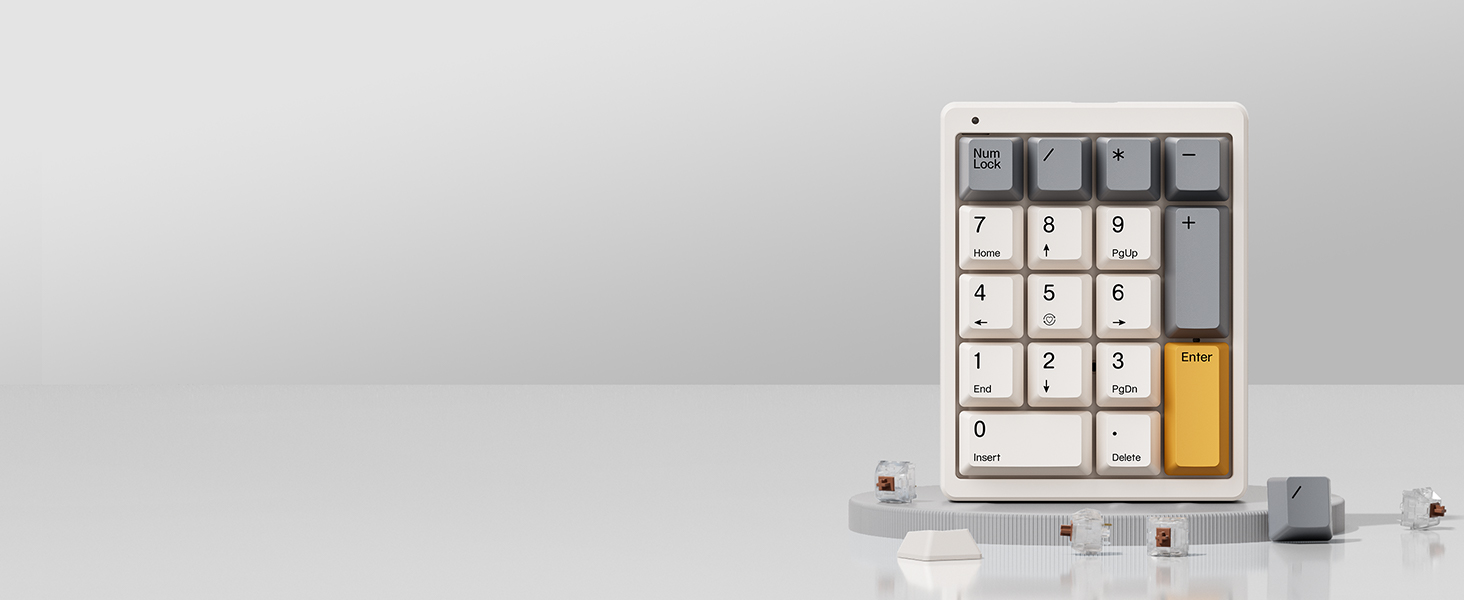
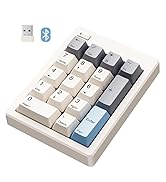
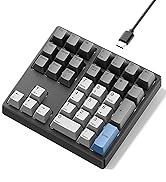
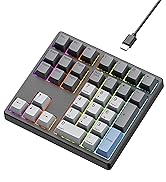
Kisnt KN17
AS a standard numeric keypad with PBT Dye keycaps and hot-swap switches. If you are a mechanical keyboard lover, you will love it's sound and feel in everyday use.






Find Your Perfect Match


Two-stage Adjustable Tilt Legs
Wired Tri-side Conductor Groove
2.4G Interface Storage
Compatible with Mac&Win
How can I get the software for KN85?
The custom keyboard works seamlessly with both Windows and Mac, but programming is only supported in wired/2.4G wireless mode on Windows. You can download the driver from: www.kisnt.cn.
How to adjust the RGB backlighting?
1. Shortcut keys for quick adjustments:
FN+Insert = Switch 20 RGB lighting effects. FN+Delete= Backlight color switching.
Brightness : FN+? /?, Backlight speed: Fn+?/?.
2. The KN85 driver for advanced programmable lighting effects and patterns.
Is quiet to type on?
It is not a silent keyboard, but be quieter than typical mechanical keyboards and delivers a satisfying "thocky" creamy sound instead of clicky noise.
Why does the keyboard fail to connect (or keep disconnecting) in wireless mode?
Low battery- Make sure the battery is still active before further troubleshooting.
Bluetooth compatibility- Bluetooth connectivity requires Windows 8 or later and only supports Bluetooth version 4.0 to 5.3.
How to pair it with Bluetooth device?
Switch the toggle to ?BT?firstly, press the FN+W and hold down for about 3s until the W key flashes rapidly, pair your device with “?KN85 BT-1?”(The same as FN+E/FN+R).
Complete Your Setup
Kisnt KN104
Kisnt KN34
Kisnt KN17


Looking for more than a lone upgrade? Meet your new desk aesthetics and deck out your battle station with Kisnt.
Features 100% full-size layout with function keys, and numeric zones for a more comfortable and productive office. If you're switching from a regular keyboard you will notice a difference with it.
With all the necessary keys for basic calculations and data entry and four arrow keys. Having this keypad now opens up more options for you to go with a compact keyboard.
AS a standard numeric keypad with PBT Dye keycaps and hot-swap switches. If you are a mechanical keyboard lover, you will love it's sound and feel in everyday use.
Best Bang for the Buck
KN85 Series
17 Keys Series
34 Keys Series
