





My joystick is not centered after installation. Is it defective?
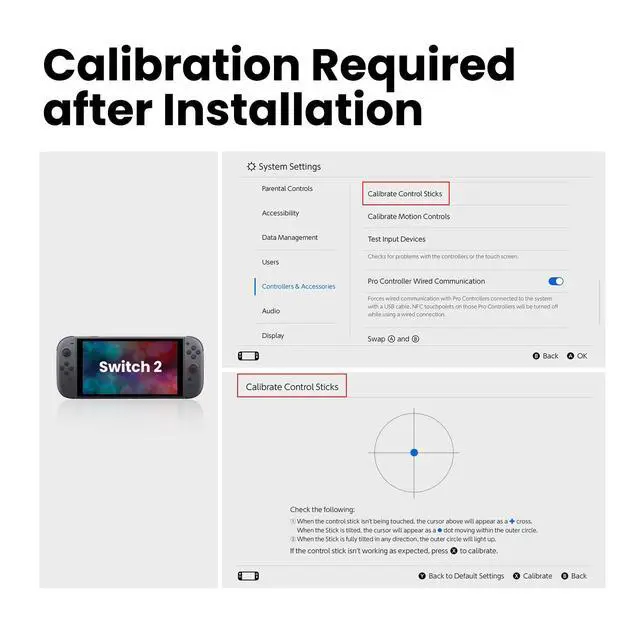
No. Make sure the joysticks are calibrated after installation (go to Settings > Controllers and Sensors > Calibrate Control Sticks). If issues persist, ensure the ribbon cable is fully seated. Otherwise,request a return or replacement
Why can this TMR joystick solve the stick drift problem?
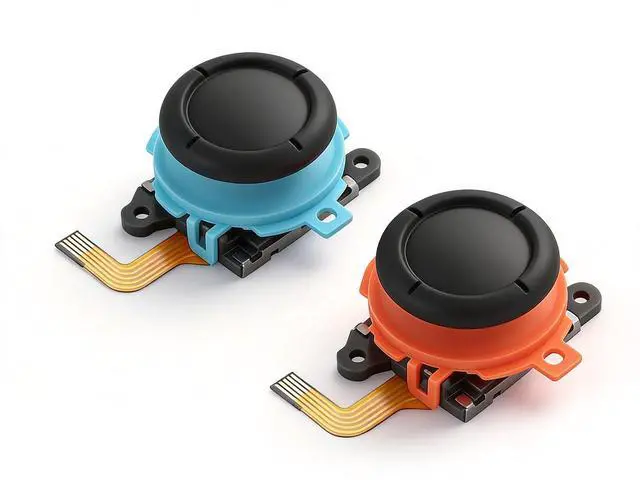
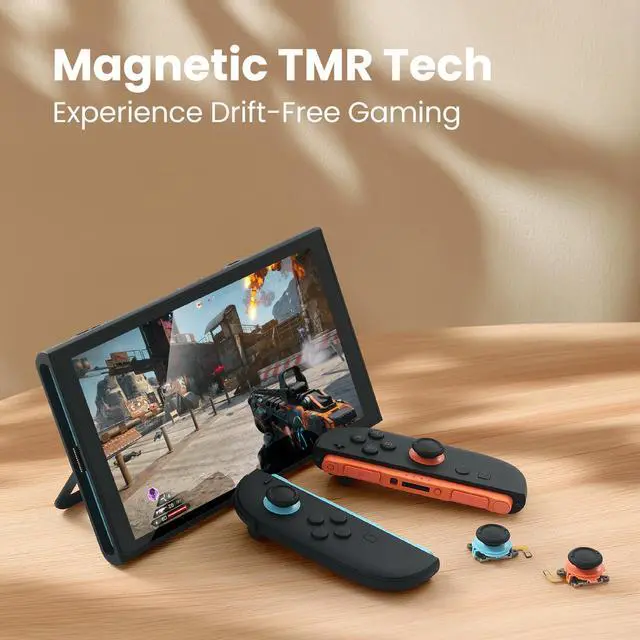
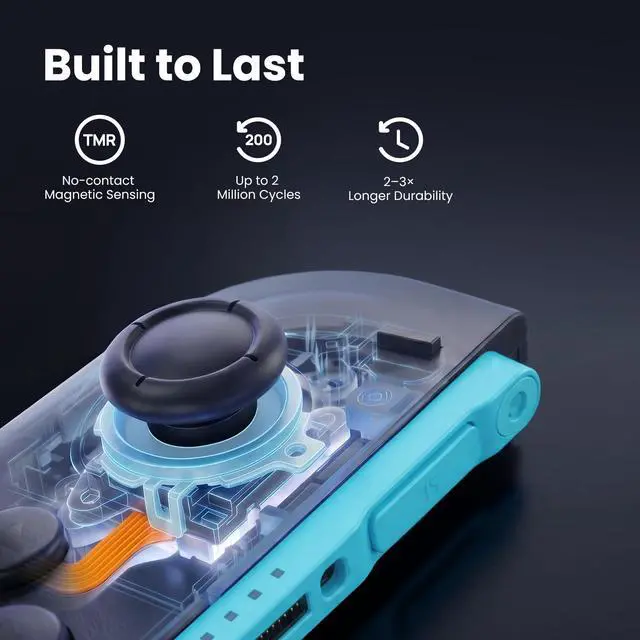
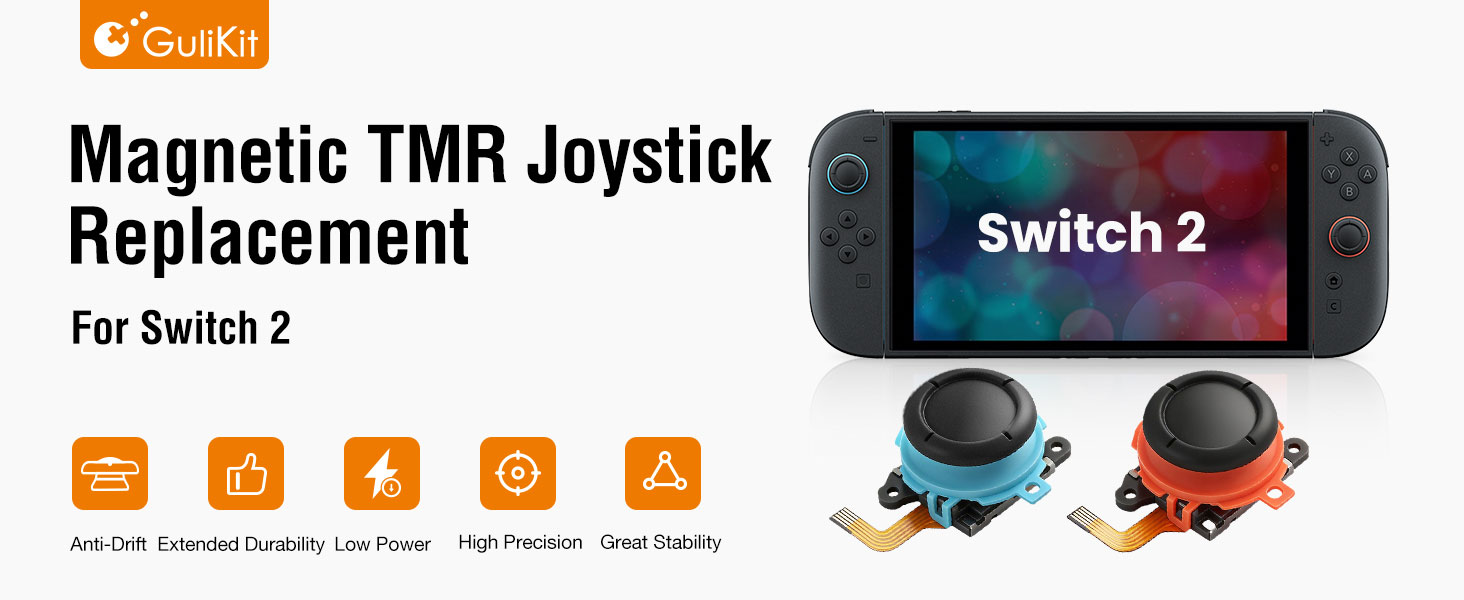
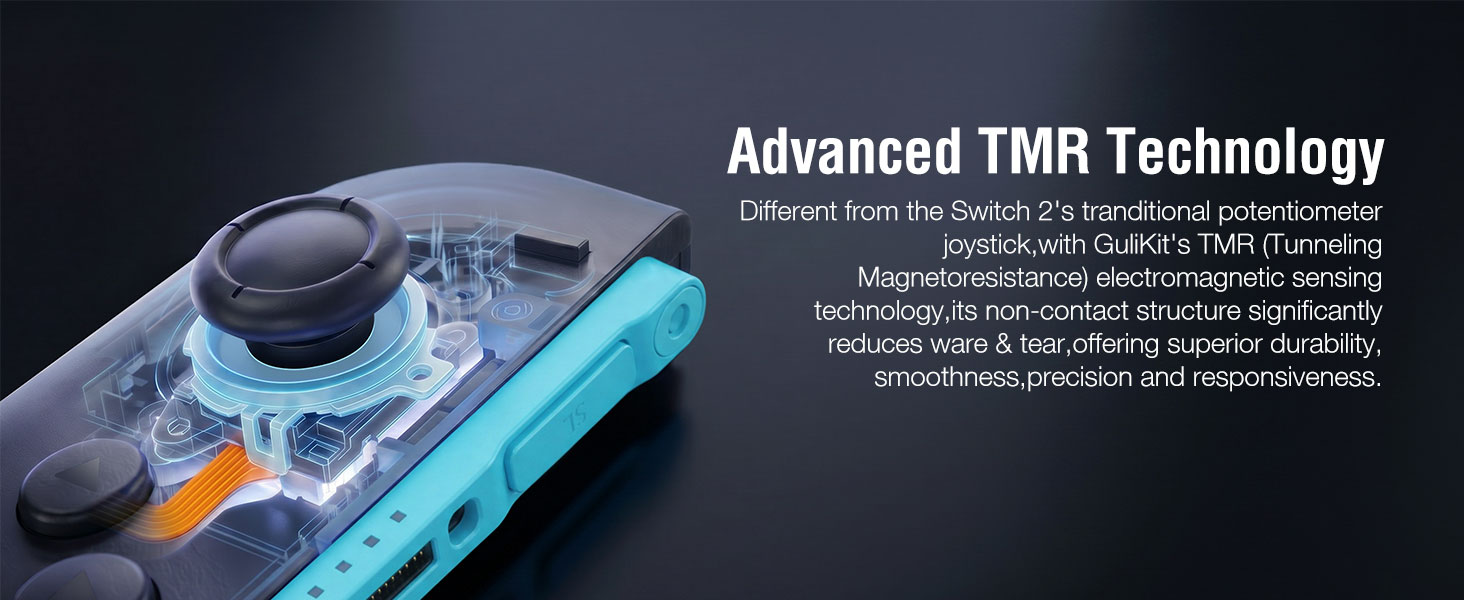
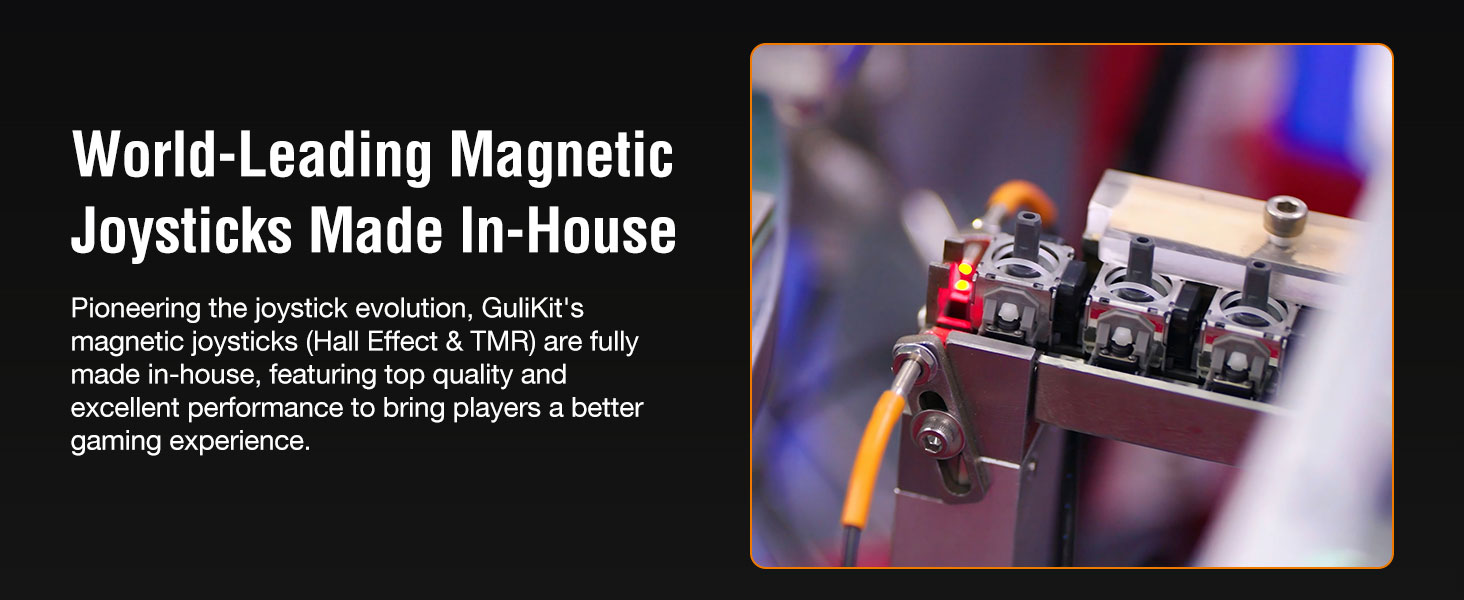
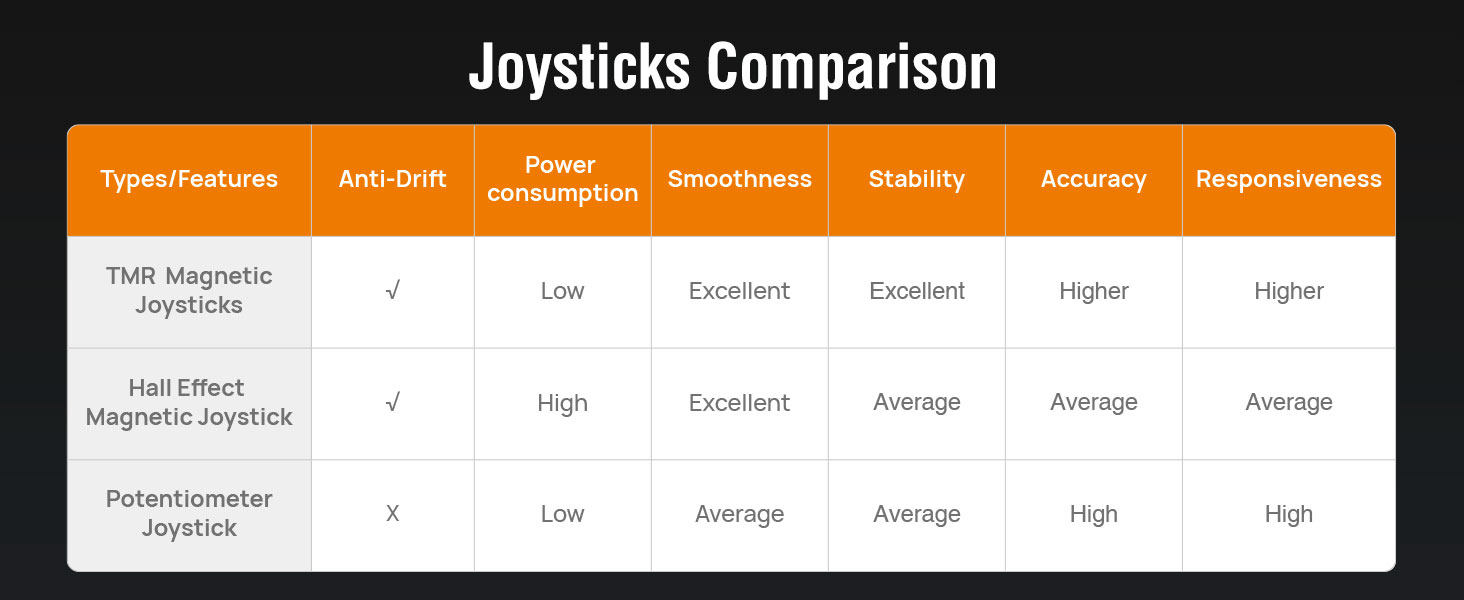
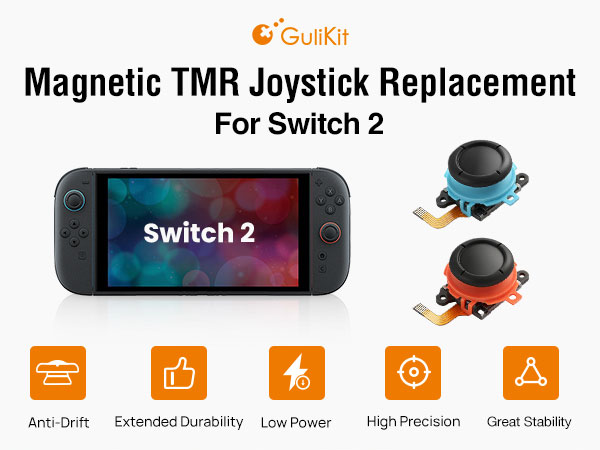
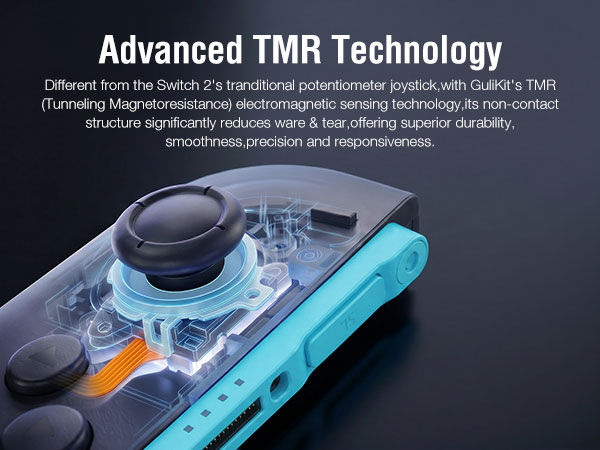
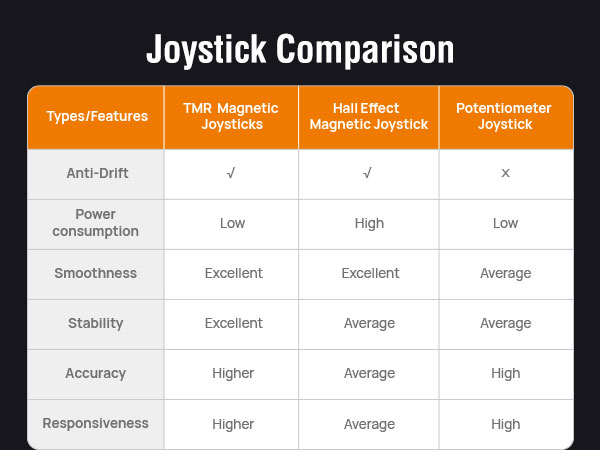
GuliKit TMR joysticks use non-contact magnetic sensing to eliminate mechanical wear for a drift-free experience. In contrast, Switch 2’s carbon film sticks rely on friction, making drift inevitable over time.
Is it easy to finish the replacement work?
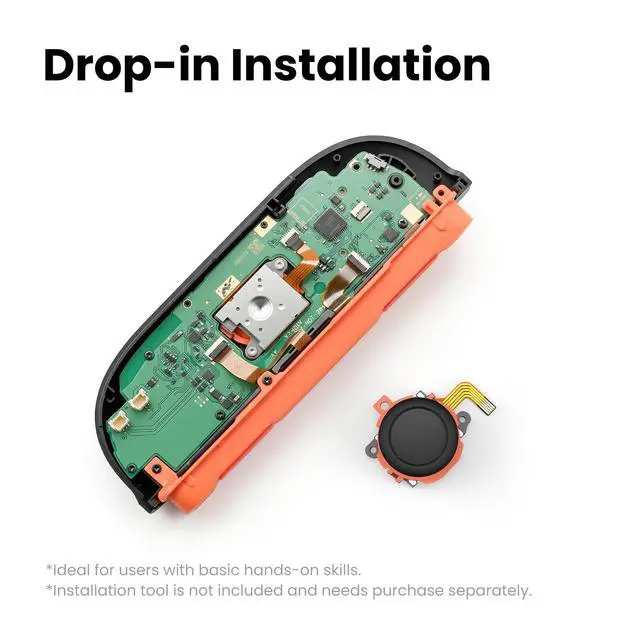
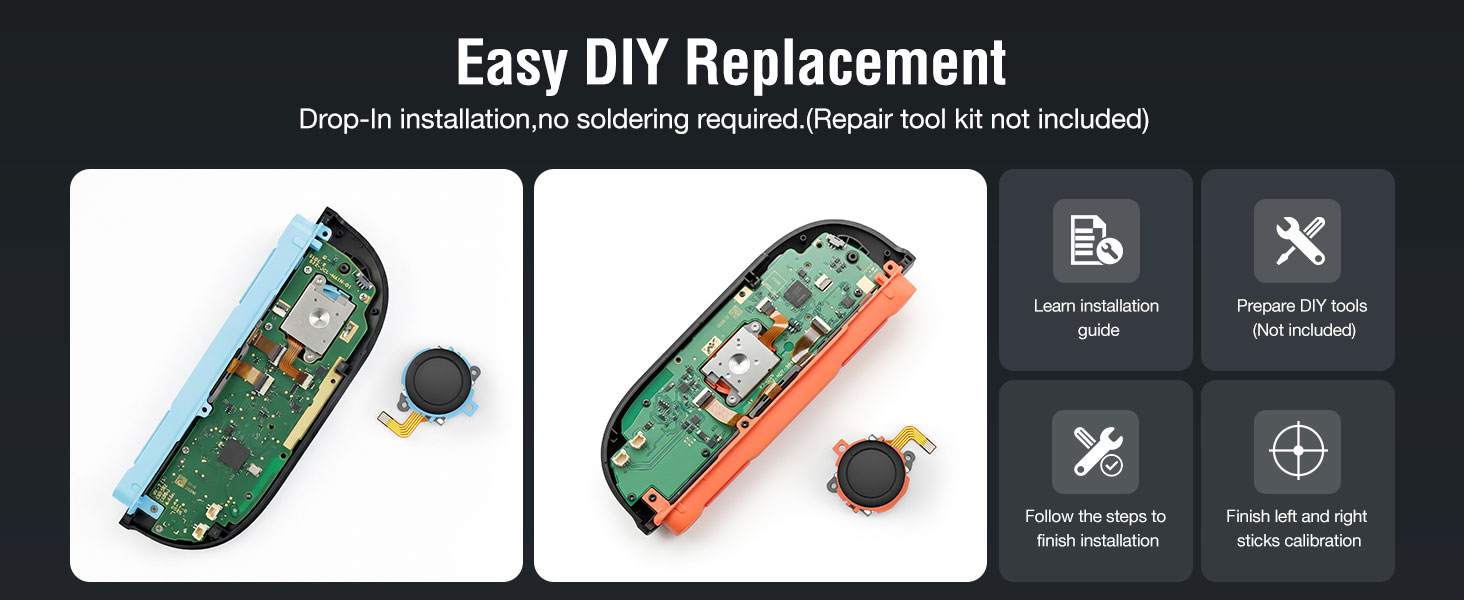
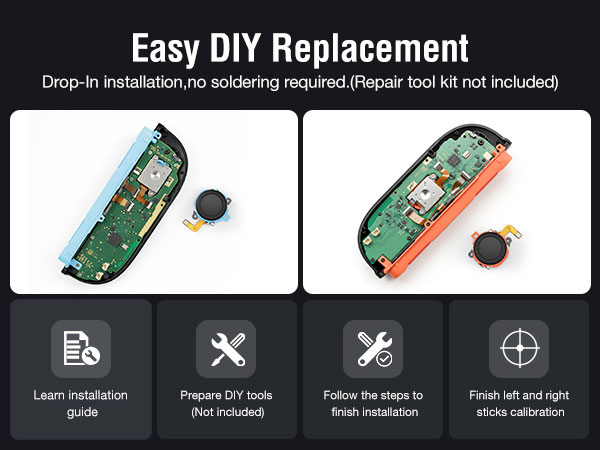
Yes. It is a "drop-in" replacement work with no soldering skills required. However, since internal components are delicate, make sure you watch our video tutorial or online guides first for the disassembly & assembly work.
Does the product come with the repair tool kit? What tools do I need for installation if not?
No. Please prepare tools by yourself first. You will need a screwdriver with tri-point Y00 (Y) and cross-head JIS 00 (+) bits, a spudger, an opening pick and tweezers.
Why are they not compatible with the Switch , Switch OLED, or Switch Lite,but only Switch 2?
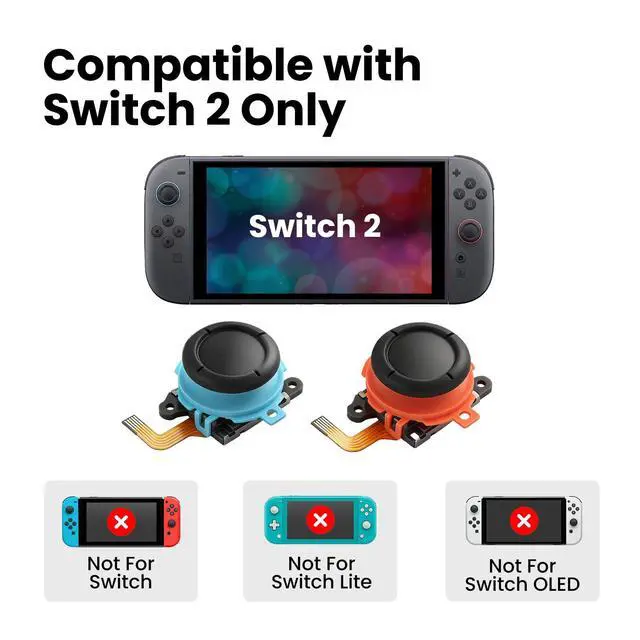
The Switch 2 joystick features a re-designed connector and physical footprint that are incompatible with older models (Switch/OLED/Lite). Forcing installation may damage your console's ribbon cable.
My joystick is not centered after installation. Is it defective?
No. Make sure the joysticks are calibrated after installation (go to Settings > Controllers and Sensors > Calibrate Control Sticks). If issues persist, ensure the ribbon cable is fully seated. Otherwise,request a return or replacement
Why can this TMR joystick solve the stick drift problem?
GuliKit TMR joysticks use non-contact magnetic sensing to eliminate mechanical wear for a drift-free experience. In contrast, Switch 2’s carbon film sticks rely on friction, making drift inevitable over time.
Is it easy to finish the replacement work?
Yes. It is a "drop-in" replacement work with no soldering skills required. However, since internal components are delicate, make sure you watch our video tutorial or online guides first for the disassembly & assembly work.
Does the product come with the repair tool kit? What tools do I need for installation if not?
No. Please prepare tools by yourself first. You will need a screwdriver with tri-point Y00 (Y) and cross-head JIS 00 (+) bits, a spudger, an opening pick and tweezers.
Why are they not compatible with the Switch , Switch OLED, or Switch Lite,but only Switch 2?
The Switch 2 joystick features a re-designed connector and physical footprint that are incompatible with older models (Switch/OLED/Lite). Forcing installation may damage your console's ribbon cable.