



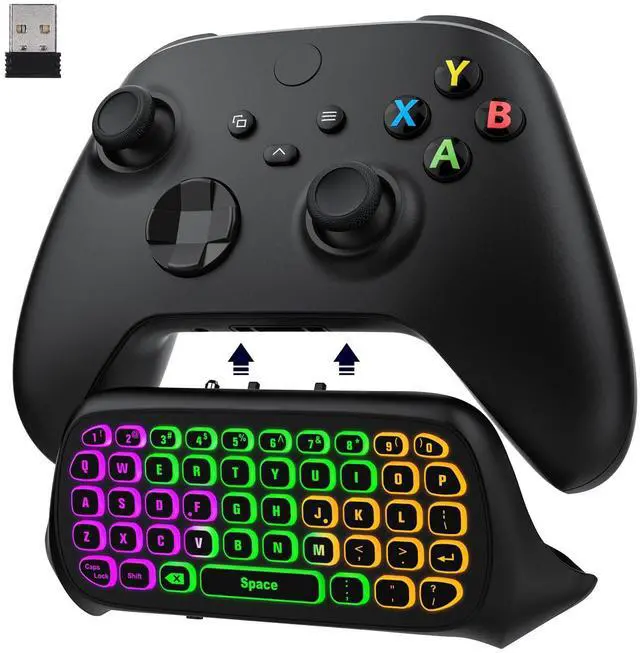


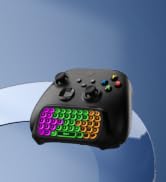
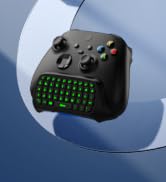
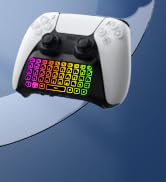
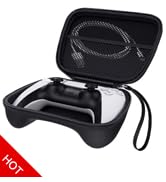
PS5/Xbox Controller Keyboard
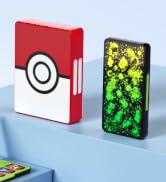
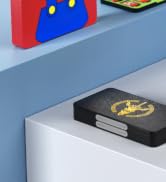
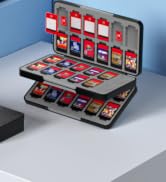
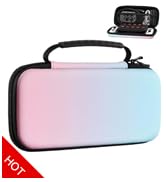
Game Card Case
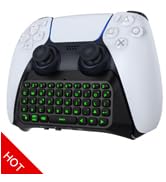
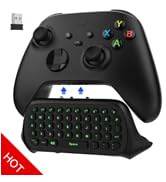
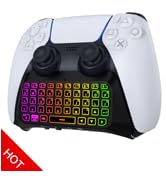
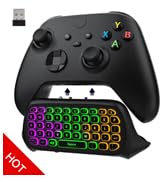
PS5/Xbox Controller Keyboard
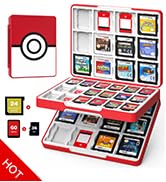
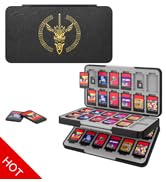
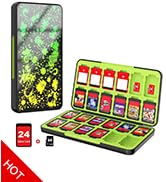
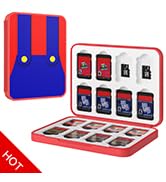
Switch Game Card Case
![MoKo Grip for Nintendo Switch OLED Model Joycon & Switch Joy-Con, [2-Pack] Ergonomic Hand Grip Co...](//c1.neweggimages.com/sellingpilot/modules/product/a-plus/73afe5b16854e53aaeec63347c6b8bd7ccbd8e460035ed96ea5ea07fa4e6a35b.jpg)
Gaming Accessories

To Game Fans
MoKo is constantly developing new surprises and working to ensure that each product meets the highest design, functionality, and quality standards in order to improve your gaming experience. We hope you can enjoy these games, whether action, adventure, arcade, sports, or other types, with our accessories and benefit from our genuine service.
Your smile serves as our inspiration for constant development.
![MoKo Grip for Nintendo Switch OLED Model Joycon & Switch Joy-Con, [2-Pack] Ergonomic Hand Grip Co...](http://c1.neweggimages.com/sellingpilot/modules/product/a-plus/73afe5b16854e53aaeec63347c6b8bd7ccbd8e460035ed96ea5ea07fa4e6a35b.jpg)
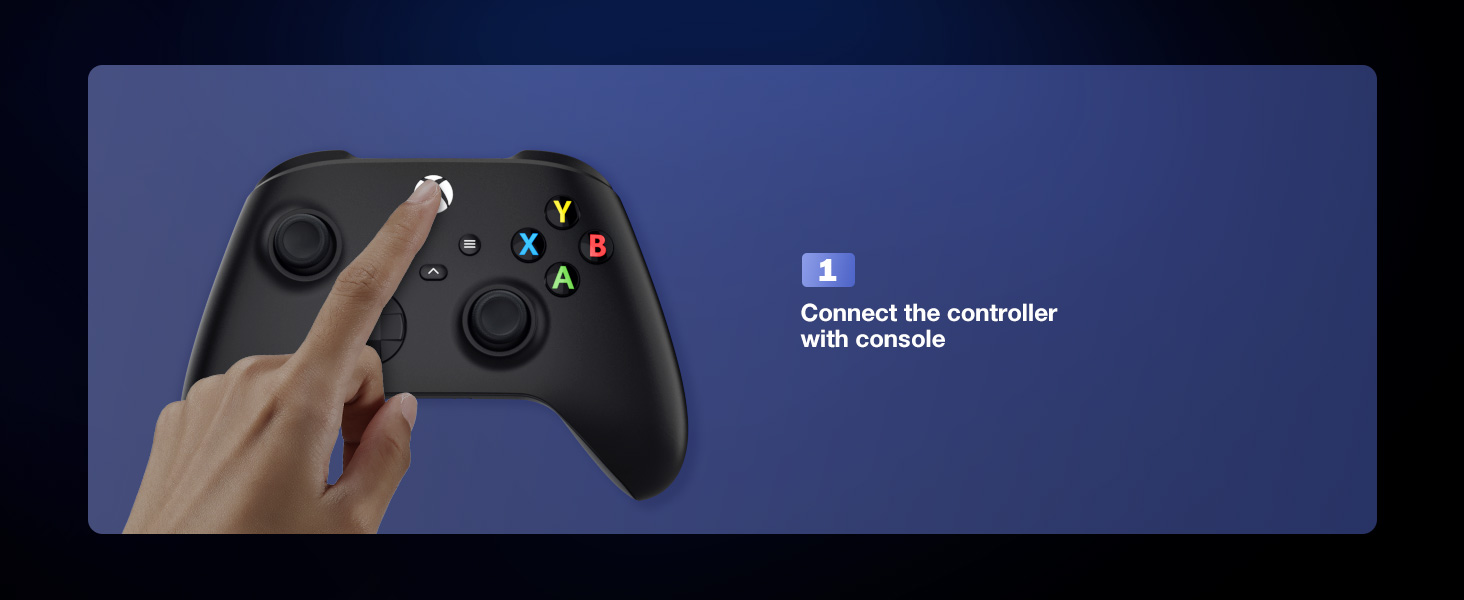
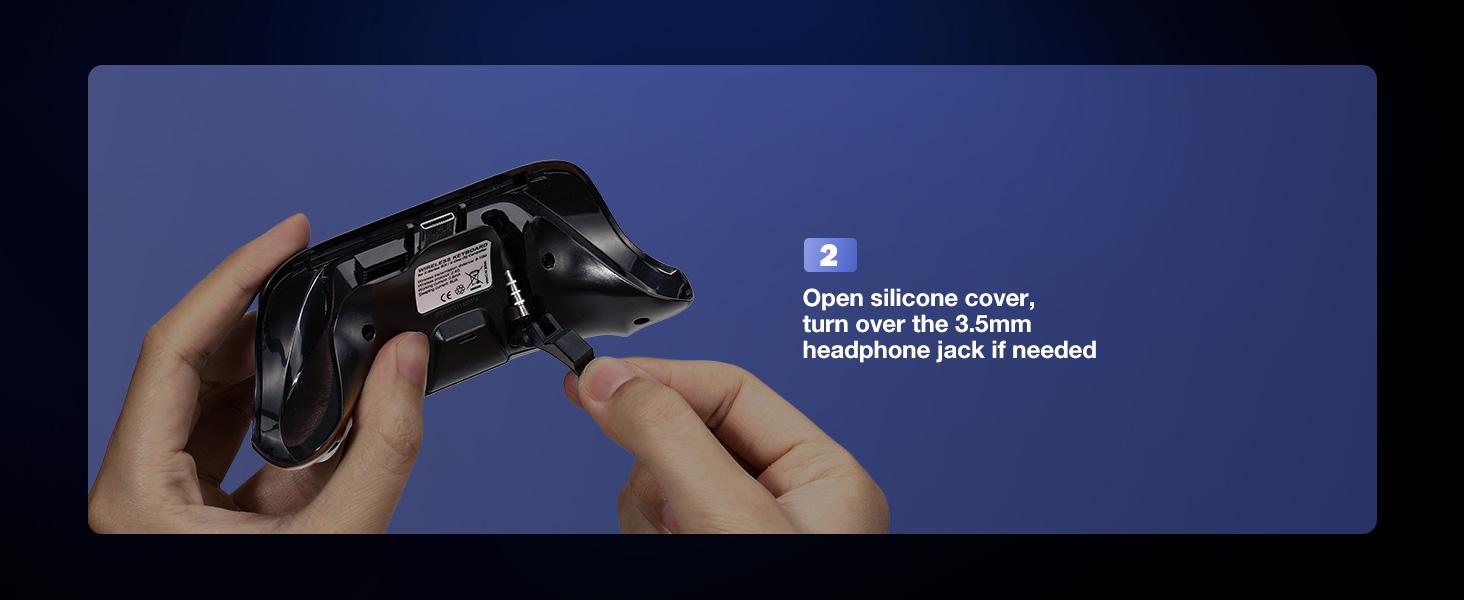
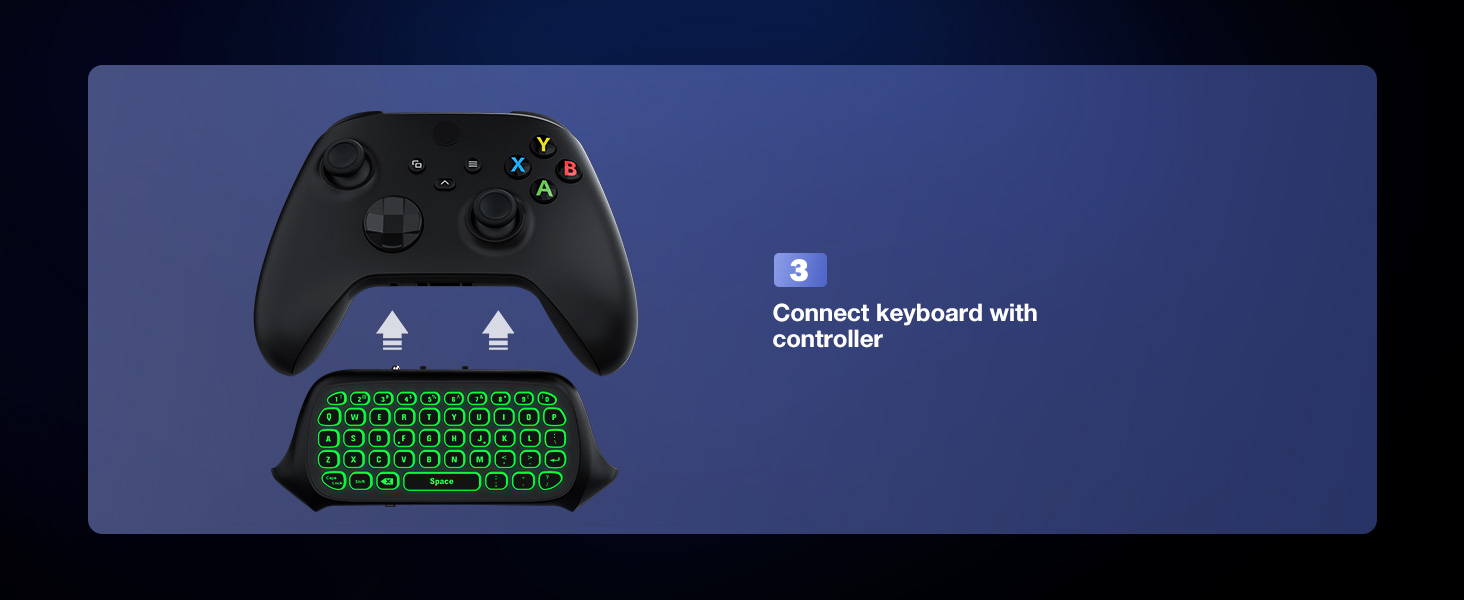
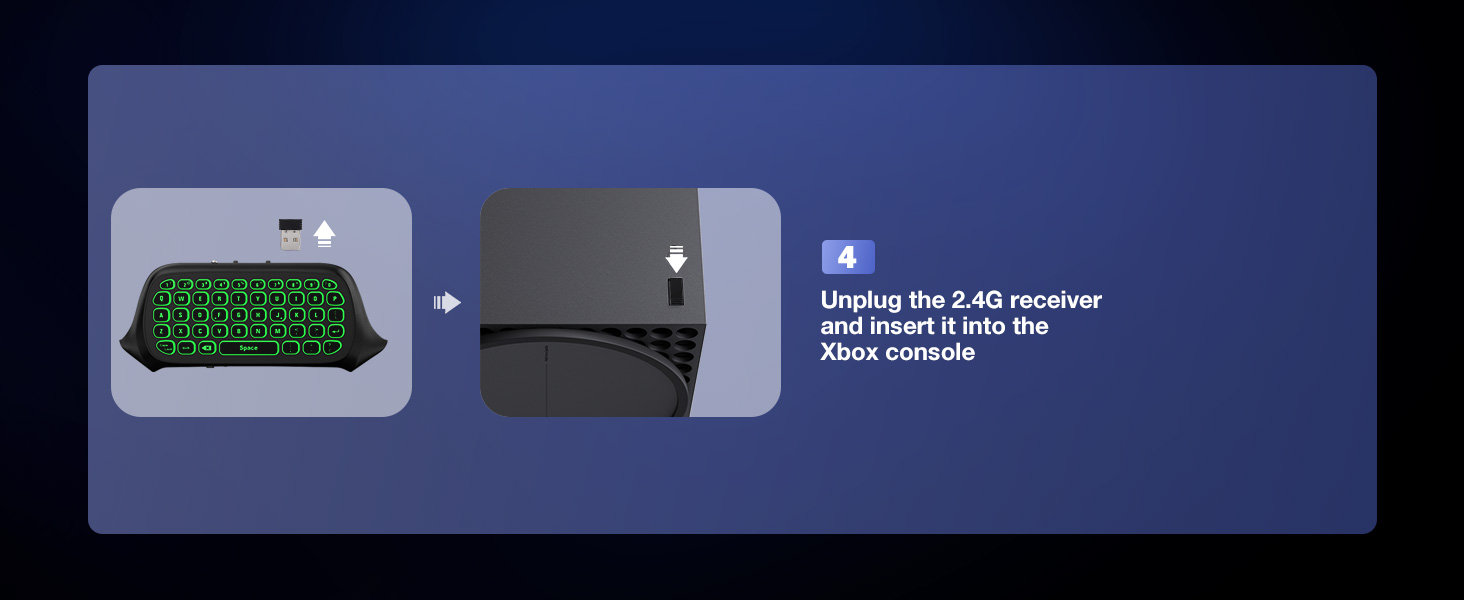
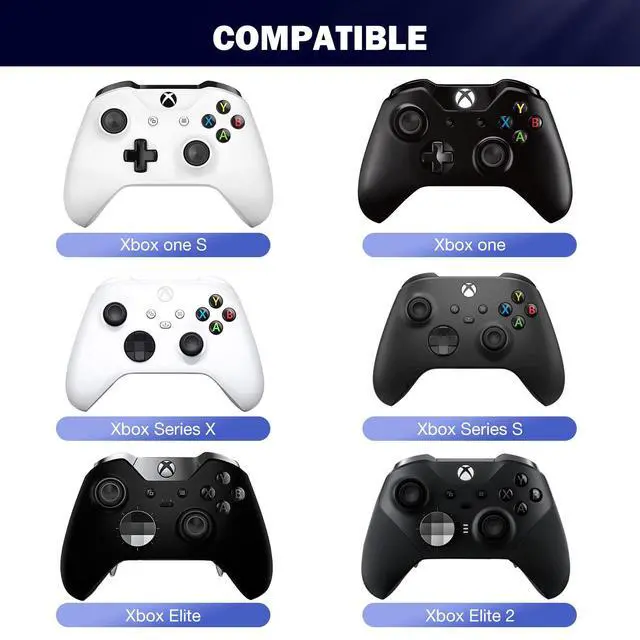
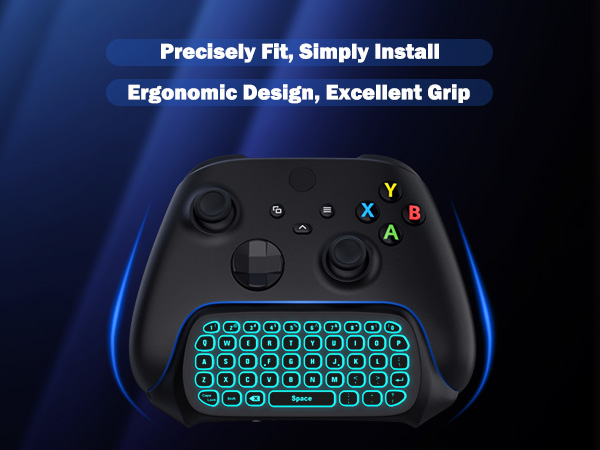
Which Xbox controller does this keyboard fit for?
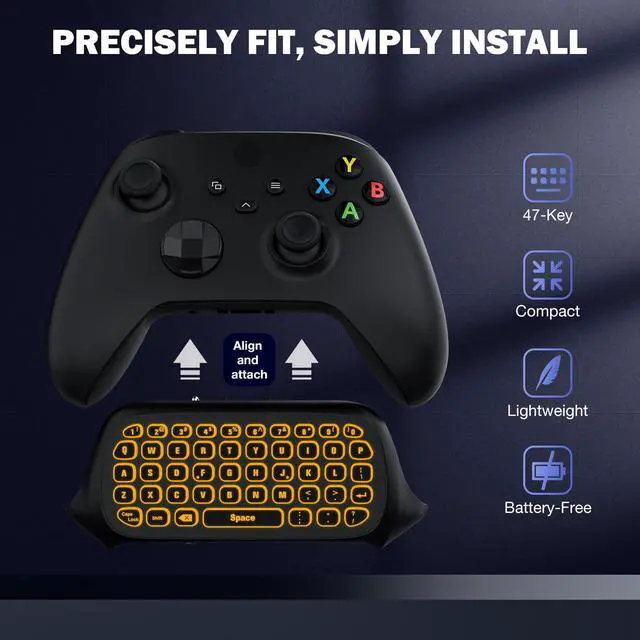
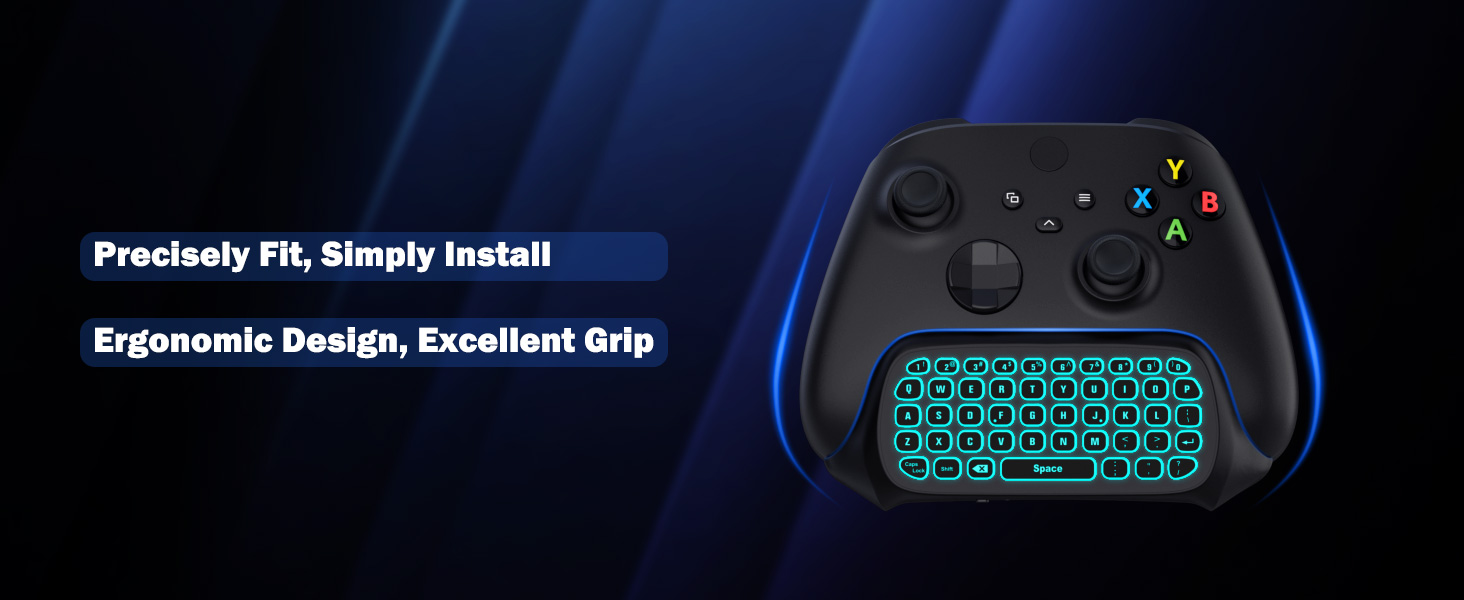
This keyboard is fit for Xbox One/ Xbox One S/ Xbox Series S/ Xbox Series X/ Xbox Elite/ Xbox Elite 2, not for Xbox One X. Please check your controller model before ordering.
How do I get the headphone jack to work?
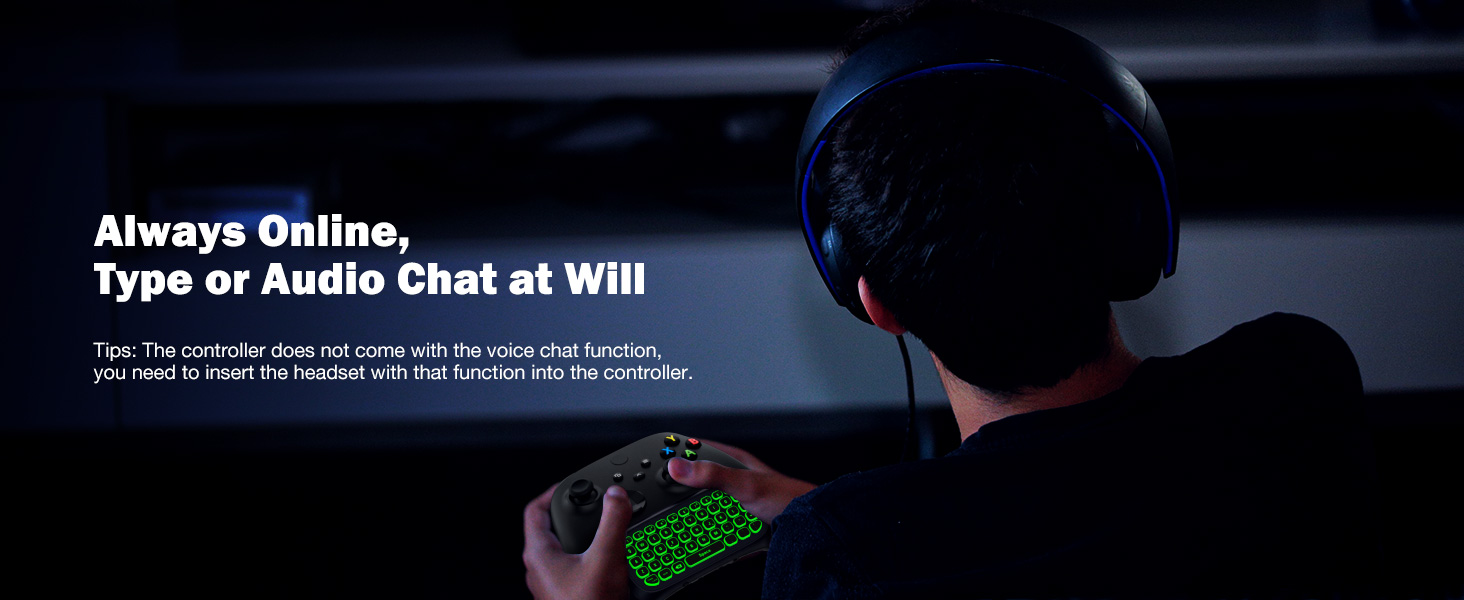
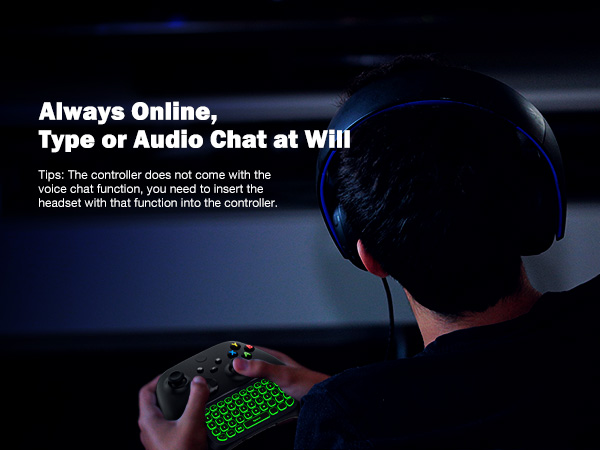
The first-generation Xbox controller is without a 3.5mm headphone jack, you need to buy an official Xbox One Stereo; the second and above generation Xbox controller comes with a 3.5mm headphone jack, so you can directly use the jack of our keyboard.
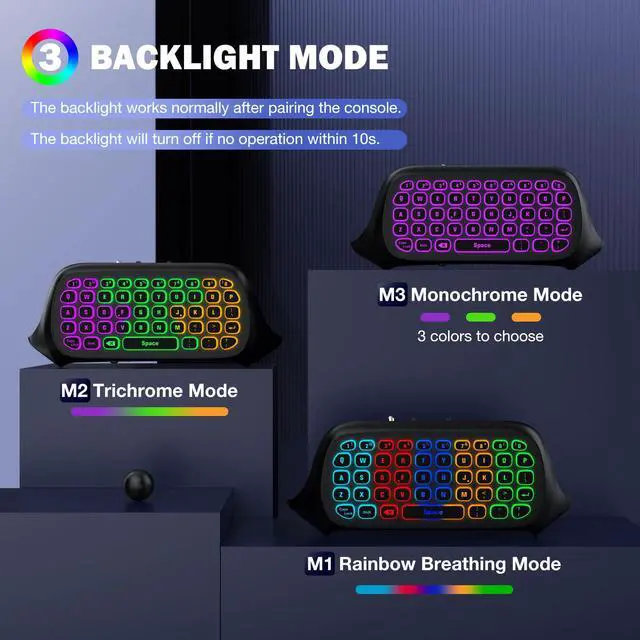
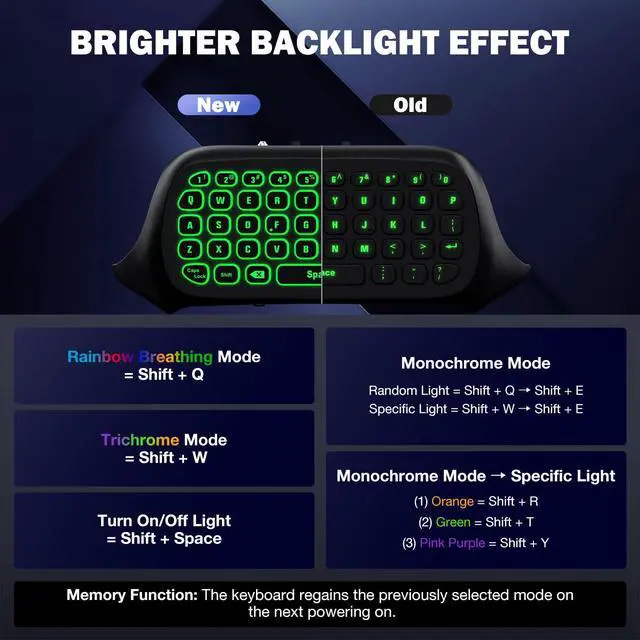
How to turn on the backlight?
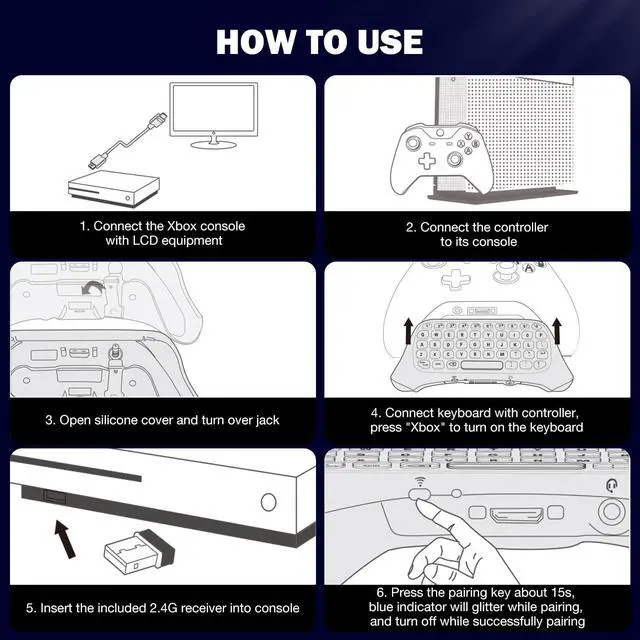
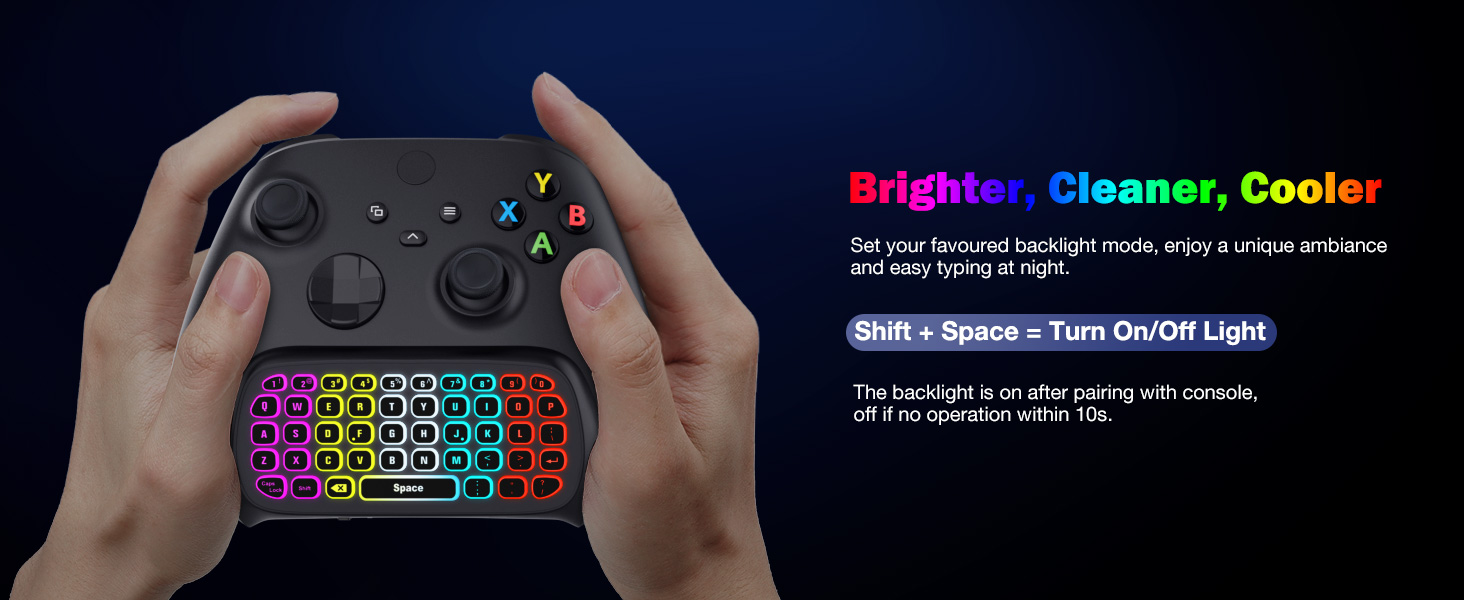
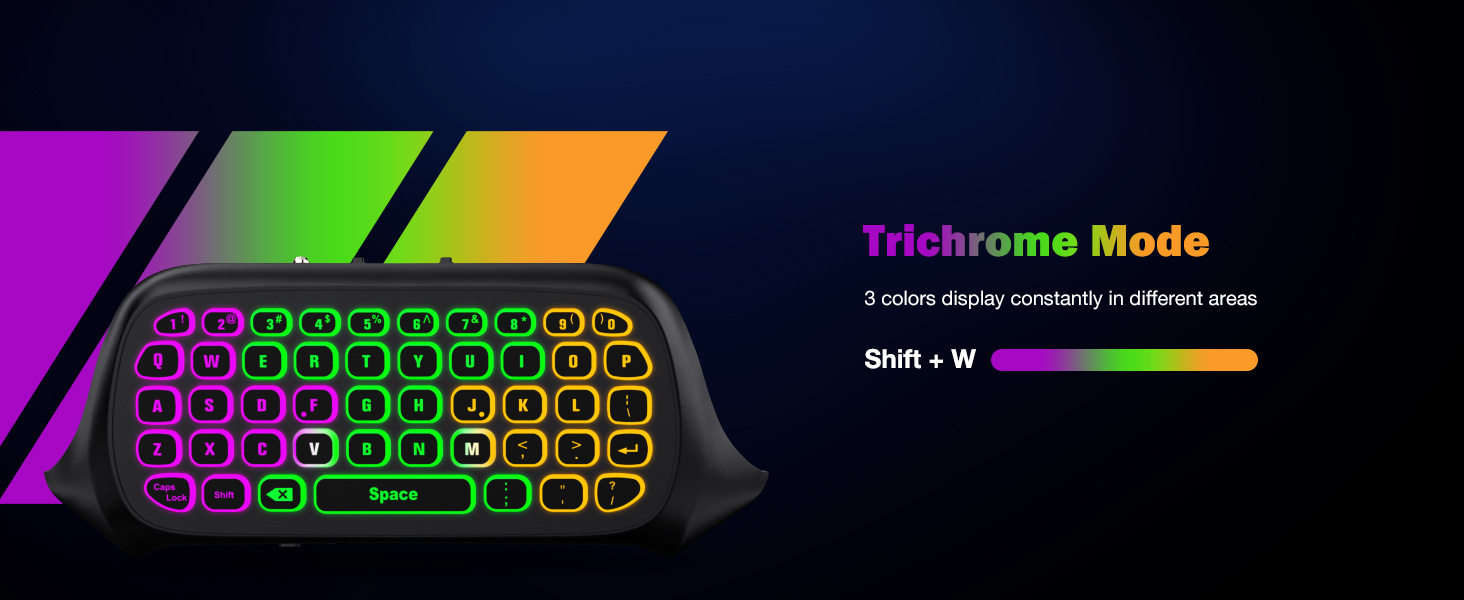
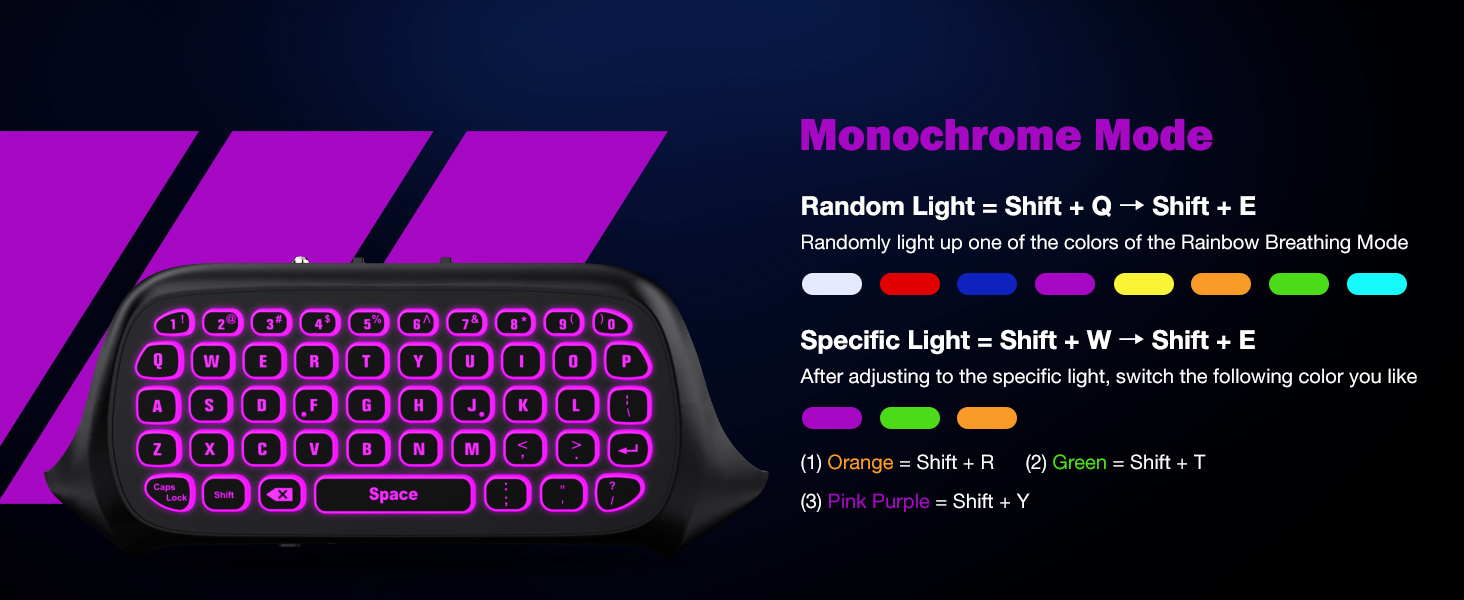
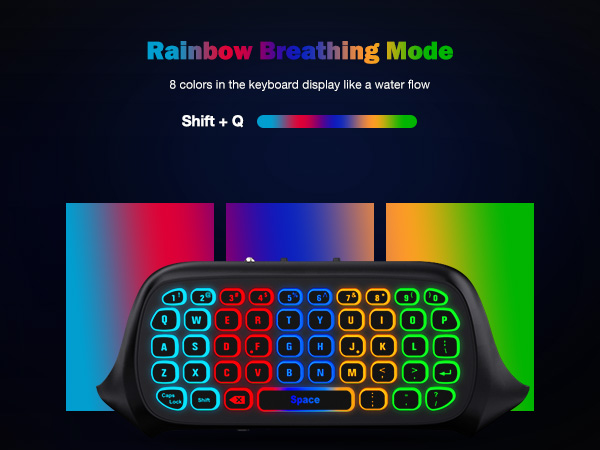
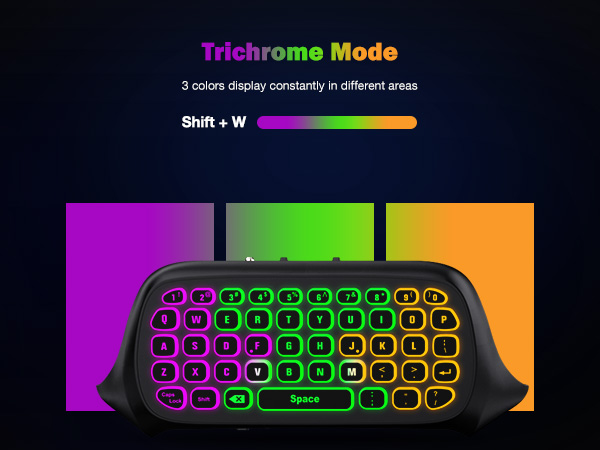
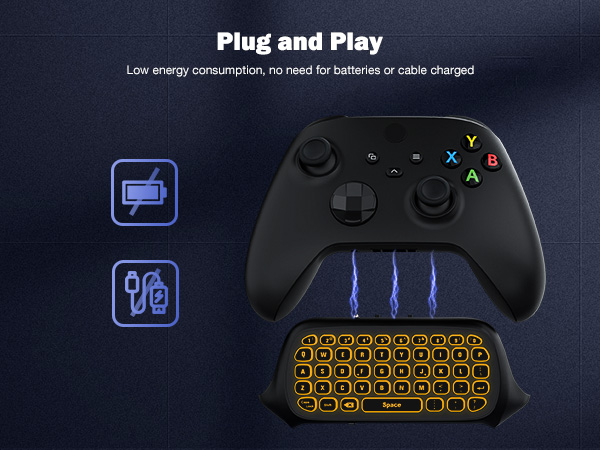
Make sure to plug the 2.4G receiver into the Xbox console and successfully connect the keyboard to the Xbox console, Press “Shift + Space” to turn on the backlight and it will turn off if no operation within 10s.
What factors affect the keyboard connection and backlight display?
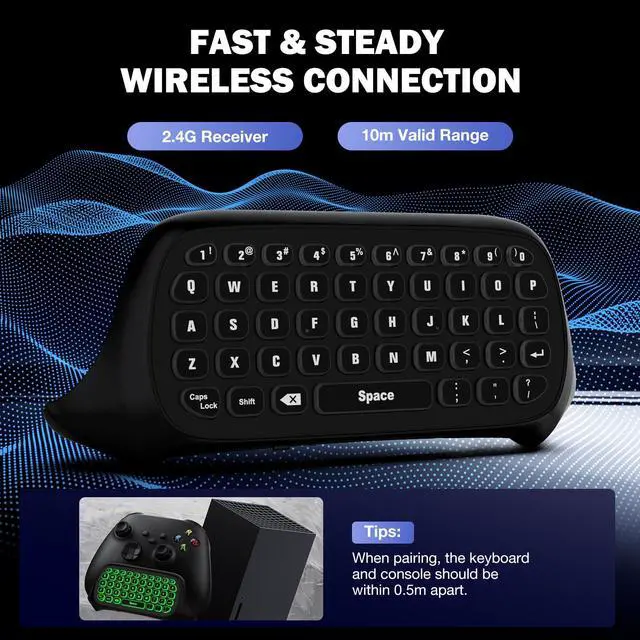
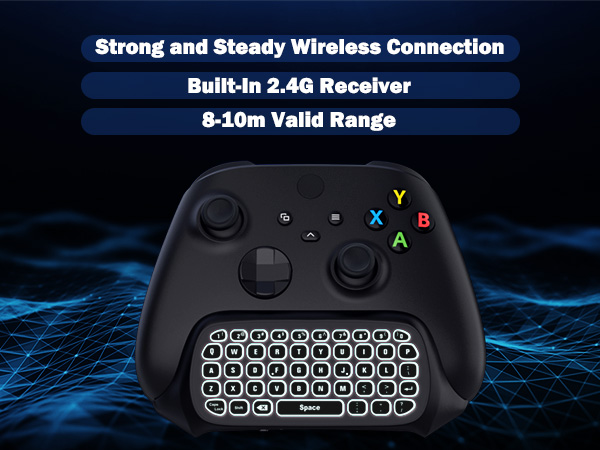
Firstly, you need to ensure that the controller power is above 20% when using. Secondly, the distance between keyboard and console is within 0.5 meters when pairing. Thirdly, avoid excessive metal products and large coverings between them.
If I play games on PC/Steam using the controller, can I still type and chat with this keyboard?
If you are using an Xbox controller to play Steam/PC games, then our keyboard is suitable. Note: This keyboard can only be used as a communication tool, no mouse function.
Select Other Game Accessories
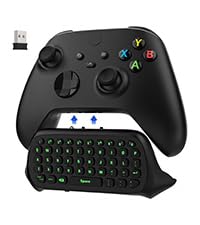 Green Backlight Keyboard | 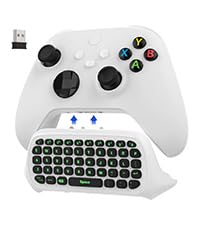 Green Backlight Keyboard | 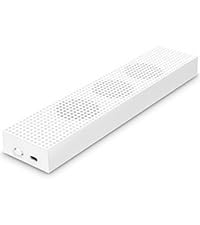 Cooling Fan Stand | 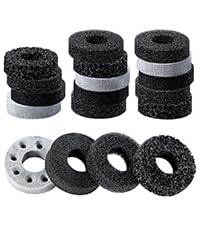 18 Pcs Precision Rings | 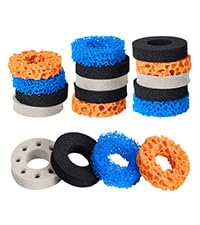 18 Pcs Precision Rings | 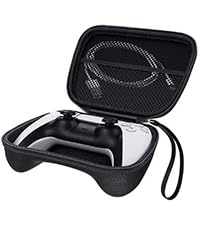 Protective Carrying Case | |
|---|---|---|---|---|---|---|
Customer Reviews | — | — | — | — | — | — |
Price | — | — | — | — | — | — |
Compatibility | Xbox One/S,Elite/2,Series S/X | Xbox One/S,Elite/2,Series S/X | Xbox One S Console | Xbox/ PS5/ Switch/ Steam Deck | Xbox/ PS5/ Switch/ Steam Deck | Xbox/ PS5 Controller |
Material | Du-rable ABS | Du-rable ABS | Du-rable ABS | Soft Sponge | Soft Sponge | EVA + Oxford + Flannel |
Application | Typing or Chatting | Typing or Chatting | Heat Dissipation | Boost Game Accuracy | Boost Game Accuracy | Devices Storage & Carry Around |
Features | Multi-backlit & Compact | Multi-backlit & Compact | Built-in 3 High-Speed Fans | 4 Different Strengths | 4 Different Strengths | All Around Protection |
Multiple Styles | ? | ? | ? | ? | ? | ? |
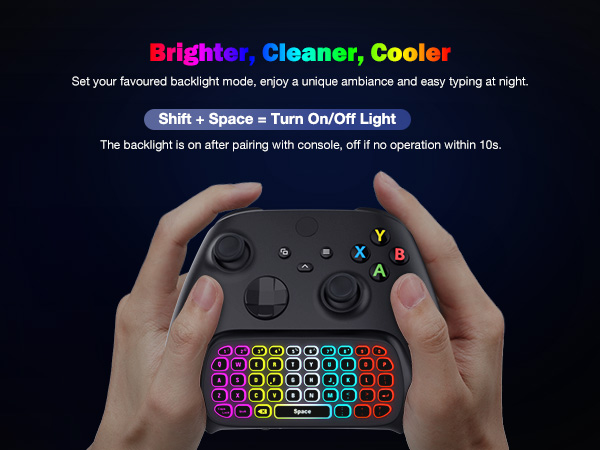
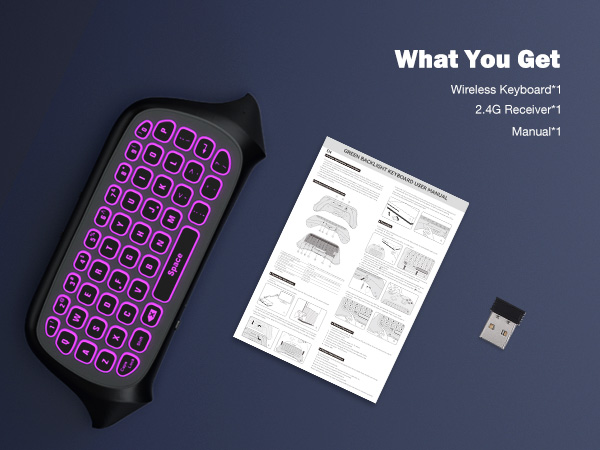
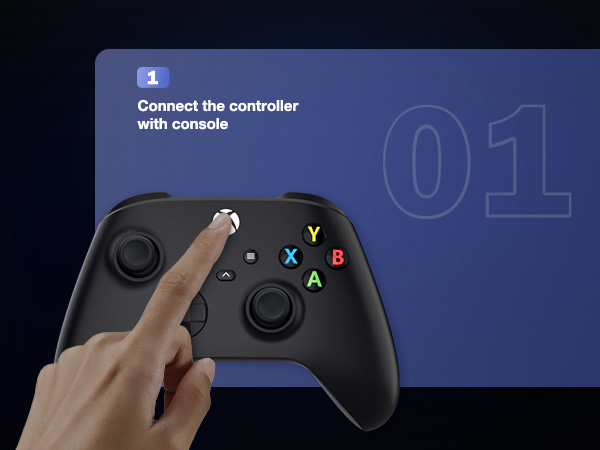
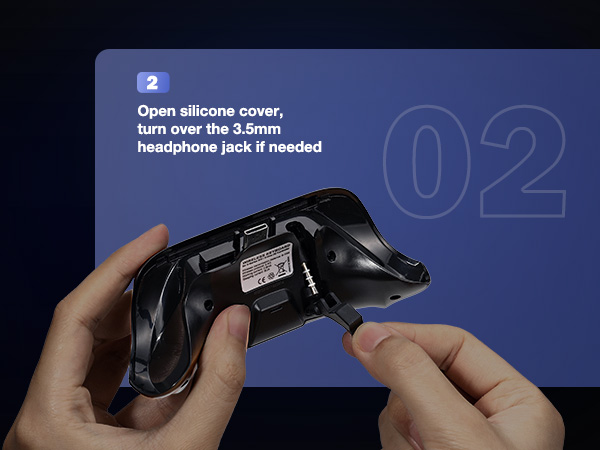
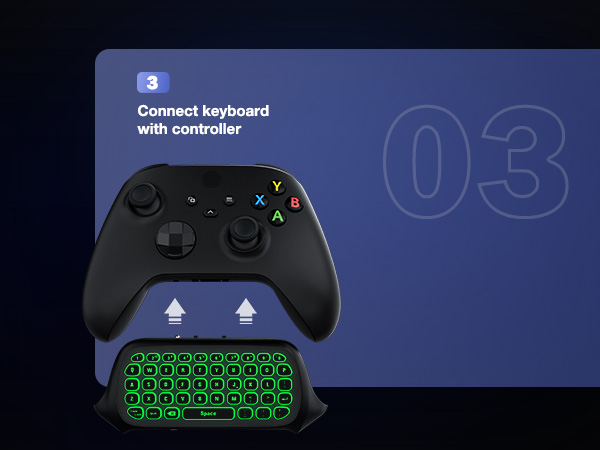
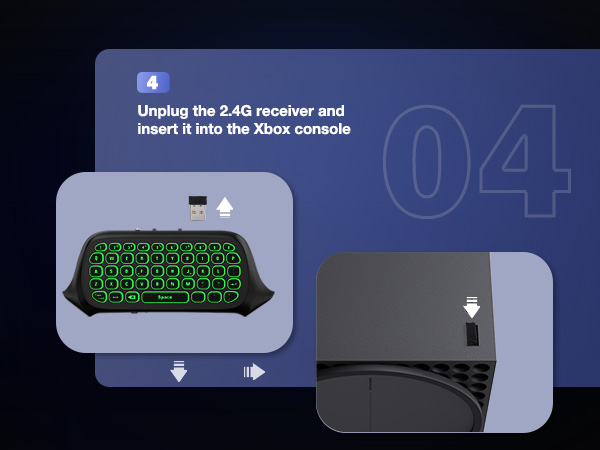
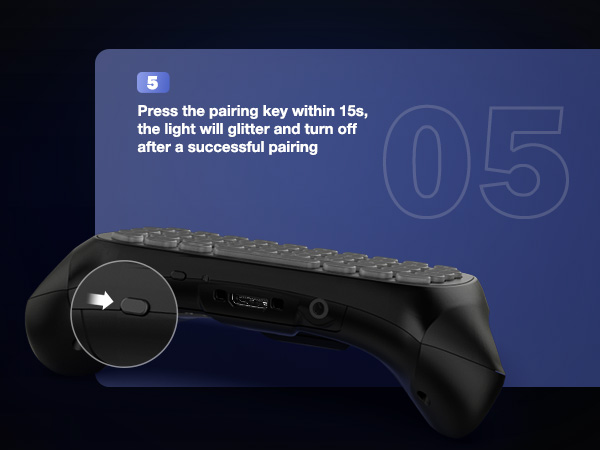
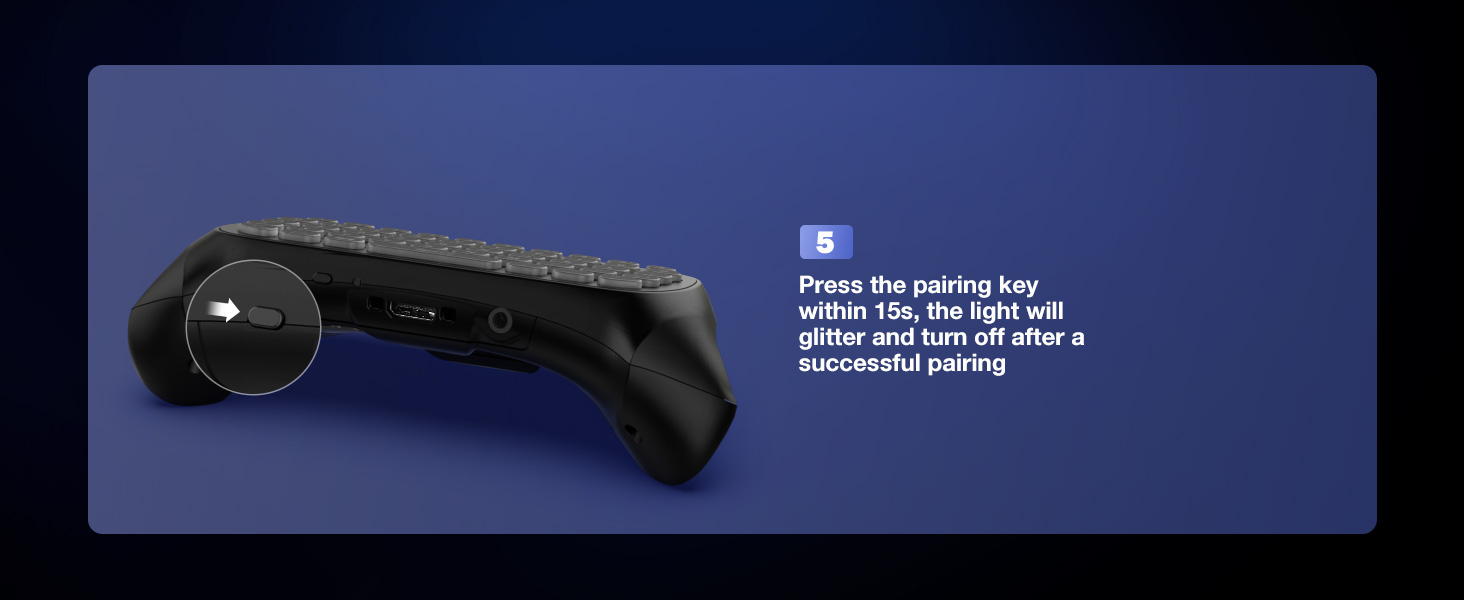
Pairing Instruction
Which Xbox controller does this keyboard fit for?
This keyboard is fit for Xbox One/ Xbox One S/ Xbox Series S/ Xbox Series X/ Xbox Elite/ Xbox Elite 2, not for Xbox One X. Please check your controller model before ordering.
How do I get the headphone jack to work?
The first-generation Xbox controller is without a 3.5mm headphone jack, you need to buy an official Xbox One Stereo; the second and above generation Xbox controller comes with a 3.5mm headphone jack, so you can directly use the jack of our keyboard.
How to turn on the backlight?
Make sure to plug the 2.4G receiver into the Xbox console and successfully connect the keyboard to the Xbox console, Press “Shift + Space” to turn on the backlight and it will turn off if no operation within 10s.
What factors affect the keyboard connection and backlight display?
Firstly, you need to ensure that the controller power is above 20% when using. Secondly, the distance between keyboard and console is within 0.5 meters when pairing. Thirdly, avoid excessive metal products and large coverings between them.
If I play games on PC/Steam using the controller, can I still type and chat with this keyboard?
If you are using an Xbox controller to play Steam/PC games, then our keyboard is suitable. Note: This keyboard can only be used as a communication tool, no mouse function.
Select Other Game Accessories
Green Backlight Keyboard | Green Backlight Keyboard | Cooling Fan Stand | 18 Pcs Precision Rings | 18 Pcs Precision Rings | Protective Carrying Case |
|---|---|---|---|---|---|
| Customer Reviews | |||||
| — | — | — | — | — | — |
| Price | |||||
| — | — | — | — | — | — |
| Compatibility | |||||
| Xbox One/S,Elite/2,Series S/X | Xbox One/S,Elite/2,Series S/X | Xbox One S Console | Xbox/ PS5/ Switch/ Steam Deck | Xbox/ PS5/ Switch/ Steam Deck | Xbox/ PS5 Controller |
| Material | |||||
| Du-rable ABS | Du-rable ABS | Du-rable ABS | Soft Sponge | Soft Sponge | EVA + Oxford + Flannel |
| Application | |||||
| Typing or Chatting | Typing or Chatting | Heat Dissipation | Boost Game Accuracy | Boost Game Accuracy | Devices Storage & Carry Around |
| Features | |||||
| Multi-backlit & Compact | Multi-backlit & Compact | Built-in 3 High-Speed Fans | 4 Different Strengths | 4 Different Strengths | All Around Protection |
| Multiple Styles | |||||
| ? | ? | ? | ? | ? | ? |
PS5/Xbox Controller Keyboard
Game Card Case
PS5/Xbox Controller Keyboard
Switch Game Card Case
Gaming Accessories
To Game Fans
MoKo is constantly developing new surprises and working to ensure that each product meets the highest design, functionality, and quality standards in order to improve your gaming experience. We hope you can enjoy these games, whether action, adventure, arcade, sports, or other types, with our accessories and benefit from our genuine service.
Your smile serves as our inspiration for constant development.