



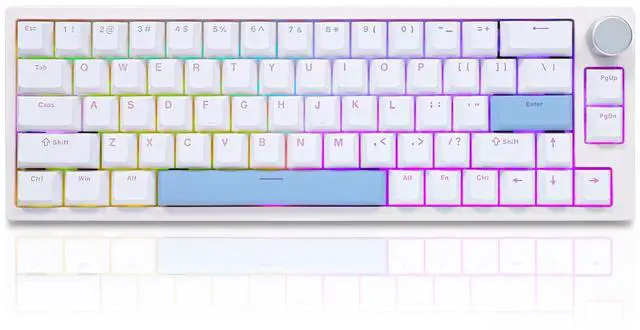
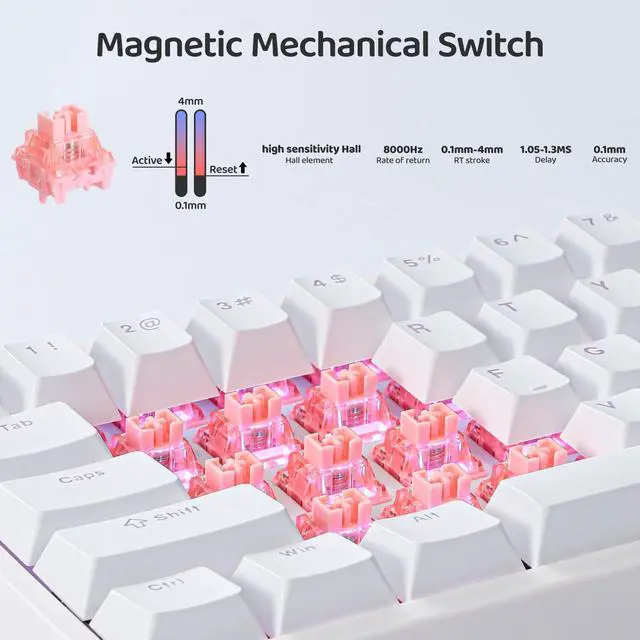
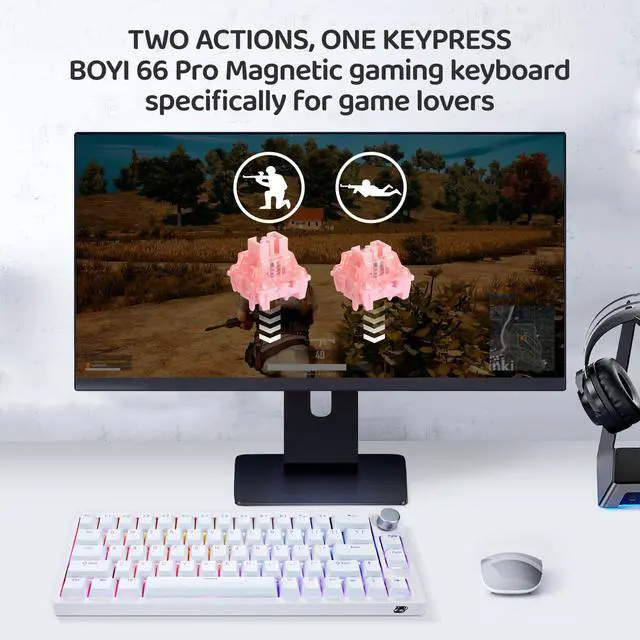
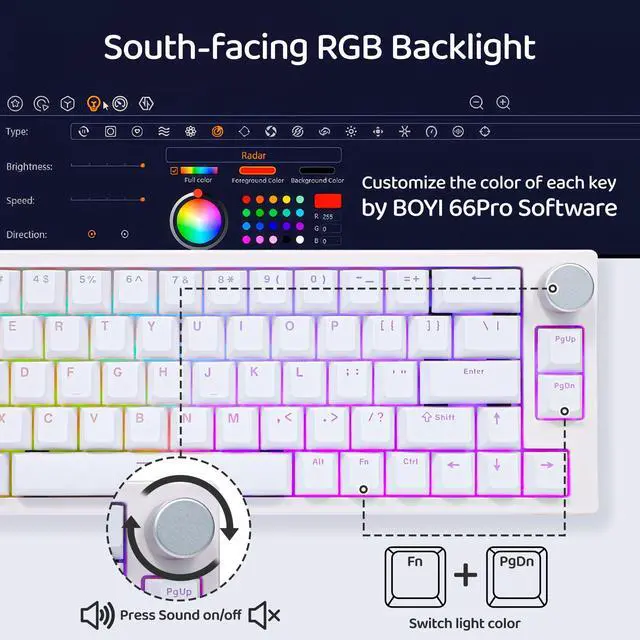
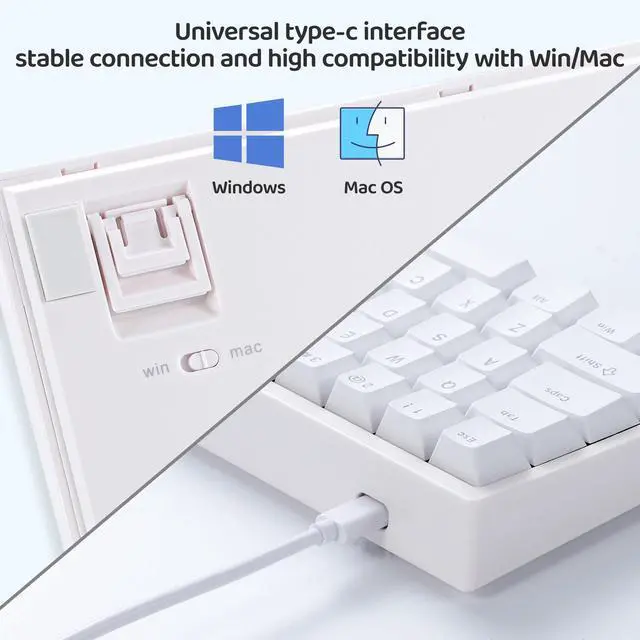
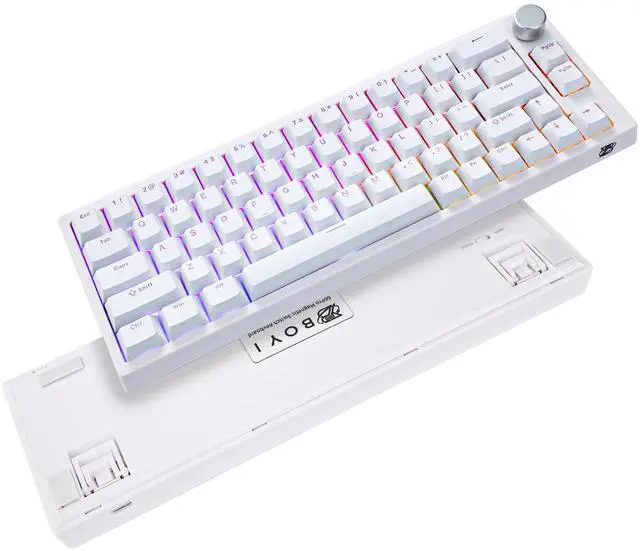


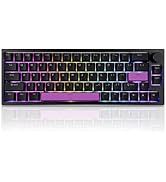
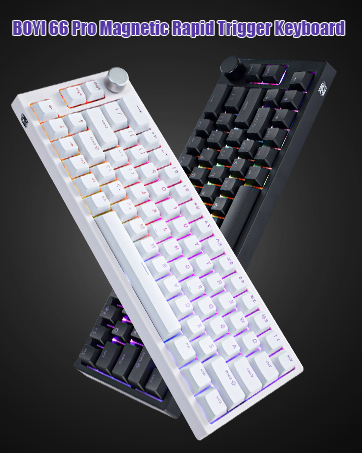
Magnetic switch craze goes budget due to Speed Is Everything! This BOYI 66 Pro keyboard with Hyper-fast Speed on Every Single Key! You can program keys,use key combos,macros,reassign keys,pretty much anything you want+more! Get this and try it out!
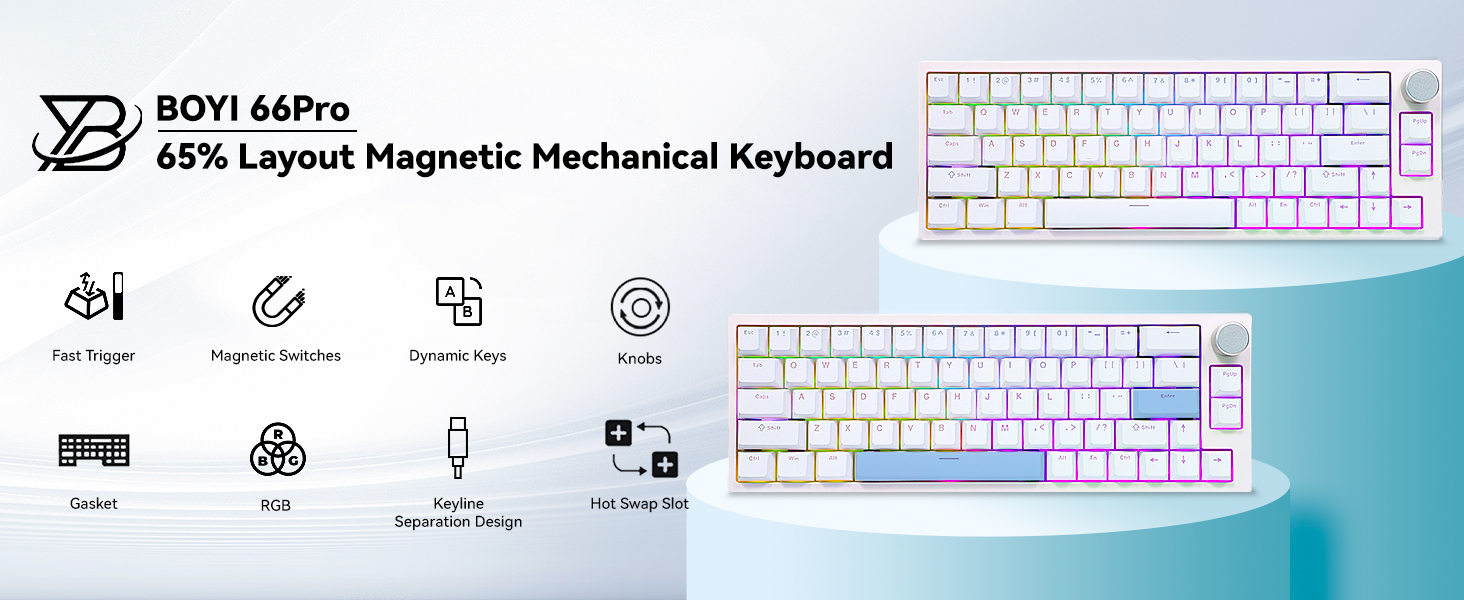
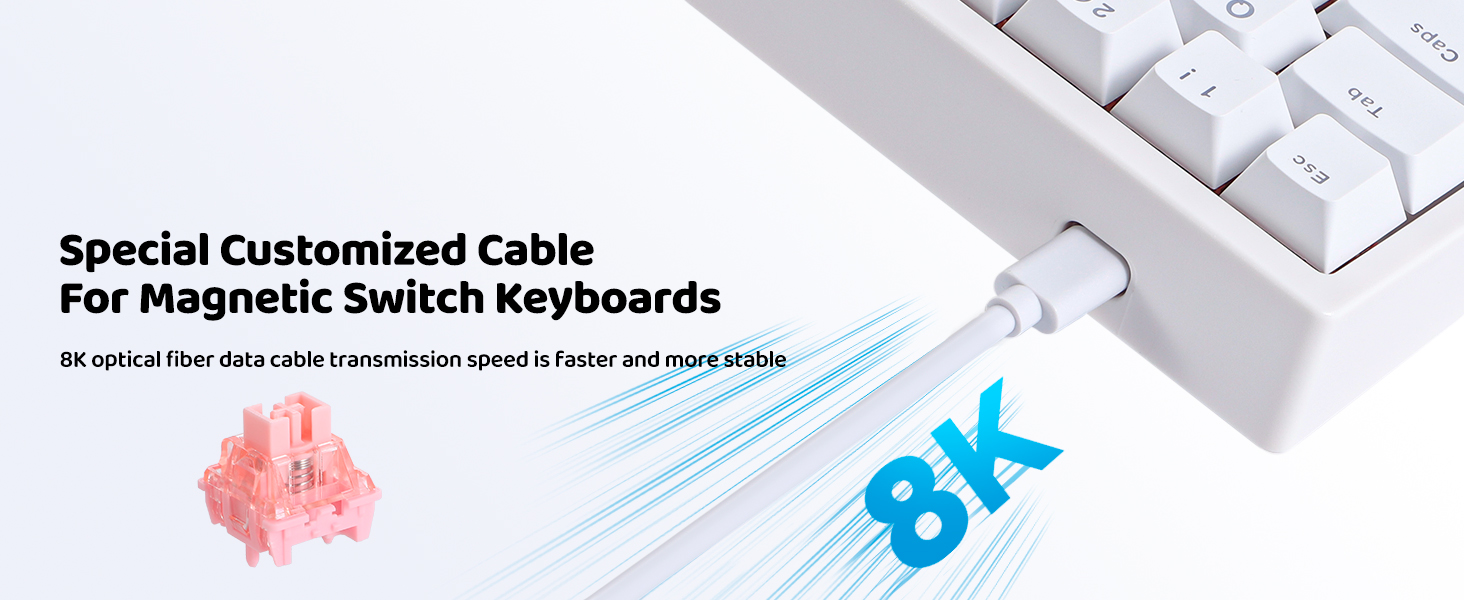
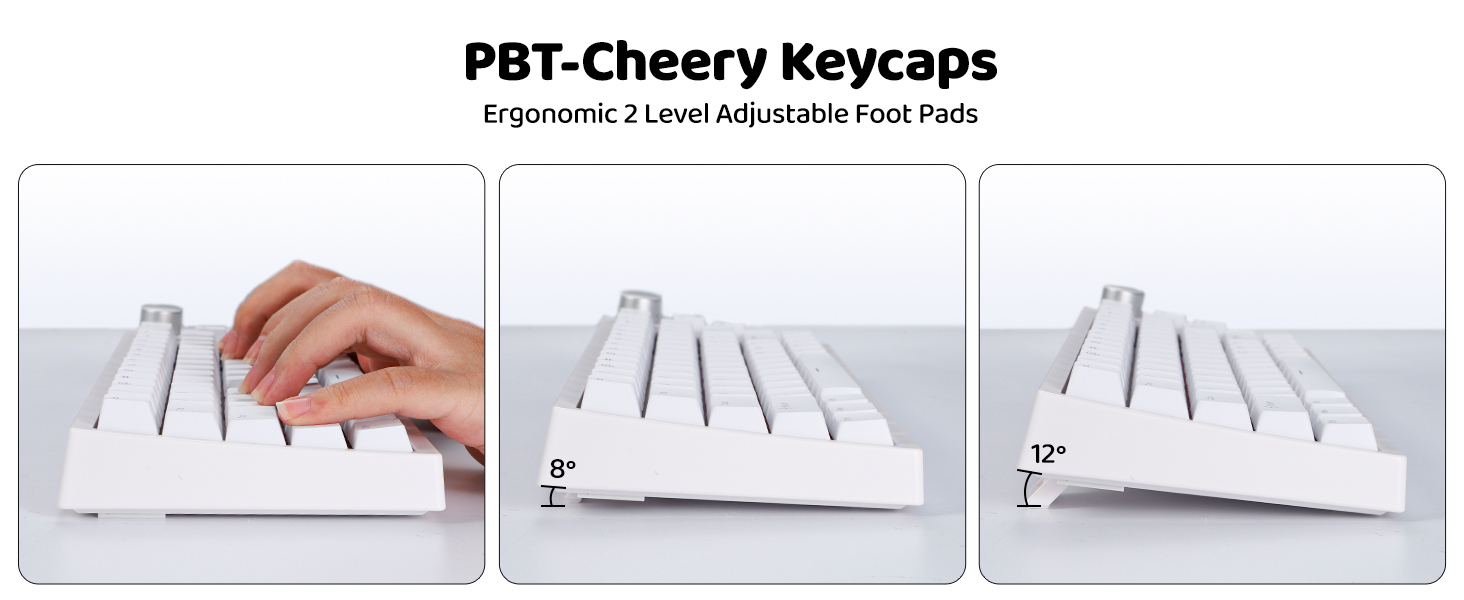
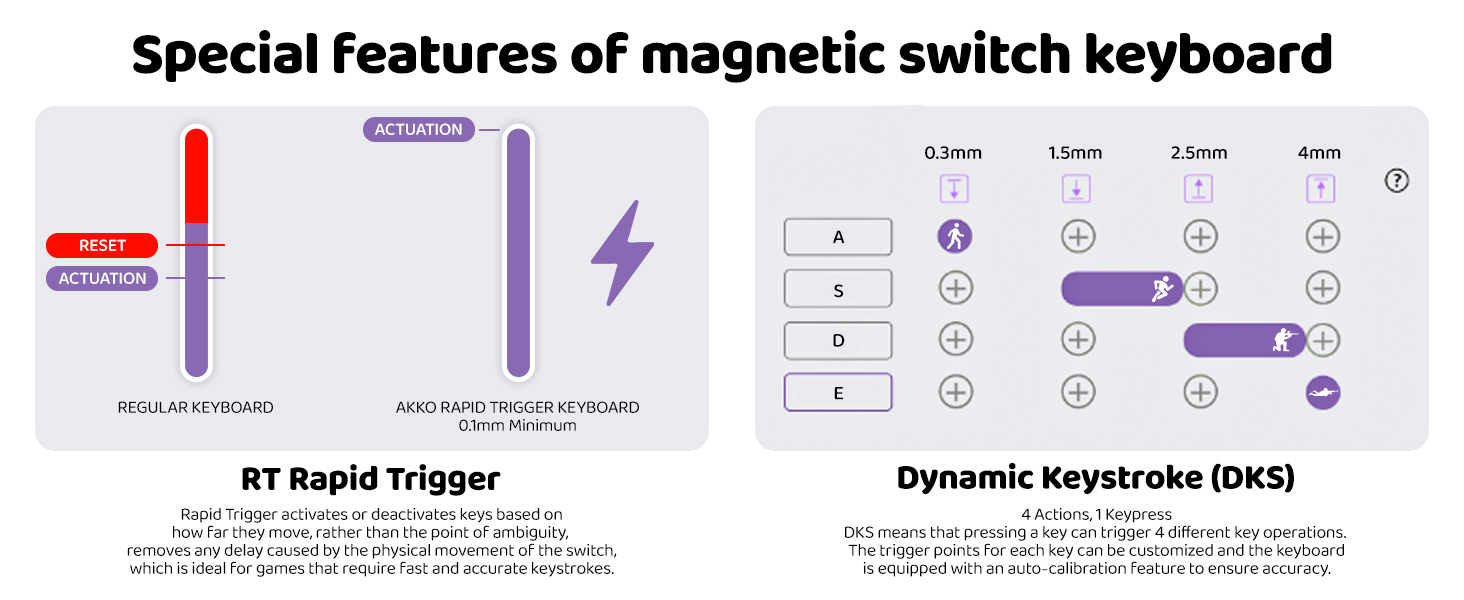
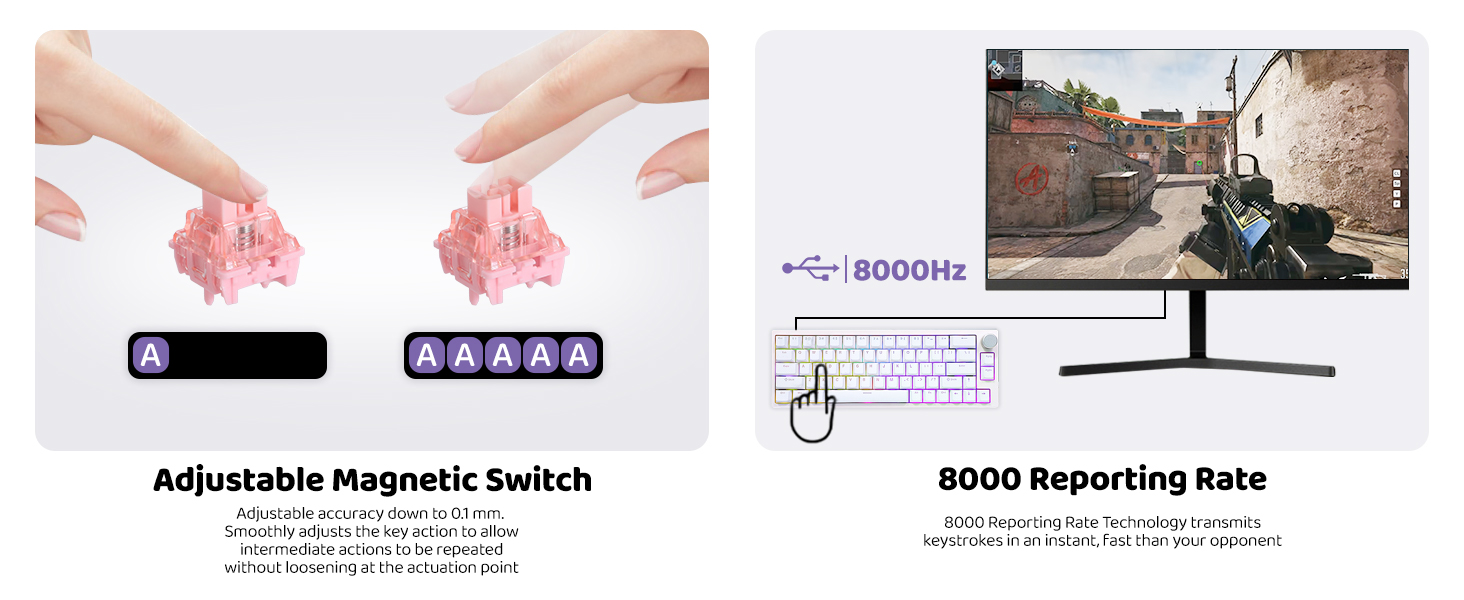
Due To The Special Triggering Principle Of The Magnetic Switch,The Bumpy Movement Of The Keyboard During Transportation May Affect The Triggering Accuracy.Please Use 66pro Software Driver To Calibrate All The Keys Or Restore Factory-In This Way You Can Enjoy The Magnetic Switch'S Function Better!!!
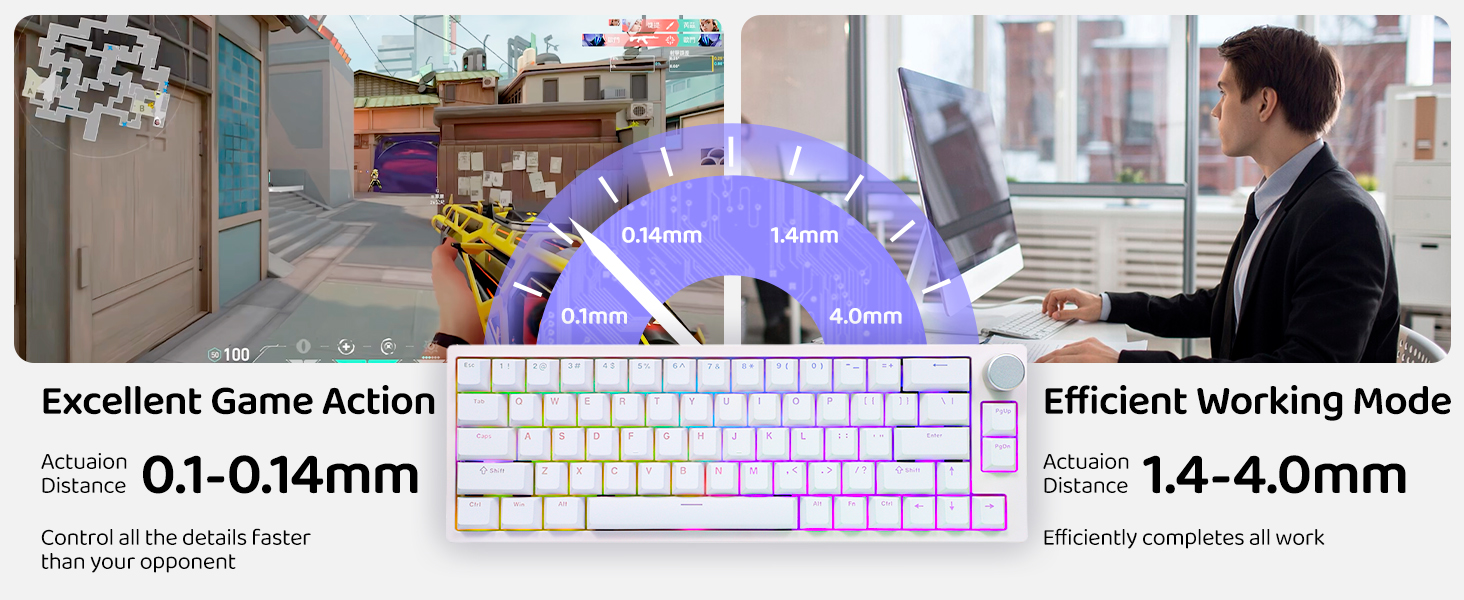
Classic White & Cool Black Color Available-Very Suitable for Gaming&Working!
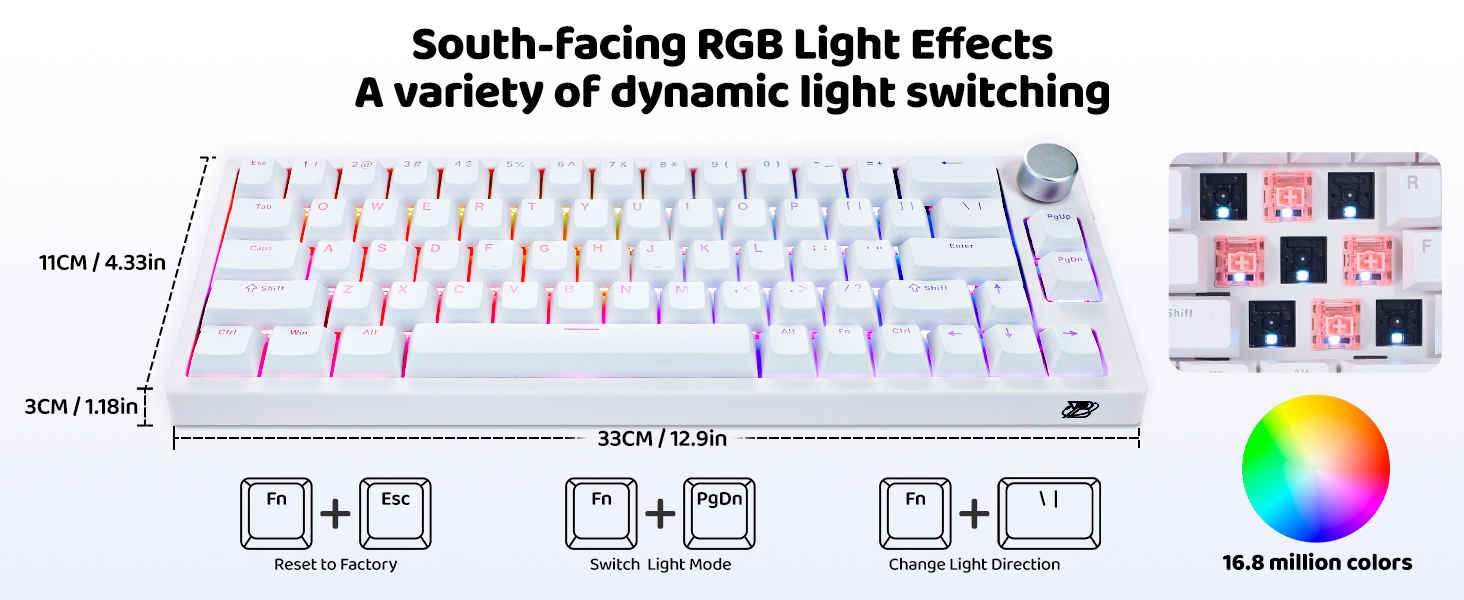
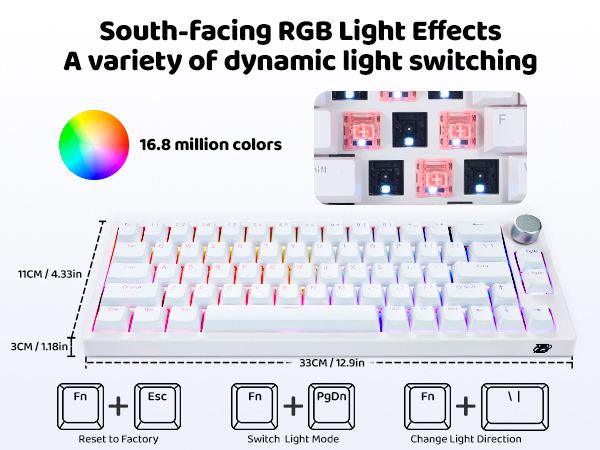
Can the RGB light be turned off? How to reset the keyboard?
Yes, press "FN+?" to switch the RGB Brightness until the LED is off. And Long press FN+Esc Lock for 5 seconds to Restore Factory Setting.
What the difference between Magnetic Hall effect keyboard and tradicional mechanical keyboard?
The key differences between Hall effect keyboards with magnetic switches and traditional mechanical keyboards lie in their keystroke activation mechanisms and gaming performance.
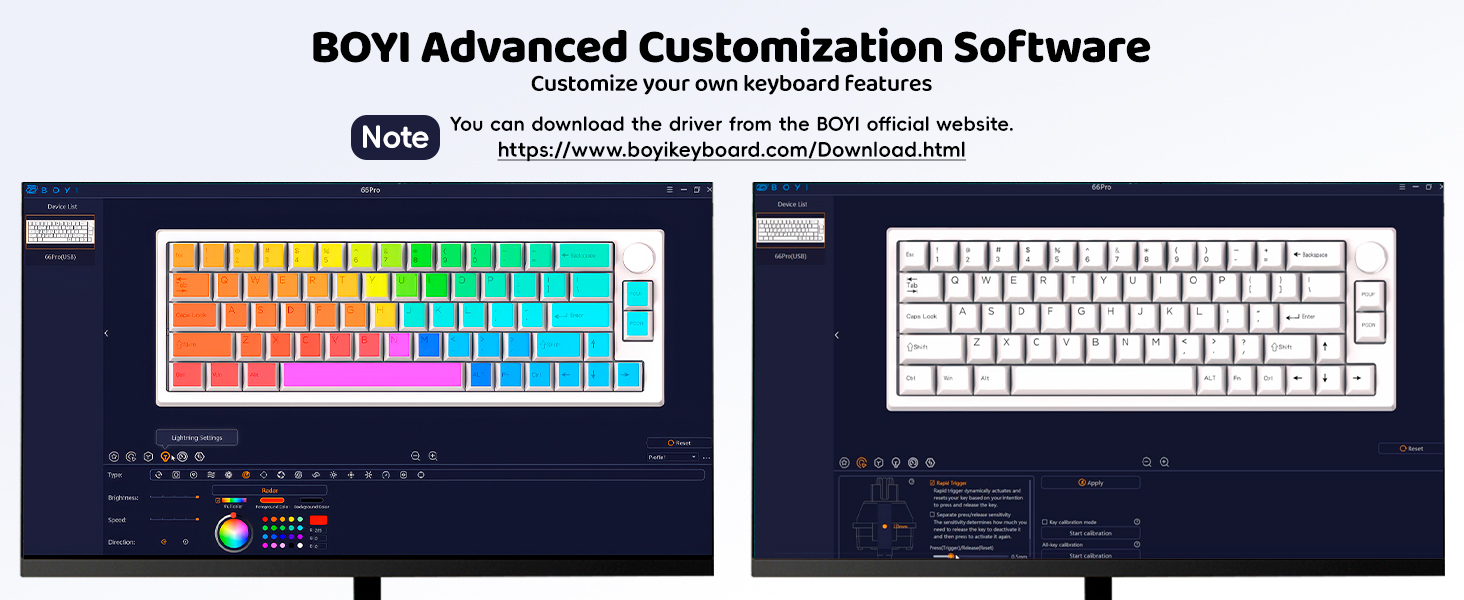
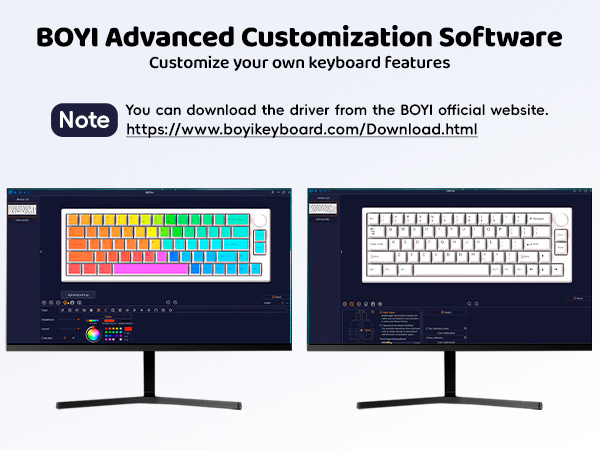
Does the 66PRO have software for customization? How can I remap the Keyboard?
Yes,Please Go to BOYI Official Website then Download 66 Pro Software Driver: (boyikeyboard.com) to remap the Keyboard. And The Software work with Windows only, MacOS Software is not supported. Thanks for your kindly understanding!
My God? Adjusted My Keyboard then Some Keycaps types on its own or Pressing by itself-Did I received a defective one?
Don't be worry! This issue maybe caused by the trigger force of the Magnetic Switch was adjusted too low on the Software! And could solved by turning up the actuation point and rapid trigger values instead of using as low as 0.1 on the Software.
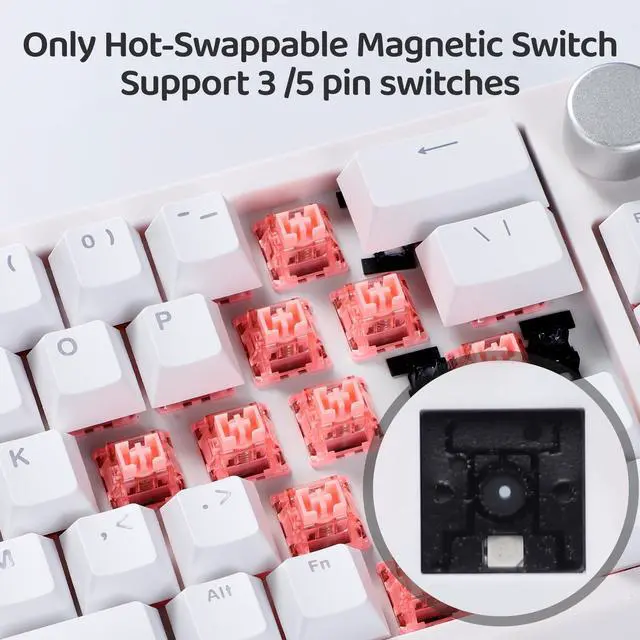
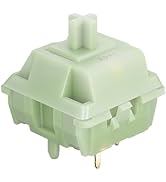
What Magnetic swicthes I can use for replace this Keyboard's?
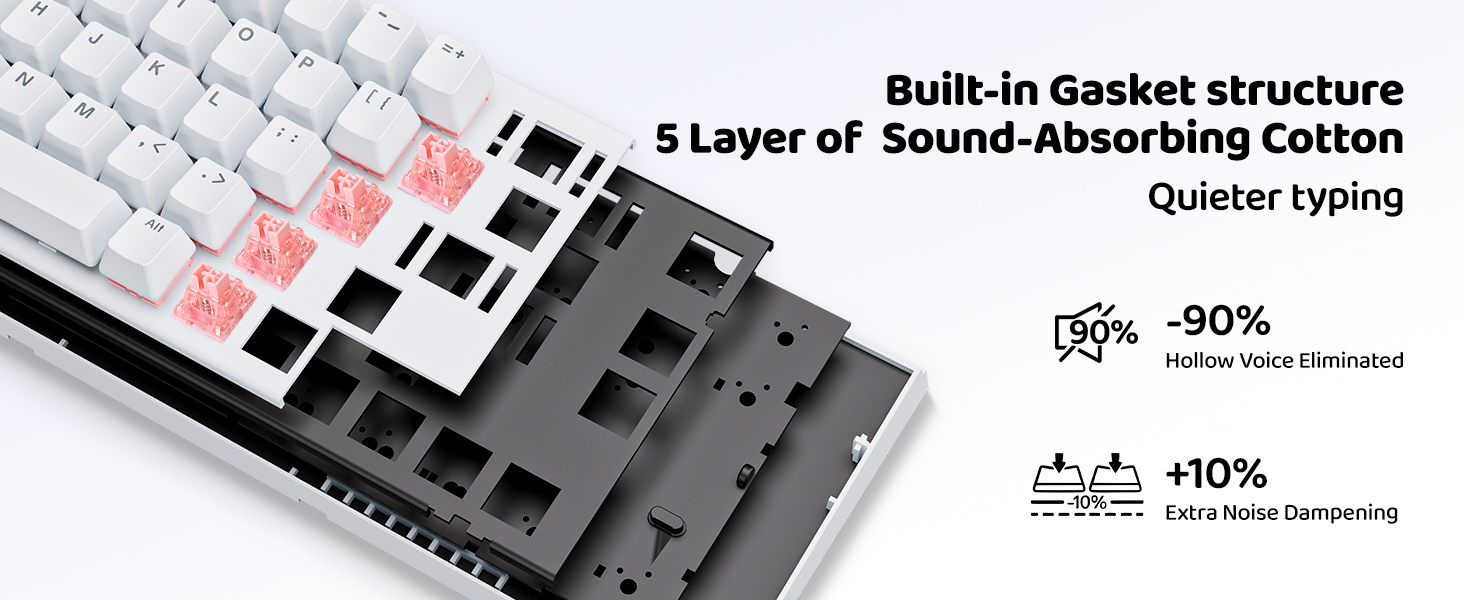
The keyboard is compatible with almost all the Magnetic switches with 3 or 5 pins Magnetic Switch.

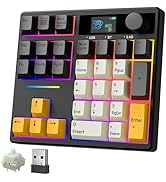
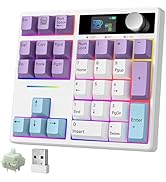
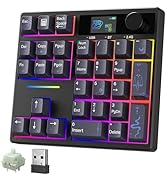
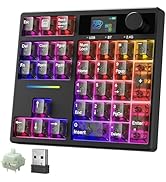
[Mechanical Numeric keypad]
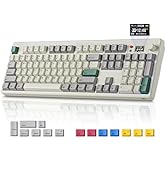
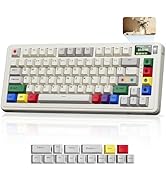
[Keyboard with Screen&Knob]
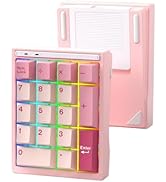
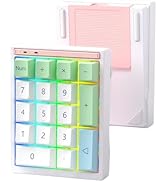
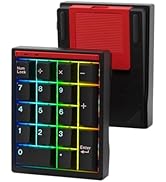
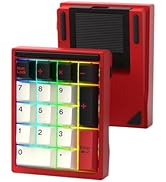
[Full Aluminum Numpad]
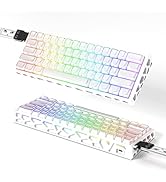
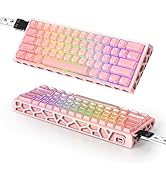
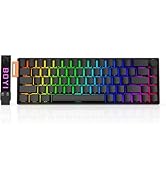
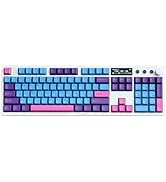
[Aesthetic Magnetic Keyboard]
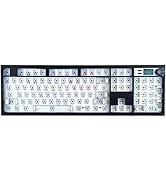
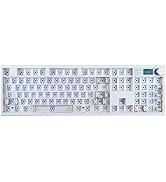
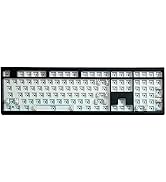
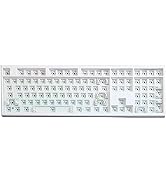
[Barebones Keyboard DIY Kit]
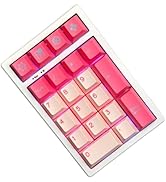
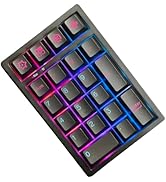
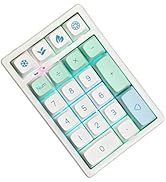
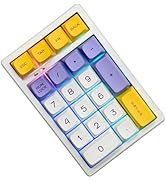
[Wireless Mini RGB Number Pad]
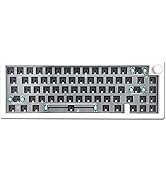
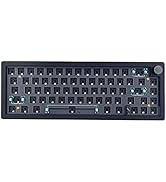
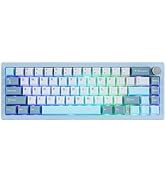
[GMK67 65% Tri-Mode Keyboard]
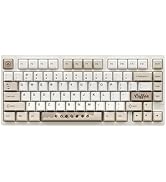
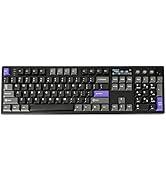
[Mechanical Gaming Keyboard]
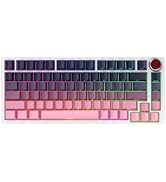
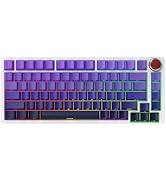
[BOYI Keyboard Best value]
BOYI 66PRO Magnetic Keyboard
BOYI K104Pro Keyboard

Magnetic switch craze goes budget due to Speed Is Everything! This BOYI 66 Pro keyboard with Hyper-fast Speed on Every Single Key! You can program keys,use key combos,macros,reassign keys,pretty much anything you want+more! Get this and try it out!
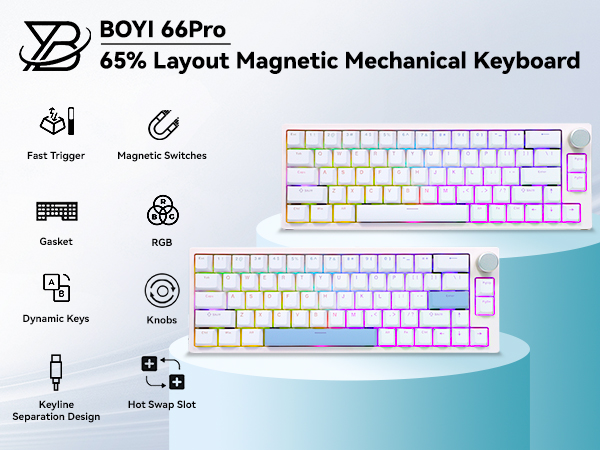
Note: The software only supports Windows, not Mac!

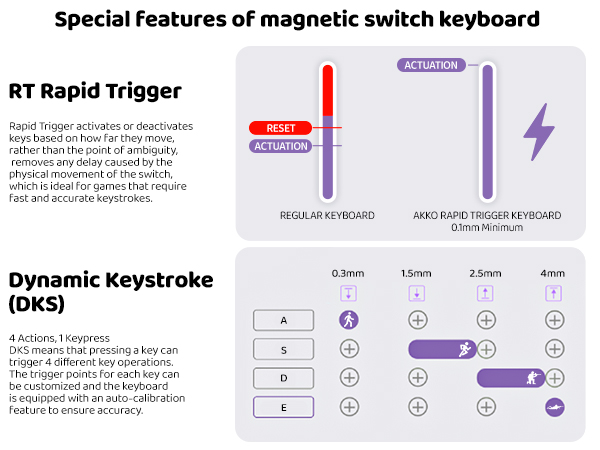
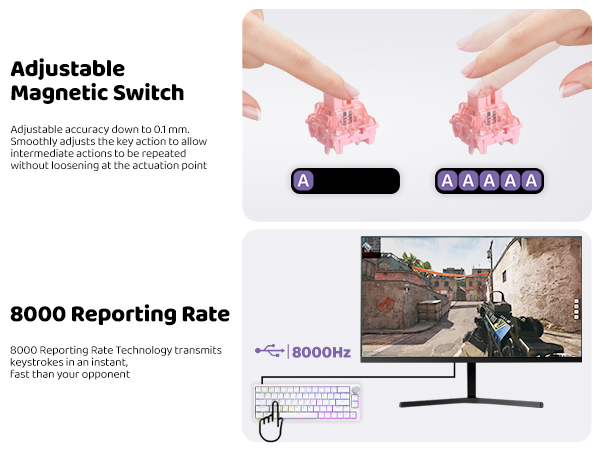
Due To The Special Triggering Principle Of The Magnetic Switch,The Bumpy Movement Of The Keyboard During Transportation May Affect The Triggering Accuracy.Please Use 66pro Software Driver To Calibrate All The Keys Or Restore Factory-In This Way You Can Enjoy The Magnetic Switch'S Function Better!!!
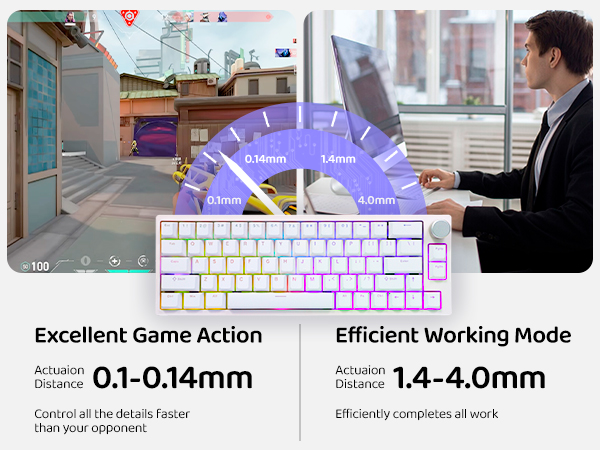
Classic White & Cool Black Color Available-Very Suitable for Gaming&Working!
Can the RGB light be turned off? How to reset the keyboard?
Yes, press "FN+?" to switch the RGB Brightness until the LED is off. And Long press FN+Esc Lock for 5 seconds to Restore Factory Setting.
What the difference between Magnetic Hall effect keyboard and tradicional mechanical keyboard?
The key differences between Hall effect keyboards with magnetic switches and traditional mechanical keyboards lie in their keystroke activation mechanisms and gaming performance.
Does the 66PRO have software for customization? How can I remap the Keyboard?
Yes,Please Go to BOYI Official Website then Download 66 Pro Software Driver: (boyikeyboard.com) to remap the Keyboard. And The Software work with Windows only, MacOS Software is not supported. Thanks for your kindly understanding!
My God? Adjusted My Keyboard then Some Keycaps types on its own or Pressing by itself-Did I received a defective one?
Don't be worry! This issue maybe caused by the trigger force of the Magnetic Switch was adjusted too low on the Software! And could solved by turning up the actuation point and rapid trigger values instead of using as low as 0.1 on the Software.
What Magnetic swicthes I can use for replace this Keyboard's?
The keyboard is compatible with almost all the Magnetic switches with 3 or 5 pins Magnetic Switch.
[Mechanical Numeric keypad]
[Keyboard with Screen&Knob]
[Full Aluminum Numpad]
[Aesthetic Magnetic Keyboard]
[Barebones Keyboard DIY Kit]
[Wireless Mini RGB Number Pad]
[GMK67 65% Tri-Mode Keyboard]
[Mechanical Gaming Keyboard]
[BOYI Keyboard Best value]
BOYI 66PRO Magnetic Keyboard
BOYI K104Pro Keyboard