



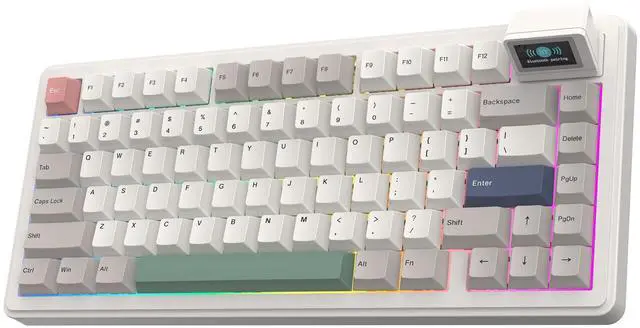


RT82 White keyboard
RT82 White keyboard
RT82 Wireless Gaming Keyboard
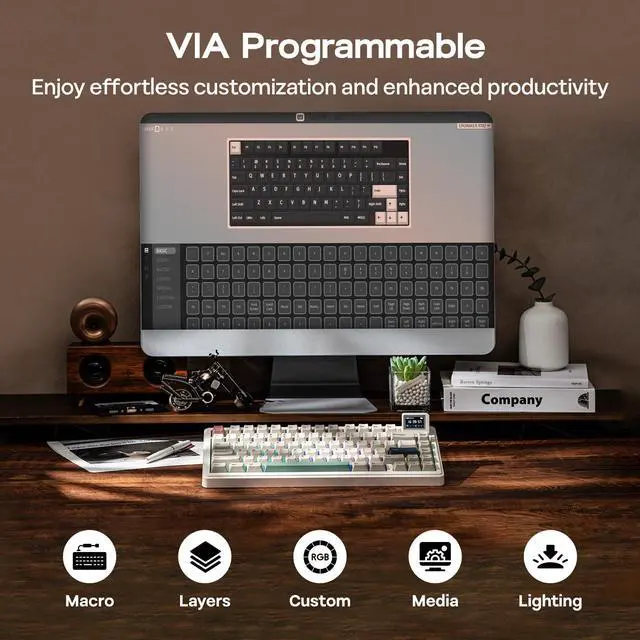
VIA Programmable
How to Use VIA
- Get JSON from EPOMAKER official website (search for RT82 JSON).
- Plug RT82 to your computer and connect in wired mode.
- Visit usevia.app and Enable "Show Design Page" in "Setting" page.
- Load the downloaded JSON with "Load Draft Definition" in "Design" page, then start programming in "Configure" page.
- RT82 JSON: bit.ly/rt82json ;Remap Layout, Record Macros, Set up RGB and more on: usevia.app/test
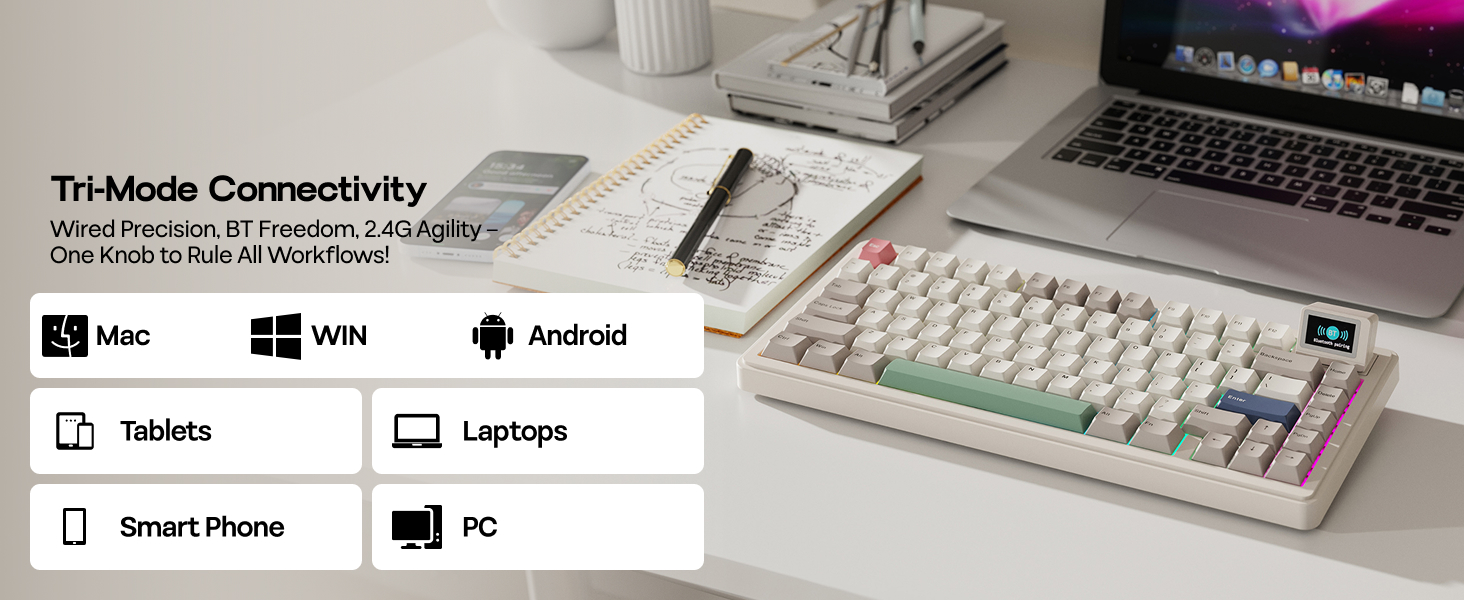
Pair to up to 5 Devices at once
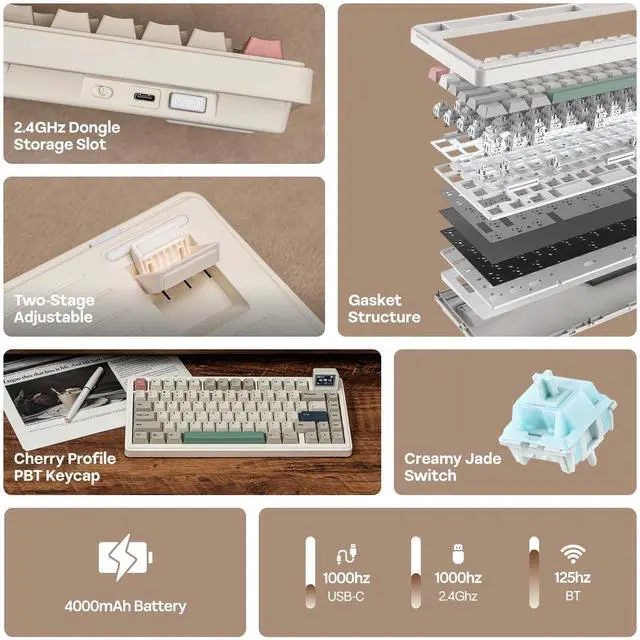
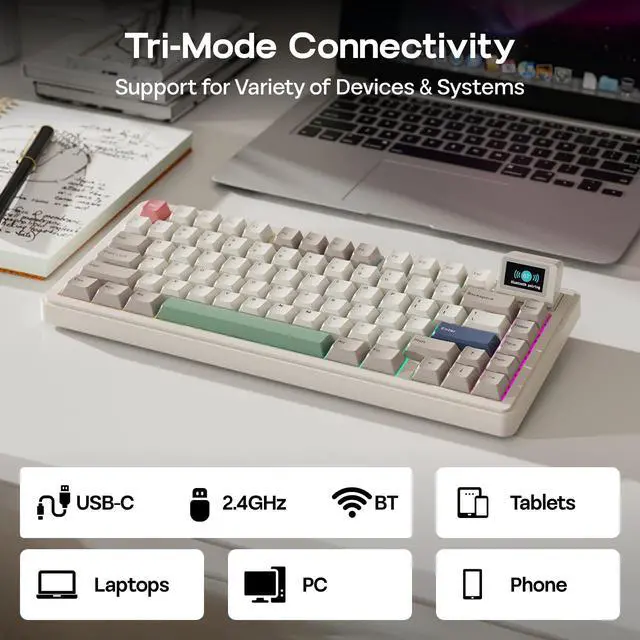
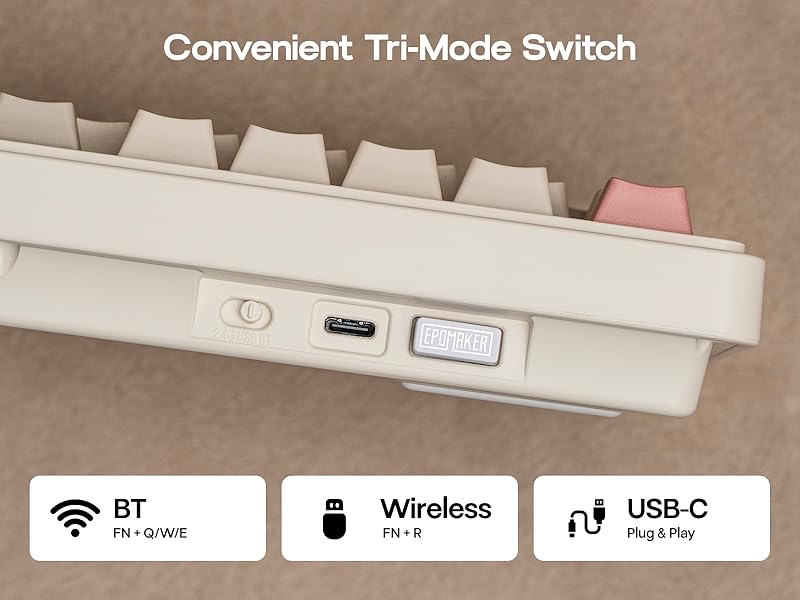
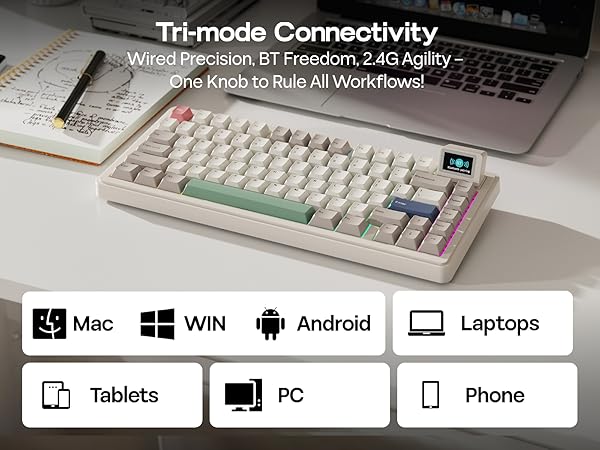
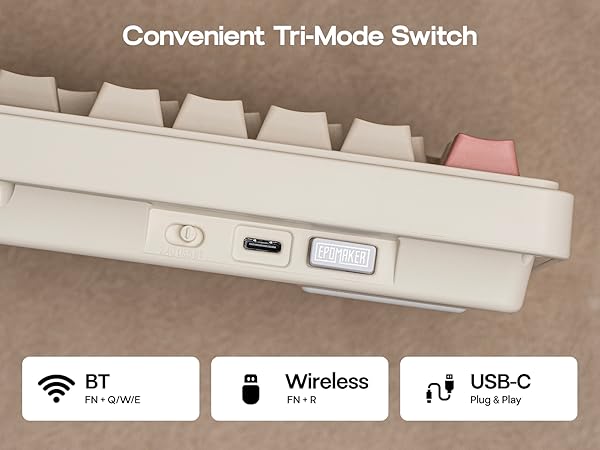
3 Connectivity Modes, Triple Convenience
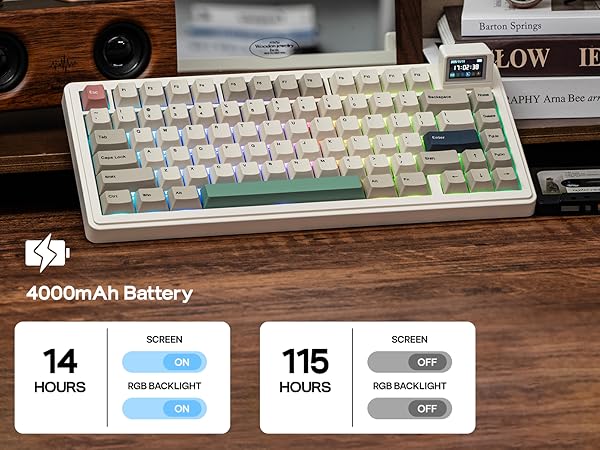
Immerse in continuous gaming sessions with no debuff from low battery or interruptions from charging, and relish in the versatile compatibility of RT82 keyboards that connect to up to 5 devices simultaneously
- 1st Time Pairing: 1). Toggle mode switch to BT or 2.4G. 2). Pressing FN+Q/W/E or FN+R until the flash quicken from slow to rapid. 3). Connect on PC or plug dongle to PC.
- Connect to Paired Devices: 1). Toggle mode switch to BT or 2.4G. 2). Tap FN+Q/W/E or FN+R once.
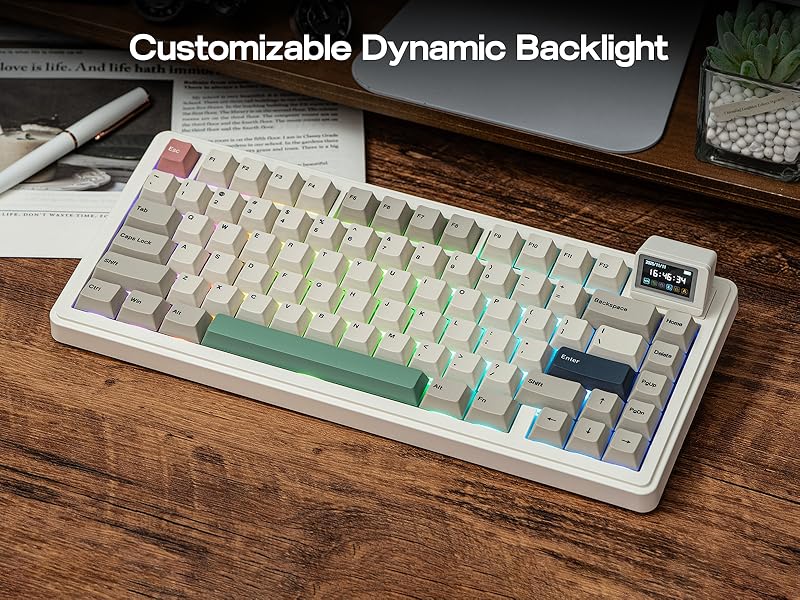
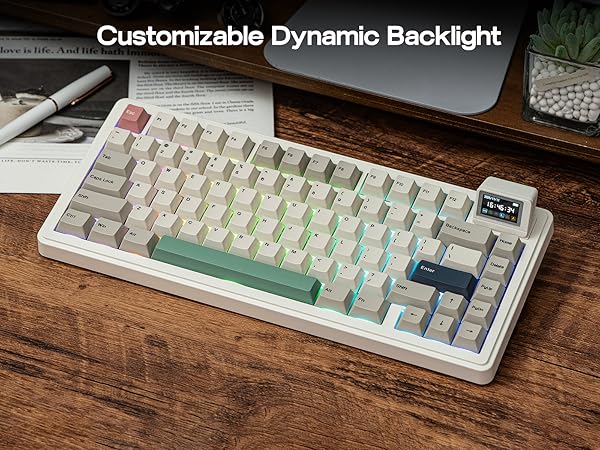
Dynamic RGB Backlit
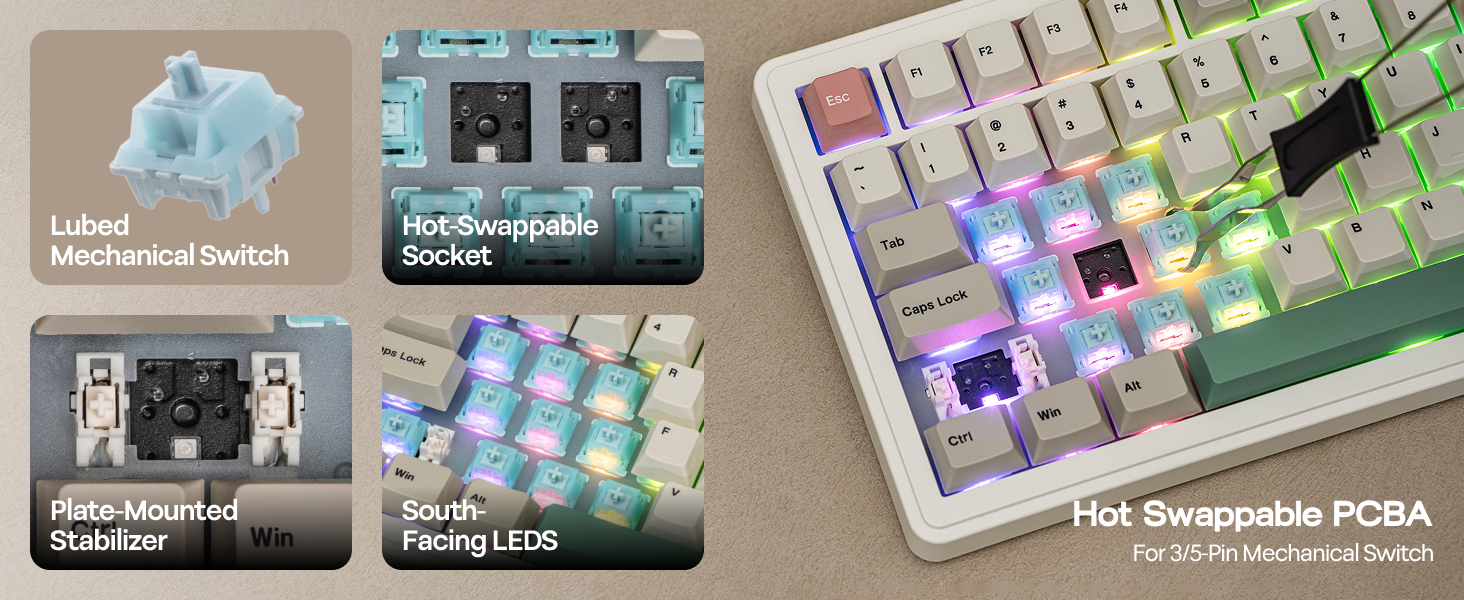
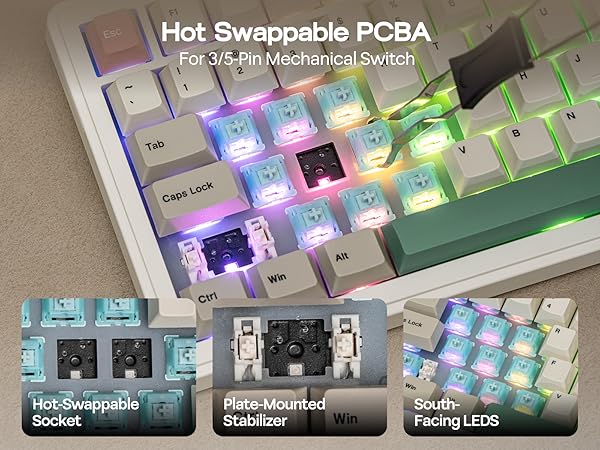
Per-Key LEDs in South-facing Style
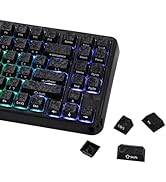
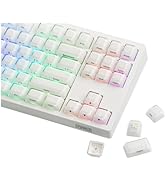
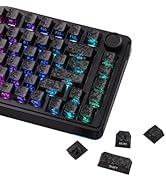
Light up your gaming world with dynamic light patterns as illumination or mood boosters. Choose from the dozens of preset light modes for fascinating light effects, all of which are personalizable in brightness, color, speed, and saturation.
- FN+Backspace: Turn on/off Light; FN+\|: Change Light Effect;
- FN+Arrows: Change Brightness & Speed;
- FN+Space: Factory Reset;
The Mini TV screen doesn't turn on after I reattach it. What should I do?
Please try using the following keyboard shortcuts to resolve this: FN + X: Turns the screen display on or off. FN + C: Resets the screen. Use this shortcut for a brief press to restore the display after detaching and reattaching the magnetic screen.
Can I use this keyboard with my Mac system?
Yes. Epomaker RT82 supports WINDOWS and MAC system. the EPOMAKER RT82 features quick-switch shortcuts (FN+A for Windows, FN+S for Mac) and includes Mac modifier keycaps for a native experience.
How can I configure the Mini TV screen, for example to upload a GIF or calibrate the time?
1.Access the LCD Screen Driver Software (image.rdmctmzt.com) via wired mode, then select the language on the webpage and click "Connect Device" to connect your device. 2.Click to upload GIF or sync device time.
How can I quickly turn off the RGB lighting?
To instantly turn all RGB lights on or off, use the FN + Backspace shortcut.






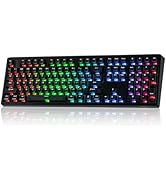
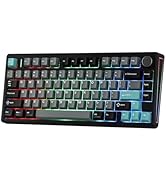
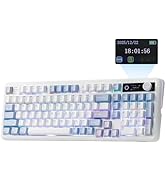
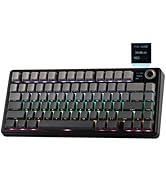
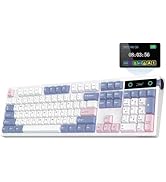
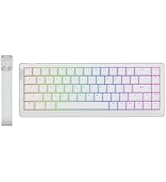
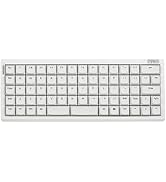
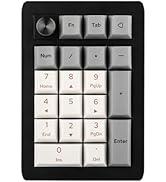
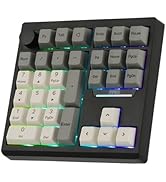
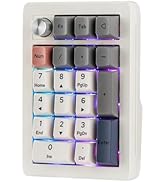
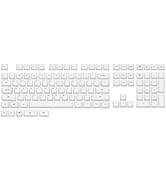
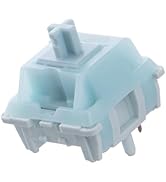
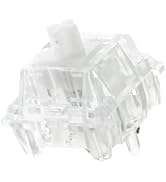
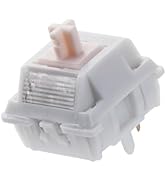
RT82 White keyboard
RT82 White keyboard
RT82 Wireless Gaming Keyboard
VIA Programmable
How to Use VIA
- Get JSON from EPOMAKER official website (search for RT82 JSON).
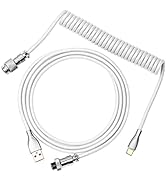
- Plug RT82 to your computer and connect in wired mode.
- Visit usevia.app and Enable "Show Design Page" in "Setting" page.
- Load the downloaded JSON with "Load Draft Definition" in "Design" page, then start programming in "Configure" page.
- RT82 JSON: bit.ly/rt82json ;Remap Layout, Record Macros, Set up RGB and more on: usevia.app/test
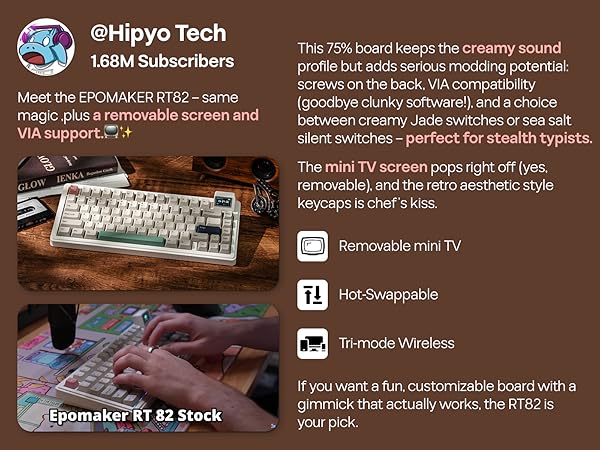
A revolutionary peripheral for the modern user
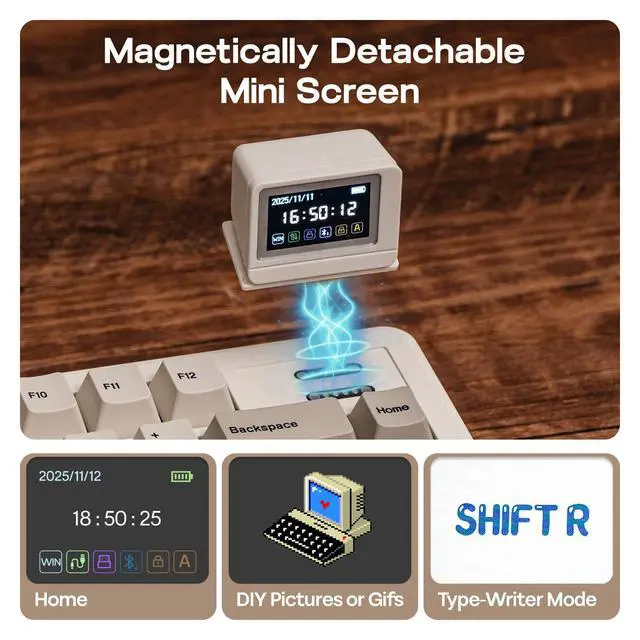
Magnetically Detachable LCD Screen
Meet the RT82, featuring a revolutionary detachable LCD screen. It boosts productivity by displaying key info at a glance and unlocks creativity with Type-Writer Mode and customizable GIF displays. More than a keyboard, it's your personalized command center
- RT82 Image Tool: image.rdmctmzt.com
- FN+X: Turn On/Off Screen; FN+C: Reset Screen: (Press briefly to restore screen display after magnetic screen removal and reattachment)
- FN+ENTER: Screen Display Effect; FN+R_SHIFT: Toggle Custom Animation
Pair to up to 5 Devices at once
3 Connectivity Modes, Triple Convenience
Immerse in continuous gaming sessions with no debuff from low battery or interruptions from charging, and relish in the versatile compatibility of RT82 keyboards that connect to up to 5 devices simultaneously
- 1st Time Pairing: 1). Toggle mode switch to BT or 2.4G. 2). Pressing FN+Q/W/E or FN+R until the flash quicken from slow to rapid. 3). Connect on PC or plug dongle to PC.
- Connect to Paired Devices: 1). Toggle mode switch to BT or 2.4G. 2). Tap FN+Q/W/E or FN+R once.
Dynamic RGB Backlit
Per-Key LEDs in South-facing Style
Light up your gaming world with dynamic light patterns as illumination or mood boosters. Choose from the dozens of preset light modes for fascinating light effects, all of which are personalizable in brightness, color, speed, and saturation.
- FN+Backspace: Turn on/off Light; FN+\|: Change Light Effect;
- FN+Arrows: Change Brightness & Speed;
- FN+Space: Factory Reset;
The Mini TV screen doesn't turn on after I reattach it. What should I do?
Please try using the following keyboard shortcuts to resolve this: FN + X: Turns the screen display on or off. FN + C: Resets the screen. Use this shortcut for a brief press to restore the display after detaching and reattaching the magnetic screen.
Can I use this keyboard with my Mac system?
Yes. Epomaker RT82 supports WINDOWS and MAC system. the EPOMAKER RT82 features quick-switch shortcuts (FN+A for Windows, FN+S for Mac) and includes Mac modifier keycaps for a native experience.
How can I configure the Mini TV screen, for example to upload a GIF or calibrate the time?
1.Access the LCD Screen Driver Software (image.rdmctmzt.com) via wired mode, then select the language on the webpage and click "Connect Device" to connect your device. 2.Click to upload GIF or sync device time.
How can I quickly turn off the RGB lighting?
To instantly turn all RGB lights on or off, use the FN + Backspace shortcut.

EPOMAKER New Release for 2026
Mechanical Keyboard
Magnetic Keyboard
Ergonomic Keyboard
PC Gaming Mice
Numpad
Premium Keycaps Set
Keyboard Cable
Keyboard Switches
Keyboard Wrist Rest