





?Dynamic Lights - Hot-Swappable - PC/MAC Compatible - Size & Weight?
Backlight, Side Light & Indicator Light
Dynamic RGB Lights
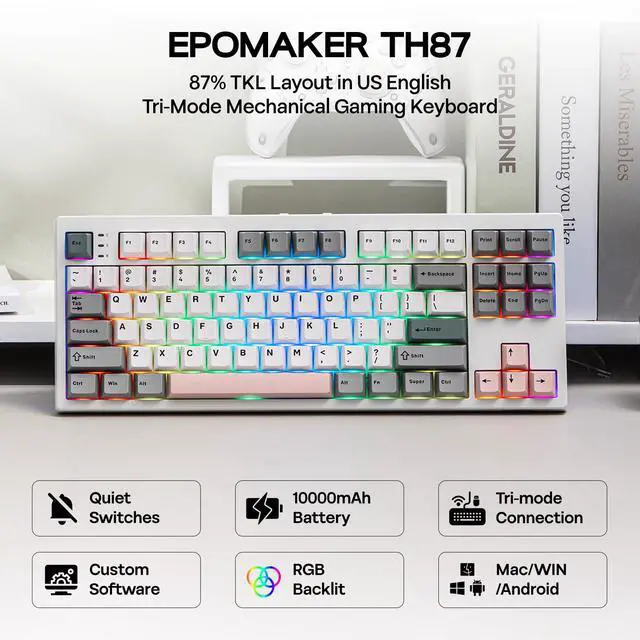
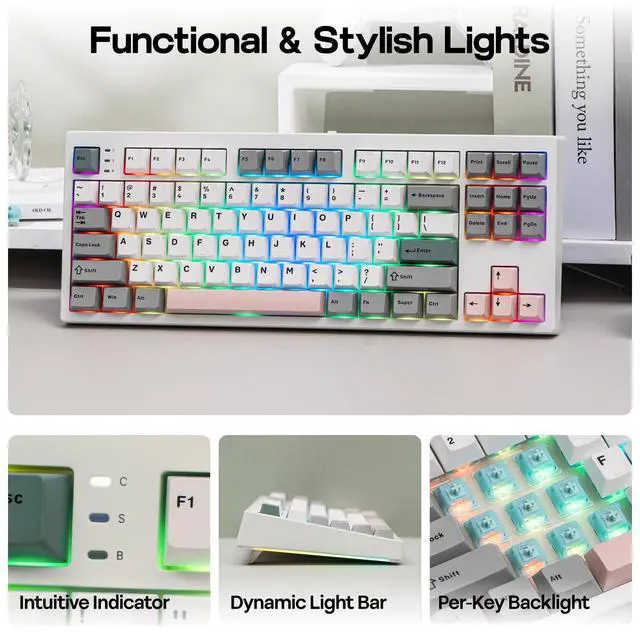
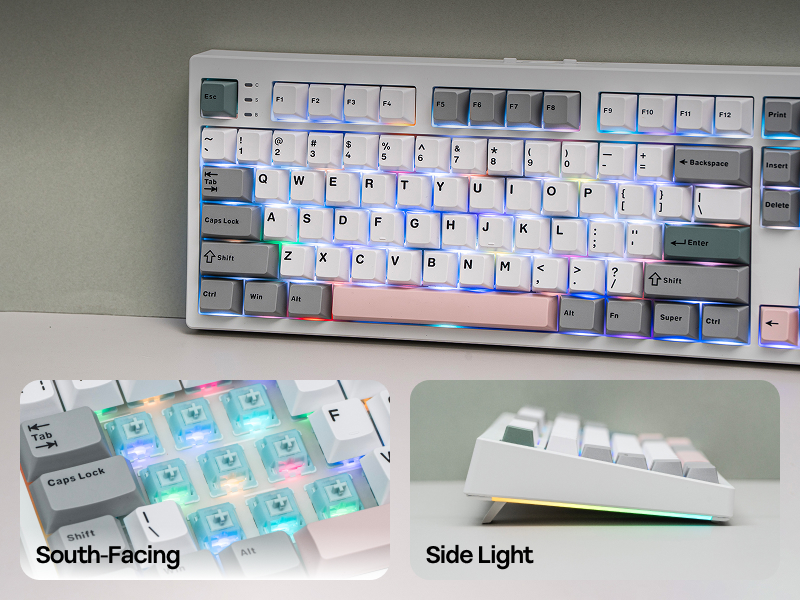
Fast and reliable with anti-ghosting, the EPOMAKER TH87 Gaming keyboard features per-key RGB backlights, fully adjustable in saturation, brightness, and speed, for personalized gaming, and two straps of customizable side lights that reflect on your desk.
- Toggle Backlight Effect (ON/OFF): FN+INS. Backlight Color: FN+DEL
- Backlight Brightness/Speed: FN+????
- Toggle Side Light Effect (ON/OFF): FN+HOME
For 3/5-pin Mechanical Switches & MX Keycpas
Swappable Switches & Swappable Keycaps
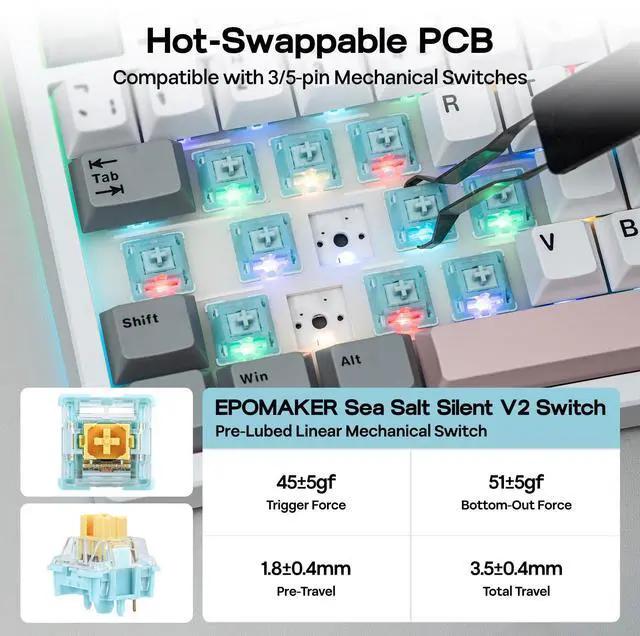
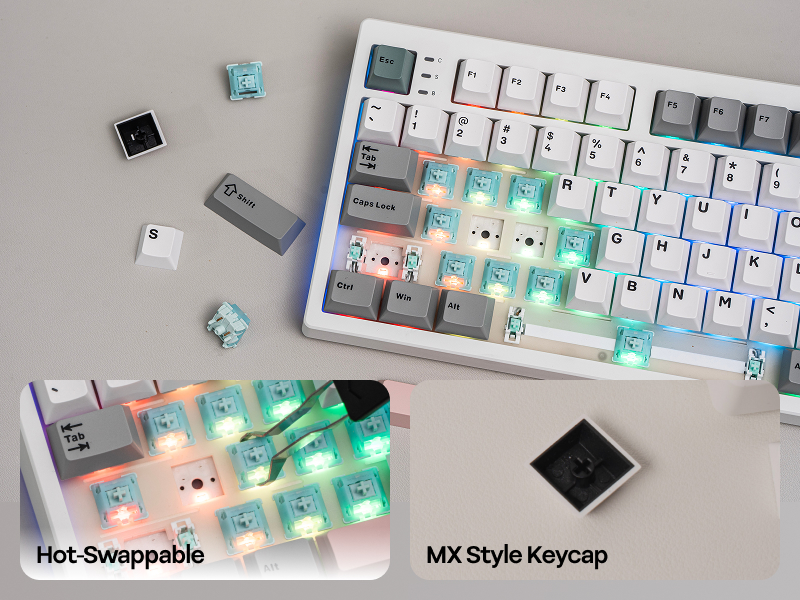
For gamers who demand performance and flexibility, the TH87 Custom Keyboard is a joy to personalize. The hot-swappable PCB streamlines the switch-swap process, while the included 2-in-1 tool makes keycap-swap easy as a breeze.
- Tips: TH87 Mechanical Keyboard is compatible with MX Style Keycaps (with a cross stem bottom), which is the common standard of keycaps designed for mechanical keyboard.
- Note: Switch-swap, unlike keycap-swap, should only be done when keyboard is NOT wired nor powered on.
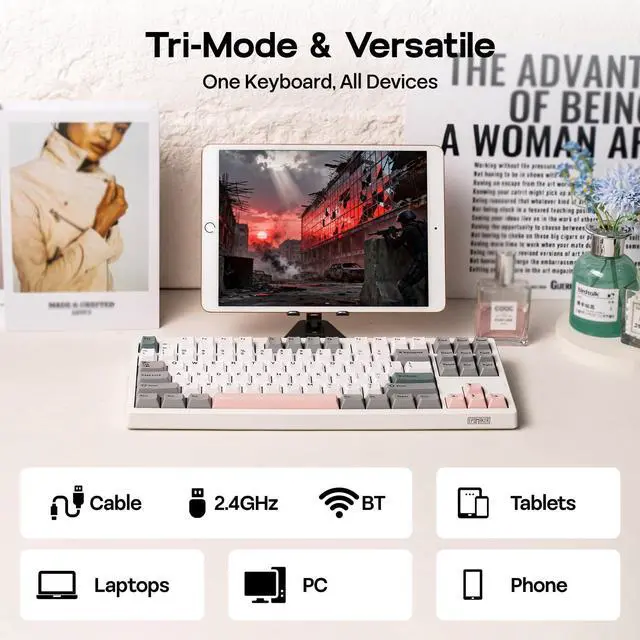
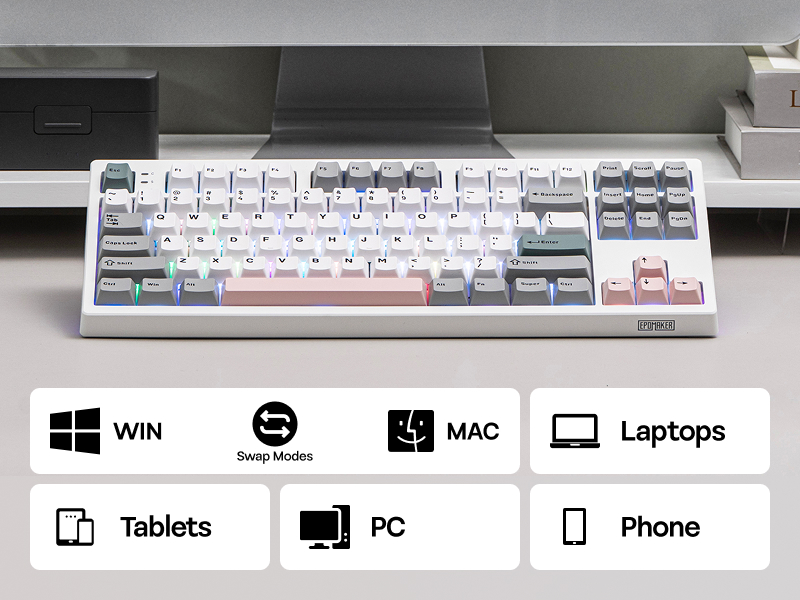
Enjoy the weeks long battery life the TH87 keyboard offers, for those intense gaming sessions or the all-nighters for catching up on deadlines. Ultra-fast 2.4GHz wireless, convenient Bluetooth or reliable wired cable, connection with the TH87 keyboard is seamless across any device from PC, Mac Laptops, Android Tablets to iOS phones.
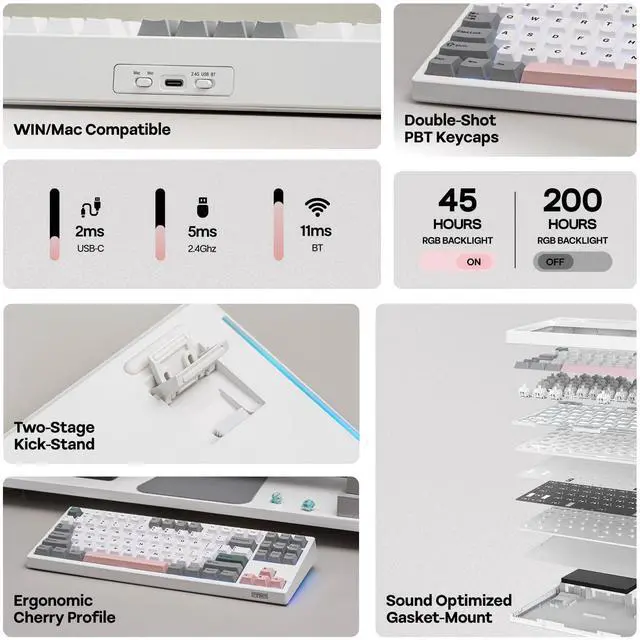
- Tips: If WIN Key stopped working, use FN+WIN to en/disable it. If WIN/Alt swapped places, use the WIN/Mac switch besides USB port to swap OS Mode.
US QWERTY Layout
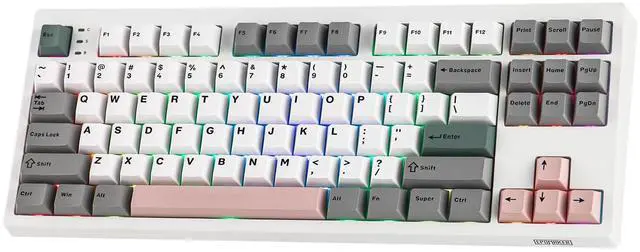
TKL Layout with 87 Keys
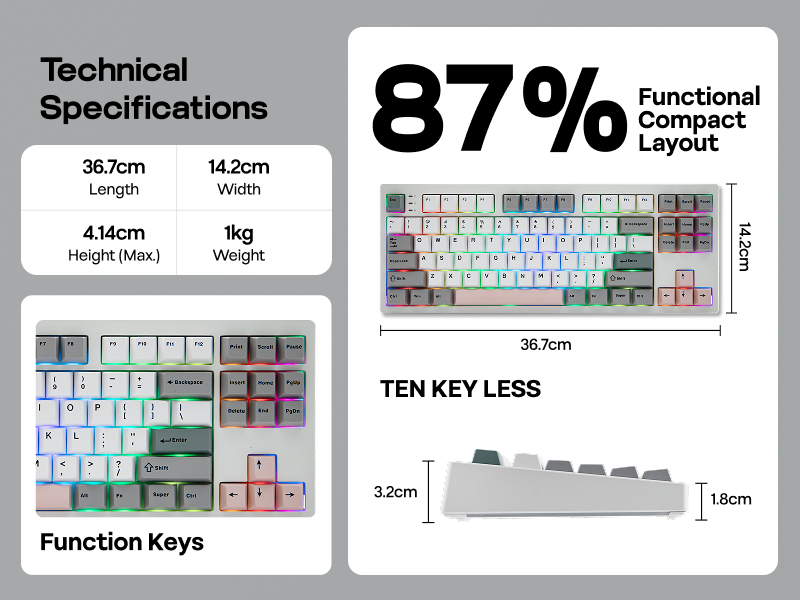
Featuring the compact tenkeyless layout, the TH87 TKL keyboard preserves all essential keys in a standard UK English key map with comfortable spacing, for hassle-free transition from a full-sized layout, while reclaiming space for sweeping your mouse.
- Keyboard Length: 36.7cm. Width: 14.2cm. Weight: 1kg
- Keyboard Height from ESC side: 3.2cm. Height from CTRL side: 1.8cm. Maximum Height (Including Keycaps): 4.14cm. Typing Angles: 6, 8, and 10.5 degrees.
- Number of Keys: 88 Keys.
Tips on Custom Software, Tri-Mode Connection, Power & Charging, and Key Combo
Remap/Macro/Advanced Function/RGB
Custom Driver
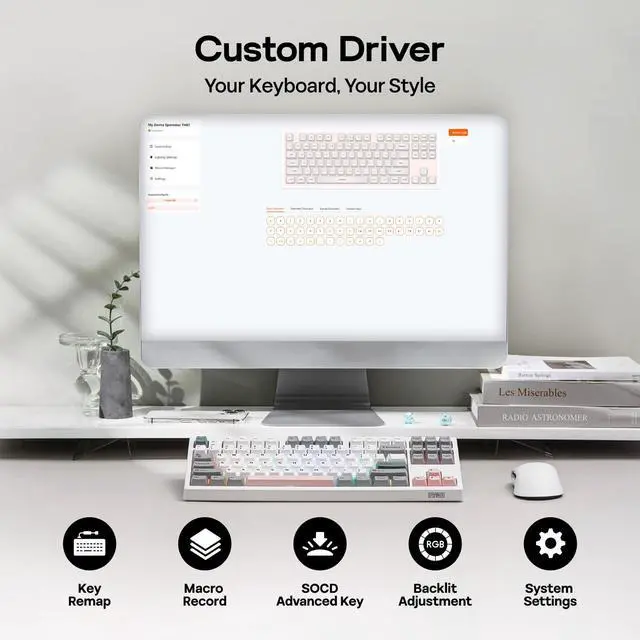
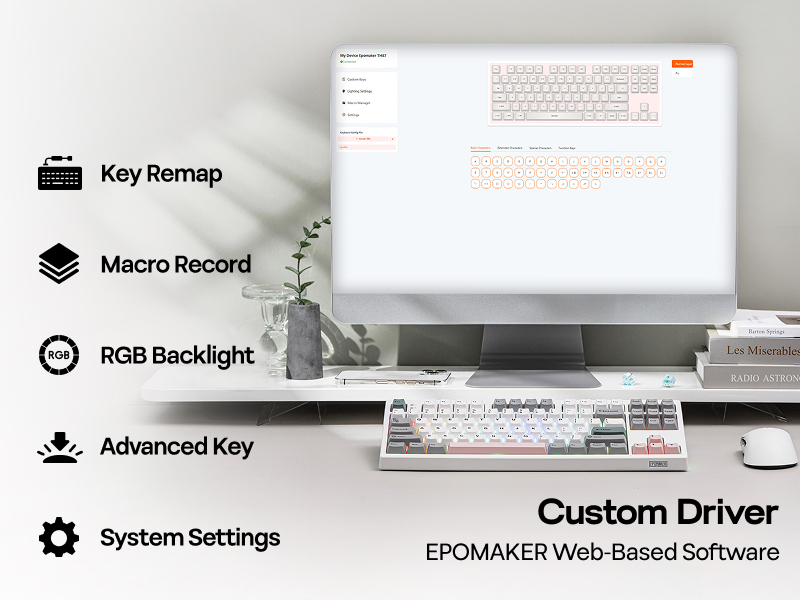
Embrace total control with the Chrome-based software of TH87 custom keyboard, for accesssible customization online and offline, on WIN and Mac. Assign a complex key sequence to a single macro key for efficiency, or remap rarely used keys to essential shortcuts for streamlined workflow. With the web-based driver, the TH87 keyboard is a perfectly tailored extension of your workflow, for a decisive edge in any task.
- Remap Layout, Record Macros, Set up RGB and more on: epomaker.driveall.cn/#/
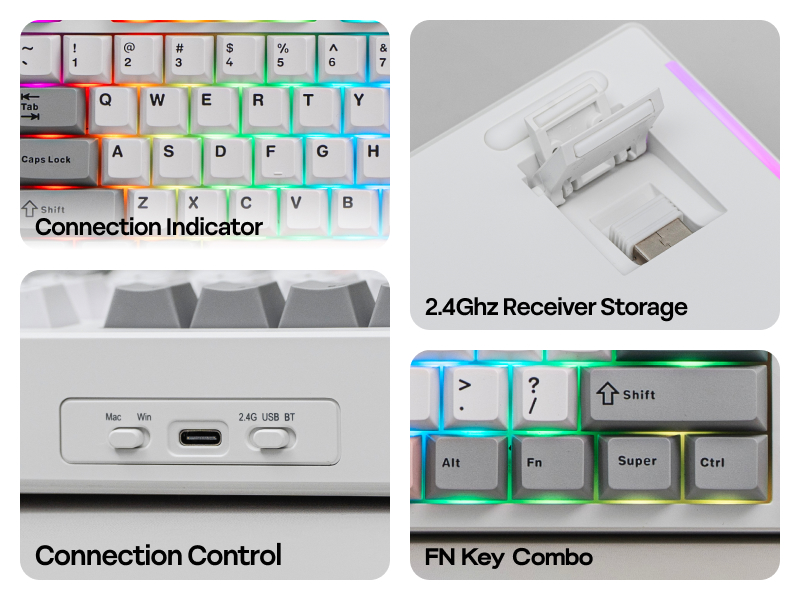
with Convenient Storage for 2.4Ghz Receiver
Tri-Mode Wireless Keyboard
Packed with three modes of connection and an easily accessible mode switch besides the USB port, the TH108 keyboard offers reliable 2.4GHz wireless, low-latency cable mode, and versatile Bluetooth connectivity.
- Pair to New Device: 1) Toggle to BT/2.4G Mode. 2) Pressing FN+Q/W/E/R until Q/W/E/R keys' flash quicken from slow to rapid. 3) Set Bluetooth on PC or Plug 2.4Ghz Dongle to PC
- Connect to Paired Devices: 1) Toggle to BT/2.4G Mode. 2) Press FN+Q/W/E/R once.
Weeks Long Continous Usage
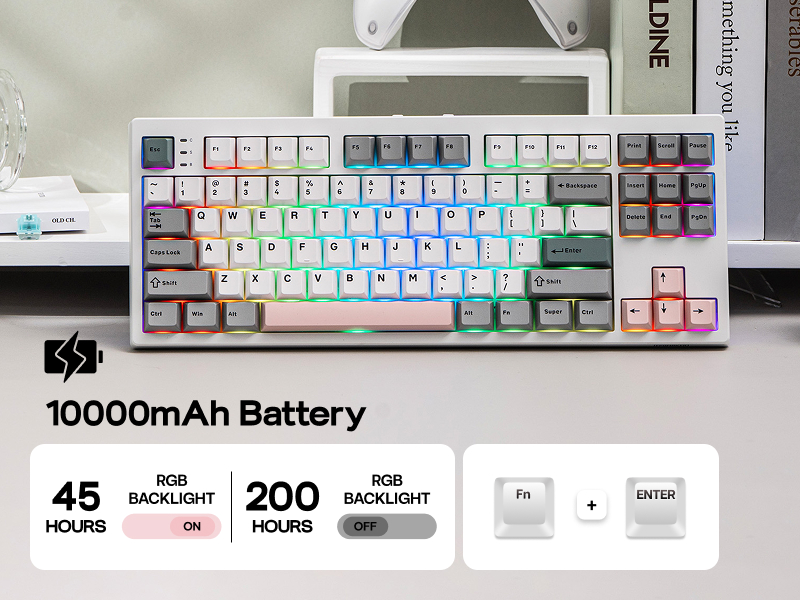
10000mAh Rechargeable Battery
Get up to 45 hours of continuous use with the backlight set to its brightest for those intense all-night gaming sessions, or an incredible 200 hours with the backlight off.
- Power Percentage: When TH87 is connected in 2.4Ghz/BT, use FN+ENTER to check power percentage as the number low lights up.
- Charging Indicator: The LED labelled as B besides ESC is indicator light for battery status. Red=charging, Green=Fully Charged, Red Flash=Power Low
More Shortcut, Check the Manual in Package
Intuitive Layout, Useful Key Combo
- FN+ESC=Factory Reset. FN+Q/W/E/R=BT1/BT2/BT3/2.4G Pairing/Connecting. FN+WIN=En/disable WIN Key. FN+ENTER: Power Percentage (2.4G/BT only). FN+INS/DEL/??/??=Backlight Effect/Color/Brightness/Speed.
- WIN Mode: F1-F12=F1-F12. FN+F1-F12=System Functions Shortcut. (e.g.FN+F7/F9=Last/Next Song. FN+F10/F11/F12=Mute/Volume±)
- Mac Mode: F1-F12=System Functions Shortcut. FN+F1-F12=F1-F12. (e.g.F10/F11/F12=Mute/Volume±)
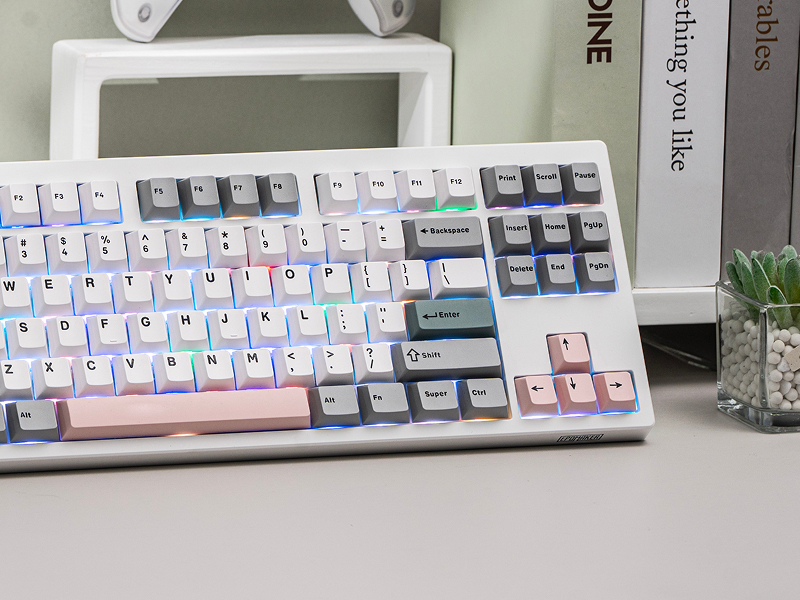
Why the WIN key stopped working and stays white? Why the WIN/ALT (Command/Option) Key on my TH87 swapped places?
If WIN Key stopped working, use FN+WIN to en/disable the WIN key. If WIN/Alt Key swapped places, use the WIN/Mac switch besides USB port to swap OS Modes to swap the places of WIN/Alt Key back.
Why the QWER Key on my TH87 shines in a different color?
These keys are indicator lights for connection. Q/W/E flashes slowly in BT connecting mode, and flashes quickly when keyboard is in BT pairing mode. R is the same for 2.4G (slow=connecting, quick=pairing).
What's the function of the three indicator lights besides ESC key? (C=CapsLock, S=Scroll Lock, B=Battery)
When Lights up on C or S, the CapsLock or Scroll Lock is on. For B, it indicates power status or charging status: Red=charging, Green=Fully Charged, Red Flash=Power Low).
How long does TH87 keyboard lasts with its 10000mAh Battery? Is the battery swappable or rechargeable?
The battery is rechargeable. For safe charging, only charge with the original cable and via your computer. Do not use quick charge charger or charger over 1A/5V. When connected in 2.4Ghz/BT, use FN+ENTER to check power percentage.






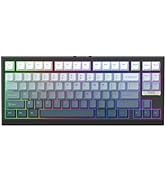
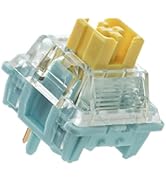
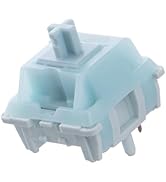
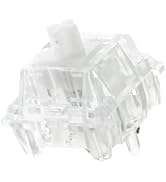
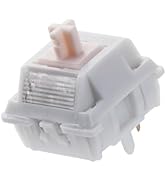
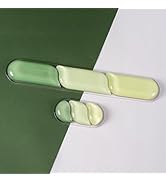
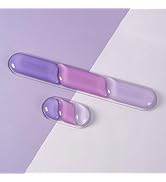
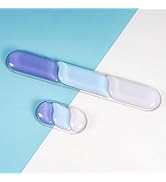
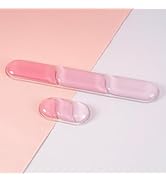
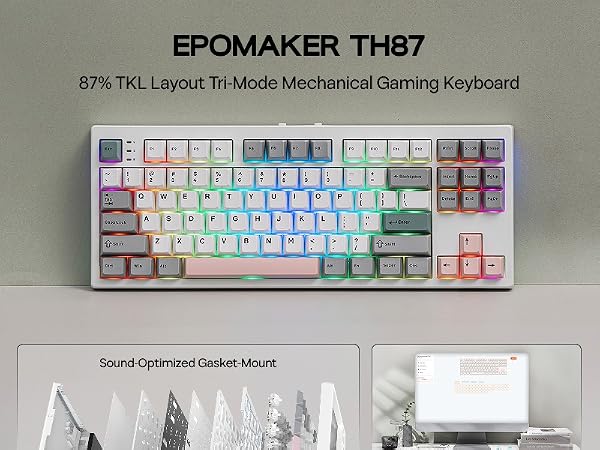


Dive Into the World of Typing Joy, with Creamy Sound, Maximum Comfort, and Satisfying Feel


?Dynamic Lights - Hot-Swappable - PC/MAC Compatible - Size & Weight?


Backlight, Side Light & Indicator Light
Dynamic RGB Lights
Fast and reliable with anti-ghosting, the EPOMAKER TH87 Gaming keyboard features per-key RGB backlights, fully adjustable in saturation, brightness, and speed, for personalized gaming, and two straps of customizable side lights that reflect on your desk.
- Toggle Backlight Effect (ON/OFF): FN+INS. Backlight Color: FN+DEL
- Backlight Brightness/Speed: FN+????
- Toggle Side Light Effect (ON/OFF): FN+HOME
For 3/5-pin Mechanical Switches & MX Keycpas
Swappable Switches & Swappable Keycaps
For gamers who demand performance and flexibility, the TH87 Custom Keyboard is a joy to personalize. The hot-swappable PCB streamlines the switch-swap process, while the included 2-in-1 tool makes keycap-swap easy as a breeze.
- Tips: TH87 Mechanical Keyboard is compatible with MX Style Keycaps (with a cross stem bottom), which is the common standard of keycaps designed for mechanical keyboard.
- Note: Switch-swap, unlike keycap-swap, should only be done when keyboard is NOT wired nor powered on.
Enjoy the weeks long battery life the TH87 keyboard offers, for those intense gaming sessions or the all-nighters for catching up on deadlines. Ultra-fast 2.4GHz wireless, convenient Bluetooth or reliable wired cable, connection with the TH87 keyboard is seamless across any device from PC, Mac Laptops, Android Tablets to iOS phones.
- Tips: If WIN Key stopped working, use FN+WIN to en/disable it. If WIN/Alt swapped places, use the WIN/Mac switch besides USB port to swap OS Mode.
US QWERTY Layout
TKL Layout with 87 Keys
Featuring the compact tenkeyless layout, the TH87 TKL keyboard preserves all essential keys in a standard UK English key map with comfortable spacing, for hassle-free transition from a full-sized layout, while reclaiming space for sweeping your mouse.
- Keyboard Length: 36.7cm. Width: 14.2cm. Weight: 1kg
- Keyboard Height from ESC side: 3.2cm. Height from CTRL side: 1.8cm. Maximum Height (Including Keycaps): 4.14cm. Typing Angles: 6, 8, and 10.5 degrees.
- Number of Keys: 88 Keys.
Tips on Custom Software, Tri-Mode Connection, Power & Charging, and Key Combo


Remap/Macro/Advanced Function/RGB
Custom Driver
Embrace total control with the Chrome-based software of TH87 custom keyboard, for accesssible customization online and offline, on WIN and Mac. Assign a complex key sequence to a single macro key for efficiency, or remap rarely used keys to essential shortcuts for streamlined workflow. With the web-based driver, the TH87 keyboard is a perfectly tailored extension of your workflow, for a decisive edge in any task.
- Remap Layout, Record Macros, Set up RGB and more on: epomaker.driveall.cn/#/
with Convenient Storage for 2.4Ghz Receiver
Tri-Mode Wireless Keyboard
Packed with three modes of connection and an easily accessible mode switch besides the USB port, the TH108 keyboard offers reliable 2.4GHz wireless, low-latency cable mode, and versatile Bluetooth connectivity.
- Pair to New Device: 1) Toggle to BT/2.4G Mode. 2) Pressing FN+Q/W/E/R until Q/W/E/R keys' flash quicken from slow to rapid. 3) Set Bluetooth on PC or Plug 2.4Ghz Dongle to PC
- Connect to Paired Devices: 1) Toggle to BT/2.4G Mode. 2) Press FN+Q/W/E/R once.
Weeks Long Continous Usage
10000mAh Rechargeable Battery
Get up to 45 hours of continuous use with the backlight set to its brightest for those intense all-night gaming sessions, or an incredible 200 hours with the backlight off.
- Power Percentage: When TH87 is connected in 2.4Ghz/BT, use FN+ENTER to check power percentage as the number low lights up.
- Charging Indicator: The LED labelled as B besides ESC is indicator light for battery status. Red=charging, Green=Fully Charged, Red Flash=Power Low
More Shortcut, Check the Manual in Package
Intuitive Layout, Useful Key Combo
- FN+ESC=Factory Reset. FN+Q/W/E/R=BT1/BT2/BT3/2.4G Pairing/Connecting. FN+WIN=En/disable WIN Key. FN+ENTER: Power Percentage (2.4G/BT only). FN+INS/DEL/??/??=Backlight Effect/Color/Brightness/Speed.
- WIN Mode: F1-F12=F1-F12. FN+F1-F12=System Functions Shortcut. (e.g.FN+F7/F9=Last/Next Song. FN+F10/F11/F12=Mute/Volume±)
- Mac Mode: F1-F12=System Functions Shortcut. FN+F1-F12=F1-F12. (e.g.F10/F11/F12=Mute/Volume±)
Why the WIN key stopped working and stays white? Why the WIN/ALT (Command/Option) Key on my TH87 swapped places?
If WIN Key stopped working, use FN+WIN to en/disable the WIN key. If WIN/Alt Key swapped places, use the WIN/Mac switch besides USB port to swap OS Modes to swap the places of WIN/Alt Key back.
Why the QWER Key on my TH87 shines in a different color?
These keys are indicator lights for connection. Q/W/E flashes slowly in BT connecting mode, and flashes quickly when keyboard is in BT pairing mode. R is the same for 2.4G (slow=connecting, quick=pairing).
What's the function of the three indicator lights besides ESC key? (C=CapsLock, S=Scroll Lock, B=Battery)
When Lights up on C or S, the CapsLock or Scroll Lock is on. For B, it indicates power status or charging status: Red=charging, Green=Fully Charged, Red Flash=Power Low).
How long does TH87 keyboard lasts with its 10000mAh Battery? Is the battery swappable or rechargeable?
The battery is rechargeable. For safe charging, only charge with the original cable and via your computer. Do not use quick charge charger or charger over 1A/5V. When connected in 2.4Ghz/BT, use FN+ENTER to check power percentage.

EPOMAKER New Release for 2026
Mechanical Keyboard
Magnetic Keyboard
Ergonomic Keyboard
PC Gaming Mice
Numpad
Premium Keycaps Set
Keyboard Cable
Keyboard Switches
Keyboard Wrist Rest