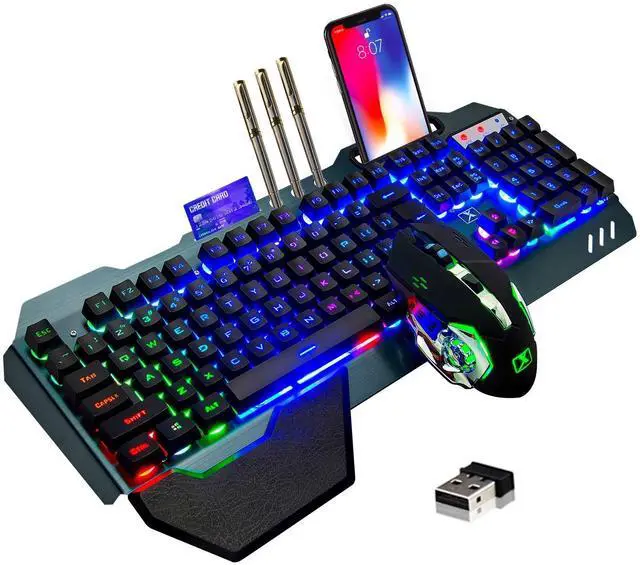
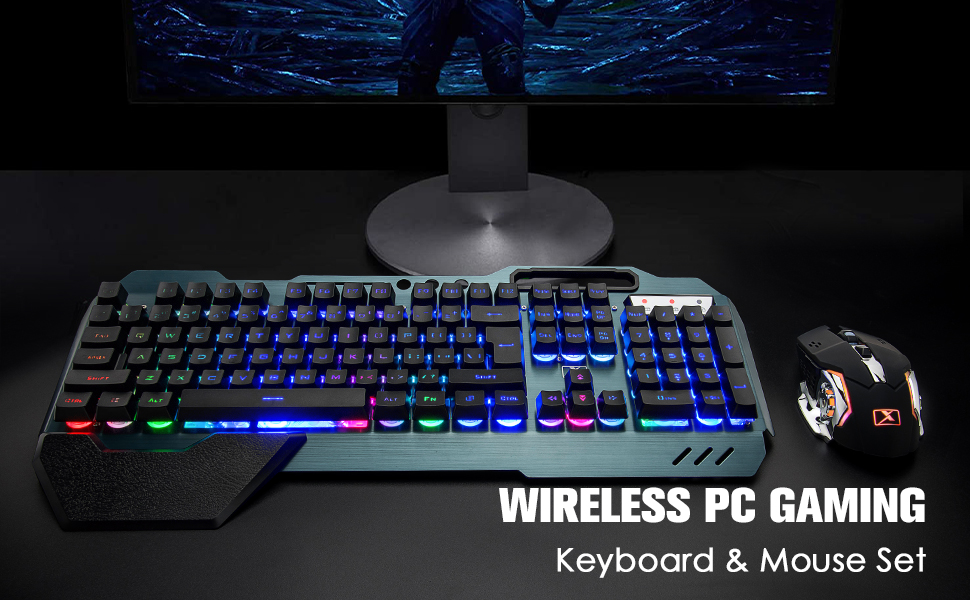
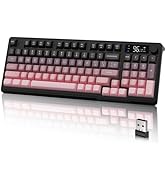
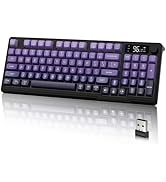
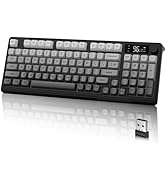
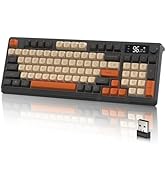
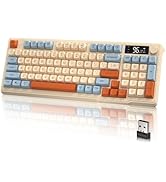
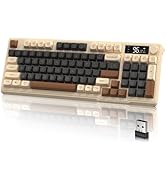
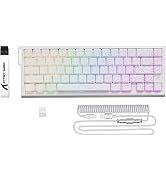
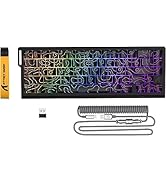
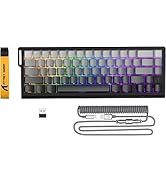
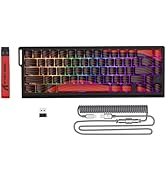
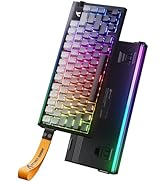
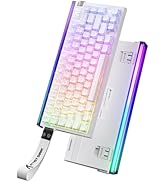
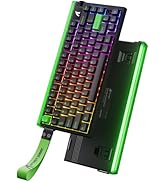
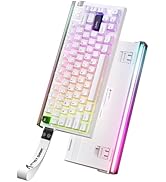
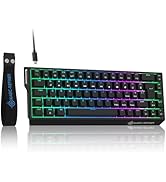
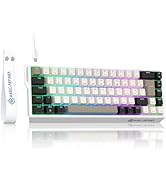
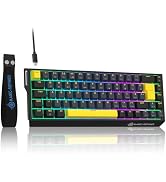
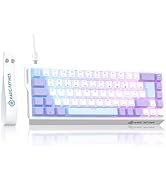
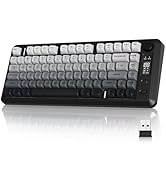
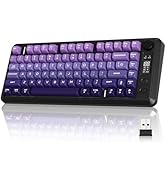
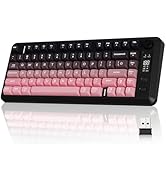
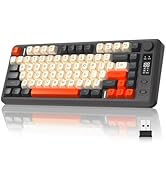
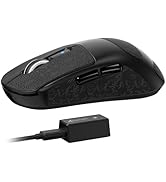
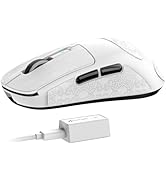
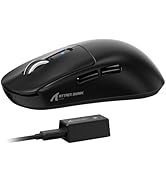
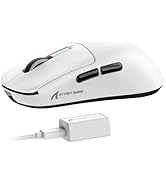
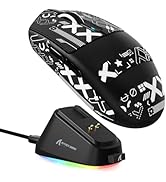
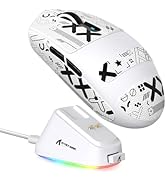
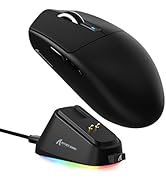
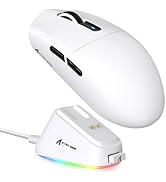
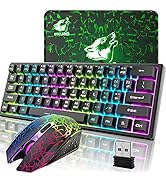
Wireless Gaming Keyboard and Mouse,Rainbow Backlit Rechargeable Keyboard Mouse with 3800mAh Battery Metal Panel,Removable Hand Rest Mechanical Feel Keyboard and 7 Color Gaming Mute Mice for PC Gamers
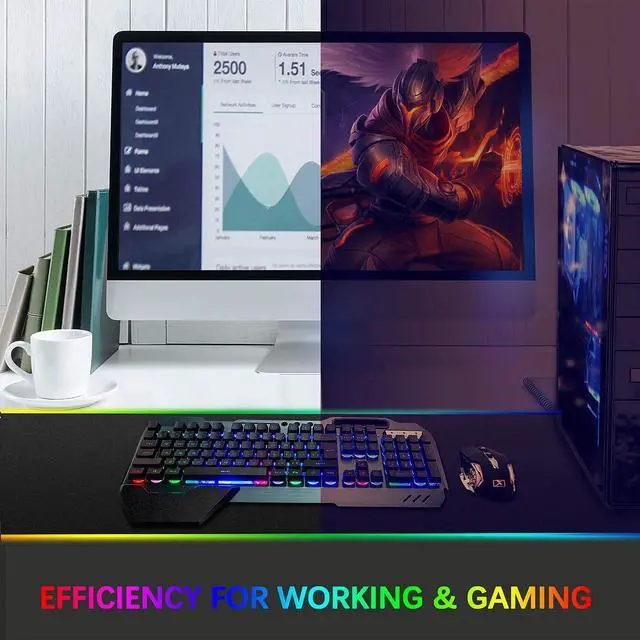
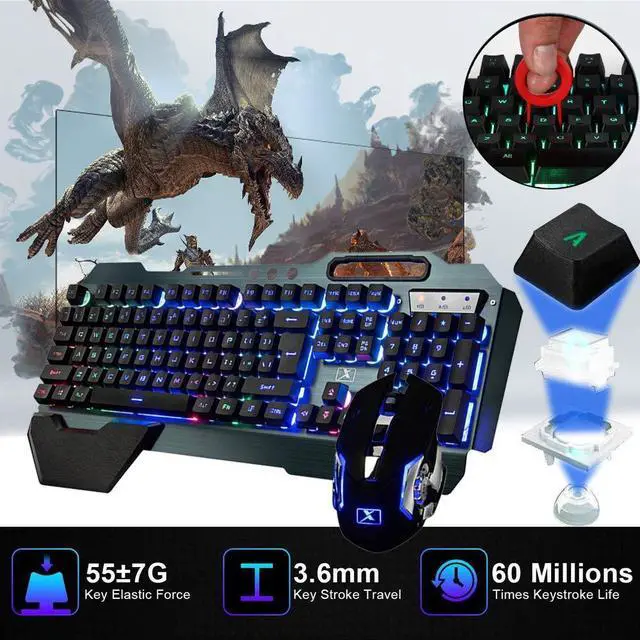
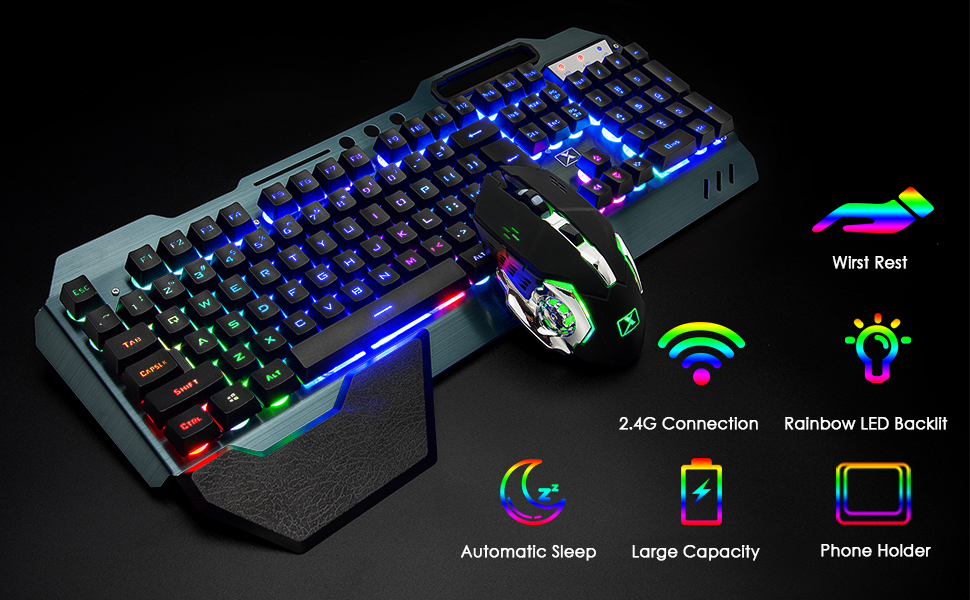
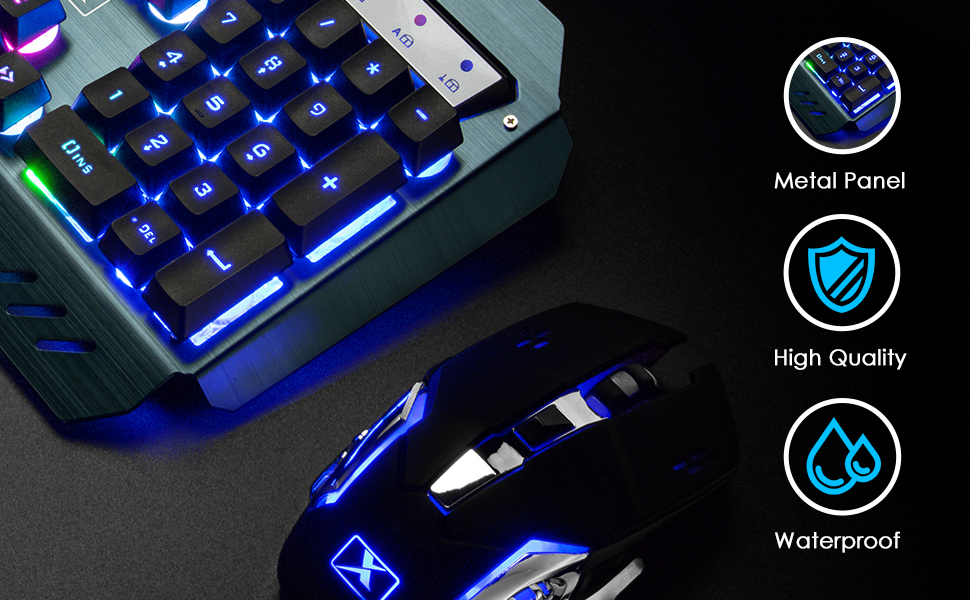
Gaming Keyboard Mouse ComboThe gaming keyboard is made of aluminum alloy brushed panel, which is sturdy and durable. It can be waterproof, and the keyboard builts-in 3000mAh battery. The mouse builts-in 800mAh battery ,eliminates the trouble of frequently changing batteries. No operation automatically sleeps within 5 minutes, any key wakes up
2.4G Wireless Transmission2.4G wireless technology enables the wireless gaming keyboard and mouse to achieve long-range wireless control. Plug & Play, the keyboard and mouse share an Intelligent Nano Receiver, convenient and fast. The gaming keyboard features a streamlined layout that is ergonomically designed for gaming or office or home use
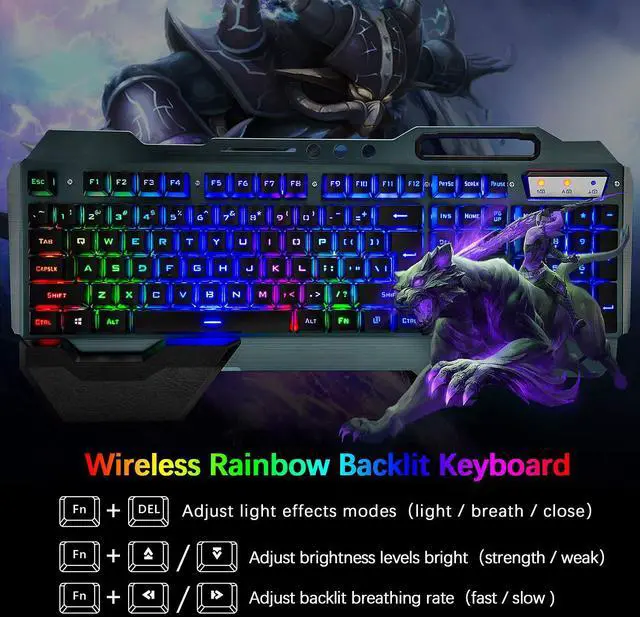
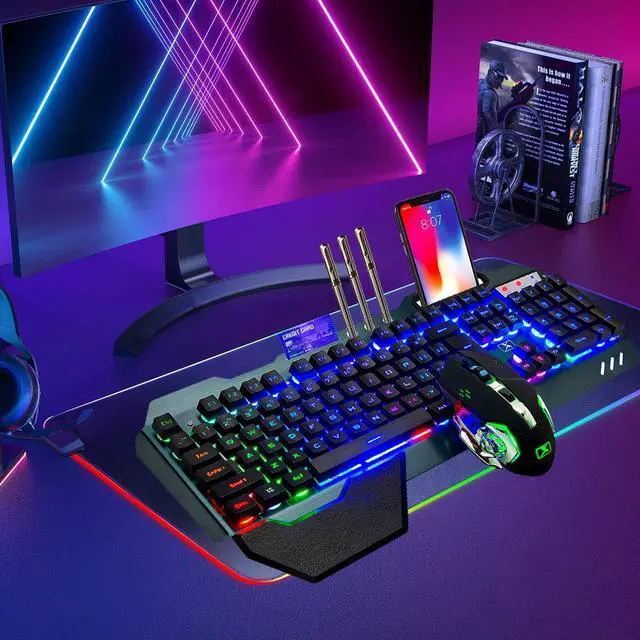
Rainbow Backlit KeyboardThe mechanical feel Backlit keyboard with rainbow backlit effect is an excellent visual experience in night operation, pressing FN+DEL to switc three backlight states (normally bright-breath-off), The keyboard can adjust backlight brightness and breathing frequency
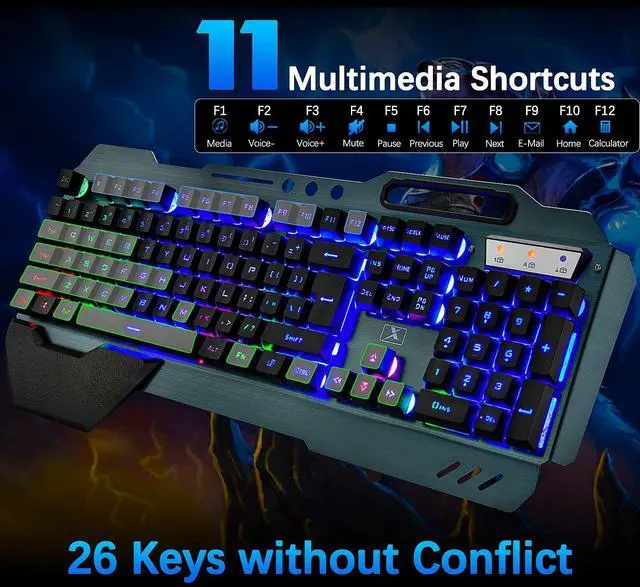
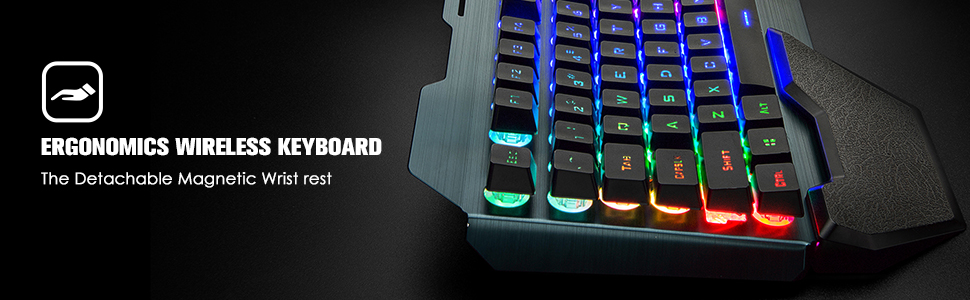
Fashionable and practical style designRemovable Hand Rest,game style floating keycap, with a variety of multimedia key combinations, two-color injection keycaps. The characteristic mobile phone bracket design on the keyboard can perfectly solve the problem of placing the mobile phone during the game, and can communicate more conveniently with the teammates when playing the game
+
+
Overview
Specs
Reviews
Any questions? Ask CelesteSM will help you find out quickly.
Try me now
Rainbow LED Backlit Keyboard
FN DEL: Three backlight state switches (Standard Light - Breathing Light - OFF)
FN + ?/?: Enhance/reduce backlight brightness
FN + ?/?: Speed up / Slow Down the backlight of breathing light speed
Note:
Before the keyboard is used, turn the switch on the side of the keyboard and the bottom of the mouse to the ON position.
The keyboard and mouse share a receiver, the receiver is at the bottom of the mouse
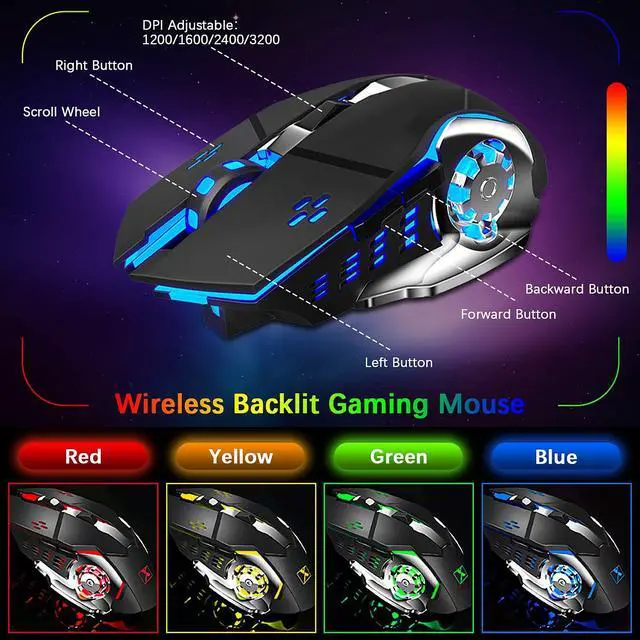
When the mouse snake head light is dimmed or off, you need to charge the mouse.When the LOCK light on the keyboard is flashing, you need to charge the keyboard.
The keyboard and mouse are charged using a DC power supply of 5V.
PEOPLE-PRIENTED
CUSTOMER FIRST
LexonElec adheres to the concept of "customer experience as the core" and "innovation". We are committed to continuously exploring customer needs; innovating according to customer needs. Use the latest technology to give customers the most advanced experience.
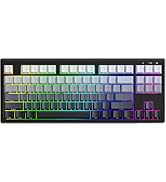
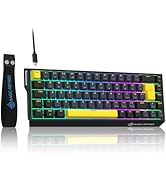
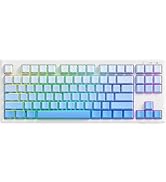
M96 Gaming Keyboard - Gradient
M96 Keyboard & CM05SE Mousepad
CM05SE Mousepads
X68PRO HE Keyboards
R85 Keyboards
X68 HE Keyboards
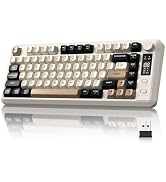
M75 Keyboards
M87V2 Keyboards
R6 Gaming Mouse
G3PRO Game mouse
G300 Headsets
Rainbow LED Backlit Keyboard
FN DEL: Three backlight state switches (Standard Light - Breathing Light - OFF)
FN + ?/?: Enhance/reduce backlight brightness
FN + ?/?: Speed up / Slow Down the backlight of breathing light speed
Note:
Before the keyboard is used, turn the switch on the side of the keyboard and the bottom of the mouse to the ON position.
The keyboard and mouse share a receiver, the receiver is at the bottom of the mouse
When the mouse snake head light is dimmed or off, you need to charge the mouse.When the LOCK light on the keyboard is flashing, you need to charge the keyboard.
The keyboard and mouse are charged using a DC power supply of 5V.
PEOPLE-PRIENTED
CUSTOMER FIRST
LexonElec adheres to the concept of "customer experience as the core" and "innovation". We are committed to continuously exploring customer needs; innovating according to customer needs. Use the latest technology to give customers the most advanced experience.
M96 Gaming Keyboard - Gradient
M96 Keyboard & CM05SE Mousepad
CM05SE Mousepads
X68PRO HE Keyboards
R85 Keyboards
X68 HE Keyboards
M75 Keyboards
M87V2 Keyboards
R6 Gaming Mouse
G3PRO Game mouse
G300 Headsets
Wireless Gaming Keyboard and Mouse, Rainbow Backlit Rechargeable Keyboard Mouse with 3800mAh Battery Metal Panel, Removable Hand Rest Mechanical Feel Keyboard and 7 Color Gaming Mute Mice for PC Gamers
Learn more about the Generic Brand K680
Model
Brand
Redragon
Series
K680
Model
K680
Keyboard
Material
Metal, Aluminum Alloy
Design Style
Gaming
Normal Keys
104
Keycaps
Ergonomic, Aluminum Alloy
Keyboard Color
Black
Dimensions
72"
Type
Wired
Mouse
Mouse Grip Style
Adjustable
Tracking Method
Touch Scroll
Mouse Color
Black
Wireless
Power Source
Lithium-ion Rechargeable Battery
Operating Time
Battery Powered, true
Features
Features
Rechargeable, Backlit, Ergonomic
Additional Information
First Listed on Newegg
July 06, 2026
Customer Reviews of the Generic Brand K680
There are no reviews yet.
Do you own this product?
Warranty & Returns
Warranty, Returns, And Additional Information
Warranty
Please contact the Seller directly for warranty information. Warranty information may also be found on the Manufacturer's website.





 here!
here!