here!
here!
I’m your shopping assistant for PC builds, upgrades, and everything tech.
Got questions? Ask away!
Start a conversation
here!
I’m your shopping assistant for PC builds, upgrades, and everything tech.
Got questions? Ask away!
Start a conversation



Any questions? Ask CelesteSM will help you find out quickly.
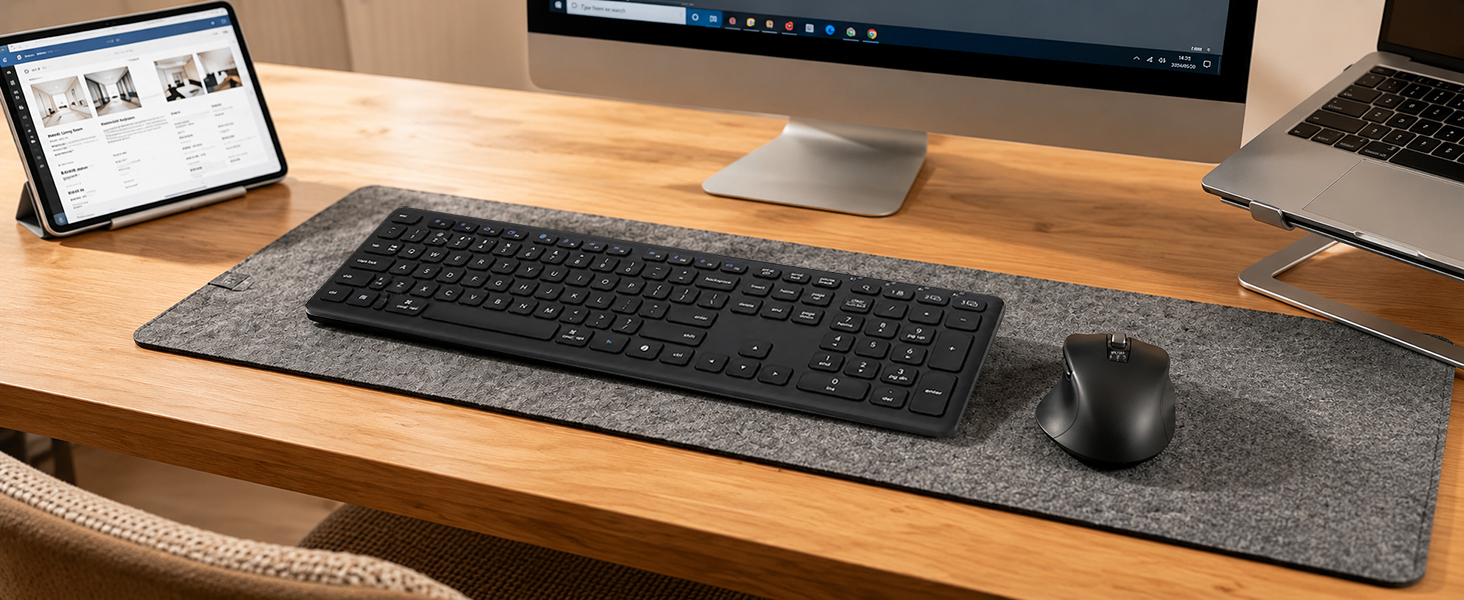
How do I connect this wireless bluetooth keyboard to my device?
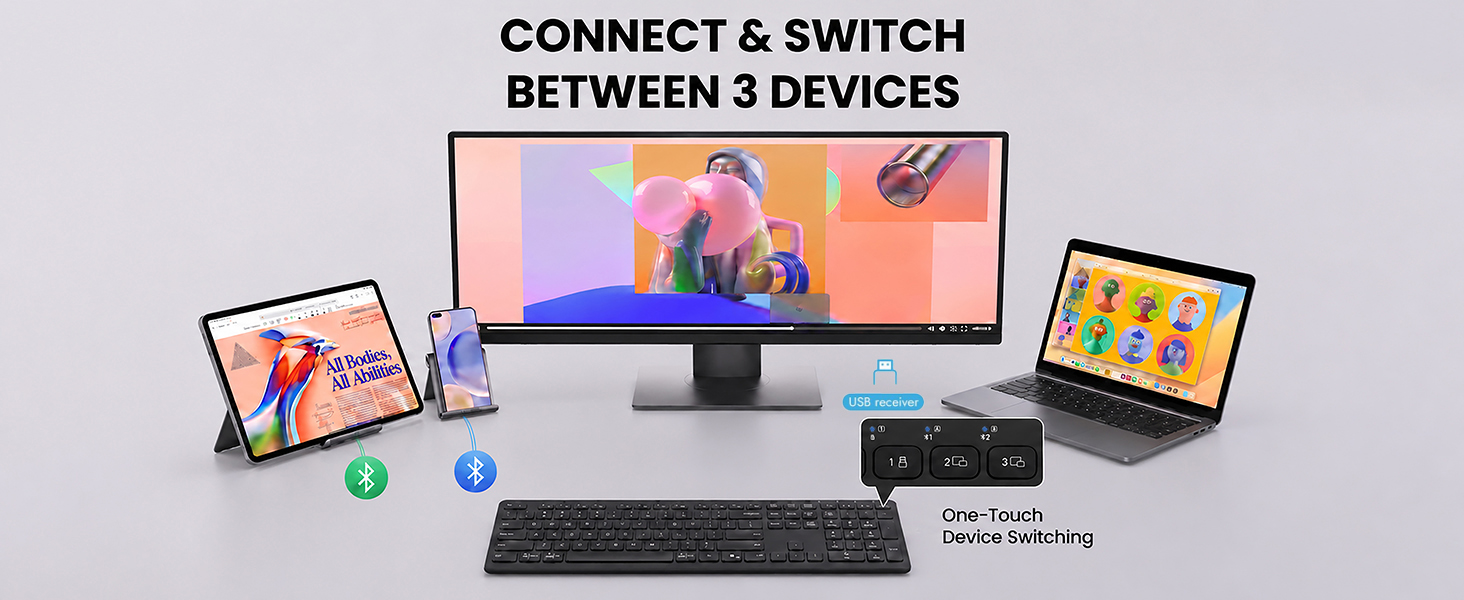
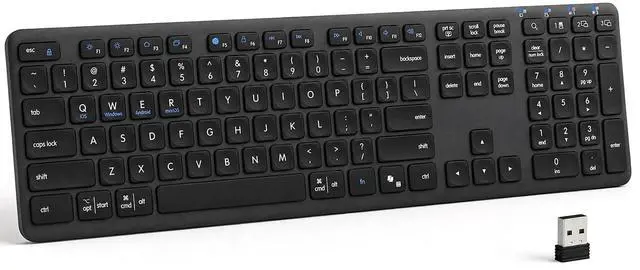
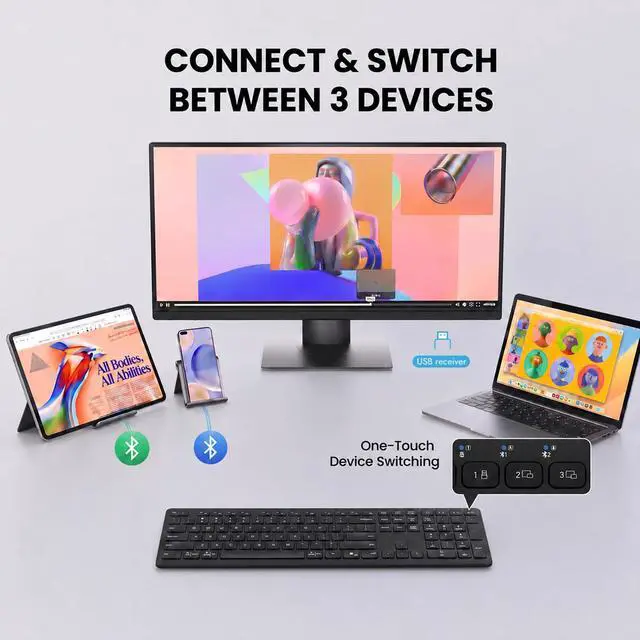
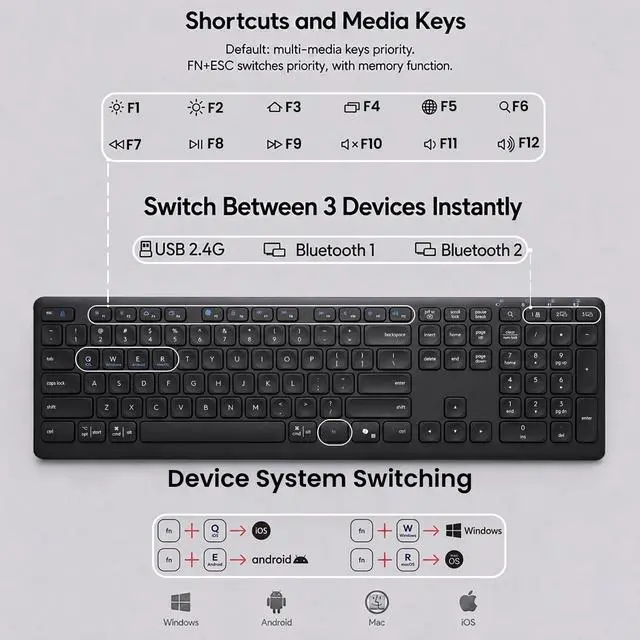
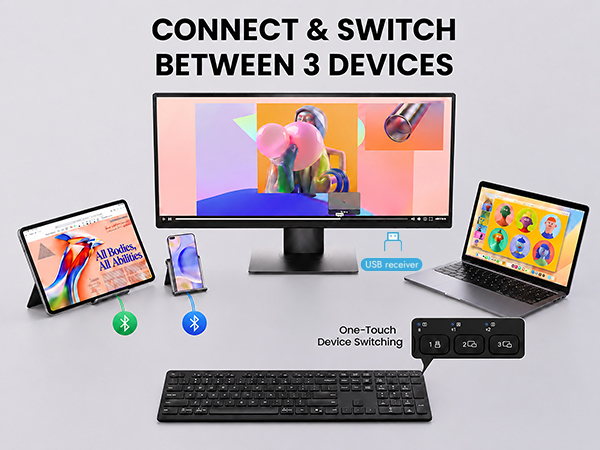
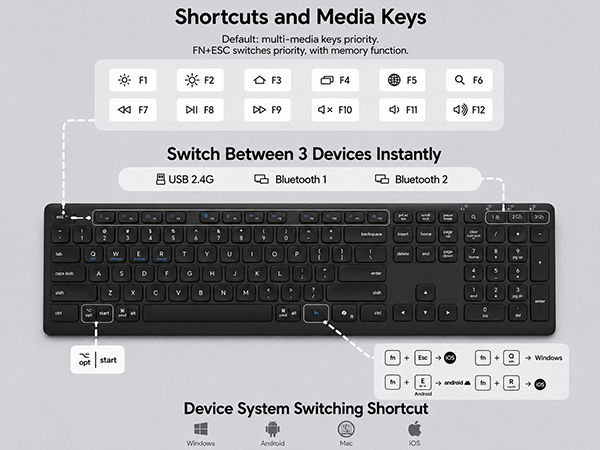
Connect via 2 Bluetooth channels (BT1 + BT2) or the 2.4G USB receiver. The keyboard supports up to 3 devices and allows easy switching with one button.
Note: The USB receiver is stored in the battery compartment.
What should I do if the keyboard disconnects or responds slowly?
Check battery power, restart your device, reconnect the keyboard, or try another USB port if needed.(Check in the manual)
How do I know when the keyboard battery is low?
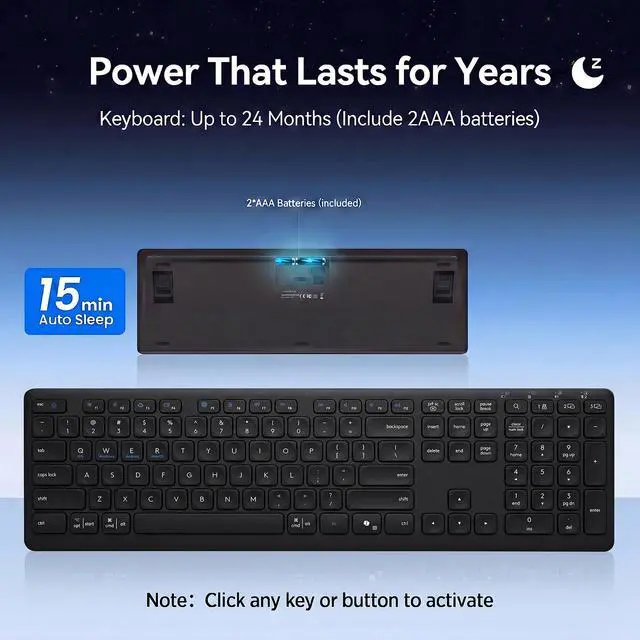
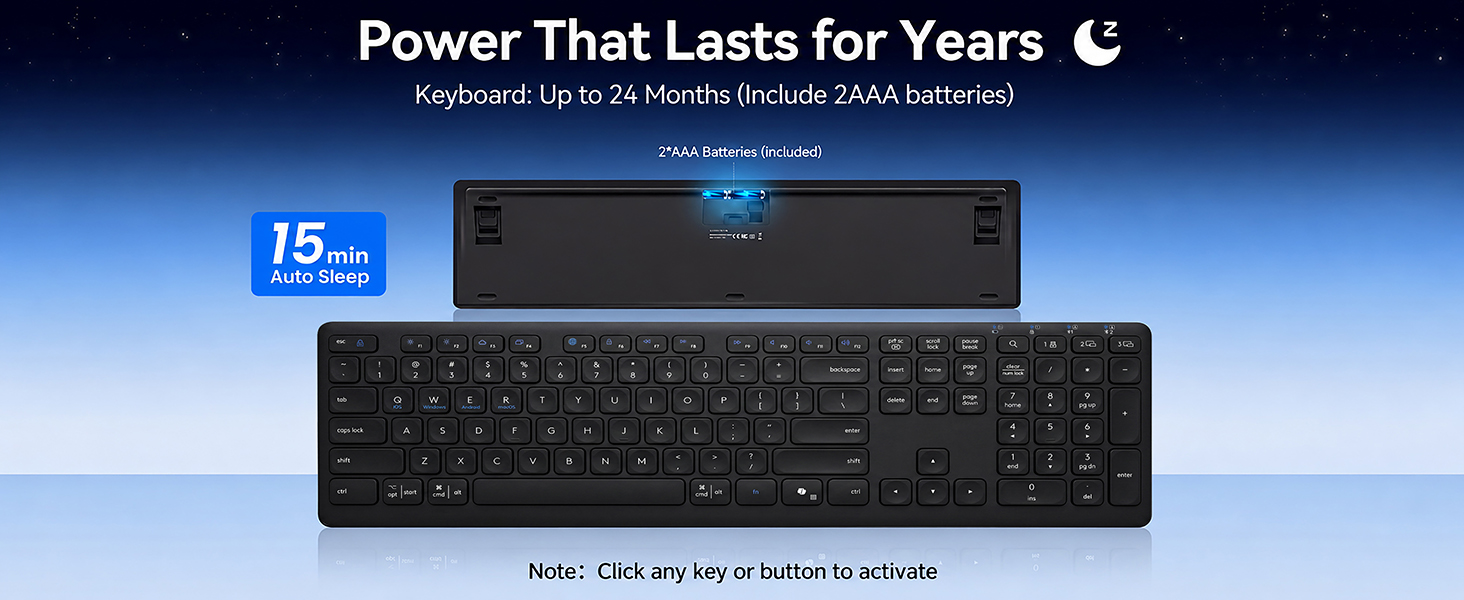
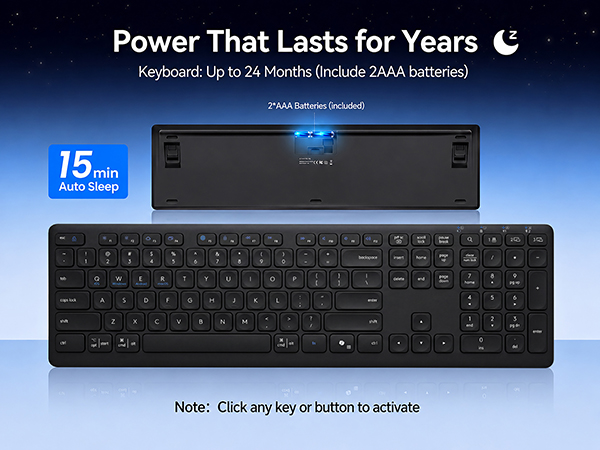
The low battery indicator flashes red when the battery power is low.
How do I switch between multimedia shortcuts and standard F1–F12 keys?
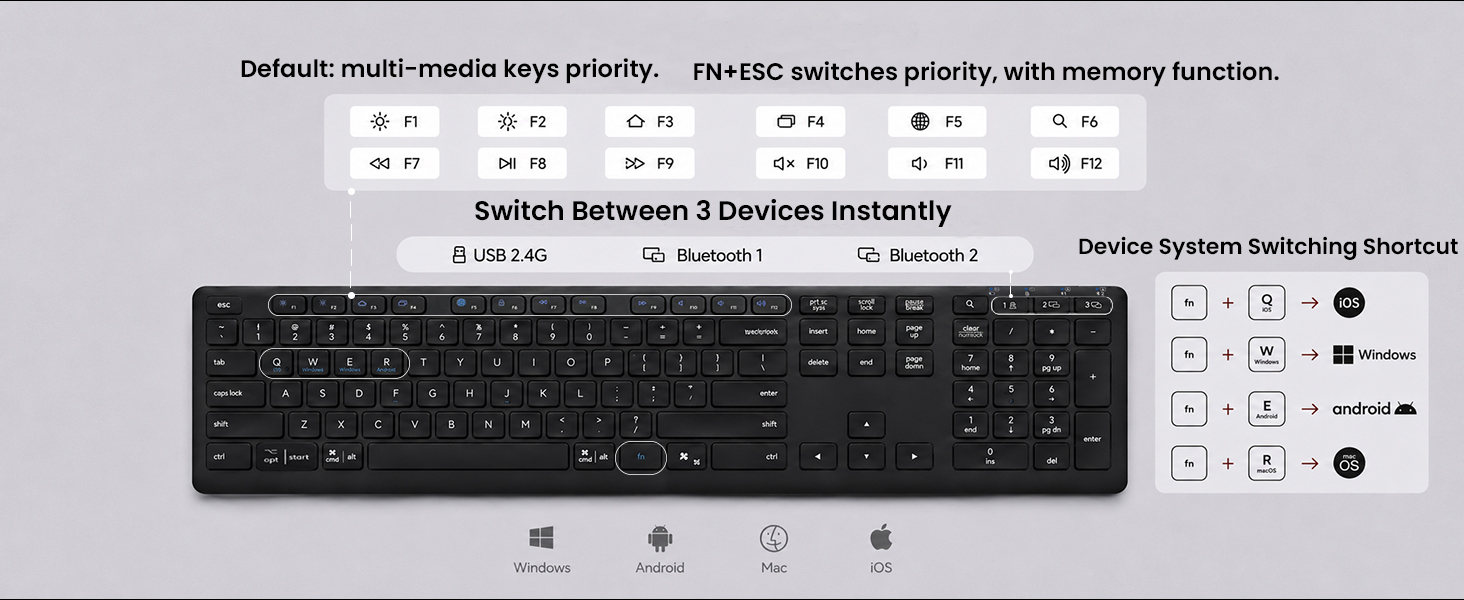
By default, the F1–F12 keys work as multimedia shortcut keys. To use the standard F1–F12 functions, press Fn + Esc to switch the priority mode. The keyboard includes a memory function, so it remembers your last setting after switching.
Is the keyboard comfortable for long typing sessions?
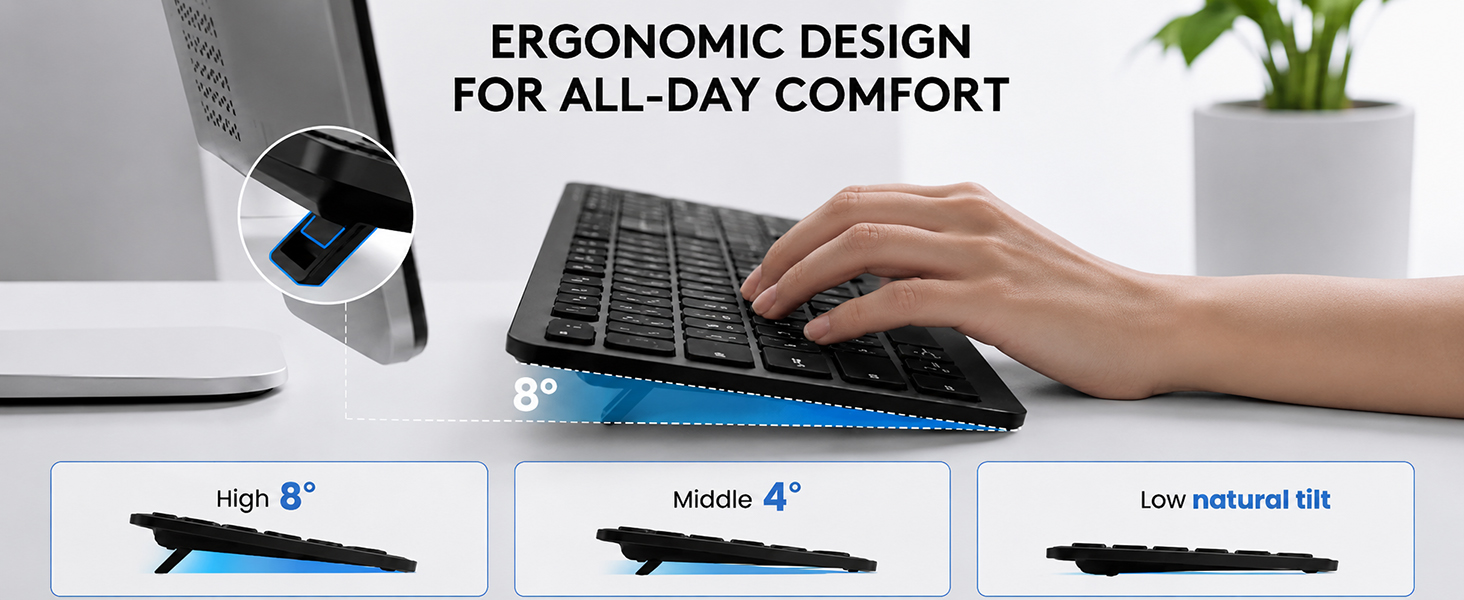
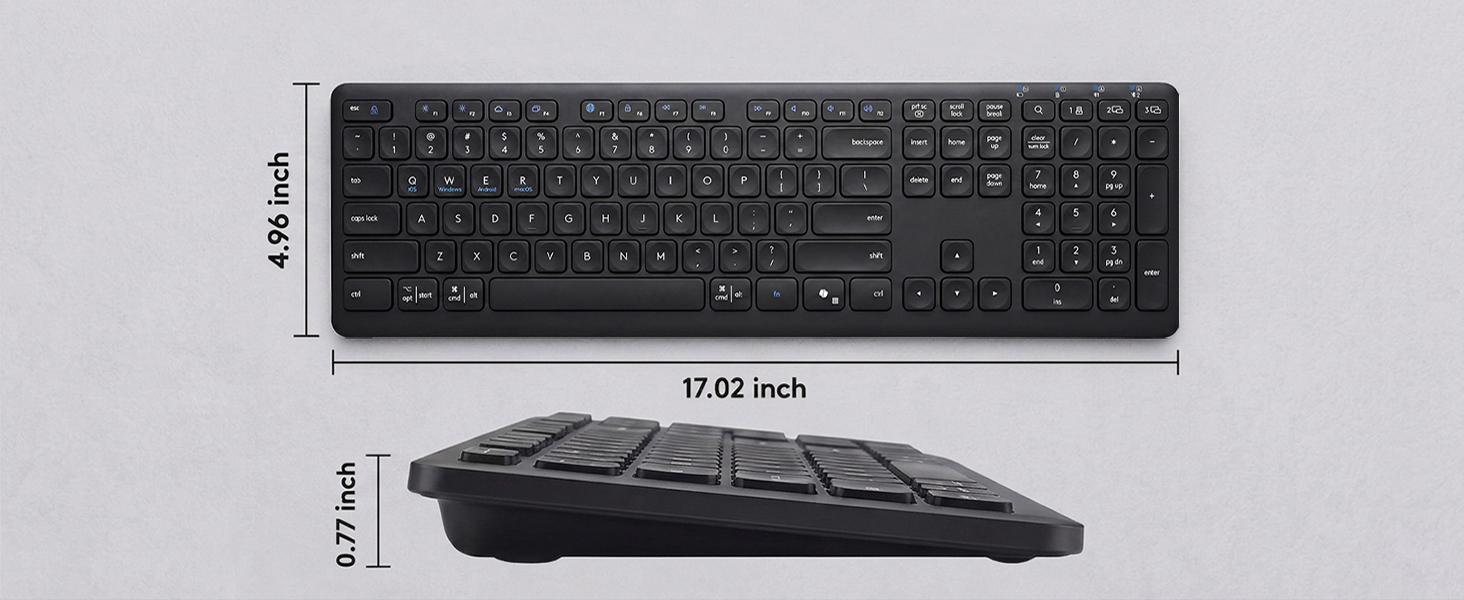
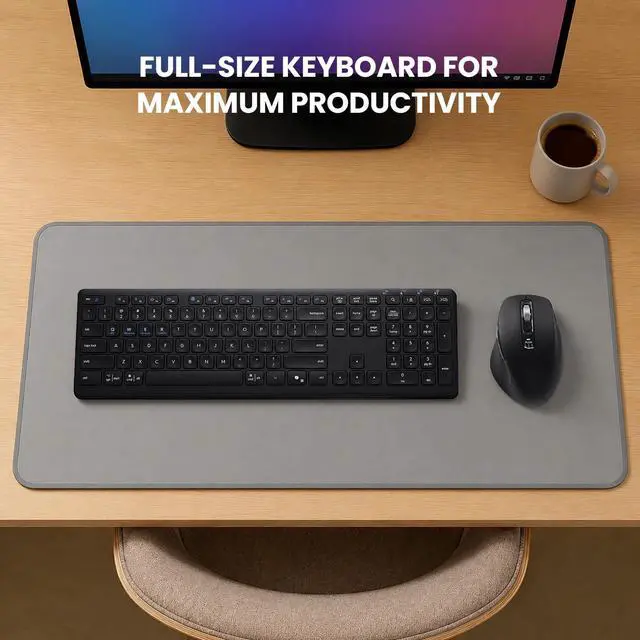
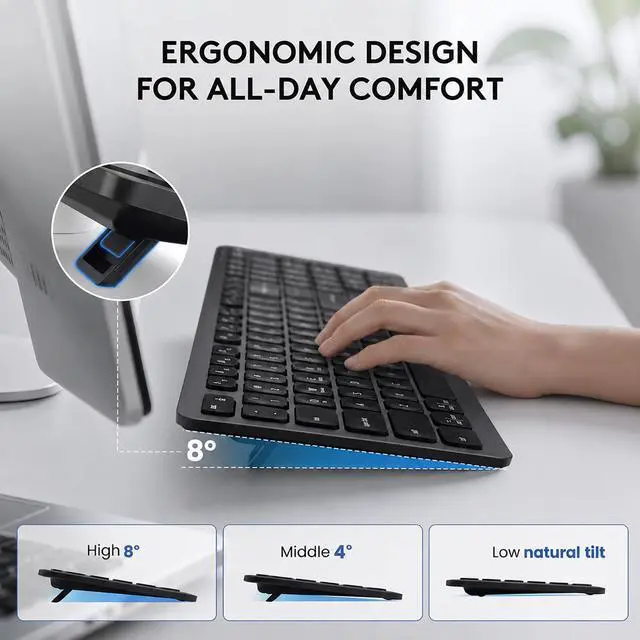
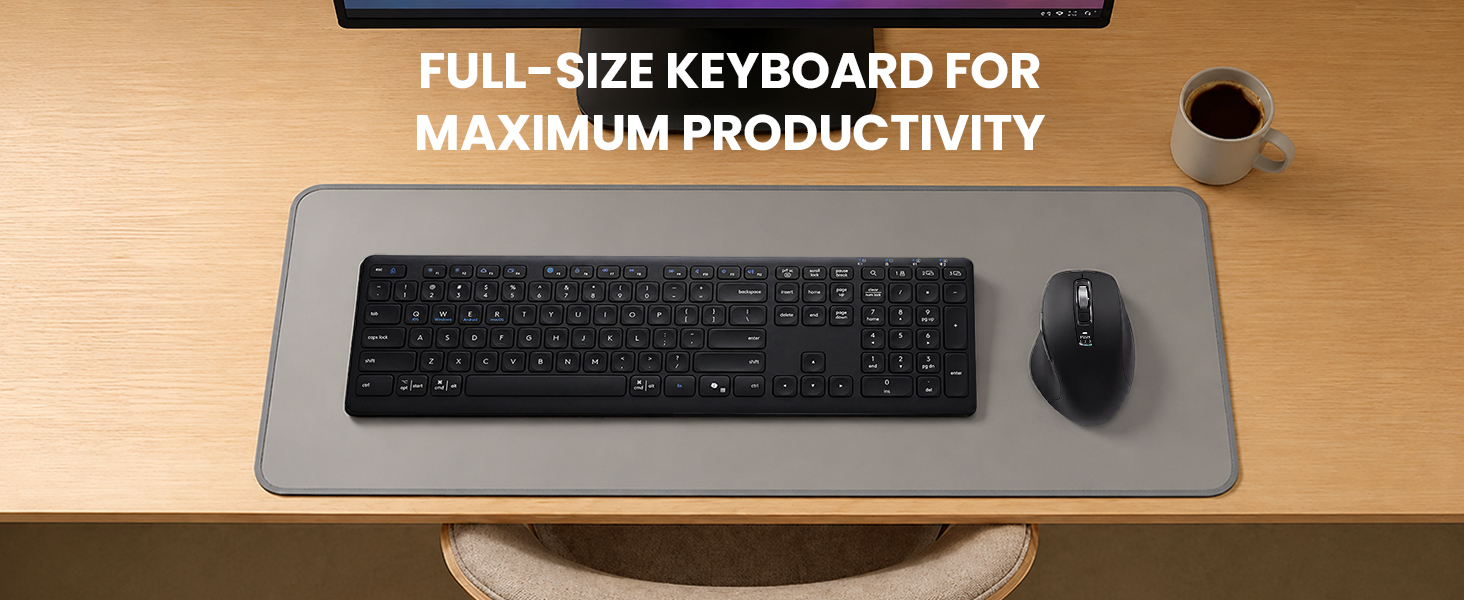
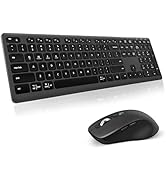
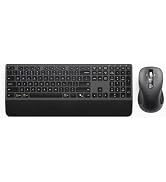
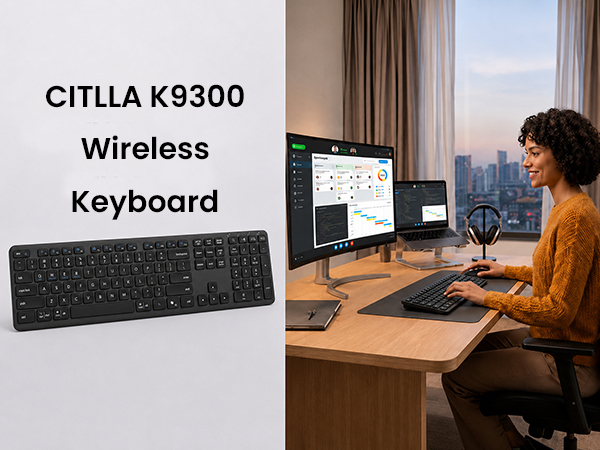
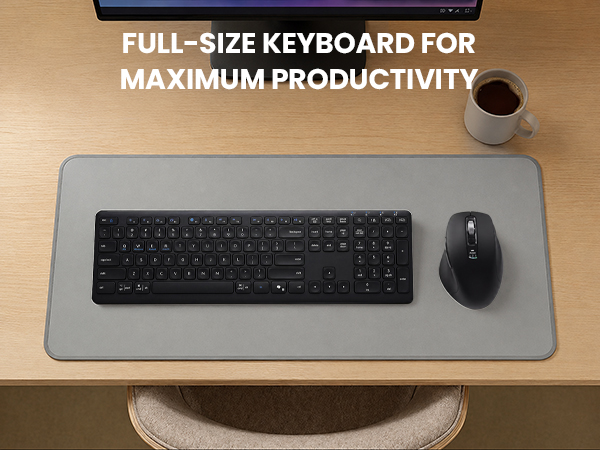
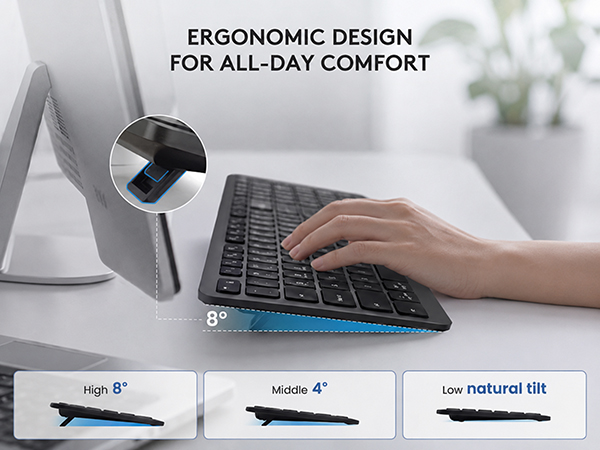
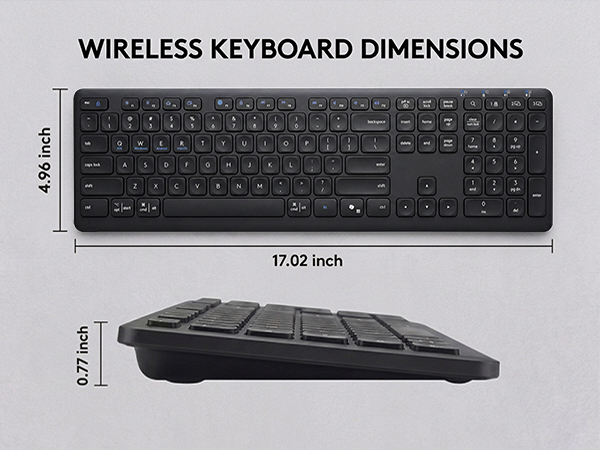
Yes. The full-size layout with numeric keypad and three adjustable typing angles helps maintain a natural wrist position and improves comfort during extended typing sessions.


CITLLA is a manufacturer of computer accessories, we manufacture and supply computer peripherals to companies around the world.
All our products go through multiple checks to ensure that there are no quality problems, we also provide positive pre-sales and after-sales service, and we are willing to solve any problems for our customers.
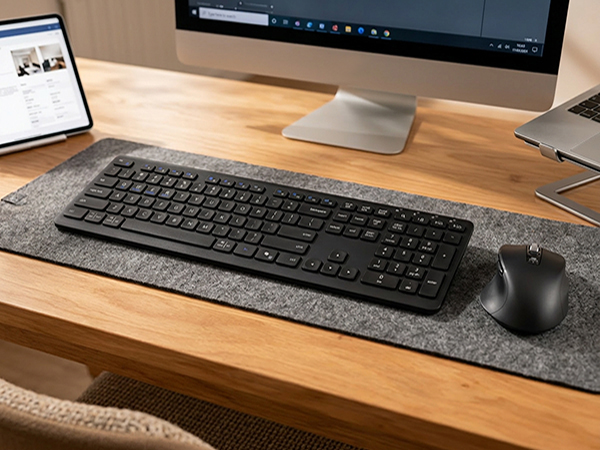
How do I connect this wireless bluetooth keyboard to my device?
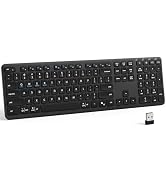
Connect via 2 Bluetooth channels (BT1 + BT2) or the 2.4G USB receiver. The keyboard supports up to 3 devices and allows easy switching with one button.
Note: The USB receiver is stored in the battery compartment.
What should I do if the keyboard disconnects or responds slowly?
Check battery power, restart your device, reconnect the keyboard, or try another USB port if needed.(Check in the manual)
How do I know when the keyboard battery is low?
The low battery indicator flashes red when the battery power is low.
How do I switch between multimedia shortcuts and standard F1–F12 keys?
By default, the F1–F12 keys work as multimedia shortcut keys. To use the standard F1–F12 functions, press Fn + Esc to switch the priority mode. The keyboard includes a memory function, so it remembers your last setting after switching.
Is the keyboard comfortable for long typing sessions?
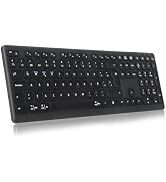
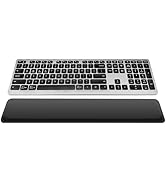
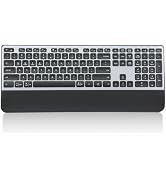
Yes. The full-size layout with numeric keypad and three adjustable typing angles helps maintain a natural wrist position and improves comfort during extended typing sessions.
CITLLA is a manufacturer of computer accessories, we manufacture and supply computer peripherals to companies around the world.
All our products go through multiple checks to ensure that there are no quality problems, we also provide positive pre-sales and after-sales service, and we are willing to solve any problems for our customers.