here!
here!
I’m your shopping assistant for PC builds, upgrades, and everything tech.
Got questions? Ask away!
Start a conversation
here!
I’m your shopping assistant for PC builds, upgrades, and everything tech.
Got questions? Ask away!
Start a conversation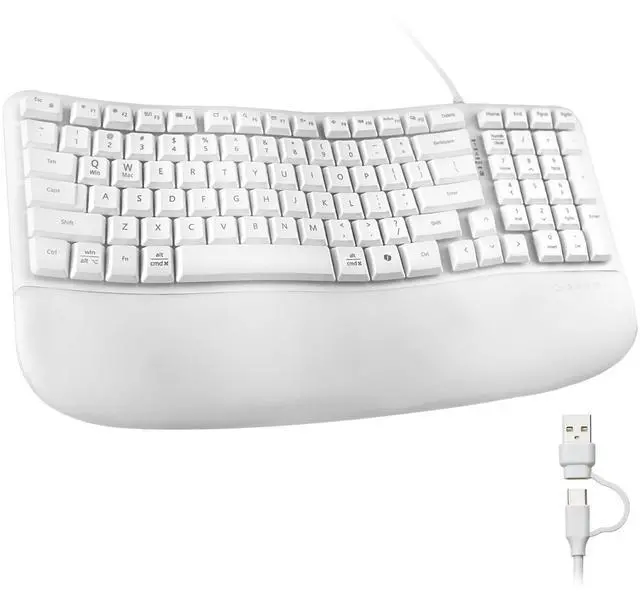



Any questions? Ask CelesteSM will help you find out quickly.
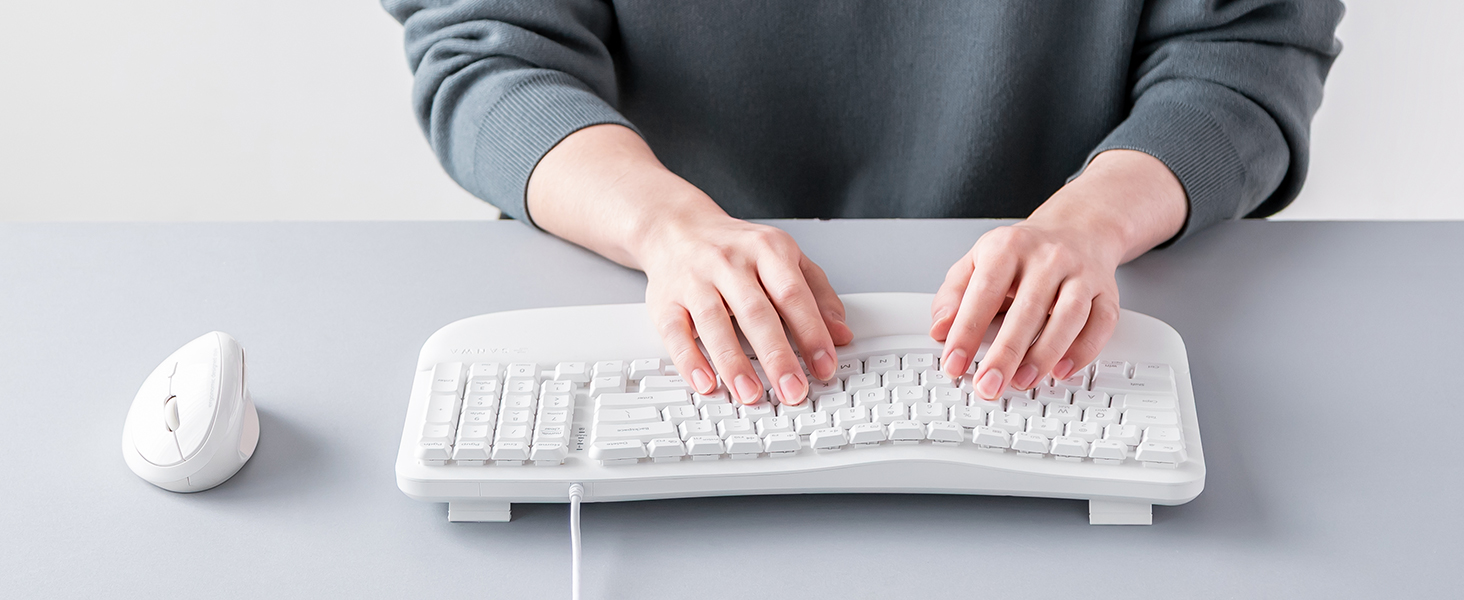
Is this a full-size keyboard? Does it have a number pad?
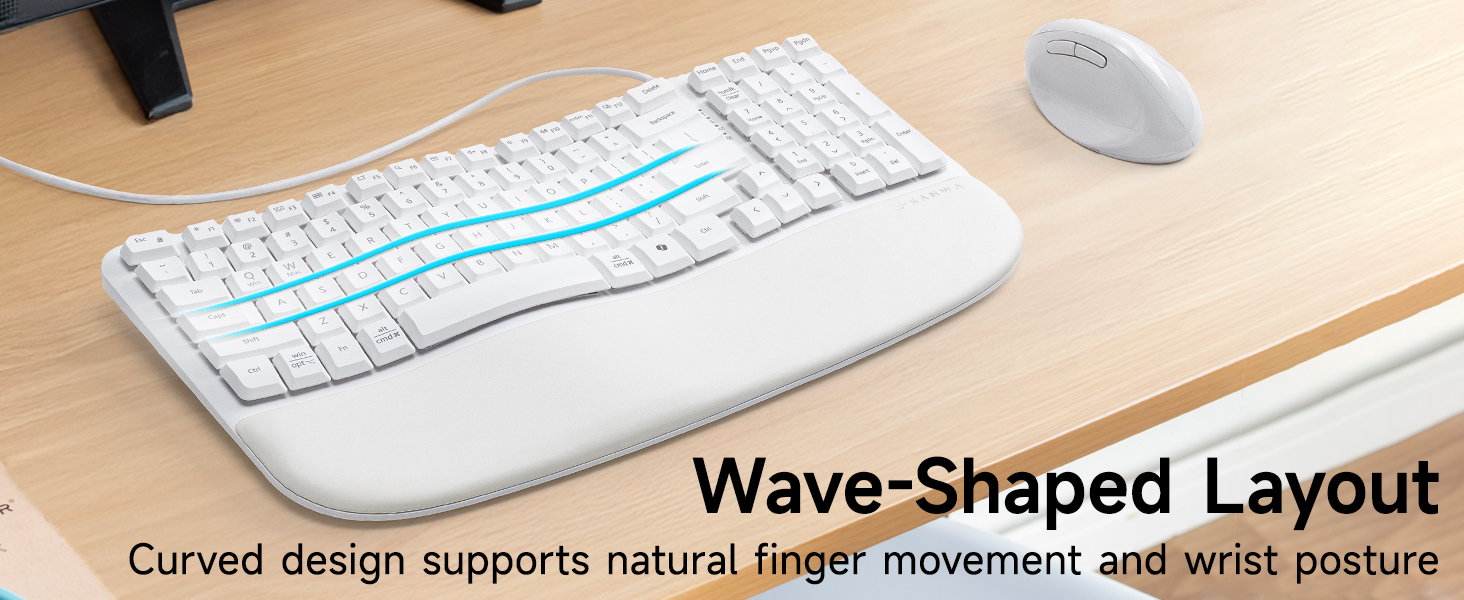
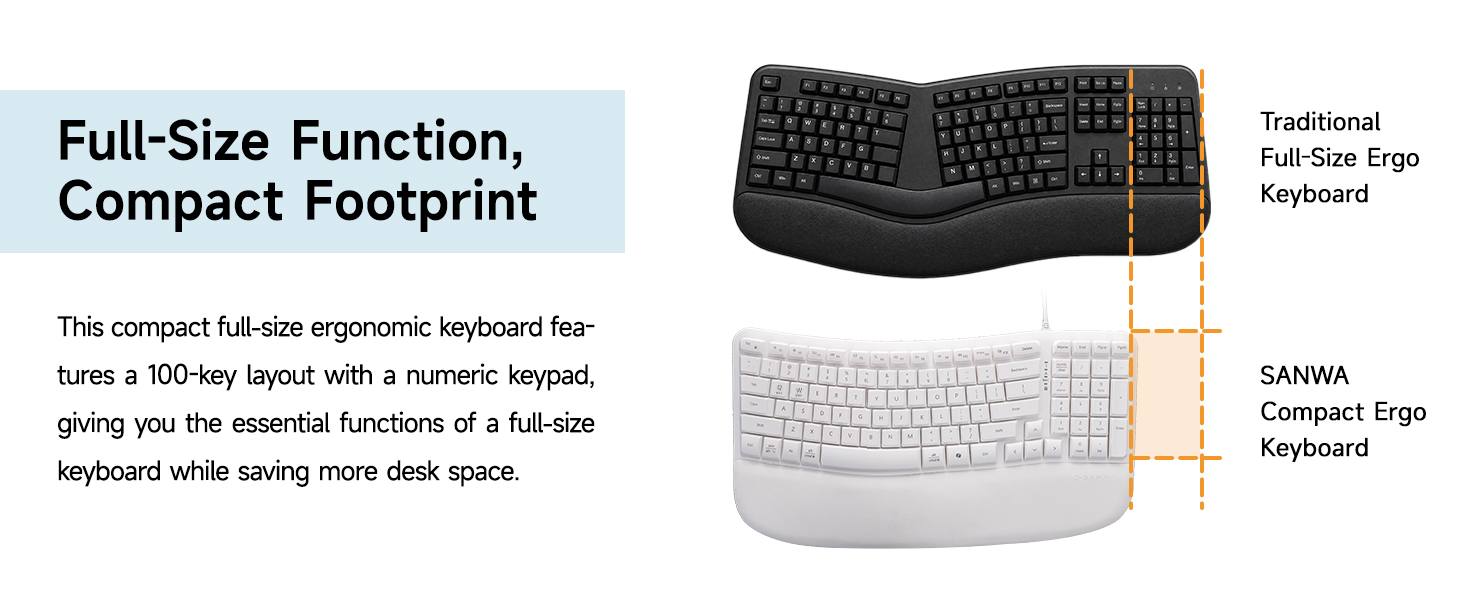
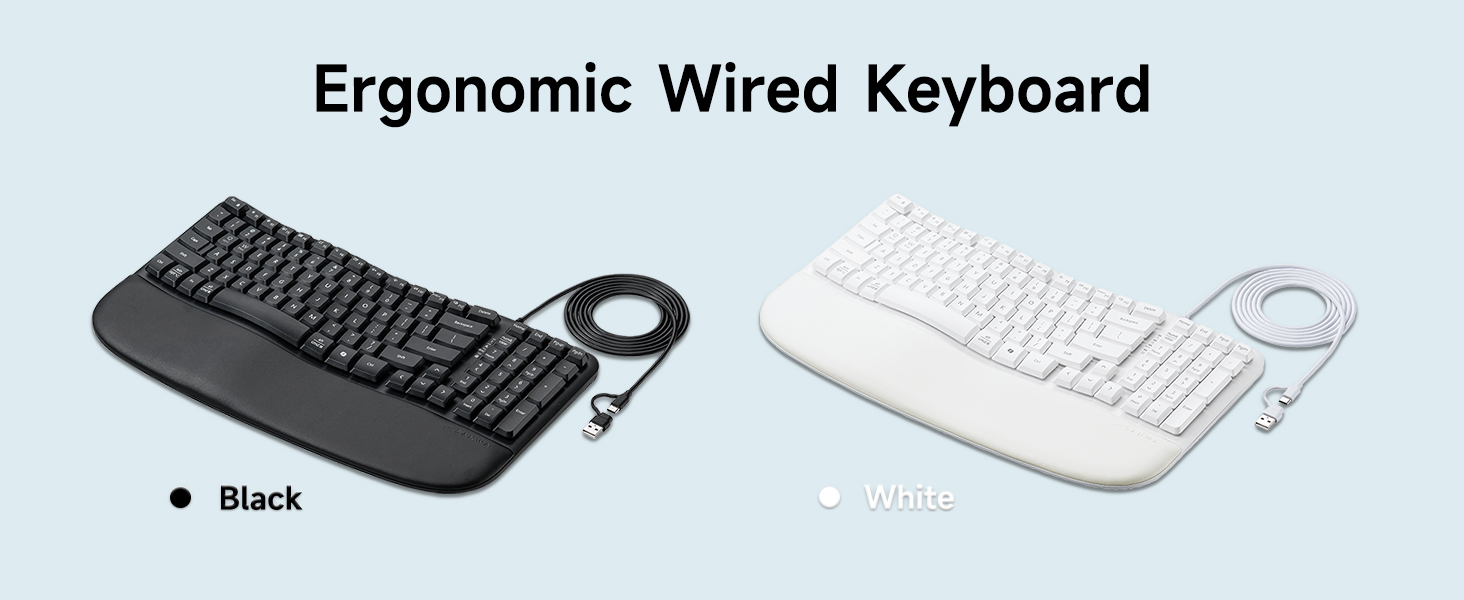
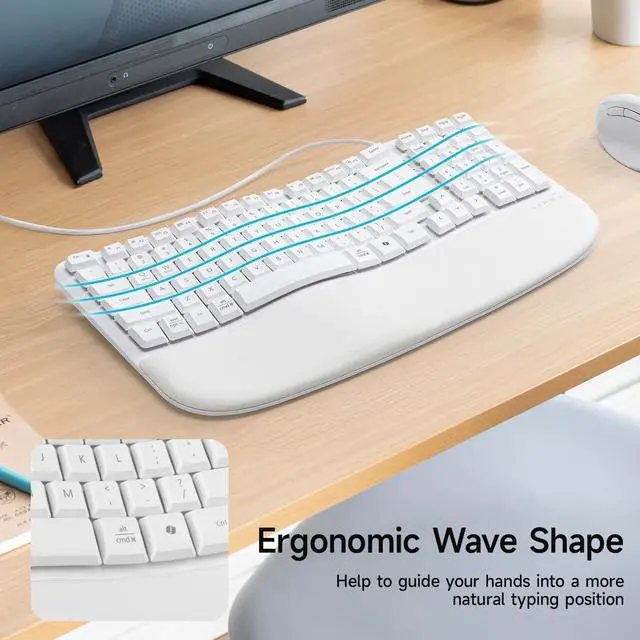
Yes. It features a compact full-size 100-key layout with a numeric keypad, giving you essential full-size functions while helping save desk space.
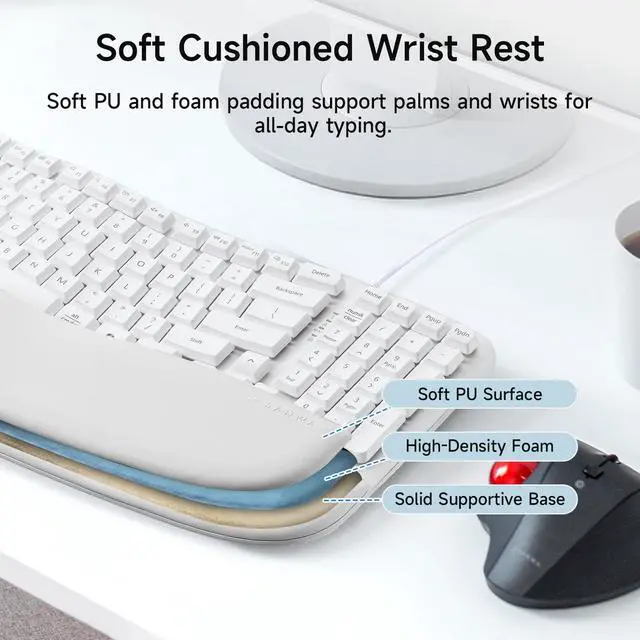
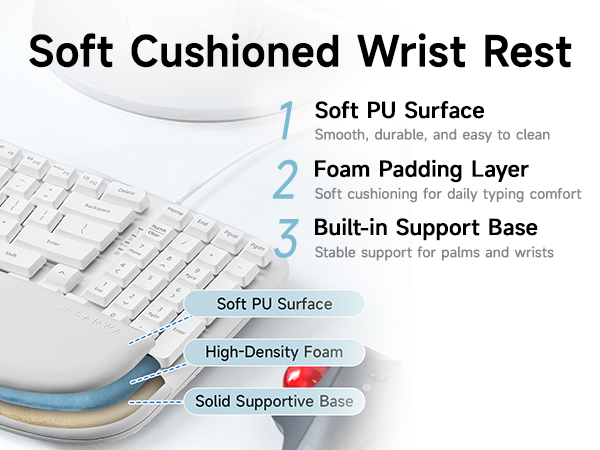
Is the wrist rest soft and comfortable for long typing sessions?
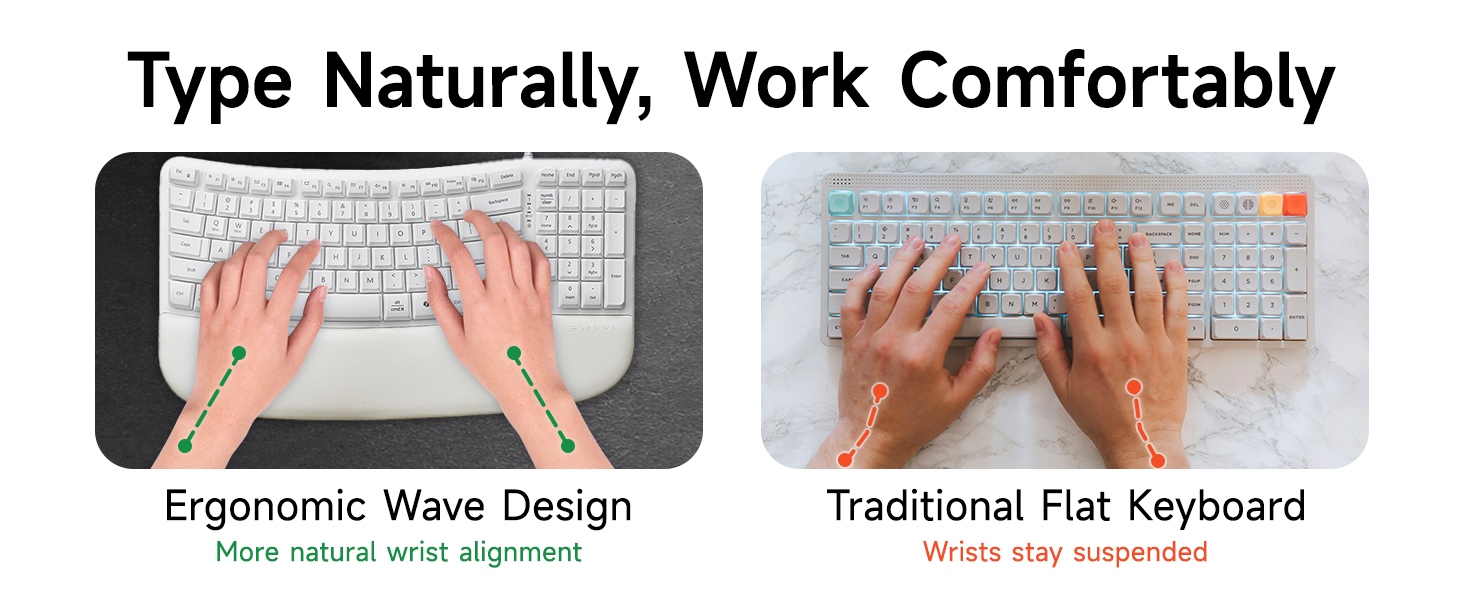
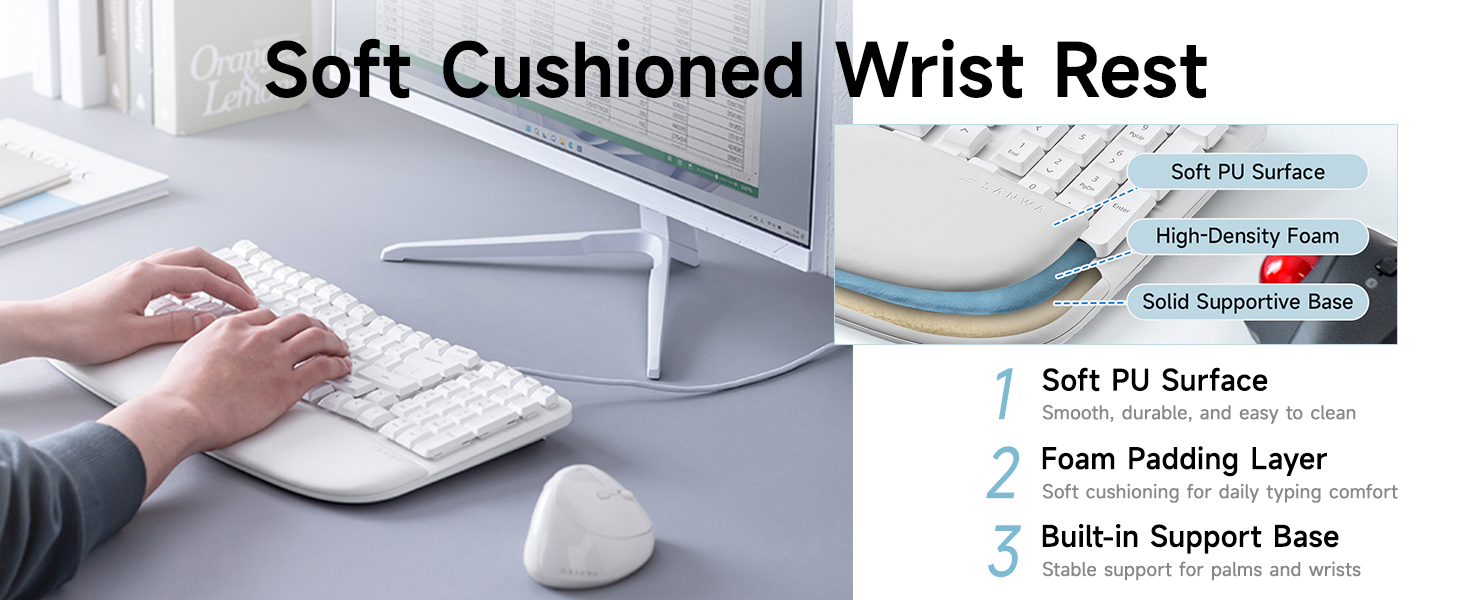
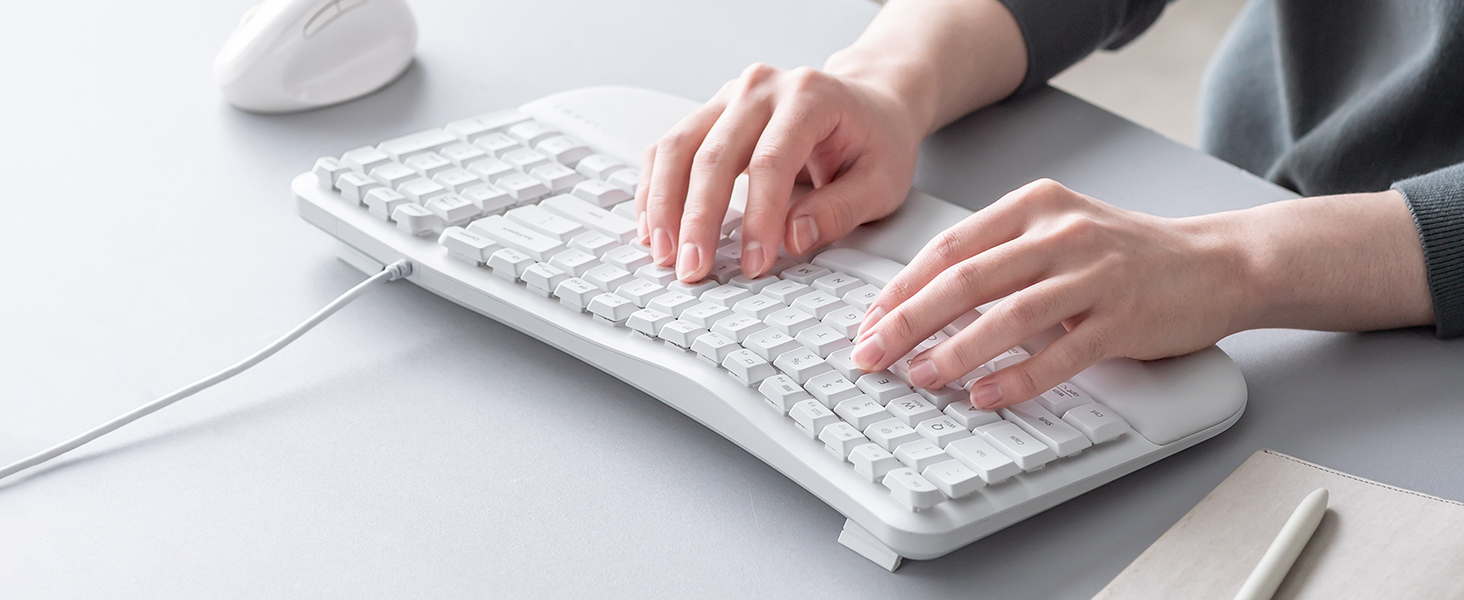
The built-in wrist rest features a soft PU surface with foam padding to support your palms and wrists.
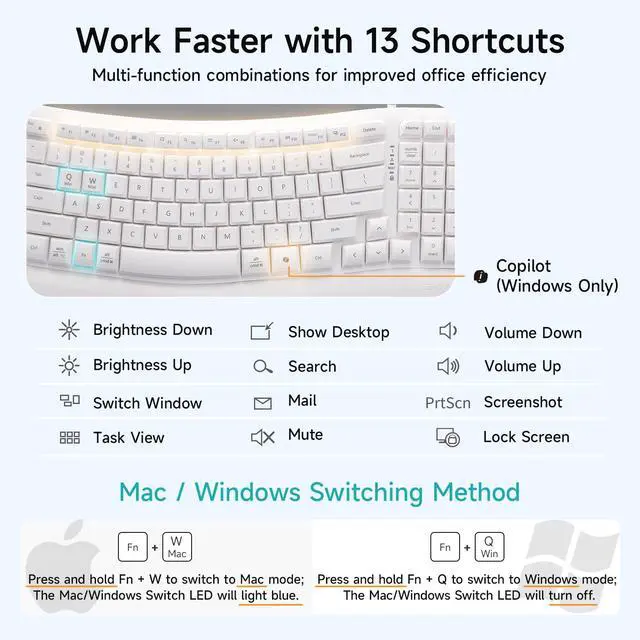
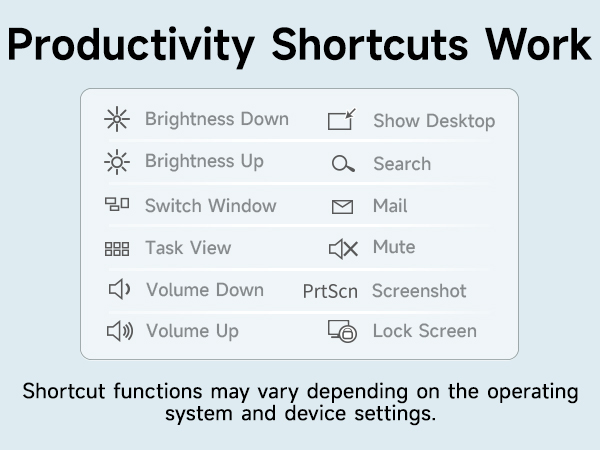
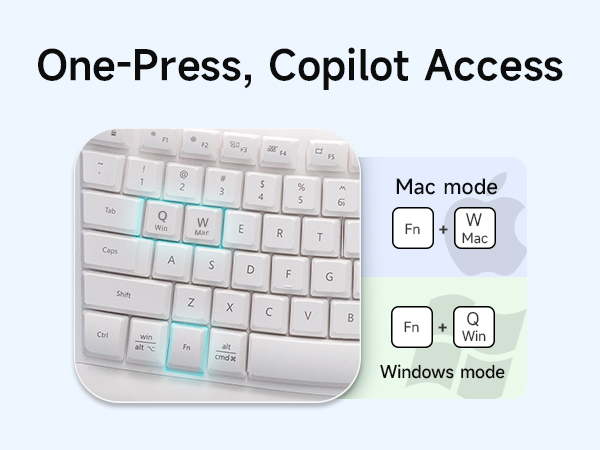
How do I use the multimedia shortcuts and Copilot key?
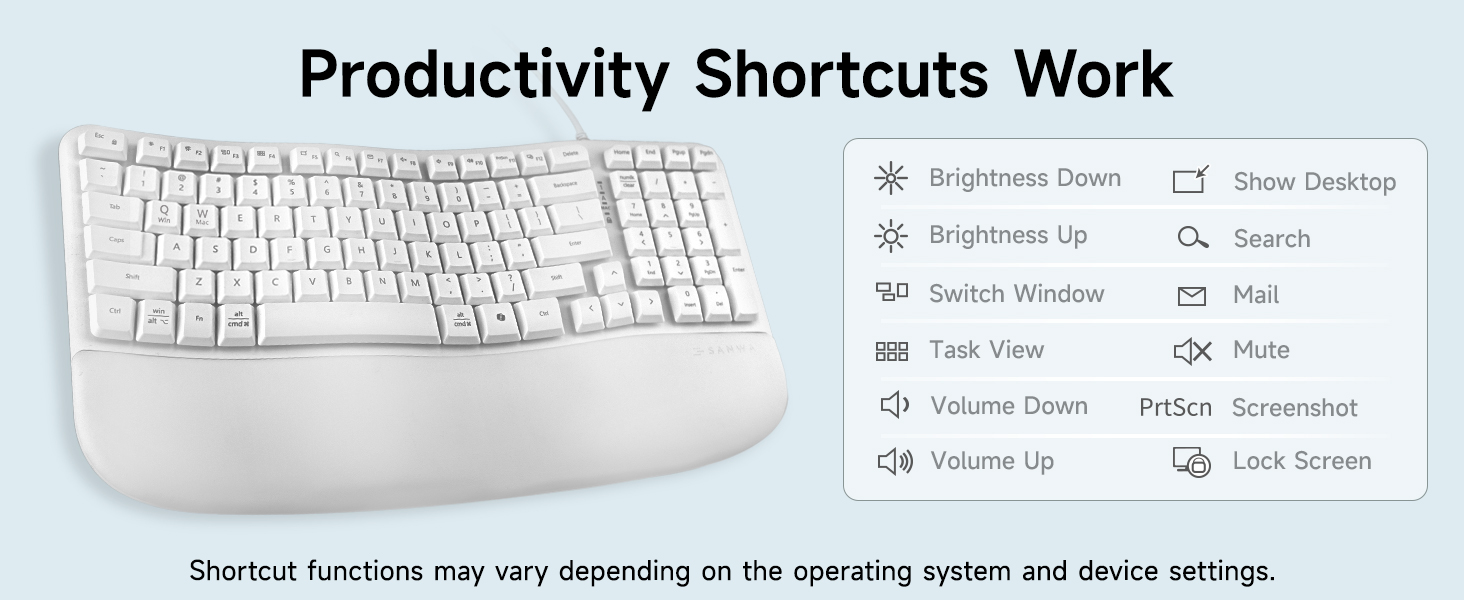
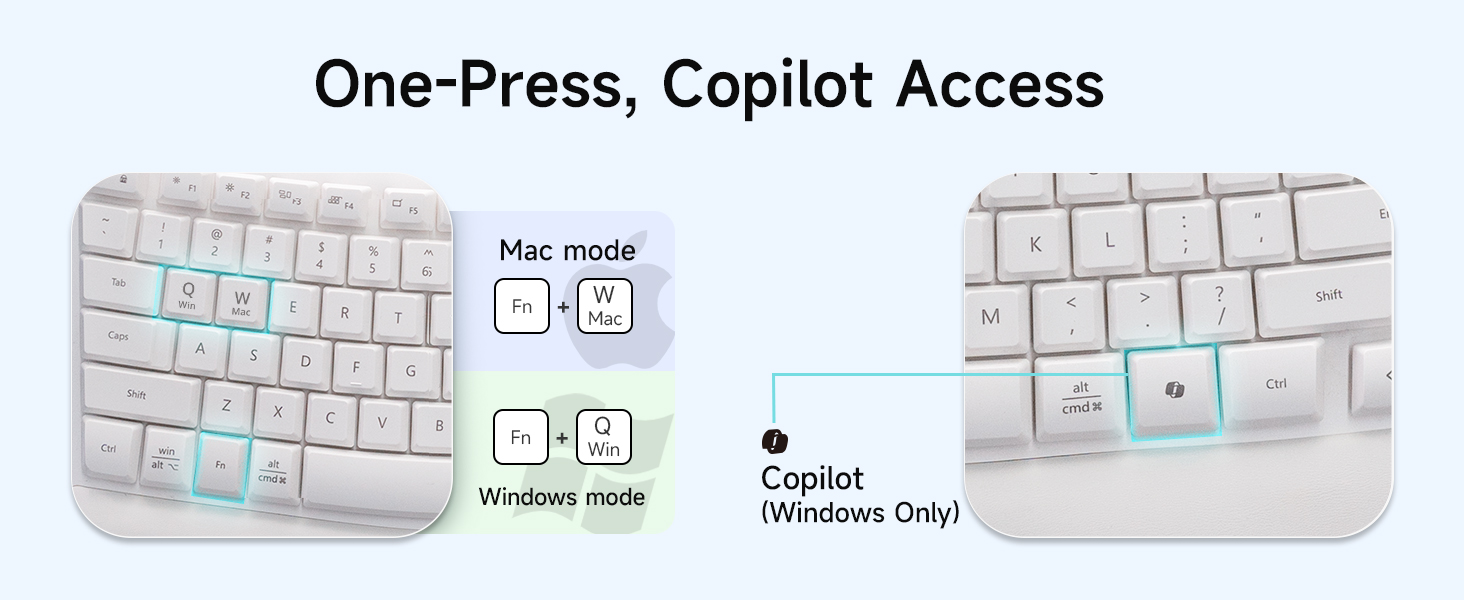
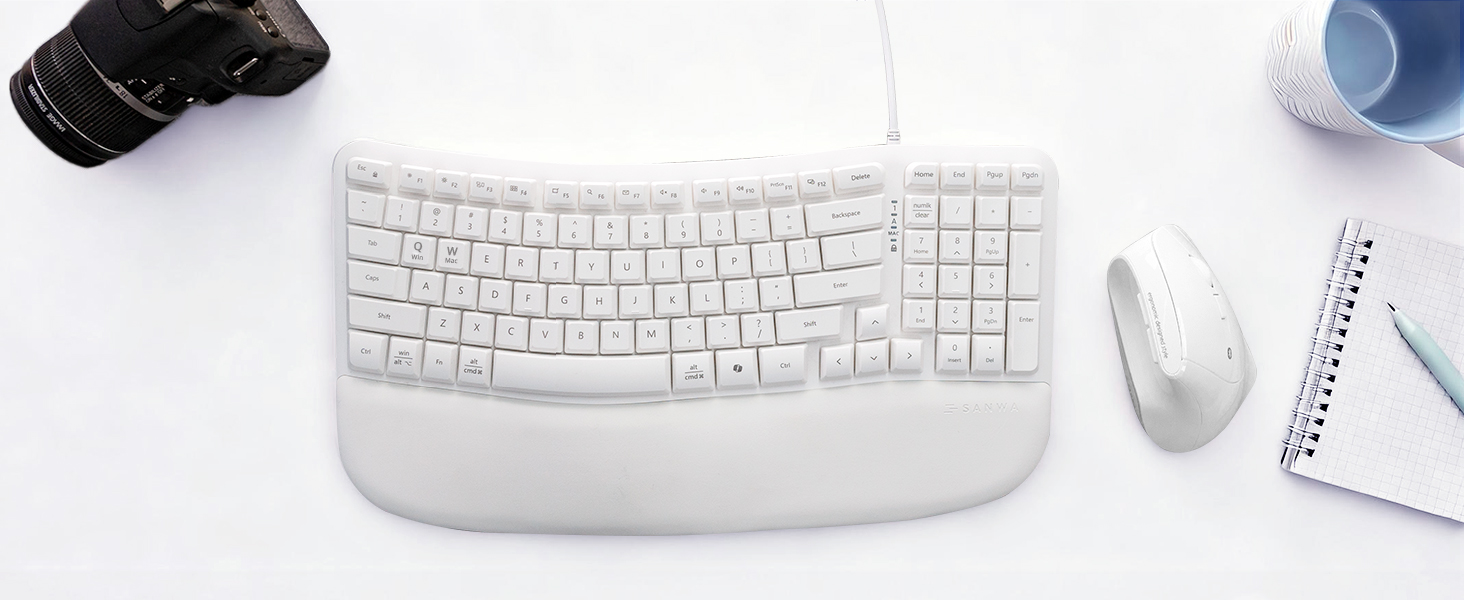
Use the Fn key combinations to quickly access common functions. The Copilot shortcut provides quick access to Copilot on compatible Windows devices. Copilot availability may vary by system and software settings.
Does this keyboard work with both Windows and Mac?
Yes. This keyboard supports both Windows and Mac devices and allows Windows/Mac layout switching for smoother cross-system typing.
What should I do if some keys do not work or typing is delayed?
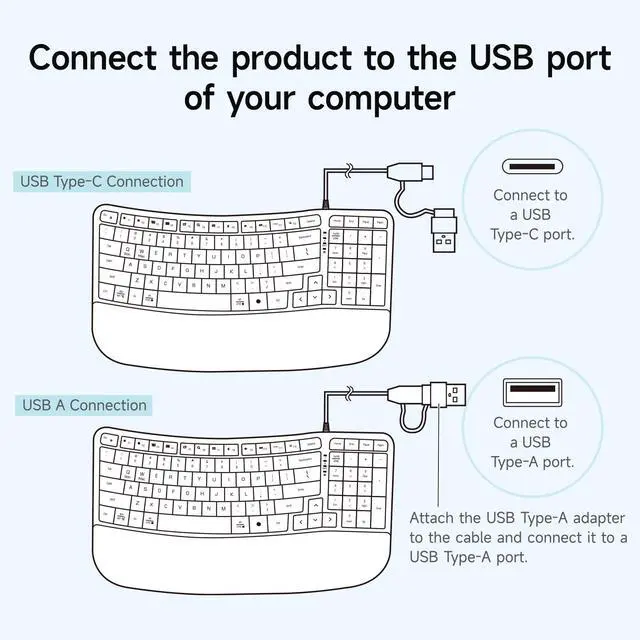
Please make sure the keyboard is fully plugged into your device. If using the Type-C adapter, confirm that the adapter is firmly attached to the USB-A connector. You can also try another USB port or restart your device.

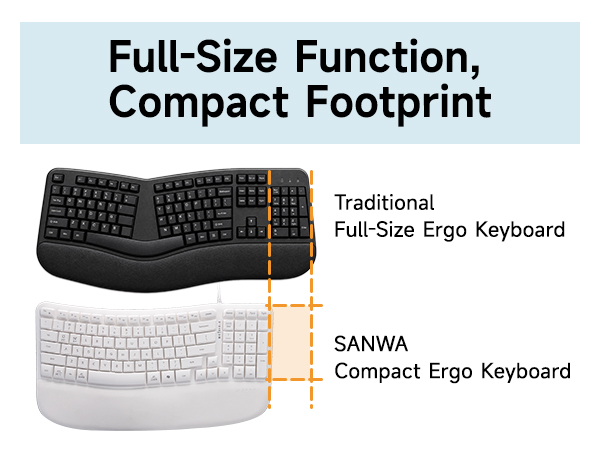
Is this a full-size keyboard? Does it have a number pad?
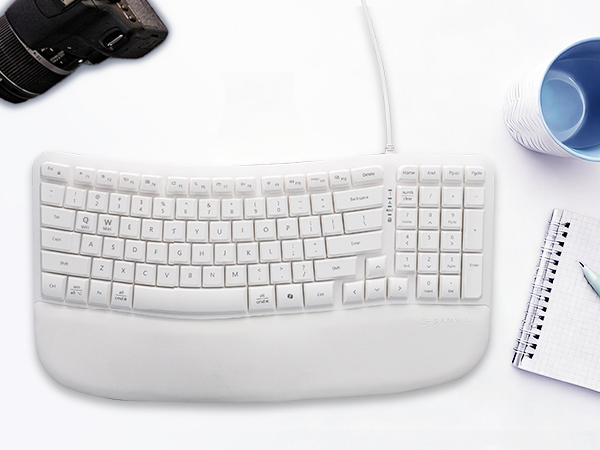
Yes. It features a compact full-size 100-key layout with a numeric keypad, giving you essential full-size functions while helping save desk space.
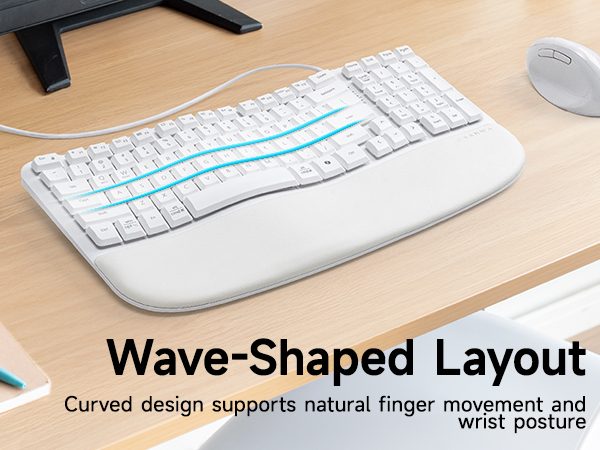
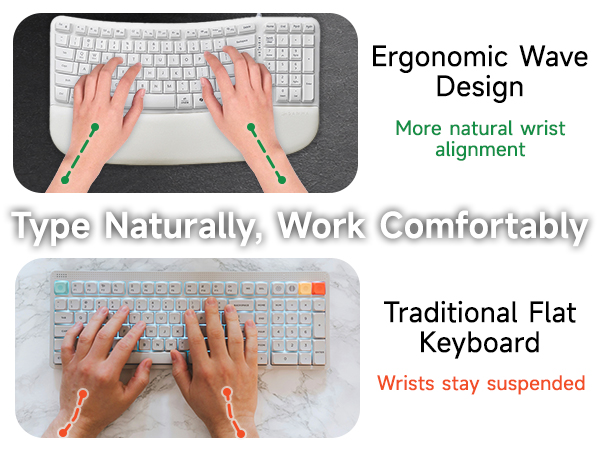
Is the wrist rest soft and comfortable for long typing sessions?
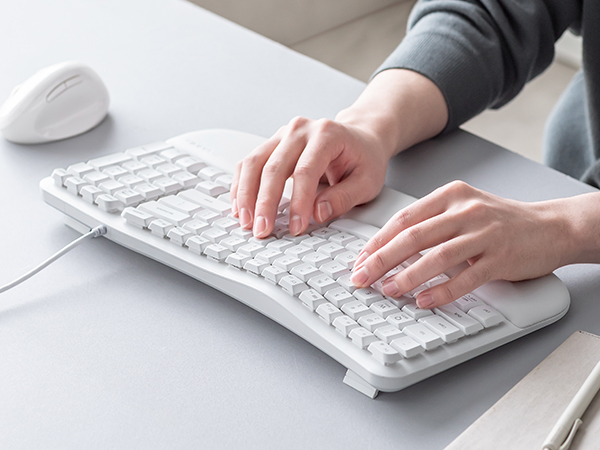
The built-in wrist rest features a soft PU surface with foam padding to support your palms and wrists.
How do I use the multimedia shortcuts and Copilot key?
Use the Fn key combinations to quickly access common functions. The Copilot shortcut provides quick access to Copilot on compatible Windows devices. Copilot availability may vary by system and software settings.
Does this keyboard work with both Windows and Mac?
Yes. This keyboard supports both Windows and Mac devices and allows Windows/Mac layout switching for smoother cross-system typing.
What should I do if some keys do not work or typing is delayed?
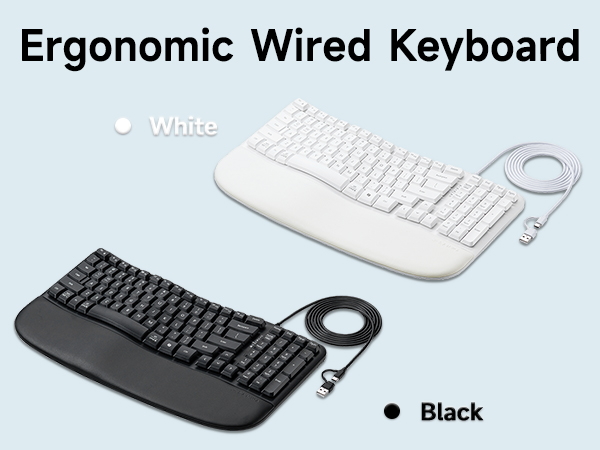
Please make sure the keyboard is fully plugged into your device. If using the Type-C adapter, confirm that the adapter is firmly attached to the USB-A connector. You can also try another USB port or restart your device.