here!
here!
I’m your shopping assistant for PC builds, upgrades, and everything tech.
Got questions? Ask away!
Start a conversation
here!
I’m your shopping assistant for PC builds, upgrades, and everything tech.
Got questions? Ask away!
Start a conversation






Any questions? Ask CelesteSM will help you find out quickly.


Faadar's Mission: Reshaping the comfortable boundaries of fingertips!
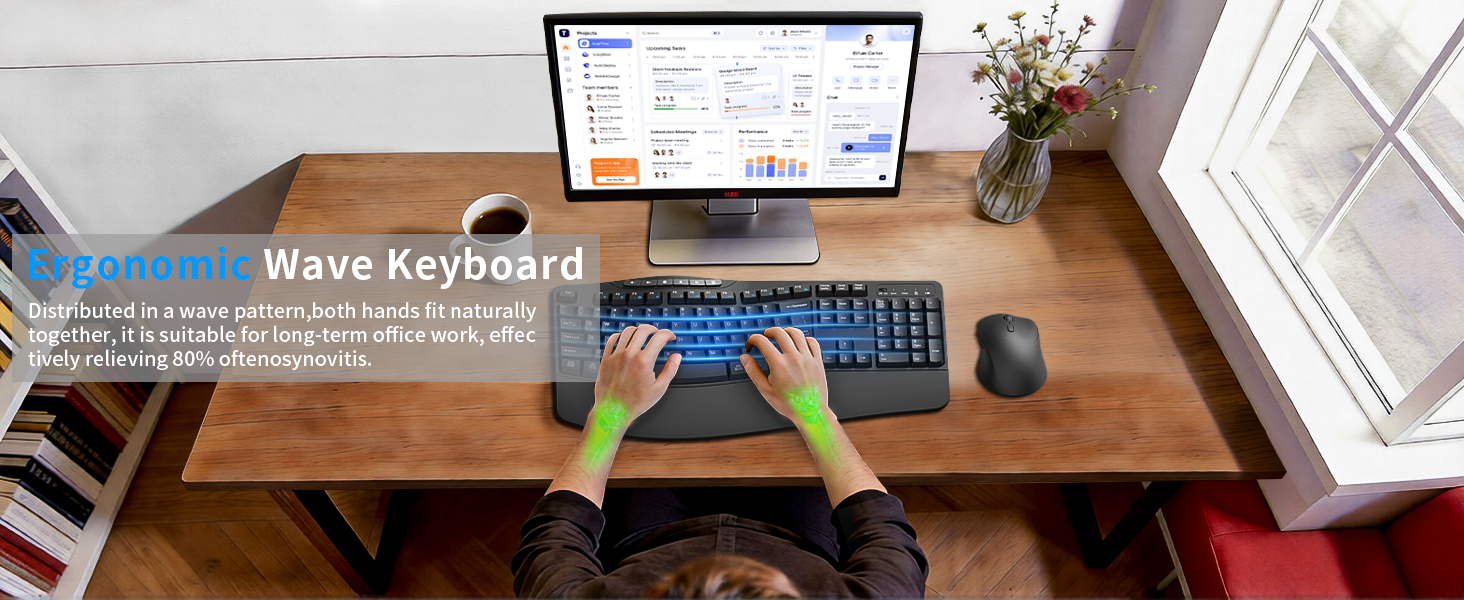
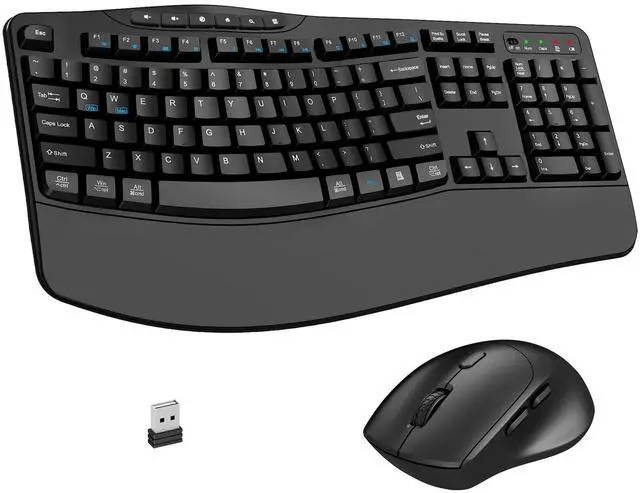
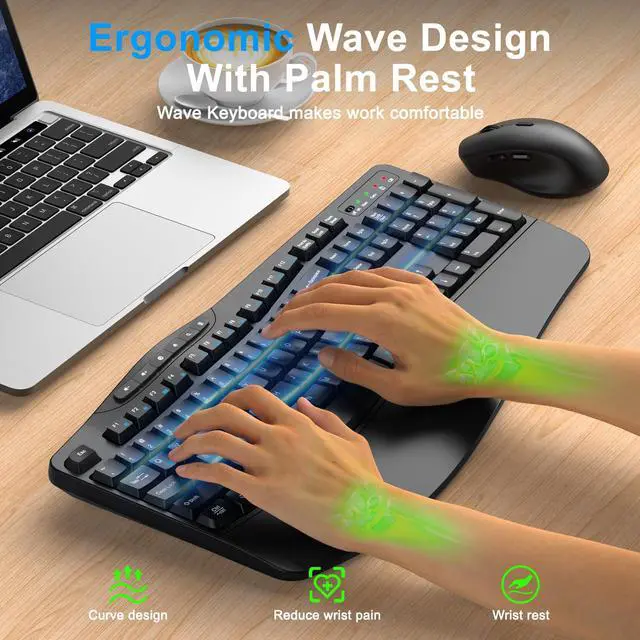
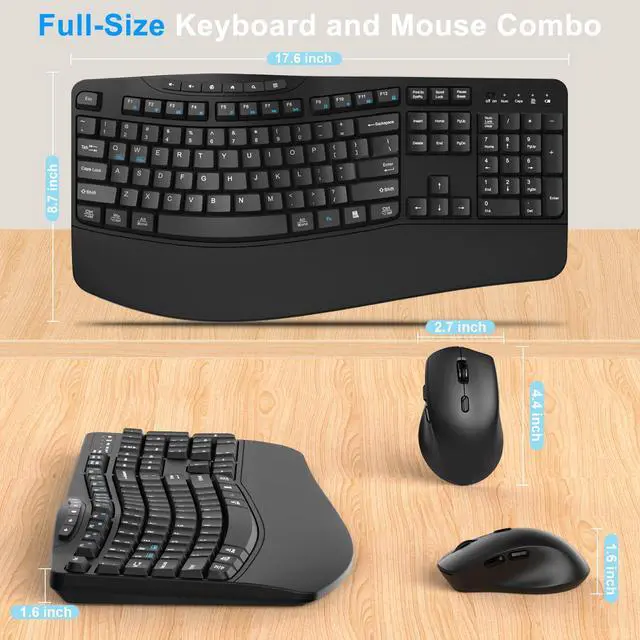
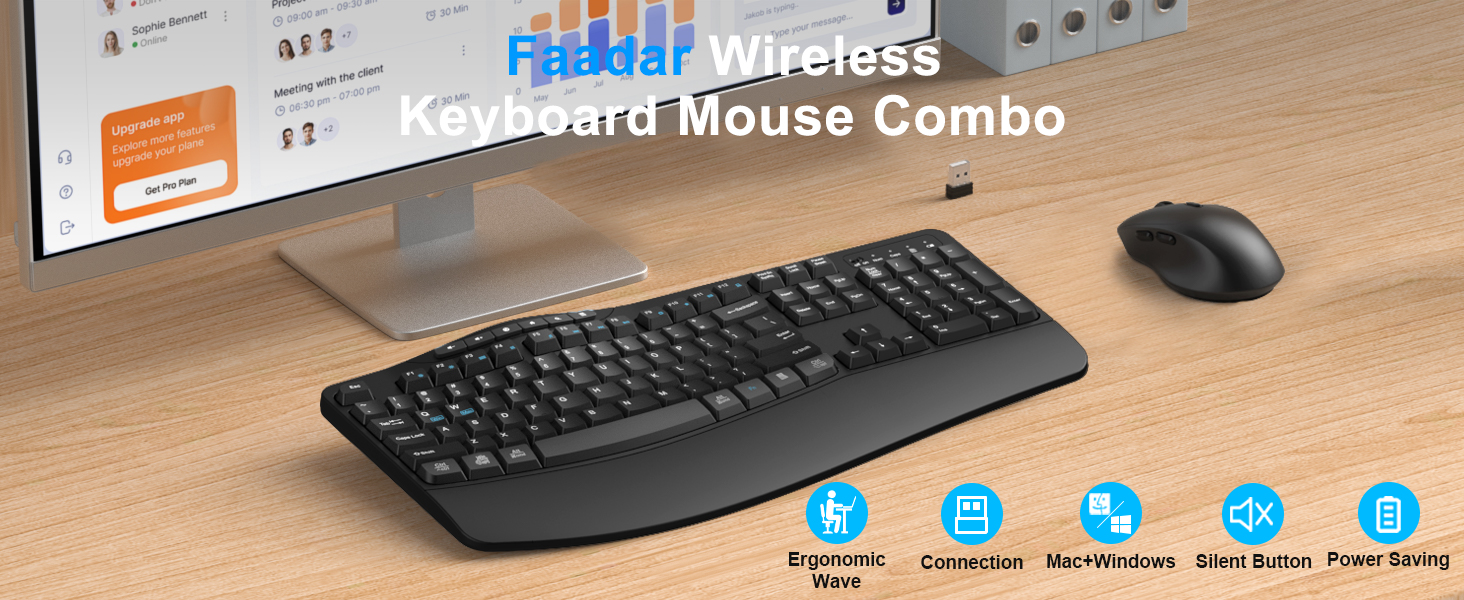
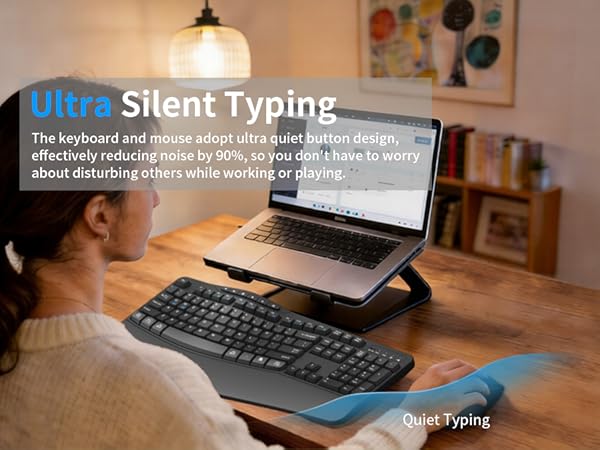
When traditional keyboards force wrists to bend and fingers to hang in the air, Faadar sees an opportunity for change. Keyboard and mouse combo are designed ergonomically, paired with a comfortable wrist rest for a natural fit. The unique wavy key layout provides the most comfortable typing posture. Effectively alleviated wrist fatigue caused by prolonged office hours.

We provide 365 day online support at any time. If you have any questions, please feel free to communicate with us and we will definitely provide you with satisfactory solutions.


There is a problem with my wireless keyboard and mouse combo that I cannot solve. What should I do?
Find the Faadar brand support team immediately and we will be 100% responsible for every product and customer.
I couldn't find the wireless receiver after opening the package? Where can I find it?
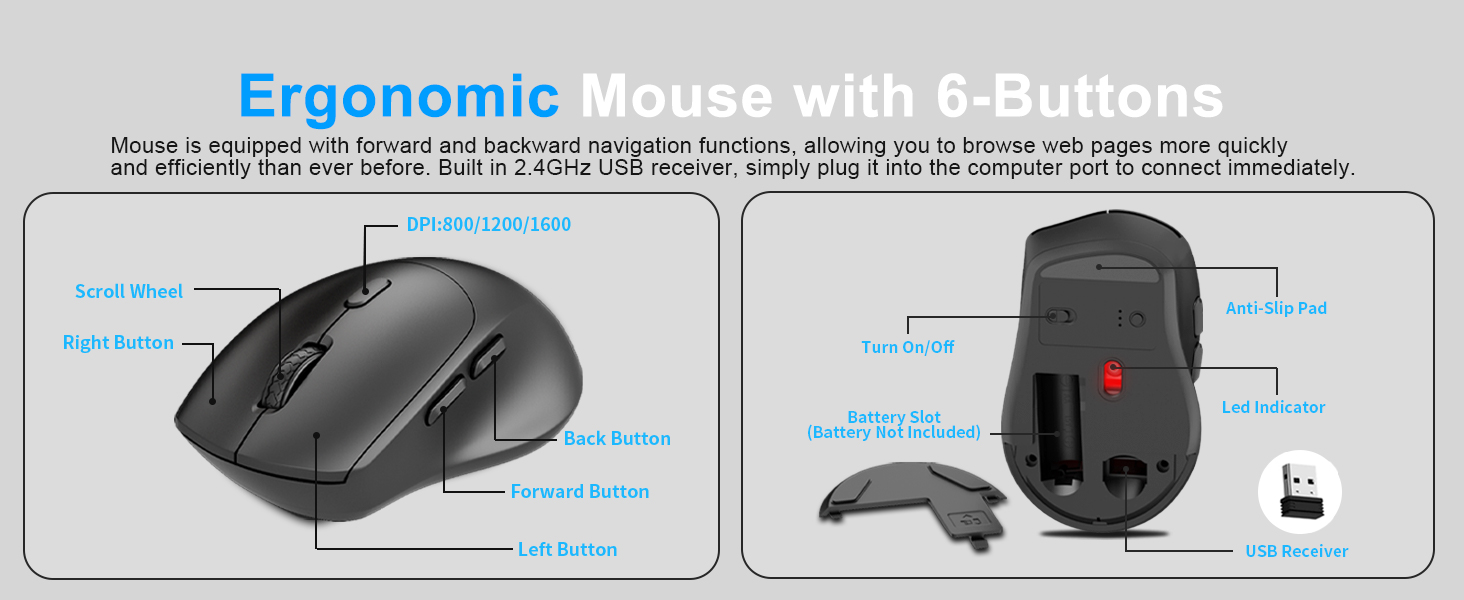
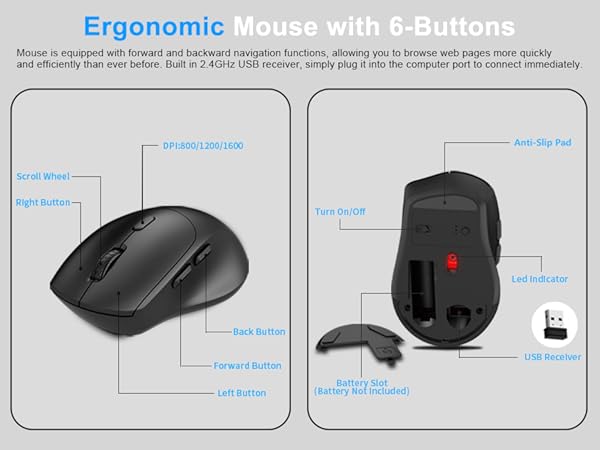
Keyboard and mouse combo share a 2.4G usb receiver, which is stored next to the battery compartment on the back of the mouse.
Does it come with batteries?
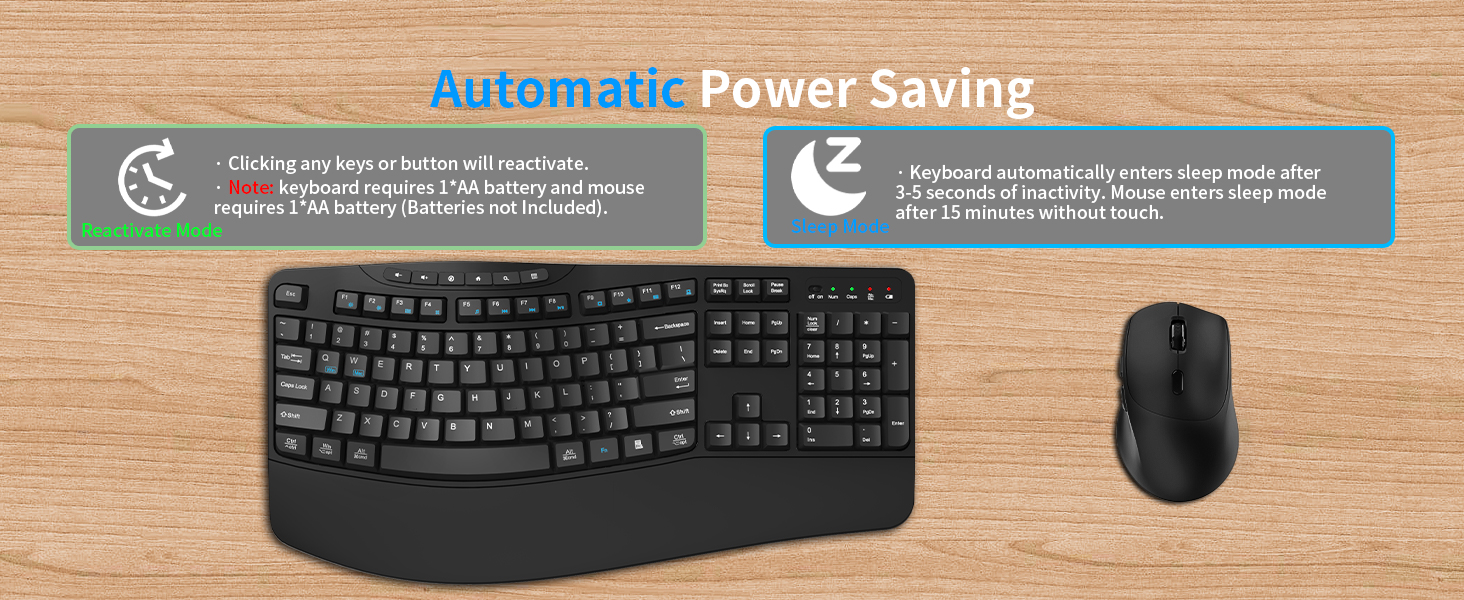
No battery provided, you need to provide the battery yourself. The keyboard requires 1*AA battery and the mouse requires 1*AA battery.
Can the multimedia keys on the keyboard be directly clicked and used?
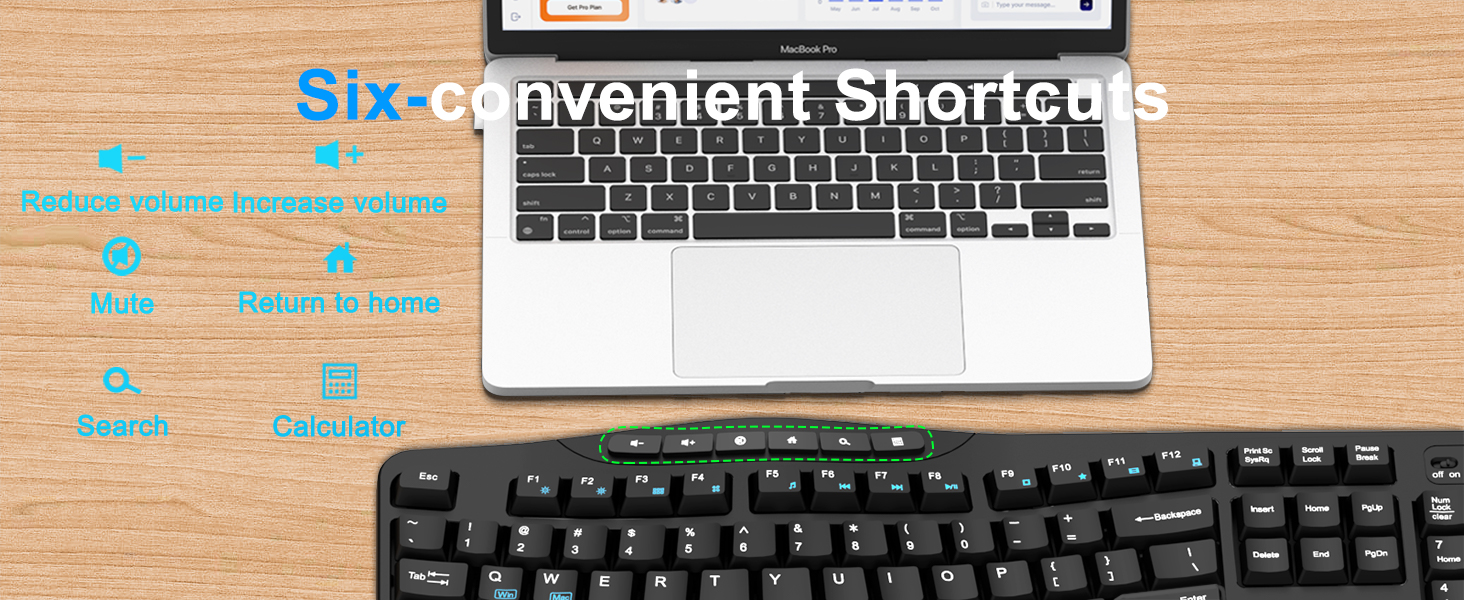
Yes, it can be used independently directly. By clicking on the newly added 6 multimedia buttons, you can easily control volume, mute, return to home, search and calculator, making your work and entertainment more efficient and convenient.
How long does it take to enter sleep mode, Can I change this mode?
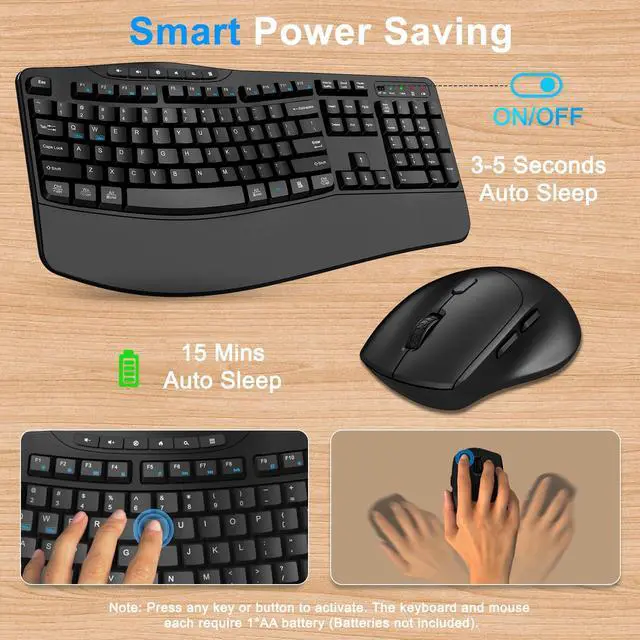
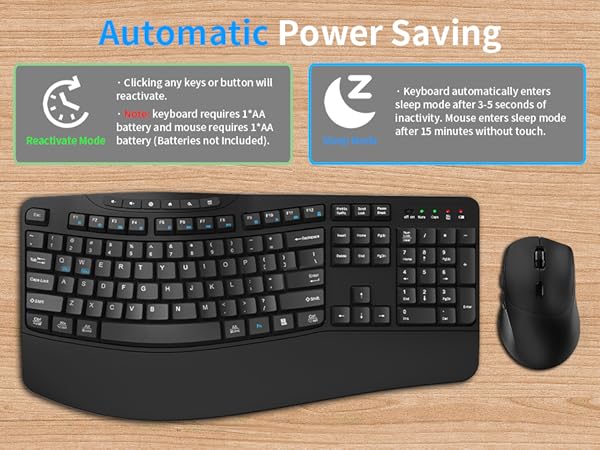
This automatic power-saving mode cannot be changed. Keyboard will automatically enter sleep mode after 3-5 seconds of inactivity and the mouse will enter sleep mode after 15 minutes of inactivity. Clicking any key will reactivate the device.


There is a problem with my wireless keyboard and mouse combo that I cannot solve. What should I do?
Find the Faadar brand support team immediately and we will be 100% responsible for every product and customer.
I couldn't find the wireless receiver after opening the package? Where can I find it?
Keyboard and mouse combo share a 2.4G usb receiver, which is stored next to the battery compartment on the back of the mouse.
Does it come with batteries?
No battery provided, you need to provide the battery yourself. The keyboard requires 1*AA battery and the mouse requires 1*AA battery.
Can the multimedia keys on the keyboard be directly clicked and used?
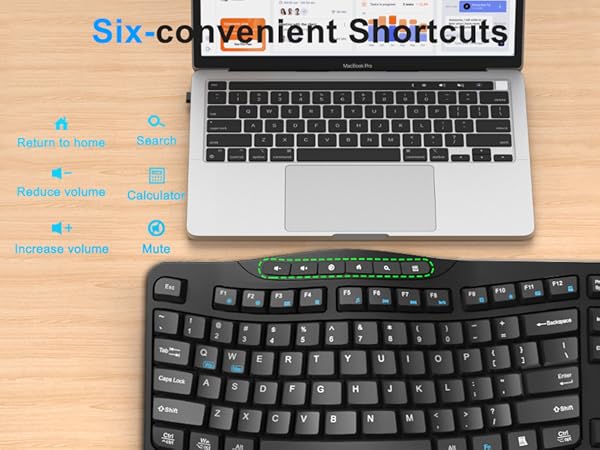
Yes, it can be used independently directly. By clicking on the newly added 6 multimedia buttons, you can easily control volume, mute, return to home, search and calculator, making your work and entertainment more efficient and convenient.
How long does it take to enter sleep mode, Can I change this mode?
This automatic power-saving mode cannot be changed. Keyboard will automatically enter sleep mode after 3-5 seconds of inactivity and the mouse will enter sleep mode after 15 minutes of inactivity. Clicking any key will reactivate the device.
Faadar's Mission: Reshaping the comfortable boundaries of fingertips!
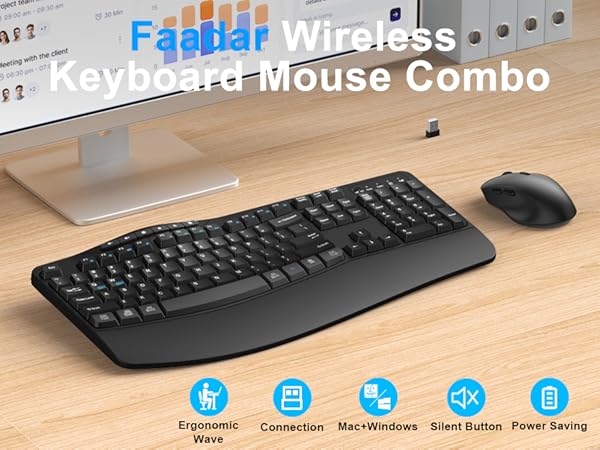
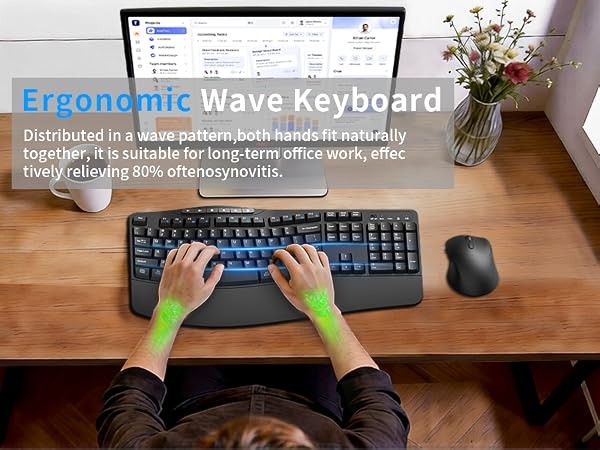
When traditional keyboards force wrists to bend and fingers to hang in the air, Faadar sees an opportunity for change. Keyboard and mouse combo are designed ergonomically, paired with a comfortable wrist rest for a natural fit. The unique wavy key layout provides the most comfortable typing posture. Effectively alleviated wrist fatigue caused by prolonged office hours.
We provide 365 day online support at any time. If you have any questions, please feel free to communicate with us and we will definitely provide you with satisfactory solutions.