



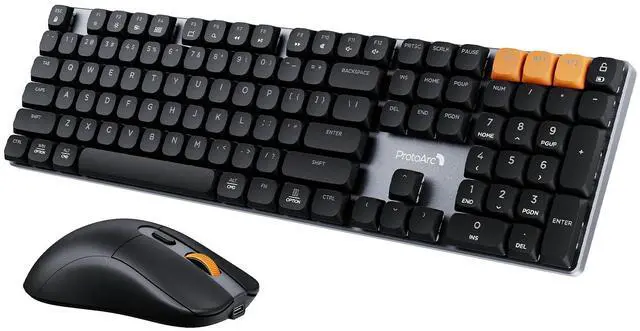



ProtoArc KM310 Mechanical Keyboard and Mouse
Upgrade your mechanical typing experience with ProtoArc KM310 Aluminum Mechanical Keyboard and Mouse Combo, whether at work or in the home office
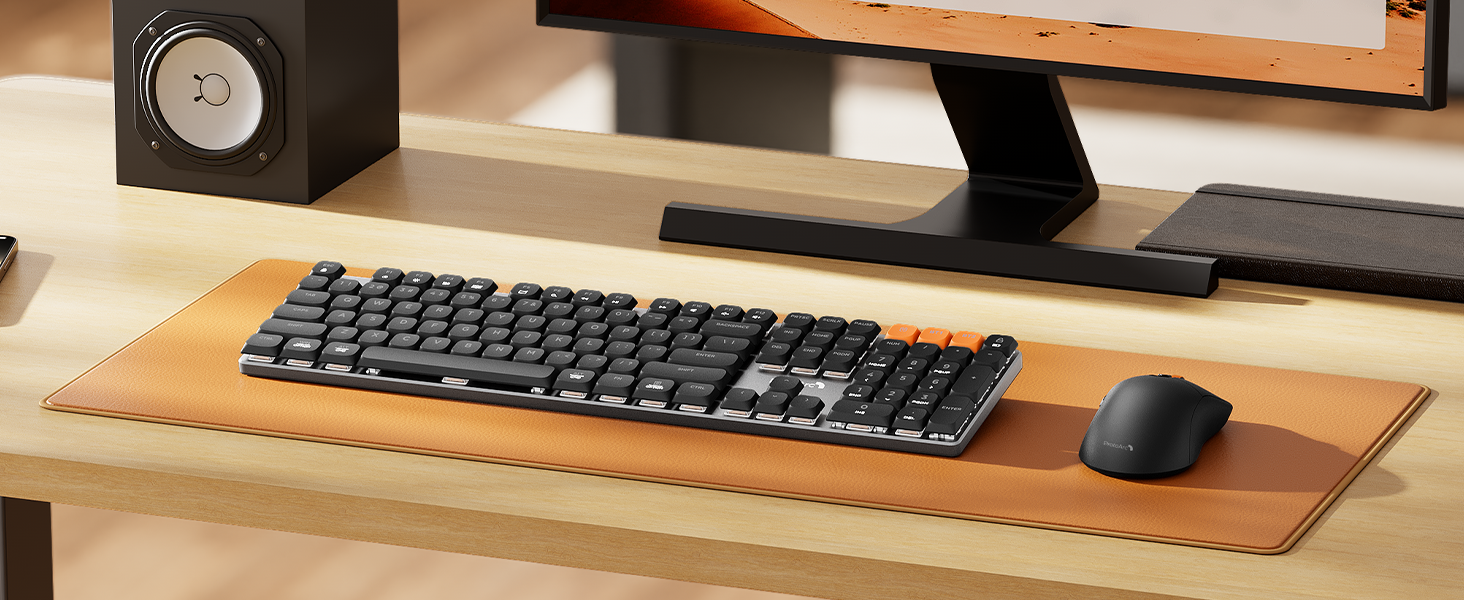
Perfect Pair, Office Friendly Mechanical Keyboard & Mouse Combo
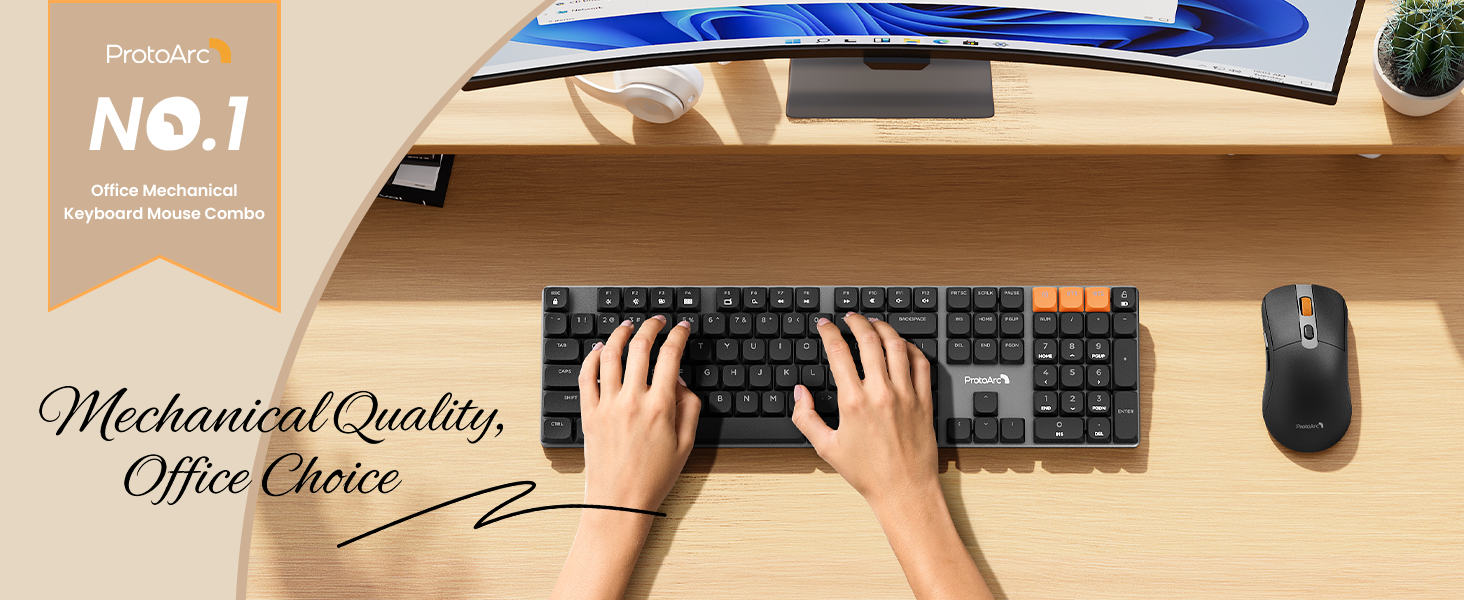
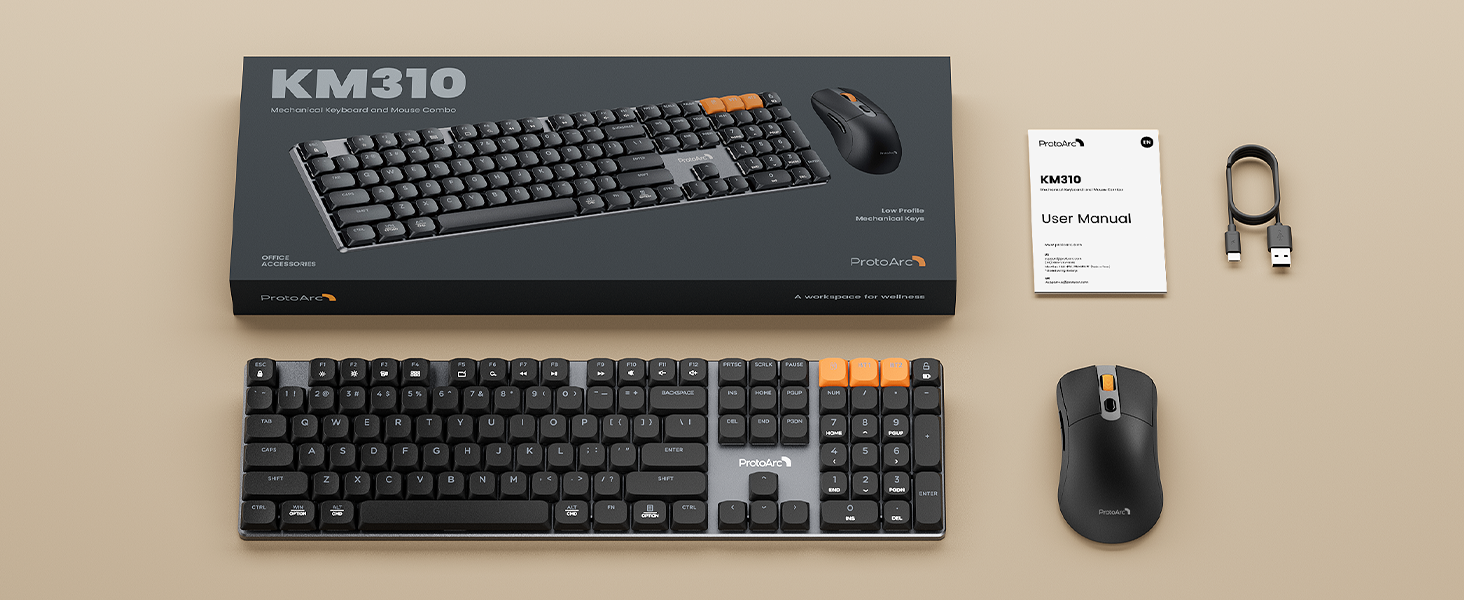
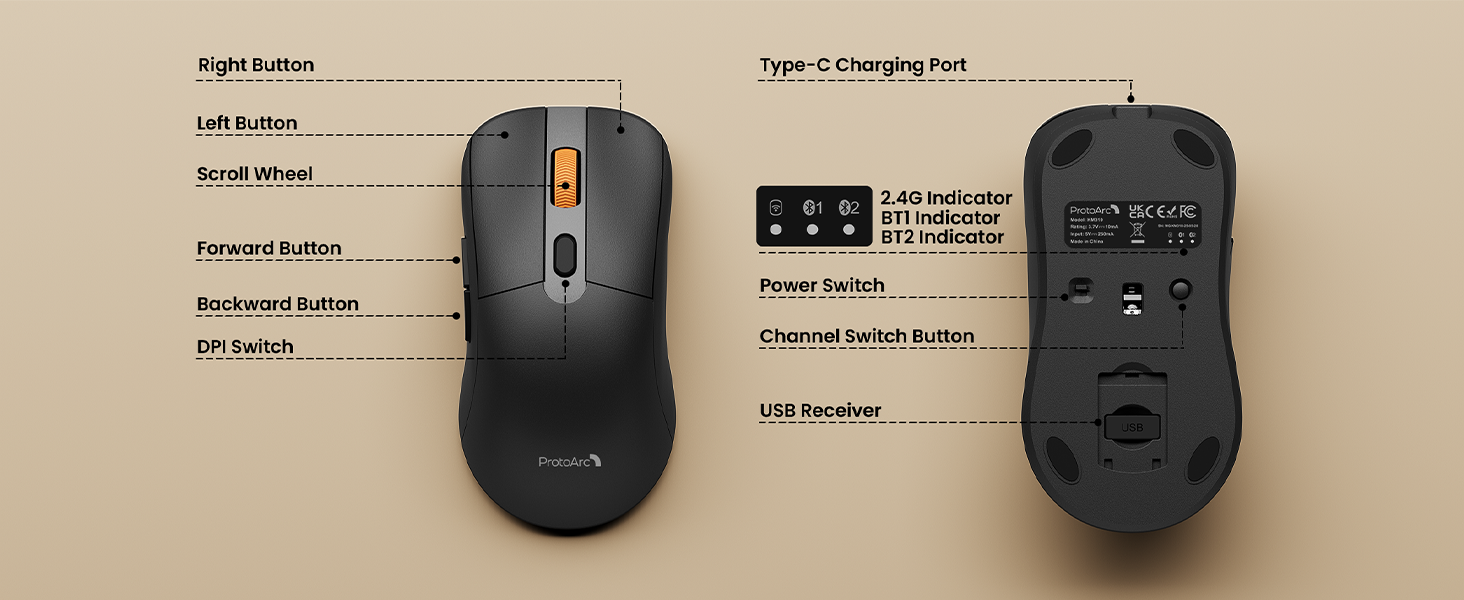
The ProtoArc KM310 mechanical keyboard and mouse combo is built for those who value substance over flash. Unlike our K310 Pro (backlit keyboard), the KM310 intentionally has no backlight – reducing distractions, saving power, and keeping your setup looking clean and professional
The Secret To Faster, Smoother Input

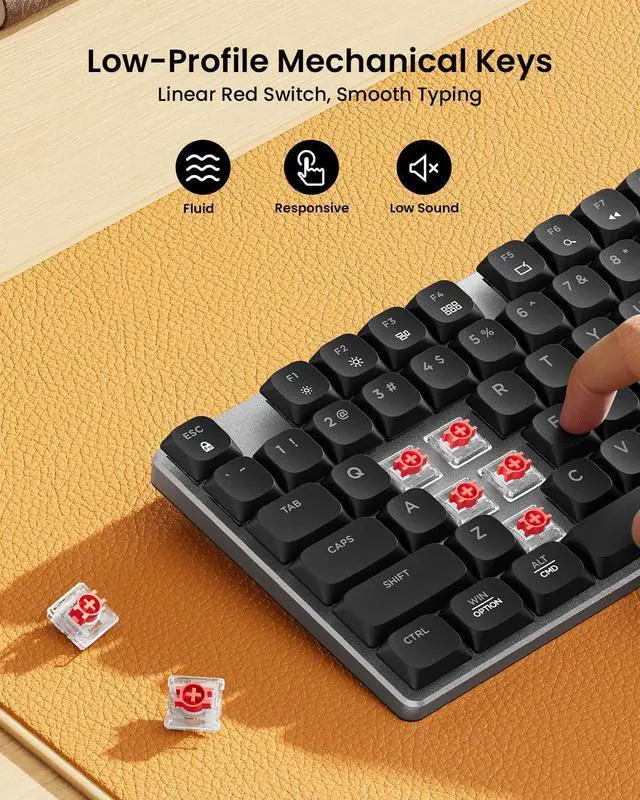
Mechanical Red Switches
Red keys provide smooth, linear keystrokes and low actuation force
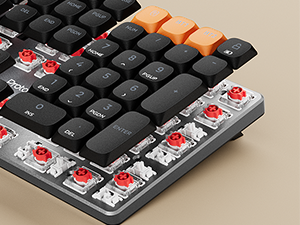
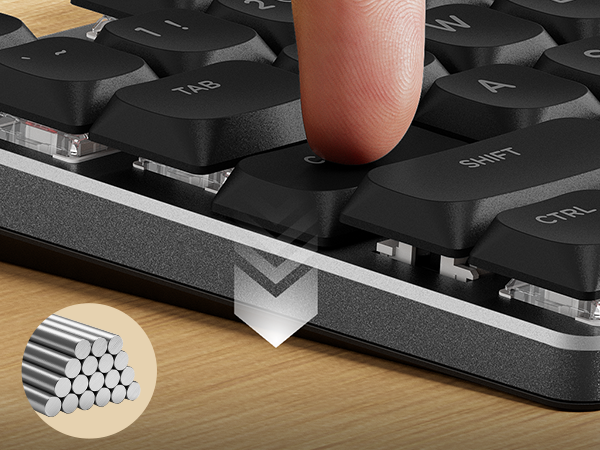
Low-profile Keys
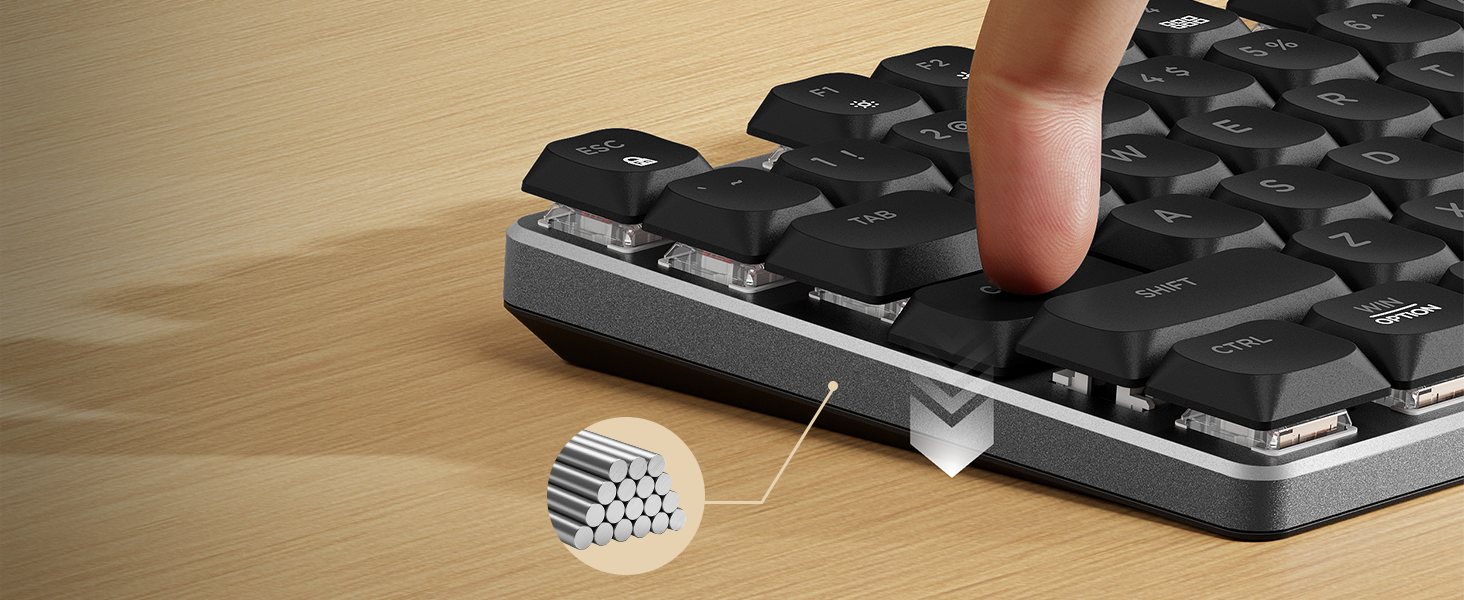
Low-profile mechanical keys with a short travel and solid feedback offer a responsive and smooth typing experience
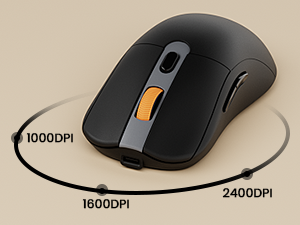
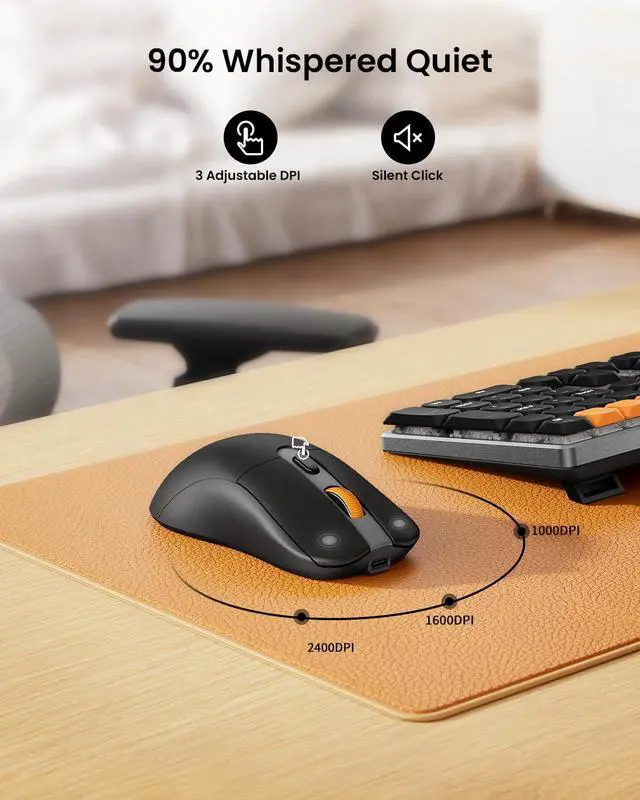
Adjustable DPI
The mouse features three adjustable DPI levels of 1000/1600/2400
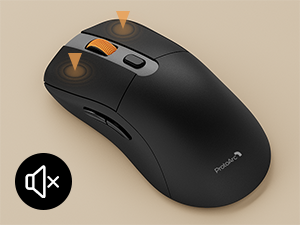
Noiseless Click
Noiseless click makes you concentrate on your work and don't disturb others around you
ProtoArc Mechanical Series
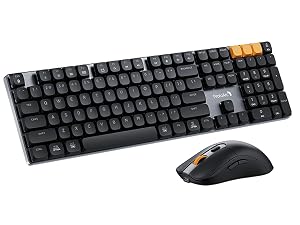 KM310 Mechanical Combo | 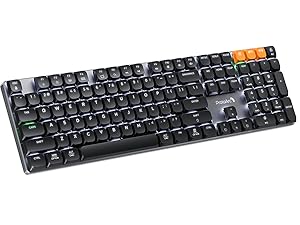 K310 Pro Mechanical Keyboard | 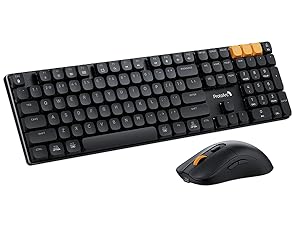 KM310 Mechanical Combo |
|---|---|---|
Connection Type 2.4G+2*BT 5.1 | Connection Type 2.4G+2*BT 5.1 | Connection Type 2.4G+2*BT 5.1 |
Operating System Windows 7/8/10, Mac OS X 10.12, Android 4.3 or higher | Operating System Windows 7/8/10, Mac OS X 10.12, Android 4.3 or higher | Operating System Windows 7/8/10, Mac OS X 10.12, Android 4.3 or higher |
Backlight Not supported | Backlight 10 modes and 4 brightness levels | Backlight Not supported |
Macro customization Not supported | Macro customization Only supports 2.4G USB connectivity | Macro customization Not supported |
Hot Swappable Not supported | Hot Swappable Not supported | Hot Swappable Not supported |
How does the mechanical keyboard feel when typing? Is the sound noisy?
Wireless mechanical keyboard is equipped with low-profile keys and precise red switches, responsive, smooth feel, and quiet clicking, not disturbing for office and late night use.
What is the weight and size of the wireless mouse? What are the other features?
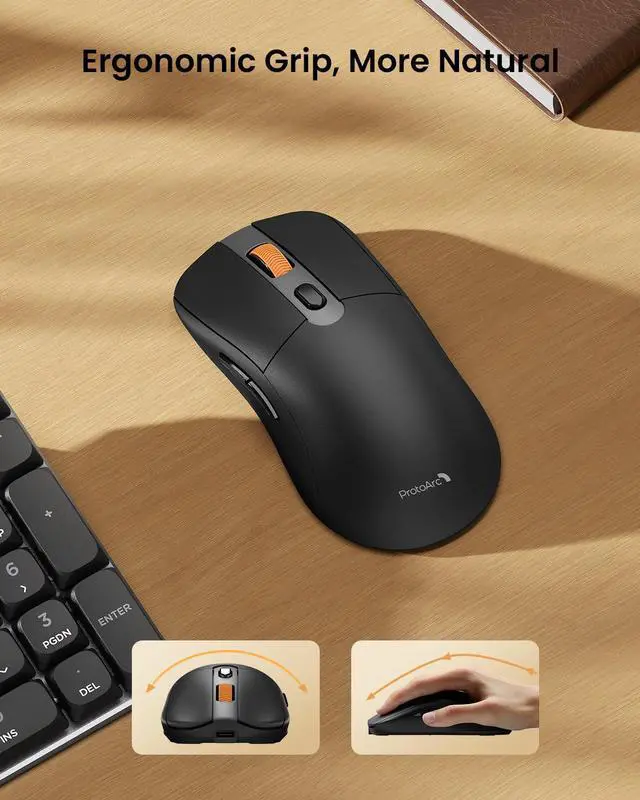
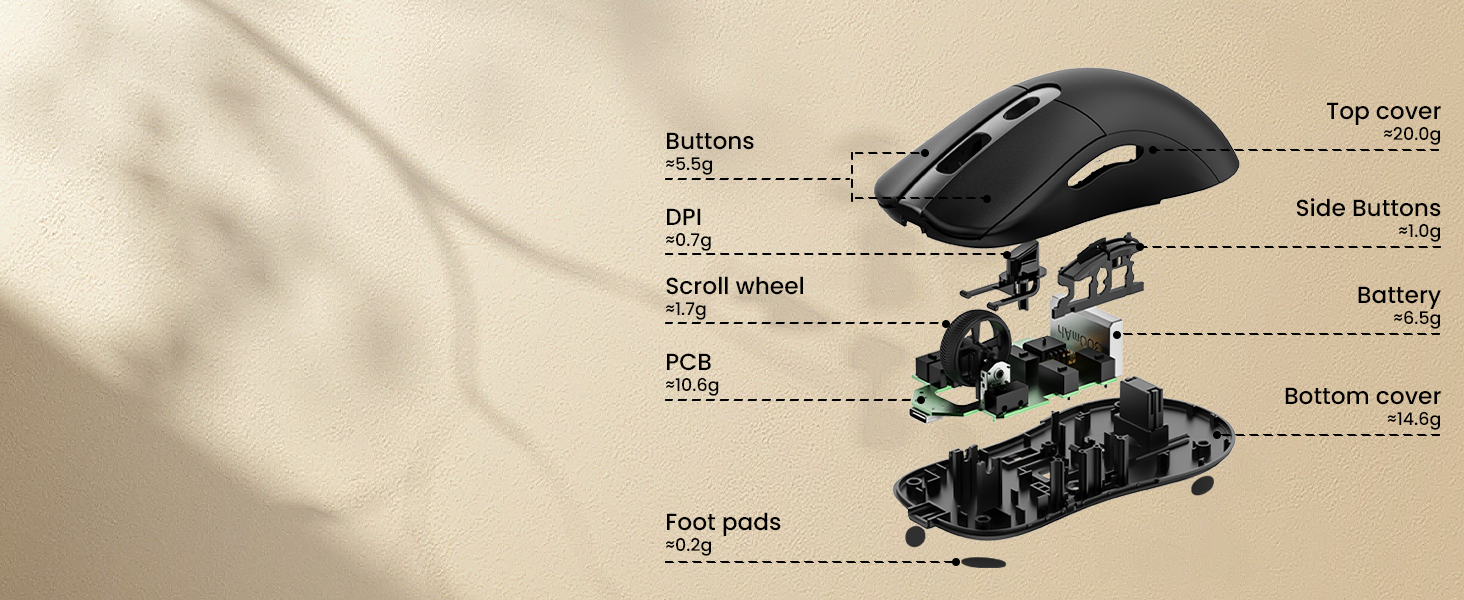
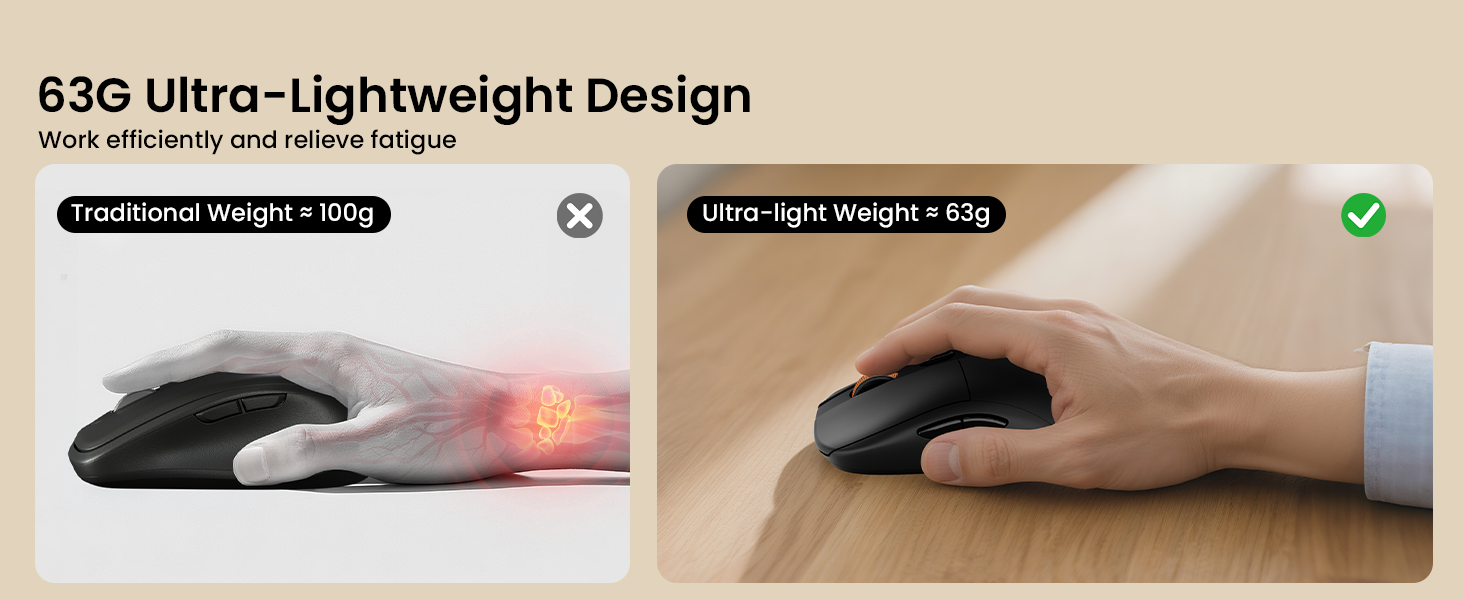
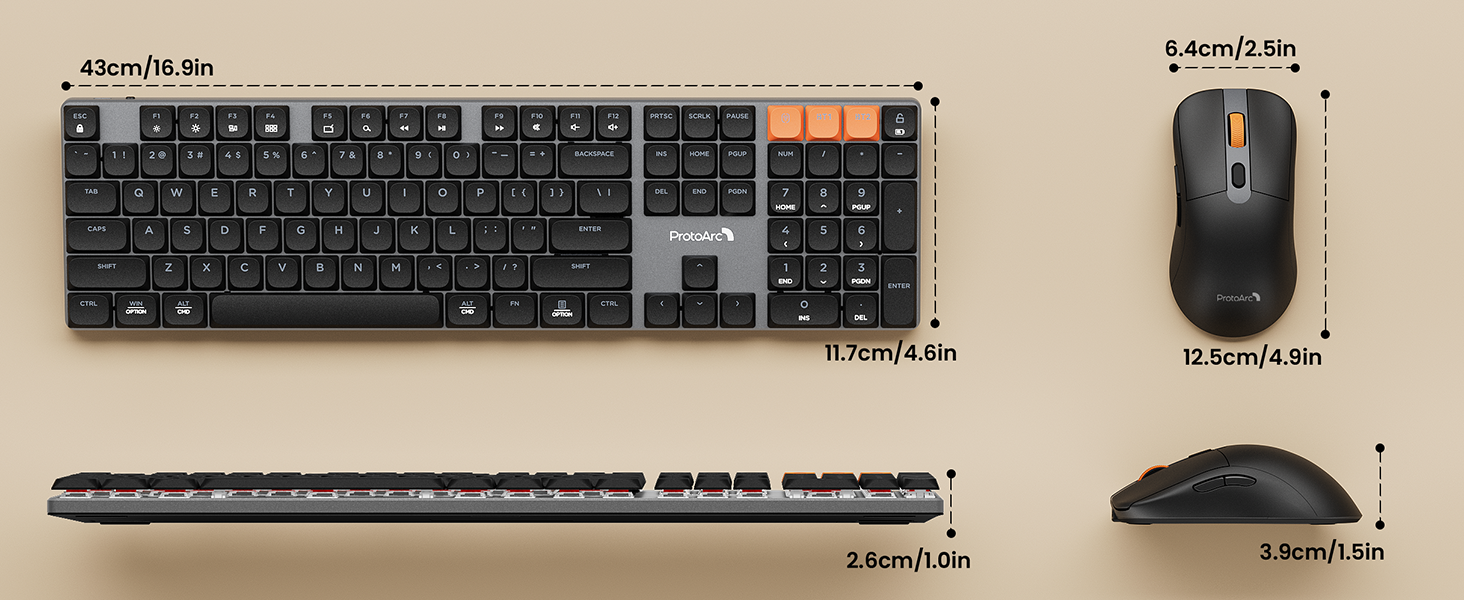
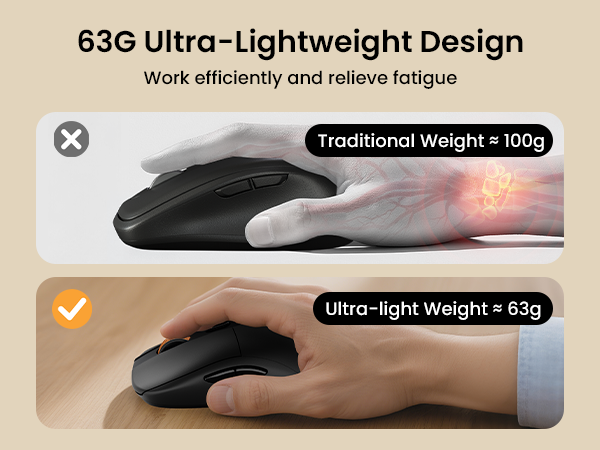
Lightweight mouse is only 63g, over 35% lighter than a standard weight mouse. Measuring 2.5X4.9X1.5 in, it fits most hand sizes. The wireless mouse has 3 DPI levels, forward and backward buttons for efficient and easy use.
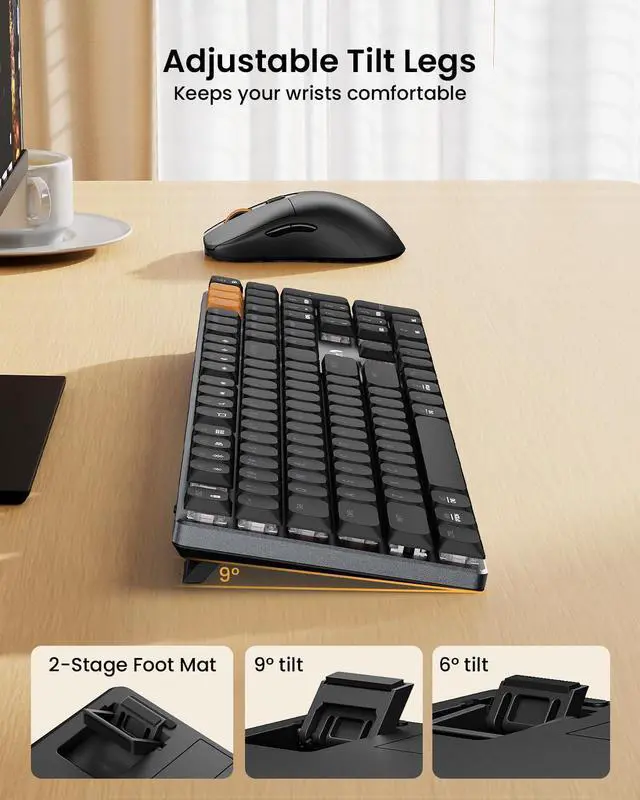
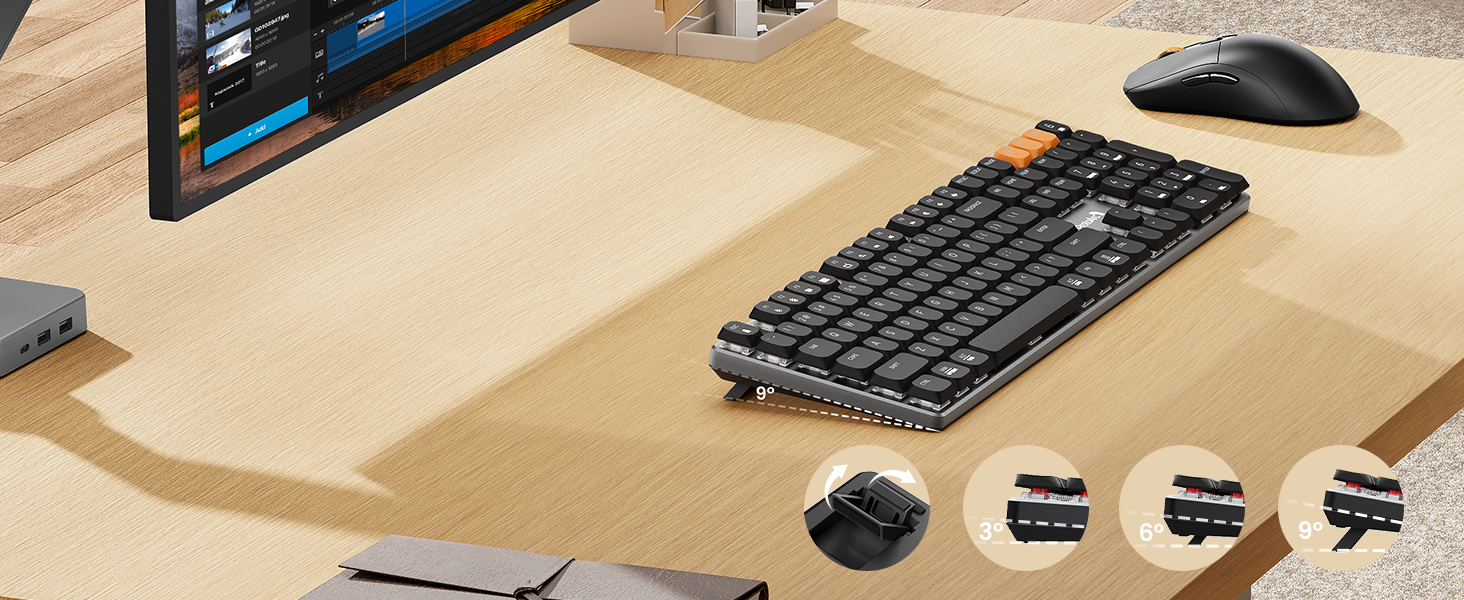
Can the mechanical keyboard be adjusted in height?
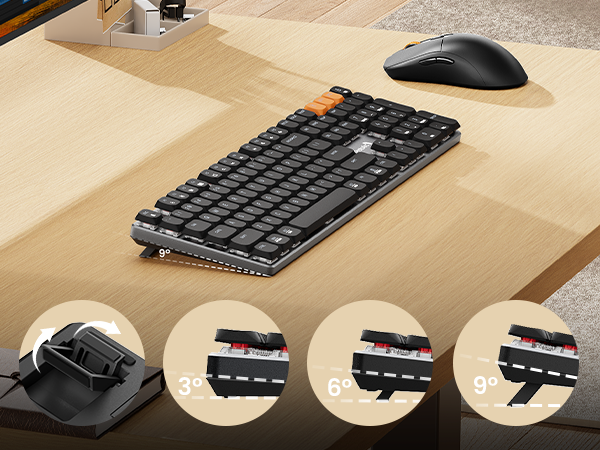
The KM310 Mechanical Keyboard comes with ergonomic adjustable tilt feet. It can be manually adjusted to 6° or 9° for a more comfortable typing experience.
What is the difference between the Low-Profile and the standard/Hight-Profile Linear Red Switch?
The low-profle key switches delivering more responsive typing feedback. You can type with less force, which means reduced finger fatigue during work. For users new to high-sensitivity keyboards, it may take some time to adjust.
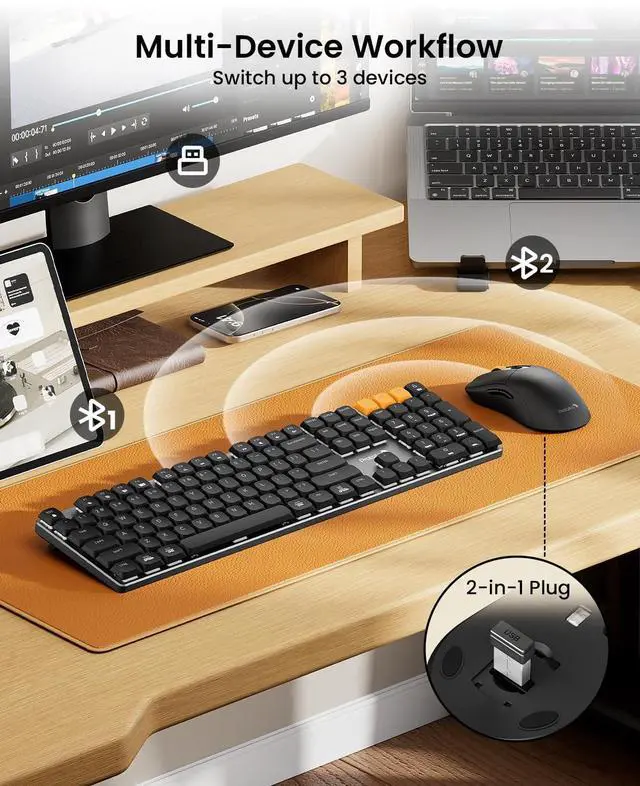
How many devices can be connected at the same time? Is it easy to switch?
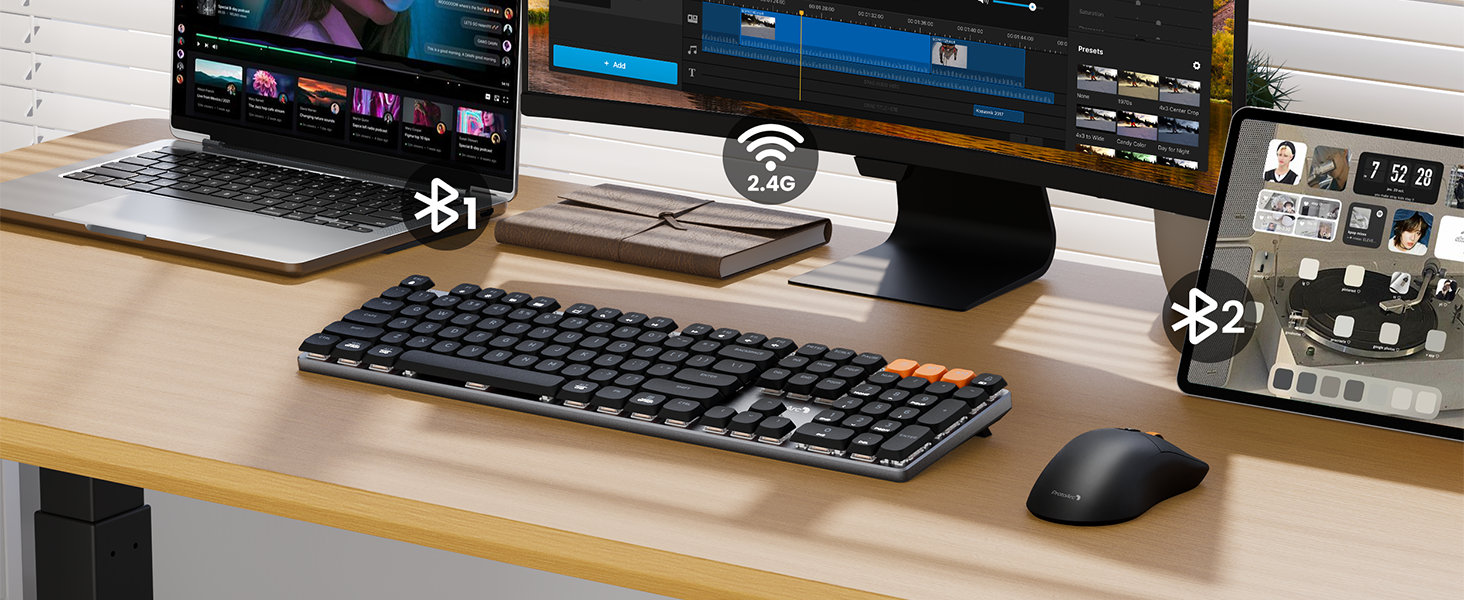
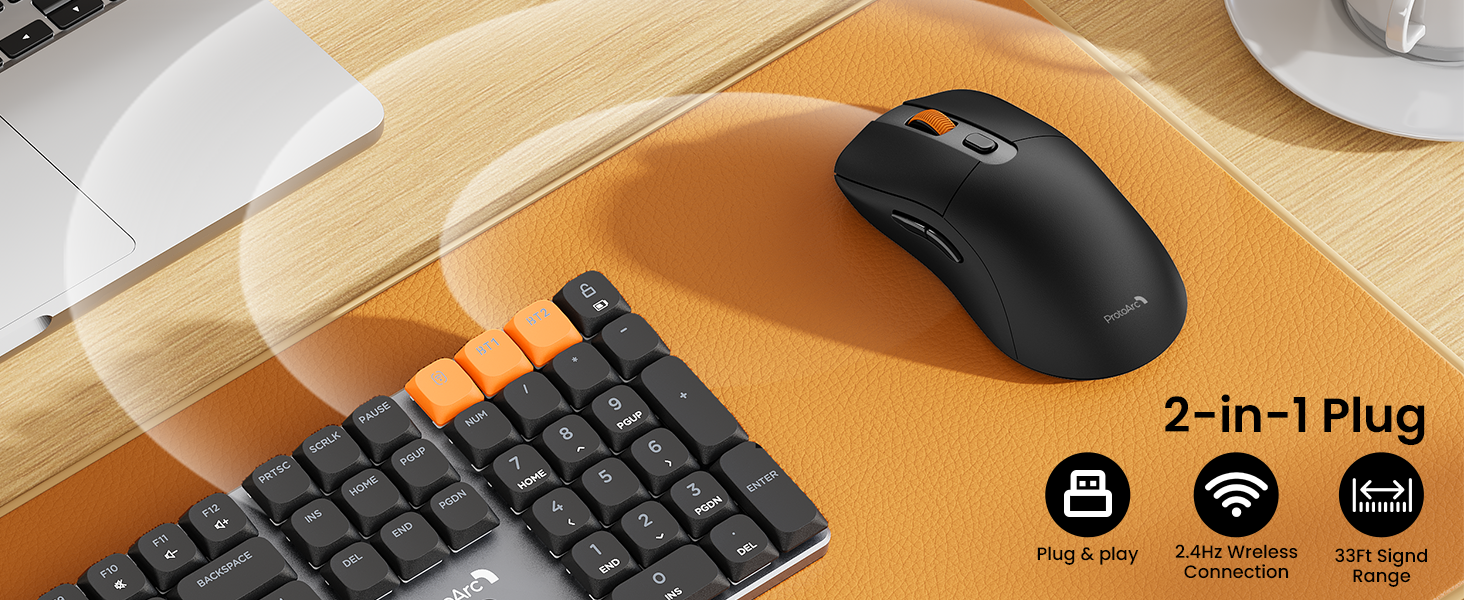
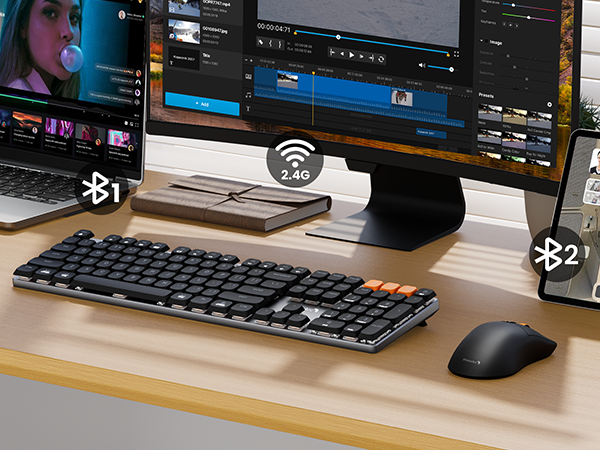
Support 2.4G + Dual Bluetooth connection modes, wireless mechanical keyboard and mouse can effortlessly connect up to 3 devices, short press the orange switch key to cross devices for 1 s, no need to re-pair.
ProtoArc KM310 Mechanical Keyboard and Mouse
Upgrade your mechanical typing experience with ProtoArc KM310 Aluminum Mechanical Keyboard and Mouse Combo, whether at work or in the home office
Aluminum mechanical keyboard offers enhanced durability and a sleek, professional appearance
2-Level adjustable tilt legs keep you comfortable for long stretches at the desk
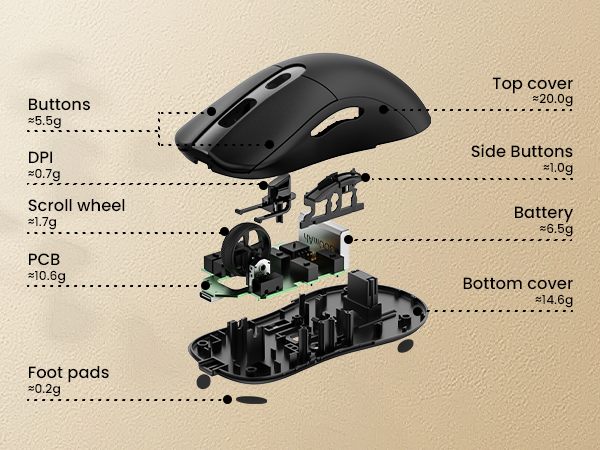
Reduced to 60% of the weight of traditional mice, every gram has been tested for durability
Seamlessly Switch Between Devices For Ultimate Productivity
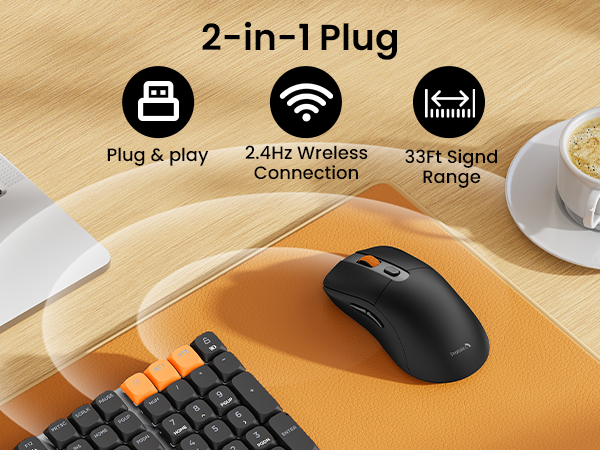
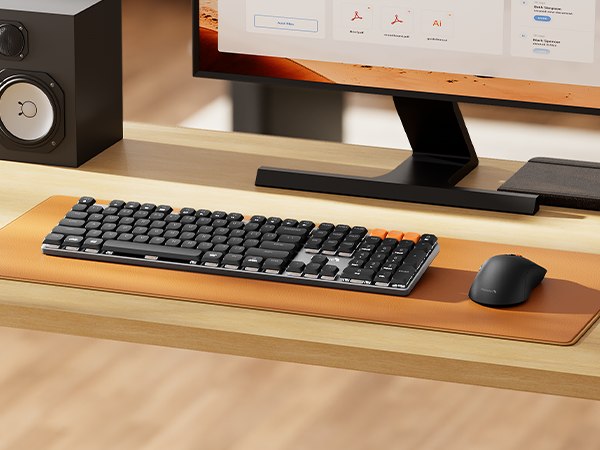
ProtoArc KM310 Mechanical Keyboard and Mouse are perfect for work, general tasks, and everyday use. However, gaming is not recommended
Perfect Pair, Office Friendly Mechanical Keyboard & Mouse Combo
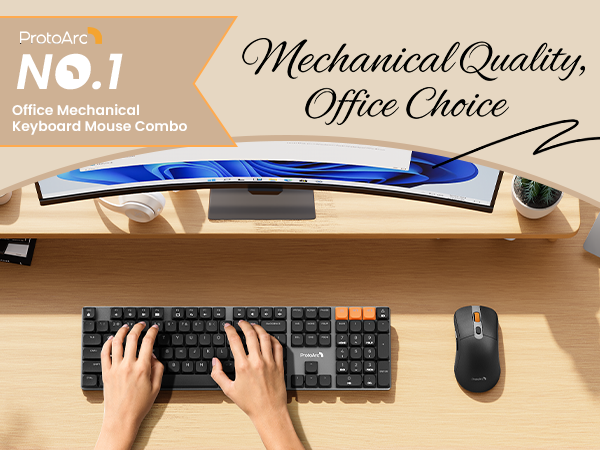
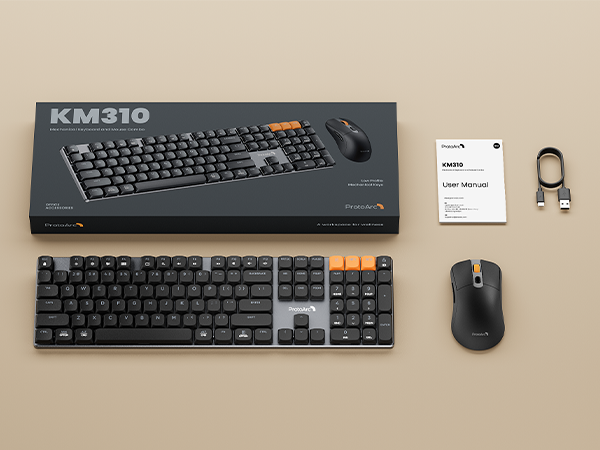
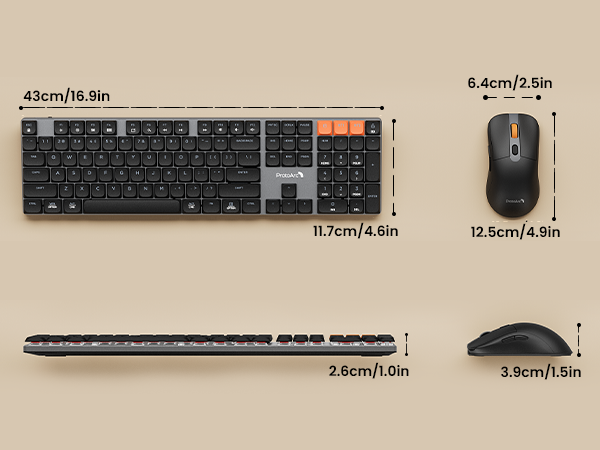
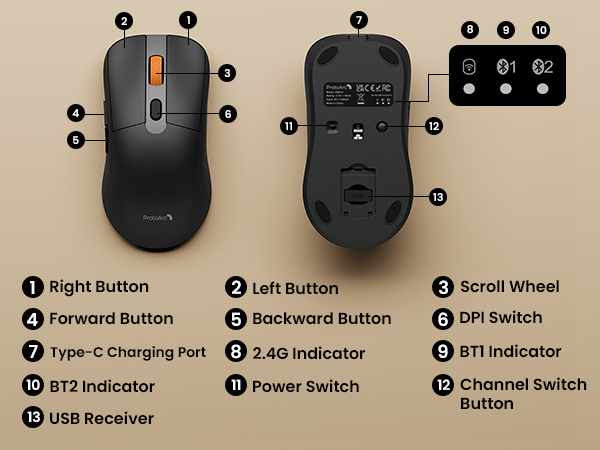
The ProtoArc KM310 mechanical keyboard and mouse combo is built for those who value substance over flash. Unlike our K310 Pro (backlit keyboard), the KM310 intentionally has no backlight – reducing distractions, saving power, and keeping your setup looking clean and professional
The Secret To Faster, Smoother Input
Mechanical Red Switches
Red keys provide smooth, linear keystrokes and low actuation force
Low-profile Keys
Low-profile mechanical keys with a short travel and solid feedback offer a responsive and smooth typing experience
Adjustable DPI
The mouse features three adjustable DPI levels of 1000/1600/2400
Noiseless Click
Noiseless click makes you concentrate on your work and don't disturb others around you
ProtoArc Mechanical Series
How does the mechanical keyboard feel when typing? Is the sound noisy?
Wireless mechanical keyboard is equipped with low-profile keys and precise red switches, responsive, smooth feel, and quiet clicking, not disturbing for office and late night use.
What is the weight and size of the wireless mouse? What are the other features?
Lightweight mouse is only 63g, over 35% lighter than a standard weight mouse. Measuring 2.5X4.9X1.5 in, it fits most hand sizes. The wireless mouse has 3 DPI levels, forward and backward buttons for efficient and easy use.
Can the mechanical keyboard be adjusted in height?
The KM310 Mechanical Keyboard comes with ergonomic adjustable tilt feet. It can be manually adjusted to 6° or 9° for a more comfortable typing experience.
What is the difference between the Low-Profile and the standard/Hight-Profile Linear Red Switch?
The low-profle key switches delivering more responsive typing feedback. You can type with less force, which means reduced finger fatigue during work. For users new to high-sensitivity keyboards, it may take some time to adjust.
How many devices can be connected at the same time? Is it easy to switch?
Support 2.4G + Dual Bluetooth connection modes, wireless mechanical keyboard and mouse can effortlessly connect up to 3 devices, short press the orange switch key to cross devices for 1 s, no need to re-pair.