here!
here!
I’m your shopping assistant for PC builds, upgrades, and everything tech.
Got questions? Ask away!
Start a conversation
here!
I’m your shopping assistant for PC builds, upgrades, and everything tech.
Got questions? Ask away!
Start a conversation



Any questions? Ask CelesteSM will help you find out quickly.


Soft tactile, Consistent feedback
RK Tactile Beige Switch delivers a distinct tactile bump and crisp click, suitable for users seeking a responsive typing feel and consistent feedback.
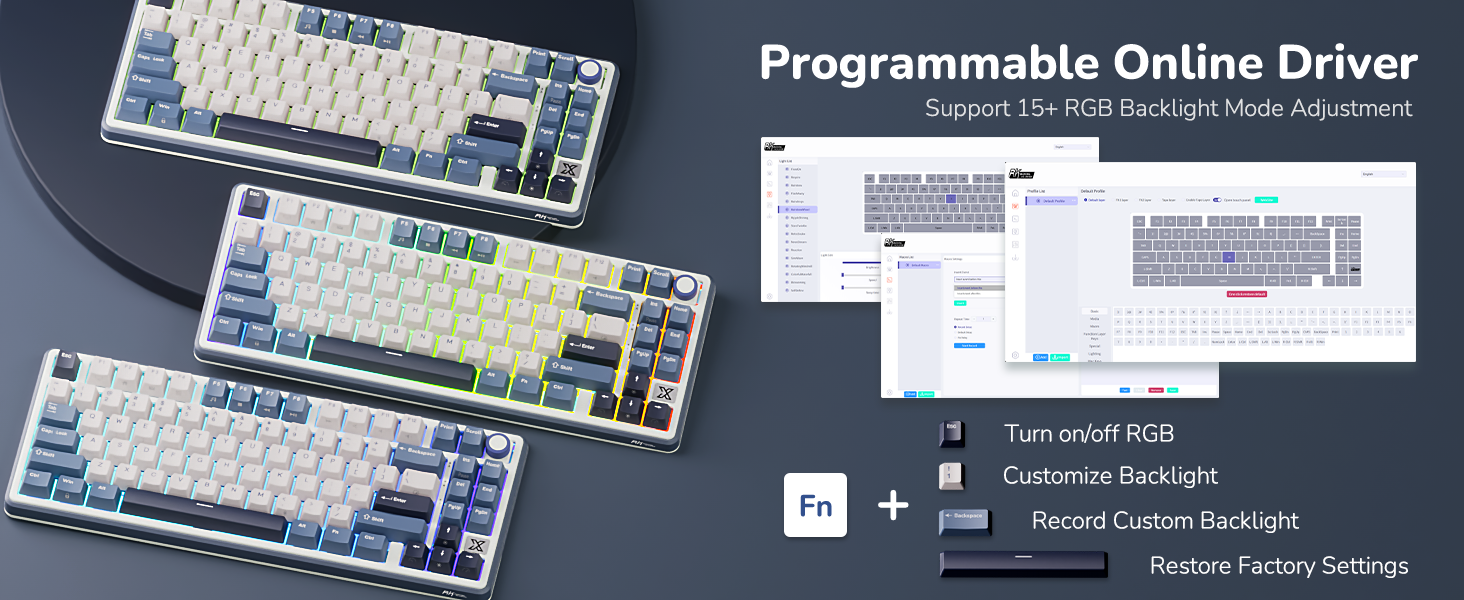
How can I get the programmble web driver?
Please configure your RK device via the web driver - bit.ly/RKWEBAPP
Copy the link above to the search bar & run the driver via wired mode or 2.4Ghz wireless mode.
In addition to online drivers, can the RK X87 wireless keyboard be customized through software?
Yes, you can download the software via bit.ly/RKALL24.
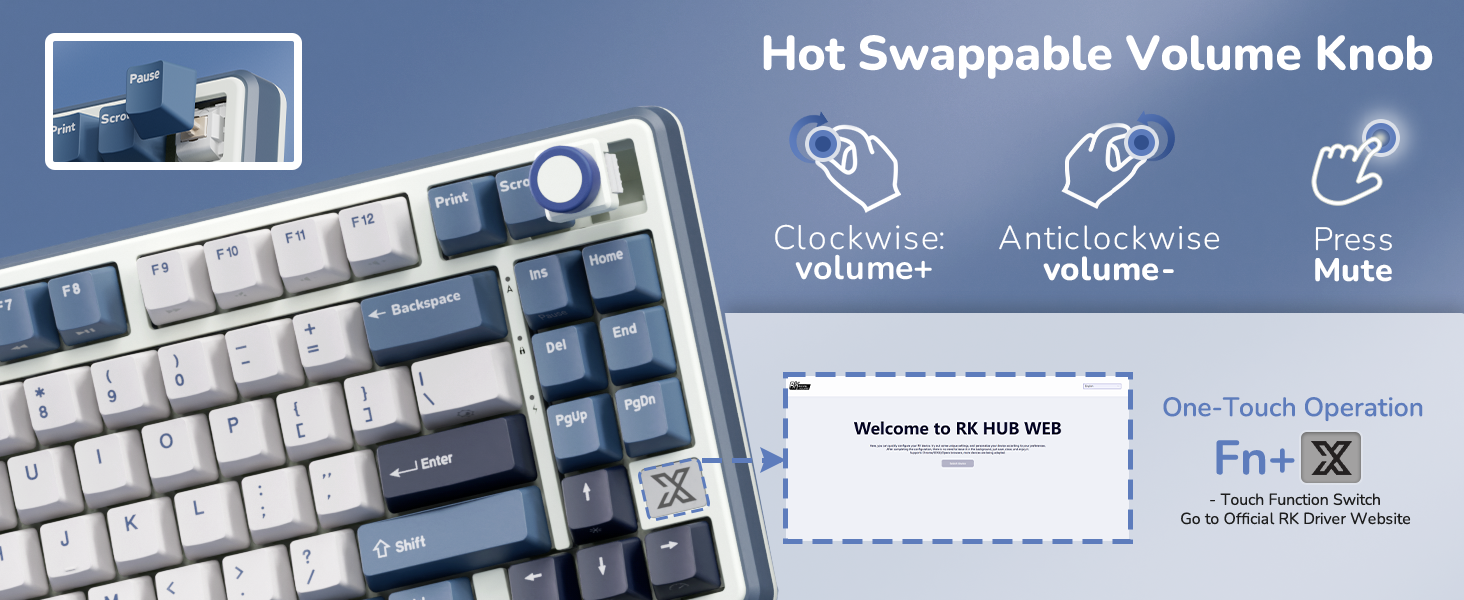
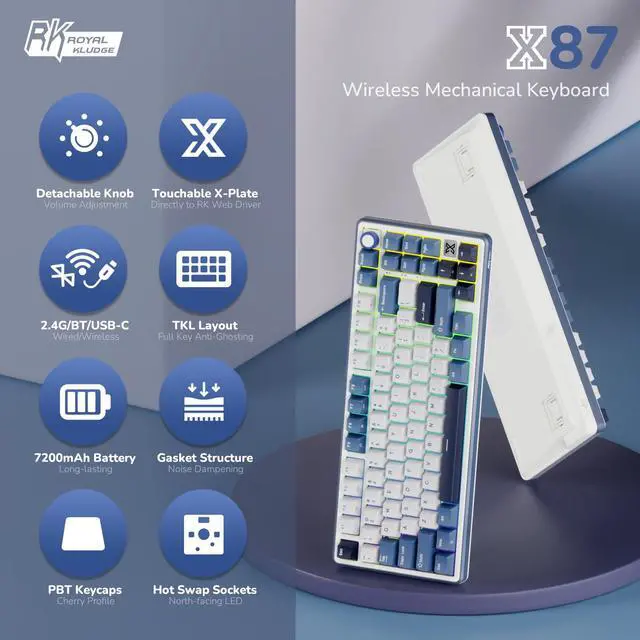
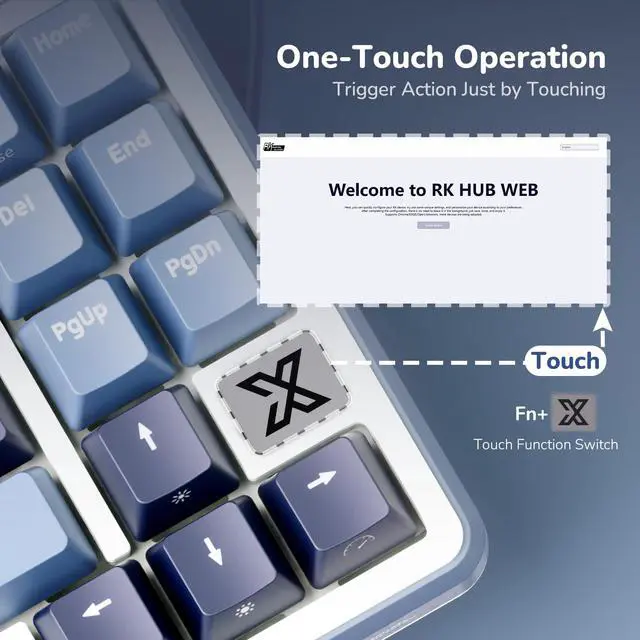
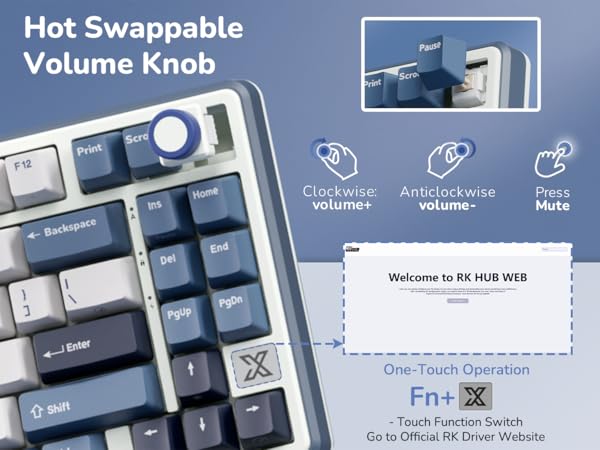
What is the function of the touchable X-Plate?
Just one click and the RK web driver link will pop up immediately on your desktop.
Tips: The factory default is off, press FN+X logo to activate the function.
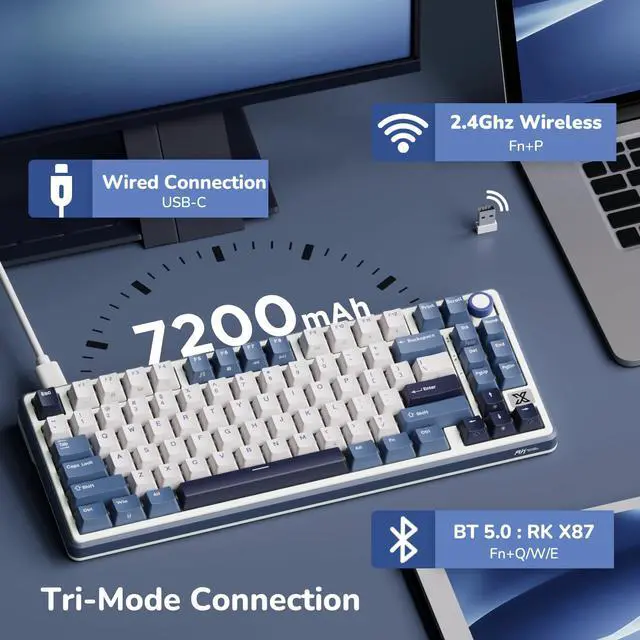
How to connect to 2.4Ghz wireless mode?
Switch to "G" and Long press Fn+P to enter the pairing mode.
How to switch to bluetooth mode?
Switch to "B" and Long press Fn+Q/W/E to enter the pairing mode.
Short press Fn+Q/W/E to enter the linking mode.
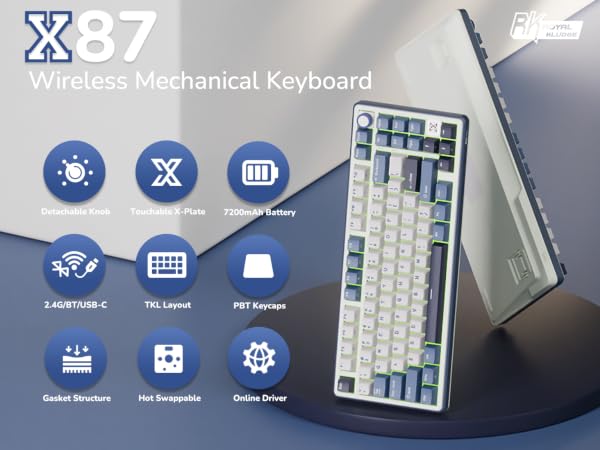

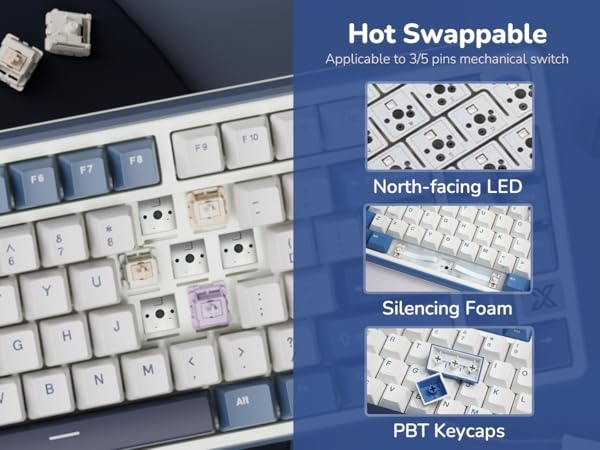
Soft tactile, Consistent feedback
RK Tactile Beige Switch delivers a distinct tactile bump and crisp click, suitable for users seeking a responsive typing feel and consistent feedback.

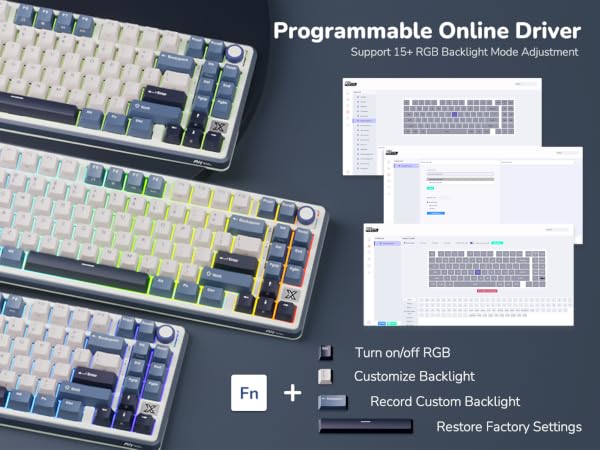
How can I get the programmble web driver?
Please configure your RK device via the web driver - bit.ly/RKWEBAPP
Copy the link above to the search bar & run the driver via wired mode or 2.4Ghz wireless mode.
In addition to online drivers, can the RK X87 wireless keyboard be customized through software?
Yes, you can download the software via bit.ly/RKALL24.
What is the function of the touchable X-Plate?
Just one click and the RK web driver link will pop up immediately on your desktop.
Tips: The factory default is off, press FN+X logo to activate the function.
How to connect to 2.4Ghz wireless mode?
Switch to "G" and Long press Fn+P to enter the pairing mode.
How to switch to bluetooth mode?
Switch to "B" and Long press Fn+Q/W/E to enter the pairing mode.
Short press Fn+Q/W/E to enter the linking mode.