




 here!
here!
I’m your shopping assistant for PC builds, upgrades, and everything tech.
Got questions? Ask away!
Start a conversation
here!
I’m your shopping assistant for PC builds, upgrades, and everything tech.
Got questions? Ask away!
Start a conversation
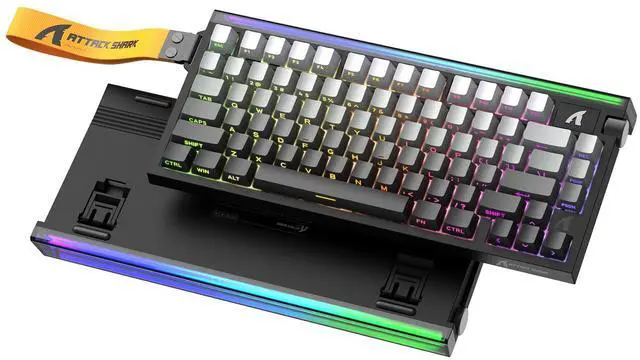
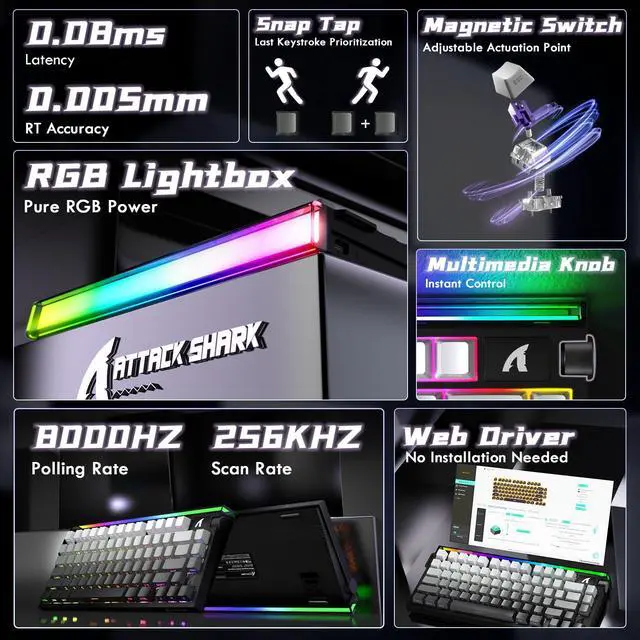



Any questions? Ask CelesteSM will help you find out quickly.
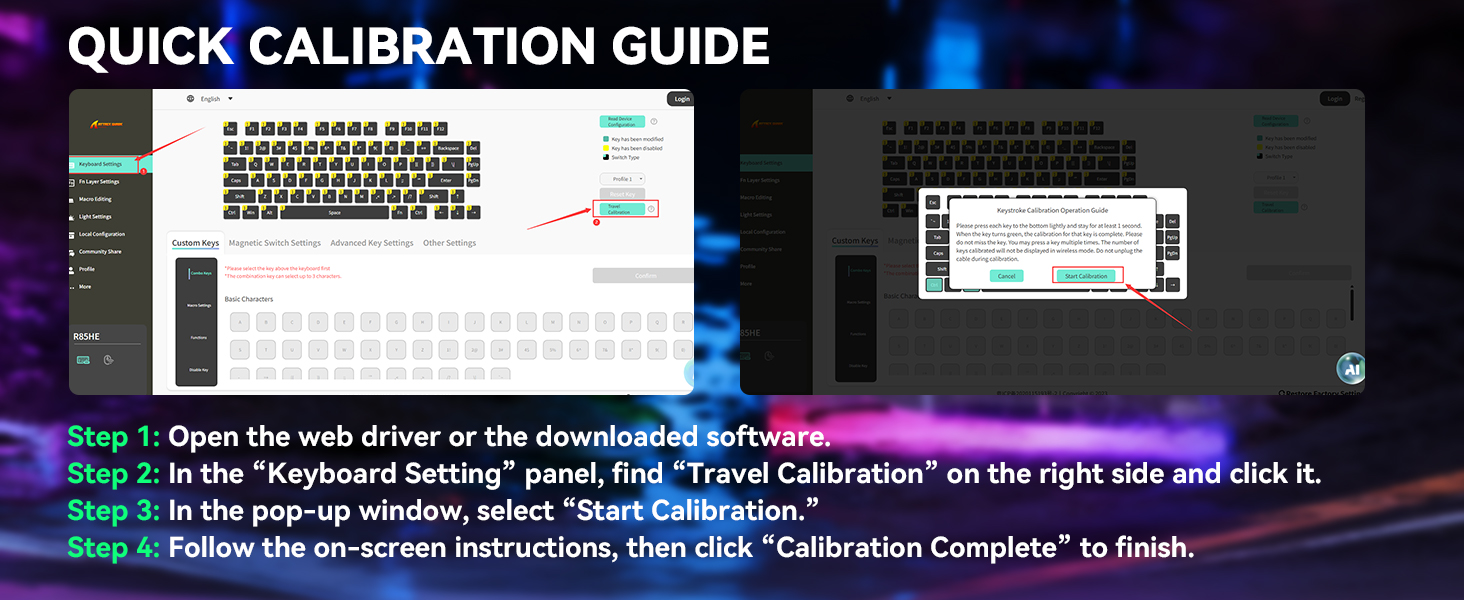
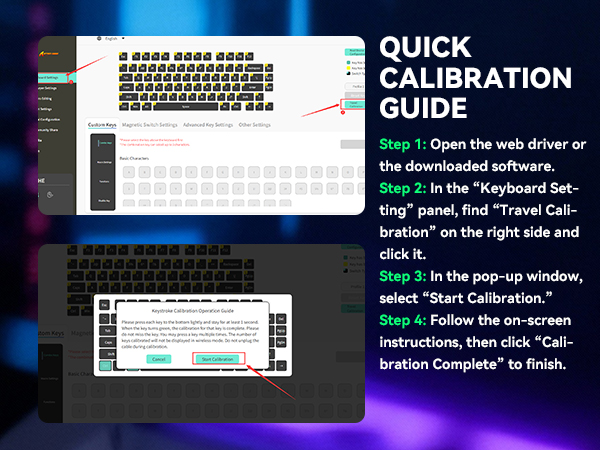
Do I need to calibrate the keyboard before using it?
We recommend running a quick calibration before first use. This helps the keyboard detect keystrokes more accurately and ensures the best typing experience. The full steps are shown in the image above.
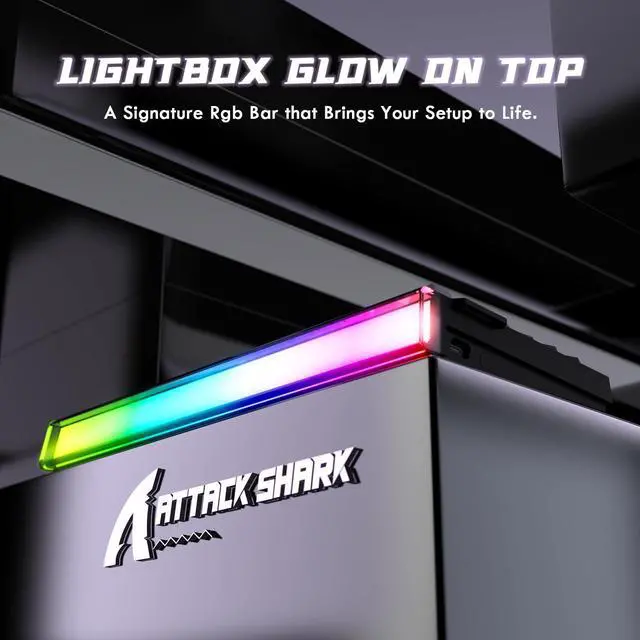
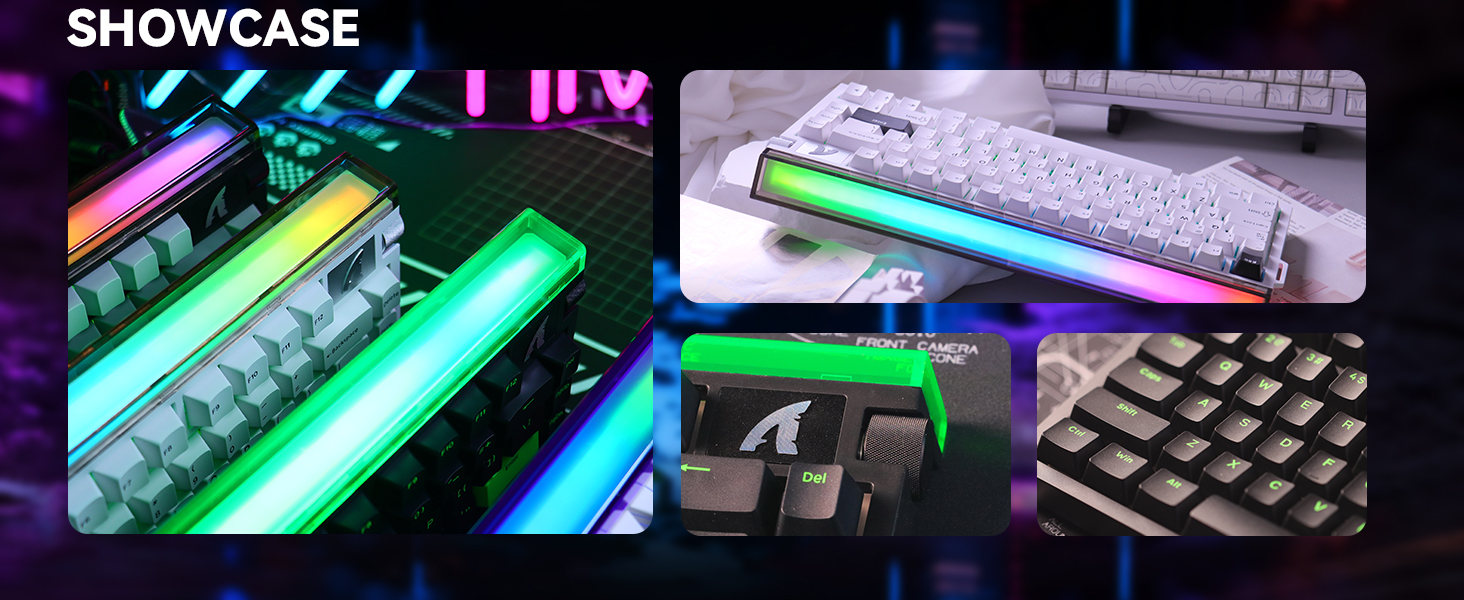
Is the backlight of the lightbox RGB?
Yes, all R85 keyboard's lightbox use full RGB lighting. We display a single color in the images to match the overall theme, but you can customize the lightbox to any color you like.
Key combination for adjusting the keyboard light (can also be adjusted in the software)
Lightbox: FN+C: Switch Light Mode; FN+V: Switch Light Color
Backlit: FN+\|: Switch Light Mode; FN+Enter: Switch Light Color
How to restore the keyboard to factory settings?
Press and hold the key combination "FN+ESC" for 3 seconds to restore the keyboard to factory settings.
Why does the Win Key Constantly Show White Backlight
If your Win key is constantly lit in white, it means the Win key is locked. To unlock it, press the Fn + Win keys together. After unlocking, the key’s lighting will sync with the rest of the keyboard.
| NUMBER OF KEYS | 79 keys and 1 Volume Roller |
|---|---|
| SUPPORTED CONNECTIONS | USB-C Wired |
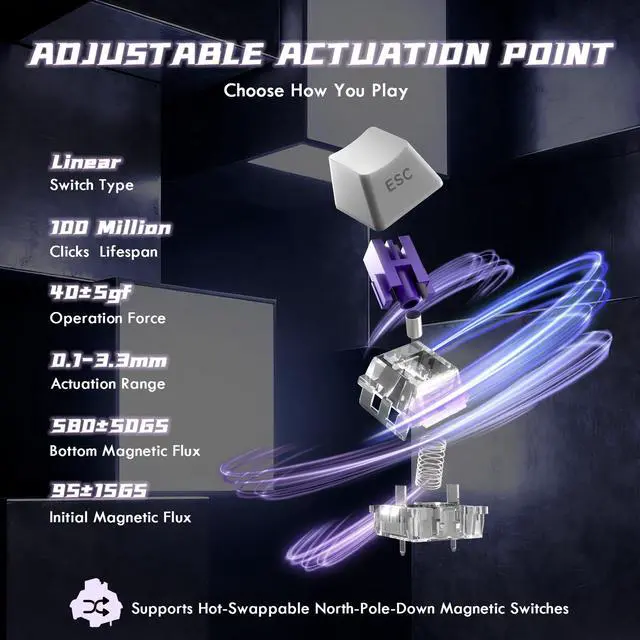
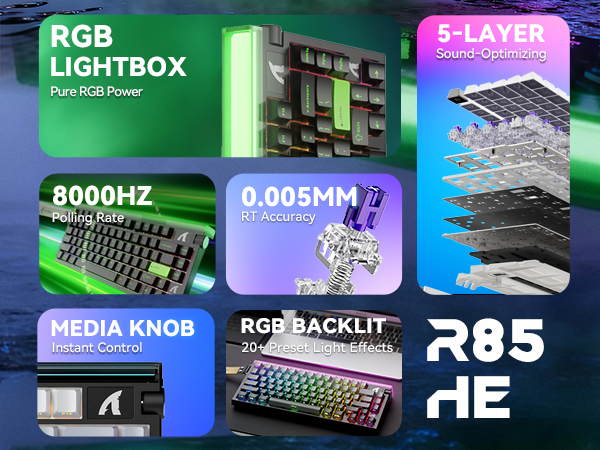
| ACTUATION POINT | from 0.1mm to 3.3mm |
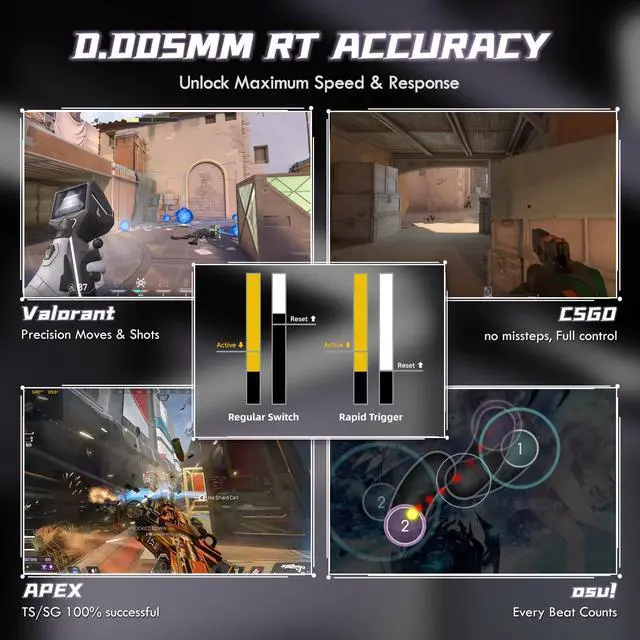
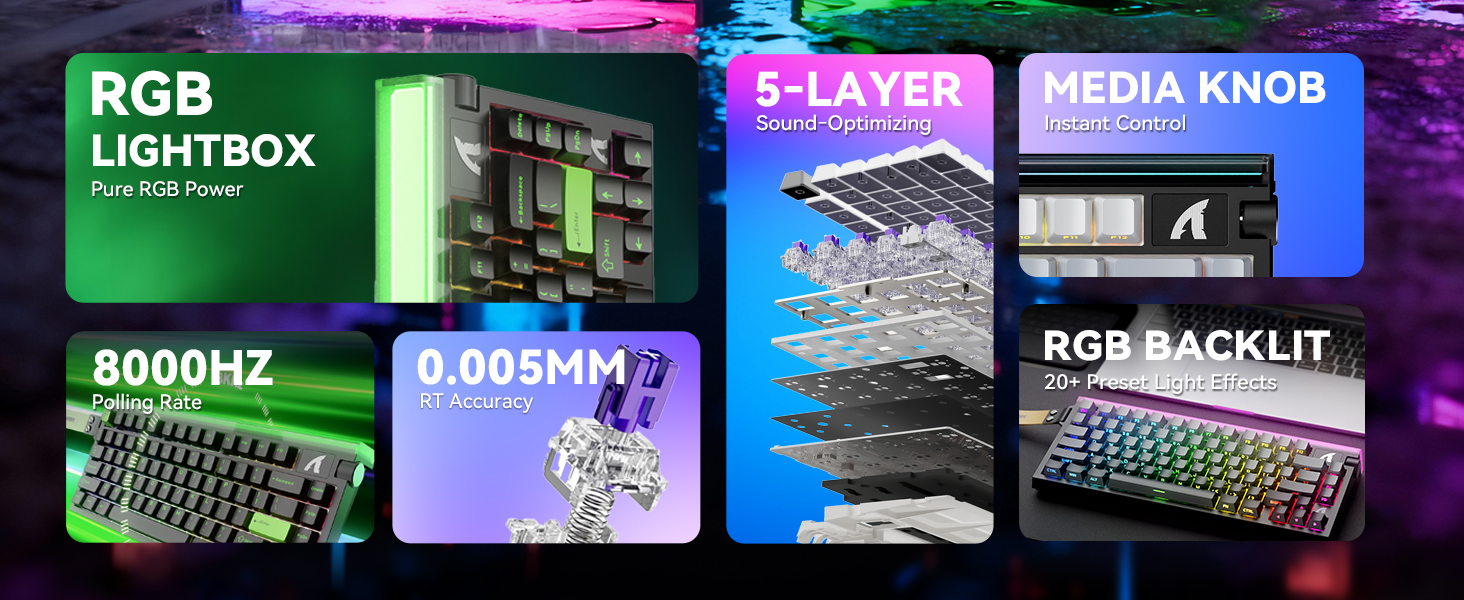
| RT ACCURACY | 0.005mm |
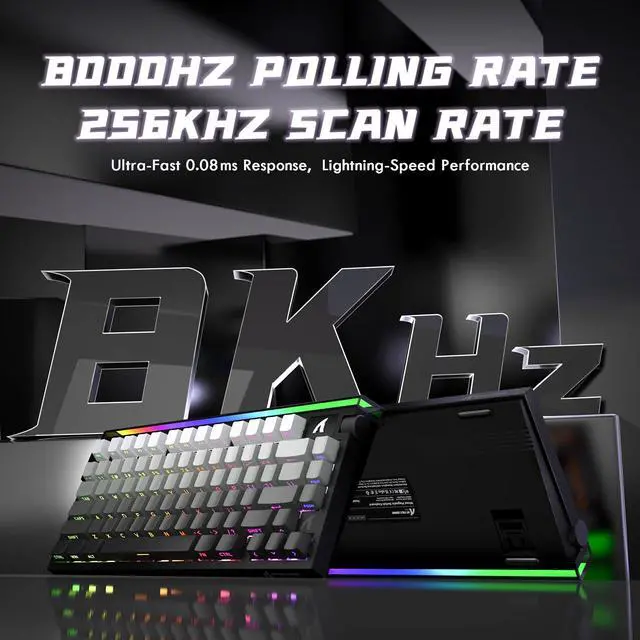
| POLLING RATE | 8000Hz |
| SCAN RATE | 256KHZ |
| HOT SWAPPABLE | Yes, compatible with N-pole downward magnetic switch |
| BACKLIGHT | South-facing 16M RGB |
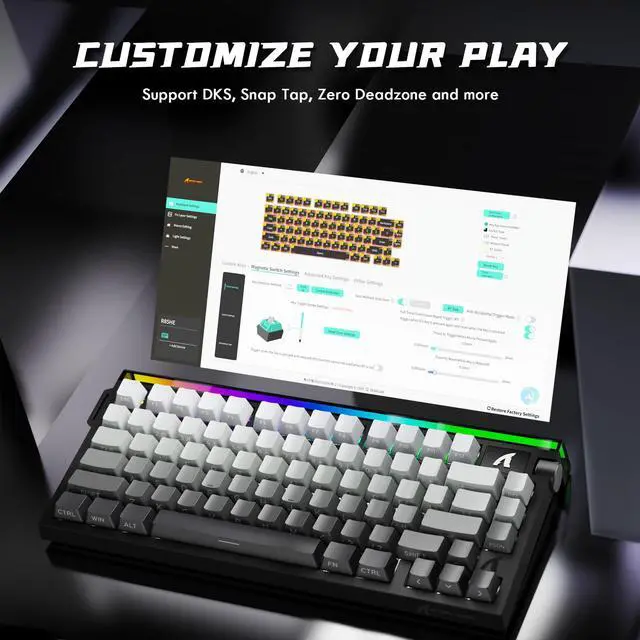
| SUPPORTED FEATURES | Rapid Trigger (RT), Snap tap, Dynamic Keystrokes (DKS), Mod-Tap (MT), Toggle Key (TGL) |
| WEB DRIVER | bit.ly/WEBSOFT (Enter this URL in your browser) |
| DRIVER DOWNLOAD | bit.ly/R85HESOFT (Enter this URL in your browser) |
| SUPPORTED DEVICES | PC, Mac |
| WHAT'S IN THE BOX | Keyboard*1, Keycap and Switches Puller*1, Manual*1 |
Do I need to calibrate the keyboard before using it?
We recommend running a quick calibration before first use. This helps the keyboard detect keystrokes more accurately and ensures the best typing experience. The full steps are shown in the image above.
Is the backlight of the lightbox RGB?
Yes, all R85 keyboard's lightbox use full RGB lighting. We display a single color in the images to match the overall theme, but you can customize the lightbox to any color you like.
Key combination for adjusting the keyboard light (can also be adjusted in the software)
Lightbox: FN+C: Switch Light Mode; FN+V: Switch Light Color
Backlit: FN+\|: Switch Light Mode; FN+Enter: Switch Light Color
How to restore the keyboard to factory settings?
Press and hold the key combination "FN+ESC" for 3 seconds to restore the keyboard to factory settings.
Why does the Win Key Constantly Show White Backlight
If your Win key is constantly lit in white, it means the Win key is locked. To unlock it, press the Fn + Win keys together. After unlocking, the key’s lighting will sync with the rest of the keyboard.
| Brand | ATTACK SHARK |
| Compatible Devices | PC,Mac |
| Connectivity Technology | USB-C |
| Keyboard Description | Mechanical |
| Recommended Uses For Product | Multimedia, Video Editing, Everyday Use, Gifts for gamers or computer workers, Personal, Education, Competitive Gaming, Daily office working, Programming, Student, Business |
| Special Feature | Hall Effect Magnetic Switch,8KHz Polling Rate,0.08ms Latency,0.005mm RT Accuracy,256K scanning rate,Programmable Web Driver,5 Layer Filling,RGB Lightbox,Hot-Swappable |
| Color | Moonlight |
| Keyboard backlighting color support | RGB |
| Style | Contemporary |
| Material | Aluminum, Plastic (PBT) |
| Additional Features | Hall Effect Magnetic Switch,8KHz Polling Rate,0.08ms Latency,0.005mm RT Accuracy,256K scanning rate,Programmable Web Driver,5 Layer Filling,RGB Lightbox,Hot-Swappable |
| Power Source | Type-C Wired |
| Keyboard Layout | QWERTY |
| Hand Orientation | Ambidextrous |
| Compatible Operating System Family | Windows |
| Compatible Tablet Computer Models | AAUB P30 |
| Number of Keys | 84 |
| Enclosure Material | Aluminum, Plastic (PBT) |
| Keyboard Plate Material | Aluminum |
| Antenna Location | Multimedia, Video Editing, Everyday Use, Gifts for gamers or computer workers, Personal, Education, Competitive Gaming, Daily office working, Programming, Student, Business |
| Manufacturer | ATTACK SHARK |
| External Testing Certification | Não aplicável |
| Style Name | Contemporary |
| Theme | Gradient Color |


