




 here!
here!
I’m your shopping assistant for PC builds, upgrades, and everything tech.
Got questions? Ask away!
Start a conversation
here!
I’m your shopping assistant for PC builds, upgrades, and everything tech.
Got questions? Ask away!
Start a conversation



Any questions? Ask CelesteSM will help you find out quickly.


My keyboard and mouse have a problem. What should I do?
Find our support team directly via your order page. We take full responsibility for every issue and will solve it within 24 hours.
What can I do if the device won't take a charge?
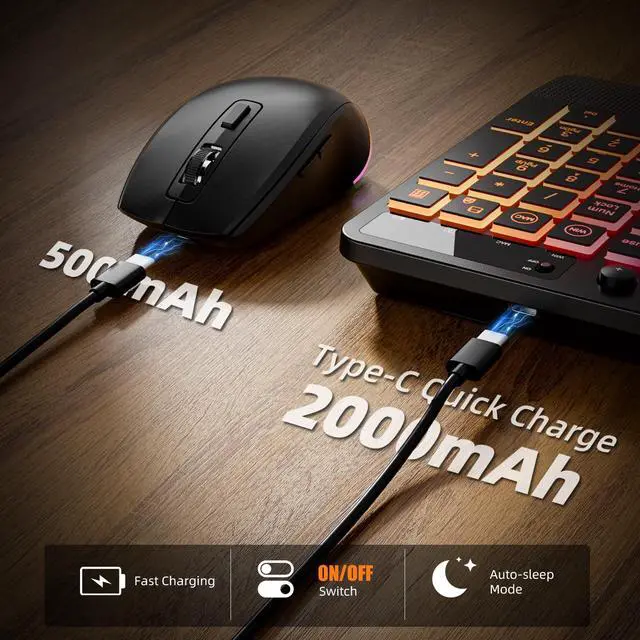
Switch to another charging cable or plug into a different USB port. If that still doesn't do the trick, simply find our support team for further help.
My keyboard and mouse keep disconnecting or suddenly stop working. What can I do?
Please try re-pairing: remove receiver, keyboard – press Esc + K, plug back; mouse – hold wheel + right button, plug receiver.
How do I get the keyboard backlight to work? It's not turning on.
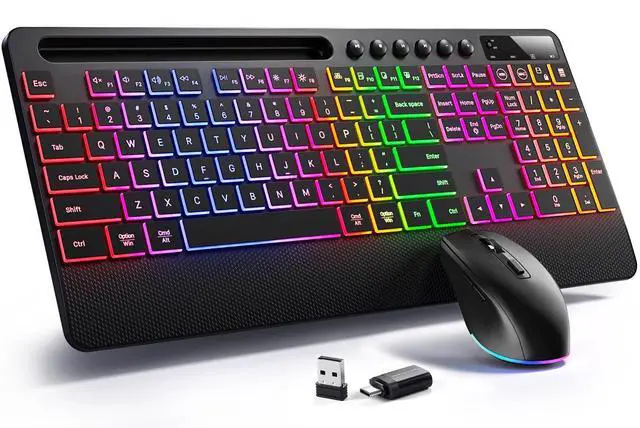
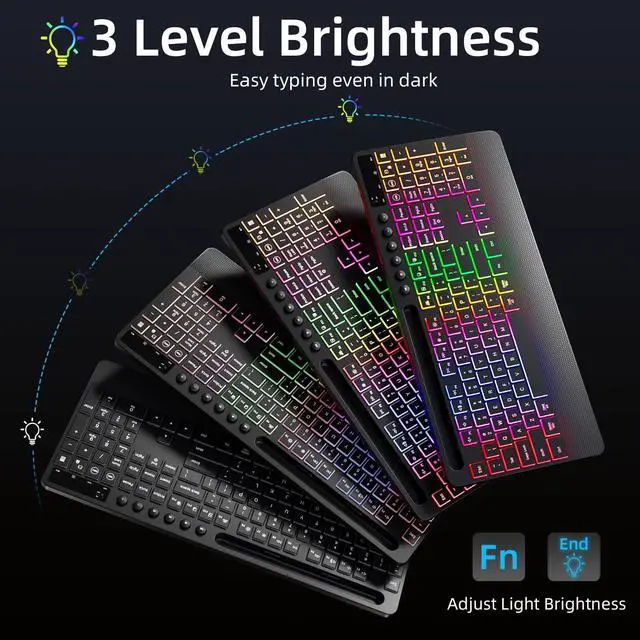
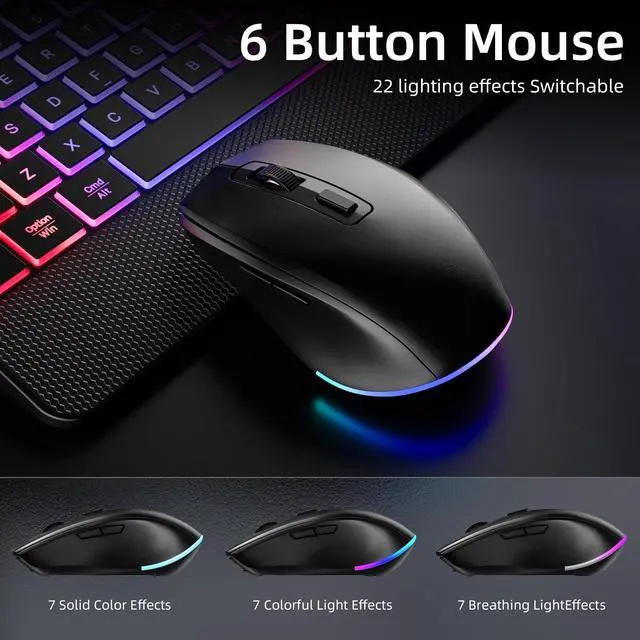
This keyboard has RGB backlight with 3 brightness levels. Press FN+End to adjust. If it still doesn't light up, find our support team.
Where is the USB receiver?
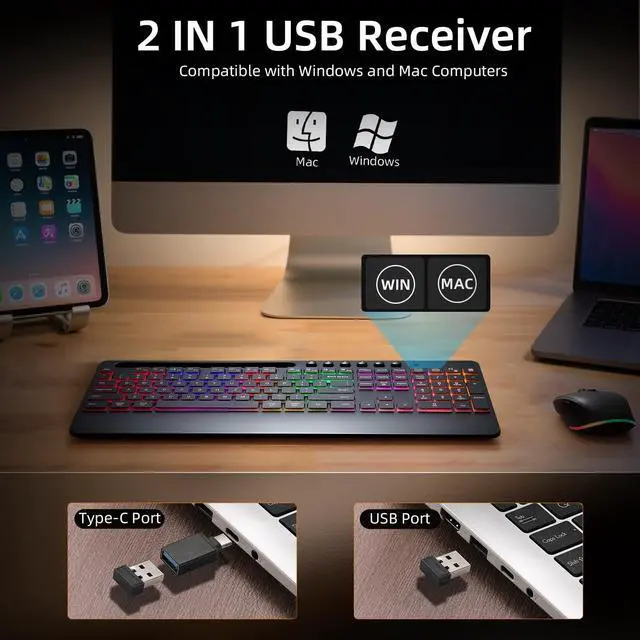
The keyboard and mouse share one USB receiver, stored inside the mouse. If you lose it, we will help you.


My keyboard and mouse have a problem. What should I do?
Find our support team directly via your order page. We take full responsibility for every issue and will solve it within 24 hours.
What can I do if the device won't take a charge?
Switch to another charging cable or plug into a different USB port. If that still doesn't do the trick, simply find our support team for further help.
My keyboard and mouse keep disconnecting or suddenly stop working. What can I do?
Please try re-pairing: remove receiver, keyboard – press Esc + K, plug back; mouse – hold wheel + right button, plug receiver.
How do I get the keyboard backlight to work? It's not turning on.
This keyboard has RGB backlight with 3 brightness levels. Press FN+End to adjust. If it still doesn't light up, find our support team.
Where is the USB receiver?
The keyboard and mouse share one USB receiver, stored inside the mouse. If you lose it, we will help you.


