



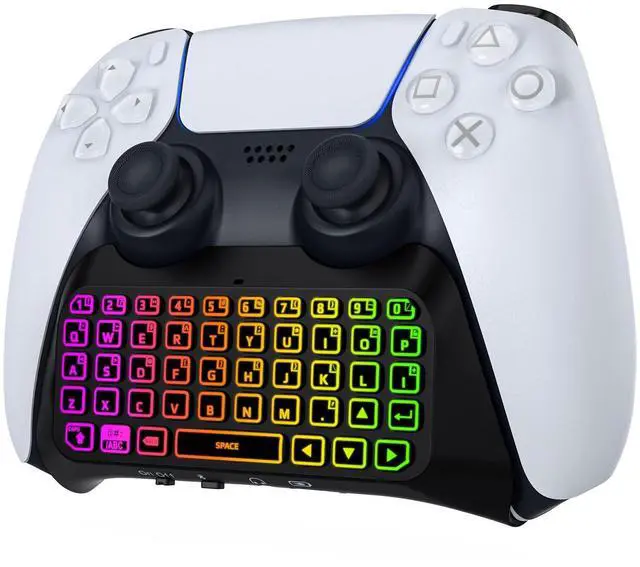
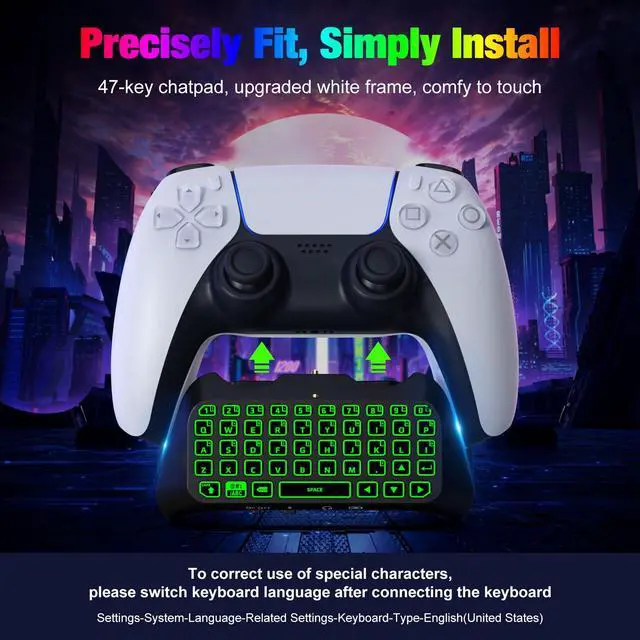
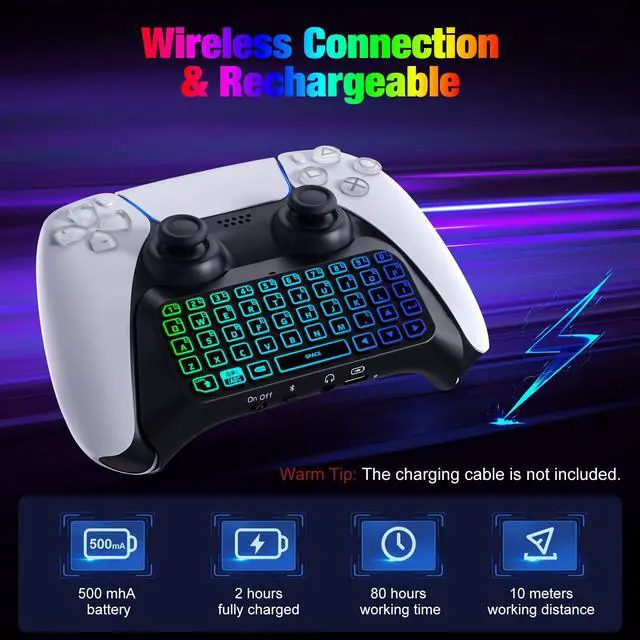


MoKo RGB Backlight Keyboard for PS5 Controller
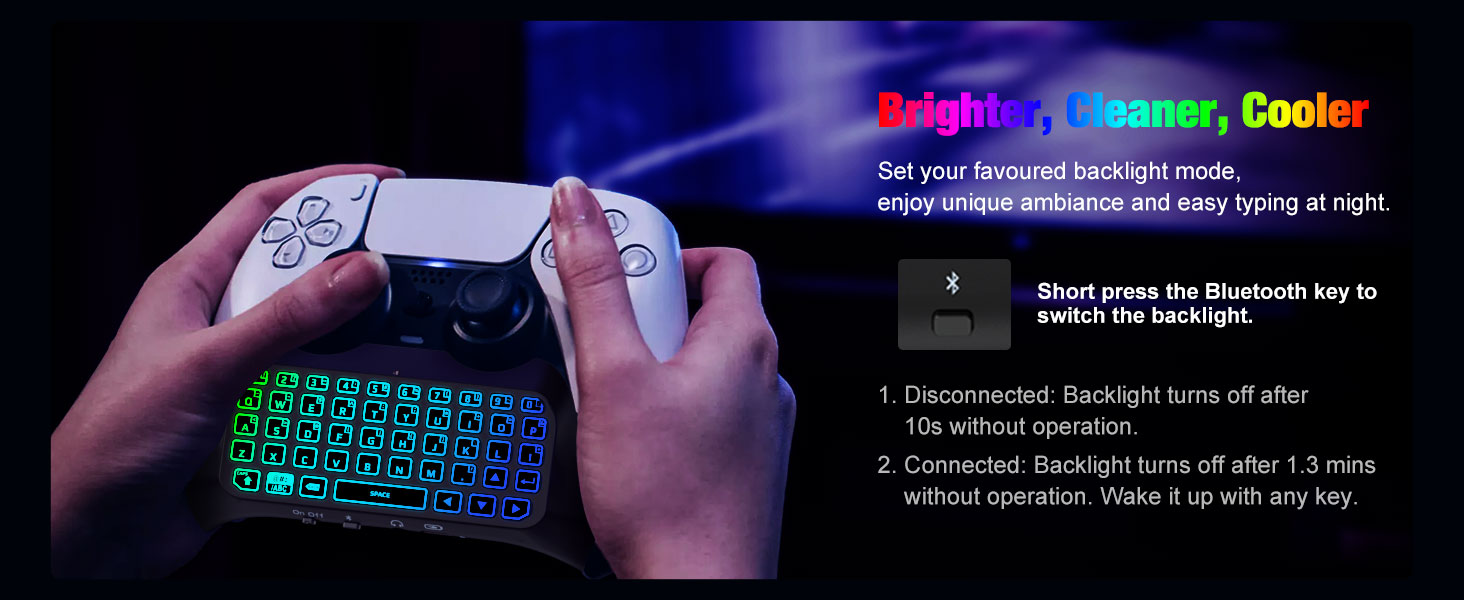
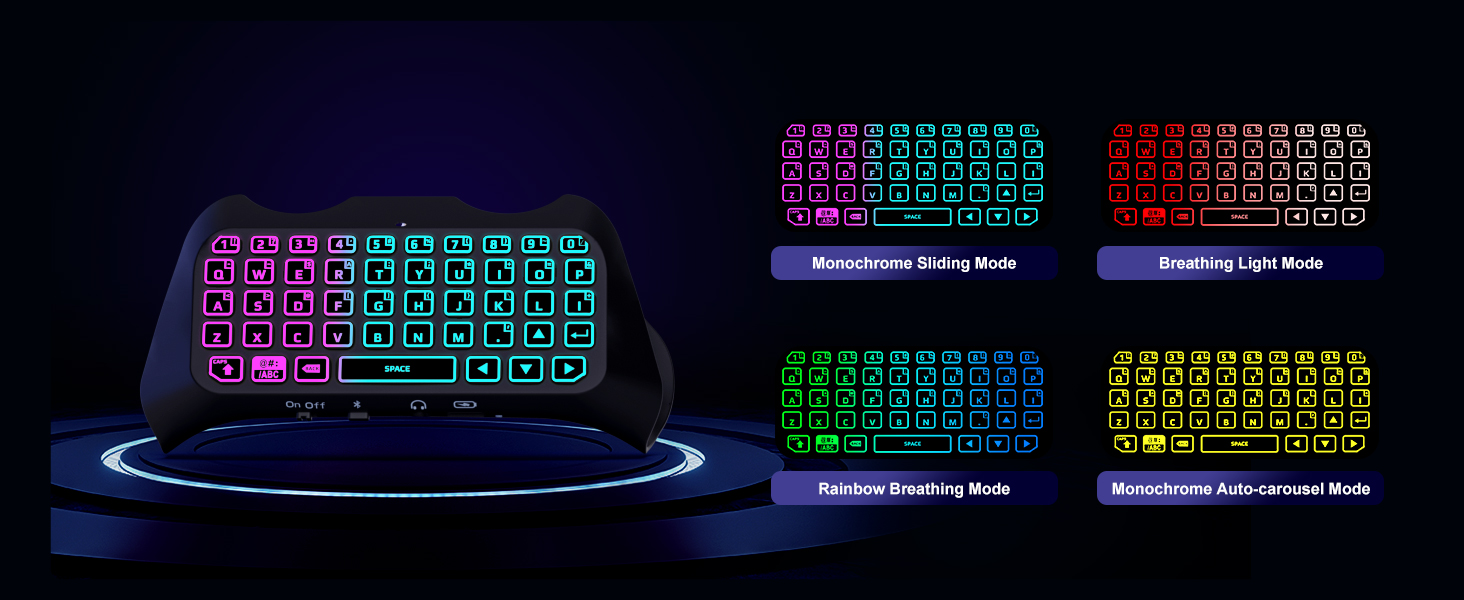
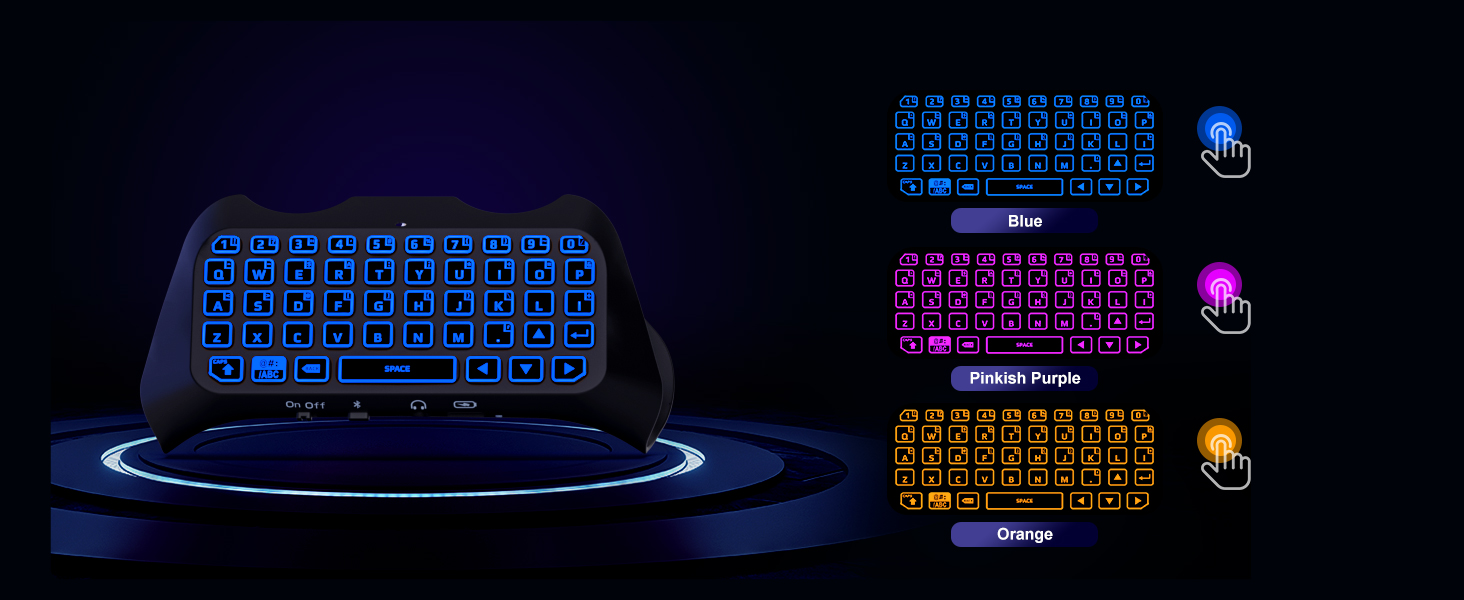
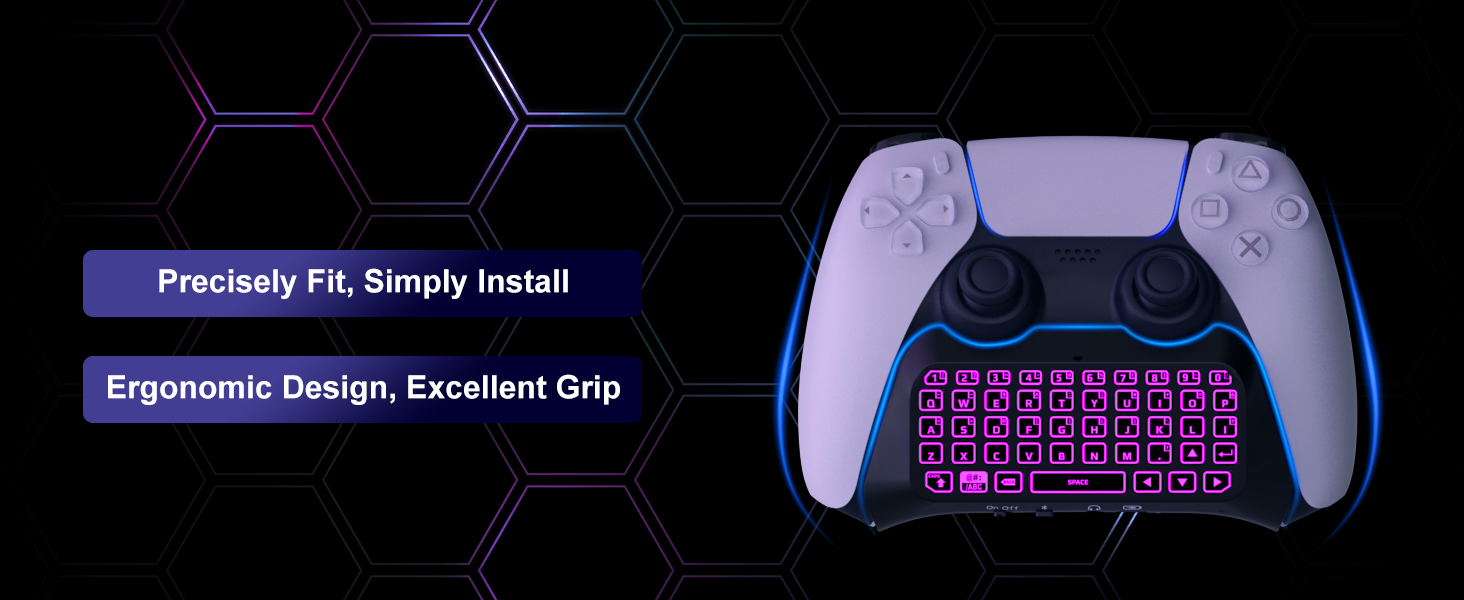
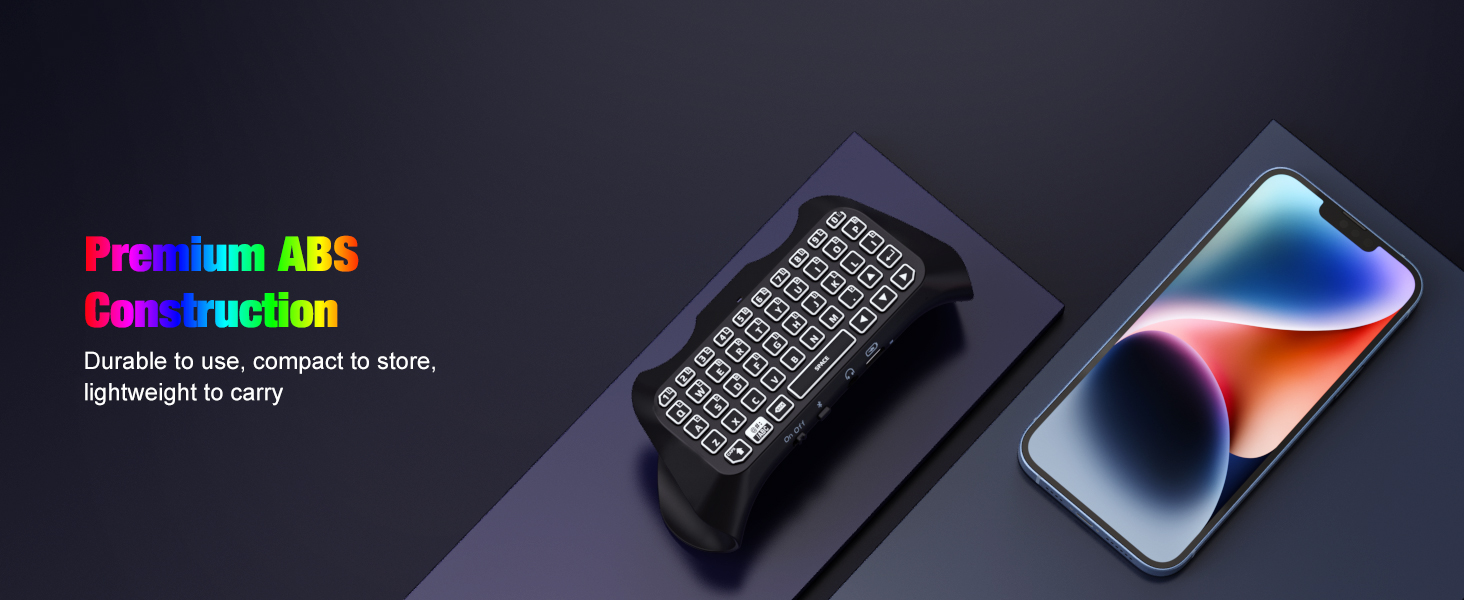
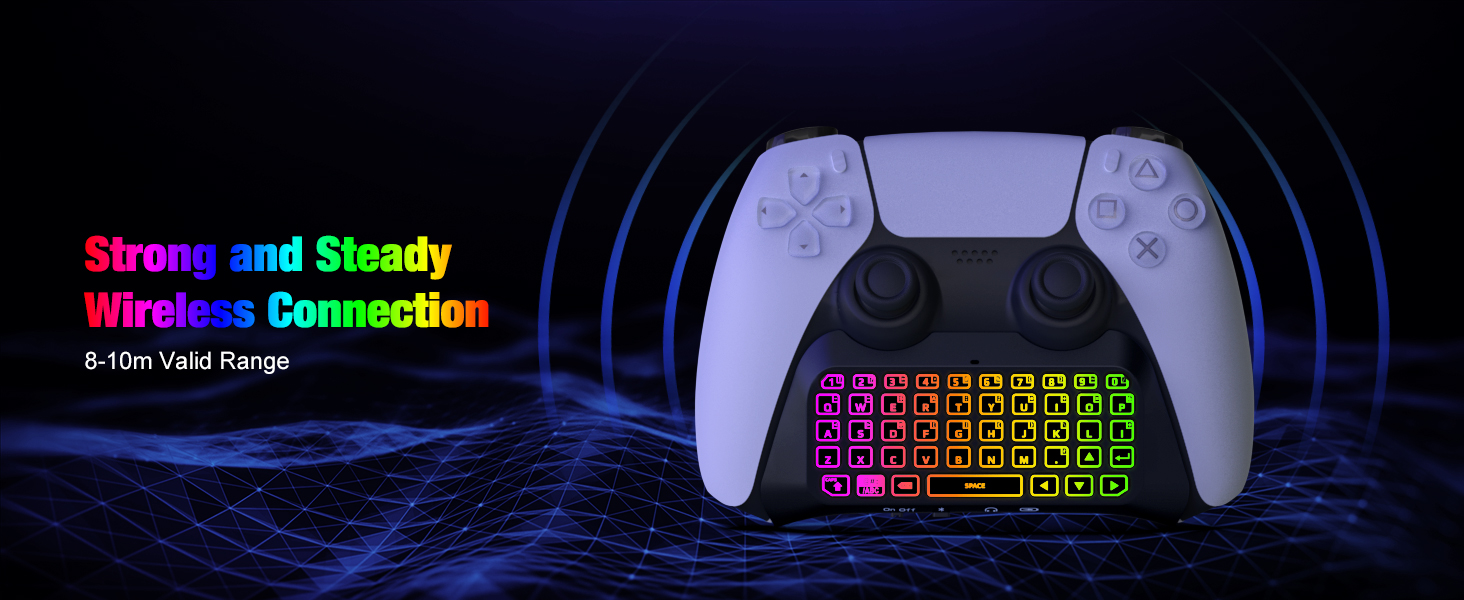
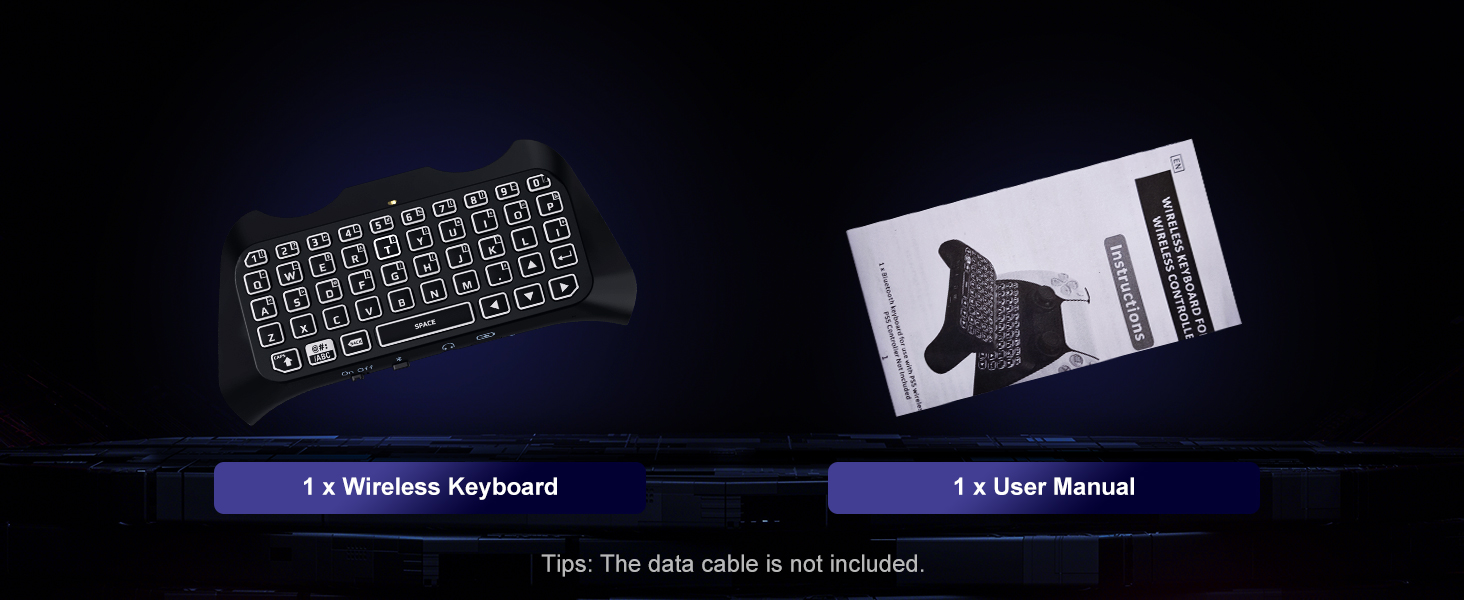
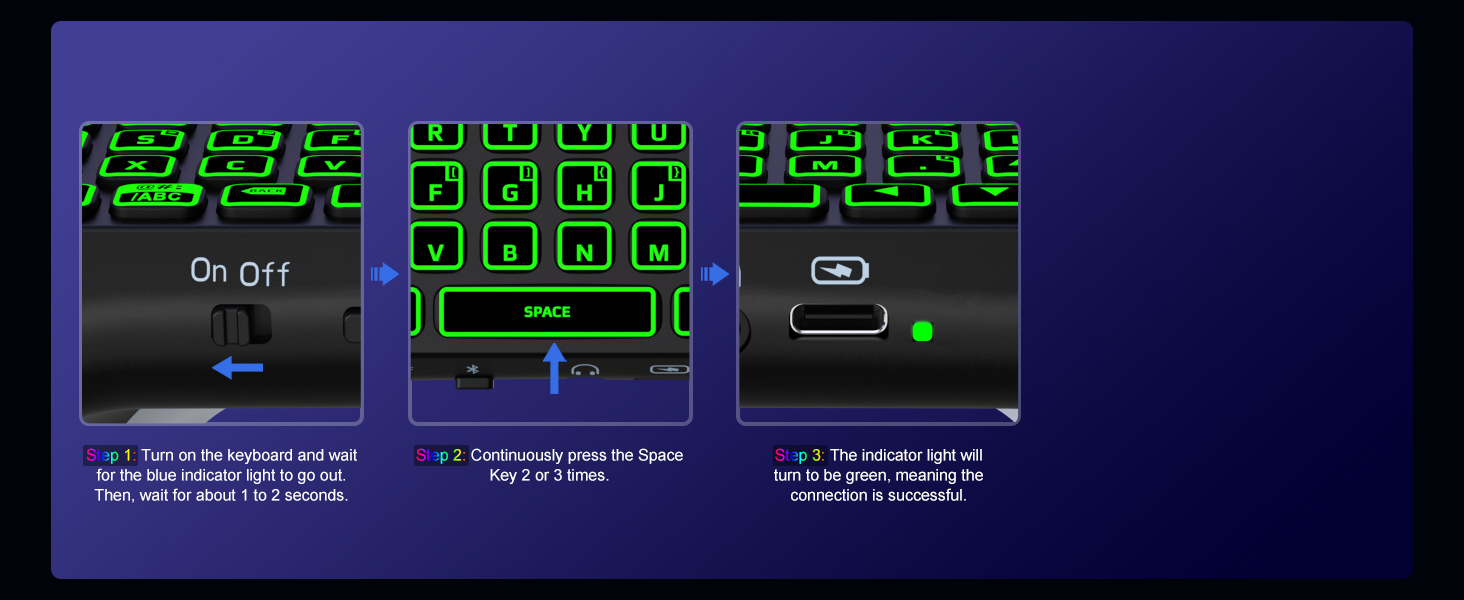
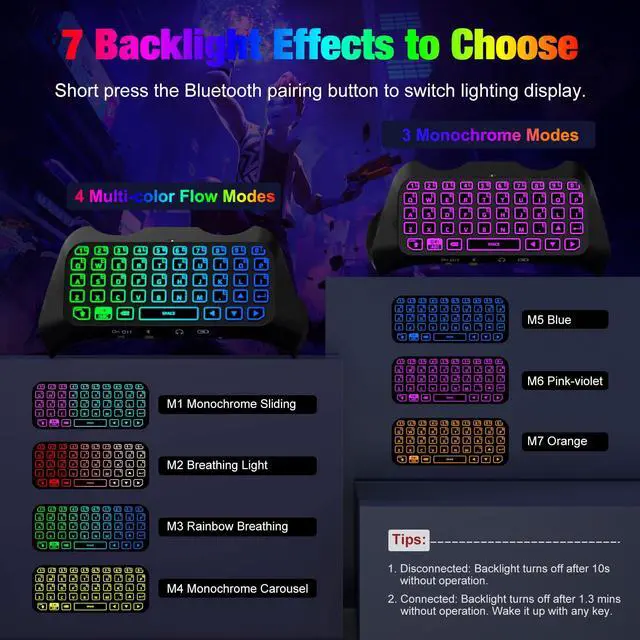
How does the backlight work?
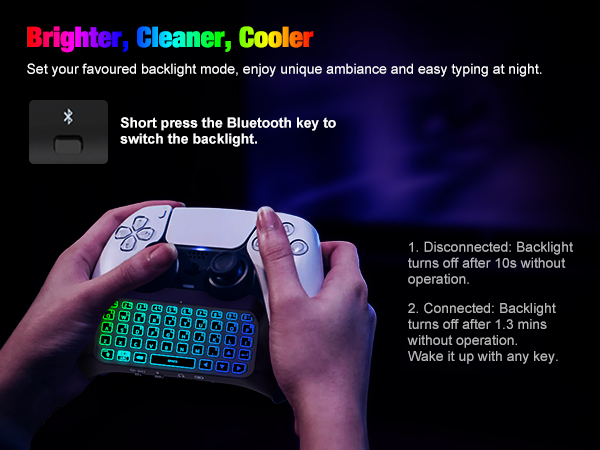
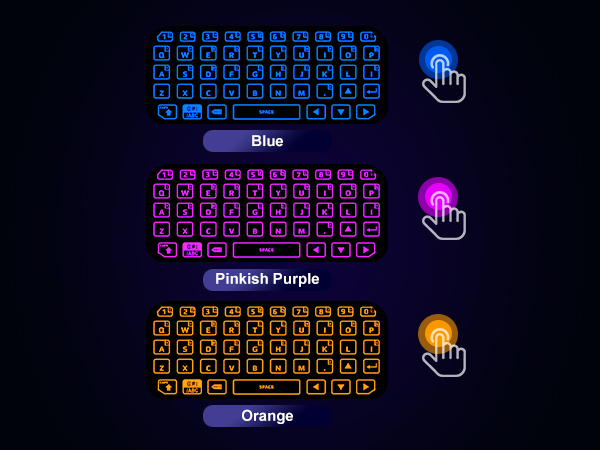
Disconnected: Backlight turns off after 10s without operation. Connected: Backlight turns off after 1.3 mins without operation. Wake it up with any key.
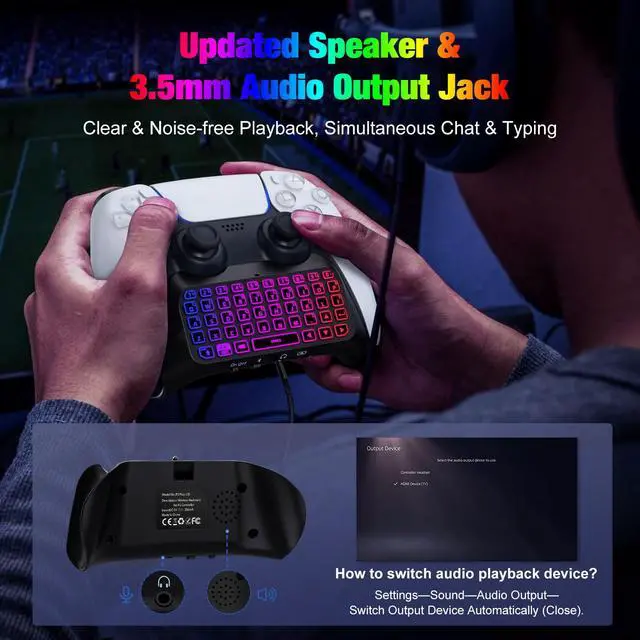
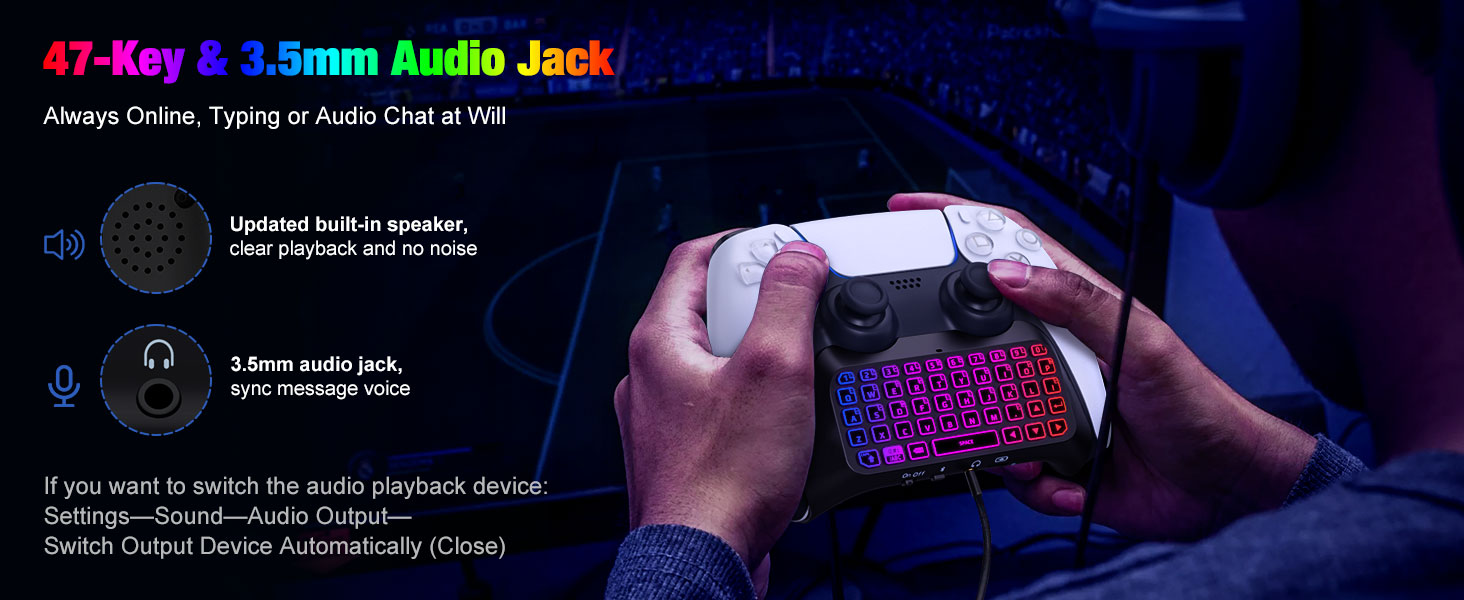
How do I get the headphone jack to work?
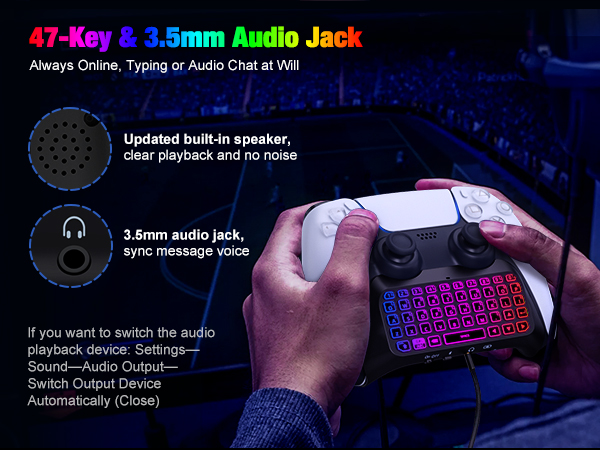
Please make sure that the automatic device switching function in the system is turned off and check if the audio output device is the headset.
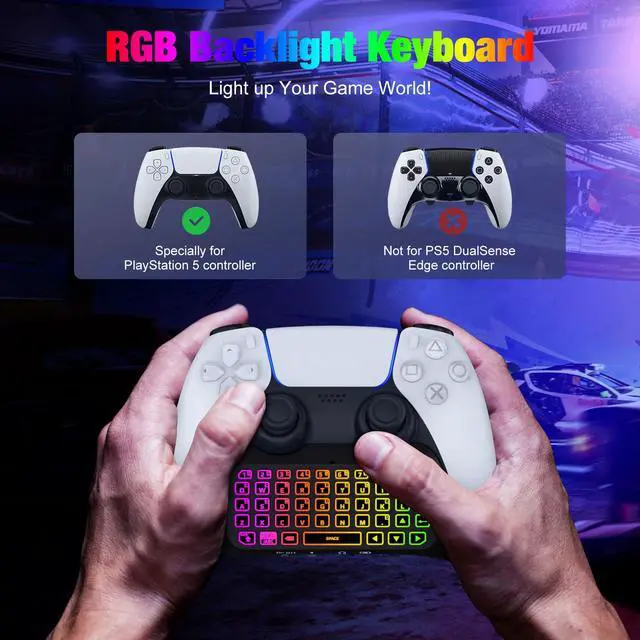
Does this work with PlayStation DualSense Edge Wireless Controller?
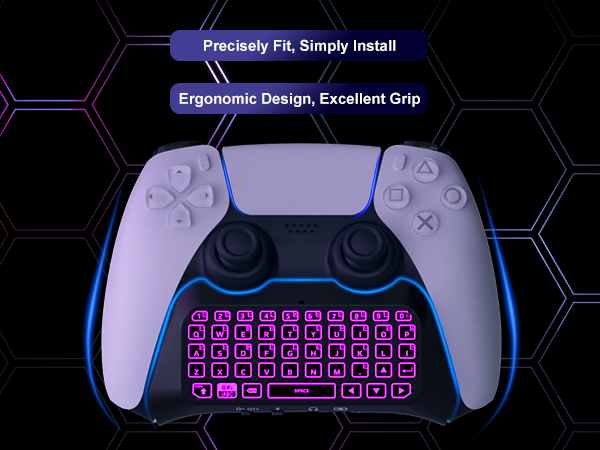
No. It is designed for PS5 standard version controller, not suitable for DualSense Edge Wireless Controller.
What factors affect the keyboard connection and backlight display?
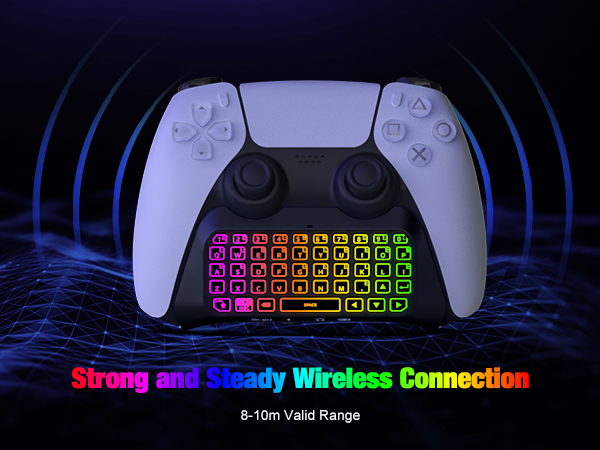
Firstly, you need to ensure that the controller power is above 20% when using. Secondly, the distance between keyboard and console is within 0.5 meters when pairing. Thirdly, avoid excessive metal products and large coverings between them.
If I play games on PC/Steam using the controller, can I still type and chat with this keyboard?
If the keyboard is used on other platforms with Bluetooth functionality, it can only be used as a keyboard input device. Note: This keyboard can only be used as a communication tool, there is no mouse function.
More Accessories Choices for Your Gaming Devices
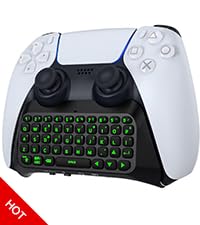 PS5 Controller Keyboard | 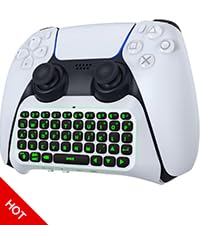 PS5 Controller Keyboard | 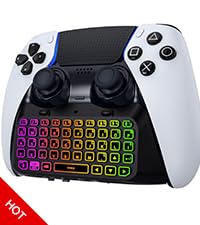 RGB Backlight Keyboard | 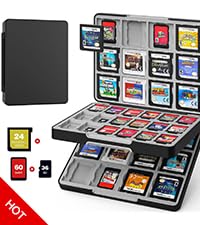 60 Slots Game Card Case | 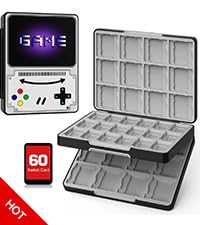 60 Slots Game Card Case | 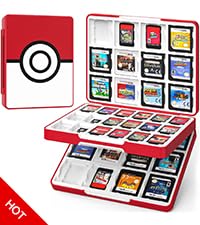 60 Slots Game Card Case | |
|---|---|---|---|---|---|---|
Customer Reviews | — | — | — | — | — | — |
Price | — | — | — | — | — | — |
Compatibility | For PS5 Controller | For PS5 Controller | PS5 Dualsense Edge Controller | For Nintendo Switch/3DS/2DS/DS | For Nintendo Switch/3DS/2DS/DS | For Nintendo Switch/3DS/2DS/DS |
Material | Premium ABS + Silicone Keys | Premium ABS + Silicone Keys | Premium ABS + Silicone Keys | Premium ABS | Premium ABS | Premium ABS |
Application | Typing & Voice Chat | Typing & Voice Chat | Typing & Voice Chat | Game Card Storage | Game Card Storage | Game Card Storage |
Features | Easy Use, Attractive Backlight | Inner Speaker, Comfy to Type | Fantastic Backlight, Easy Use | 3-Layer Capacity, Magnetic | Innovative Style, Magnetic | Creative Style, Large Capacity |
Easy to Carry | ? | ? | ? | ? | ? | ? |

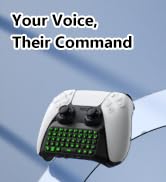
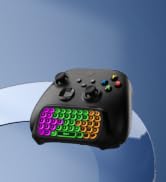
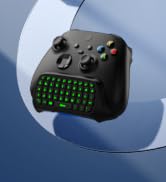
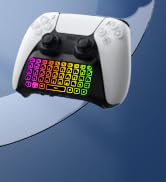
PS5/Xbox Controller Keyboard
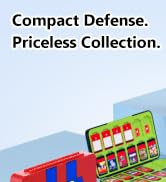
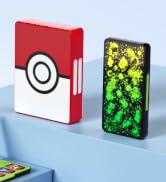
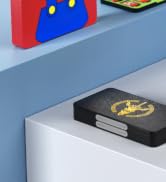
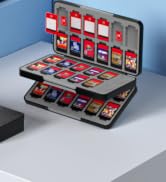
Game Card Case
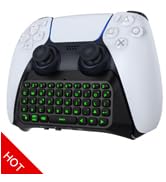
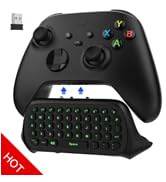
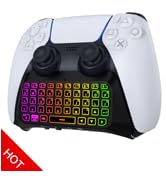
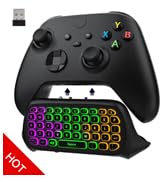
PS5/Xbox Controller Keyboard
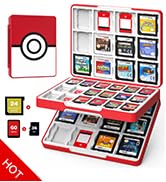
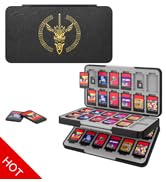
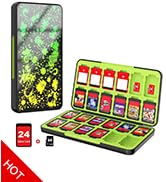
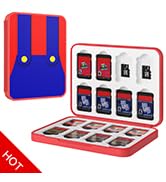
Switch Game Card Case
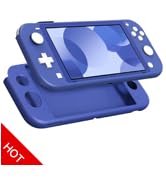
![MoKo Grip for Nintendo Switch OLED Model Joycon & Switch Joy-Con, [2-Pack] Ergonomic Hand Grip Co...](//c1.neweggimages.com/sellingpilot/modules/product/a-plus/73afe5b16854e53aaeec63347c6b8bd7ccbd8e460035ed96ea5ea07fa4e6a35b.jpg)
Gaming Accessories

To Game Fans
MoKo is constantly developing new surprises and working to ensure that each product meets the highest design, functionality, and quality standards in order to improve your gaming experience. We hope you can enjoy these games, whether action, adventure, arcade, sports, or other types, with our accessories and benefit from our genuine service.
Your smile serves as our inspiration for constant development.
![MoKo Grip for Nintendo Switch OLED Model Joycon & Switch Joy-Con, [2-Pack] Ergonomic Hand Grip Co...](http://c1.neweggimages.com/sellingpilot/modules/product/a-plus/73afe5b16854e53aaeec63347c6b8bd7ccbd8e460035ed96ea5ea07fa4e6a35b.jpg)
PS5/Xbox Controller Keyboard
Game Card Case
PS5/Xbox Controller Keyboard
Switch Game Card Case
Gaming Accessories
To Game Fans
MoKo is constantly developing new surprises and working to ensure that each product meets the highest design, functionality, and quality standards in order to improve your gaming experience. We hope you can enjoy these games, whether action, adventure, arcade, sports, or other types, with our accessories and benefit from our genuine service.
Your smile serves as our inspiration for constant development.
MoKo RGB Backlight Keyboard for PS5 Controller
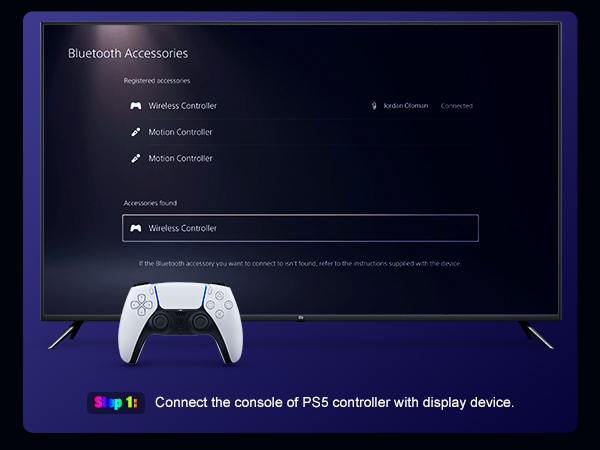
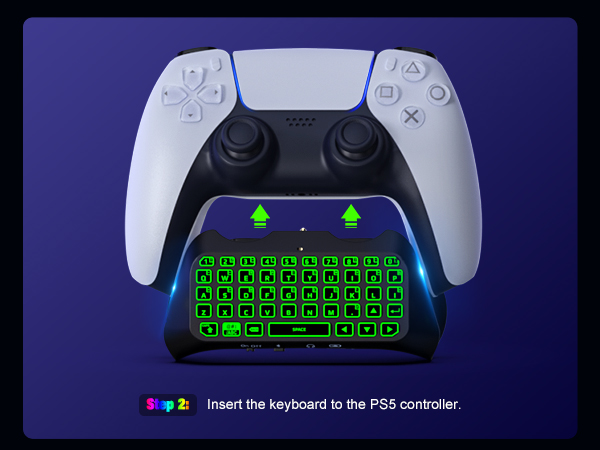
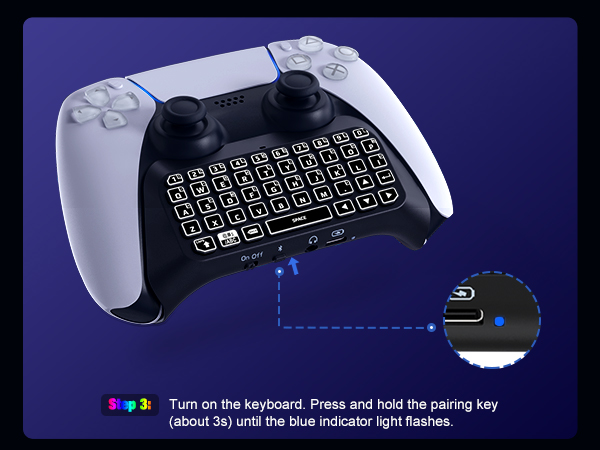
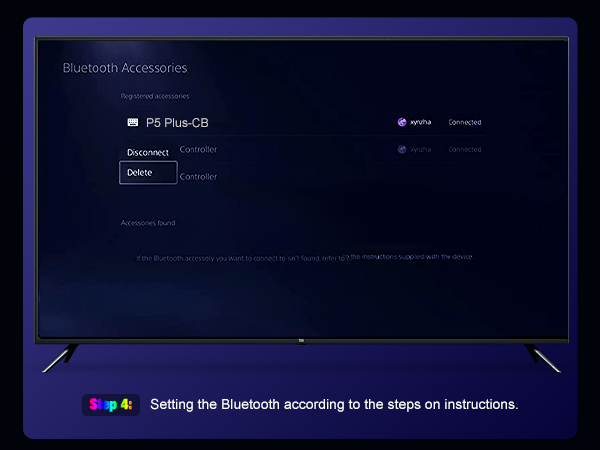
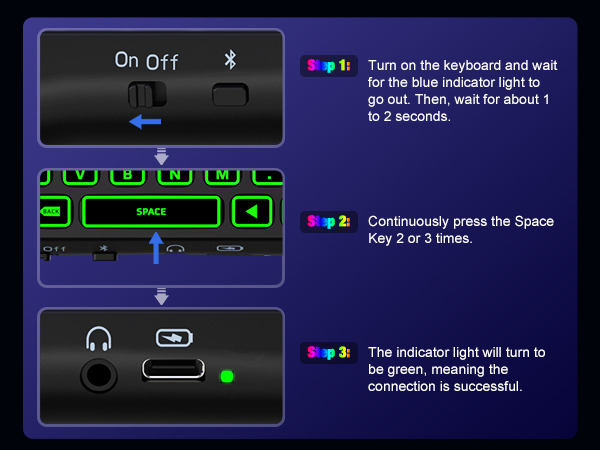
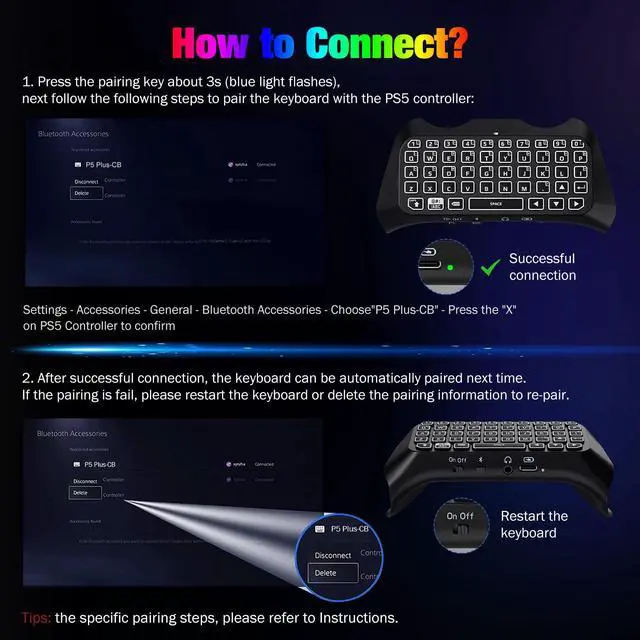
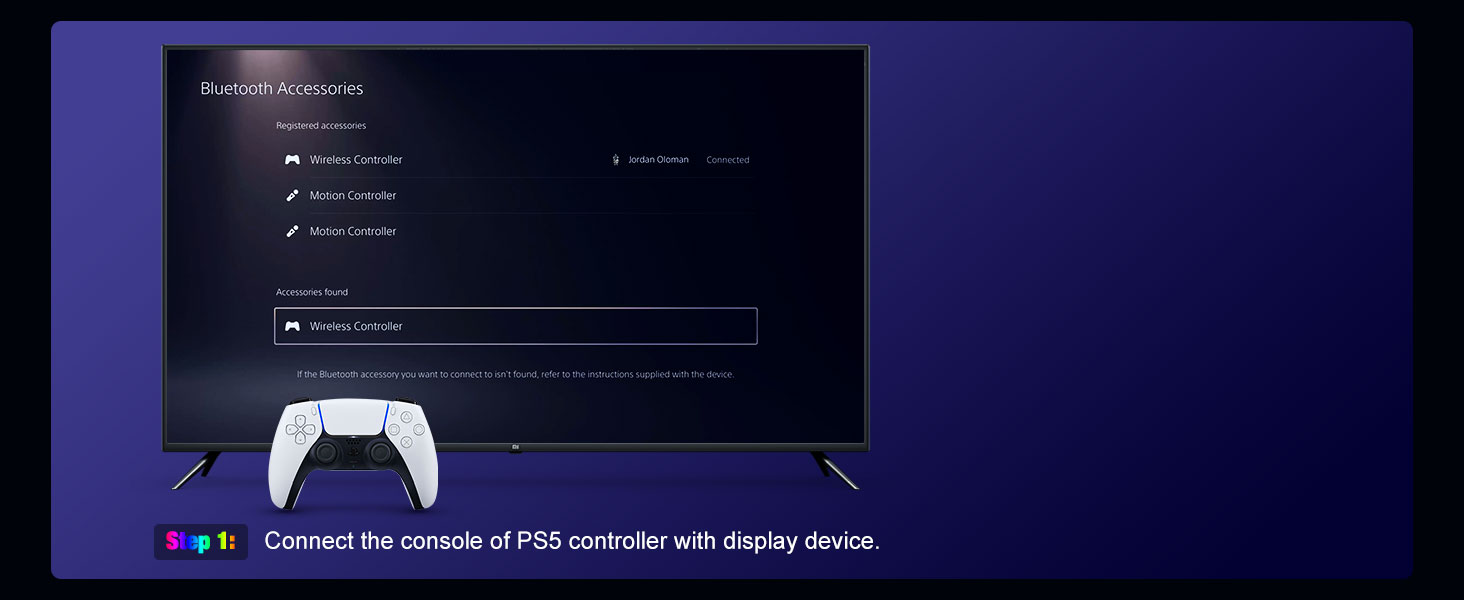
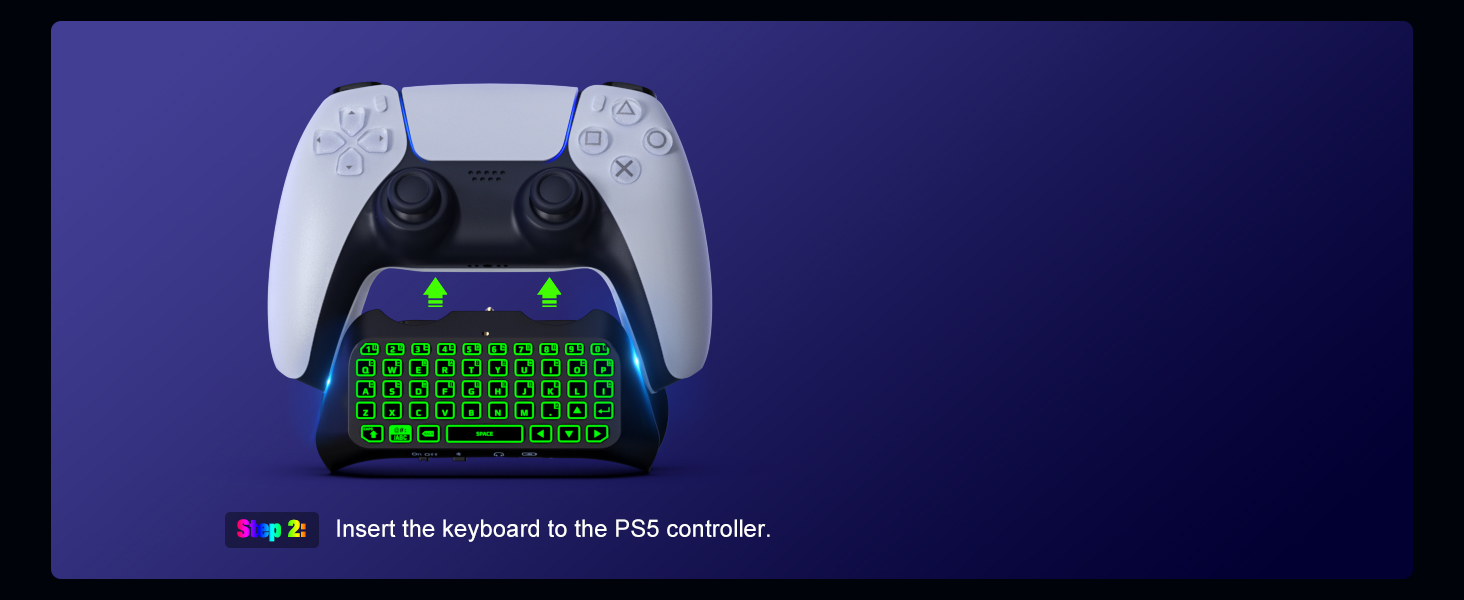
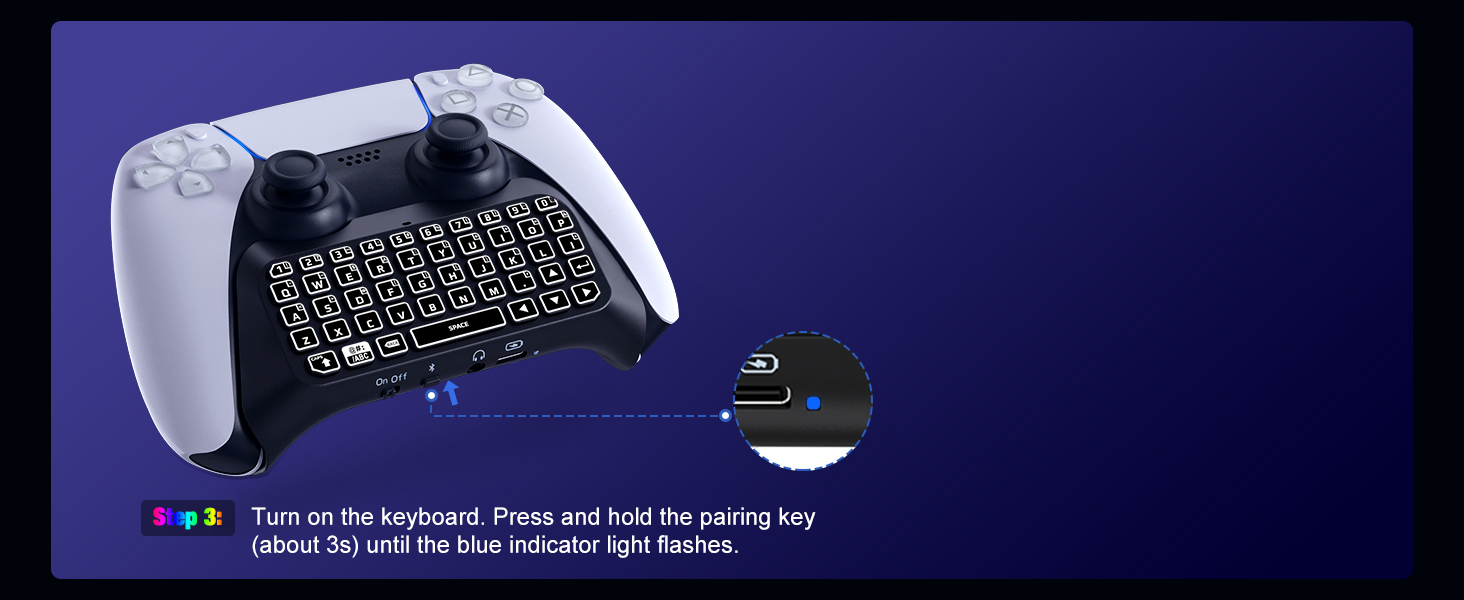
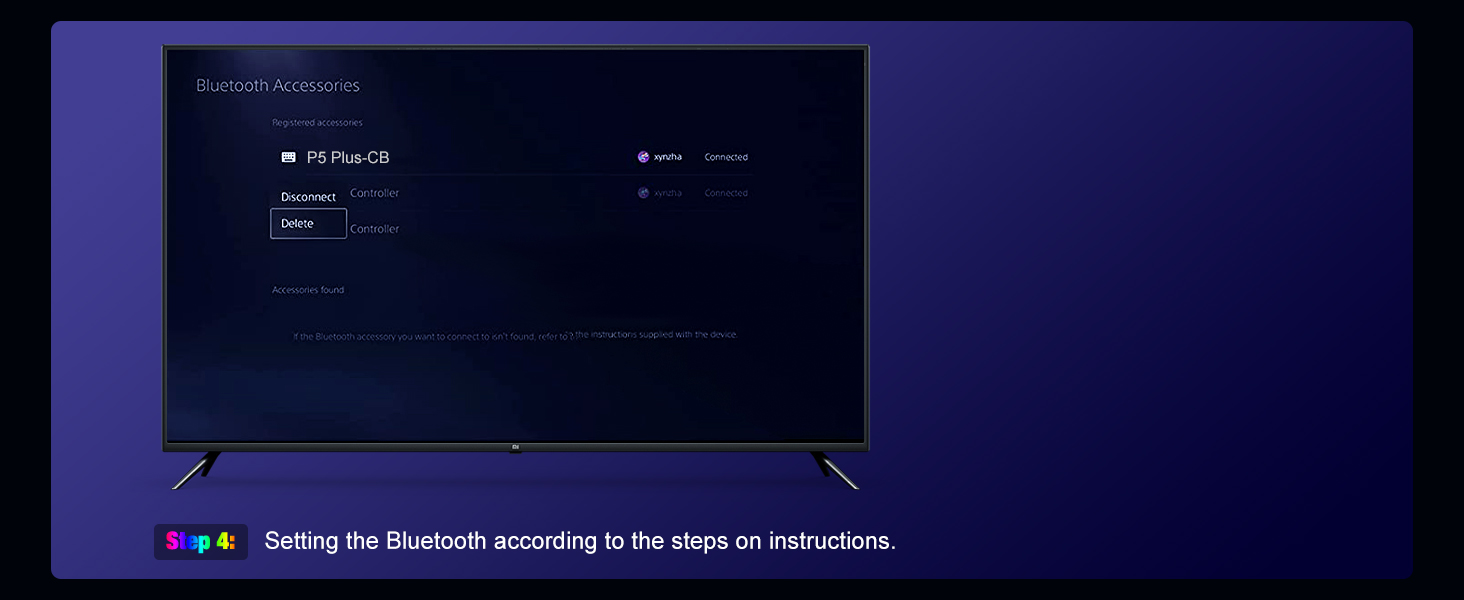
How to Pair the Keyboardwith PS5 Controller?
How does the backlight work?
Disconnected: Backlight turns off after 10s without operation. Connected: Backlight turns off after 1.3 mins without operation. Wake it up with any key.
How do I get the headphone jack to work?
Please make sure that the automatic device switching function in the system is turned off and check if the audio output device is the headset.
Does this work with PlayStation DualSense Edge Wireless Controller?
No. It is designed for PS5 standard version controller, not suitable for DualSense Edge Wireless Controller.
What factors affect the keyboard connection and backlight display?
Firstly, you need to ensure that the controller power is above 20% when using. Secondly, the distance between keyboard and console is within 0.5 meters when pairing. Thirdly, avoid excessive metal products and large coverings between them.
If I play games on PC/Steam using the controller, can I still type and chat with this keyboard?
If the keyboard is used on other platforms with Bluetooth functionality, it can only be used as a keyboard input device. Note: This keyboard can only be used as a communication tool, there is no mouse function.
More Accessories Choices for Your Gaming Devices
PS5 Controller Keyboard | PS5 Controller Keyboard | RGB Backlight Keyboard | 60 Slots Game Card Case | 60 Slots Game Card Case | 60 Slots Game Card Case |
|---|---|---|---|---|---|
| Customer Reviews | |||||
| — | — | — | — | — | — |
| Price | |||||
| — | — | — | — | — | — |
| Compatibility | |||||
| For PS5 Controller | For PS5 Controller | PS5 Dualsense Edge Controller | For Nintendo Switch/3DS/2DS/DS | For Nintendo Switch/3DS/2DS/DS | For Nintendo Switch/3DS/2DS/DS |
| Material | |||||
| Premium ABS + Silicone Keys | Premium ABS + Silicone Keys | Premium ABS + Silicone Keys | Premium ABS | Premium ABS | Premium ABS |
| Application | |||||
| Typing & Voice Chat | Typing & Voice Chat | Typing & Voice Chat | Game Card Storage | Game Card Storage | Game Card Storage |
| Features | |||||
| Easy Use, Attractive Backlight | Inner Speaker, Comfy to Type | Fantastic Backlight, Easy Use | 3-Layer Capacity, Magnetic | Innovative Style, Magnetic | Creative Style, Large Capacity |
| Easy to Carry | |||||
| ? | ? | ? | ? | ? | ? |