here!
here!
I’m your shopping assistant for PC builds, upgrades, and everything tech.
Got questions? Ask away!
Start a conversation
here!
I’m your shopping assistant for PC builds, upgrades, and everything tech.
Got questions? Ask away!
Start a conversation



Any questions? Ask CelesteSM will help you find out quickly.
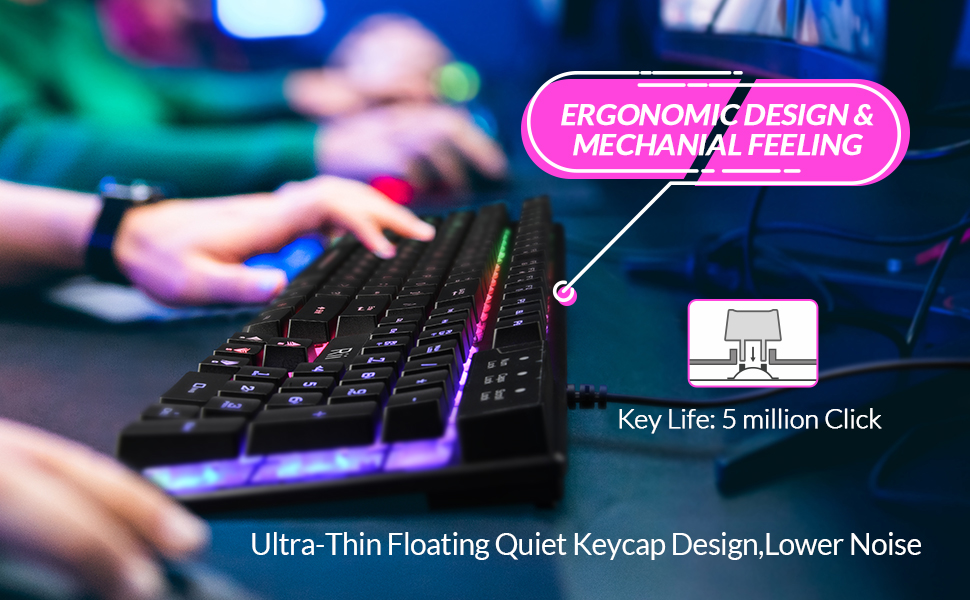
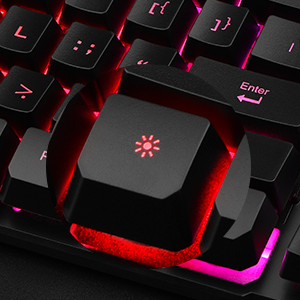
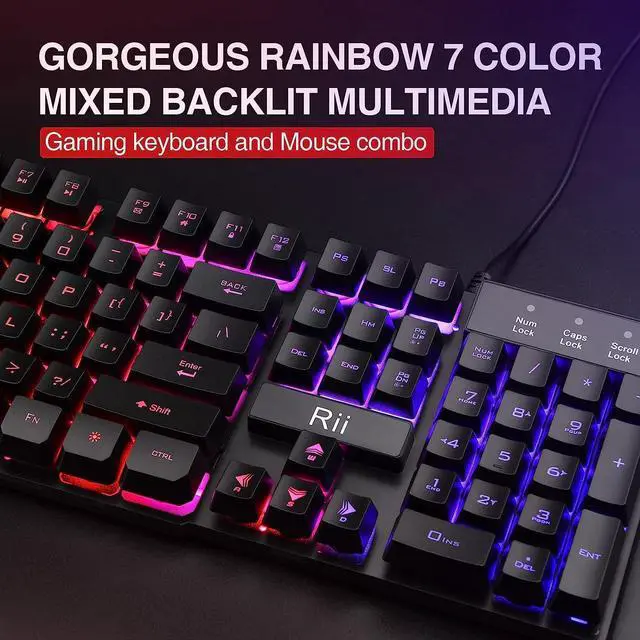
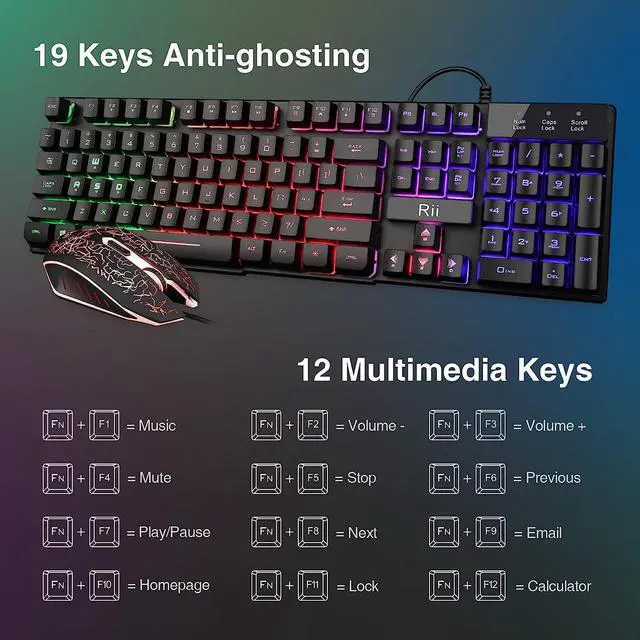
1.FN+Backlight key:Turn on/off the backlight of the gaming keyboard
2.FN+Pageup/Pagedown key:Increase/decrease LED lighting brightness of the business keyboard 3.FN+ F1-F12:To unlock different functions for each buttons
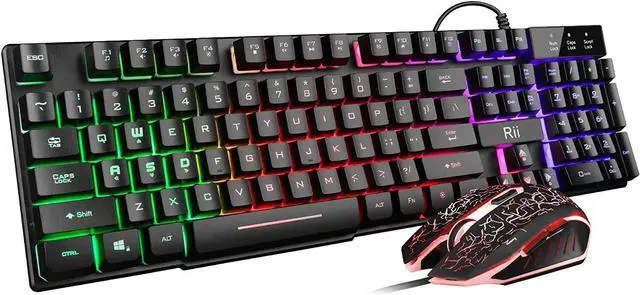
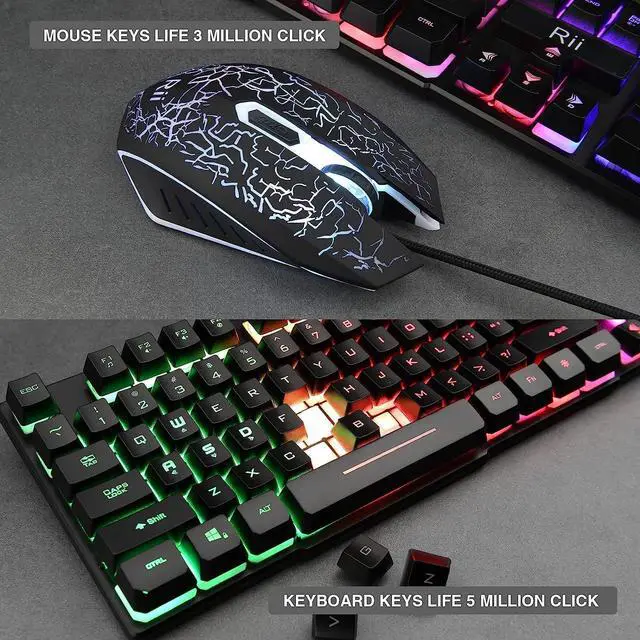
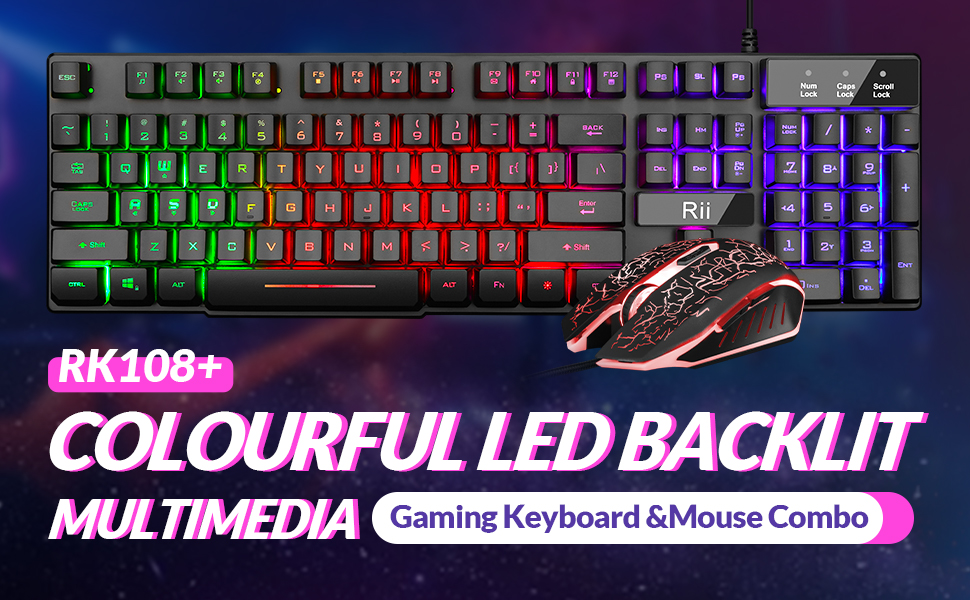
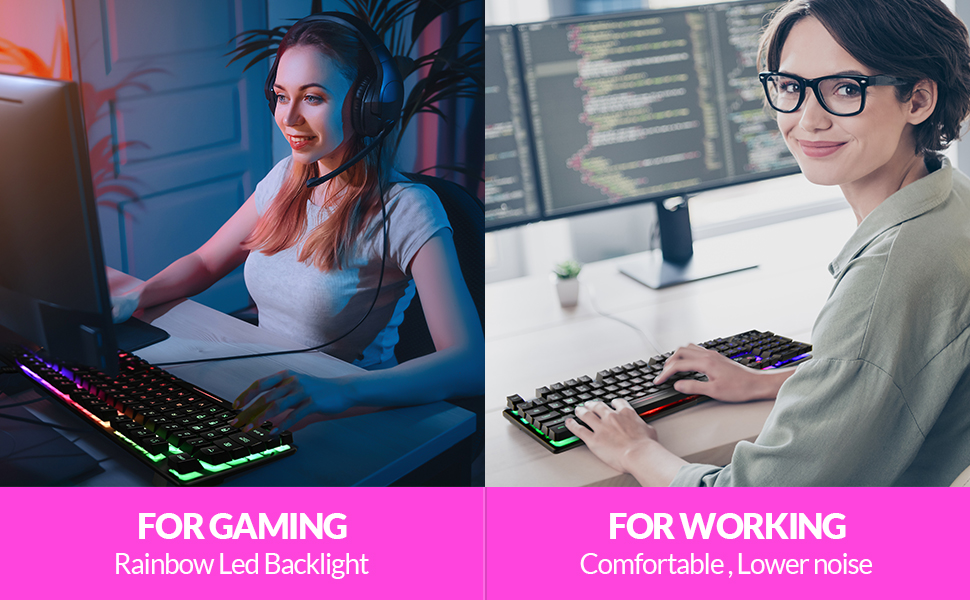
4.Backlit:Multiple mixed Colors
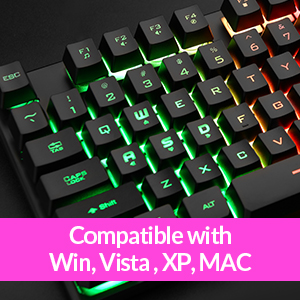
Easy to Install & Widely Used No Driver Needed: Support Windows10,windows 8, Windows 7, Windows Vista, Windows XP.PC Laptop Pad Google Android TV Box HTPC IPTV Smart TV Mac IOS Raspberry Pi all version63+ etc.
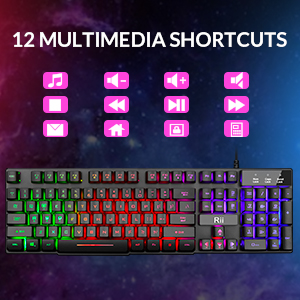
FN+ F1-F12:To unlock different functions for each buttons

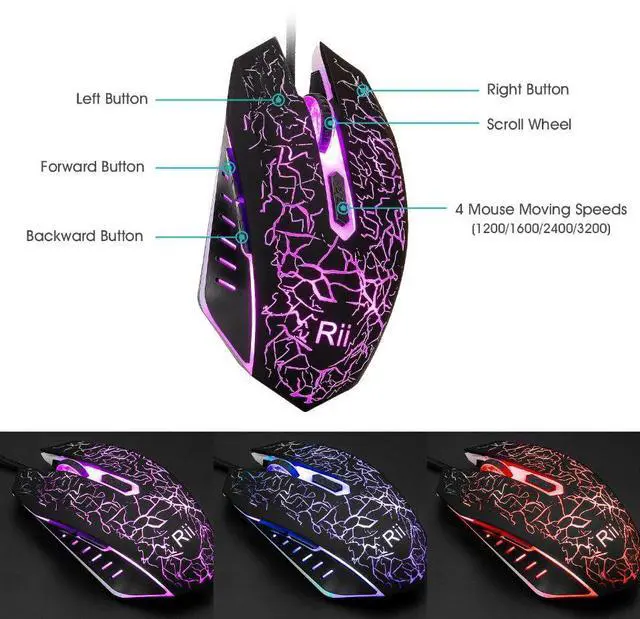
4 moving speed (1200/1600/2400/3200 ) ,Laser carved characters, non-slip design
1.FN+Backlight key:Turn on/off the backlight of the gaming keyboard
2.FN+Pageup/Pagedown key:Increase/decrease LED lighting brightness of the business keyboard 3.FN+ F1-F12:To unlock different functions for each buttons
4.Backlit:Multiple mixed Colors
Easy to Install & Widely Used No Driver Needed: Support Windows10,windows 8, Windows 7, Windows Vista, Windows XP.PC Laptop Pad Google Android TV Box HTPC IPTV Smart TV Mac IOS Raspberry Pi all version63+ etc.
FN+ F1-F12:To unlock different functions for each buttons
4 moving speed (1200/1600/2400/3200 ) ,Laser carved characters, non-slip design



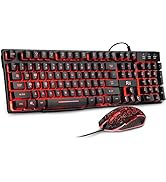


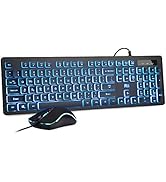
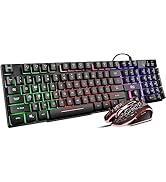


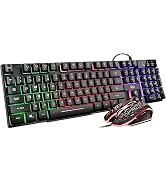
| Brand | Rii |
| Color | Rainbow LED Backlit |
| Connectivity Technology | Usb |
| Special Feature | Non Slip |
| Compatible Devices | Gaming Console, Personal Computer |
| Other Special Features of the Product | Non Slip |
| Keyboard Backlighting Color Support | RGB |
| Power Source | Corded Electric |
| Keyboard Layout | QWERTY |
| Compatible Operating System Family | Windows |
| Minimum Required Operating System Version | Windows Vista |
| Hand Orientation | Ambidextrous |
| Operating System | Android, Windows 10, Windows 7, Windows 8, Windows Vista |
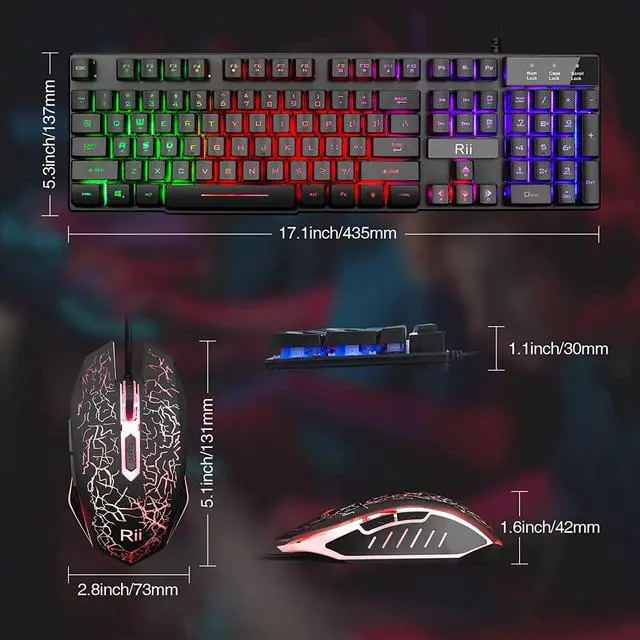
| Number of Keys | 104 |
| Keyboard Description | Gaming |
| Antenna Location | Gaming, Office |
| Manufacturer | Riitek |
| Unit Count | 1 Count |
| Warranty Description | 1 year |