



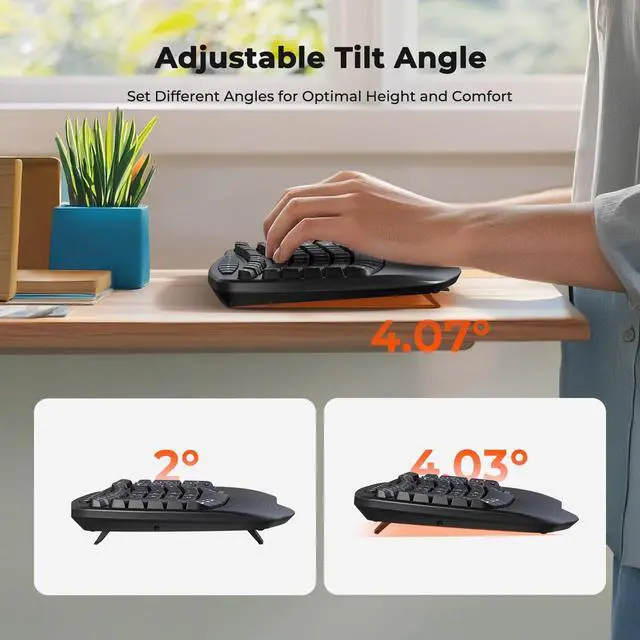


Adjustable Tilt Angle
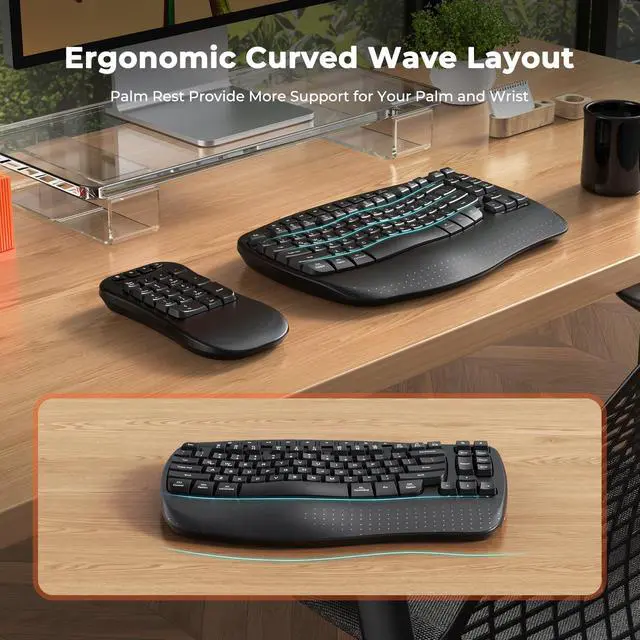
You can set different angles to achieve the optimal height and comfort, ensuring a customized typing experience. It promotes a natural hand position, reducing strain during long typing sessions and enhancing comfort and productivity.

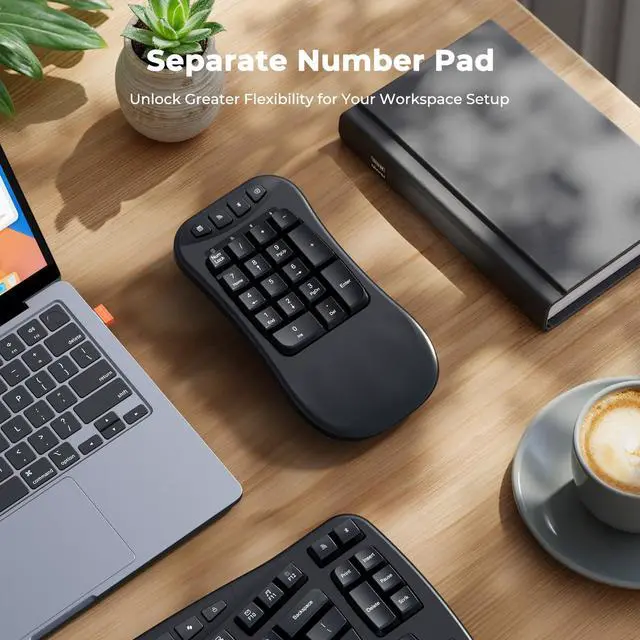
Independent Number Keypad
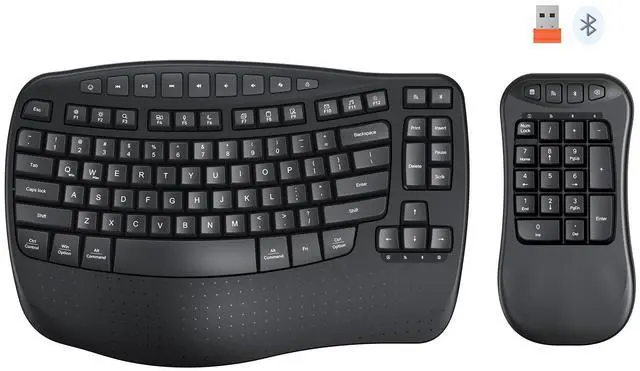
The independent number keypad offers a highly flexible setup option for both your work and business needs. The detachable Bluetooth keyboard increases the efficiency and versatility of your daily work.
Ensuring an Ergonomic and Efficient Desk Layout


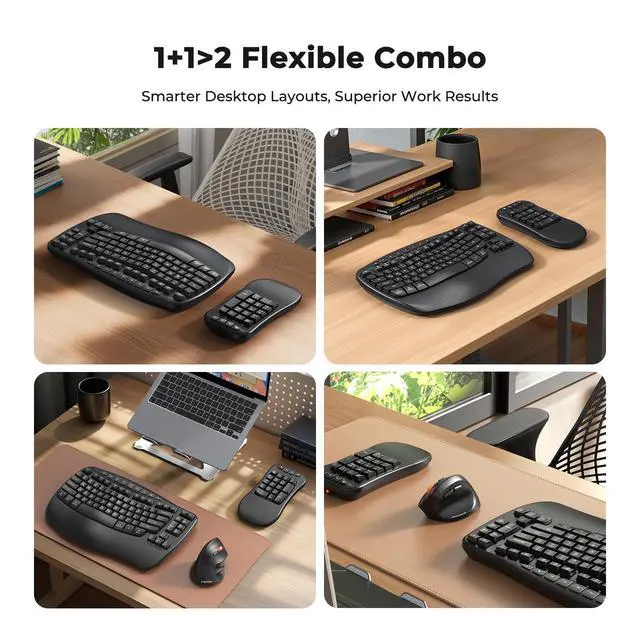
Flexible Setups for Your Work and Business

How to connect it?
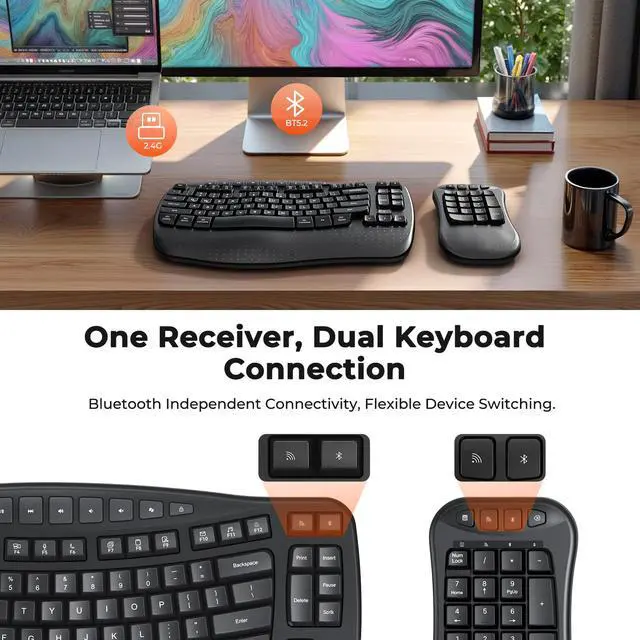
USB -Insert the battery, plug in the orange USB-A receiver, then turn on the keyboard and numpad
?BT -Press the Bluetooth button (with the Bluetooth icon) on the keyboard/numpad. The blue light will blink—connect via your device’s Bluetooth settings
Can the numeric keypad and wireless keyboard be used separately?
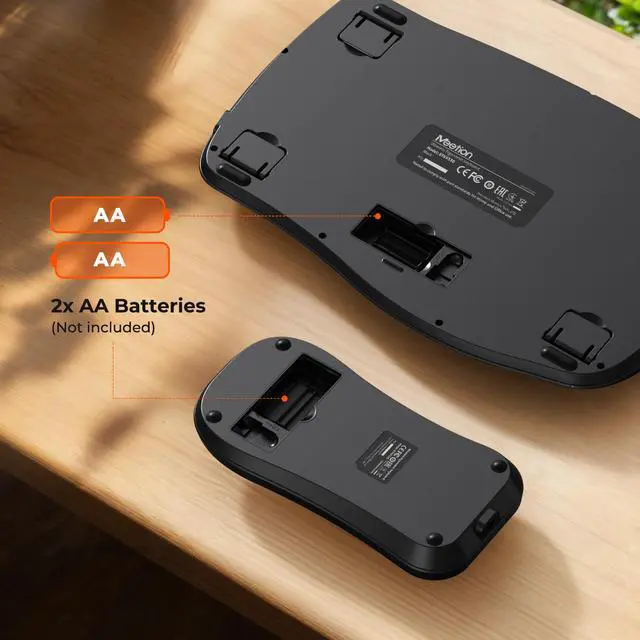
Yes, they can be connected using Bluetooth and you can use them separately. (Battery not included)
I received two receivers, which one should I use to connect to my computer?
Receiver is orange, adapter is black or white
For USB - A port computers, plug the receiver directly in.
For Type - C port only, insert the orange receiver into the adapter's USB - A port, then connect the adapter's Type - C port to your computer's.
There is a problem with the wireless ergonomic keyboard, how to resolve the issue?
Send us a message via your order or contact our support team (you can find details in the user manual). They will assist you as soon as possible.
Is the numeric keypad detachable, and can it be placed on either side of the keyboard?
Yes, the numeric keypad is detachable and can be positioned on either the left or right side for flexible workspace customization.


Adjustable Tilt Angle
You can set different angles to achieve the optimal height and comfort, ensuring a customized typing experience. It promotes a natural hand position, reducing strain during long typing sessions and enhancing comfort and productivity.
Independent Number Keypad
The independent number keypad offers a highly flexible setup option for both your work and business needs. The detachable Bluetooth keyboard increases the efficiency and versatility of your daily work.
Ensuring an Ergonomic and Efficient Desk Layout


Flexible Setups for Your Work and Business

How to connect it?
USB -Insert the battery, plug in the orange USB-A receiver, then turn on the keyboard and numpad
?BT -Press the Bluetooth button (with the Bluetooth icon) on the keyboard/numpad. The blue light will blink—connect via your device’s Bluetooth settings
Can the numeric keypad and wireless keyboard be used separately?
Yes, they can be connected using Bluetooth and you can use them separately. (Battery not included)
I received two receivers, which one should I use to connect to my computer?
Receiver is orange, adapter is black or white
For USB - A port computers, plug the receiver directly in.
For Type - C port only, insert the orange receiver into the adapter's USB - A port, then connect the adapter's Type - C port to your computer's.
There is a problem with the wireless ergonomic keyboard, how to resolve the issue?
Send us a message via your order or contact our support team (you can find details in the user manual). They will assist you as soon as possible.
Is the numeric keypad detachable, and can it be placed on either side of the keyboard?
Yes, the numeric keypad is detachable and can be positioned on either the left or right side for flexible workspace customization.