



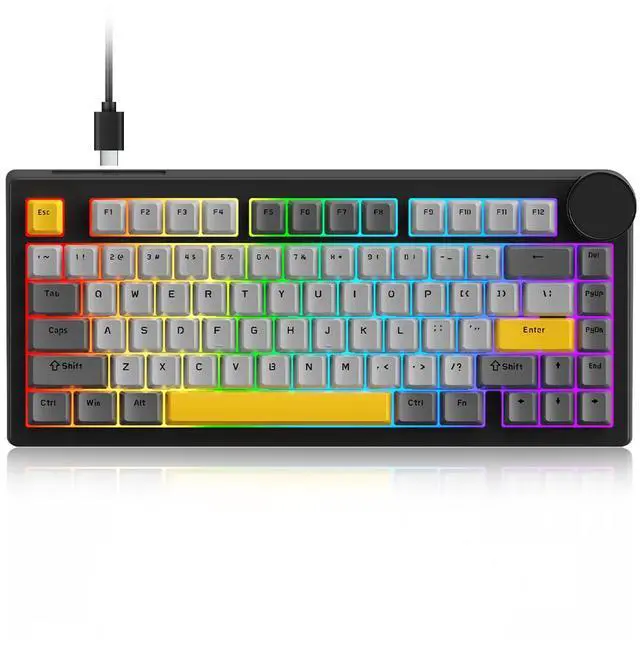


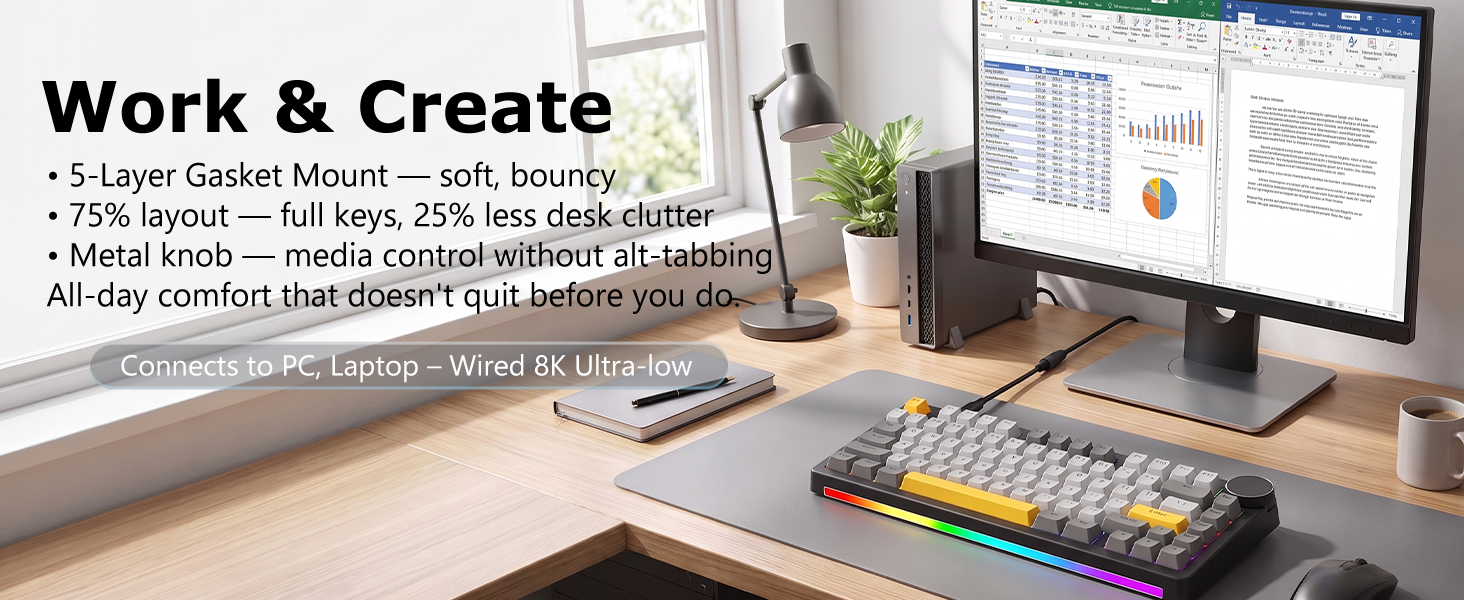
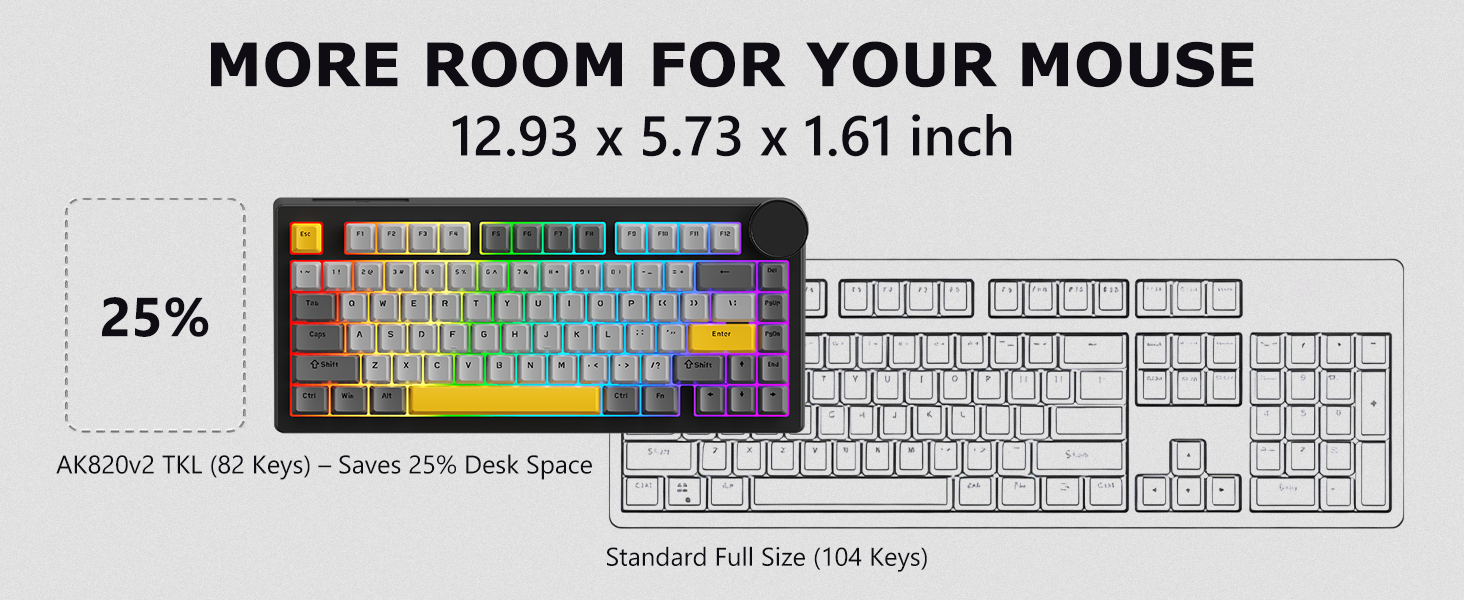
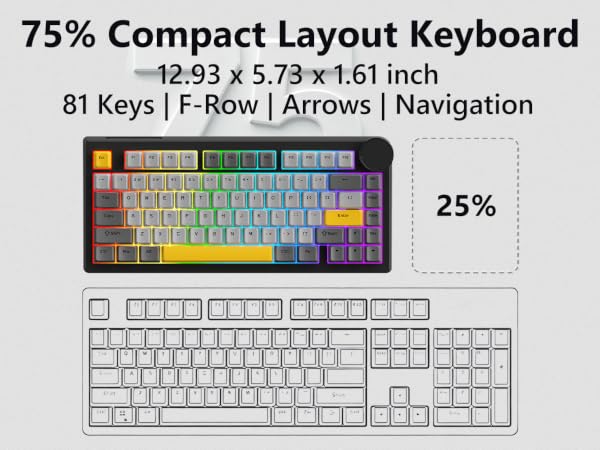
75% Layout: The Sweet Spot for Gaming & Work
Q1: What is Rapid Trigger and why do pros use it?
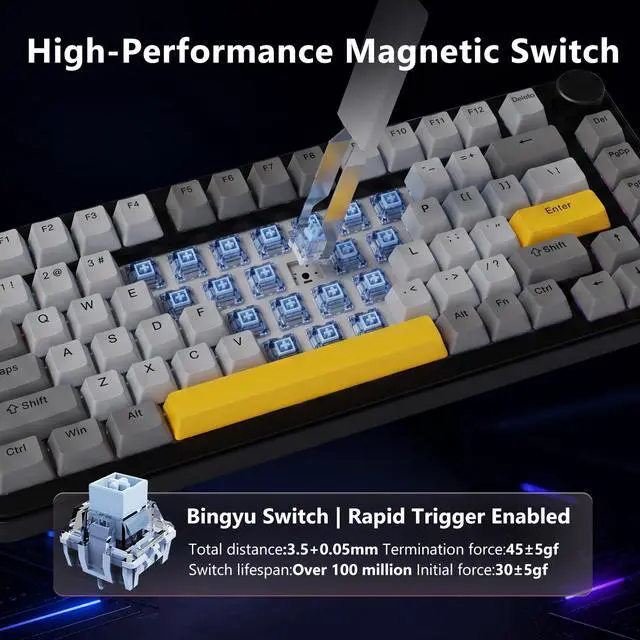
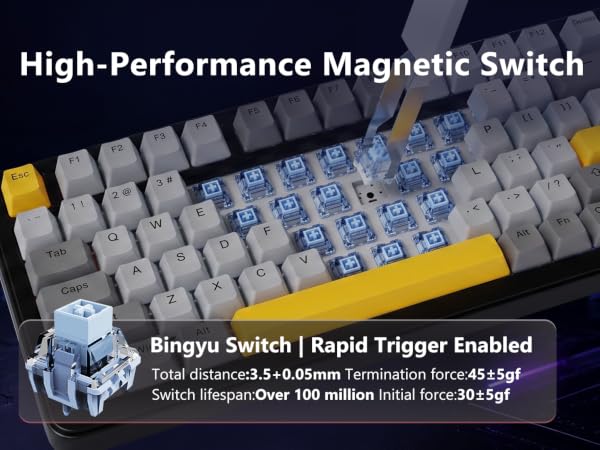
A: Rapid Trigger resets your key the instant you lift—even 0.1mm. Mechanical needs full release. In Valorant or CS2, this means faster strafing and frame-perfect peeks. The biggest edge magnetic has over mechanical for FPS.
Q2: Is typing on magnetic switches comfortable for long sessions?
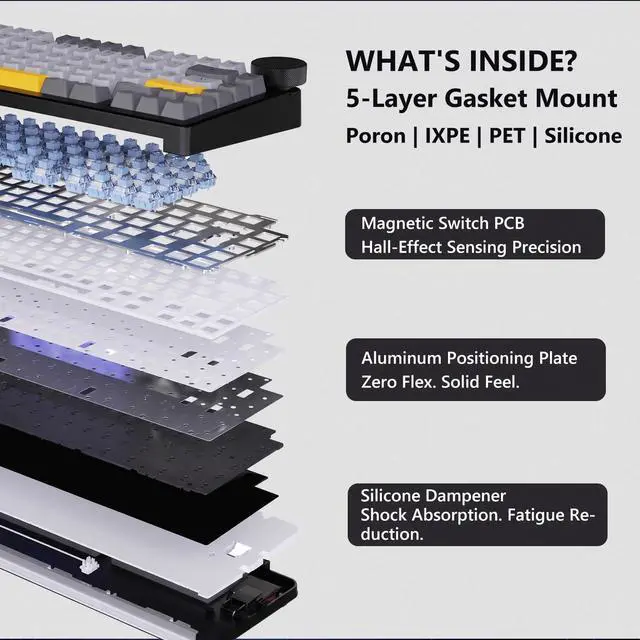
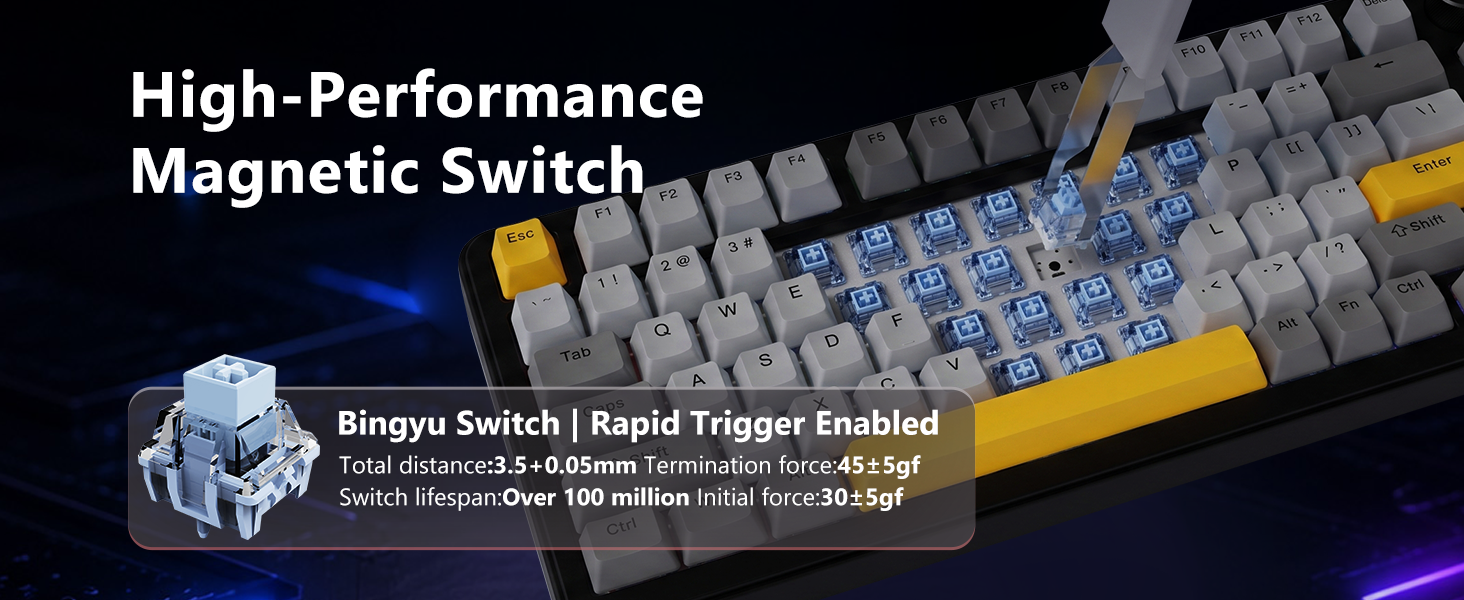
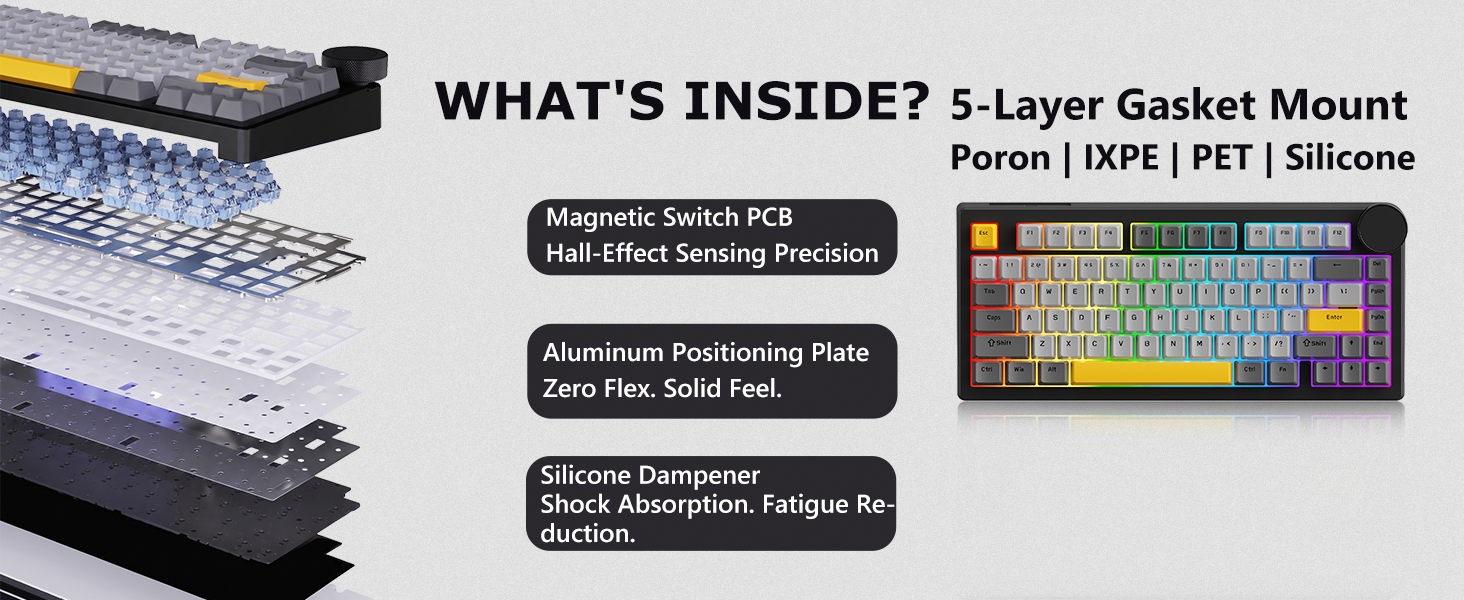
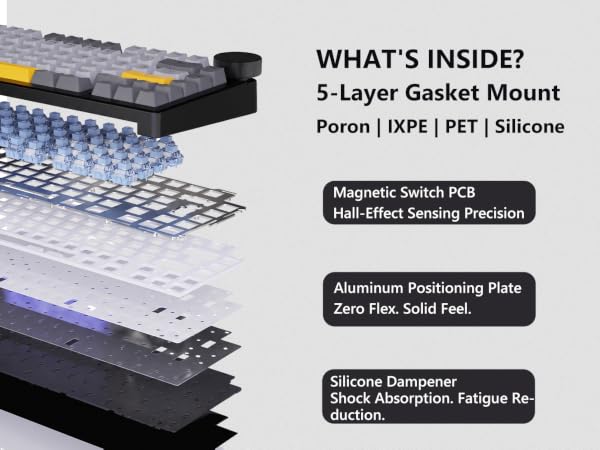
A: Yes. 30gf initial is lighter than most mechanical, reducing finger fatigue. The 45gf bottom-out provides feedback, and the gasket cushions each stroke. Many programmers prefer magnetic after adjustment. Smooth feel improves with zero degradation.
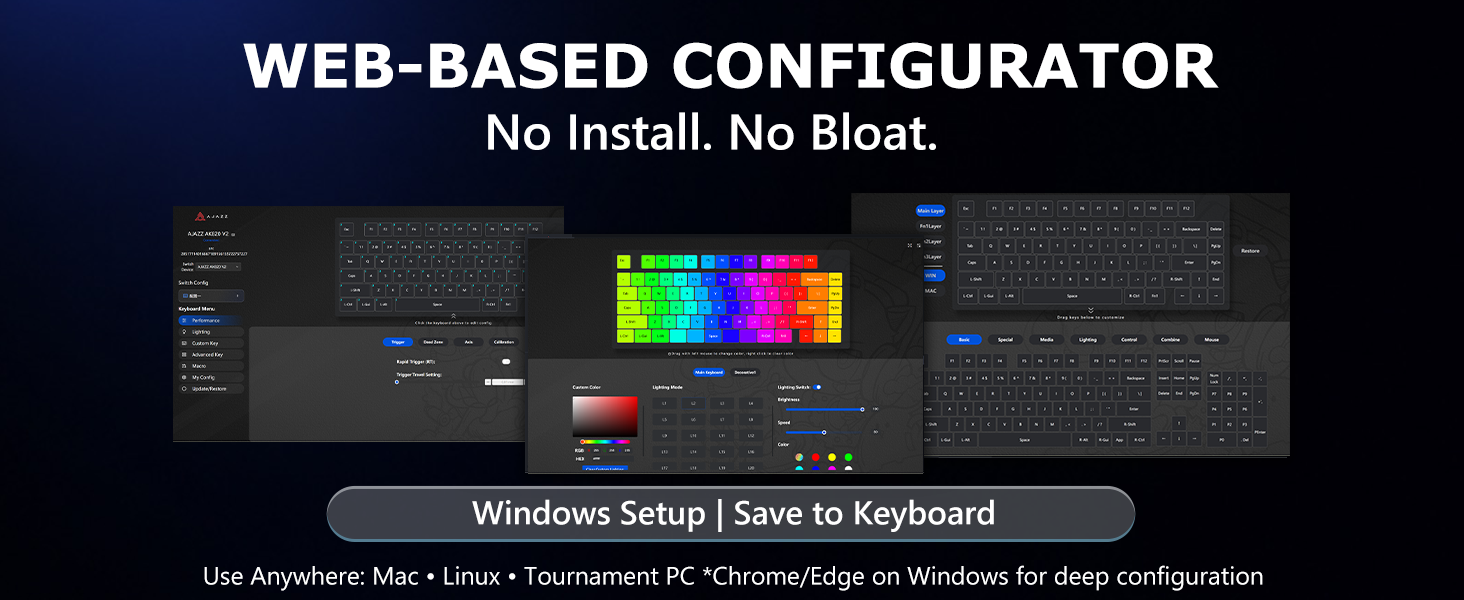
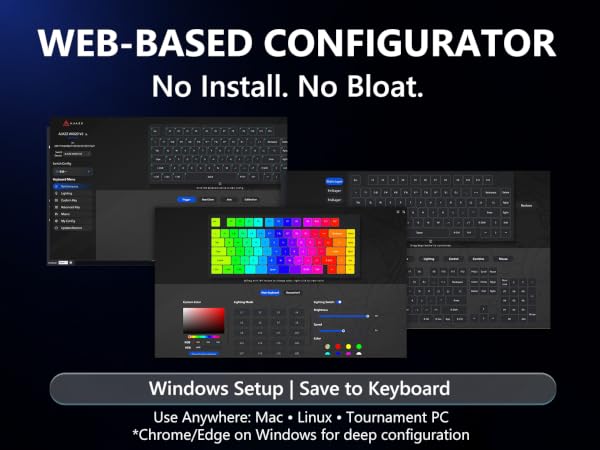
Q3: Do I need to install software to configure this keyboard?
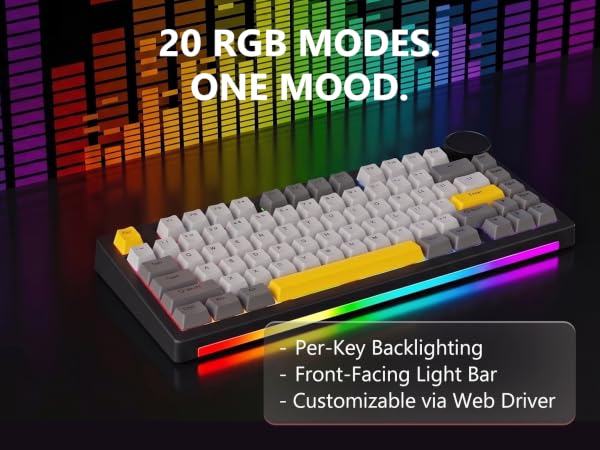
A: No software to install. Open ajazz.com in any Windows browser—Chrome, Edge, or Firefox. Adjust actuation, remap keys, and tune RGB instantly. Save to onboard memory. Your settings travel with the keyboard to Mac, Linux, or any tournament PC.
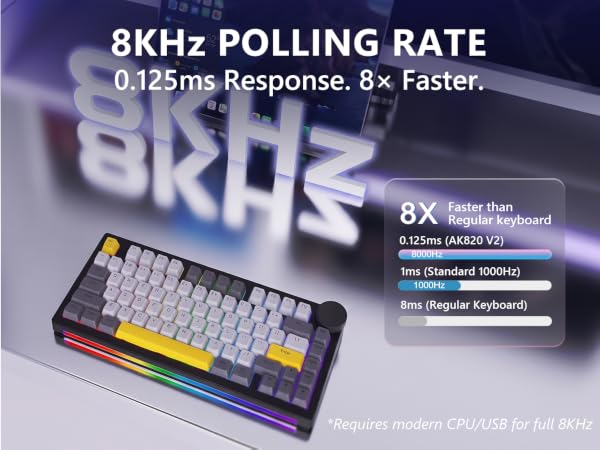
Q4: Will 8KHz work on my laptop?
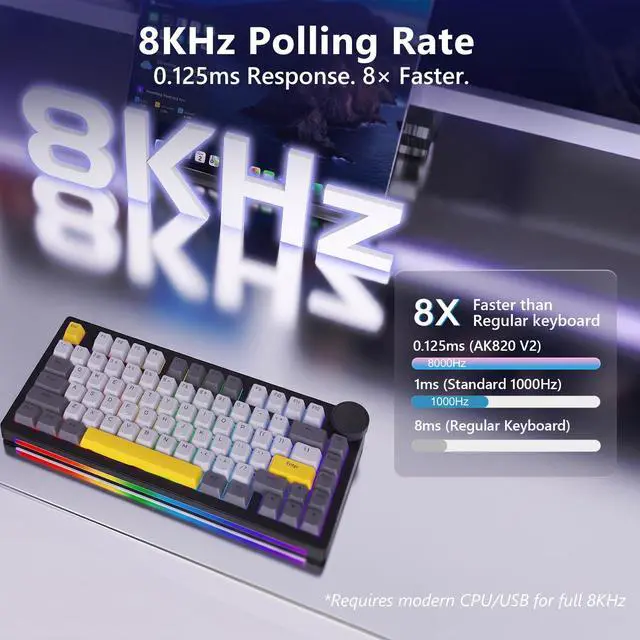
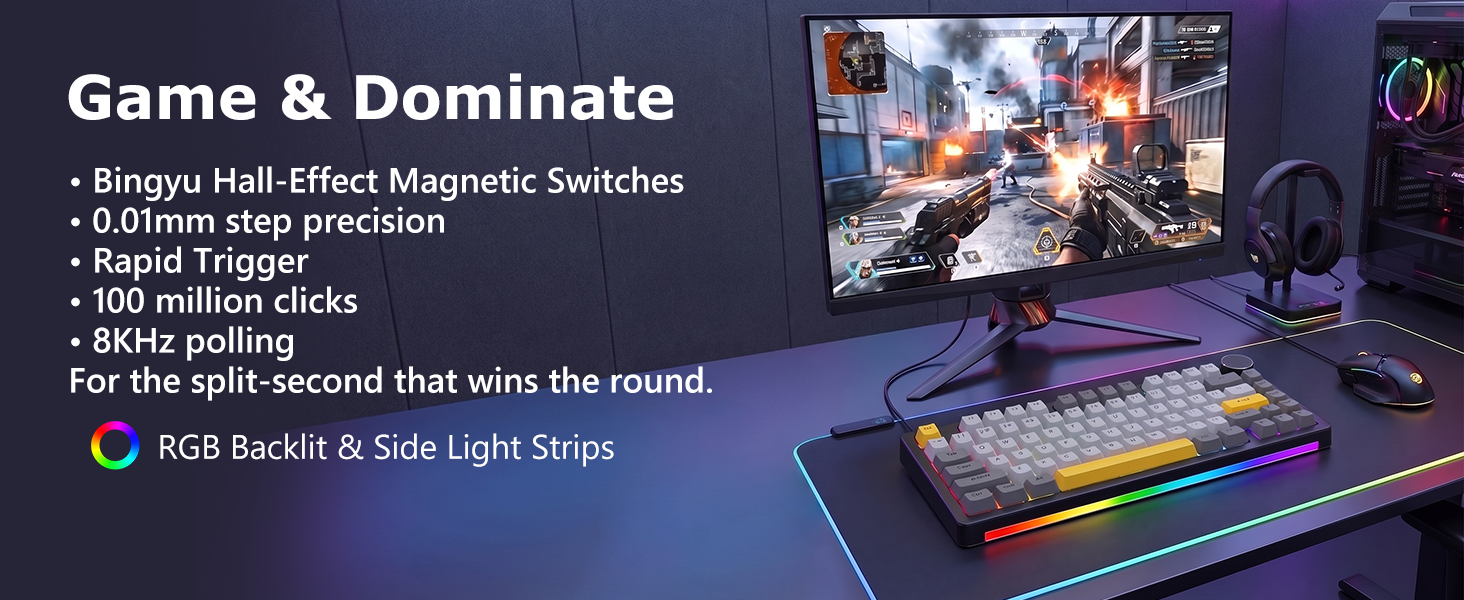
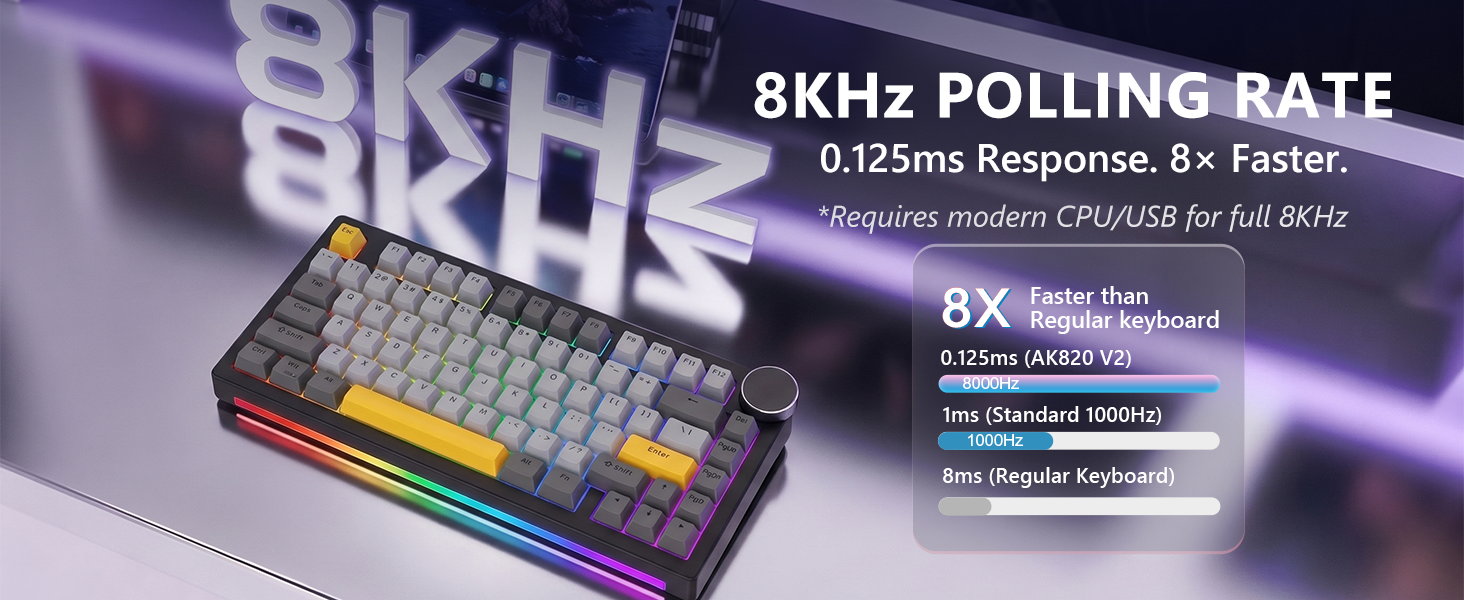
A: The keyboard auto-adjusts. Gaming desktops and modern laptops run full 8KHz (0.125ms). Older systems drop to 4KHz or 1KHz—still faster than standard. Just plug in and the keyboard handles the rest.
Q5: How do I customize actuation points?
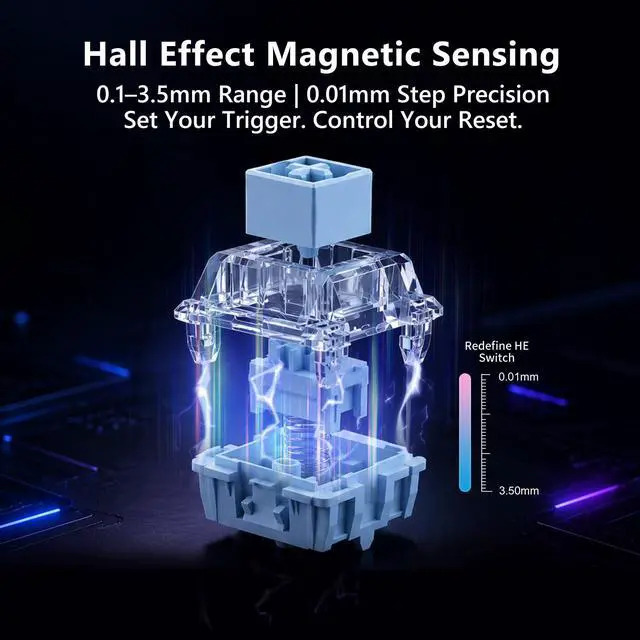
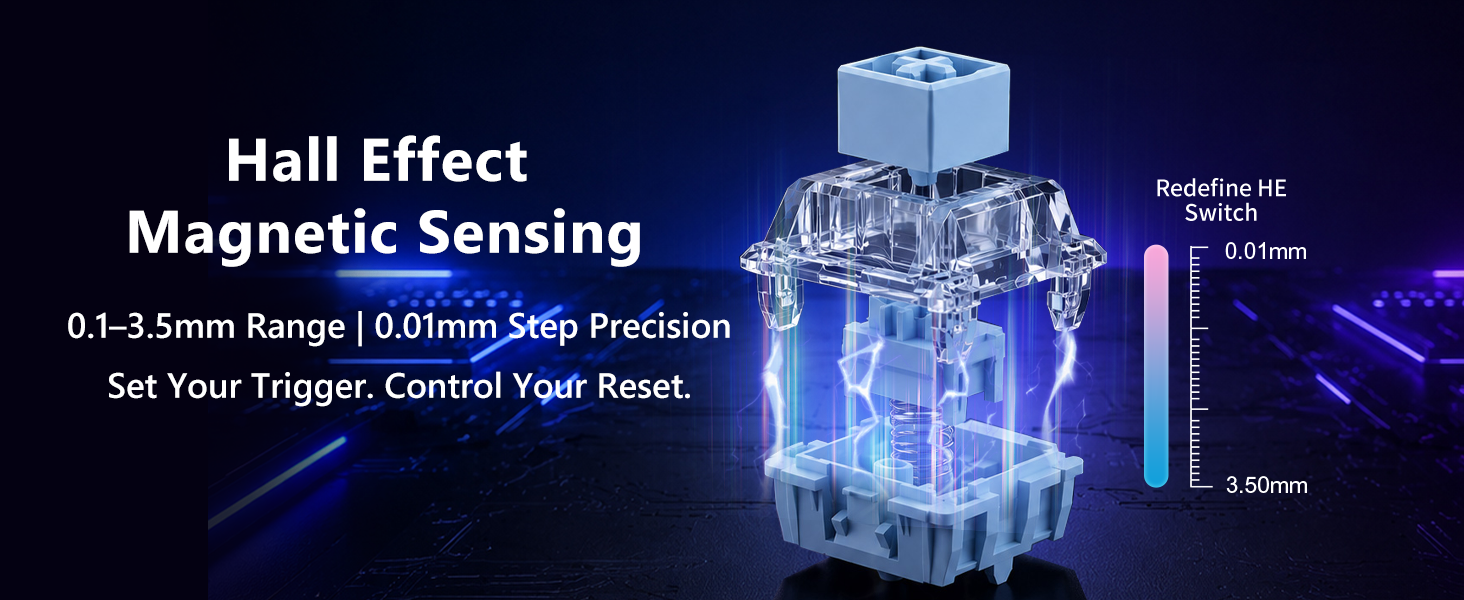
A: Connect to any Windows PC and open "hj.sparklinkplayjoy.com/v2/device" in Chrome or Edge—no install needed. Drag sliders to set trigger distance from 0.01mm to 3.5mm in 0.01mm steps.
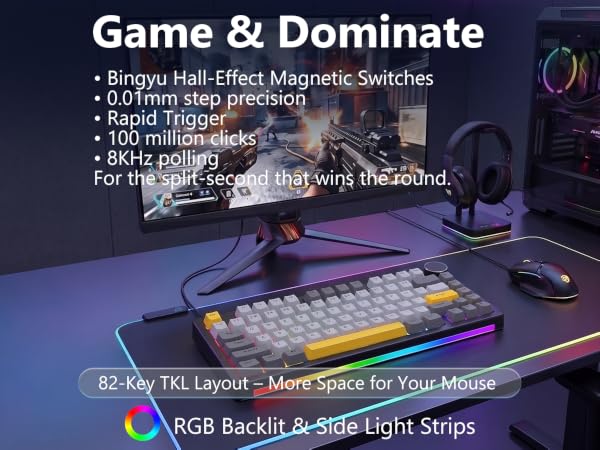
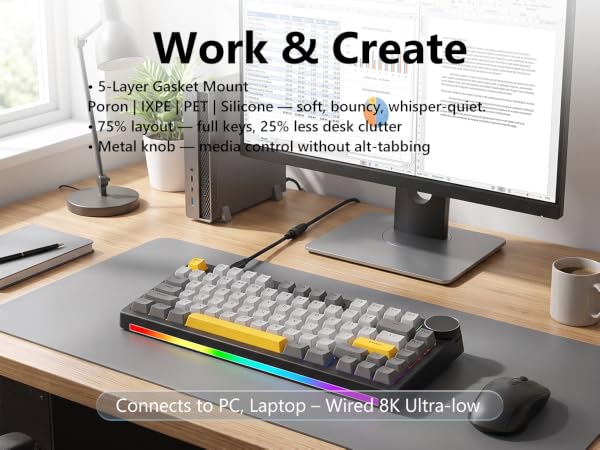
0.01mm Precision & 8KHz Tournament Speed
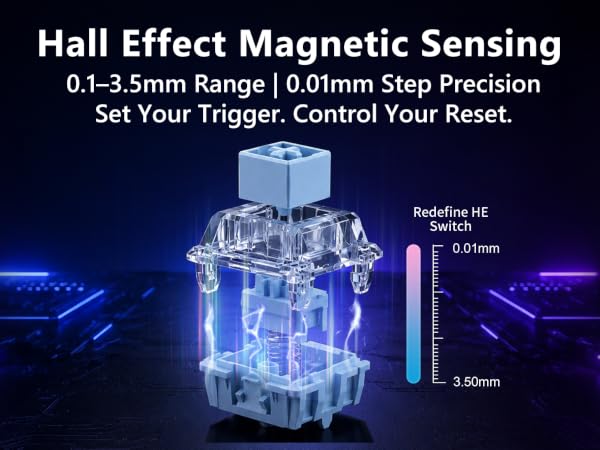
Bingyu Switches & 5-Layer Gasket: Built to Outlast
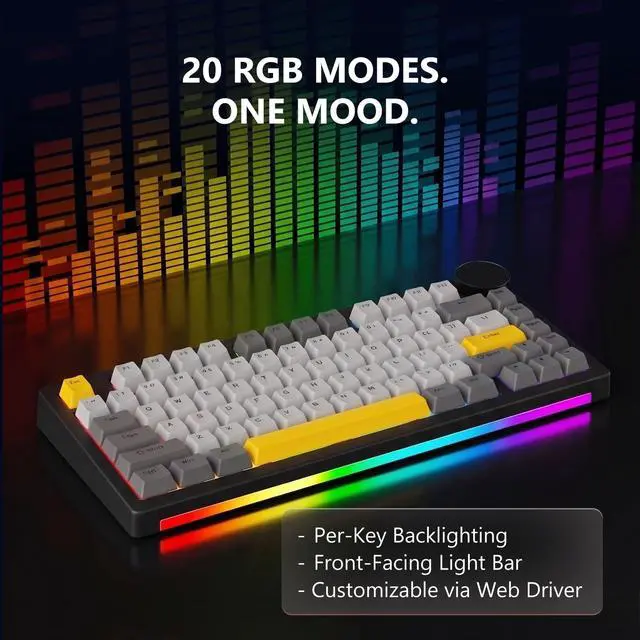
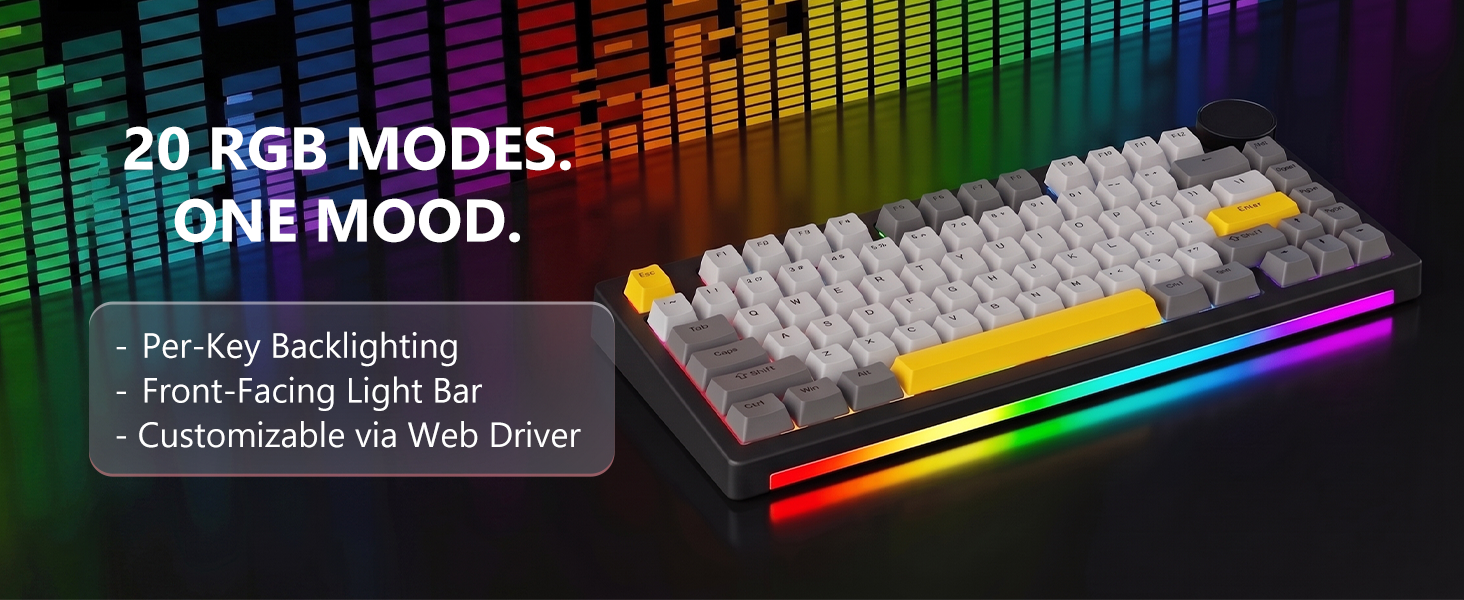
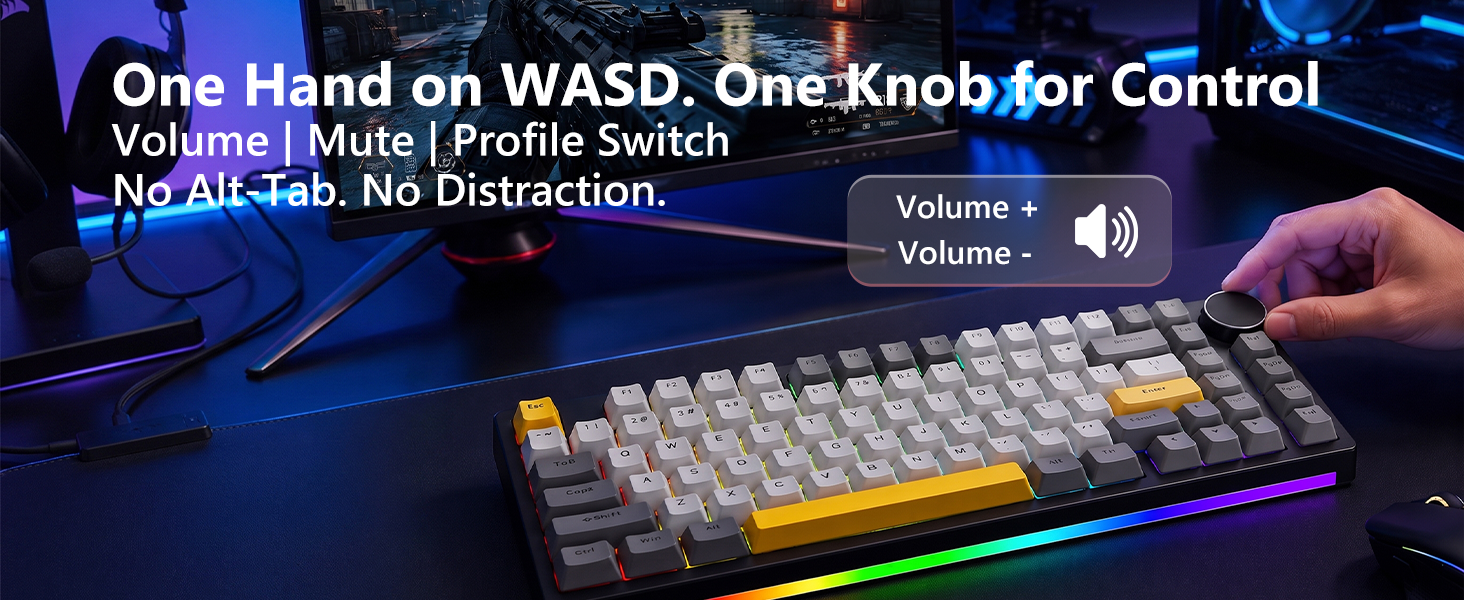
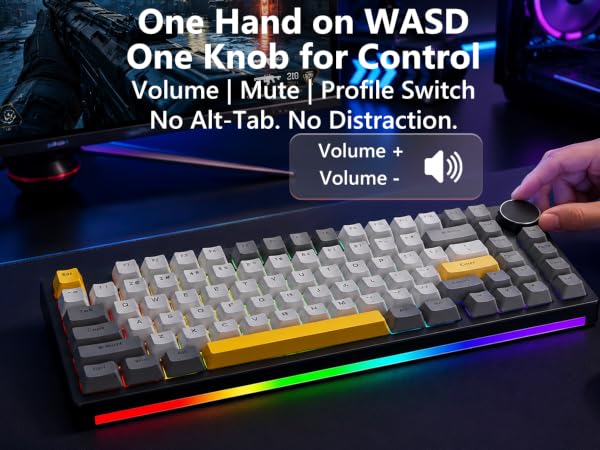
RGB, Metal Knob & Web Driver: Full Control, Zero Bloat
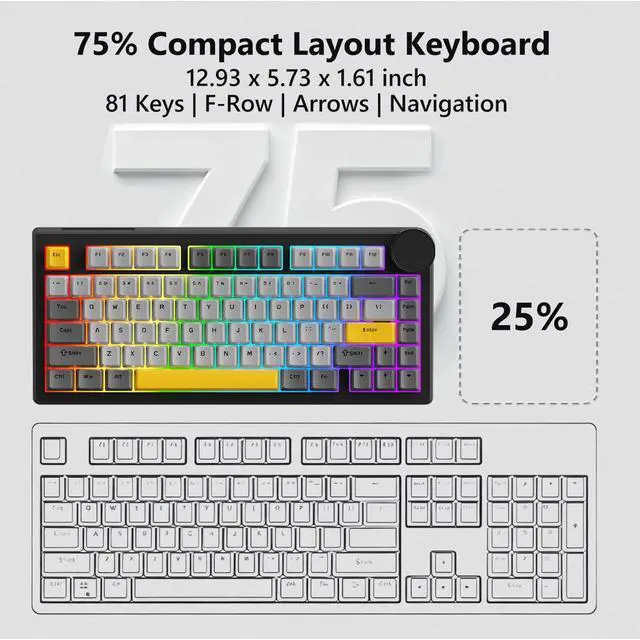
75% Layout: The Sweet Spot for Gaming & Work
Q1: What is Rapid Trigger and why do pros use it?
A: Rapid Trigger resets your key the instant you lift—even 0.1mm. Mechanical needs full release. In Valorant or CS2, this means faster strafing and frame-perfect peeks. The biggest edge magnetic has over mechanical for FPS.
Q2: Is typing on magnetic switches comfortable for long sessions?
A: Yes. 30gf initial is lighter than most mechanical, reducing finger fatigue. The 45gf bottom-out provides feedback, and the gasket cushions each stroke. Many programmers prefer magnetic after adjustment. Smooth feel improves with zero degradation.
Q3: Do I need to install software to configure this keyboard?
A: No software to install. Open ajazz.com in any Windows browser—Chrome, Edge, or Firefox. Adjust actuation, remap keys, and tune RGB instantly. Save to onboard memory. Your settings travel with the keyboard to Mac, Linux, or any tournament PC.
Q4: Will 8KHz work on my laptop?
A: The keyboard auto-adjusts. Gaming desktops and modern laptops run full 8KHz (0.125ms). Older systems drop to 4KHz or 1KHz—still faster than standard. Just plug in and the keyboard handles the rest.
Q5: How do I customize actuation points?
A: Connect to any Windows PC and open "hj.sparklinkplayjoy.com/v2/device" in Chrome or Edge—no install needed. Drag sliders to set trigger distance from 0.01mm to 3.5mm in 0.01mm steps.