here!
here!
I’m your shopping assistant for PC builds, upgrades, and everything tech.
Got questions? Ask away!
Start a conversation
here!
I’m your shopping assistant for PC builds, upgrades, and everything tech.
Got questions? Ask away!
Start a conversation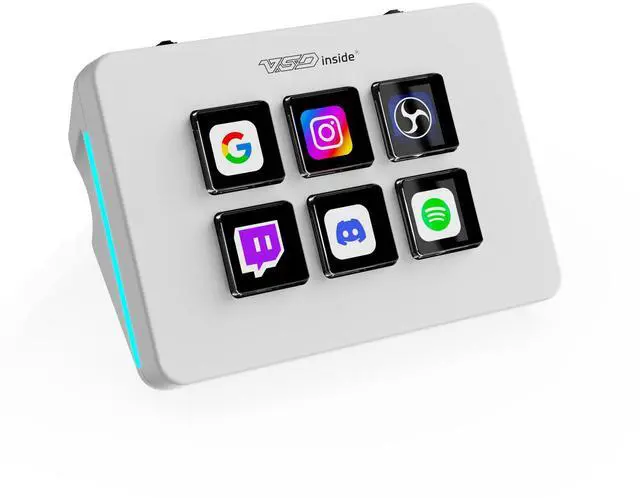



Any questions? Ask CelesteSM will help you find out quickly.
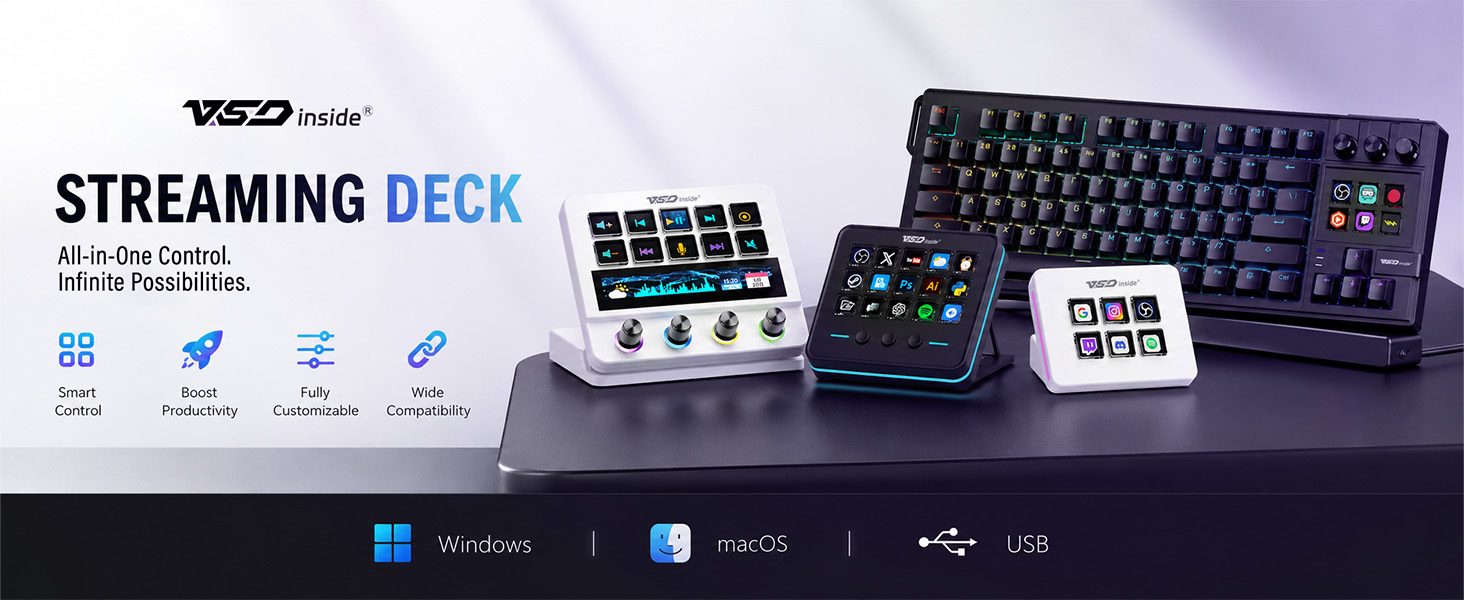
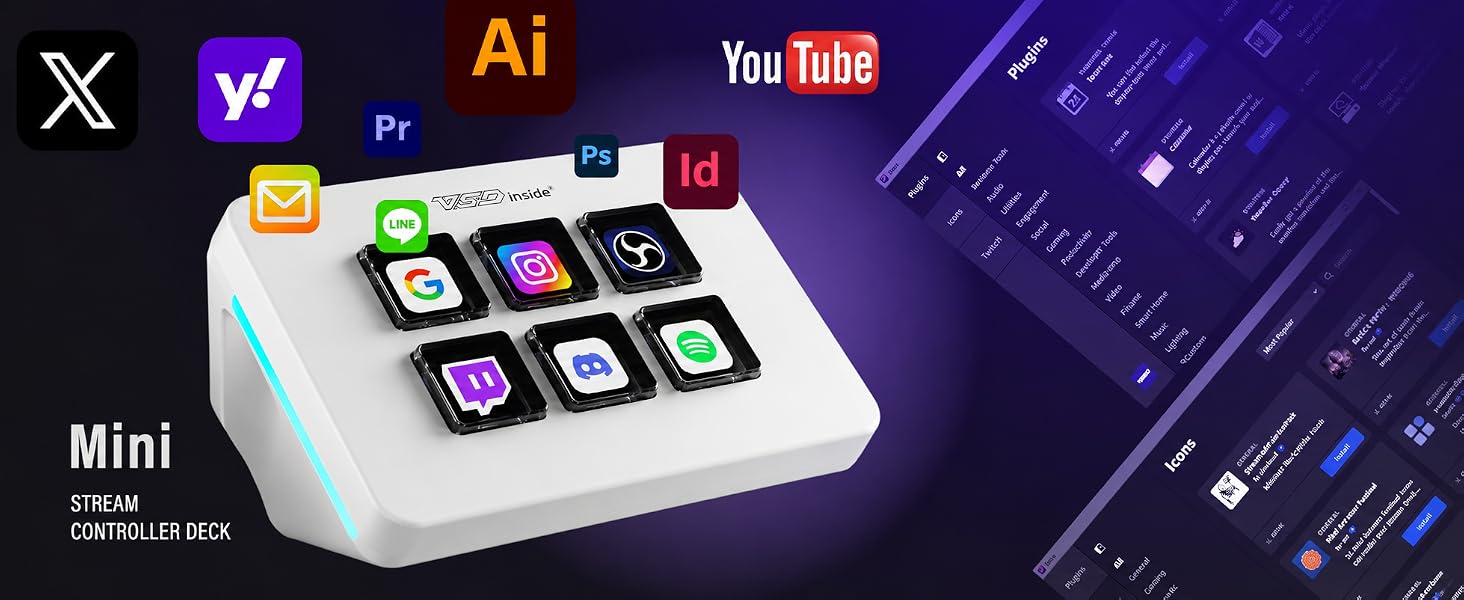
Tired of jumping between dozens of keyboard shortcuts, switching streaming scenes, or fumbling with editing tools mid-work? Meet the VSD Mini Streaming Deck, a compact all-in-one programmable macro keypad built for everyday streamers, gamers, video editors and office creators. As a trusted brand focusing on desktop control gear, VSDinside develops a full lineup of universal macro decks (including M-series and N-series multi-key control pads) to fit different desk sizes and creator demands, delivering professional-grade performance at a down-to-earth price.
Thoughtful Minimalist Design Optimized for Small Workstations
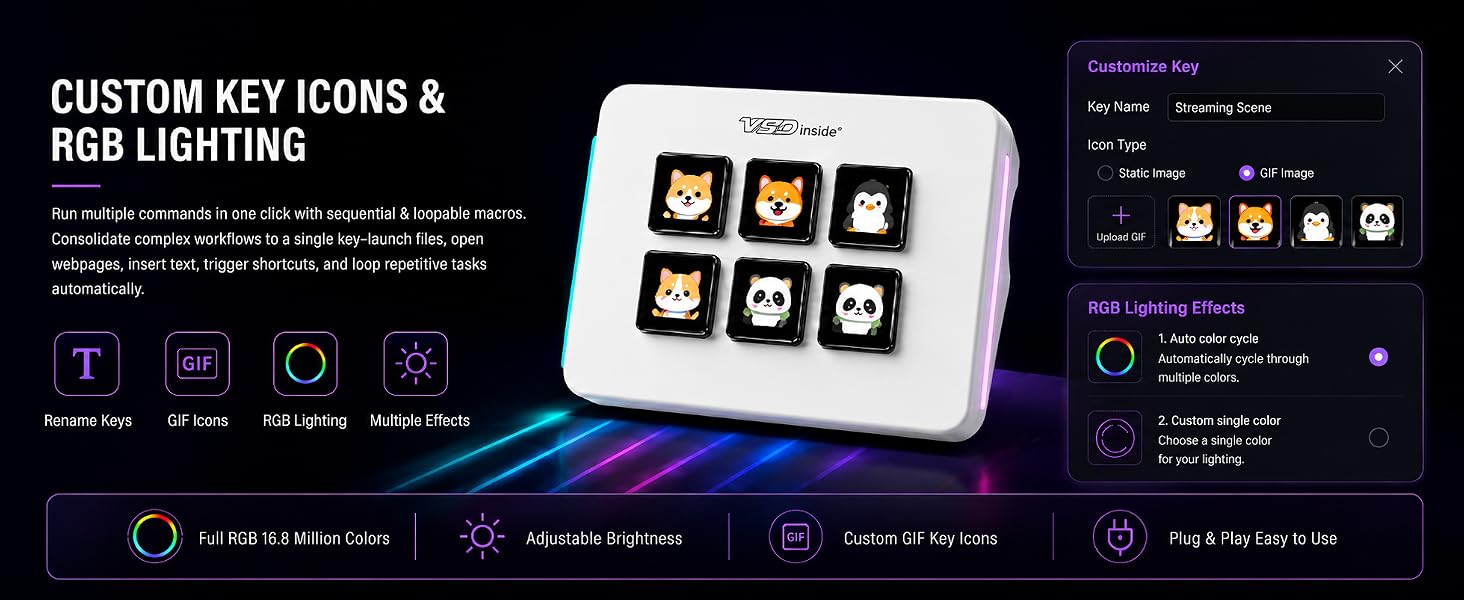
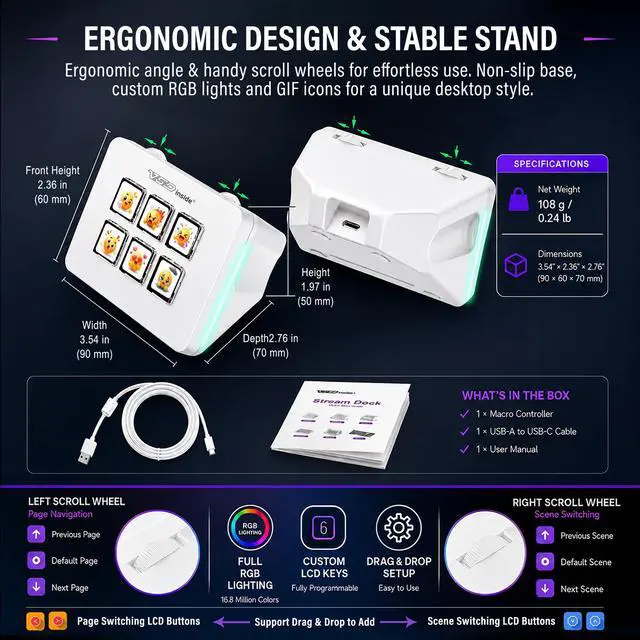
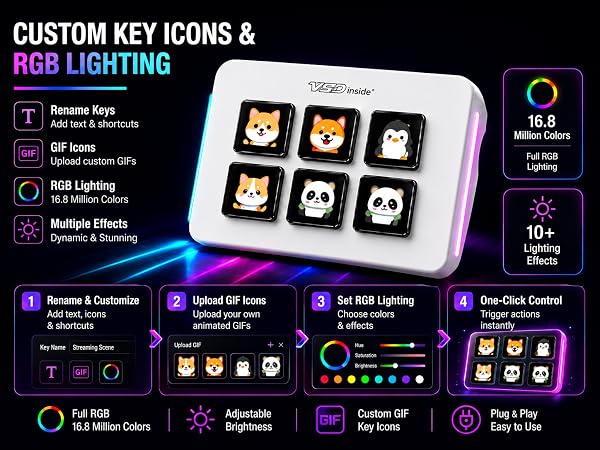
We built this mini control unit to fit modern compact desk setups perfectly. Its ultra-slim, space-saving chassis keeps your workstation tidy, crafted with durable premium materials to support long hours of daily steady use. Two synchronized side RGB ambient light bars offer fully customizable aesthetic lighting for late-night streams and gaming sessions, combining a neat minimalist outline with personalized visual ambiance. Powered directly via USB cable from PC, laptop or Mac - no built-in battery required, eliminating the trouble of frequent recharging.
Full-Featured Programmable Macro Control, Easy for All Users
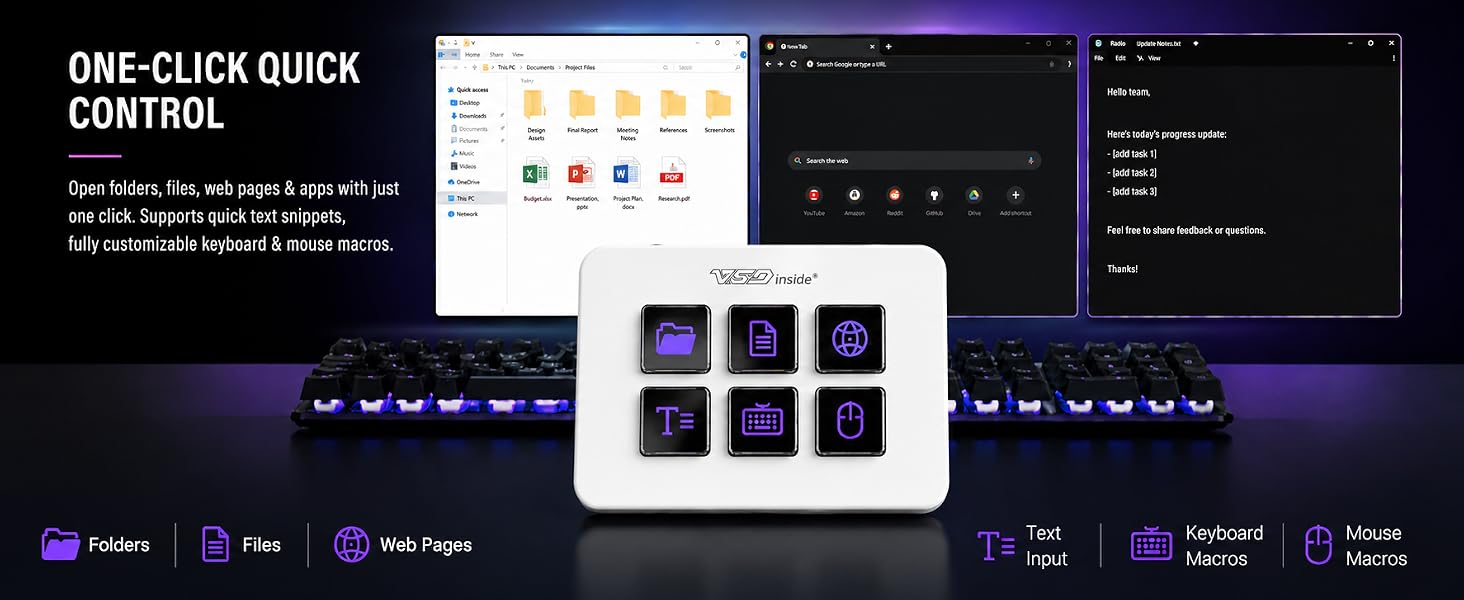
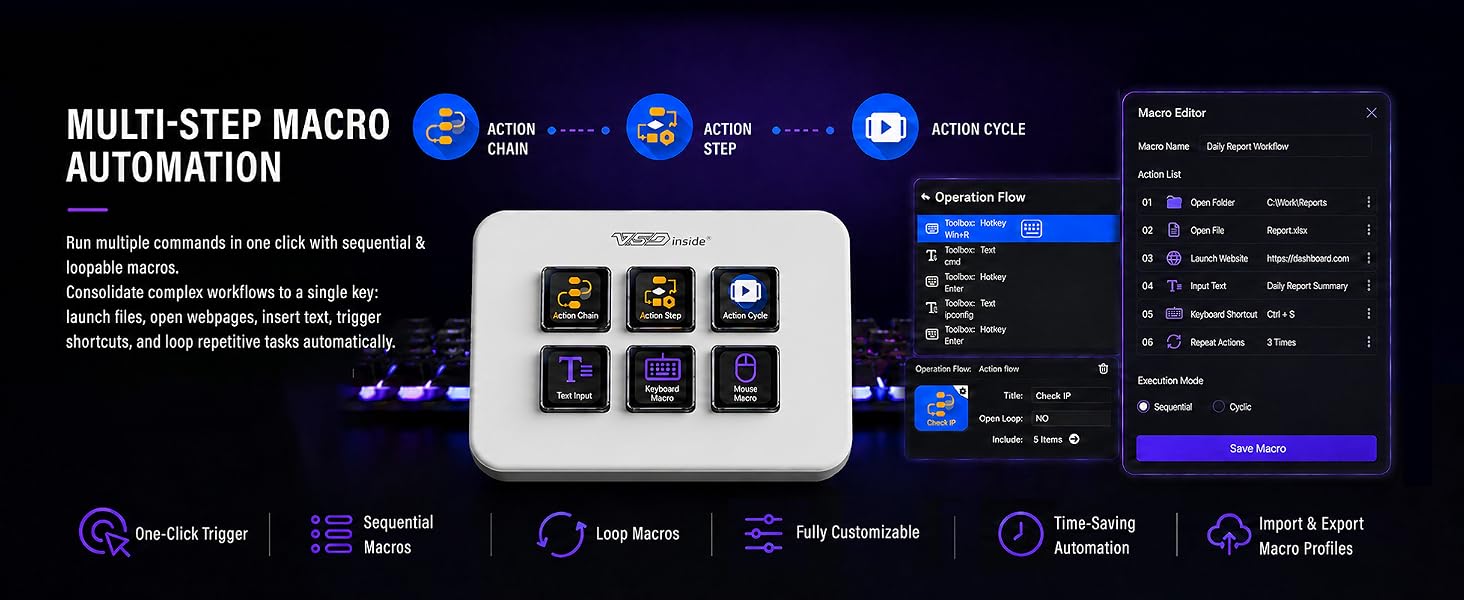
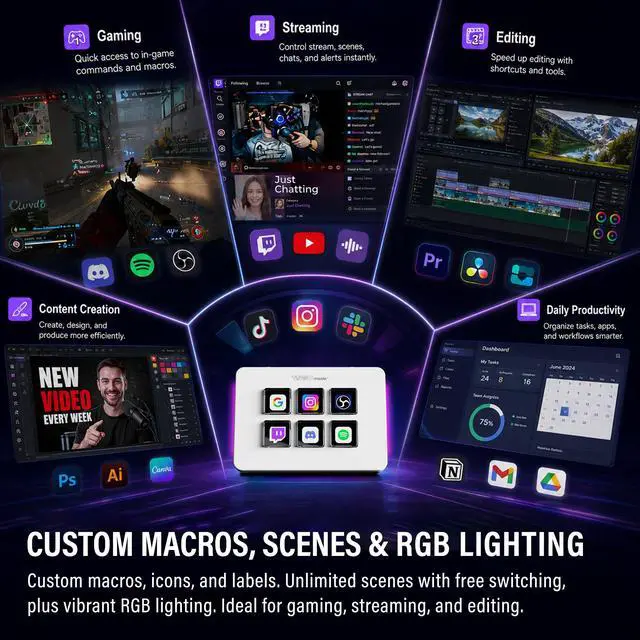
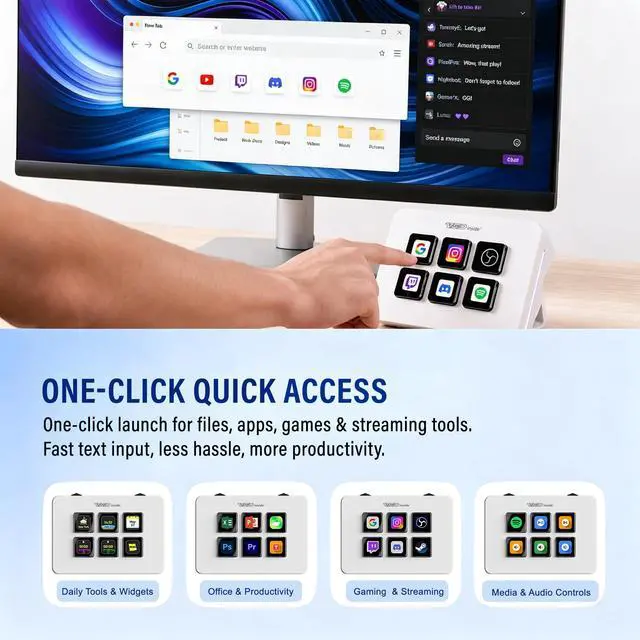
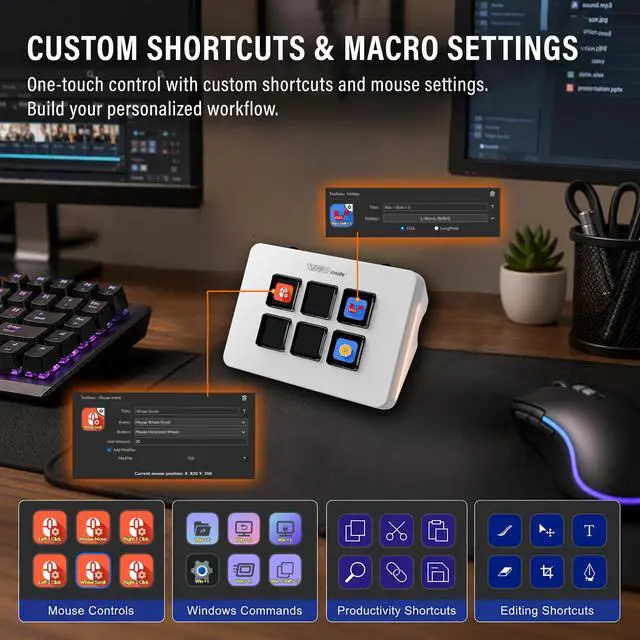
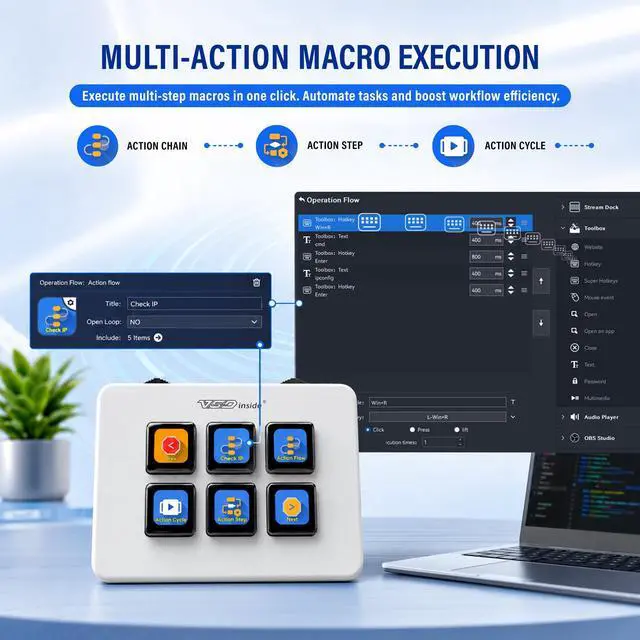
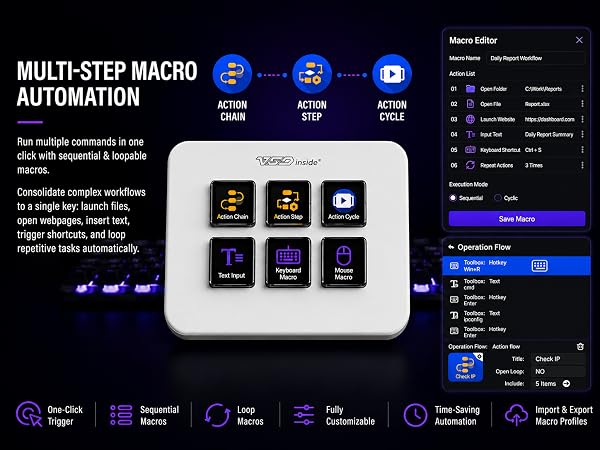
Equipped with 6 fully customizable visual LCD keys, each button supports static JPG/PNG icons and dynamic GIF animations for instant visual recognition. Bind single hotkeys or complex chained multi-step macros to every key with one simple tap: swap OBS stream scenes, launch apps, pull up preset text, adjust media audio, or trigger complex gaming combos in one click. Built-in handy plugins include clock, weather, calendar and stopwatch to centralize all desktop operations on one tiny deck. All functions unlock through our exclusive free VSD Craft software, with lifetime free official updates and open-source SDK for Linux custom adaptation.
Wide Cross-System & Multi-Software Compatibility
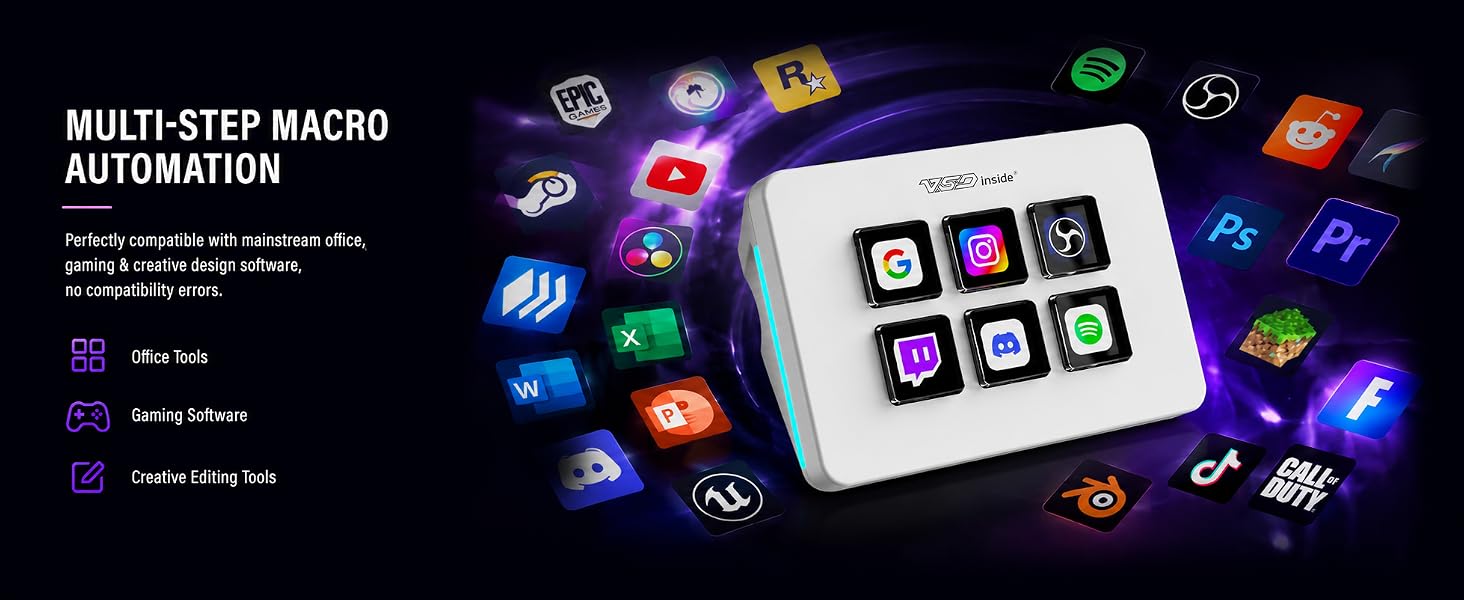
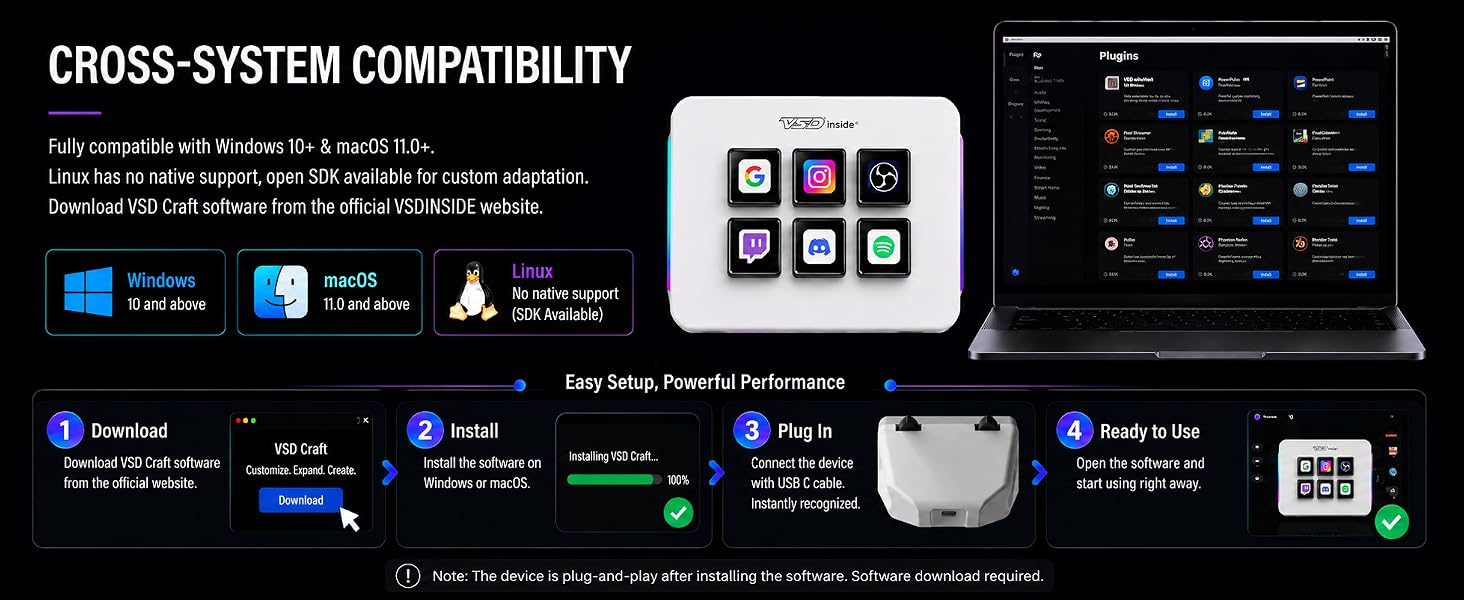
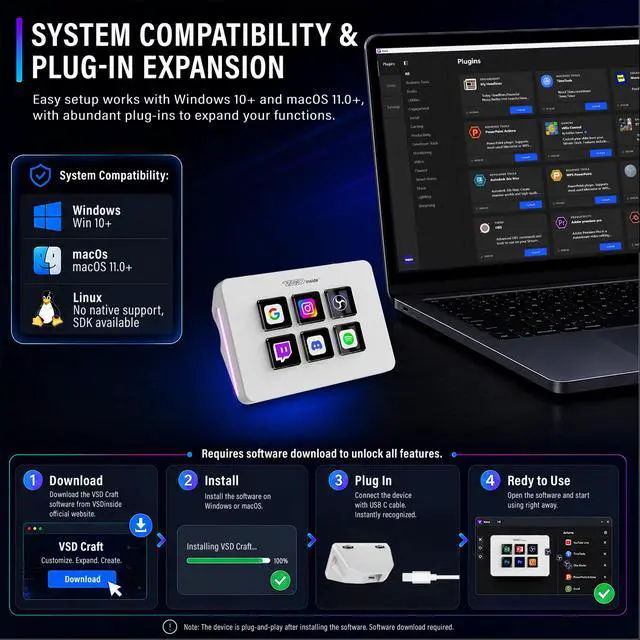
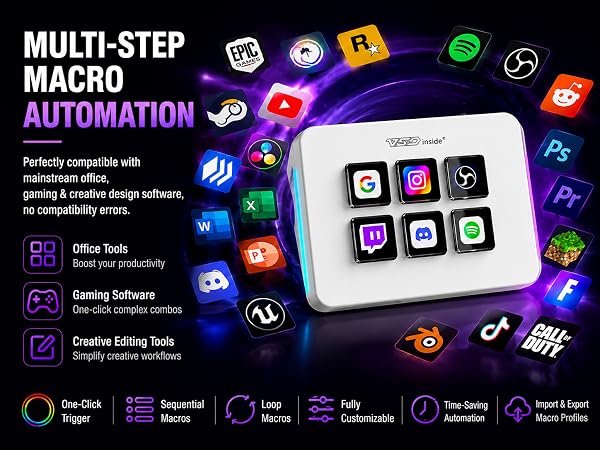
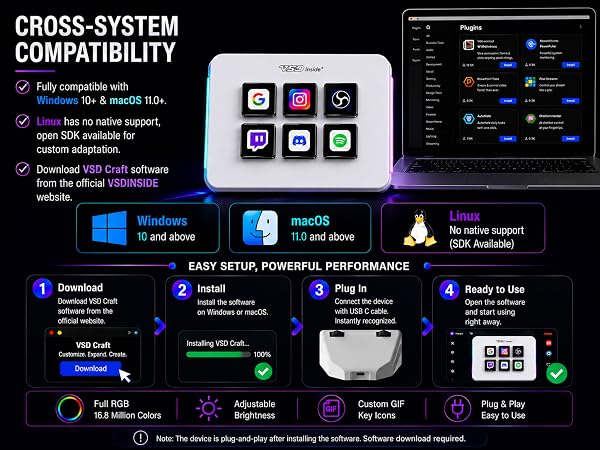
This universal stream control deck delivers seamless cross-platform support, natively working with Windows and macOS systems; Linux users can complete personalized adaptation via official open-source SDK files. It pairs smoothly with nearly all mainstream creator software: OBS, Streamlabs, YouTube, Twitch, Discord, Photoshop and more. Whether you run live broadcast equipment, gaming setups, video editing suites or daily office tools, the VSD Mini macro pad integrates effortlessly into your workflow.
Practical Design & Permanent Free Feature Access
We remove redundant intermediate costs to deliver professional-grade macro control without extra brand markup. Our design focuses on practical daily core functions that creators rely on most, with dedicated brand assistance available for all VSD series users. No hidden charges apply for software upgrades, and all core macro, lighting and plugin tools stay fully unlocked for permanent use after you get the unit.
Versatile All-Scenario Utility
This space-saving programmable desk deck serves as a multi-purpose companion across every creator routine:
Whether you are a brand-new content creator setting up your first stream station, a professional full-time gamer, or an office worker chasing higher daily productivity, the VSD Mini streaming macro keypad streamlines your daily operations, adds customizable aesthetic desk lighting, and delivers reliable long-term performance with sincere, affordable value.
This is my first time using VSDinside device & software, what should I know?
Read the user manual thoroughly, it covers most operations and tips. Feel free to reach us via Discord or official support email for further questions.
Why can’t VSD Craft update to the latest version on my Windows PC?
Export and save your workflow profiles first, uninstall the current software, then download and reinstall the latest MSI installer. It delivers better Windows compatibility than the old EXE package.
I get security alerts while downloading or installing VSD Craft.
False security alerts are mostly caused by system access permissions. If safety worries you, share full alert details & screenshots to our support email; our tech team will assist you.
I have product issues past ’s return window.
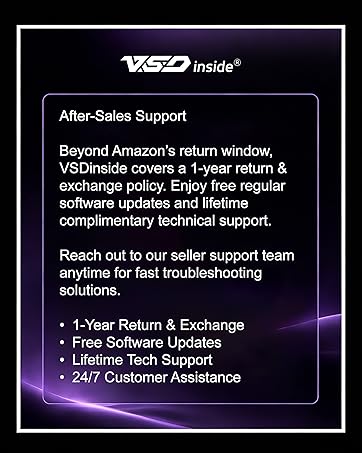
Contact Seller Support, VSD Discord or VSD official support email for technical help and replacement service.
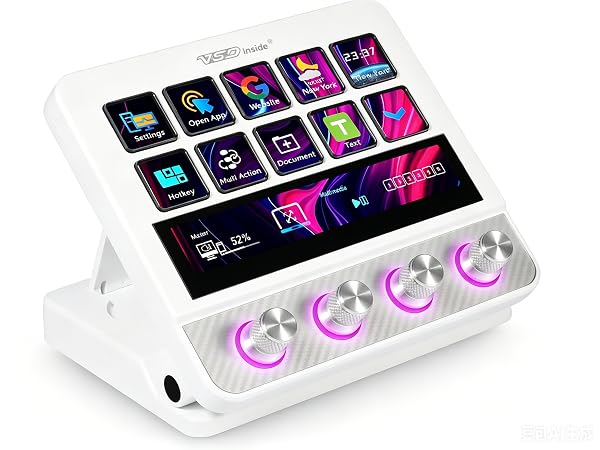
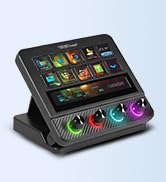
CUSTOM: 10 LCD | 4 Knob | Touch Screen | Touch Bar
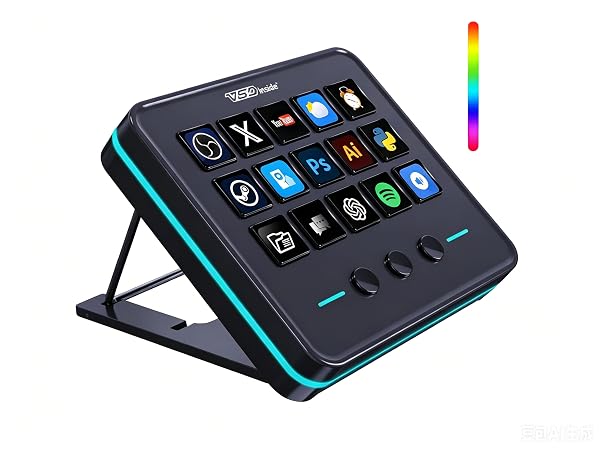
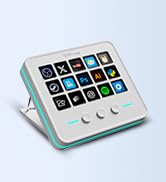
CUSTOM: 15 LCD | 3 Button | RGB Lighting
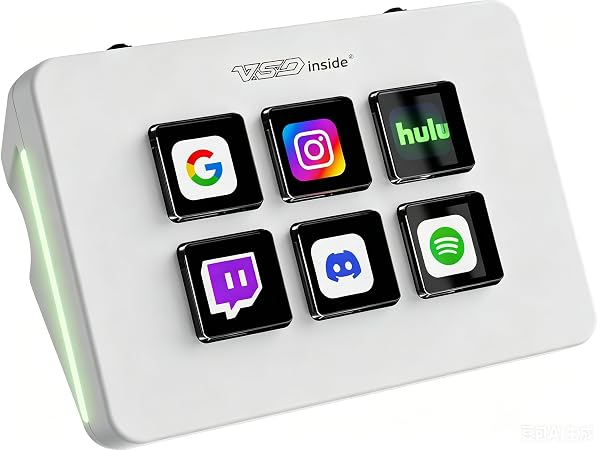
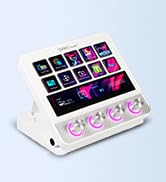
CUSTOM: 6 LCD | 2 Scroll Wheels | RGB Lighting
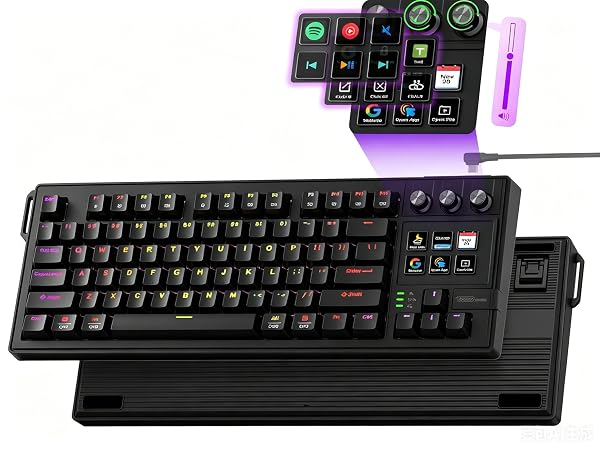
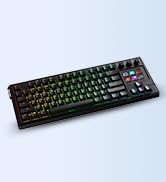
CUSTOM: 87-Key Fully Programmable | 6 LCD | 3 Knob | RGB Lighting
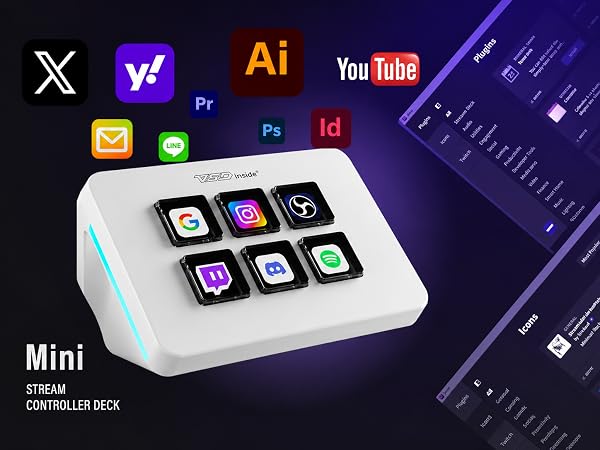
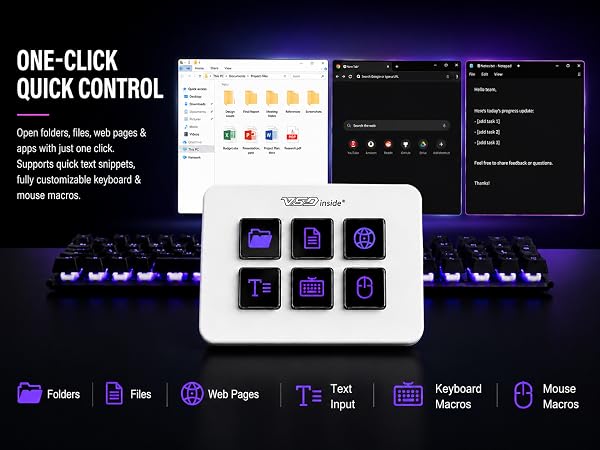
Tired of jumping between dozens of keyboard shortcuts, switching streaming scenes, or fumbling with editing tools mid-work? Meet the VSD Mini Streaming Deck, a compact all-in-one programmable macro keypad built for everyday streamers, gamers, video editors and office creators. As a trusted brand focusing on desktop control gear, VSDinside develops a full lineup of universal macro decks (including M-series and N-series multi-key control pads) to fit different desk sizes and creator demands, delivering professional-grade performance at a down-to-earth price.
Thoughtful Minimalist Design Optimized for Small Workstations
We built this mini control unit to fit modern compact desk setups perfectly. Its ultra-slim, space-saving chassis keeps your workstation tidy, crafted with durable premium materials to support long hours of daily steady use. Two synchronized side RGB ambient light bars offer fully customizable aesthetic lighting for late-night streams and gaming sessions, combining a neat minimalist outline with personalized visual ambiance. Powered directly via USB cable from PC, laptop or Mac - no built-in battery required, eliminating the trouble of frequent recharging.
Full-Featured Programmable Macro Control, Easy for All Users
Equipped with 6 fully customizable visual LCD keys, each button supports static JPG/PNG icons and dynamic GIF animations for instant visual recognition. Bind single hotkeys or complex chained multi-step macros to every key with one simple tap: swap OBS stream scenes, launch apps, pull up preset text, adjust media audio, or trigger complex gaming combos in one click. Built-in handy plugins include clock, weather, calendar and stopwatch to centralize all desktop operations on one tiny deck. All functions unlock through our exclusive free VSD Craft software, with lifetime free official updates and open-source SDK for Linux custom adaptation.
Wide Cross-System & Multi-Software Compatibility
This universal stream control deck delivers seamless cross-platform support, natively working with Windows and macOS systems; Linux users can complete personalized adaptation via official open-source SDK files. It pairs smoothly with nearly all mainstream creator software: OBS, Streamlabs, YouTube, Twitch, Discord, Photoshop and more. Whether you run live broadcast equipment, gaming setups, video editing suites or daily office tools, the VSD Mini macro pad integrates effortlessly into your workflow.
Practical Design & Permanent Free Feature Access
We remove redundant intermediate costs to deliver professional-grade macro control without extra brand markup. Our design focuses on practical daily core functions that creators rely on most, with dedicated brand assistance available for all VSD series users. No hidden charges apply for software upgrades, and all core macro, lighting and plugin tools stay fully unlocked for permanent use after you get the unit.
Versatile All-Scenario Utility
This space-saving programmable desk deck serves as a multi-purpose companion across every creator routine:
Whether you are a brand-new content creator setting up your first stream station, a professional full-time gamer, or an office worker chasing higher daily productivity, the VSD Mini streaming macro keypad streamlines your daily operations, adds customizable aesthetic desk lighting, and delivers reliable long-term performance with sincere, affordable value.
This is my first time using VSDinside device & software, what should I know?
Read the user manual thoroughly, it covers most operations and tips. Feel free to reach us via Discord or official support email for further questions.
Why can’t VSD Craft update to the latest version on my Windows PC?
Export and save your workflow profiles first, uninstall the current software, then download and reinstall the latest MSI installer. It delivers better Windows compatibility than the old EXE package.
I get security alerts while downloading or installing VSD Craft.
False security alerts are mostly caused by system access permissions. If safety worries you, share full alert details & screenshots to our support email; our tech team will assist you.
I have product issues past ’s return window.
Contact Seller Support, VSD Discord or VSD official support email for technical help and replacement service.