




 here!
here!
I’m your shopping assistant for PC builds, upgrades, and everything tech.
Got questions? Ask away!
Start a conversation
here!
I’m your shopping assistant for PC builds, upgrades, and everything tech.
Got questions? Ask away!
Start a conversation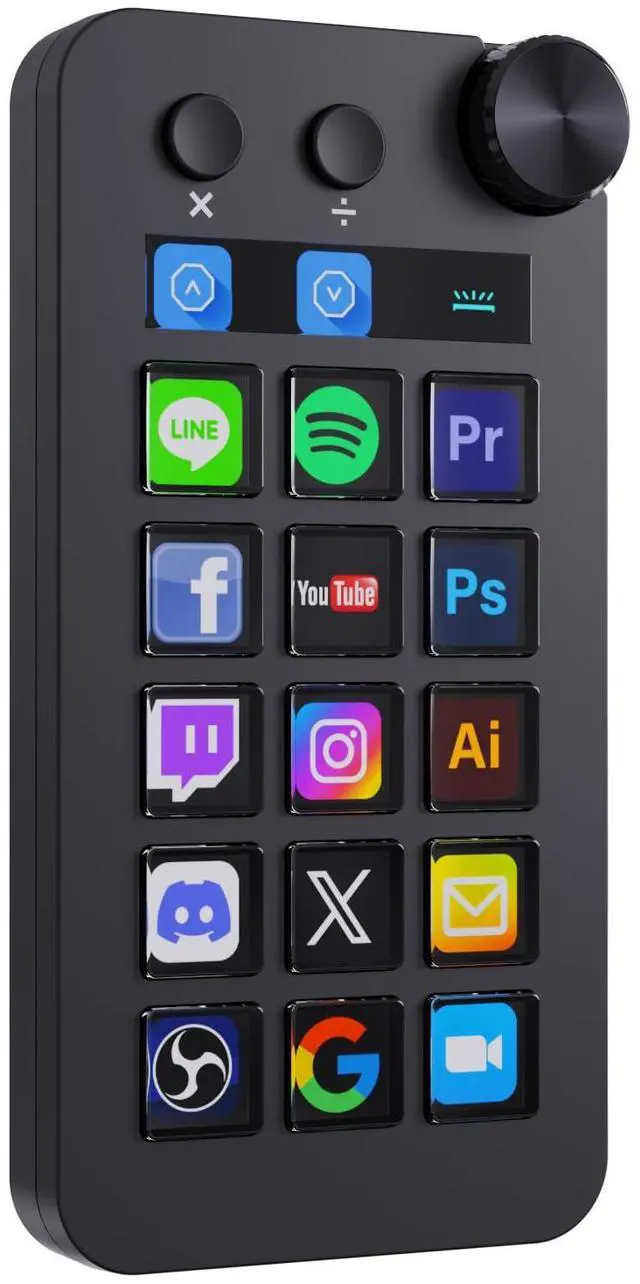



Any questions? Ask CelesteSM will help you find out quickly.

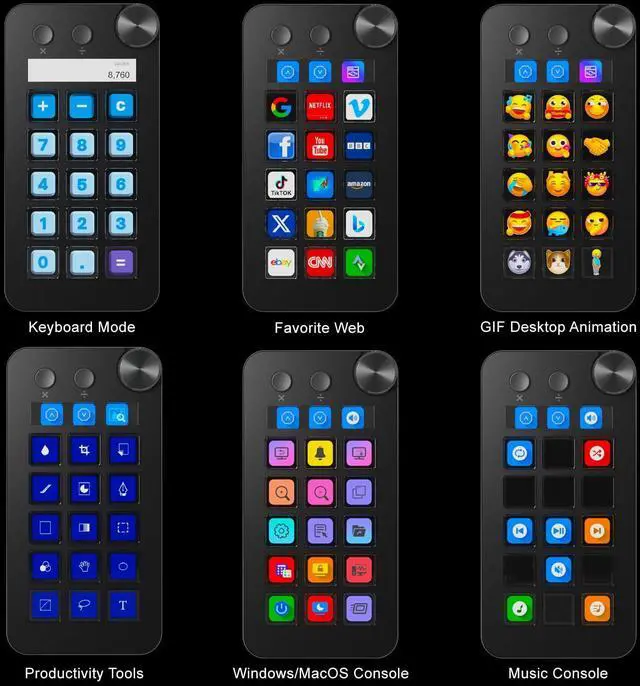
Launch favorites in a click—speed meets simplicity.

Stream effortlessly, reach to your audience

Elevate your sound, streamline your process, and focus on what matters most.

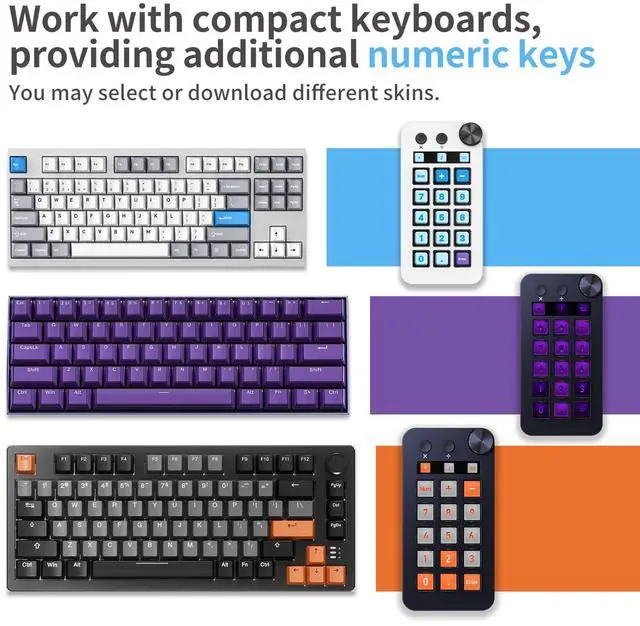
Customize your workspace, own your flow.

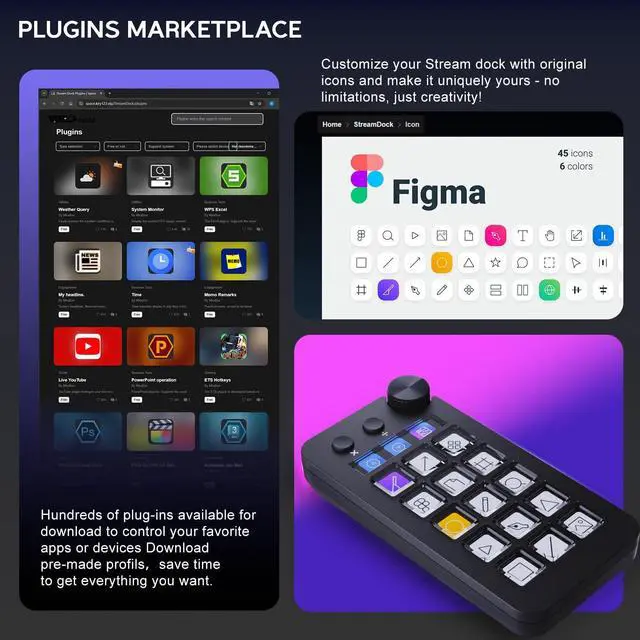
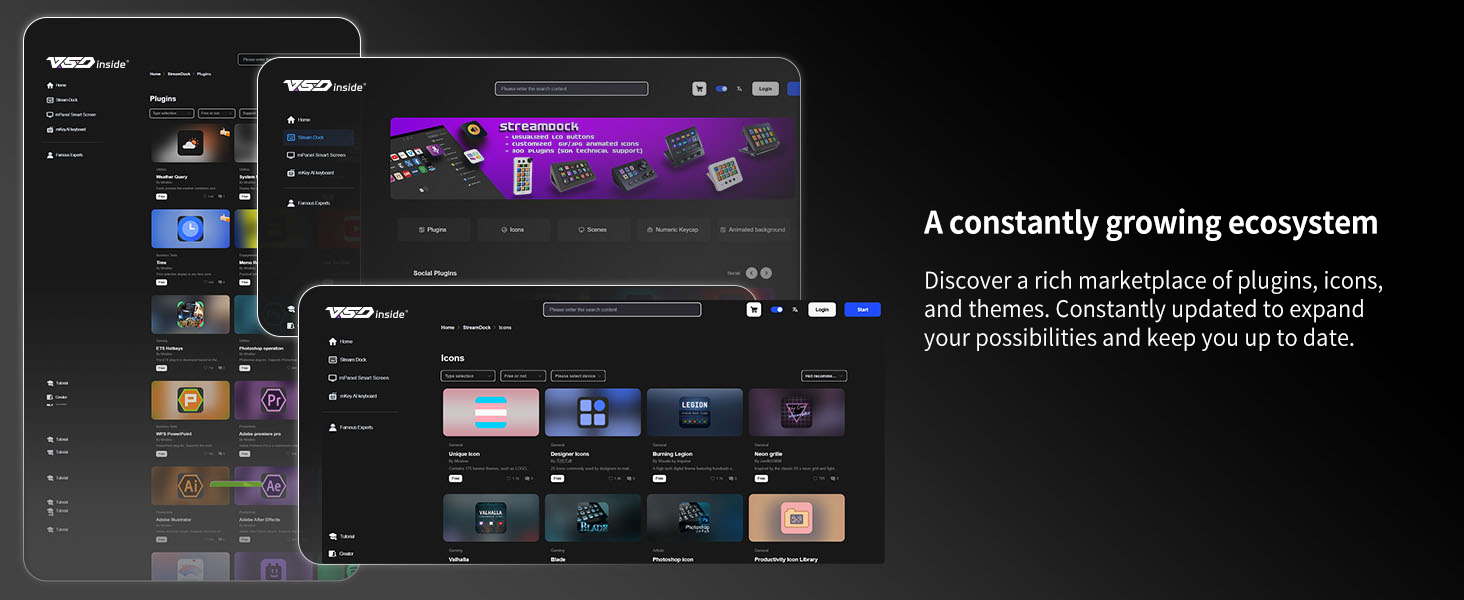
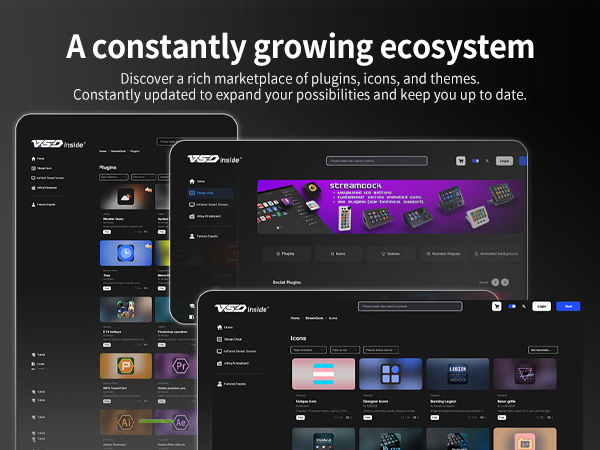
Customize your Icon content


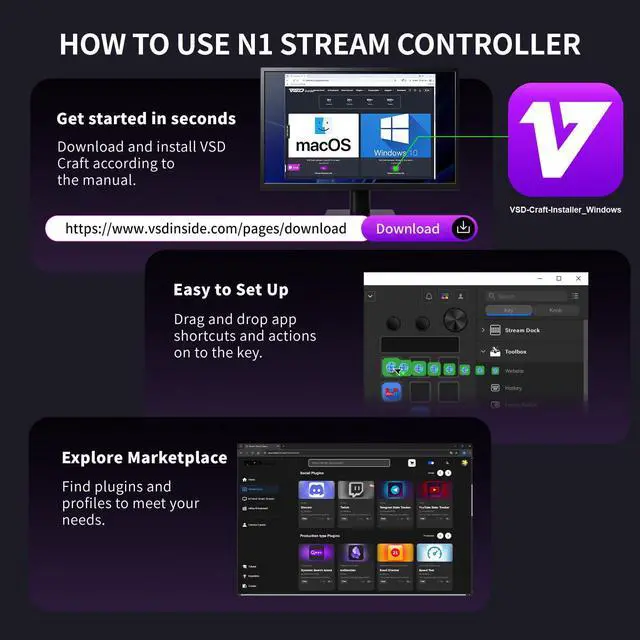
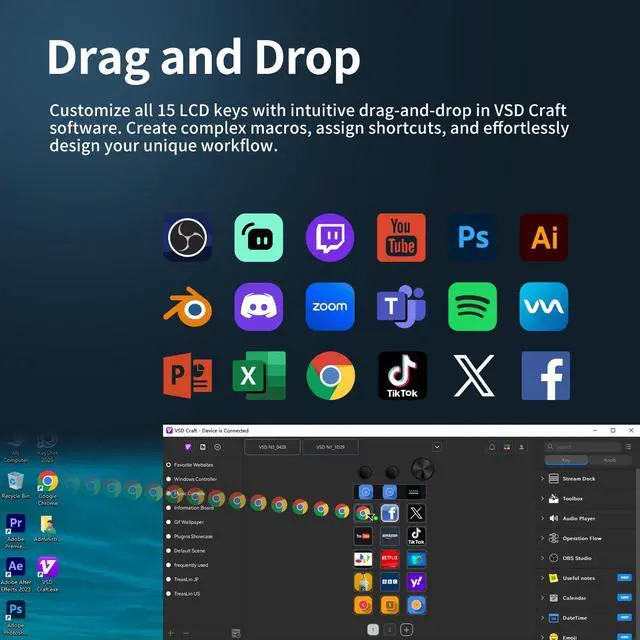
Download the software via the manual, you can use the pre-set scenes directly.
Or you can drag the actions into each key to customize your own scene.
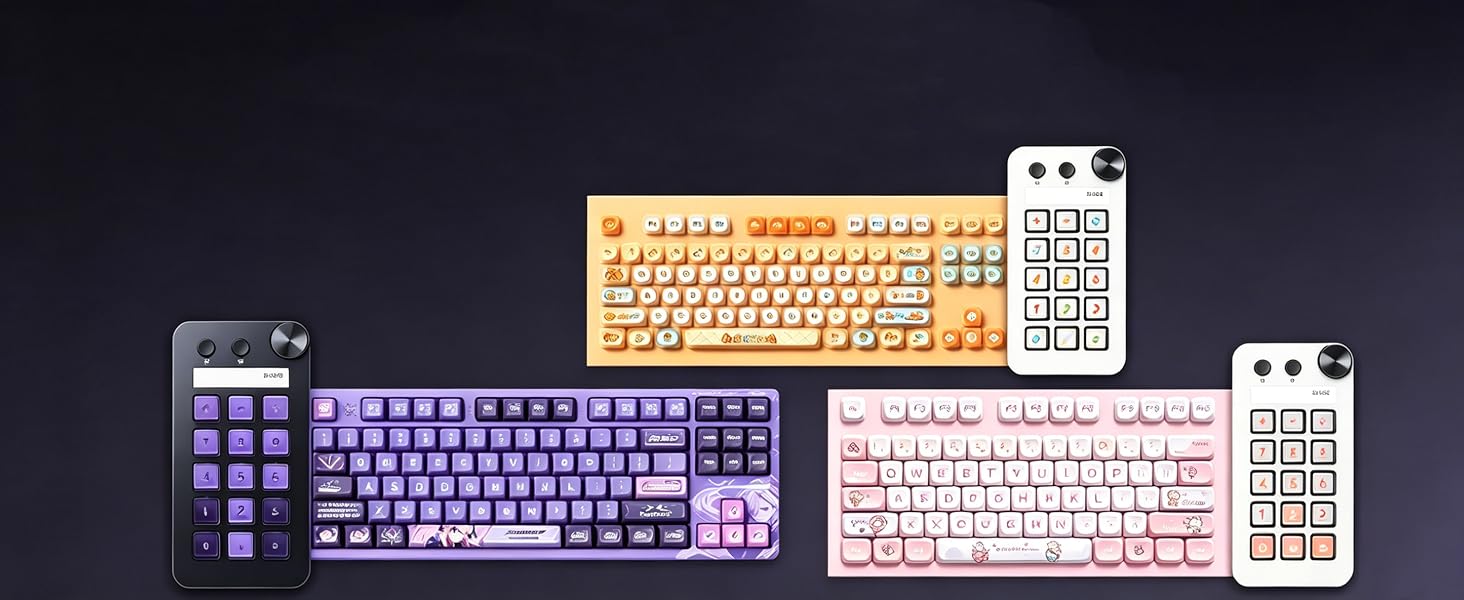
Power Supply Instructions For stable operation, connect the device to a rear USB port on your computer and avoid using too many USB devices at once. Front ports or USB hubs may cause insufficient power and prevent the device from powering on.
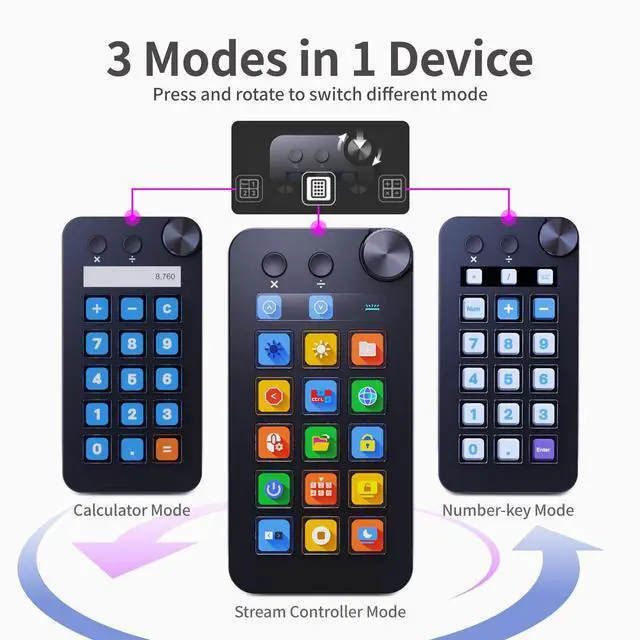
Knob Operation Instructions To switch modes, press and hold the knob before turning it. To customize the rotation function, set it up in Custom Mode.
Mode Switching & Synchronization Instructions This product has three modes: Custom, Number Key, and Calculator. All sync operations must be performed in Custom Mode. Switch modes easily via the knob—always check your current mode before syncing.
Launch favorites in a click—speed meets simplicity.
Stream effortlessly, reach to your audience
Elevate your sound, streamline your process, and focus on what matters most.
Customize your workspace, own your flow.
Customize your Icon content


Download the software via the manual, you can use the pre-set scenes directly.
Or you can drag the actions into each key to customize your own scene.
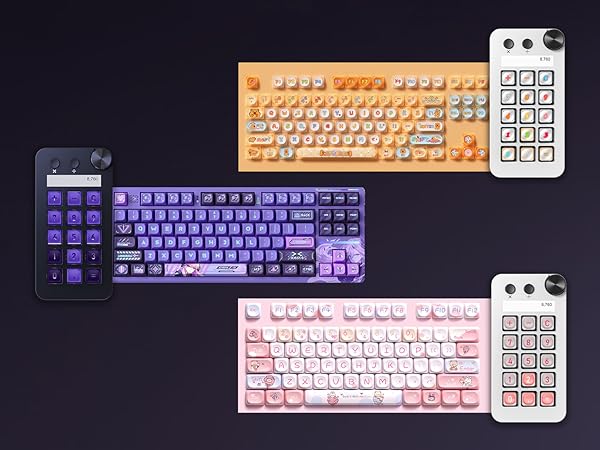
Power Supply Instructions For stable operation, connect the device to a rear USB port on your computer and avoid using too many USB devices at once. Front ports or USB hubs may cause insufficient power and prevent the device from powering on.
Knob Operation Instructions To switch modes, press and hold the knob before turning it. To customize the rotation function, set it up in Custom Mode.
Mode Switching & Synchronization Instructions This product has three modes: Custom, Number Key, and Calculator. All sync operations must be performed in Custom Mode. Switch modes easily via the knob—always check your current mode before syncing.



