here!
here!
I’m your shopping assistant for PC builds, upgrades, and everything tech.
Got questions? Ask away!
Start a conversation
here!
I’m your shopping assistant for PC builds, upgrades, and everything tech.
Got questions? Ask away!
Start a conversation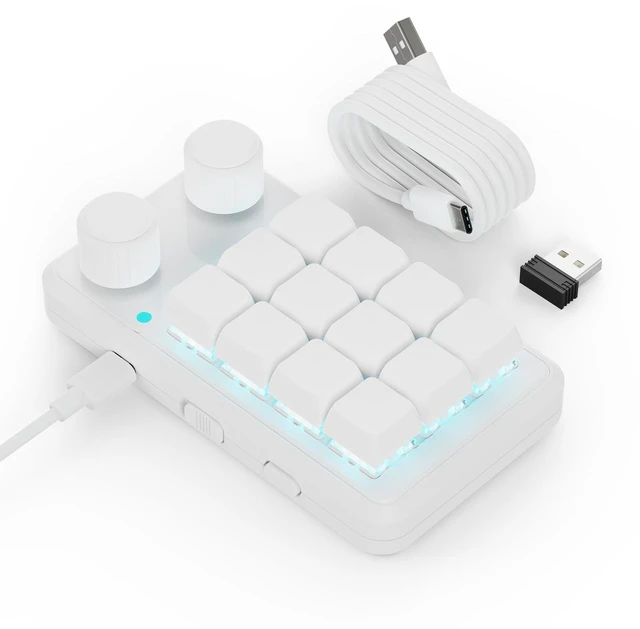
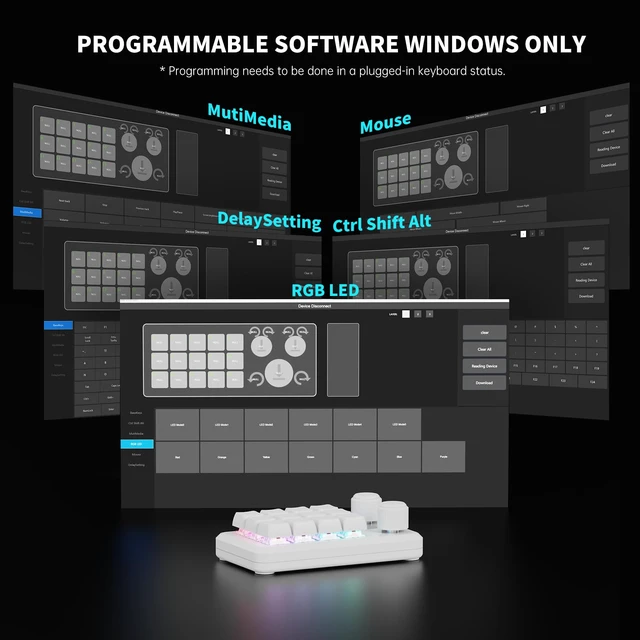
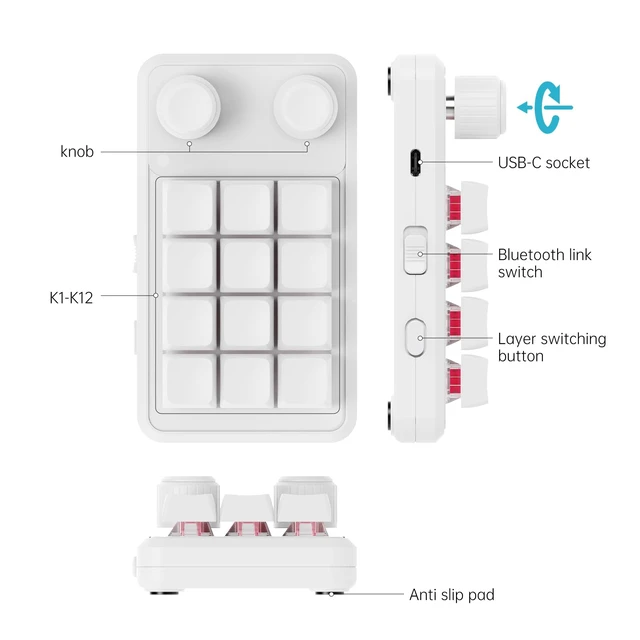
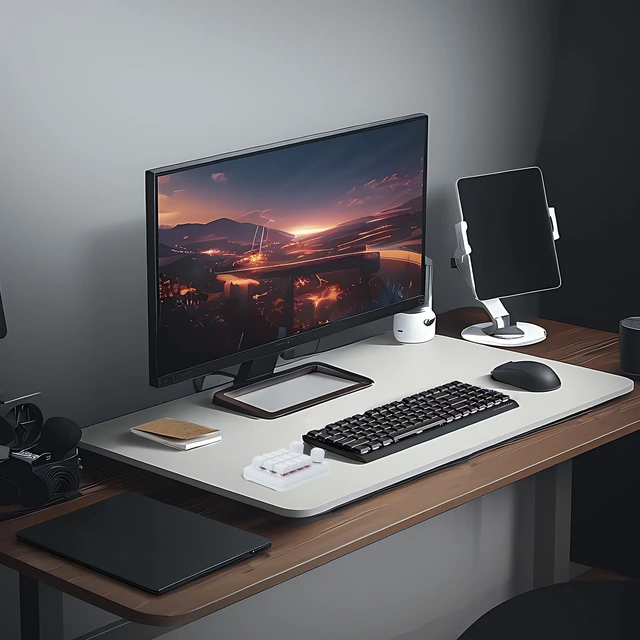



Any questions? Ask CelesteSM will help you find out quickly.
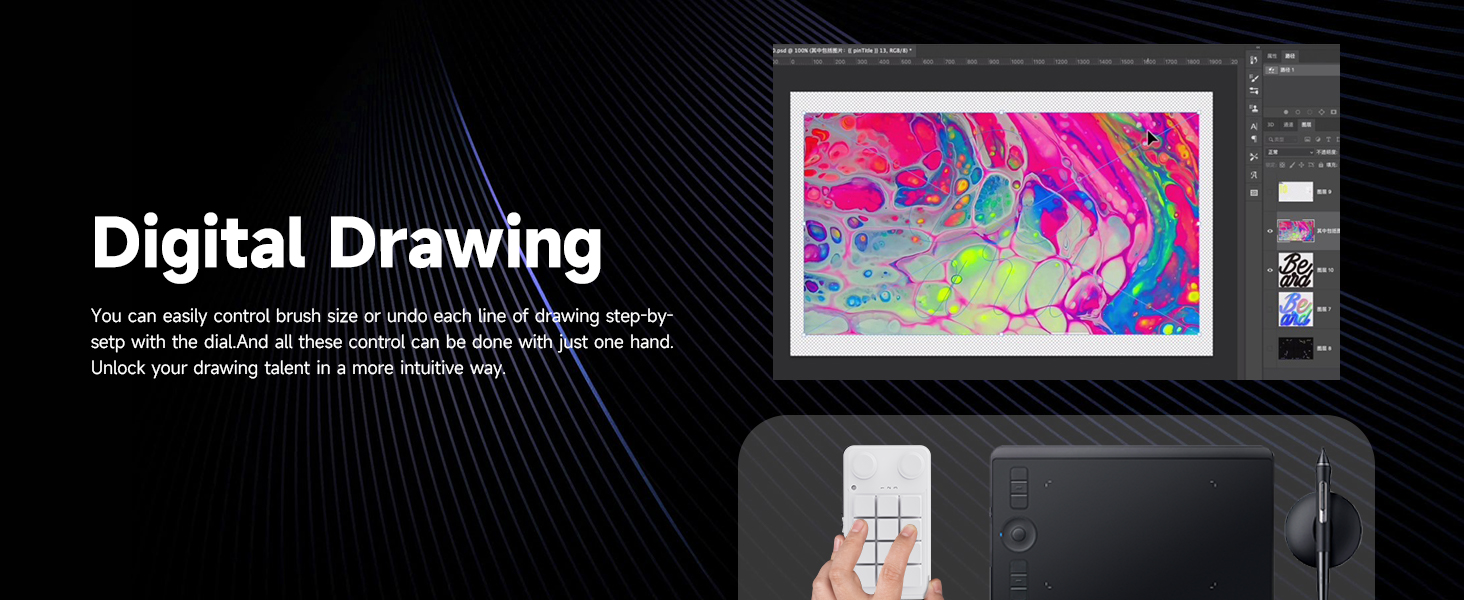
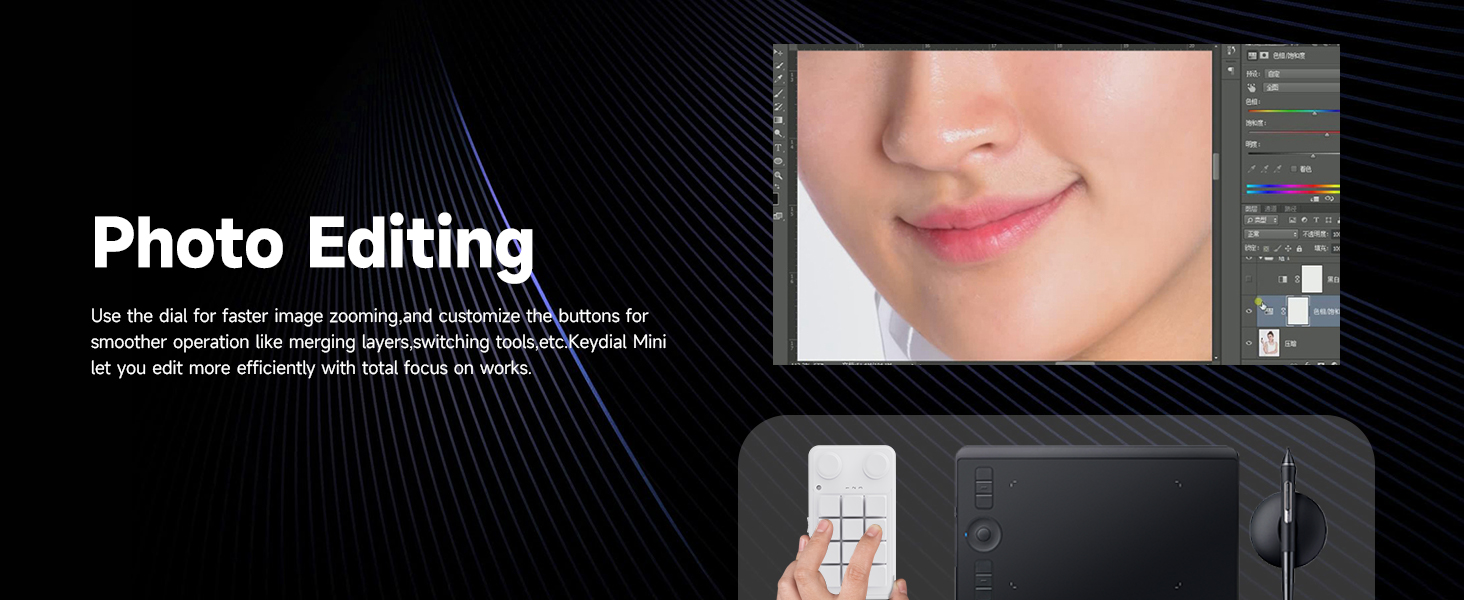
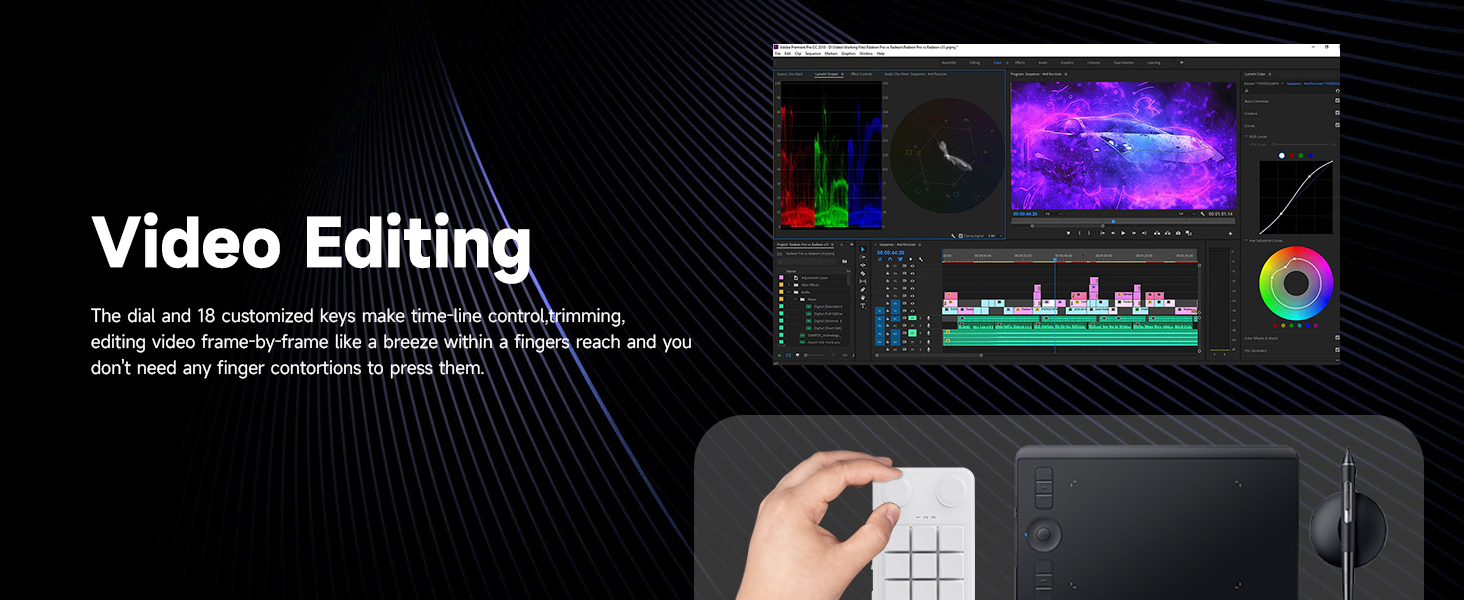
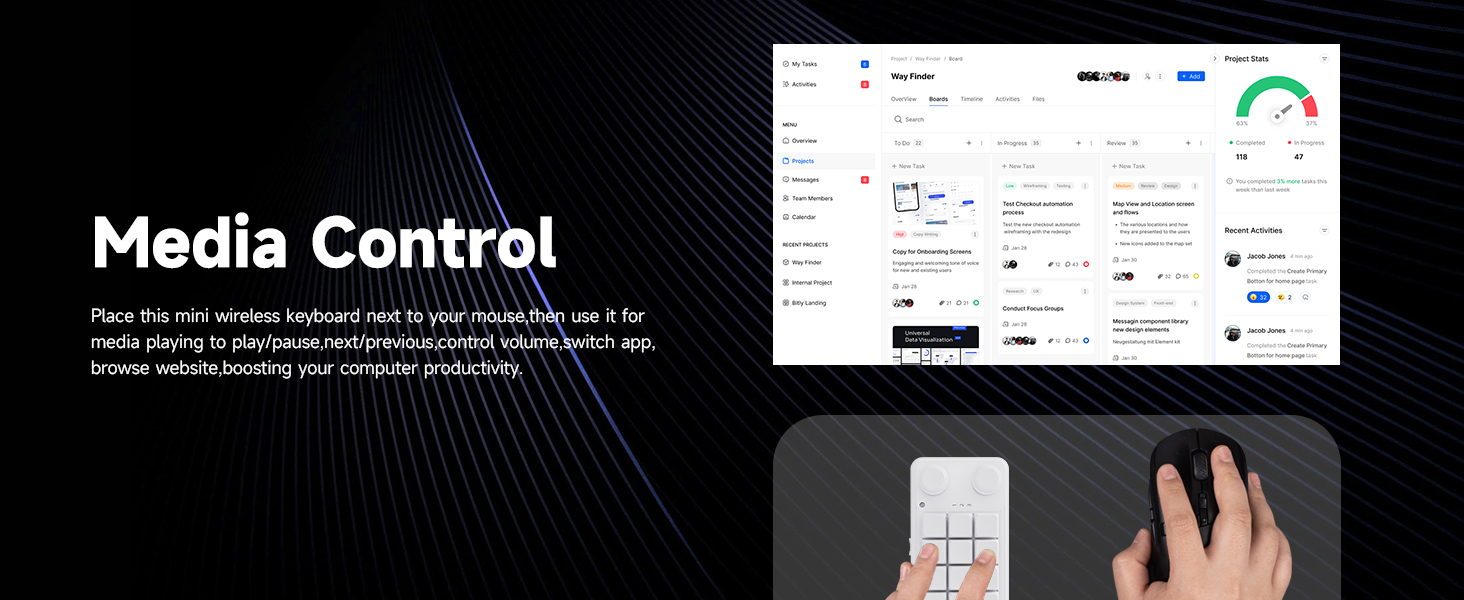

What is this 12+2 programmable macro keypad used for?
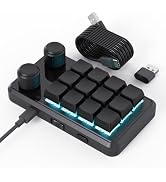
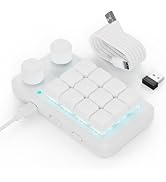
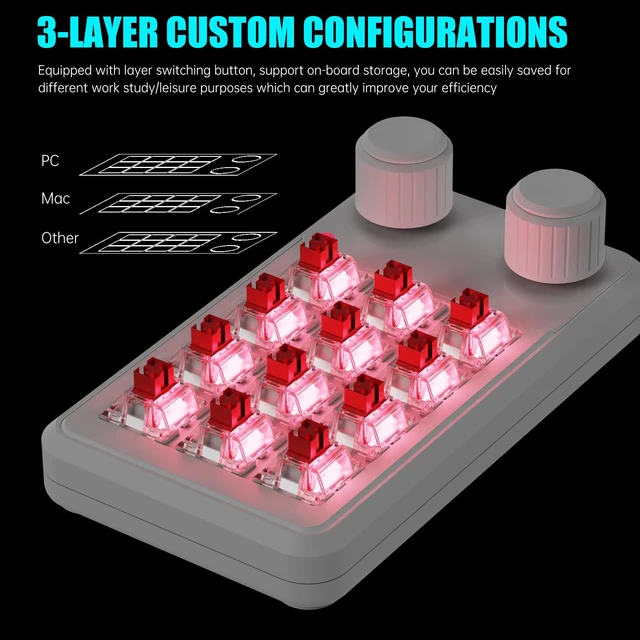
This is a 12-key + 2-knob programmable macro keypad that turns shortcuts or key combinations into one-press actions. It works as a shortcut controller for editing, design, office work, drawing, and gaming, not for long text typing.
Who is this macro keypad suitable for?
It is suitable for users who frequently use shortcuts, including video editors, designers, office users, illustrators, and gamers who want faster and more efficient repetitive operations.
Can one key trigger a shortcut or key combination?
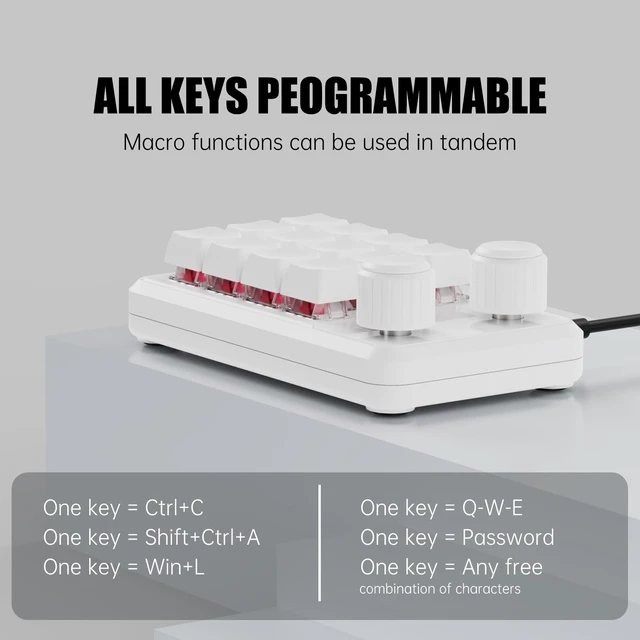
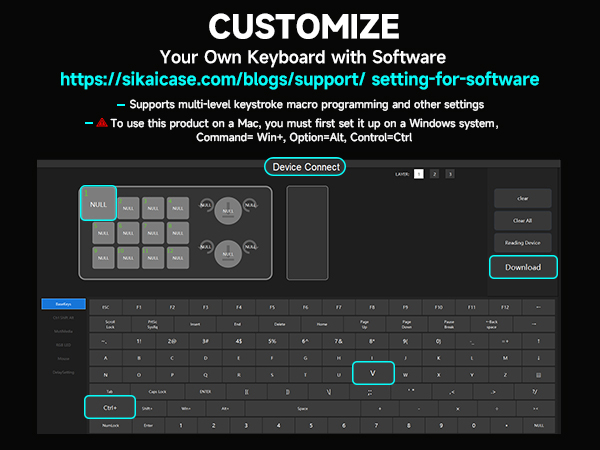
Yes. You can map shortcut keys or key combinations to a single key, as long as the target function already has a keyboard shortcut supported by the system or software.
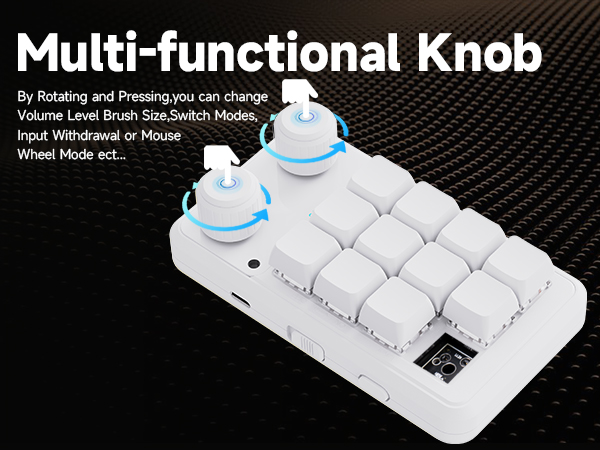
Can the two knobs be customized?
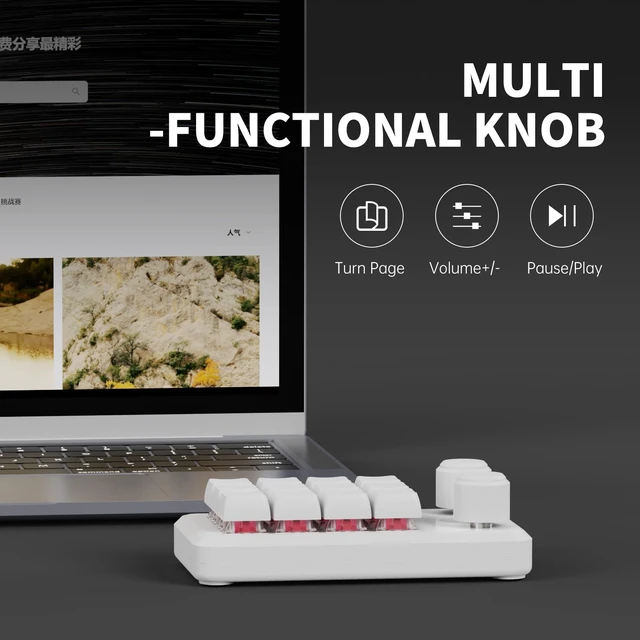
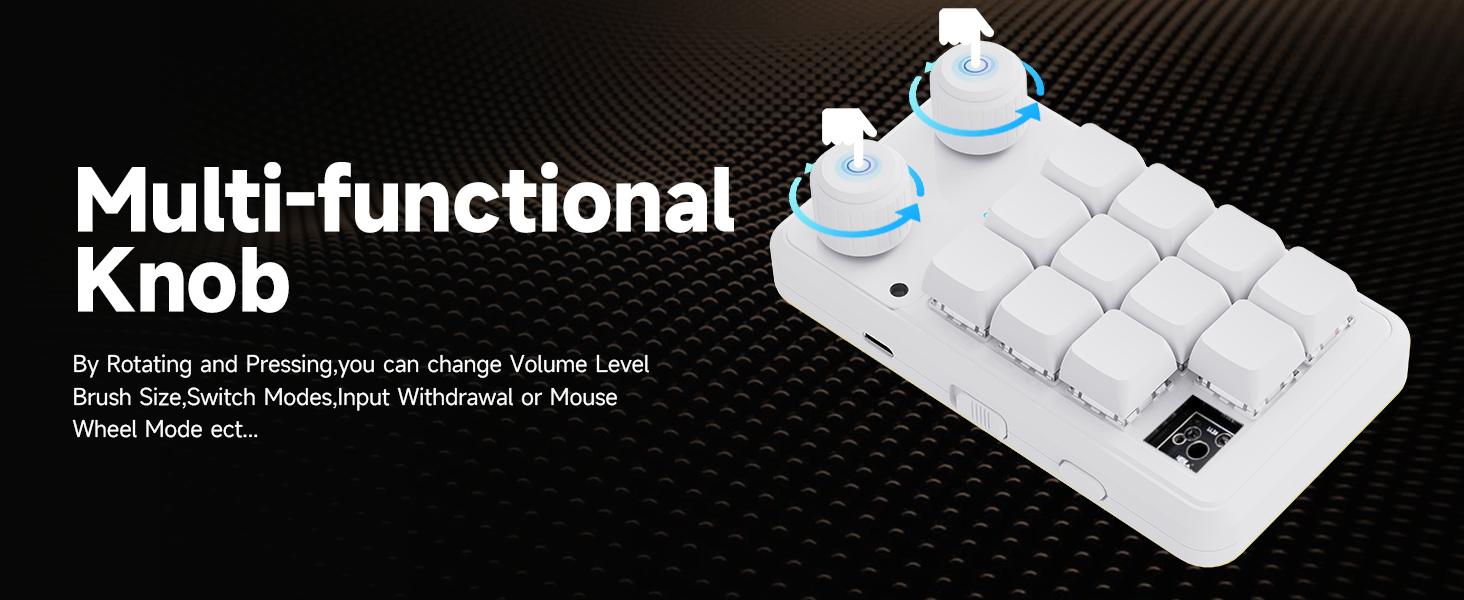
Yes. Each knob supports left rotation, right rotation, and press actions. Knobs are commonly used for volume control, zooming, scrolling, brightness adjustment, or other continuous operations.
Why does Windows show a security warning for the keyboard software?
Windows may warn about software that is not widely recognized or digitally signed. Our software is the official companion software. Please download it from the product details page or the user manual.

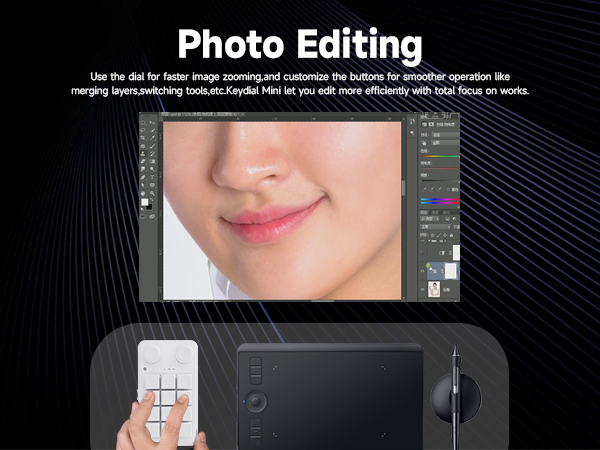
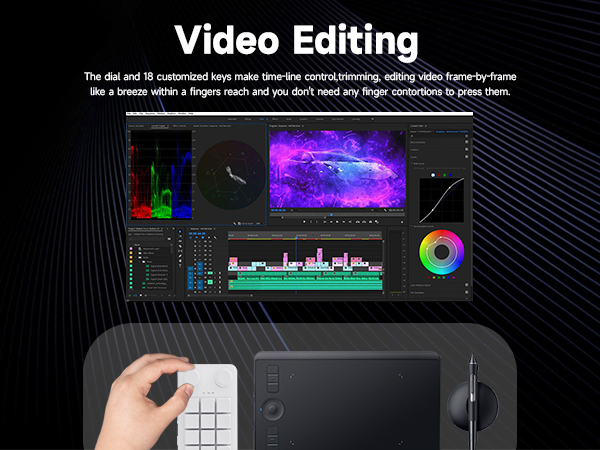
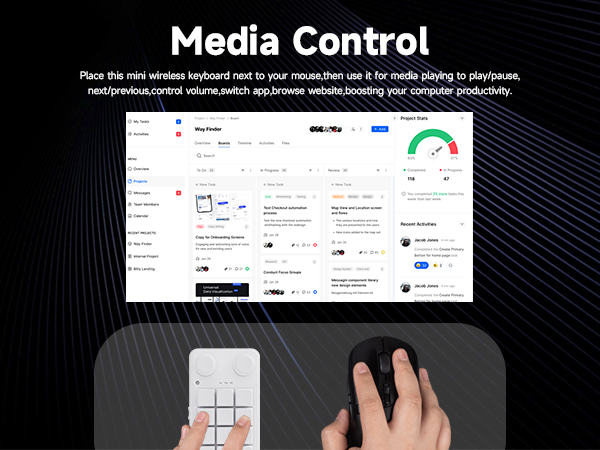
What is this 12+2 programmable macro keypad used for?
This is a 12-key + 2-knob programmable macro keypad that turns shortcuts or key combinations into one-press actions. It works as a shortcut controller for editing, design, office work, drawing, and gaming, not for long text typing.
Who is this macro keypad suitable for?
It is suitable for users who frequently use shortcuts, including video editors, designers, office users, illustrators, and gamers who want faster and more efficient repetitive operations.
Can one key trigger a shortcut or key combination?
Yes. You can map shortcut keys or key combinations to a single key, as long as the target function already has a keyboard shortcut supported by the system or software.
Can the two knobs be customized?
Yes. Each knob supports left rotation, right rotation, and press actions. Knobs are commonly used for volume control, zooming, scrolling, brightness adjustment, or other continuous operations.
Why does Windows show a security warning for the keyboard software?
Windows may warn about software that is not widely recognized or digitally signed. Our software is the official companion software. Please download it from the product details page or the user manual.
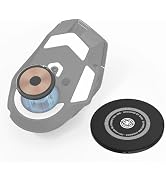
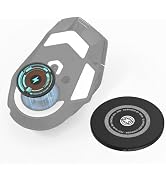
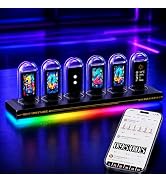
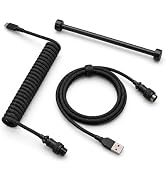
Elevate your desktop with our mouse docks, skates, and premium keyboard cables.