here!
here!
I’m your shopping assistant for PC builds, upgrades, and everything tech.
Got questions? Ask away!
Start a conversation
here!
I’m your shopping assistant for PC builds, upgrades, and everything tech.
Got questions? Ask away!
Start a conversation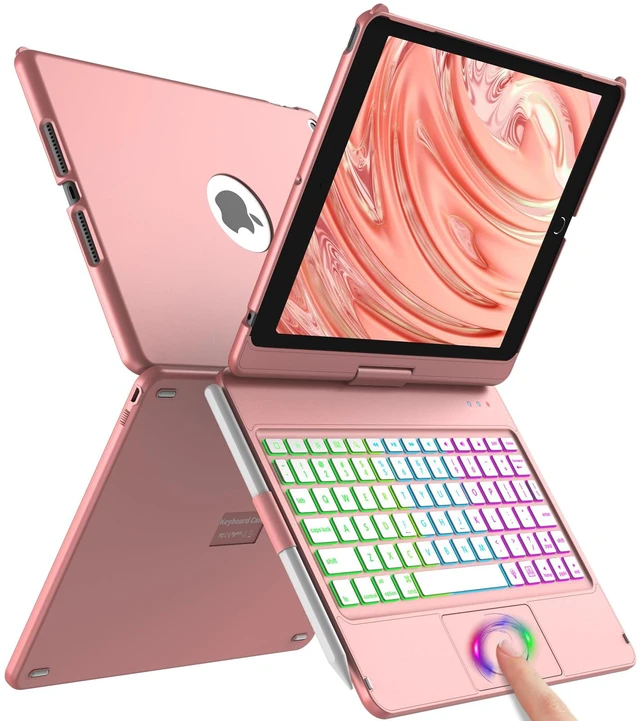
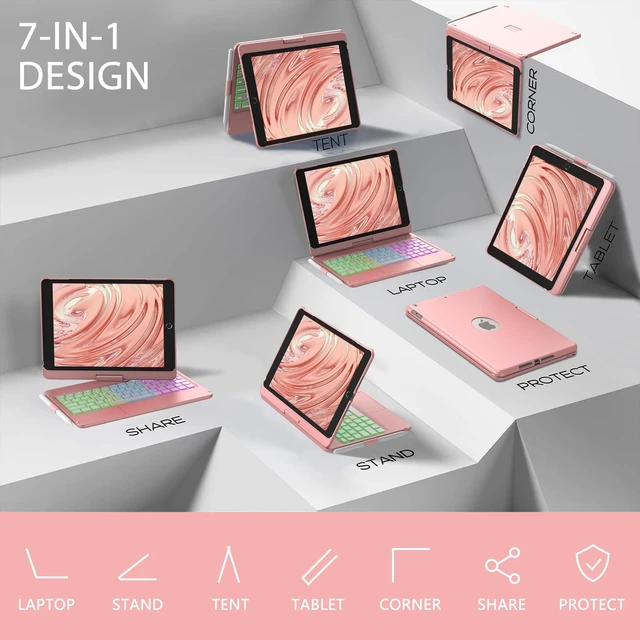



Any questions? Ask CelesteSM will help you find out quickly.
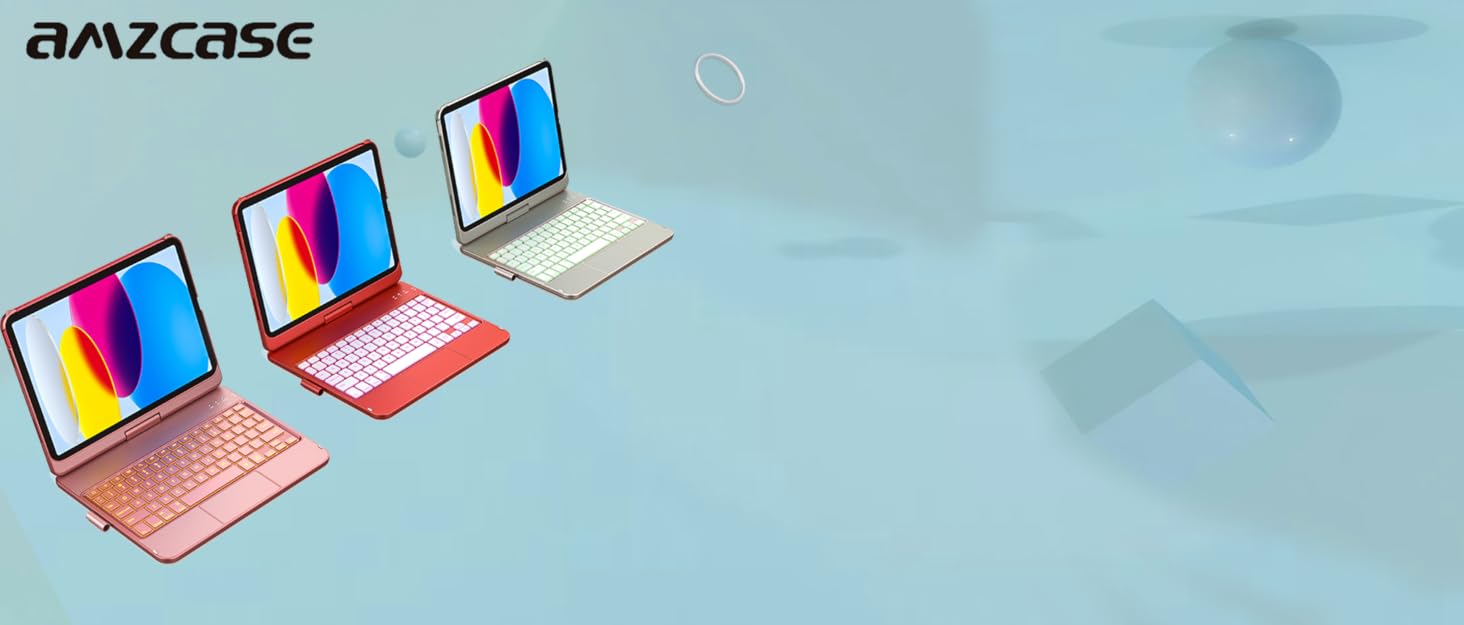
AMZCASE is the global lesder and innovator of tablet keyboard case and mouse for office, home, travel.


aMZCaSE was born in 2002. Since itsdevelopment, we have a factory of more than5,000 square meters and more than 1,000employees, including design, research anddevelopment, production, packaging, and sales.
After more than 20 years of development,aMZCaSE has achieved a good brand image inthe market and in the hearts of millions ofcustomers, and has won high praise. We willmake unremitting efforts to let more customersenjoy our products.
Every aMZCaSE product is strictly selected, designed, and exploited by resourceful professionals. aMZCaSE pays much attention to product quality and implements comprehensive quality management and test.
aMZCaSE puts customers in the first place from beginning to end. lt takes full responsibility for its customers with professional service team working around the clock to solve any problems during the course of pre-sales, on-purchase, after-sales. Customer's satisfaction is always the constant motivation to keep aMZCaSE moving forward.
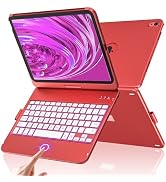
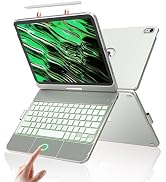
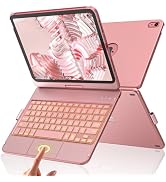
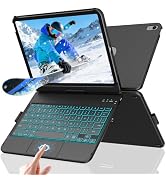
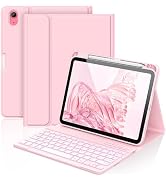
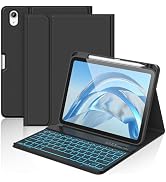
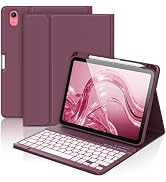
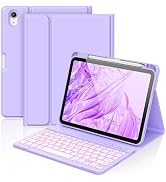
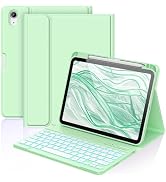
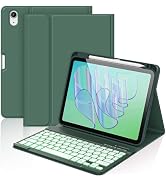
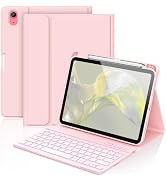
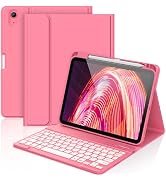
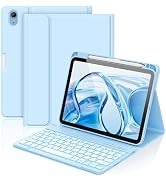
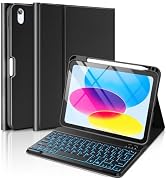
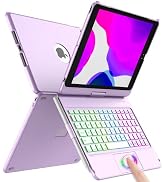
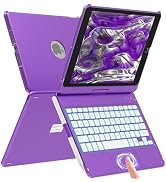
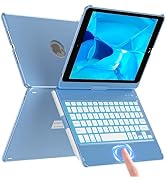
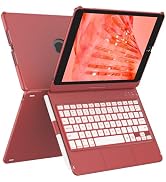
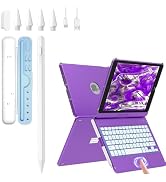
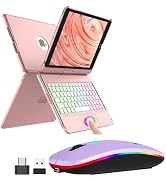
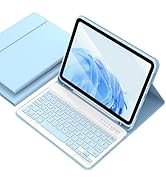
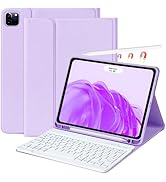
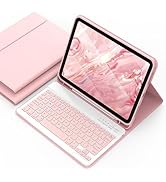
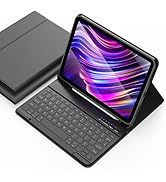
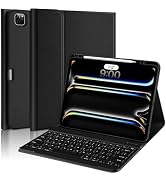
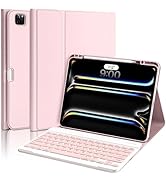
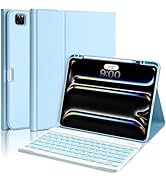
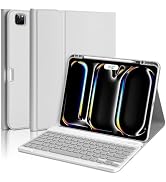
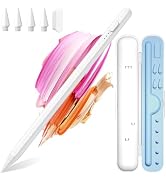
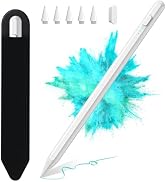
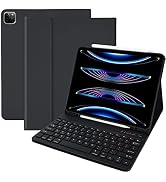
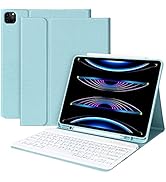
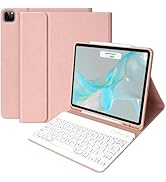
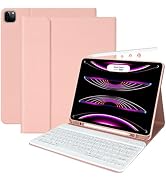
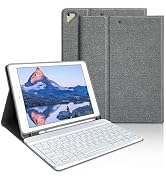
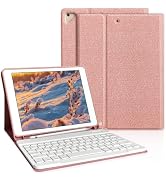
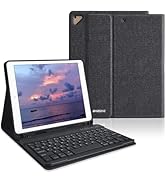
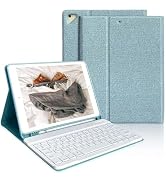
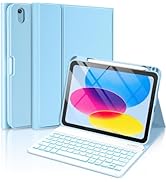
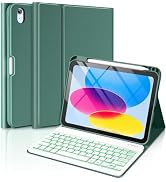
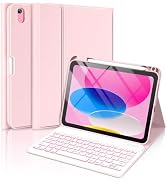
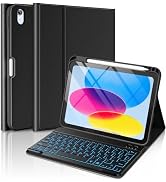
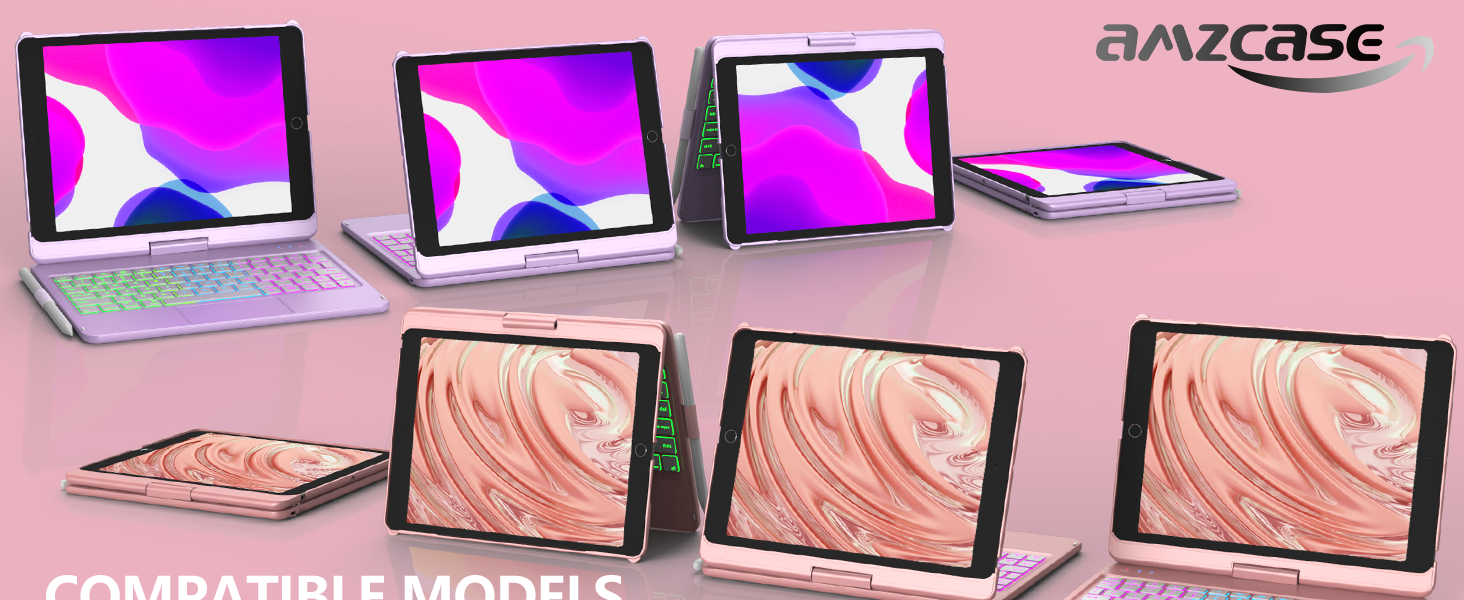
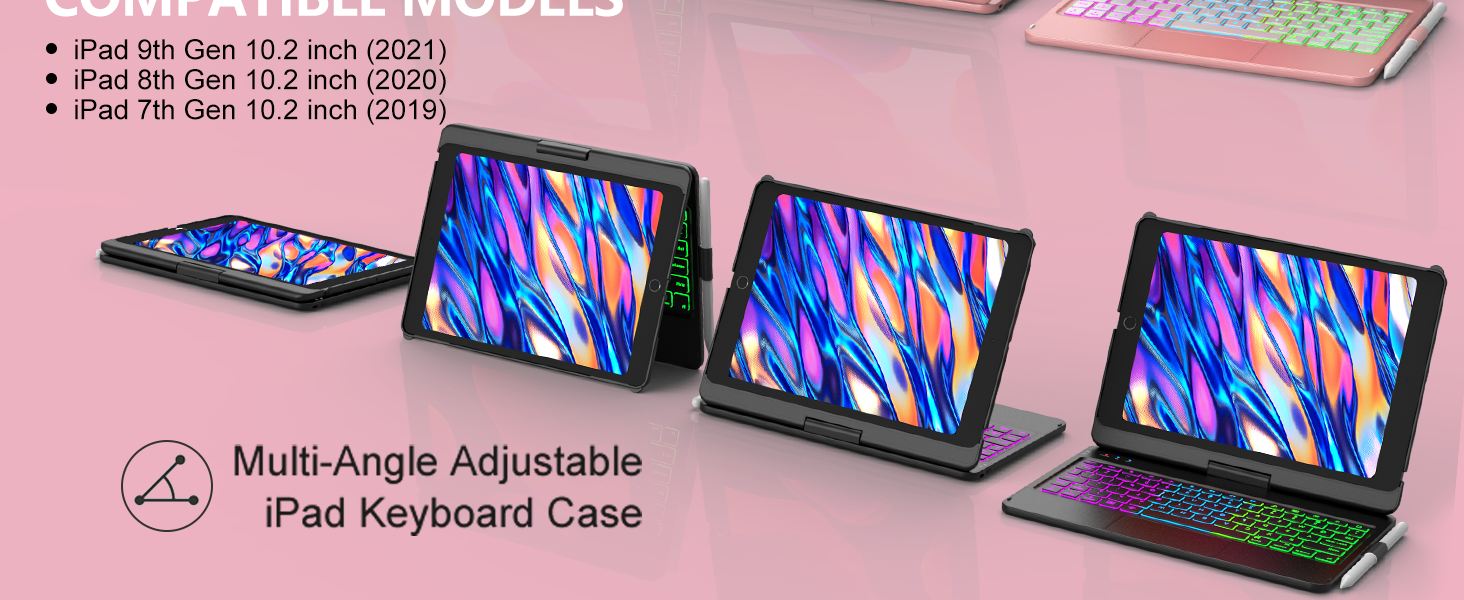
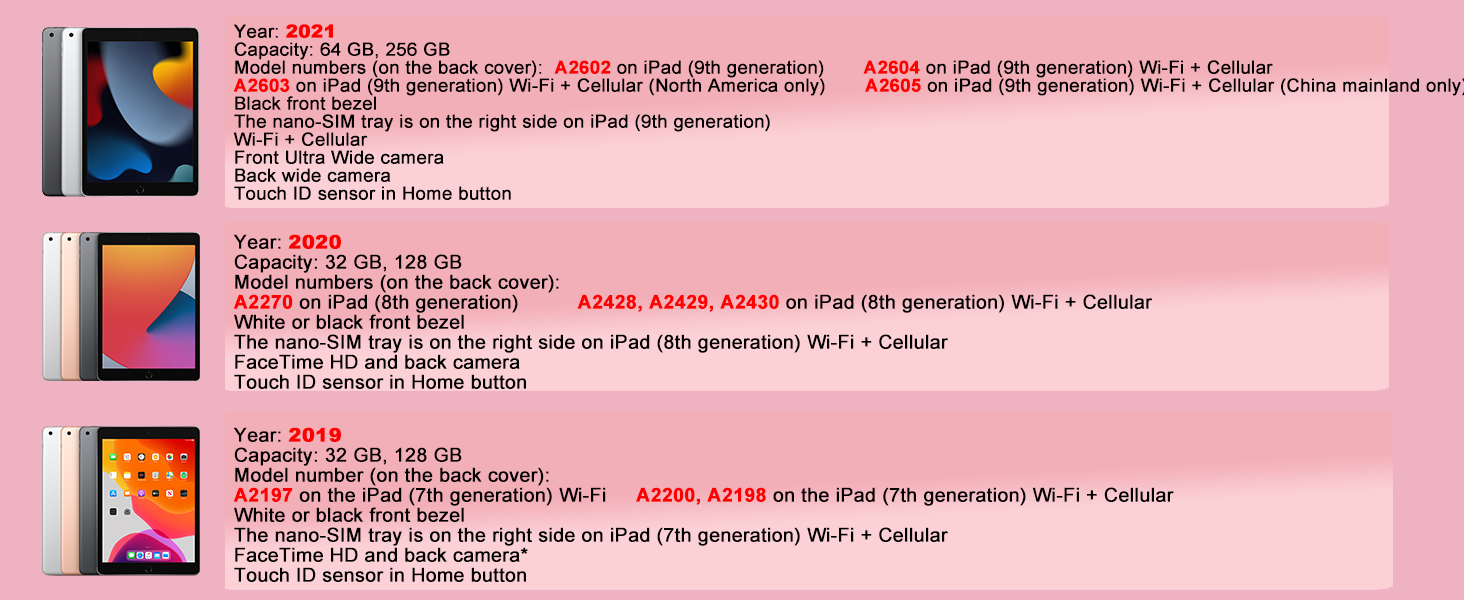
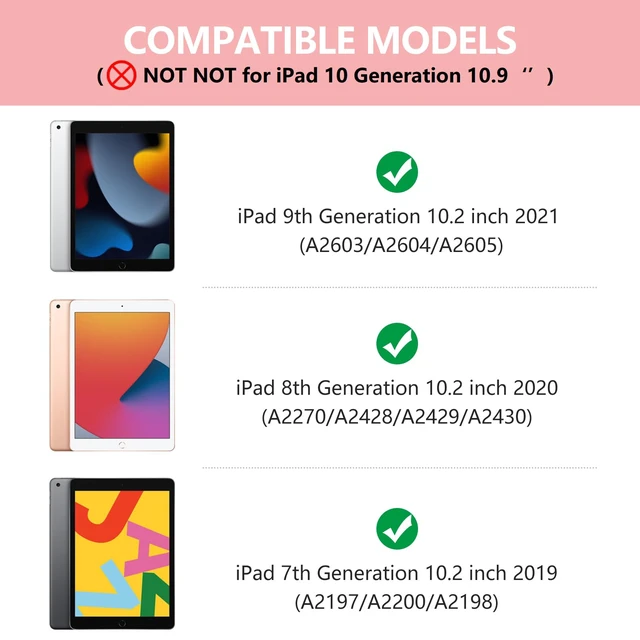
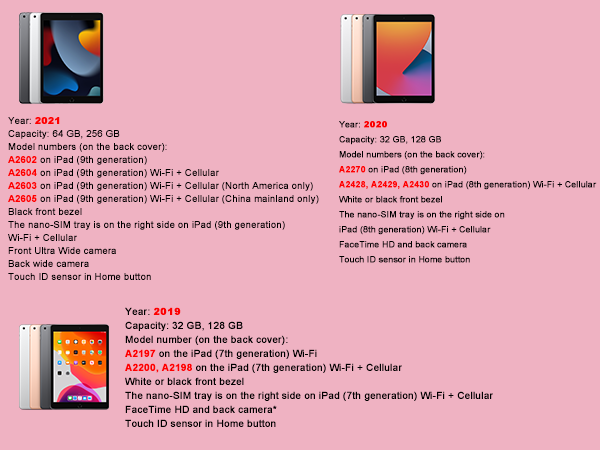
What models are the keyboard case compatible with?
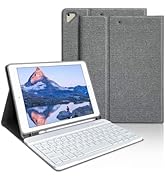
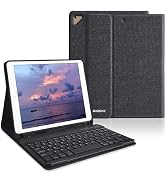
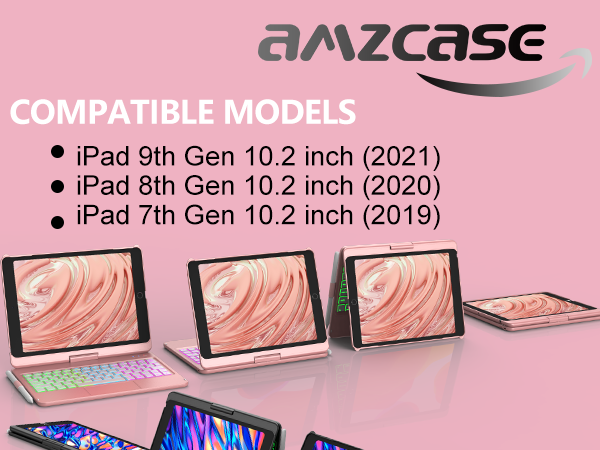
Compatible with 2021 iPad 9th Generation 10.2 inch (A2603/A2604/A2605)
Compatible with 2020 iPad 8th Generation 10.2 inch (A2270/A2430/A2428/A2429)
Compatible with 2019 iPad 7th Generation 10.2 inch (A2197/A2200/A2198)
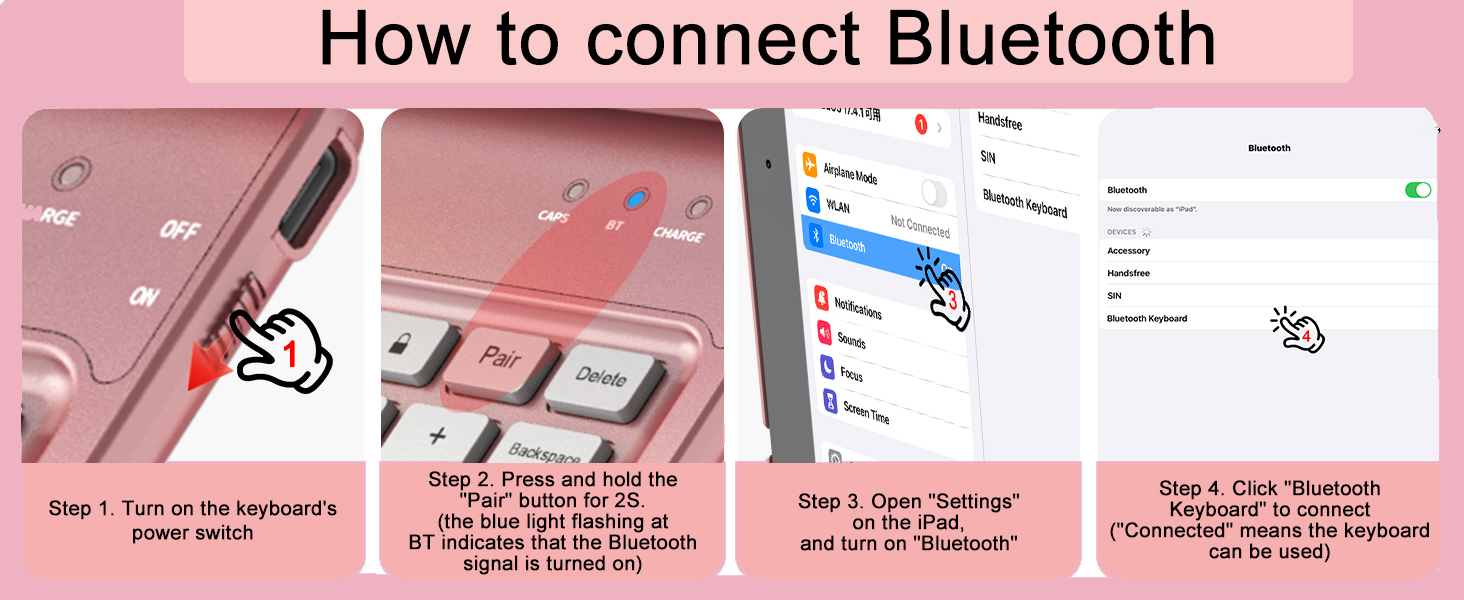
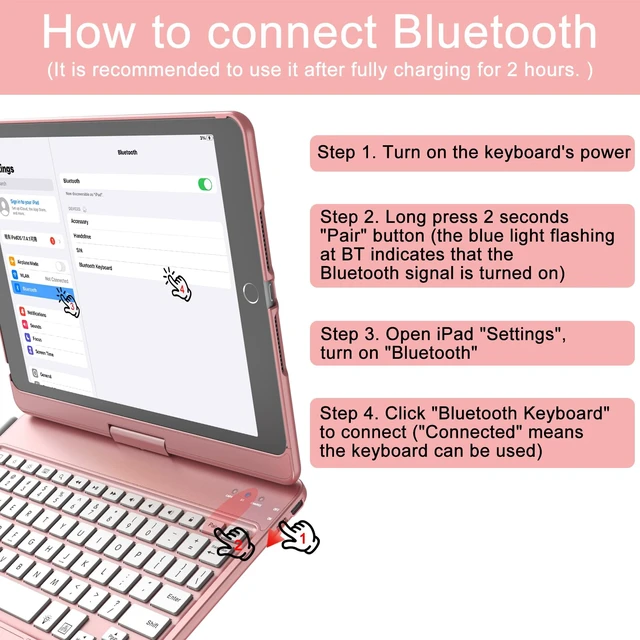
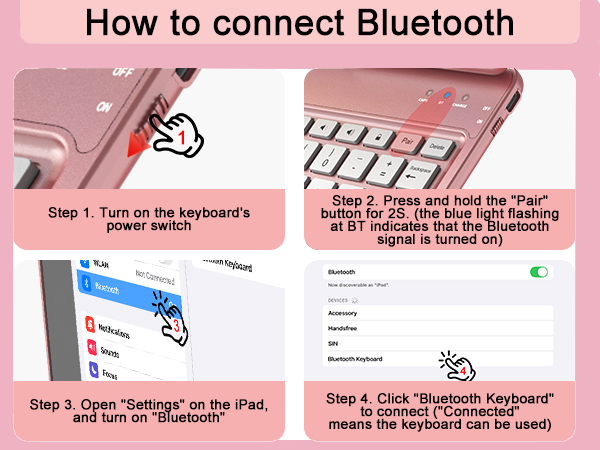
How to connect the keyboard to Bluetooth
One: Turn ON the keyboard power, the "BT" light flashes;
Two:Press the "Pair" button for 2 seconds
Three: Open iPad "Setting", "Bluetooth", turn on Bluetooth and click "Bluetooth Keyboard" to connect
Is it possible to change the brightness of the backlit keyboard in 3 levels?
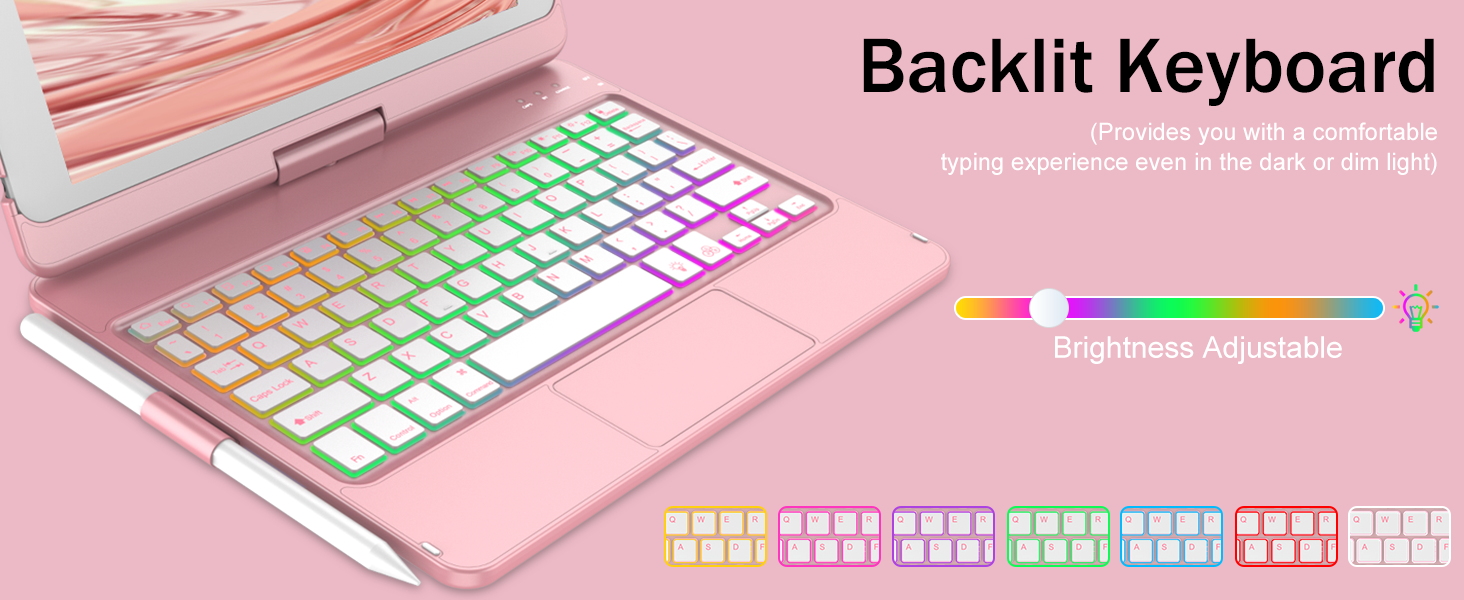
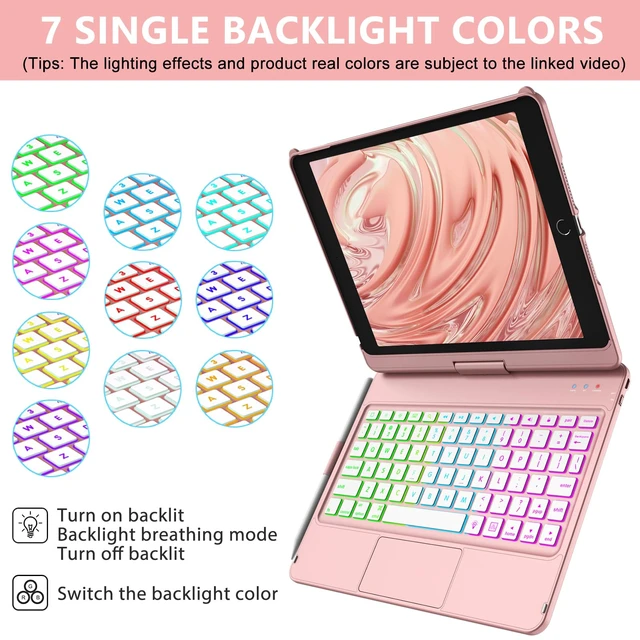
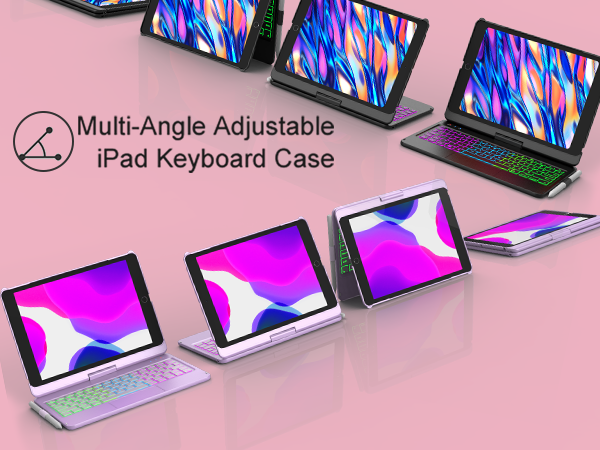
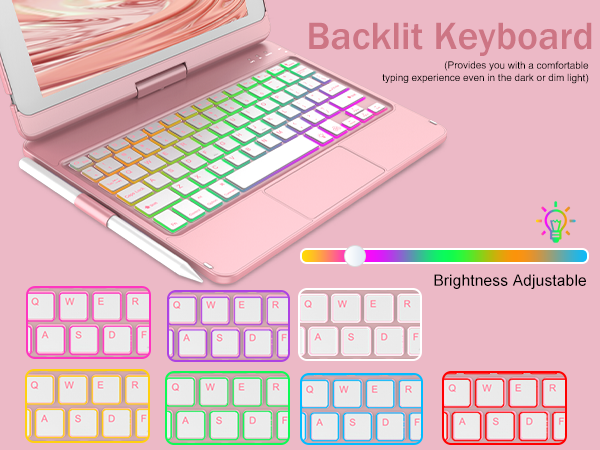
Yes, 10.2 inch of iPad 9th generation case with keyboardcan be adjusted to constant brightness/breathing light effect/deactivated backlight mode by pressing the bulb key, and the bulb key + up and down keys can be adjusted to three brightness levels
How many backlight modes are there?
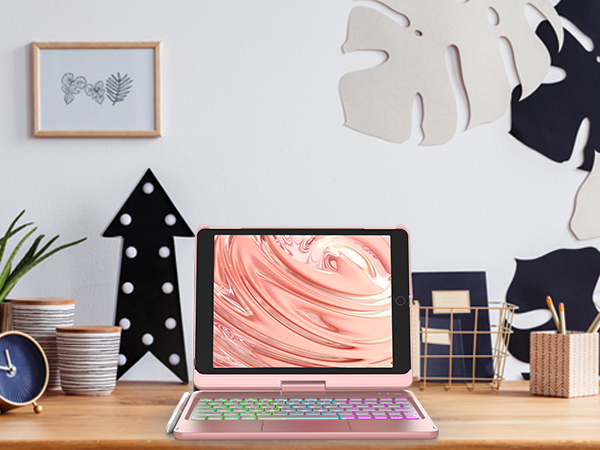
The 10.2 inch of 9th generation iPad case with keyboard have 7 adjustable lighting colors(Red,Green,Dark Blue,Yellow,Purple,Sky Blue,White)
What's in the box?
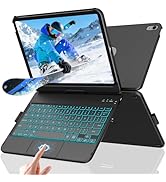
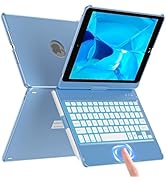
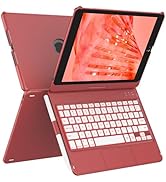
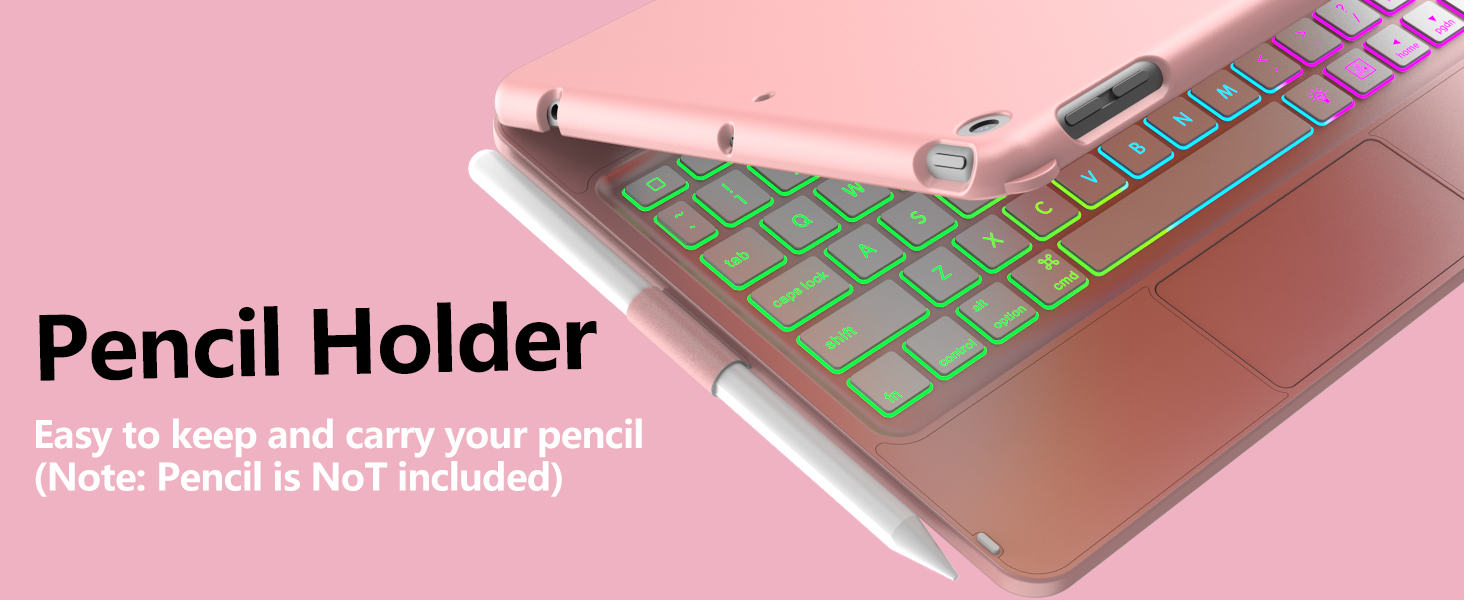
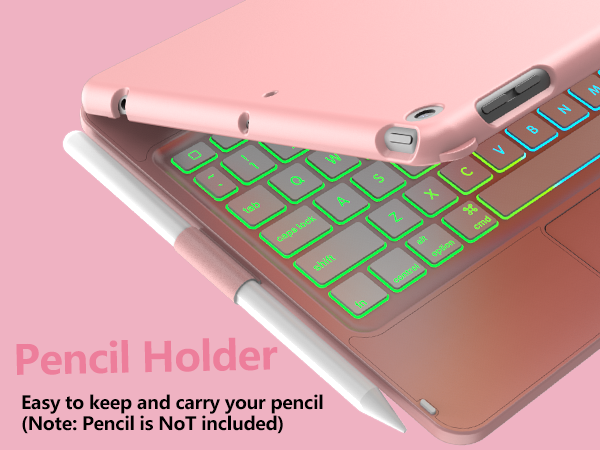
Hard Backlit Keyboard Case*1 (Stylus not included)
Type-C USB Cable *1 (No adapter)
User Manual*1
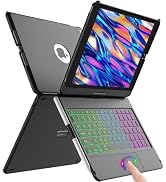
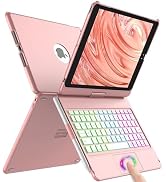
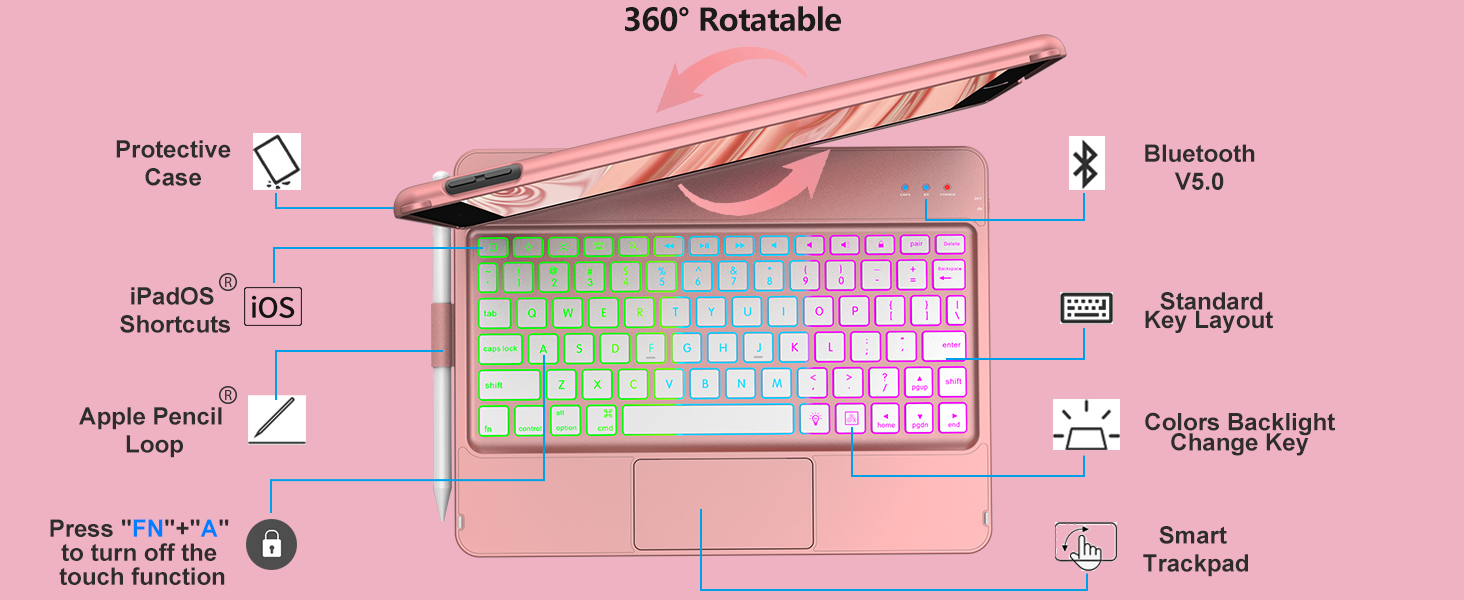
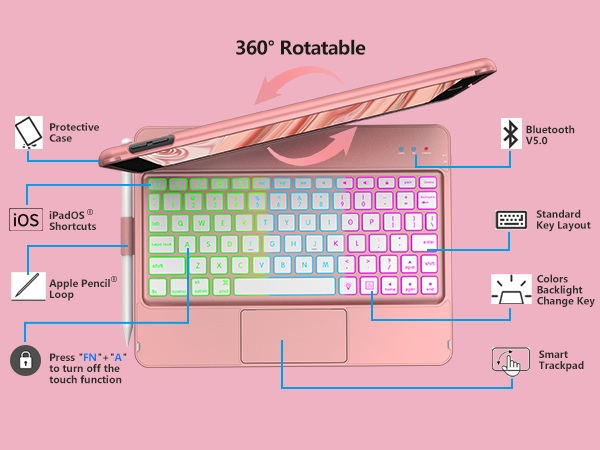
This for ipad 9th generation keyboard case's touchpad is free and flexible, you can set your favorite sensitivity in the settings
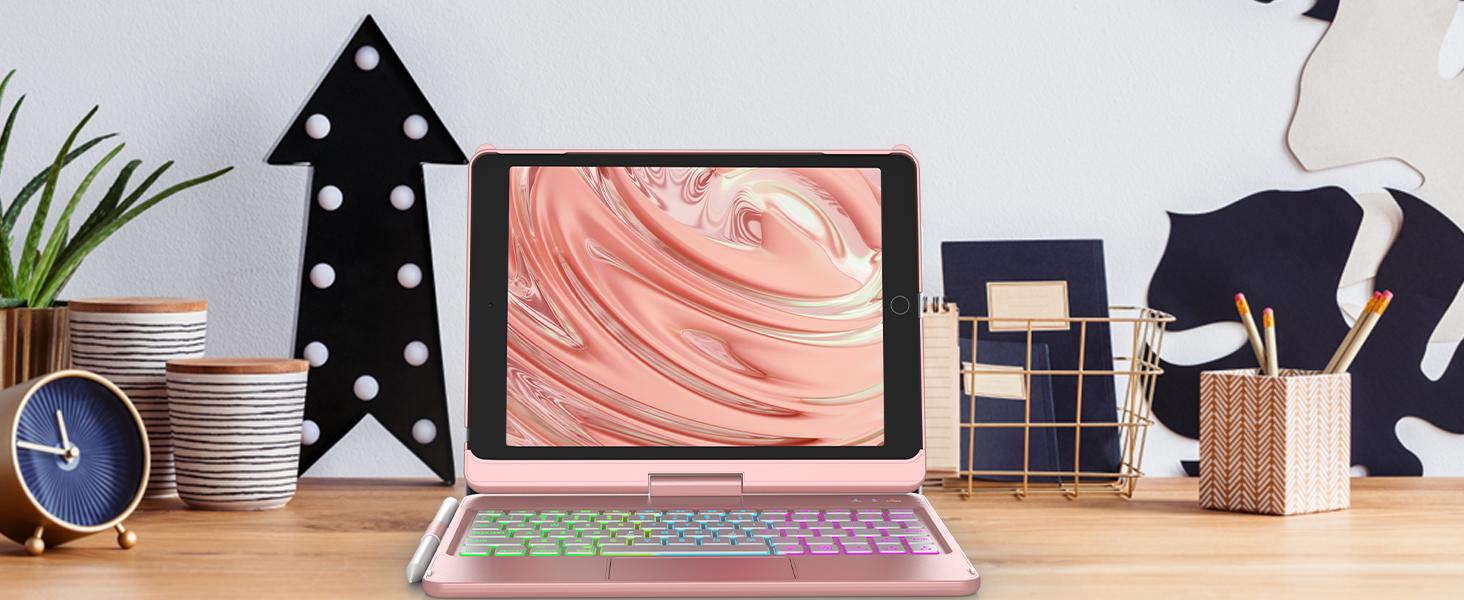
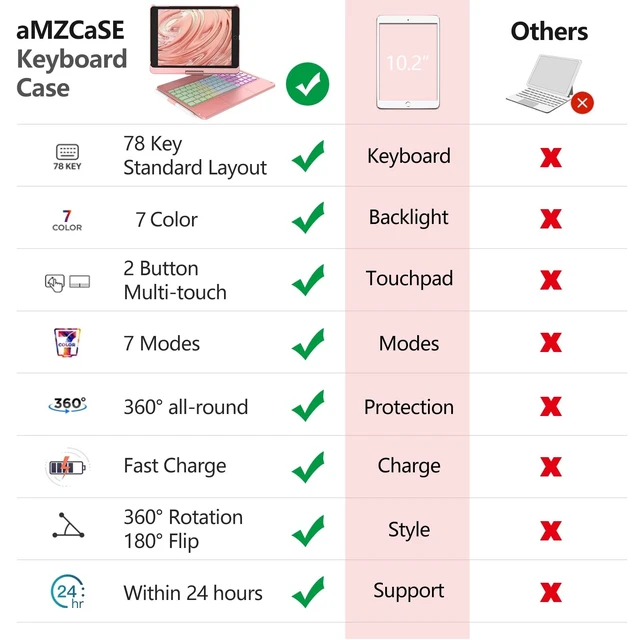
9th/8th/7th generation ipad case with keyboard has 7 single-color backlights.It can help you complete various tasks efficiently in a dark environment
keyboard for ipad 9th generation equipped with practical shortcut keys and reference navigation instructions, it can help you complete various tasks
What models are the keyboard case compatible with?
Compatible with 2021 iPad 9th Generation 10.2 inch (A2603/A2604/A2605)
Compatible with 2020 iPad 8th Generation 10.2 inch (A2270/A2430/A2428/A2429)
Compatible with 2019 iPad 7th Generation 10.2 inch (A2197/A2200/A2198)
How to connect the keyboard to Bluetooth
One: Turn ON the keyboard power, the "BT" light flashes;
Two:Press the "Pair" button for 2 seconds
Three: Open iPad "Setting", "Bluetooth", turn on Bluetooth and click "Bluetooth Keyboard" to connect
Is it possible to change the brightness of the backlit keyboard in 3 levels?
Yes, 10.2 inch of iPad 9th generation case with keyboardcan be adjusted to constant brightness/breathing light effect/deactivated backlight mode by pressing the bulb key, and the bulb key + up and down keys can be adjusted to three brightness levels
How many backlight modes are there?
The 10.2 inch of 9th generation iPad case with keyboard have 7 adjustable lighting colors(Red,Green,Dark Blue,Yellow,Purple,Sky Blue,White)
What's in the box?
Hard Backlit Keyboard Case*1 (Stylus not included)
Type-C USB Cable *1 (No adapter)
User Manual*1
AMZCASE is the global lesder and innovator of tablet keyboard case and mouse for office, home, travel.
aMZCaSE was born in 2002. Since itsdevelopment, we have a factory of more than5,000 square meters and more than 1,000employees, including design, research anddevelopment, production, packaging, and sales.
After more than 20 years of development,aMZCaSE has achieved a good brand image inthe market and in the hearts of millions ofcustomers, and has won high praise. We willmake unremitting efforts to let more customersenjoy our products.
Every aMZCaSE product is strictly selected, designed, and exploited by resourceful professionals. aMZCaSE pays much attention to product quality and implements comprehensive quality management and test.
aMZCaSE puts customers in the first place from beginning to end. lt takes full responsibility for its customers with professional service team working around the clock to solve any problems during the course of pre-sales, on-purchase, after-sales. Customer's satisfaction is always the constant motivation to keep aMZCaSE moving forward.