here!
here!
I’m your shopping assistant for PC builds, upgrades, and everything tech.
Got questions? Ask away!
Start a conversation
here!
I’m your shopping assistant for PC builds, upgrades, and everything tech.
Got questions? Ask away!
Start a conversation



Any questions? Ask CelesteSM will help you find out quickly.


Mission
At ProtoArc, our mission is to deliver innovative workspace solutions that enhance comfort, boost productivity, and foster overall wellness.
Vision
We believe that everyone deserves a workspace that not only meets their functional needs but also empowers them to thrive. Our vision is a world where work environments promote health, happiness, and high performance.
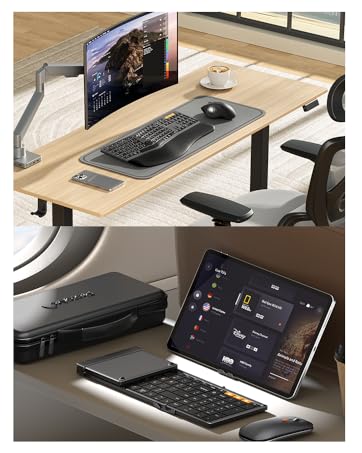
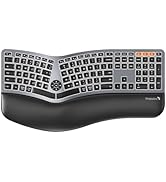
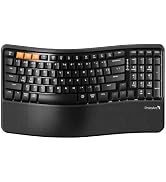
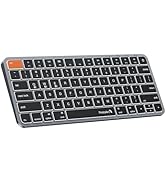
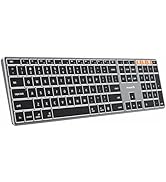


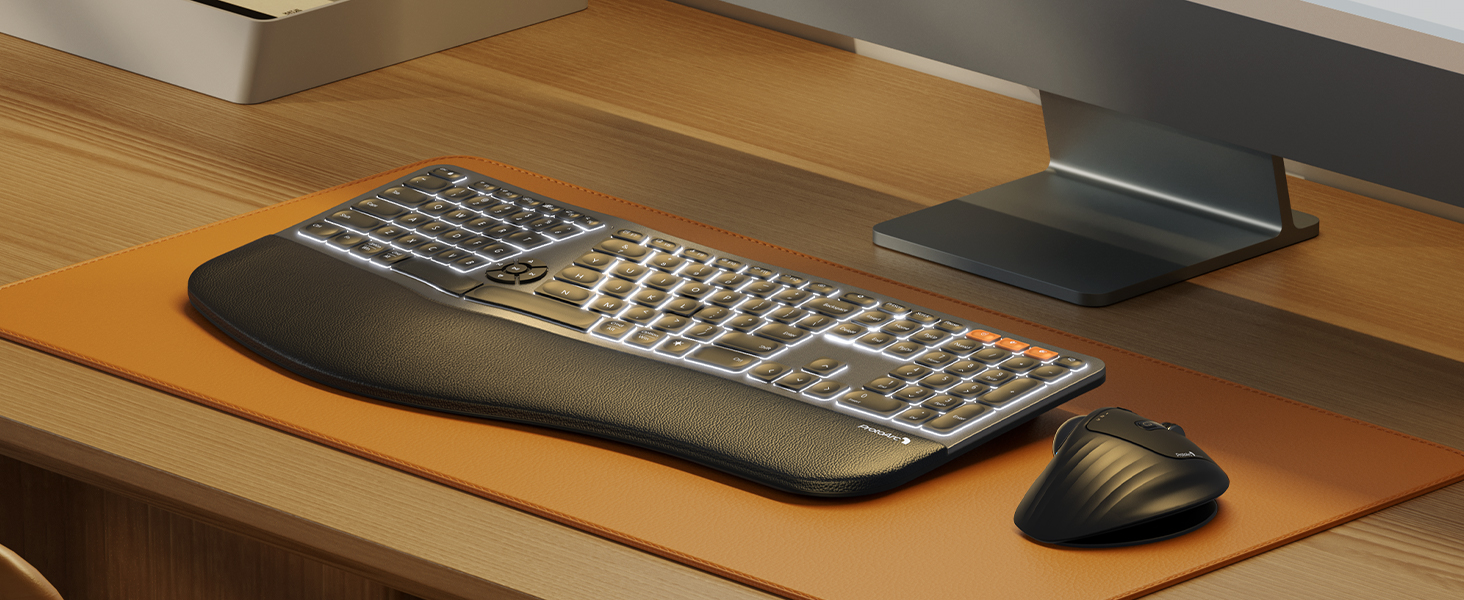
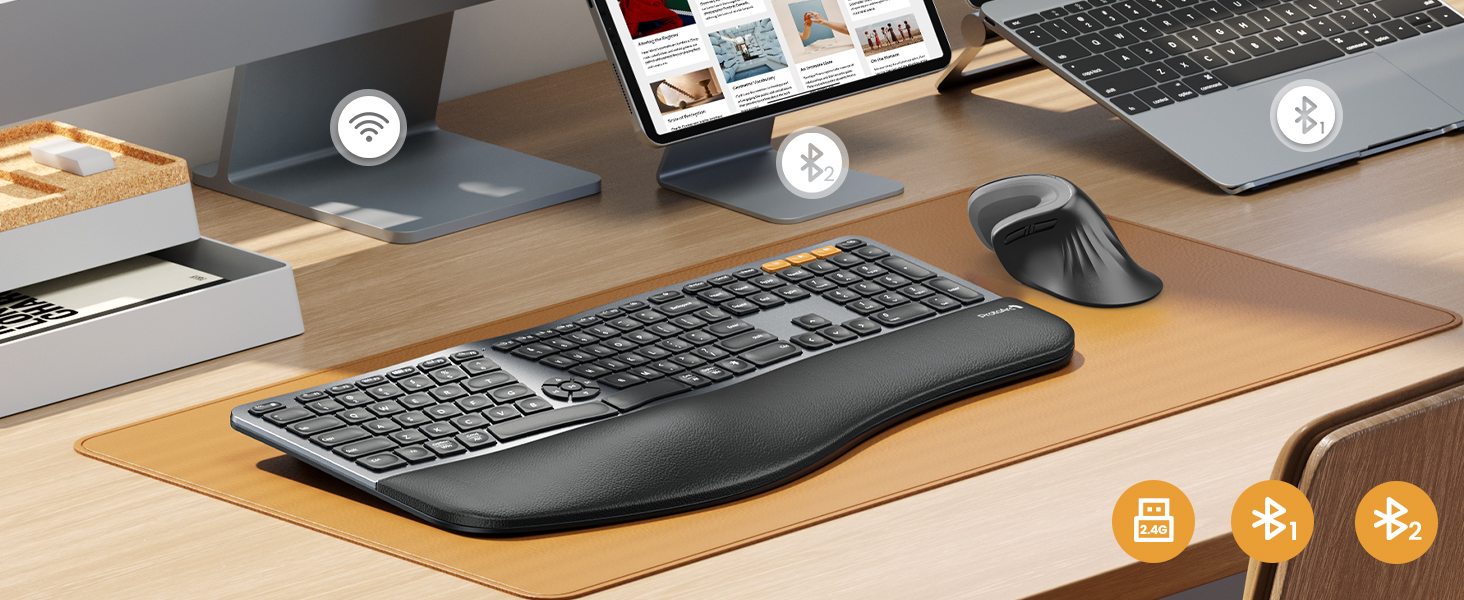
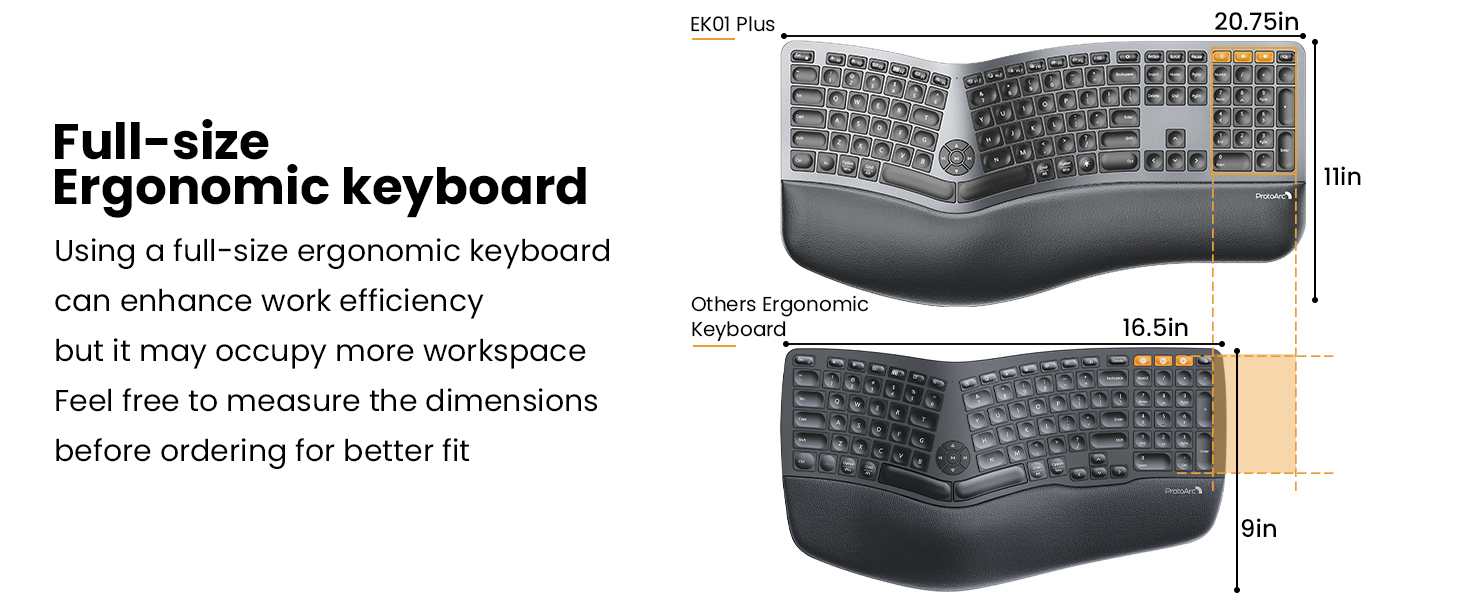
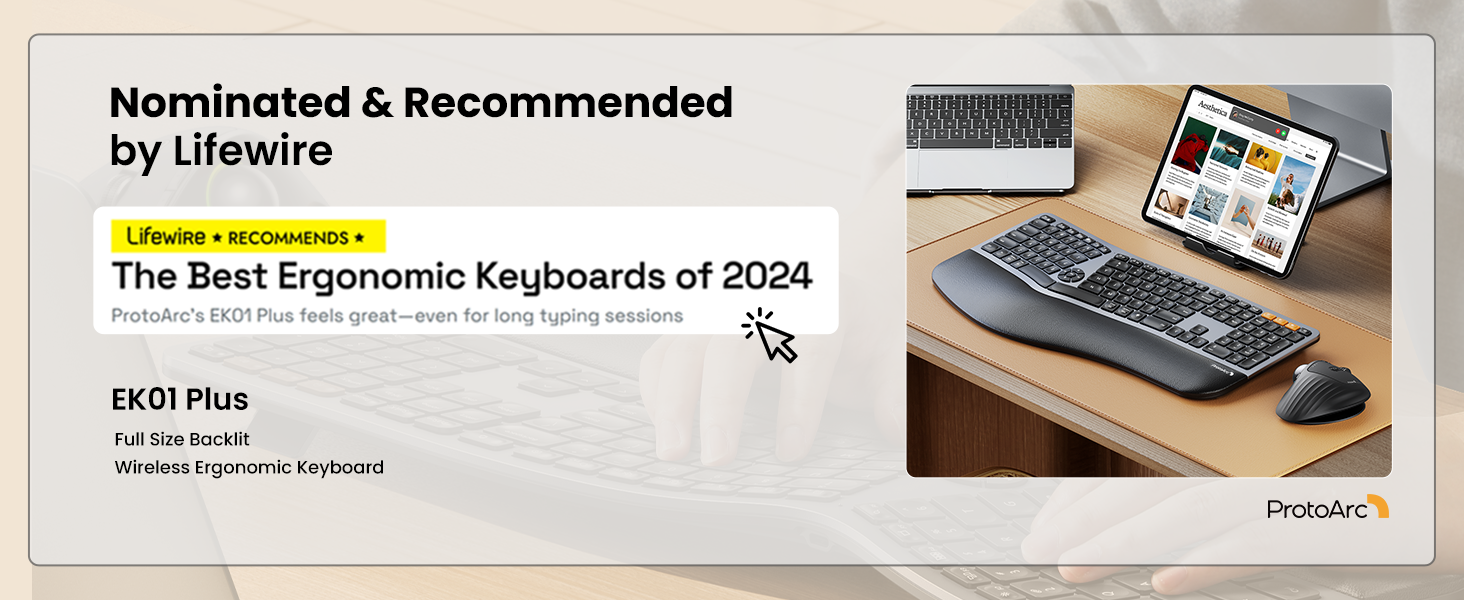
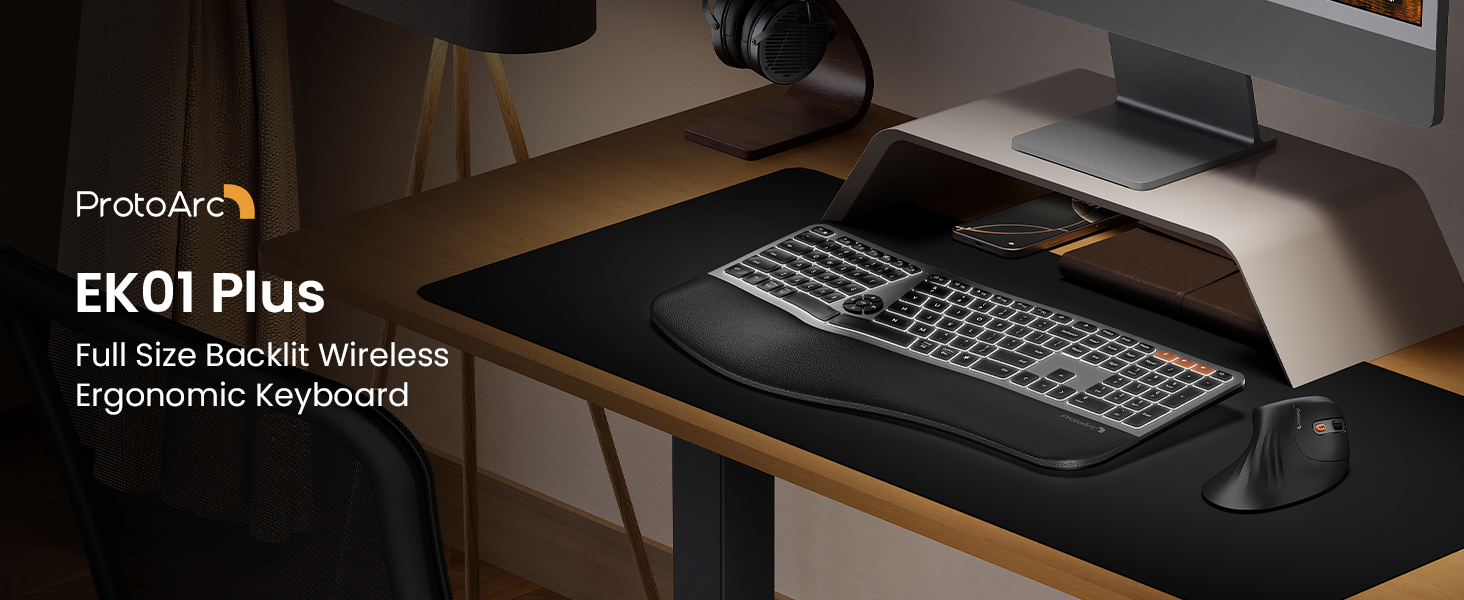
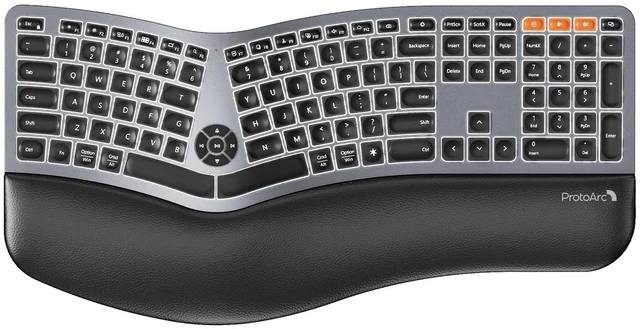
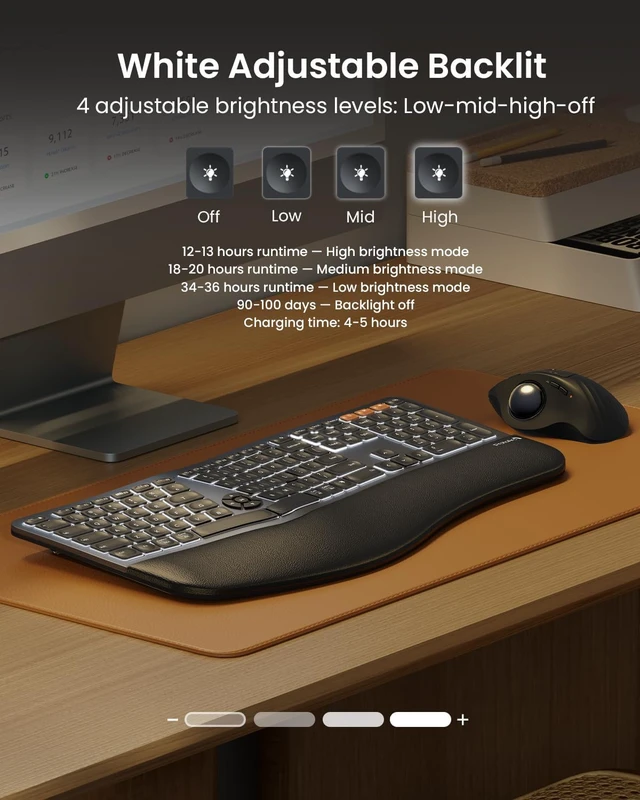
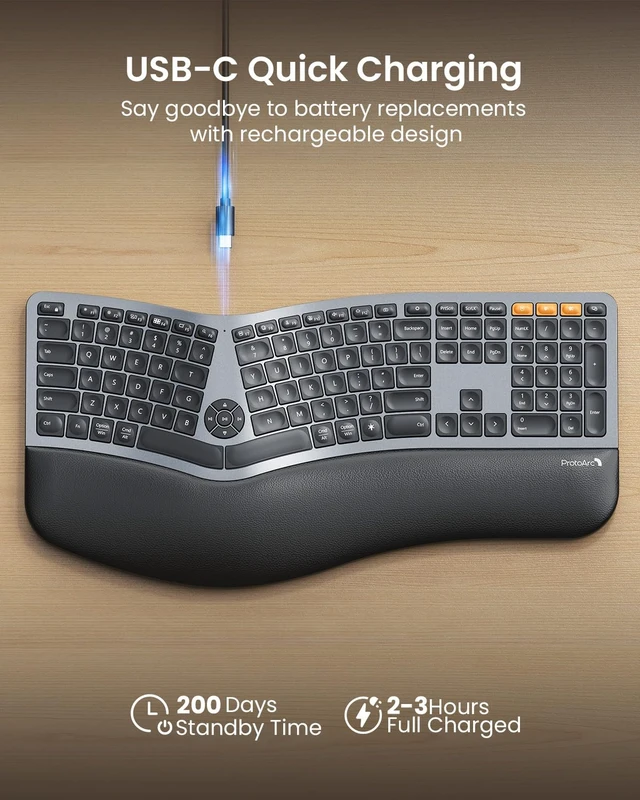
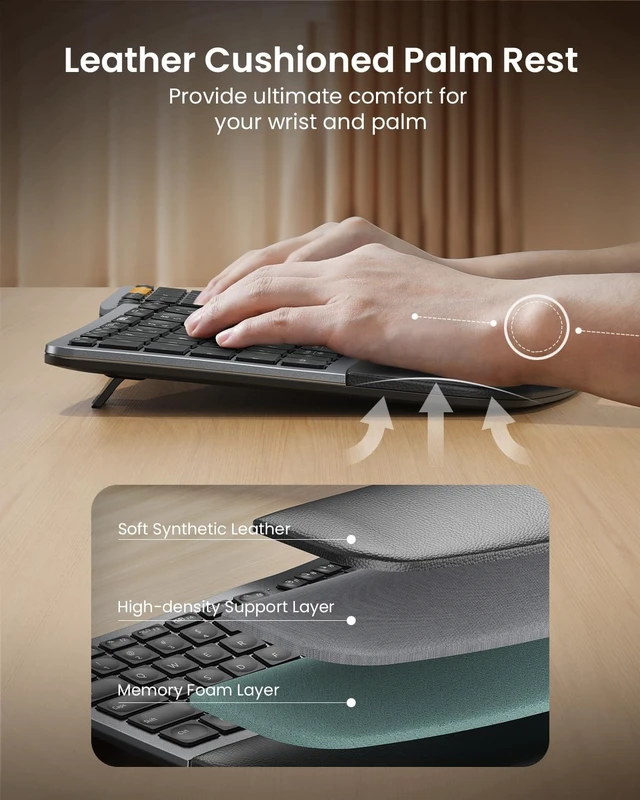
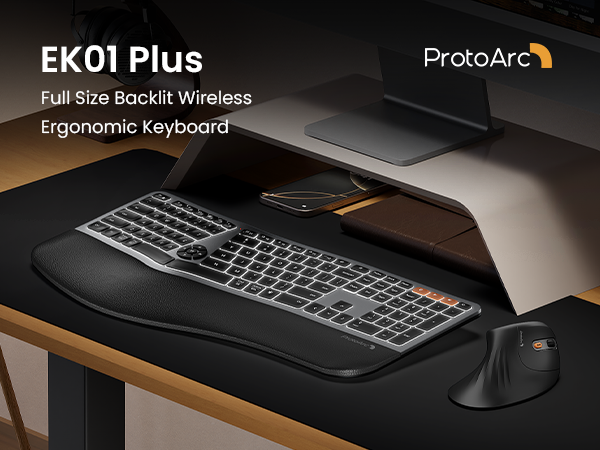
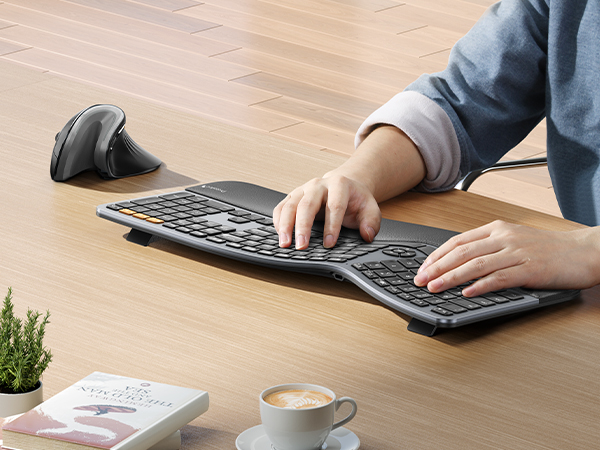
EK01 Plus is a full-size backlit ergonomic keyboard with a curved split layout, cushioned wrist rest, and 3 tilt angles for more natural typing. Connect up to 3 devices, adjust 3 levels of soft white backlighting, and enjoy long-lasting power from the 2000mAh battery.
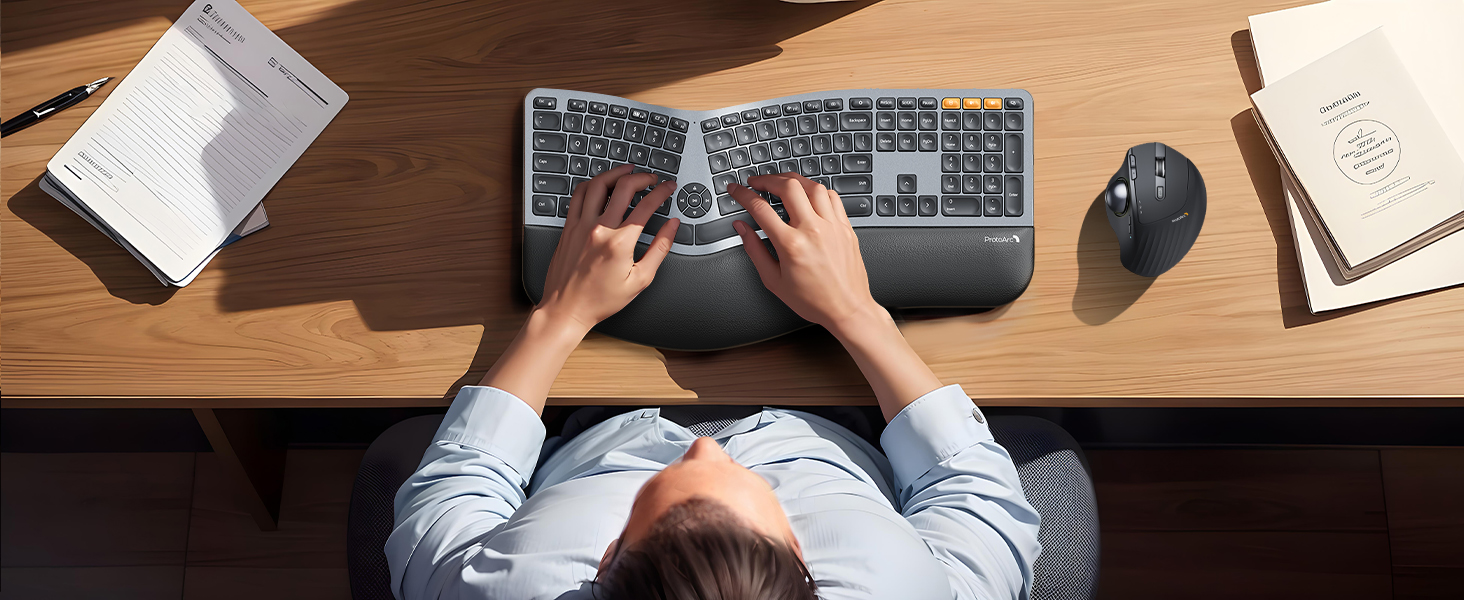
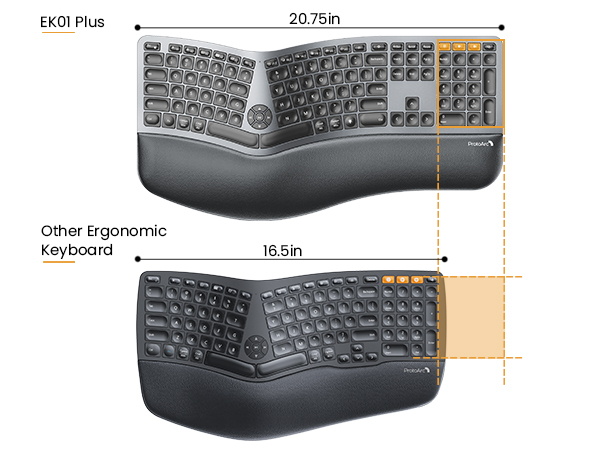
Curved full-size design and cushioned wrist rest offer 54% more support for natural typing comfort

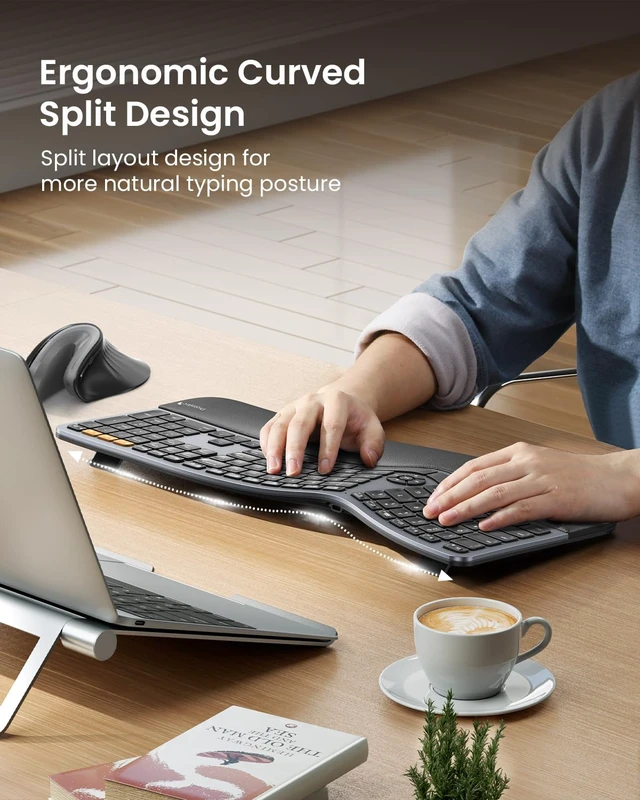
Curved split keys support a more natural posture, helping reduce wrist and forearm strain.
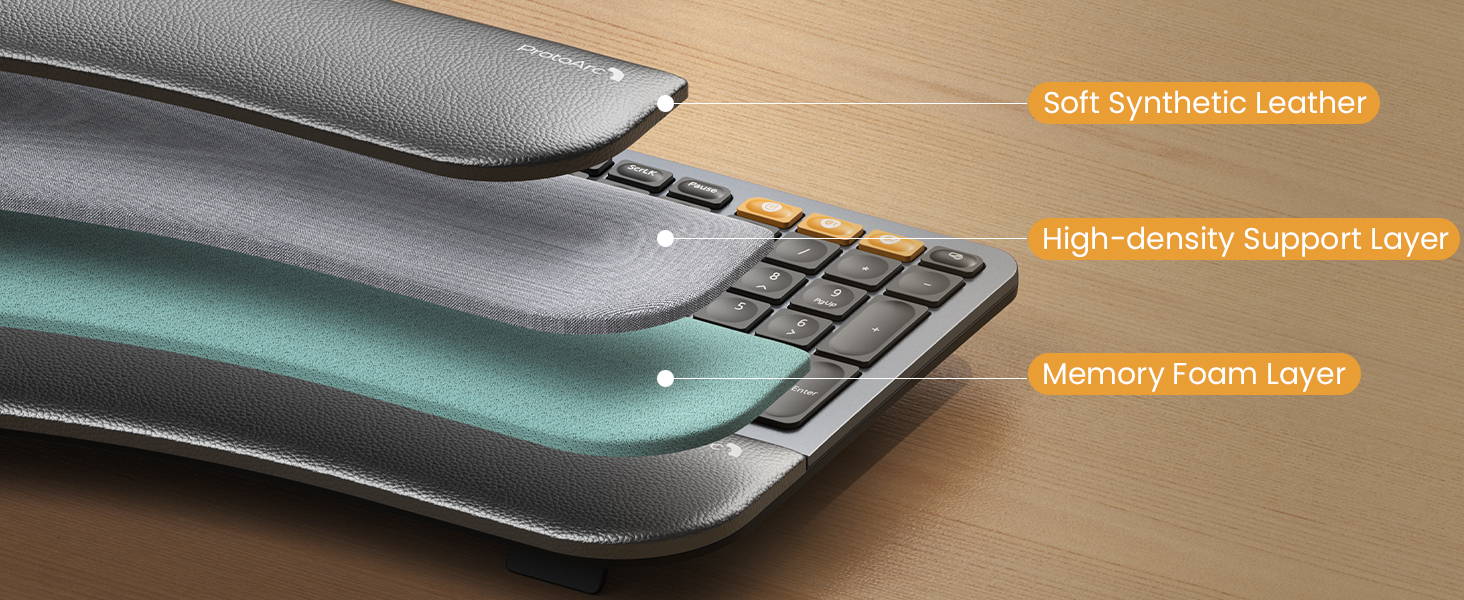
Soft leather, support foam and memory foam work together for cushioned, lasting wrist comfort.
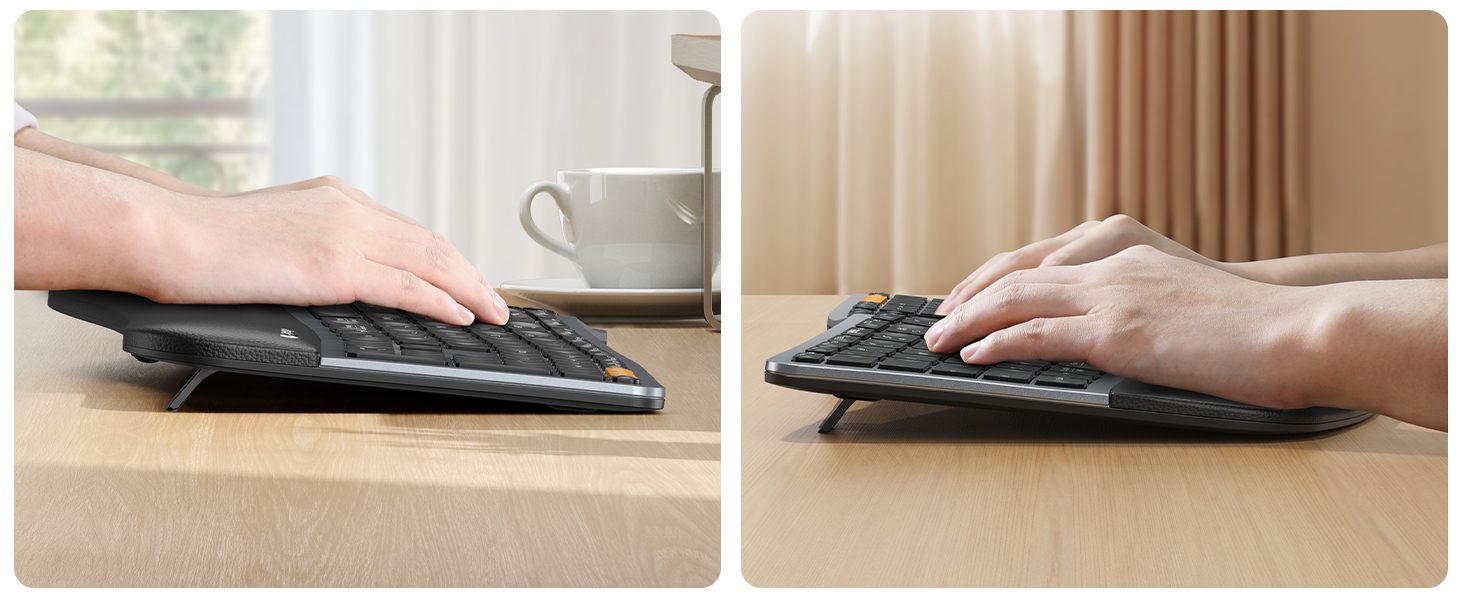
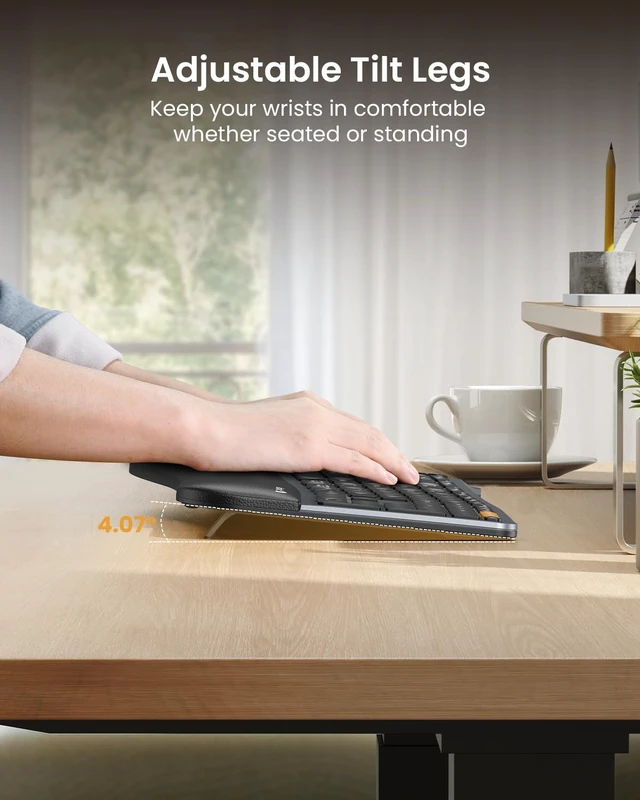
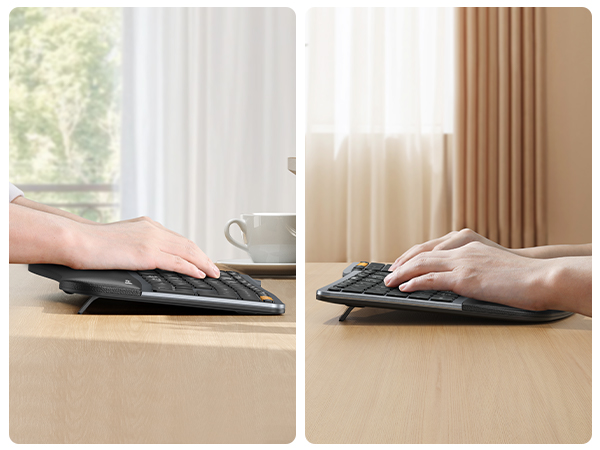
3 adjustable tilt angles support a natural wrist position for sitting or standing.
Why Choose the EK01 Plus?
EK01 Plus combines a curved split-key design, cushioned wrist rest, 3 adjustable tilt angles, soft white backlighting, 3-device connectivity, and a 2000mAh rechargeable battery for comfortable, efficient everyday work.
Can It Connect to Multiple Devices?
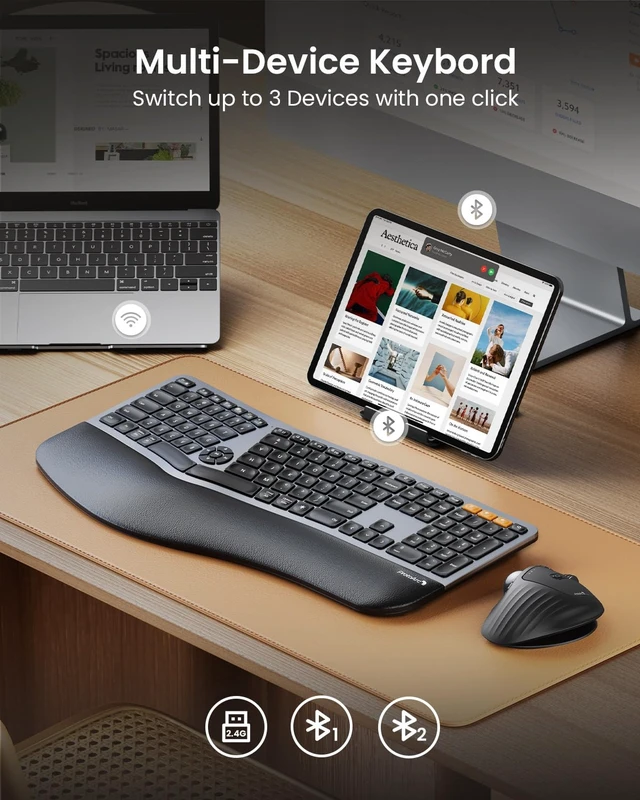
Yes. EK01 Plus connects with up to 3 devices via Bluetooth and 2.4G USB, letting you switch between your laptop, tablet, and desktop with a simple key press
Is It Suitable for Long Hours of Typing?
Yes. The curved split layout, cushioned wrist rest, and adjustable tilt angles help support a more natural typing posture and improve comfort during long work sessions.
How Do I Switch Between Media Keys and F1–F12?
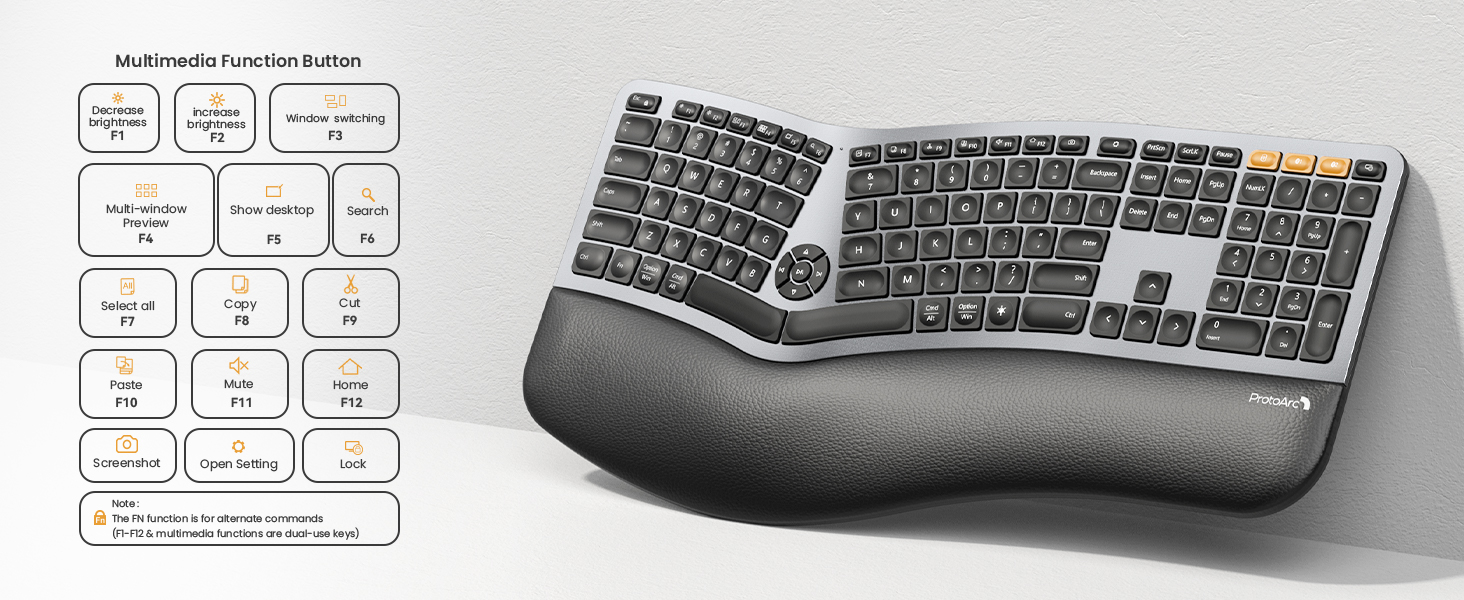
Press Fn + Esc to switch between multimedia functions and standard F1–F12 keys. The keyboard is set to multimedia functions by default.
Are All Functions Available on macOS?
For the best macOS experience, use Bluetooth mode. In 2.4G mode, some multimedia, Option, Command, and shortcut functions may not work normally.
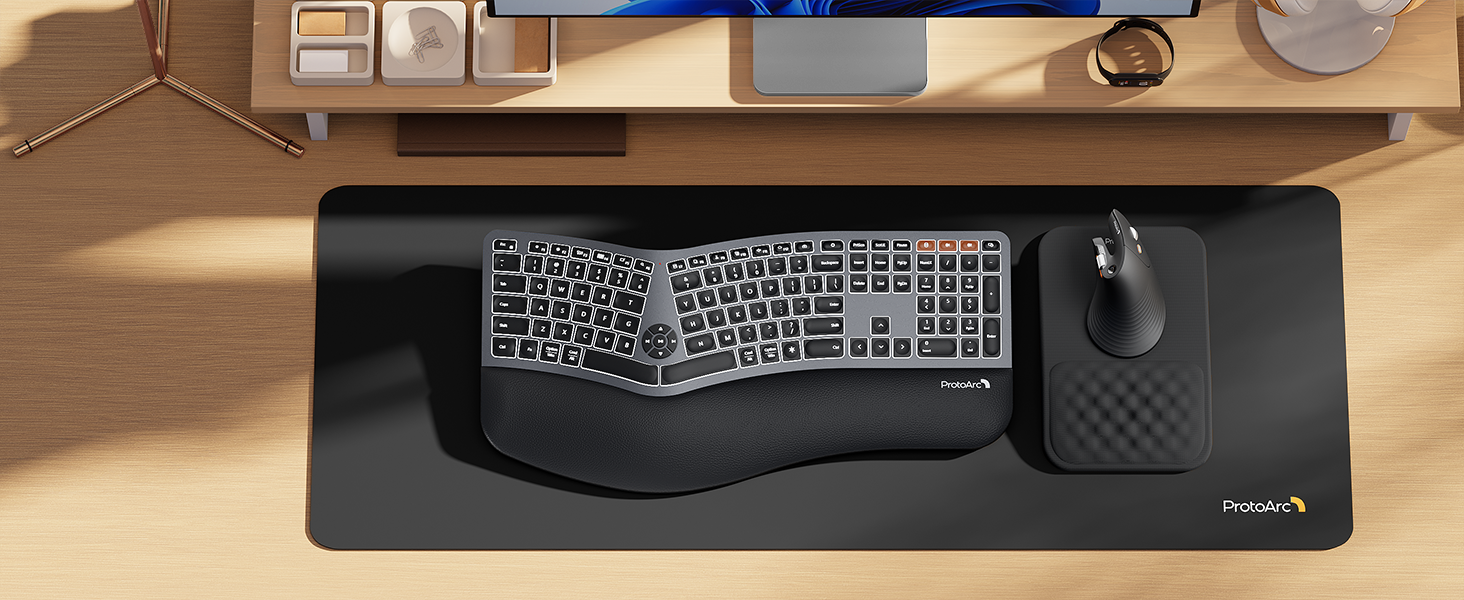
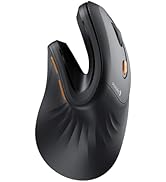
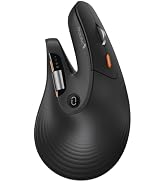
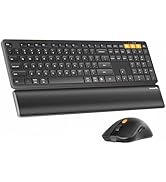
Choose the EM11 Pro for browser-based button customization, a time-saving side scroll wheel, a 58° ergonomic design that reduces wrist fatigue by 90%, and seamless switching between 3 devices
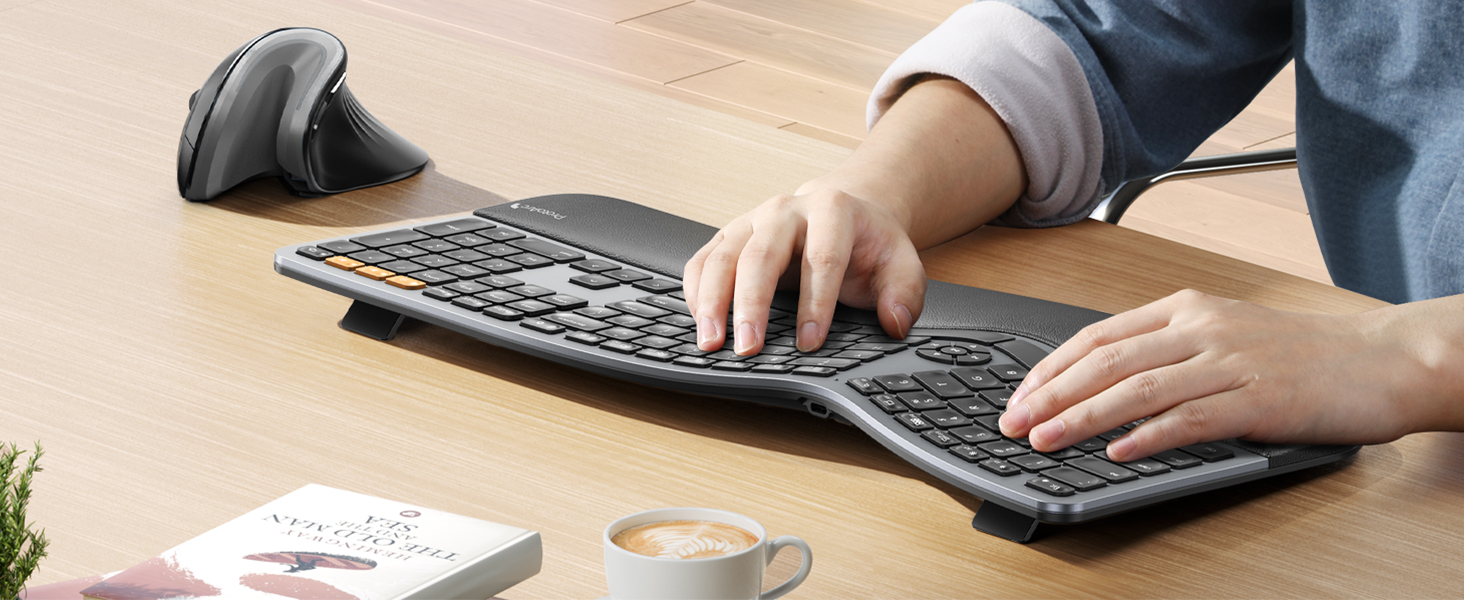
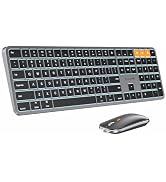
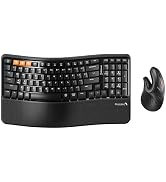
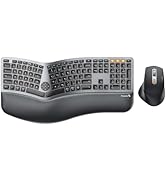
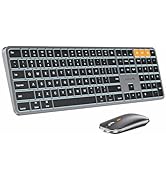
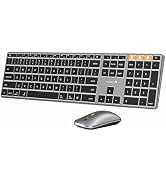
Wireless combo is designed for premium typing comfort and productivity
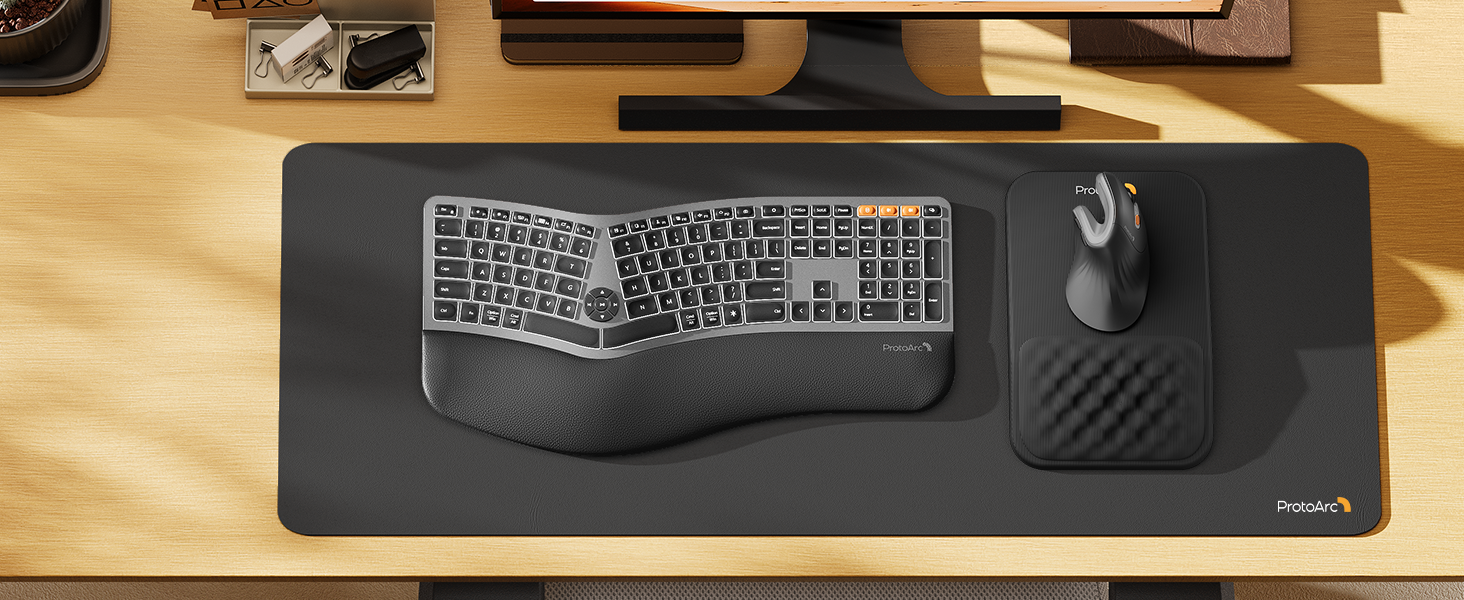
ProtoArc ergonomic mouse pad features an 8-degree tilt to provides stable support for your wrist and palm, effectively alleviating fatigue from prolonged use, while also helping to improve discomfort
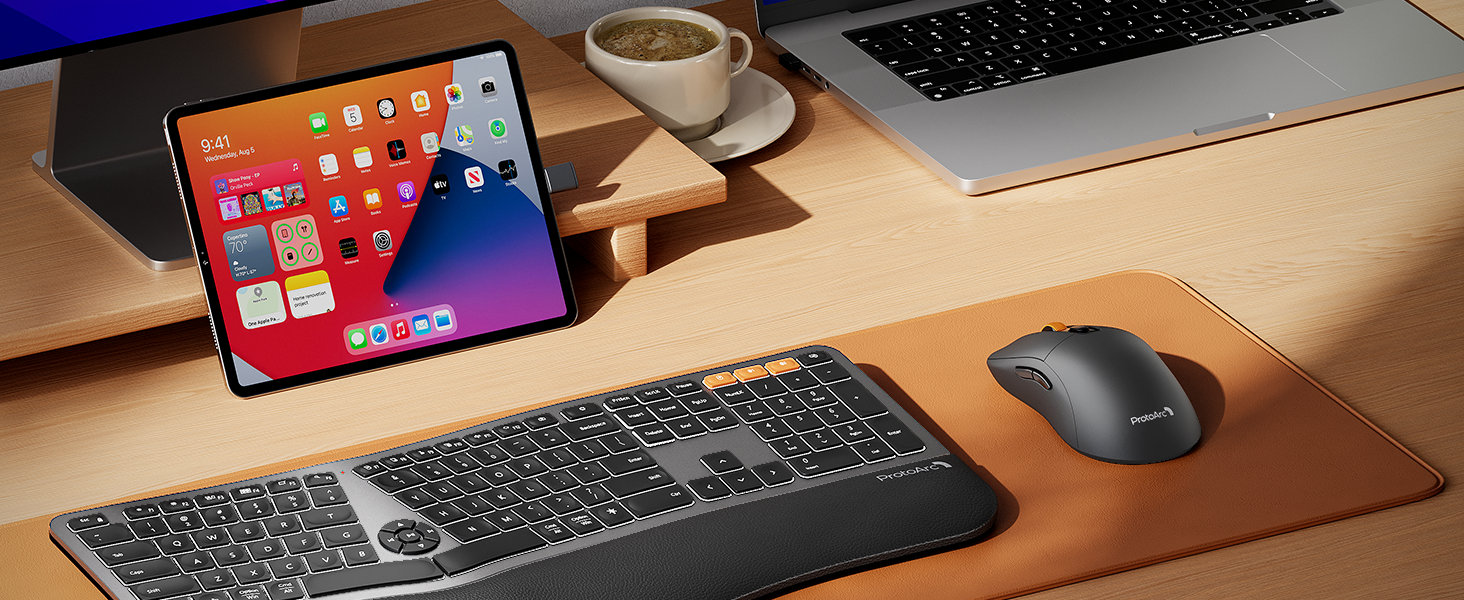
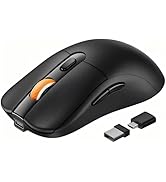
The mouse works flawlessly and has three connection options via USB-A, USB-C and Bluetooth. The mouse is lightweight, with battery life lasting a month or two between charges
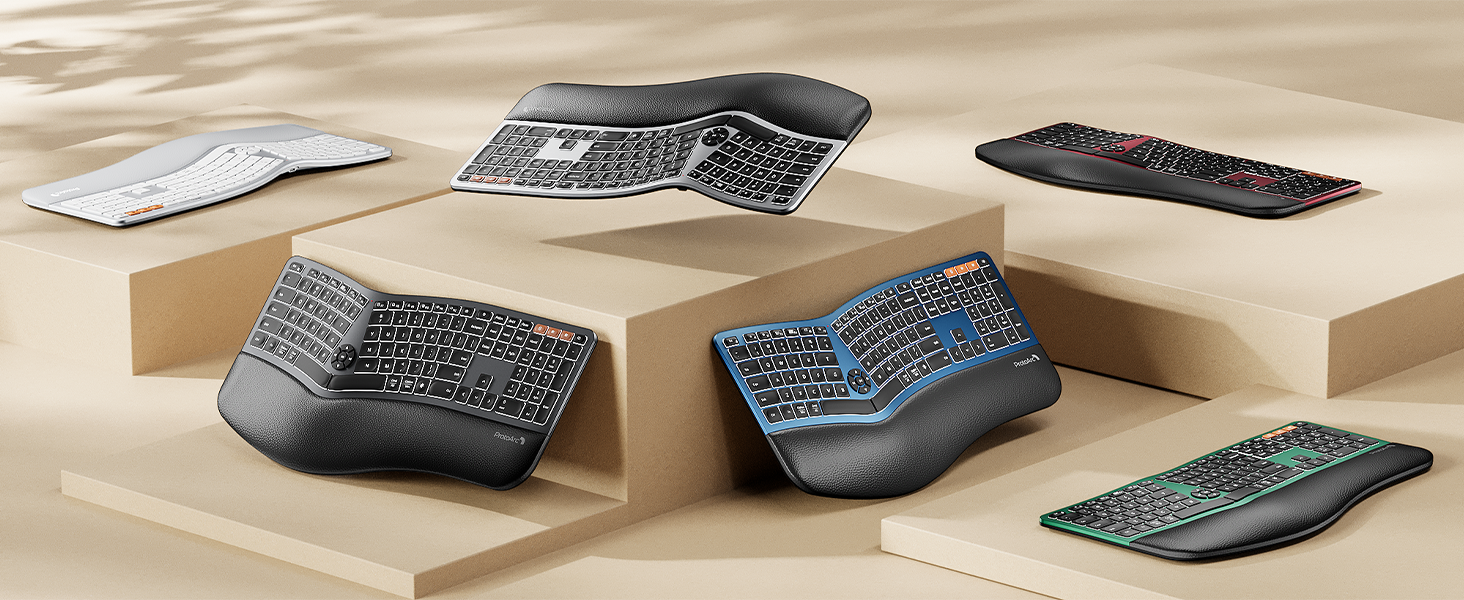
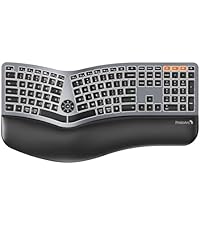 EK01 Plus Ergo Keyboard | 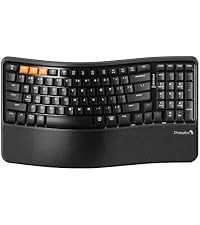 EK02 Wave Keys Keyboard | 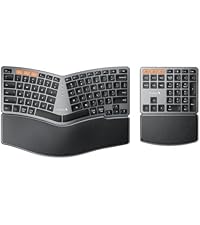 EK04 Ergo Keyboard | 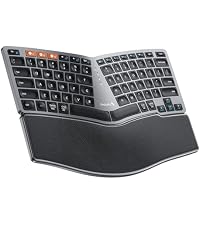 EK04 Mini Ergo Keyboard | 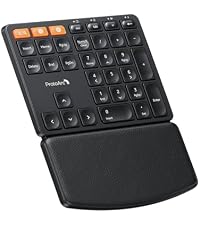 EK04 N Ergo Number Pad | |
|---|---|---|---|---|---|
Customer Reviews | — | — | — | — | — |
Price | — | — | — | — | — |
Backlight | ? | ? | ? | ? | ? |
Keyboard Layout | Full Size (117 Keys) | Compact with Numpad (100 Keys) | Compact Size with Number Pad | Compact Size (80 Keys) | 34 Keys |
Keyboard Frame | Curved Split Design | Wave Keys | Curved Split Design | Curved Split Design | / |
Connection Type | 2.4G + Dual Bluetooth | 2.4G + Dual Bluetooth | 2.4G + Dual Bluetooth | 2.4G + Dual Bluetooth | 2.4G + Bluetooth |
USB C Recharge | ? | ? | ? | ? | ? |
Color | Black & Gray | Black | Black & Gray | Black & Gray | Black |
EK01 Plus is a full-size backlit ergonomic keyboard with a curved split layout, cushioned wrist rest, and 3 tilt angles for more natural typing. Connect up to 3 devices, adjust 3 levels of soft white backlighting, and enjoy long-lasting power from the 2000mAh battery.
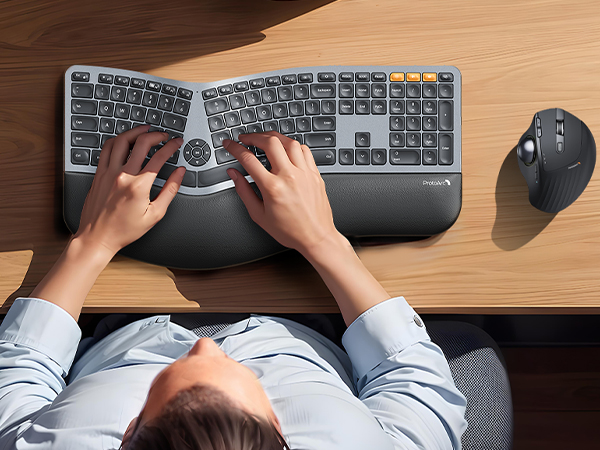
Curved full-size design and cushioned wrist rest offer 54% more support for natural typing comfort
Curved split keys support a more natural posture, helping reduce wrist and forearm strain.
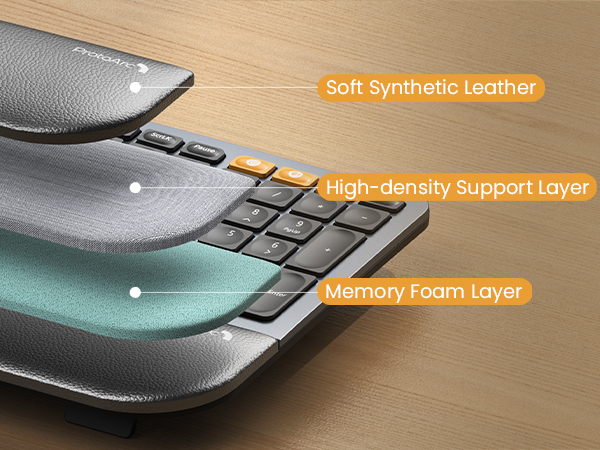
Soft leather, support foam and memory foam work together for cushioned, lasting wrist comfort.
3 adjustable tilt angles support a natural wrist position for sitting or standing.

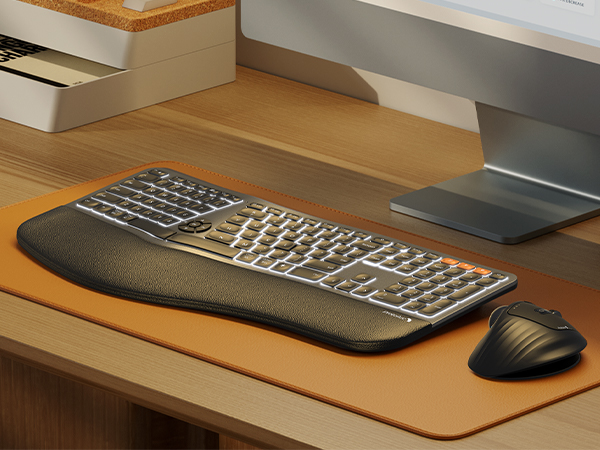
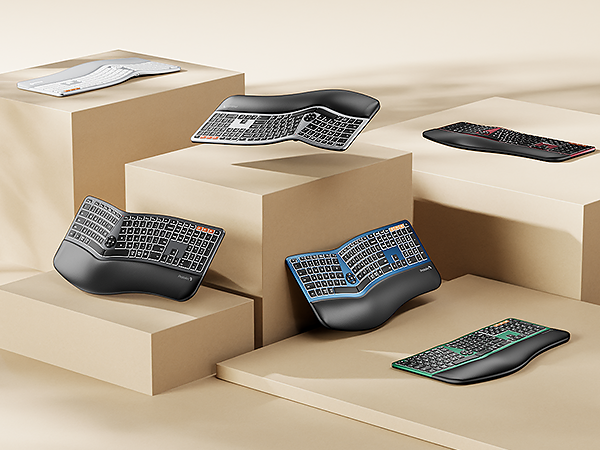
3 brightness levels and a 2000mAh battery deliver clear, comfortable lighting with lasting power.
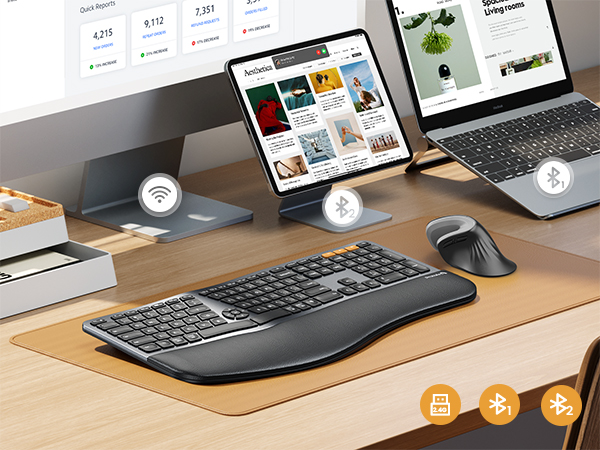
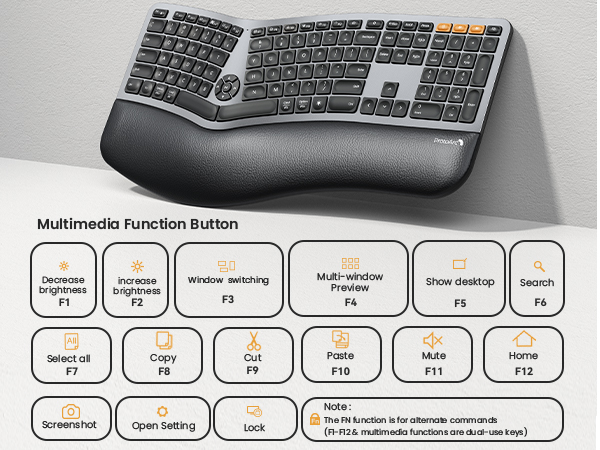


Note: All keys of the keyboard are not programmable and do not support wired mode; By default, F1-F12 are multimedia function keys. it need to press Esc+Fn to turn off to switch to traditional key functions
Why Choose the EK01 Plus?
EK01 Plus combines a curved split-key design, cushioned wrist rest, 3 adjustable tilt angles, soft white backlighting, 3-device connectivity, and a 2000mAh rechargeable battery for comfortable, efficient everyday work.
Can It Connect to Multiple Devices?
Yes. EK01 Plus connects with up to 3 devices via Bluetooth and 2.4G USB, letting you switch between your laptop, tablet, and desktop with a simple key press
Is It Suitable for Long Hours of Typing?
Yes. The curved split layout, cushioned wrist rest, and adjustable tilt angles help support a more natural typing posture and improve comfort during long work sessions.
How Do I Switch Between Media Keys and F1–F12?
Press Fn + Esc to switch between multimedia functions and standard F1–F12 keys. The keyboard is set to multimedia functions by default.
Are All Functions Available on macOS?
For the best macOS experience, use Bluetooth mode. In 2.4G mode, some multimedia, Option, Command, and shortcut functions may not work normally.
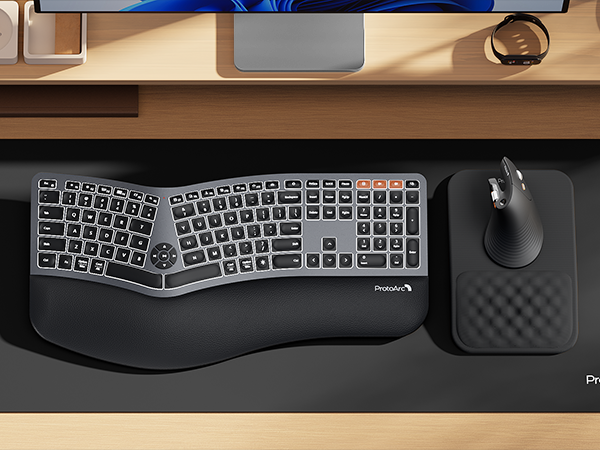

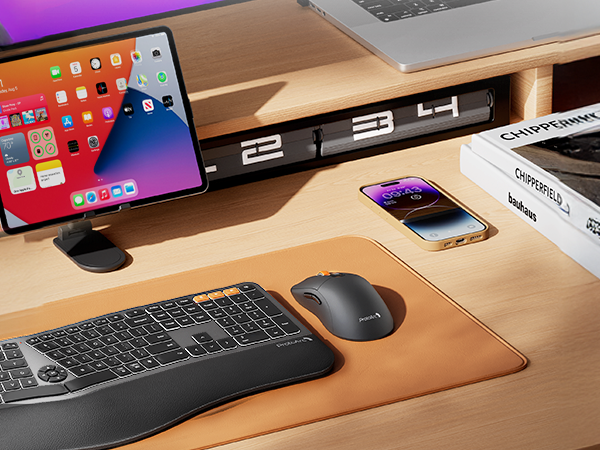
Choose the EM11 Pro for browser-based button customization, a time-saving side scroll wheel, a 58° ergonomic design that reduces wrist fatigue by 90%, and seamless switching between 3 devices
Wireless combo is designed for premium typing comfort and productivity
ProtoArc ergonomic mouse pad features an 8-degree tilt to provides stable support for your wrist and palm, effectively alleviating fatigue from prolonged use, while also helping to improve discomfort
The mouse works flawlessly and has three connection options via USB-A, USB-C and Bluetooth. The mouse is lightweight, with battery life lasting a month or two between charges
 EK01 Plus Ergo Keyboard | EK02 Wave Keys Keyboard | EK04 Ergo Keyboard |  EK04 Mini Ergo Keyboard | 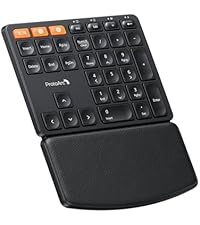 EK04 N Ergo Number Pad |
|---|---|---|---|---|
| Customer Reviews | ||||
| — | — | — | — | — |
| Price | ||||
| — | — | — | — | — |
| Backlight | ||||
| ? | ? | ? | ? | ? |
| Keyboard Layout | ||||
| Full Size (117 Keys) | Compact with Numpad (100 Keys) | Compact Size with Number Pad | Compact Size (80 Keys) | 34 Keys |
| Keyboard Frame | ||||
| Curved Split Design | Wave Keys | Curved Split Design | Curved Split Design | / |
| Connection Type | ||||
| 2.4G + Dual Bluetooth | 2.4G + Dual Bluetooth | 2.4G + Dual Bluetooth | 2.4G + Dual Bluetooth | 2.4G + Bluetooth |
| USB C Recharge | ||||
| ? | ? | ? | ? | ? |
| Color | ||||
| Black & Gray | Black | Black & Gray | Black & Gray | Black |

Mission
At ProtoArc, our mission is to deliver innovative workspace solutions that enhance comfort, boost productivity, and foster overall wellness.
Vision
We believe that everyone deserves a workspace that not only meets their functional needs but also empowers them to thrive. Our vision is a world where work environments promote health, happiness, and high performance.