here!
here!
I’m your shopping assistant for PC builds, upgrades, and everything tech.
Got questions? Ask away!
Start a conversation
here!
I’m your shopping assistant for PC builds, upgrades, and everything tech.
Got questions? Ask away!
Start a conversation



Any questions? Ask CelesteSM will help you find out quickly.

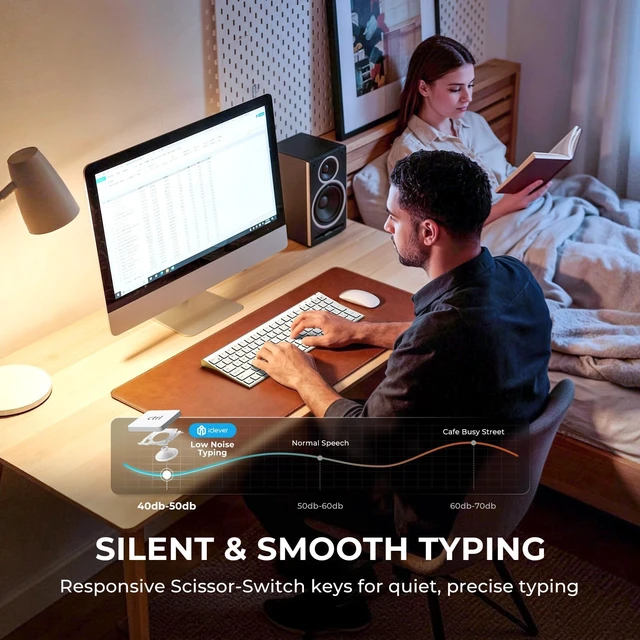
Scissor-switch structure minimizes noise and fatigue for all-day typing.

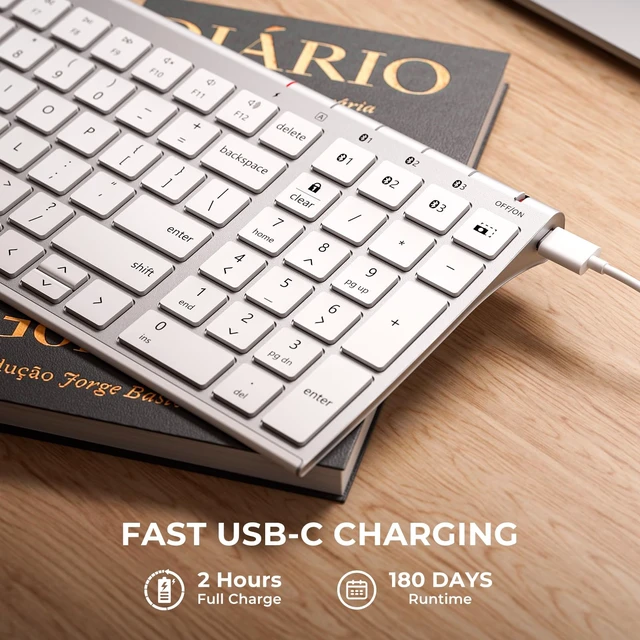
High-efficiency battery supports long-term use on a single charge.

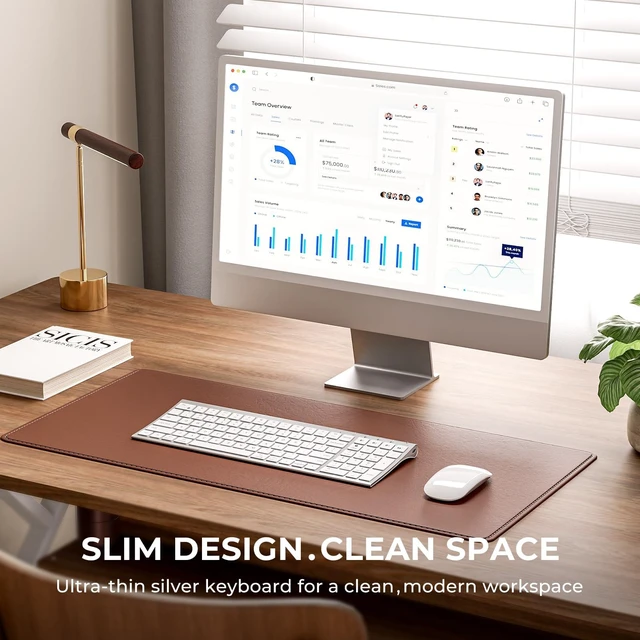
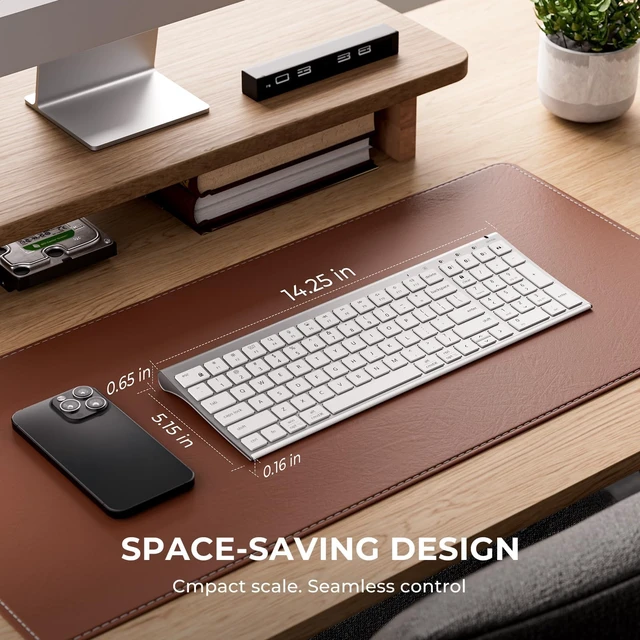
A streamlined design that complements any workspace.

15mm keycaps for natural spacing and effortless accuracy.
What makes the Bluetooth connection stable?
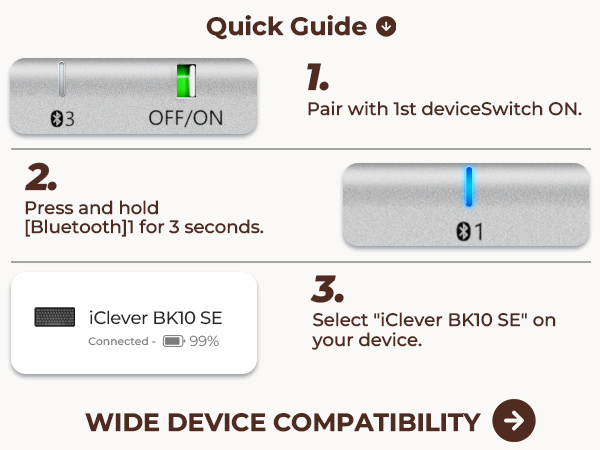
This BK10SE wireless keyboard is powered by an upgraded Nordic chipset for reliable Bluetooth performance.
How is the keyboard charged?
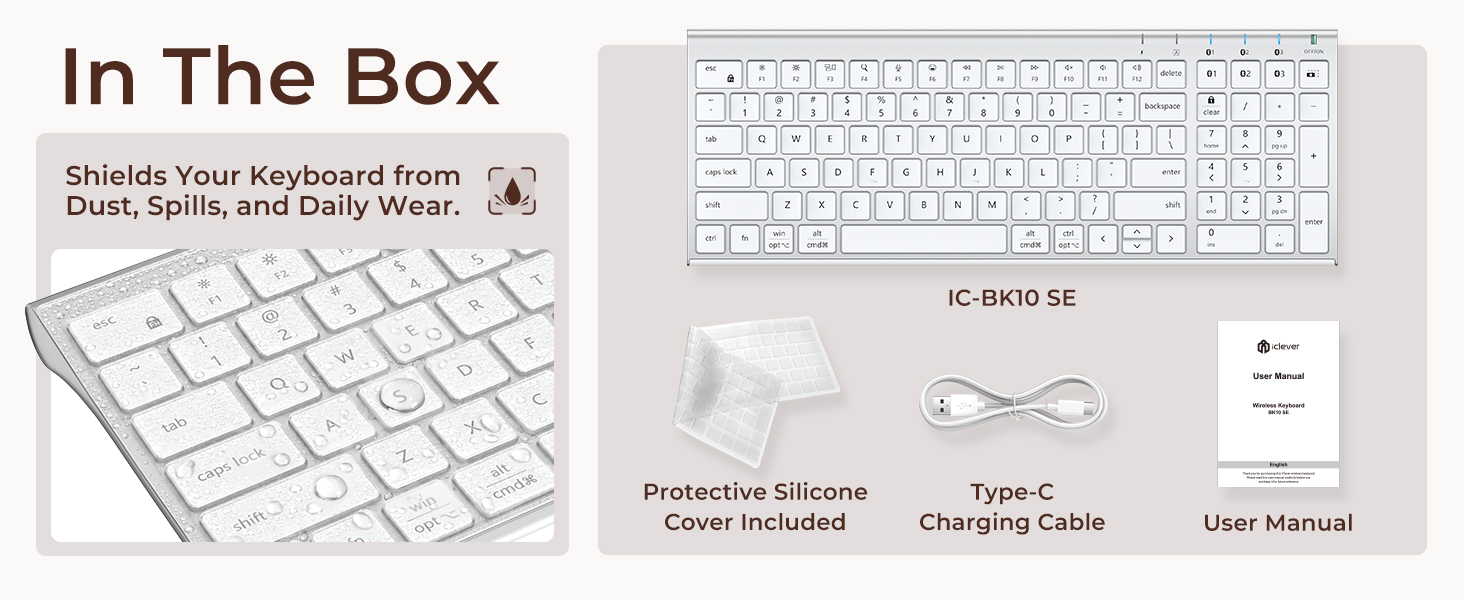
Recharge via USB-C. No batteries required.
What does “Numlock” and “clear” mean?
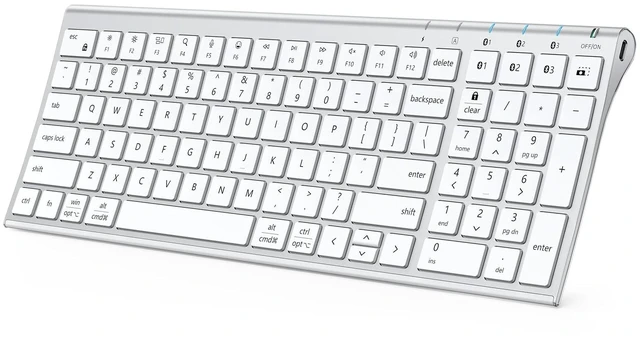
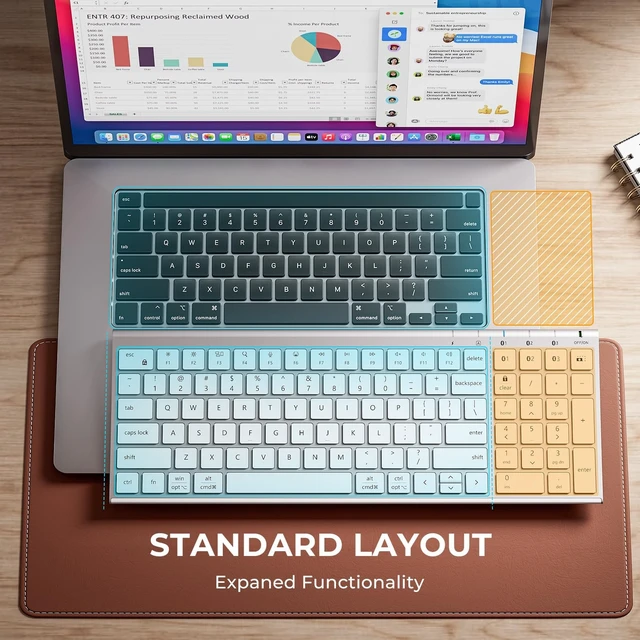
The Numlock key is treated differently on macOS than on Windows. Typically, the Numlock key does not function as a switch between the numeric keypad and the function keys on macOS, but is treated as a “clear” key.
How to use the multimedia keys or F1–F12 function keys?
1. On Windows systems, the F1–F12 keys default to standard function key commands.
2. On Mac systems, the F1–F12 keys default to multimedia controls.
You can press Fn + Esc (FN Lock) to switch between function key mode and multimedia key mode.
Does the keyboard come with a USB receiver or Bluetooth adapter?
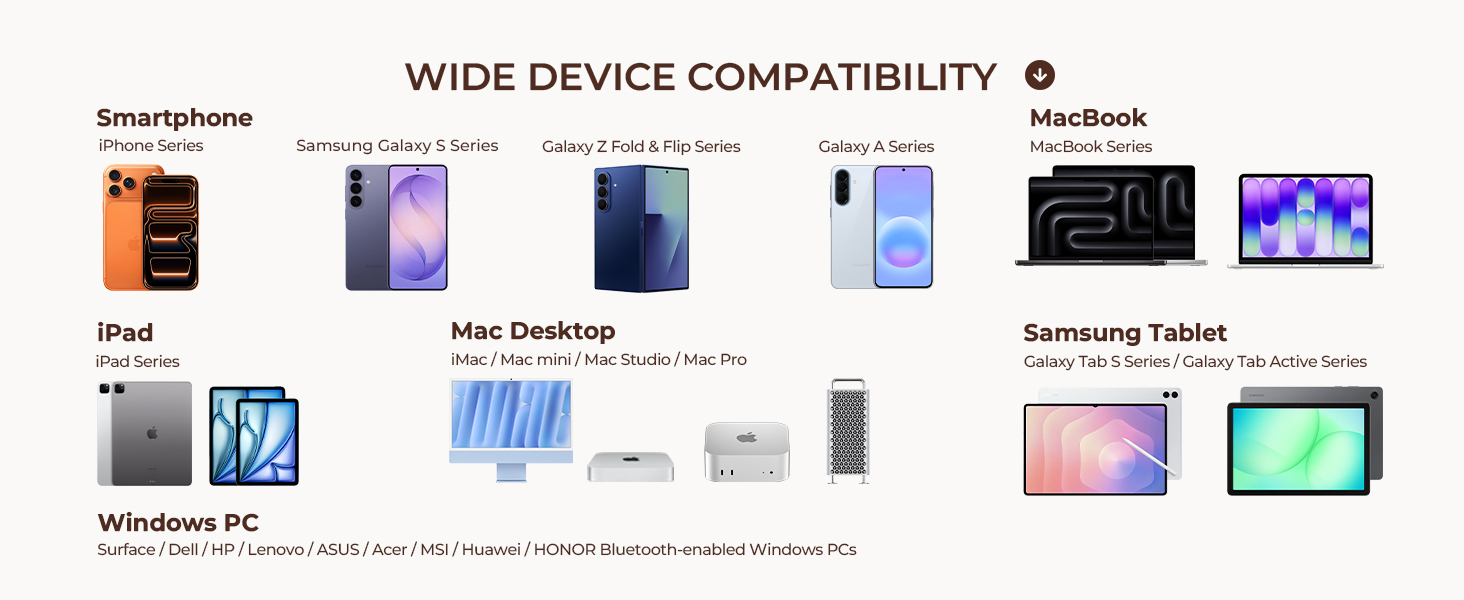
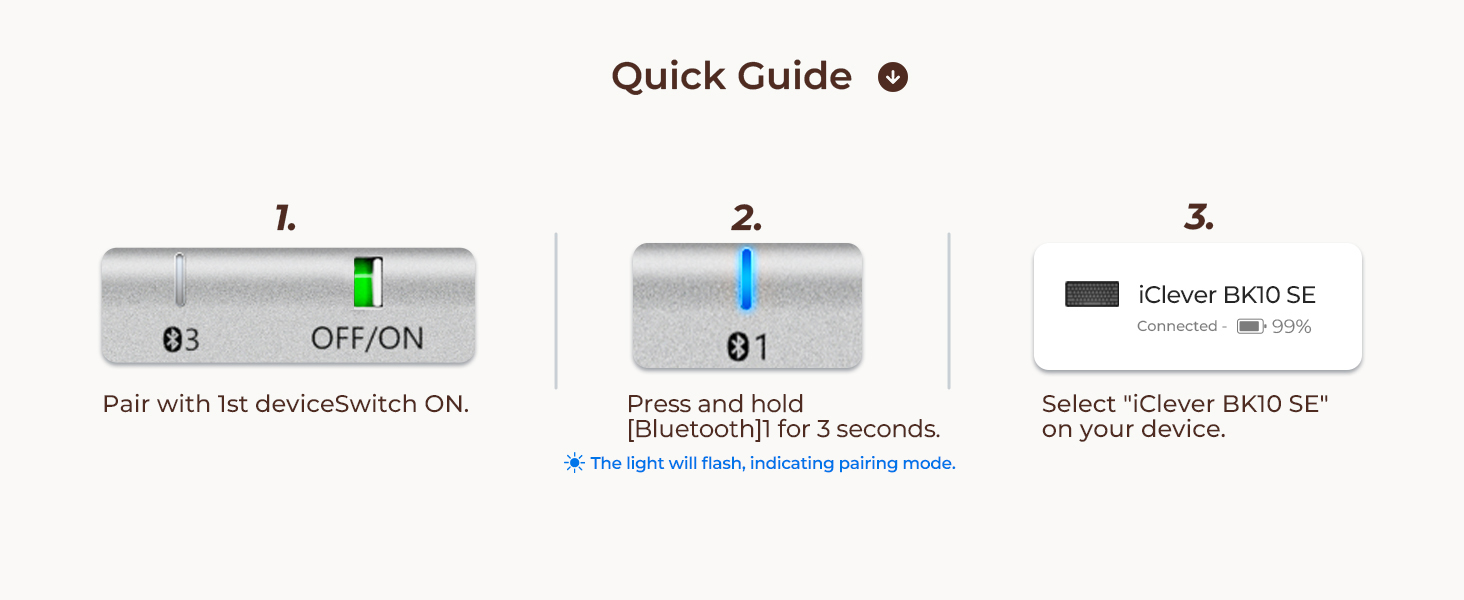
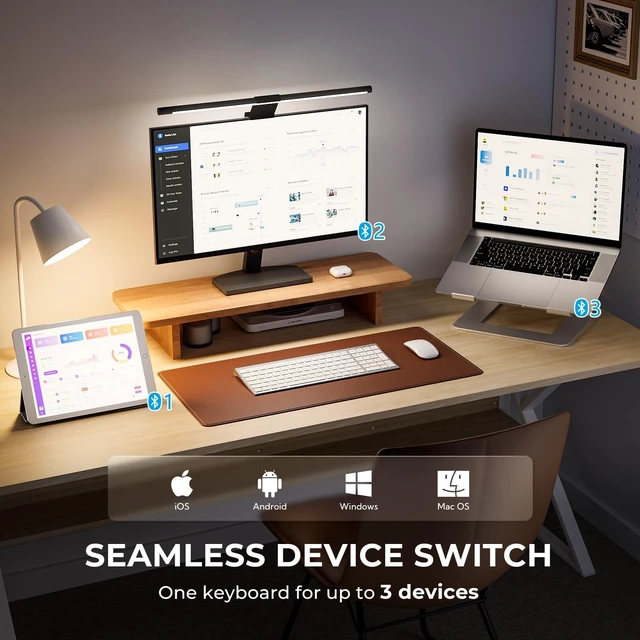
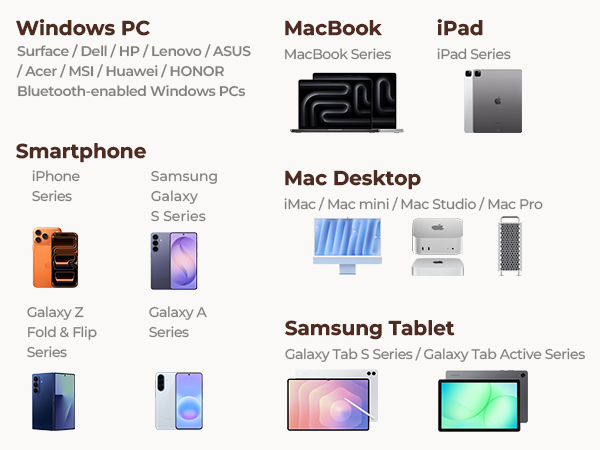
This keyboard connects via Bluetooth only. No USB receiver is required, and no Bluetooth adapter is included. Please use it with a device that has Bluetooth capability.

Scissor-switch structure minimizes noise and fatigue for all-day typing.
High-efficiency battery supports long-term use on a single charge.
A streamlined design that complements any workspace.
15mm keycaps for natural spacing and effortless accuracy.


Refined design that complements a professional setup.
A sleek keyboard designed for relaxed, everyday use.


What makes the Bluetooth connection stable?
This BK10SE wireless keyboard is powered by an upgraded Nordic chipset for reliable Bluetooth performance.
How is the keyboard charged?
Recharge via USB-C. No batteries required.
What does “Numlock” and “clear” mean?
The Numlock key is treated differently on macOS than on Windows. Typically, the Numlock key does not function as a switch between the numeric keypad and the function keys on macOS, but is treated as a “clear” key.
How to use the multimedia keys or F1–F12 function keys?
1. On Windows systems, the F1–F12 keys default to standard function key commands.
2. On Mac systems, the F1–F12 keys default to multimedia controls.
You can press Fn + Esc (FN Lock) to switch between function key mode and multimedia key mode.
Does the keyboard come with a USB receiver or Bluetooth adapter?
This keyboard connects via Bluetooth only. No USB receiver is required, and no Bluetooth adapter is included. Please use it with a device that has Bluetooth capability.