


SK64-3 Slim Multi-Device Keyboard for Modern Desks
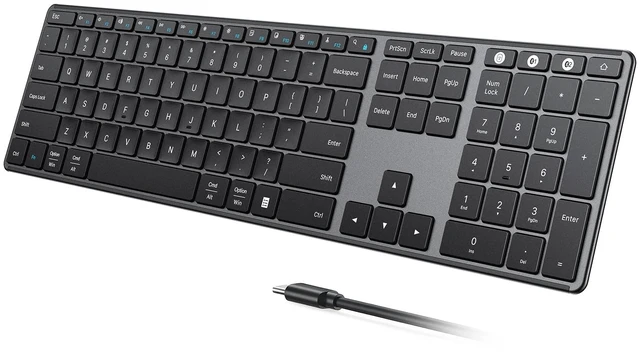
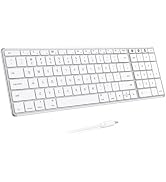
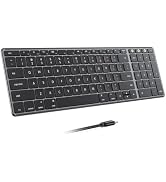
SK64-3 Rechargeable Bluetooth Keyboard
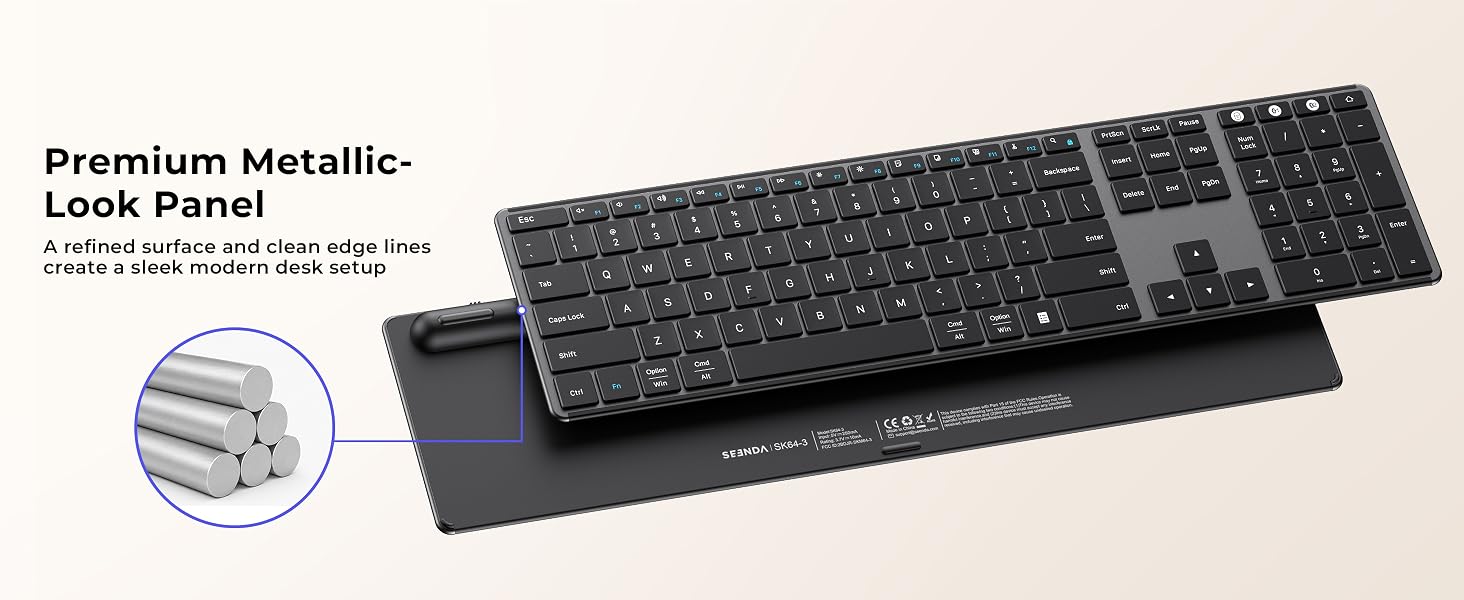
Thoughtful Details for Easier Daily Typing
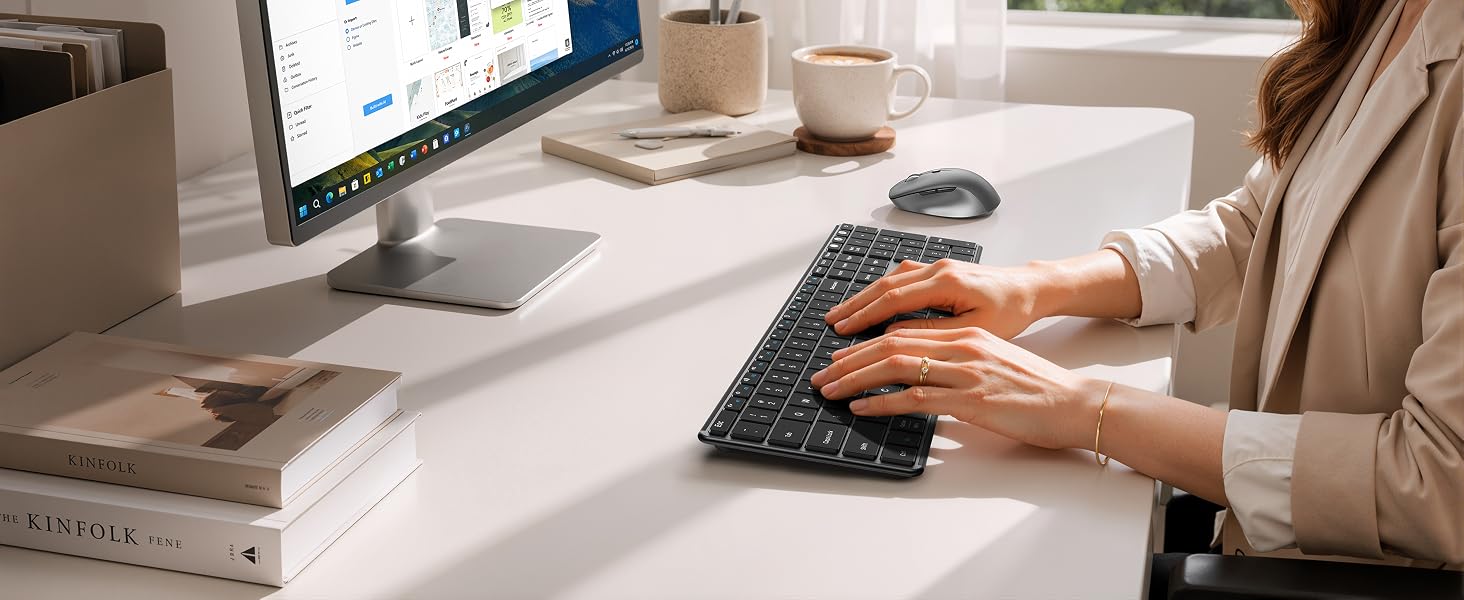

Tips for a Better Experience:
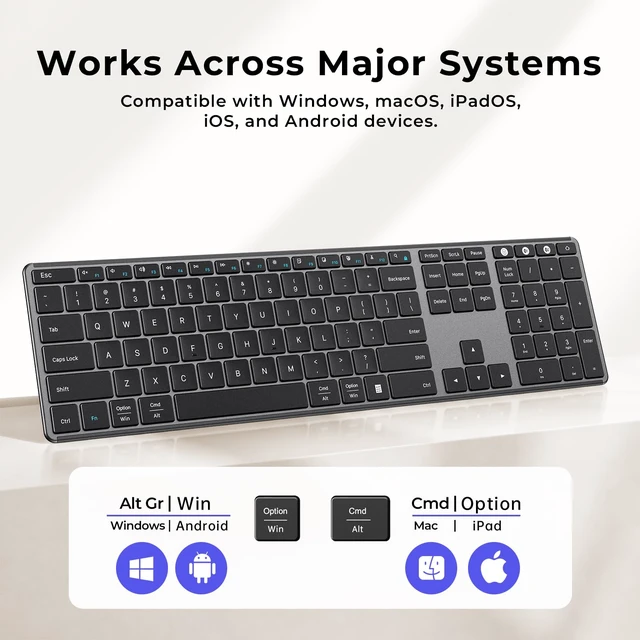
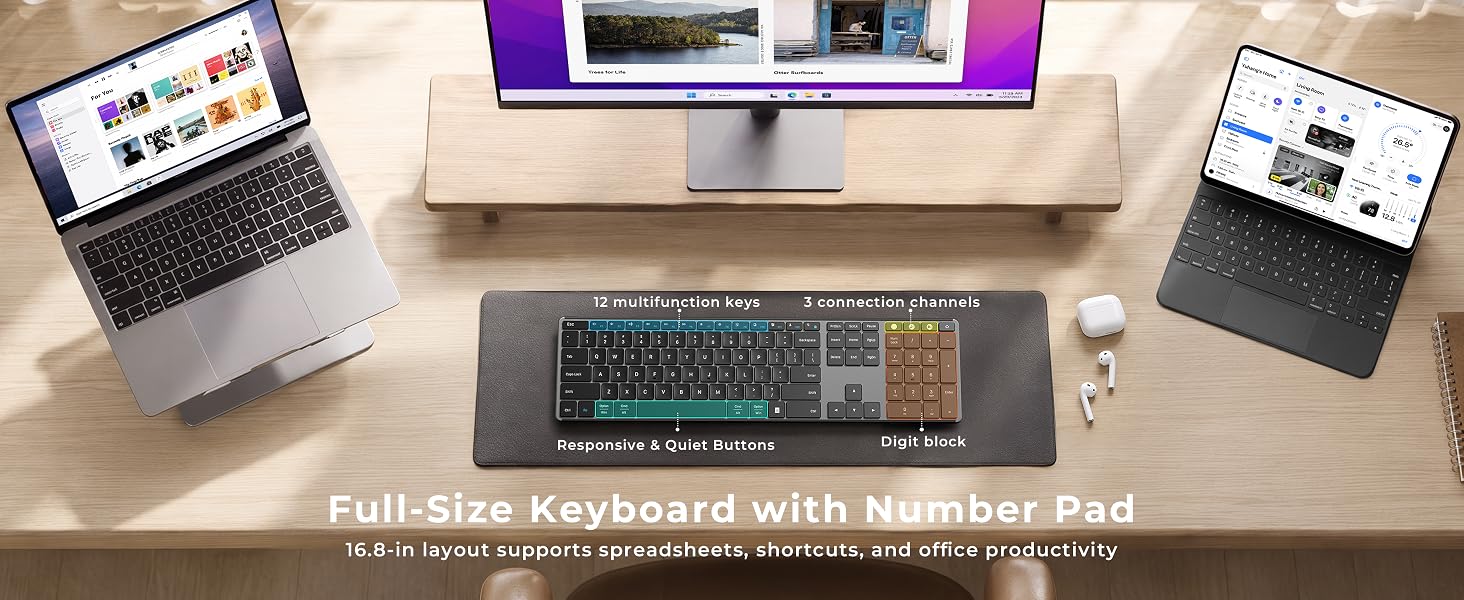
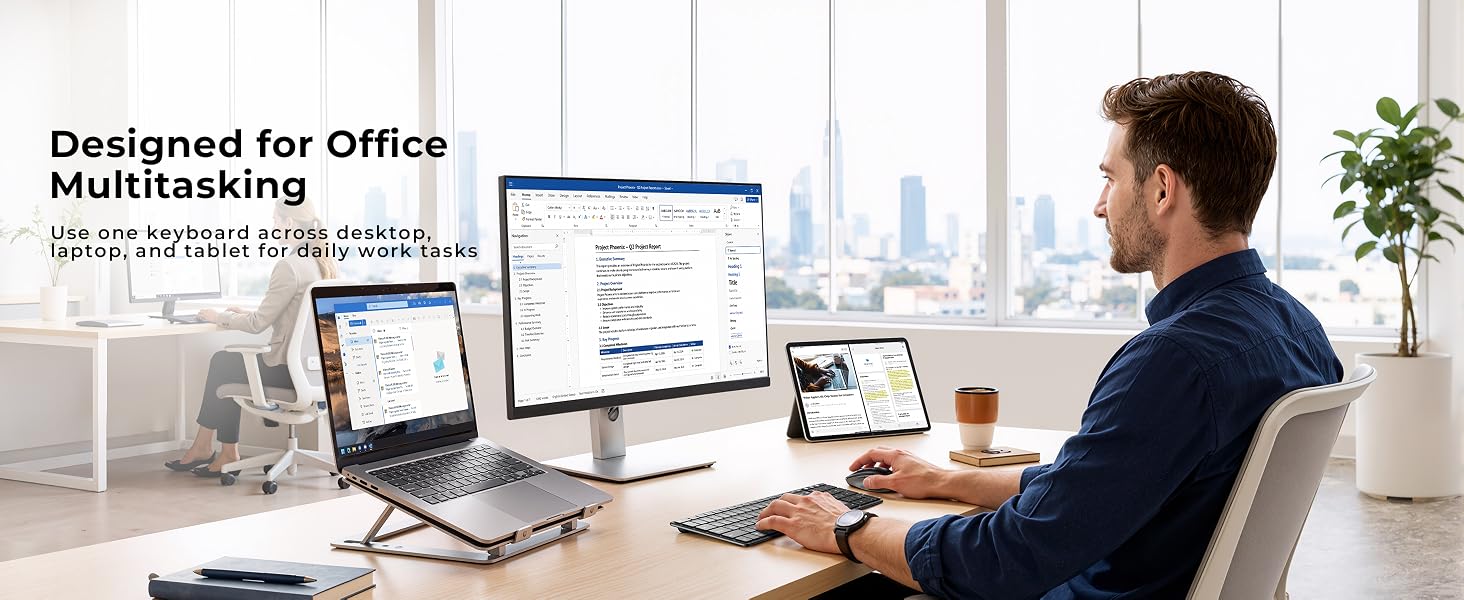
1. Compatibility & Function Use: The 2.4G USB mode is only compatible with Windows. If you're using a Mac or other devices, please connect via Bluetooth mode. Otherwise, some functions may not work or keys may behave unexpectedly.
2. Bluetooth Connection Issue: For optimal performance, keep devices within 10 meters (about 33 feet). If you experience disconnection, repeated keystrokes, or typing & clicking delay, try the following steps:
1) Make sure the keyboard is fully charged, as low battery may affect performance;
2) Remove the device from your Bluetooth list, restart your device, then re-pair following the user manual;
3) If the issue persists, test with another device to isolate the problem, or seek further assistance through your order.
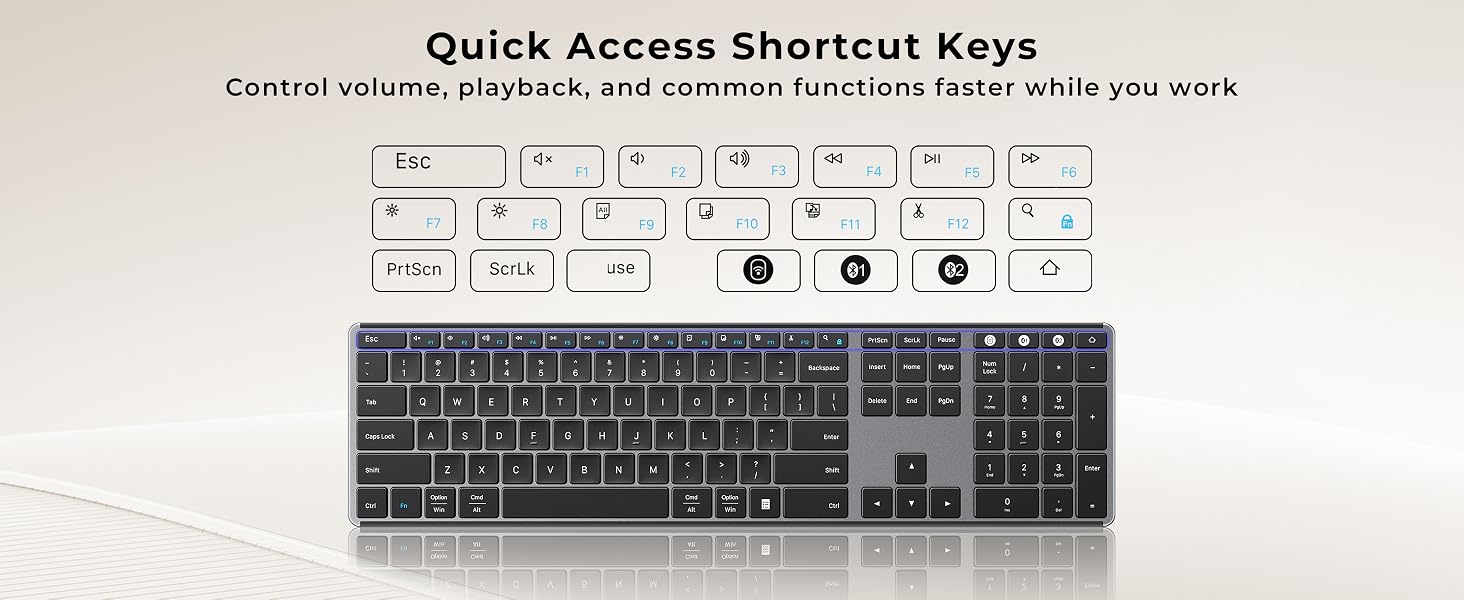
3. Keyboard Layout: This keyboard uses a standard layout. Some function keys (like Fn) may be positioned differently than on original Mac keyboards. A quick familiarization is recommended for the best experience.
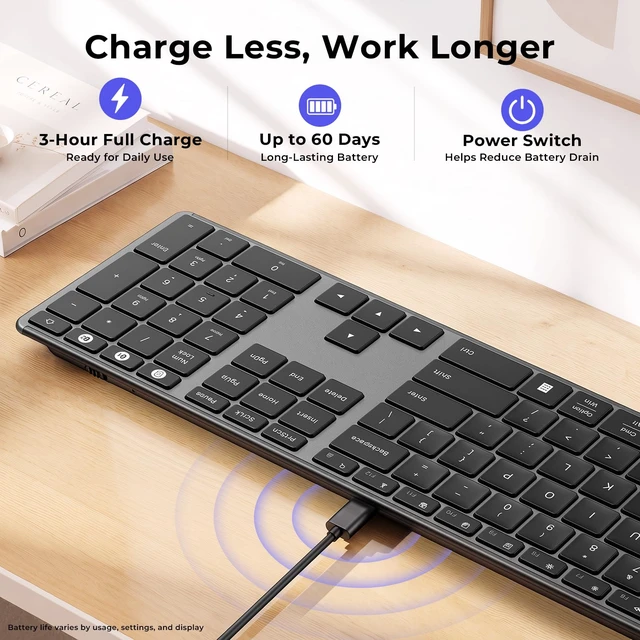
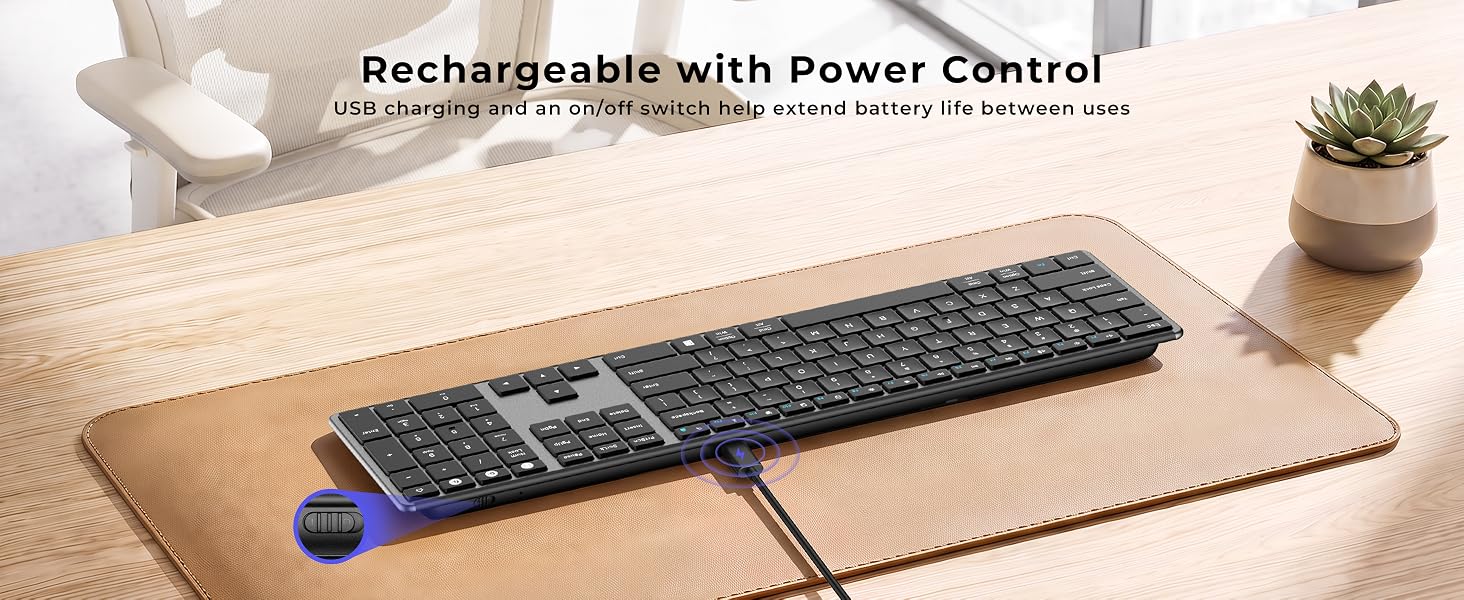
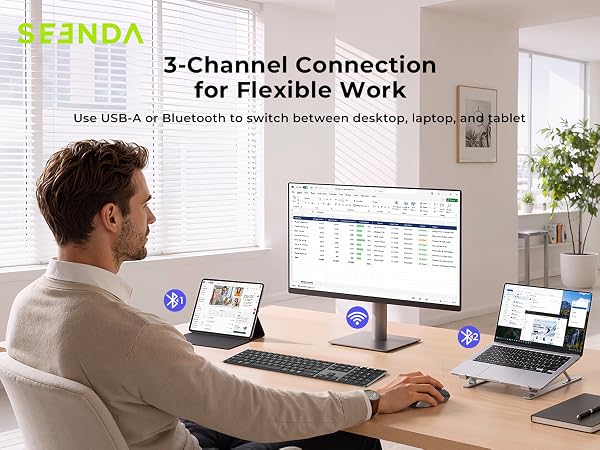
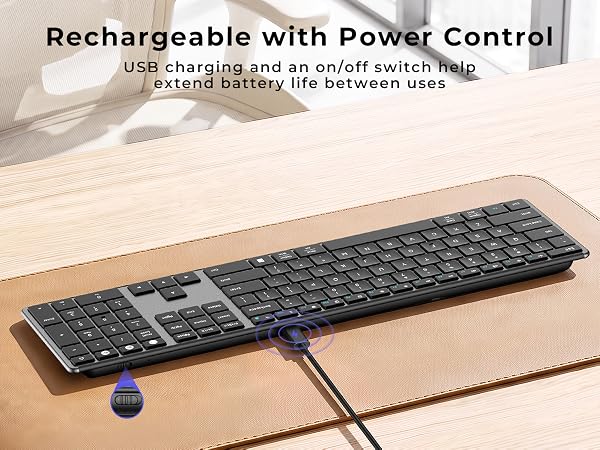
4. Charging & Battery: Supports USB-C charging and use while charging. For optimal performance, pls fully charge before first use. Low battery will cause the connection channel indicator to flash as a reminder.




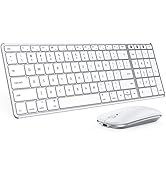
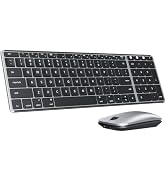
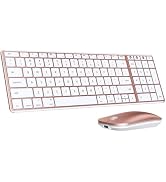
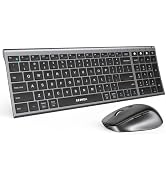
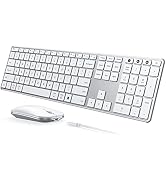
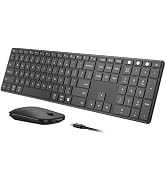
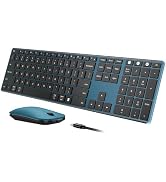

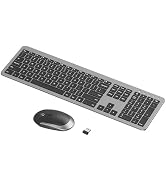


SK64-3 Slim Multi-Device Keyboard for Modern Desks
SK64-3 Rechargeable Bluetooth Keyboard
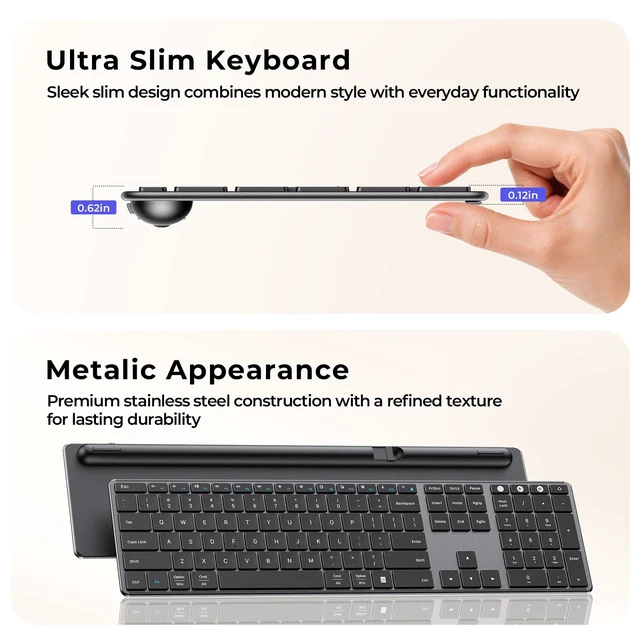
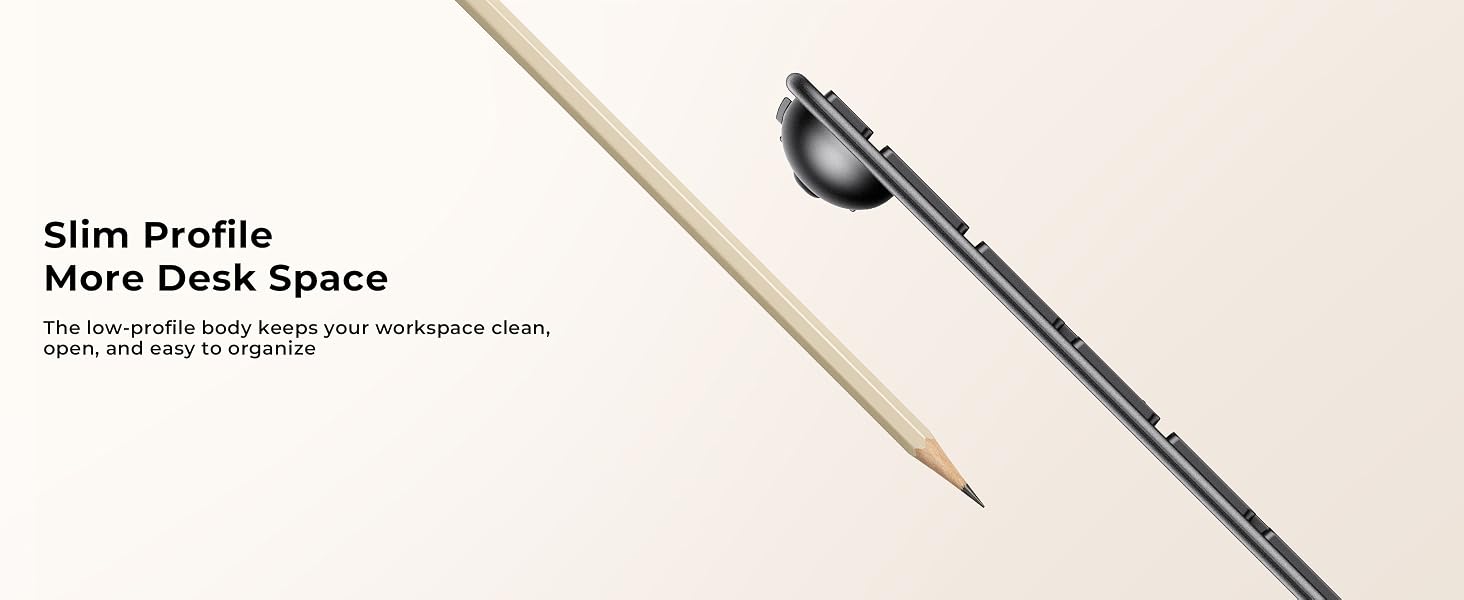
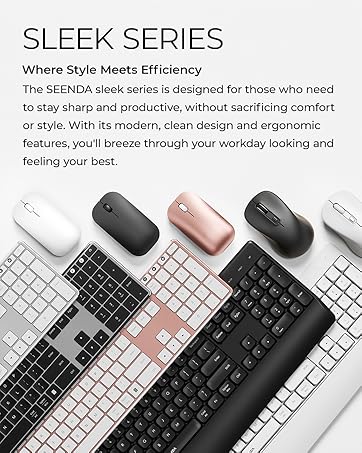
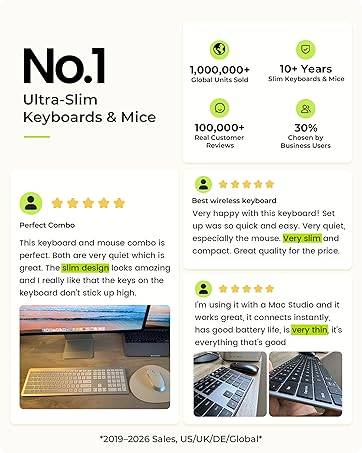
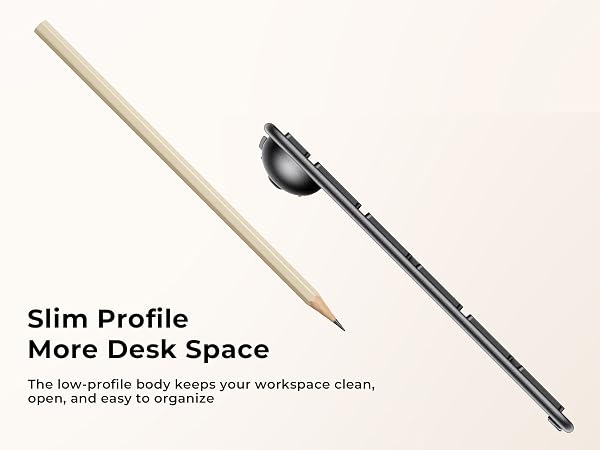
Slim Design for a Cleaner Modern Desk
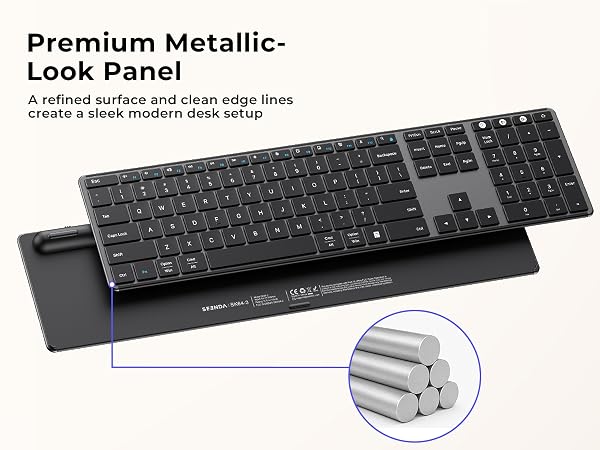
Thoughtful Details for Easier Daily Typing
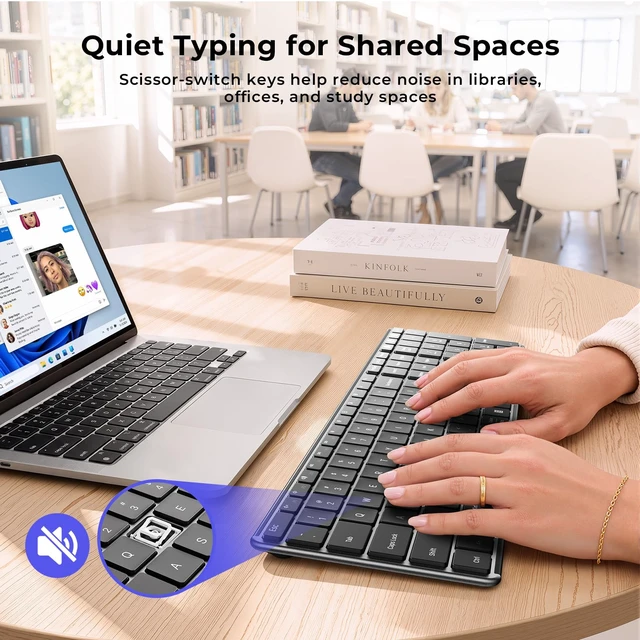
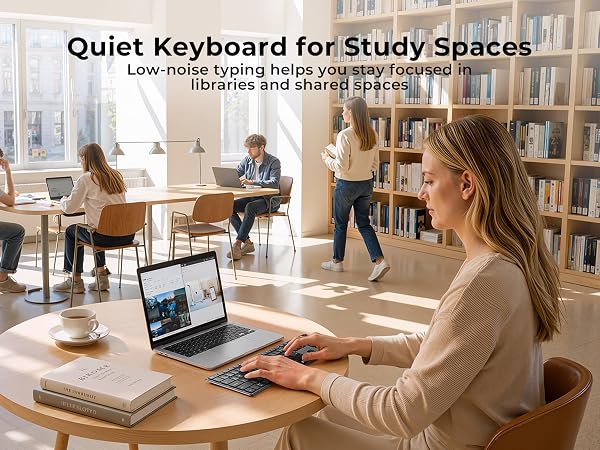
Quiet Keys for Better Focus
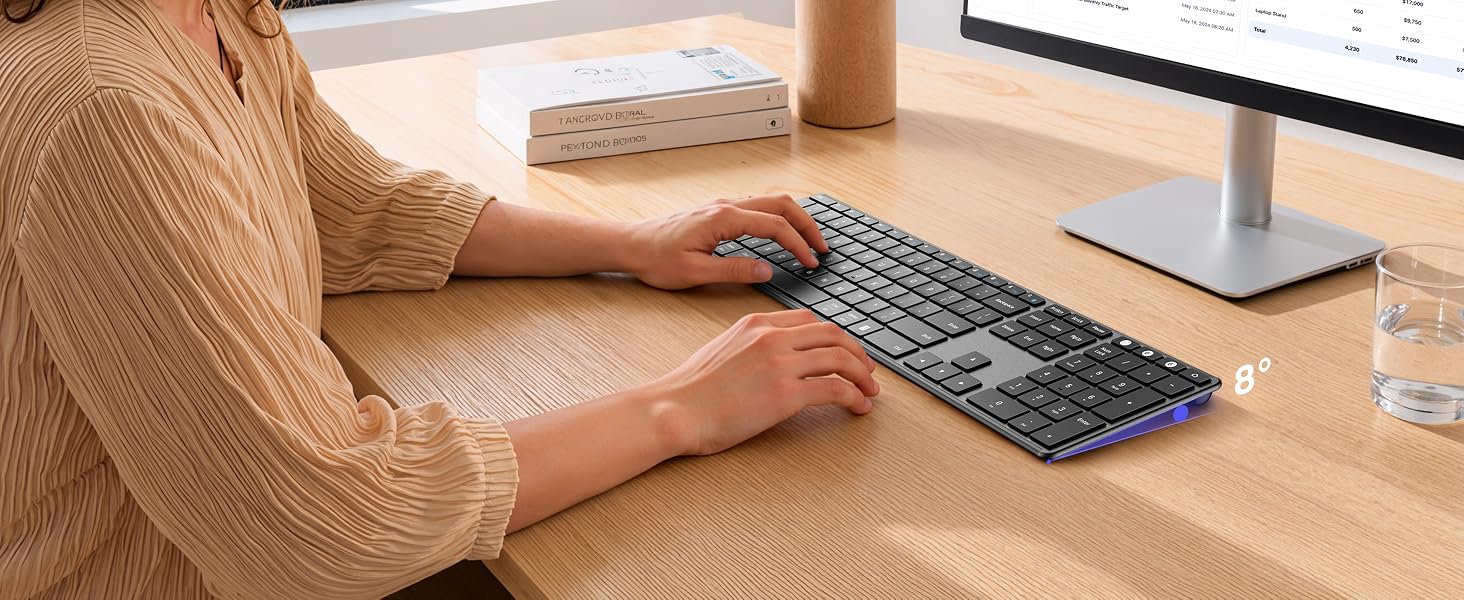
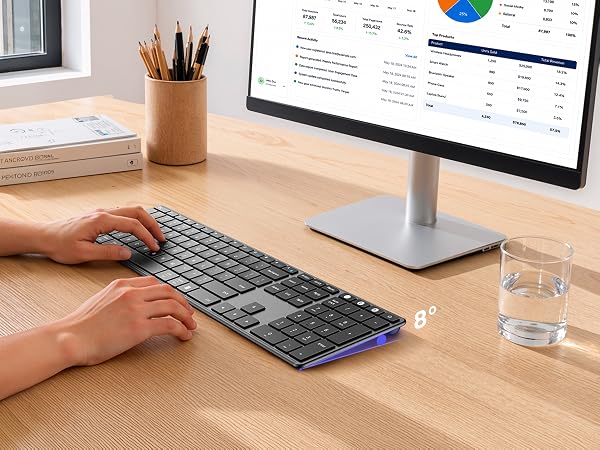
8° Typing Angle, Easier Input
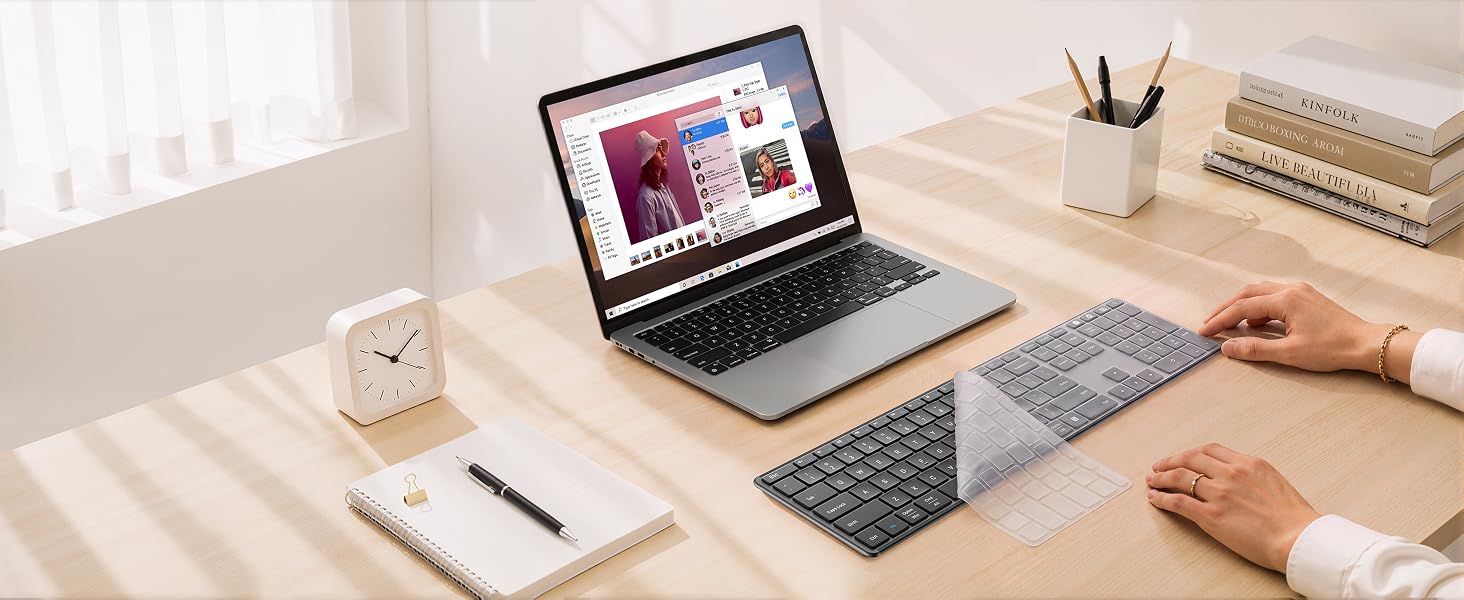
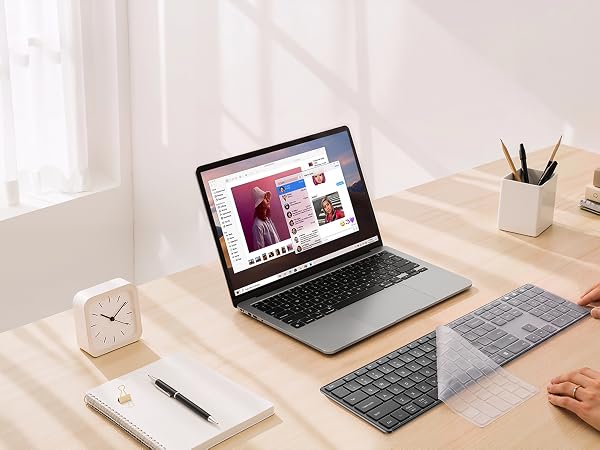
Keyboard Cover Included
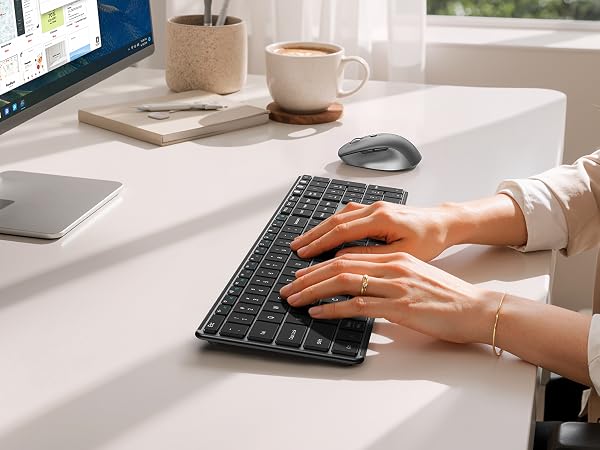
Scissor-switch keys help reduce typing noise in home, office, and study spaces.
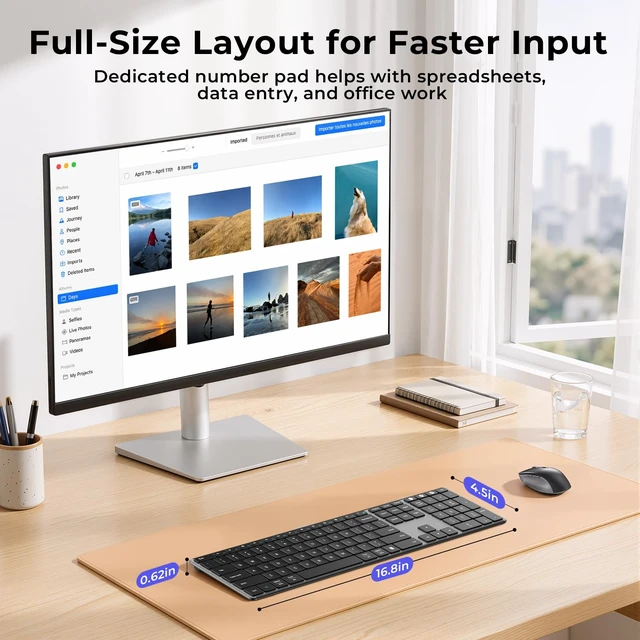
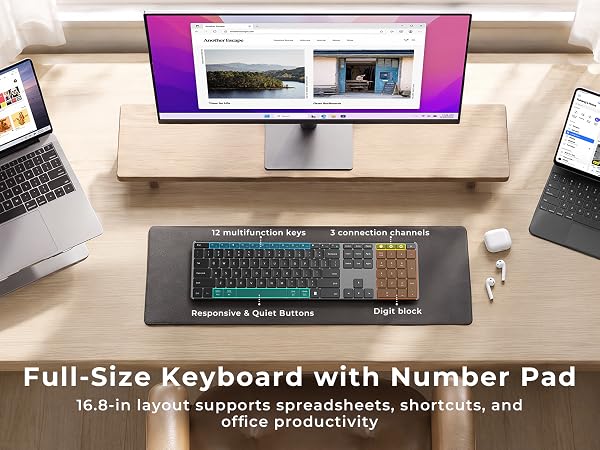
Angled support and full-size keys help make daily typing feel more natural.
Helps protect the keys from dust, crumbs, and everyday mess.
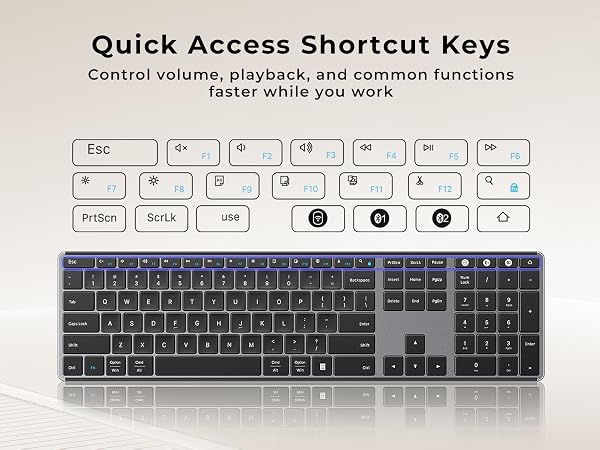
Practical Features for Faster Daily Work
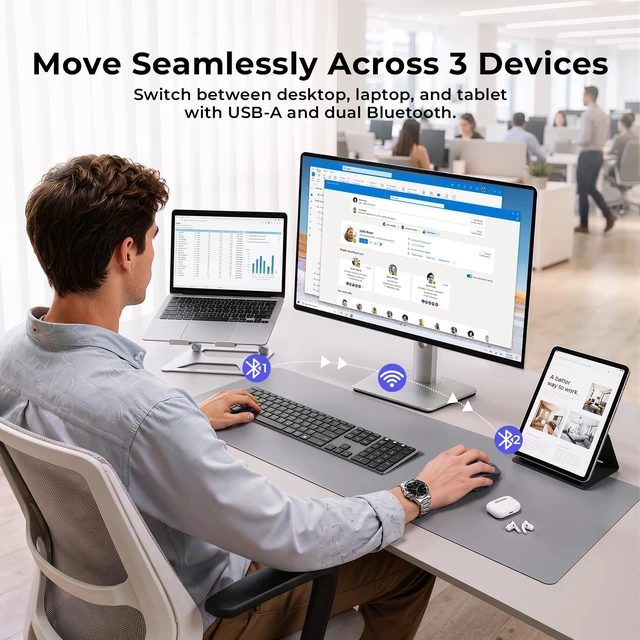
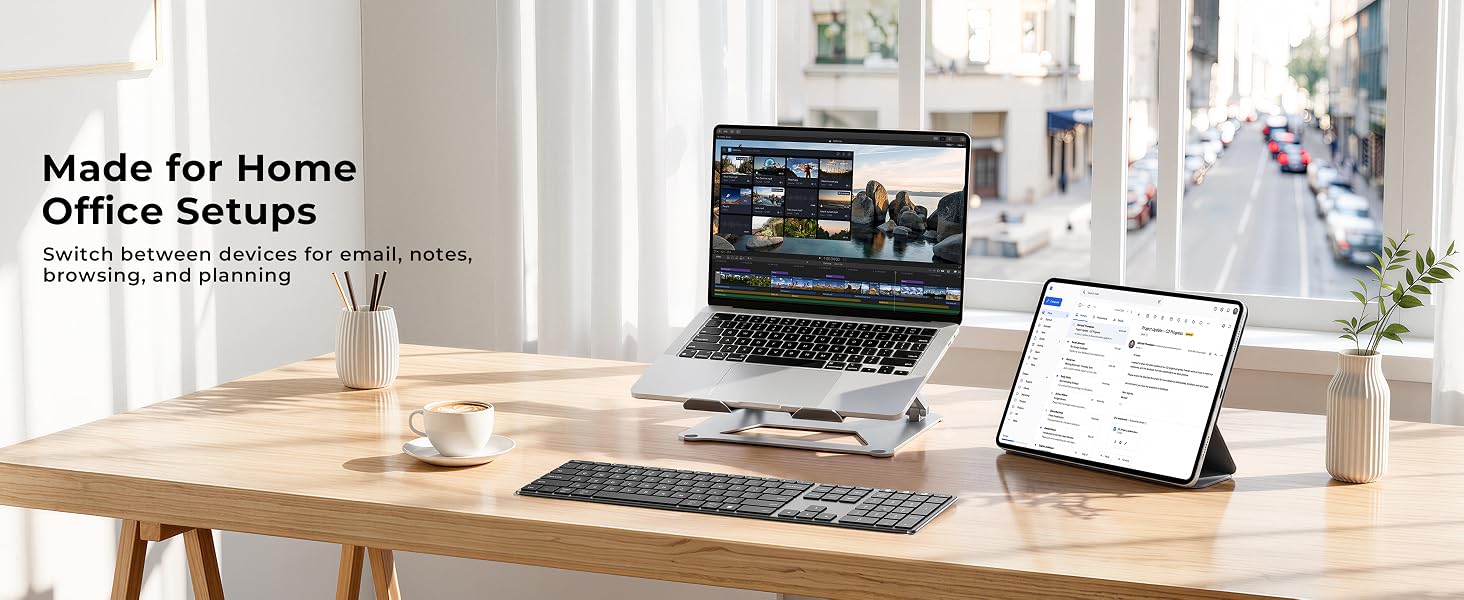
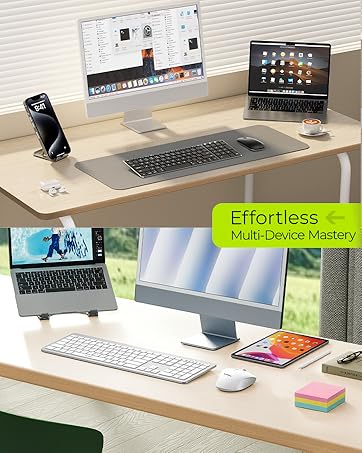
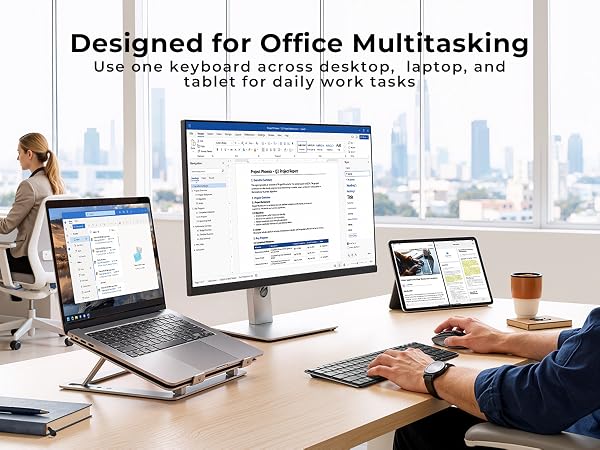
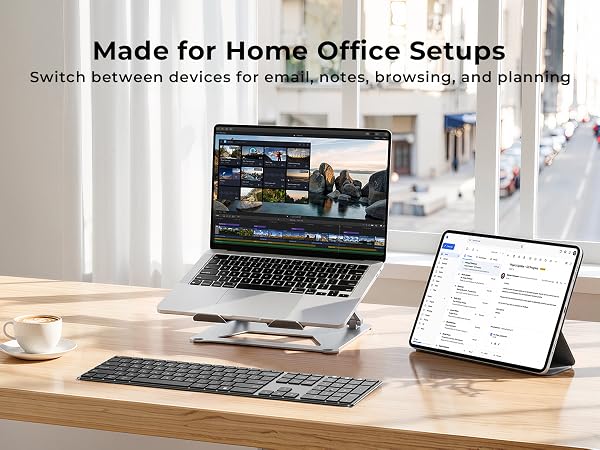
Flexible Workspaces for Everyday Focus
Tips for a Better Experience:
1. Compatibility & Function Use: The 2.4G USB mode is only compatible with Windows. If you're using a Mac or other devices, please connect via Bluetooth mode. Otherwise, some functions may not work or keys may behave unexpectedly.
2. Bluetooth Connection Issue: For optimal performance, keep devices within 10 meters (about 33 feet). If you experience disconnection, repeated keystrokes, or typing & clicking delay, try the following steps:
1) Make sure the keyboard is fully charged, as low battery may affect performance;
2) Remove the device from your Bluetooth list, restart your device, then re-pair following the user manual;
3) If the issue persists, test with another device to isolate the problem, or seek further assistance through your order.
3. Keyboard Layout: This keyboard uses a standard layout. Some function keys (like Fn) may be positioned differently than on original Mac keyboards. A quick familiarization is recommended for the best experience.
4. Charging & Battery: Supports USB-C charging and use while charging. For optimal performance, pls fully charge before first use. Low battery will cause the connection channel indicator to flash as a reminder.

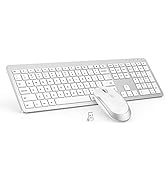
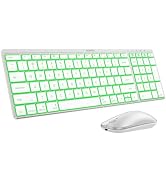
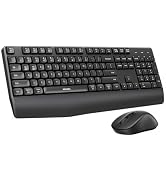
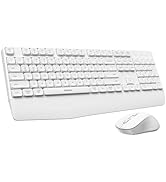
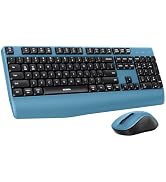
Bluetooth Combo for Mac
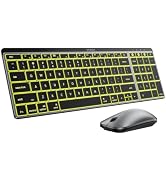
3-Device Compact Combo
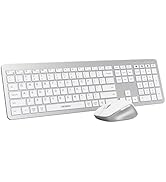
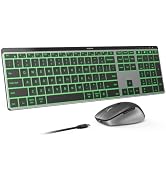
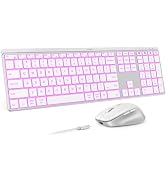
3-Device Full-Size Combo
Full-Size Wireless Combo
Slim Bluetooth Keyboard
3-Device Backlit Combo
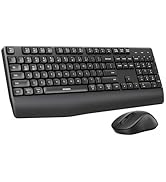
Ergonomic Multi-Device Combo
Ergonomic Backlit Combo