



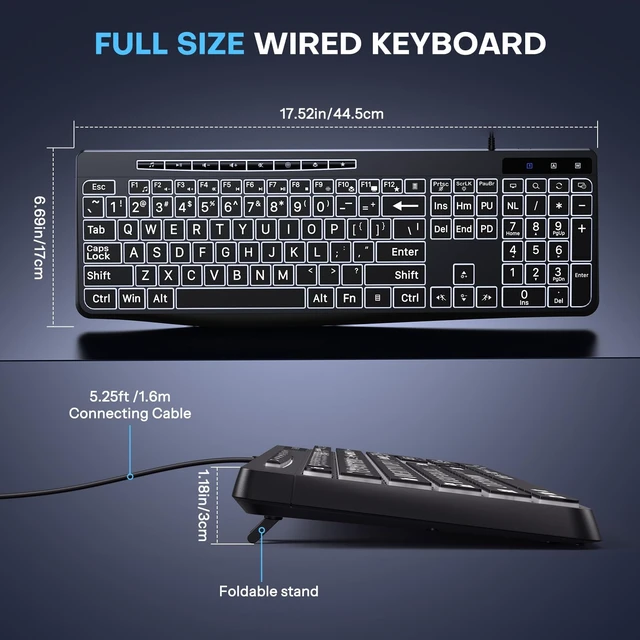



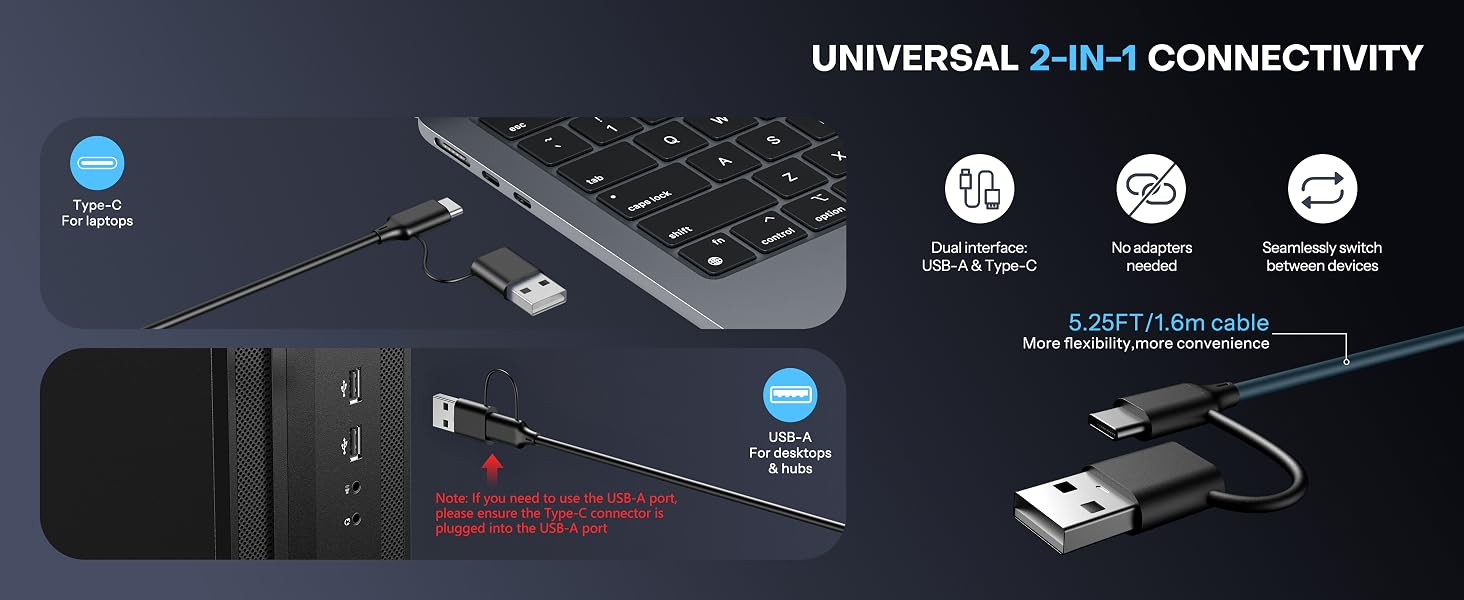

Is it compatible with PCs, laptops, and desktop computers?
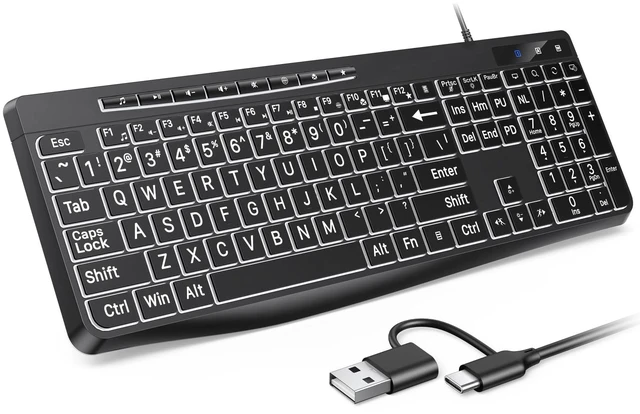
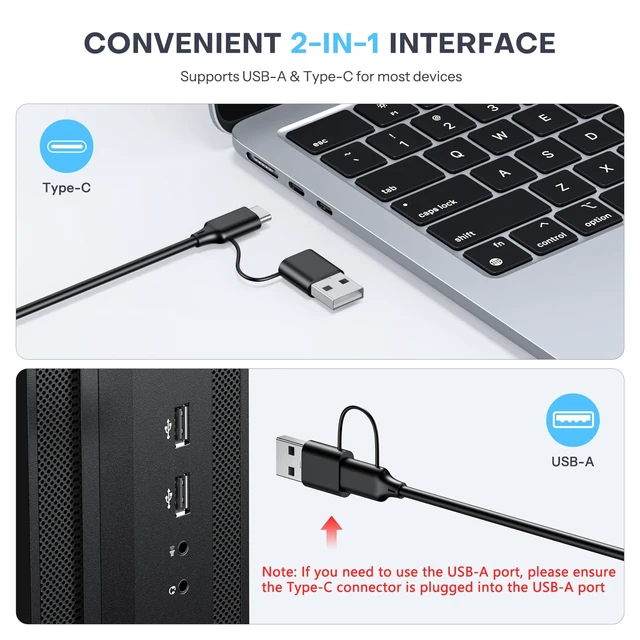
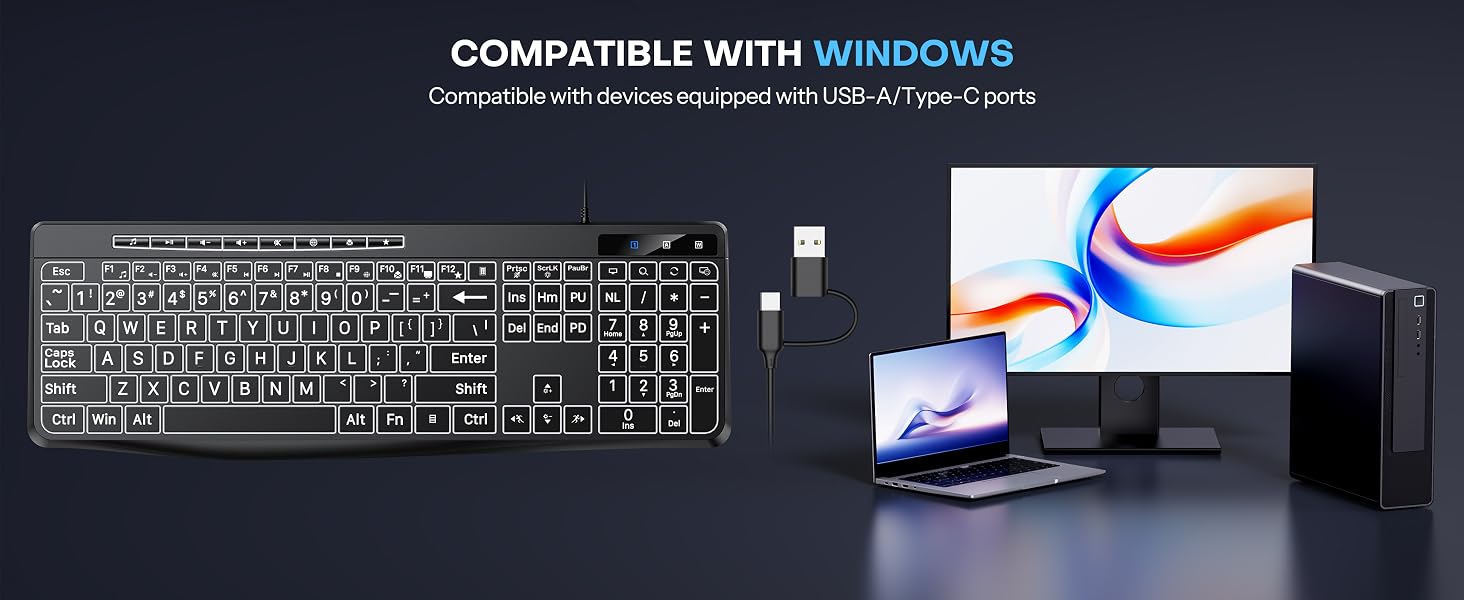
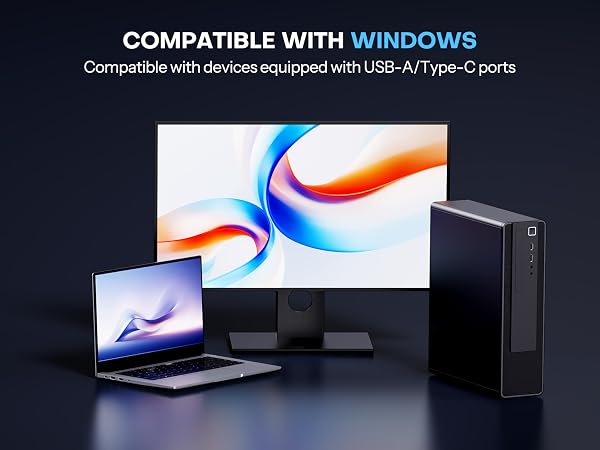
Yes. It is compatible with Windows systems, PCs, laptops, and desktop computers. It features a 2-in-1 USB-A and Type-C connector for a stable connection, with no charging or pairing required.
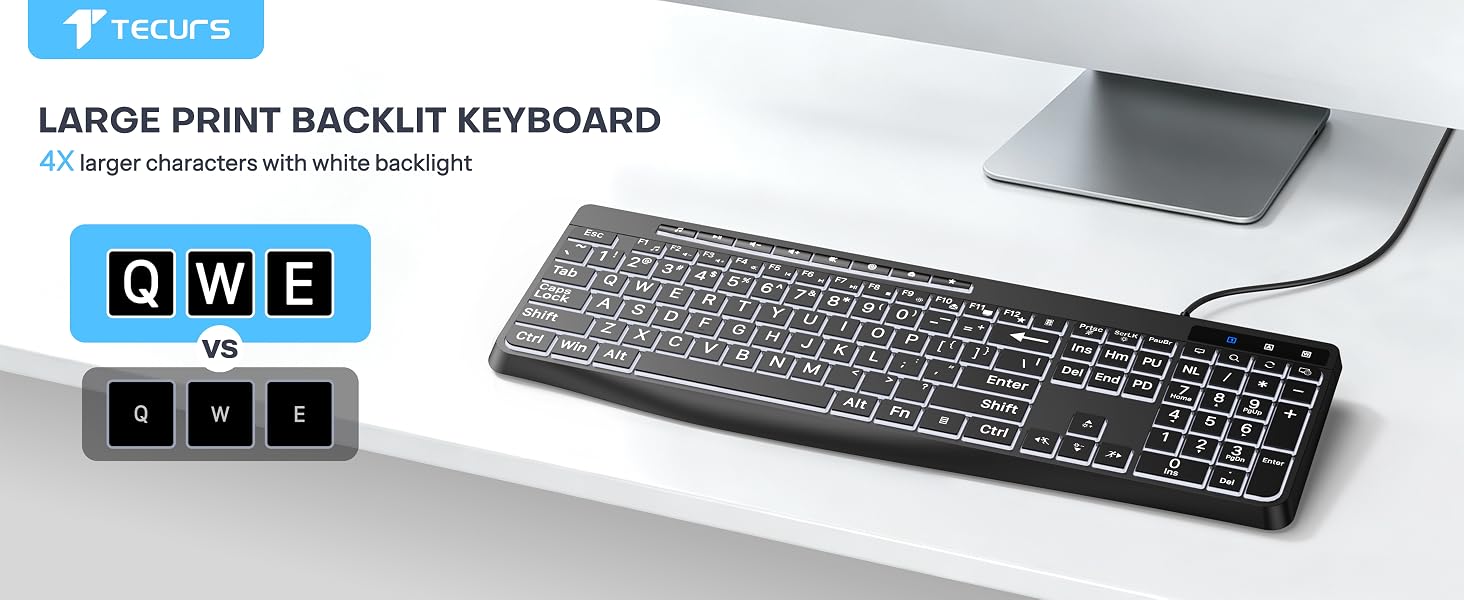
Can I see the keys clearly when typing at night? Will the backlight cause glare, making it hard to see the key labels?
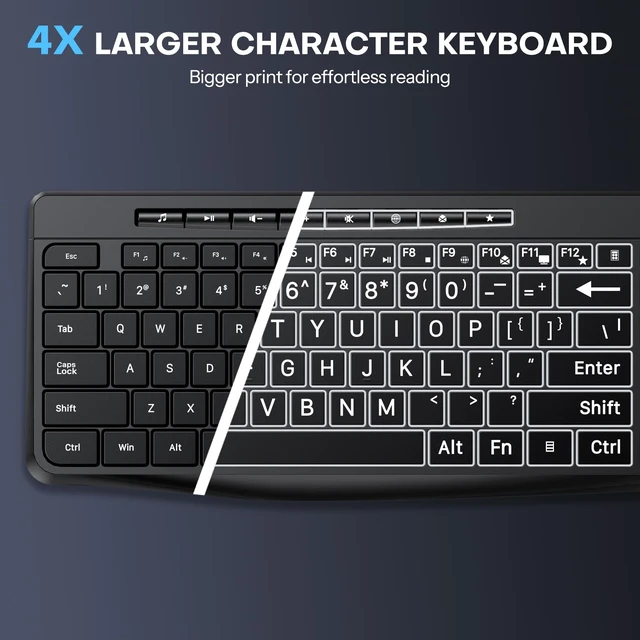
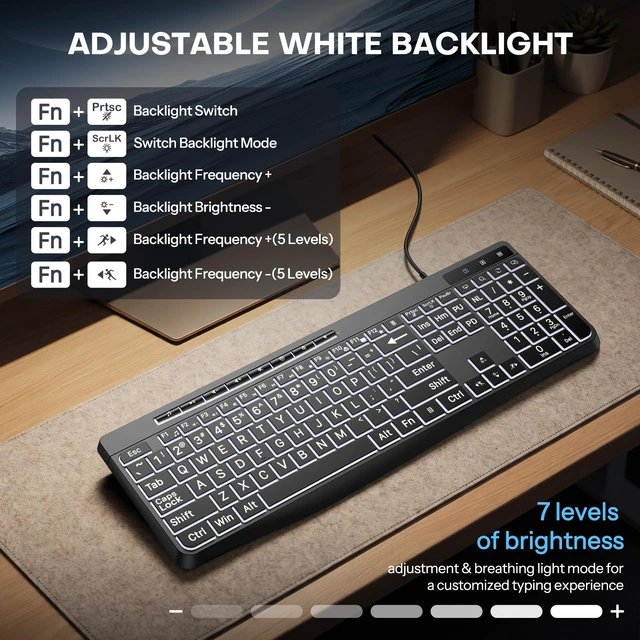
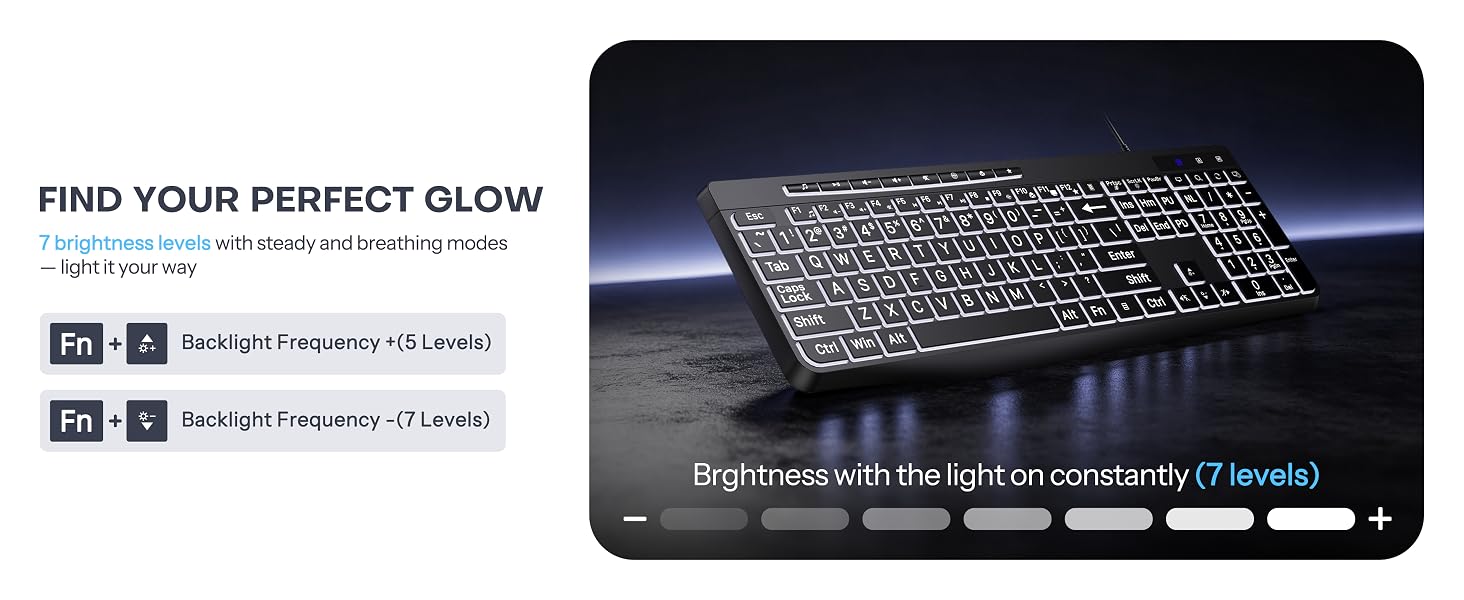
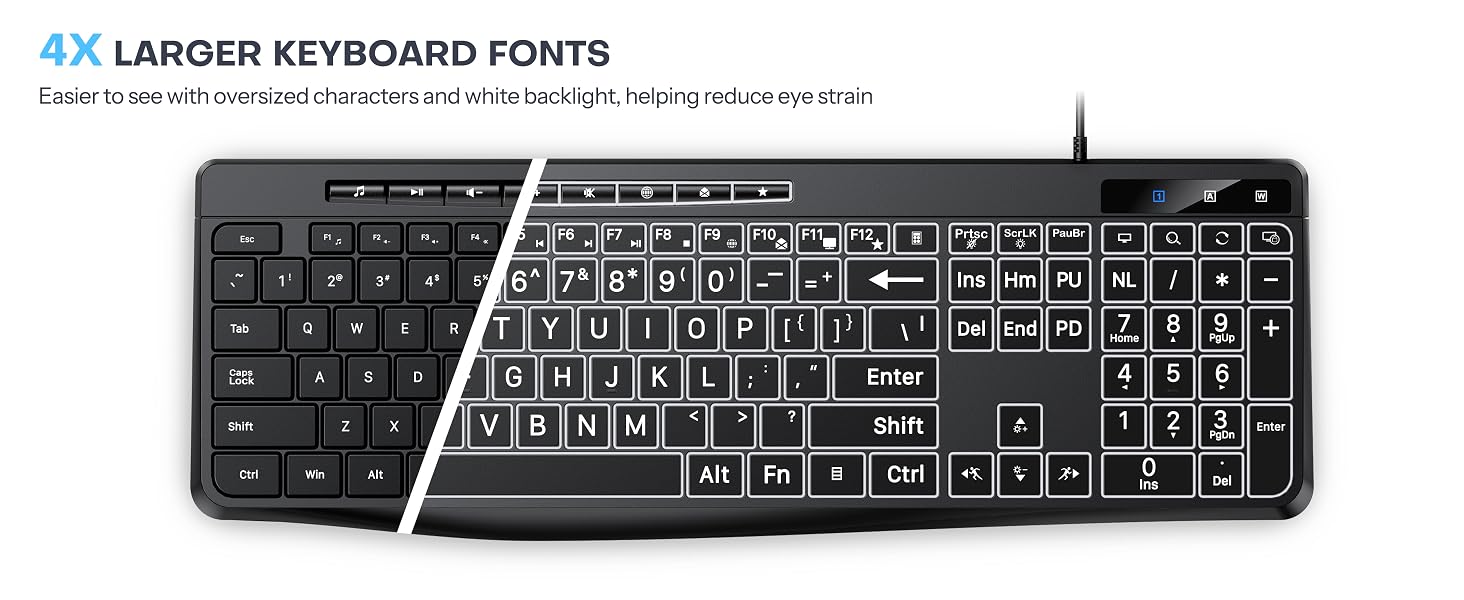
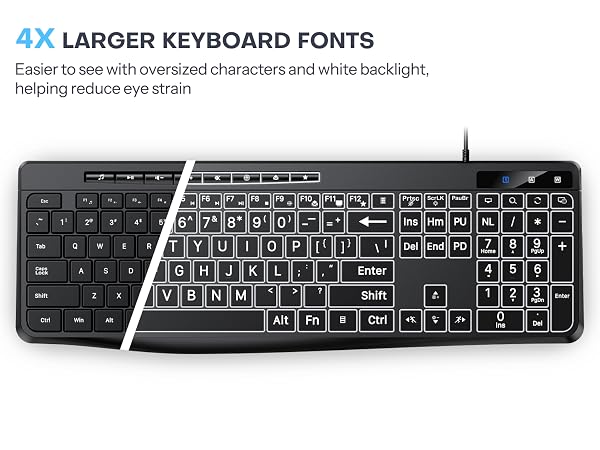
No. The keycap characters are 4× larger than standard keyboards, making them easier to read. The soft white LED backlight with 7 adjustable brightness levels ensures clear visibility and comfortable typing at night while reducing eye strain.
How do I adjust the backlight brightness?
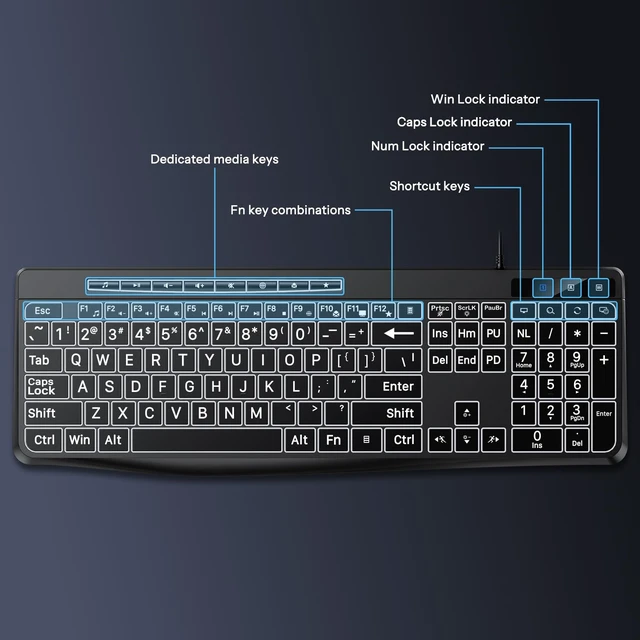
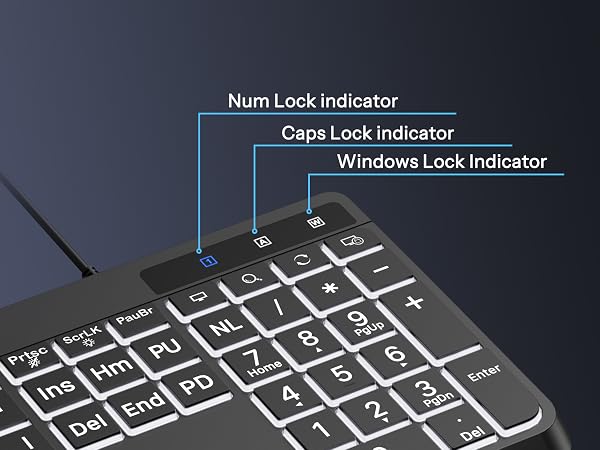
Press Fn + PrtSc to turn the backlight on or off. Press Fn + Up Arrow / Down Arrow to adjust the backlight brightness.
What should I do if my keyboard is not working properly?
Please start with basic troubleshooting. If the issue persists or you experience any other problems, Please let us know if you need any further assistance.
Is it compatible with PCs, laptops, and desktop computers?
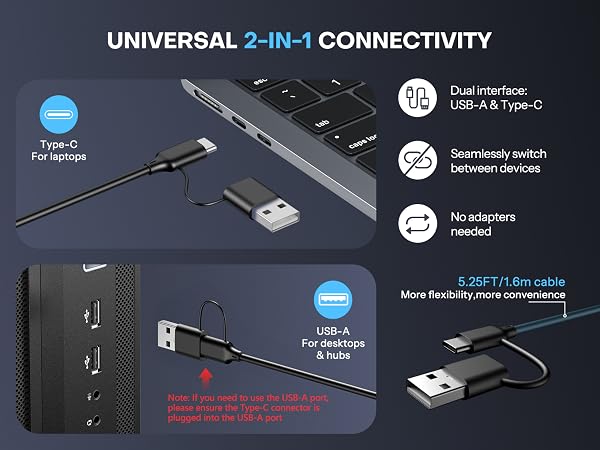
Yes. It is compatible with Windows systems, PCs, laptops, and desktop computers. It features a 2-in-1 USB-A and Type-C connector for a stable connection, with no charging or pairing required.
Can I see the keys clearly when typing at night? Will the backlight cause glare, making it hard to see the key labels?
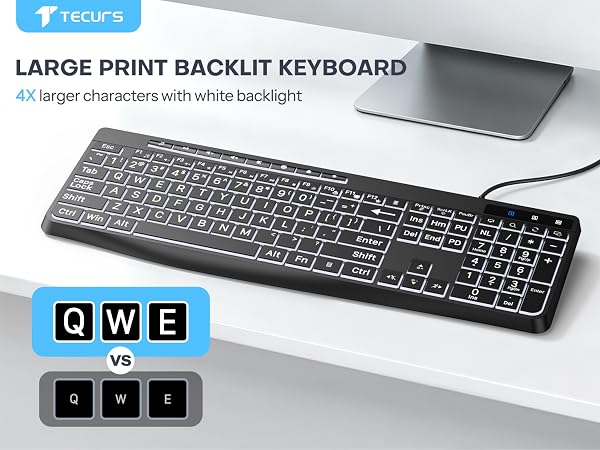
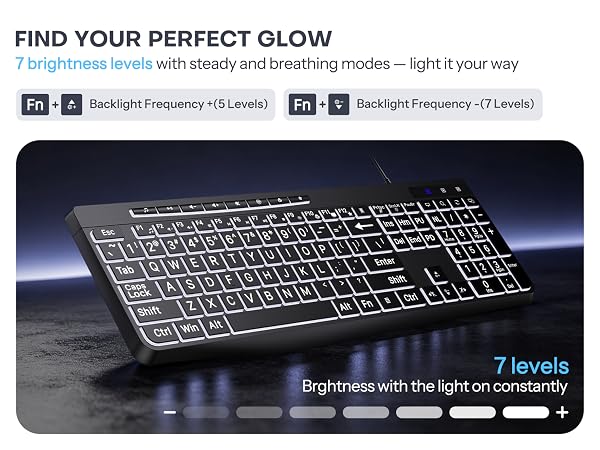
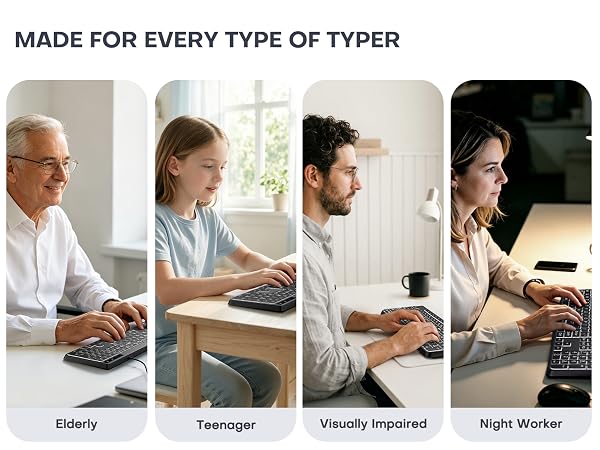
No. The keycap characters are 4× larger than standard keyboards, making them easier to read. The soft white LED backlight with 7 adjustable brightness levels ensures clear visibility and comfortable typing at night while reducing eye strain.
How do I adjust the backlight brightness?
Press Fn + PrtSc to turn the backlight on or off. Press Fn + Up Arrow / Down Arrow to adjust the backlight brightness.
What should I do if my keyboard is not working properly?
Please start with basic troubleshooting. If the issue persists or you experience any other problems, Please let us know if you need any further assistance.