here!
here!
I’m your shopping assistant for PC builds, upgrades, and everything tech.
Got questions? Ask away!
Start a conversation
here!
I’m your shopping assistant for PC builds, upgrades, and everything tech.
Got questions? Ask away!
Start a conversation



Any questions? Ask CelesteSM will help you find out quickly.


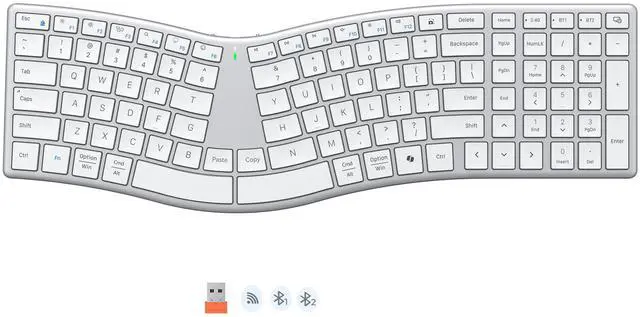
Dedicated Copy & Paste keys let you skip the mouse clicks and menu steps entirely. Work faster, stay focused, keep your typing flow uninterrupted.

Intuitive LED indicators display battery and connection status at a quick glance, avoiding unexpected interruptions.

The anti-slip base grips firmly to keep the keyboard stable, even during fast typing. No shifting or sliding, just steady, uninterrupted performance.

Toggle between Windows and macOS in seconds. The keyboard adapts key functions automatically for seamless cross-system use.
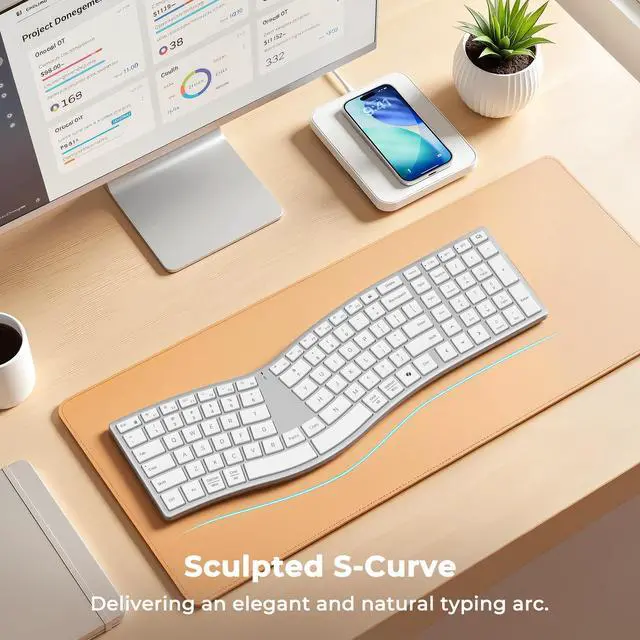
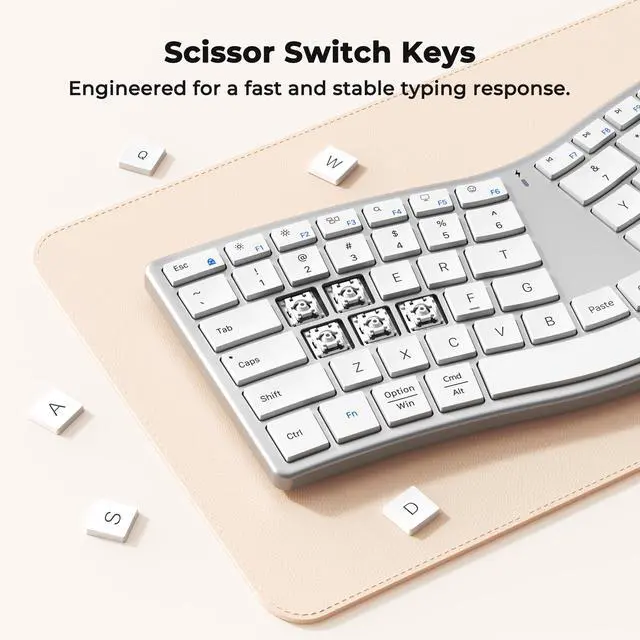
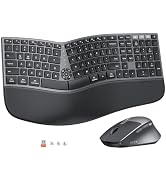
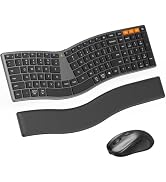
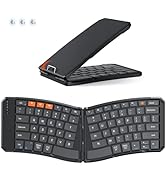
We kept the natural S-curve posture your wrists crave, but ditched the clunky, 90s hardware vibe. With scissor-switch keys for that crisp, laptop-like feel, dual-mode connectivity, and a frame thin—this is the first ergonomic setup that doesn’t scream “office supply closet.”
What makes this keyboard different from other ergonomic keyboard?
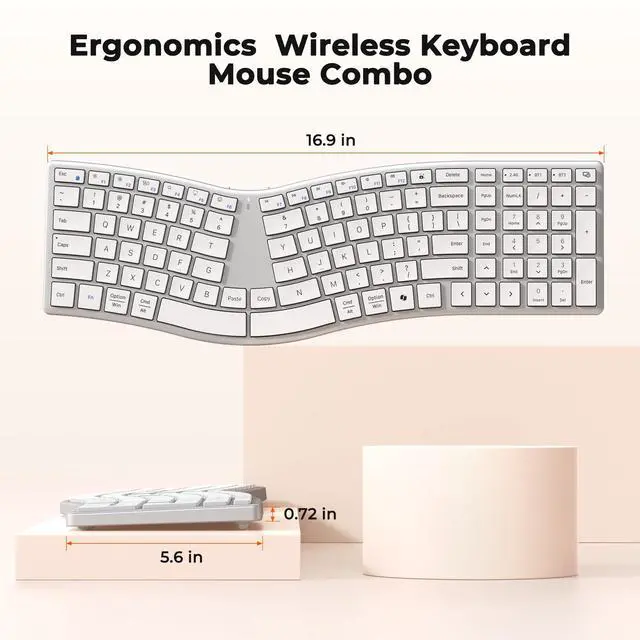
Most ergonomic keyboards are bulky and desk-hungry. The Director-Q breaks that mold. It's slim, elegant, and full-size — delivering professional-grade ergonomics in a beautifully refined form. No hand rest. No excess. Just pure function and form.
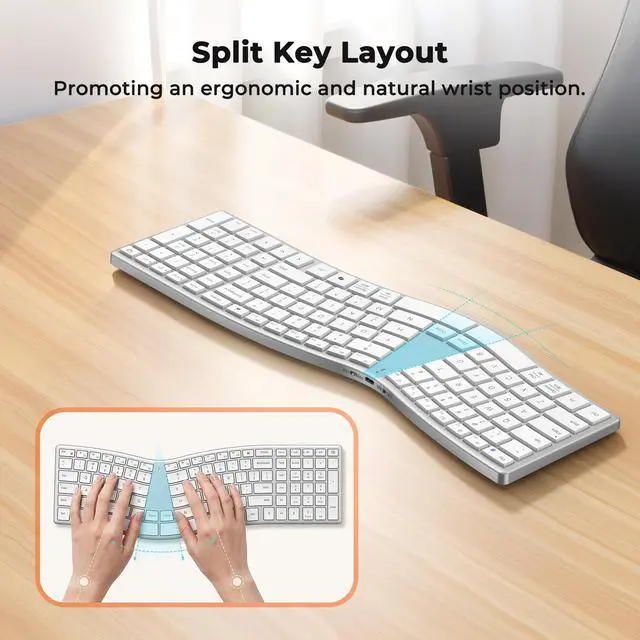
Will it take time to get used to the split design?
Yes, any ergonomic shift requires a short adjustment period — but ours is designed to feel natural faster. The gentle S-curve follows your hands' resting posture, so most users adapt within days, not weeks. It's ergonomic made intuitive.
My keyboard isn't connecting via Bluetooth. What should I do?
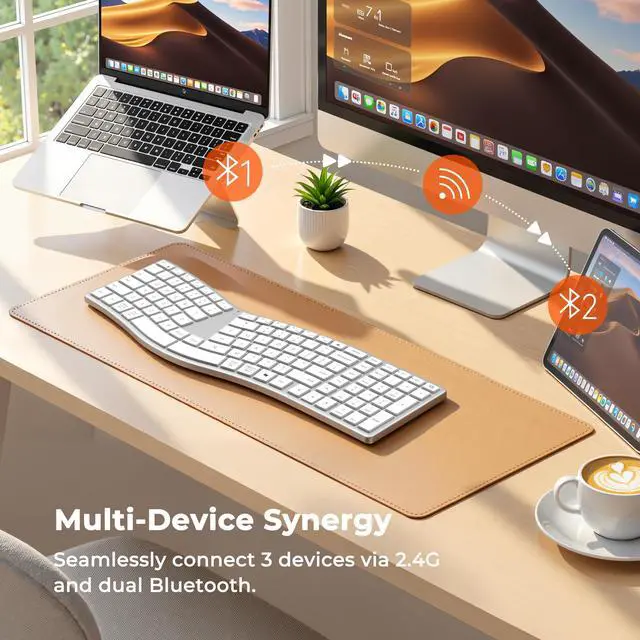
Make sure the keyboard is discoverable. Press and hold the Bluetooth channel button for 5+ seconds until the indicator flashes rapidly — this means it's in pairing mode. Then select "MEETON Director-Q" on your device to complete connection.
How do I charge the keyboard? How long does the battery last?
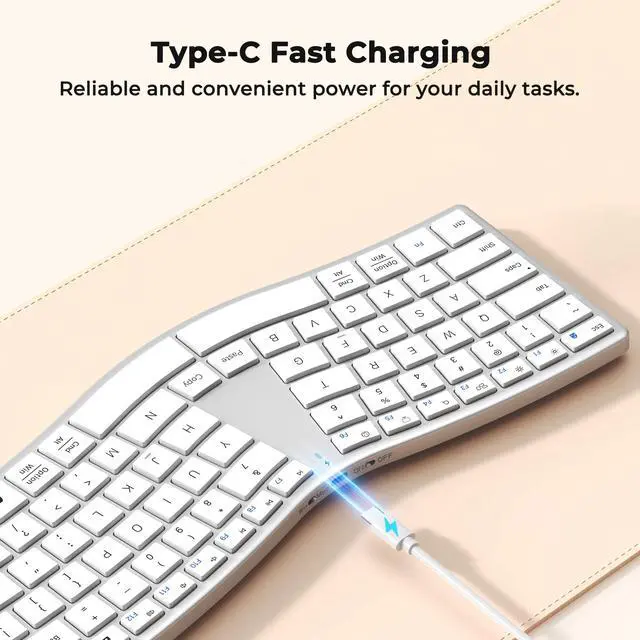
The MEETON Director-Q features USB-C charging — fast, convenient, and universal. A single full charge gives you weeks of use under typical workloads. No constant battery swaps, no downtime.
What if I have issues or questions after purchase?
We're here to help. Reach out to our support team anytime — Your comfort is our priority, even after the sale.


MEETION is a play on the concept of "meeting". All the products we develop revolve around this theme.
In terms of investment in the scientific research of new products, we never hold back. We have dedicated quality control for every single product, every detail in the production process is precise and controlled. Our product and intellectual property rights are top priorities.


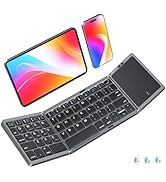
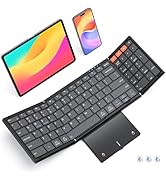
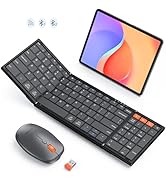
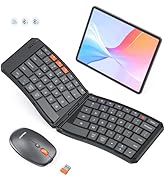


Dedicated Copy & Paste keys let you skip the mouse clicks and menu steps entirely. Work faster, stay focused, keep your typing flow uninterrupted.

Intuitive LED indicators display battery and connection status at a quick glance, avoiding unexpected interruptions.
The anti-slip base grips firmly to keep the keyboard stable, even during fast typing. No shifting or sliding, just steady, uninterrupted performance.
Toggle between Windows and macOS in seconds. The keyboard adapts key functions automatically for seamless cross-system use.


We kept the natural S-curve posture your wrists crave, but ditched the clunky, 90s hardware vibe. With scissor-switch keys for that crisp, laptop-like feel, dual-mode connectivity, and a frame thin—this is the first ergonomic setup that doesn’t scream “office supply closet.”
What makes this keyboard different from other ergonomic keyboard?
Most ergonomic keyboards are bulky and desk-hungry. The Director-Q breaks that mold. It's slim, elegant, and full-size — delivering professional-grade ergonomics in a beautifully refined form. No hand rest. No excess. Just pure function and form.
Will it take time to get used to the split design?
Yes, any ergonomic shift requires a short adjustment period — but ours is designed to feel natural faster. The gentle S-curve follows your hands' resting posture, so most users adapt within days, not weeks. It's ergonomic made intuitive.
My keyboard isn't connecting via Bluetooth. What should I do?
Make sure the keyboard is discoverable. Press and hold the Bluetooth channel button for 5+ seconds until the indicator flashes rapidly — this means it's in pairing mode. Then select "MEETON Director-Q" on your device to complete connection.
How do I charge the keyboard? How long does the battery last?
The MEETON Director-Q features USB-C charging — fast, convenient, and universal. A single full charge gives you weeks of use under typical workloads. No constant battery swaps, no downtime.
What if I have issues or questions after purchase?
We're here to help. Reach out to our support team anytime — Your comfort is our priority, even after the sale.
MEETION is a play on the concept of "meeting". All the products we develop revolve around this theme.
In terms of investment in the scientific research of new products, we never hold back. We have dedicated quality control for every single product, every detail in the production process is precise and controlled. Our product and intellectual property rights are top priorities.