here!
here!
I’m your shopping assistant for PC builds, upgrades, and everything tech.
Got questions? Ask away!
Start a conversation
here!
I’m your shopping assistant for PC builds, upgrades, and everything tech.
Got questions? Ask away!
Start a conversation
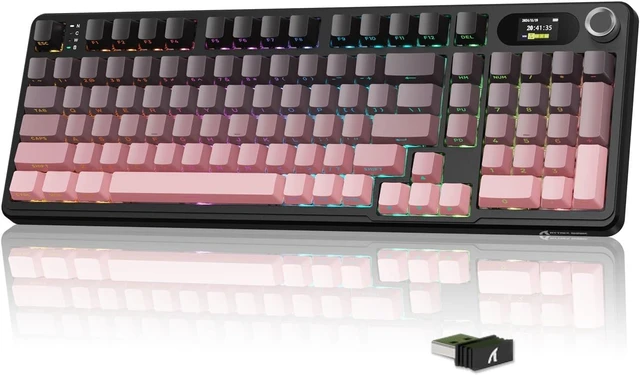
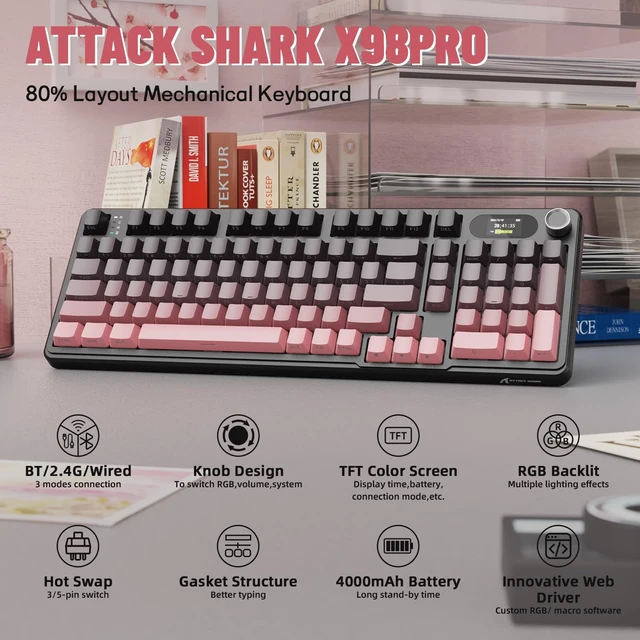
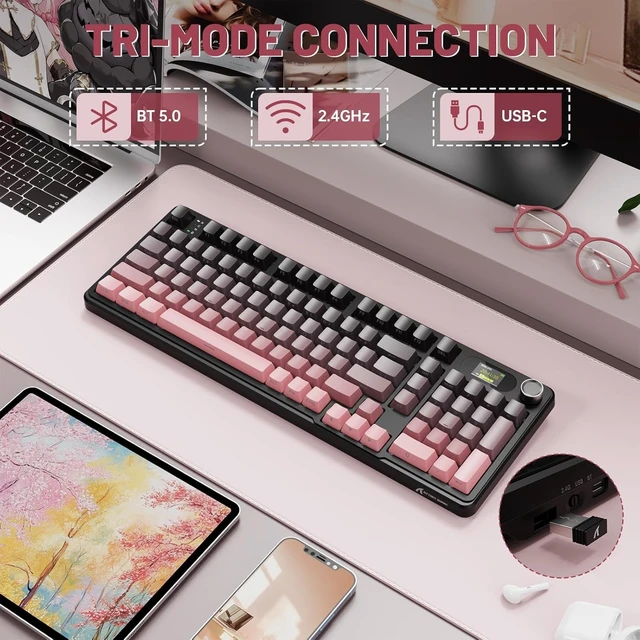



Any questions? Ask CelesteSM will help you find out quickly.
Where can I find the software?
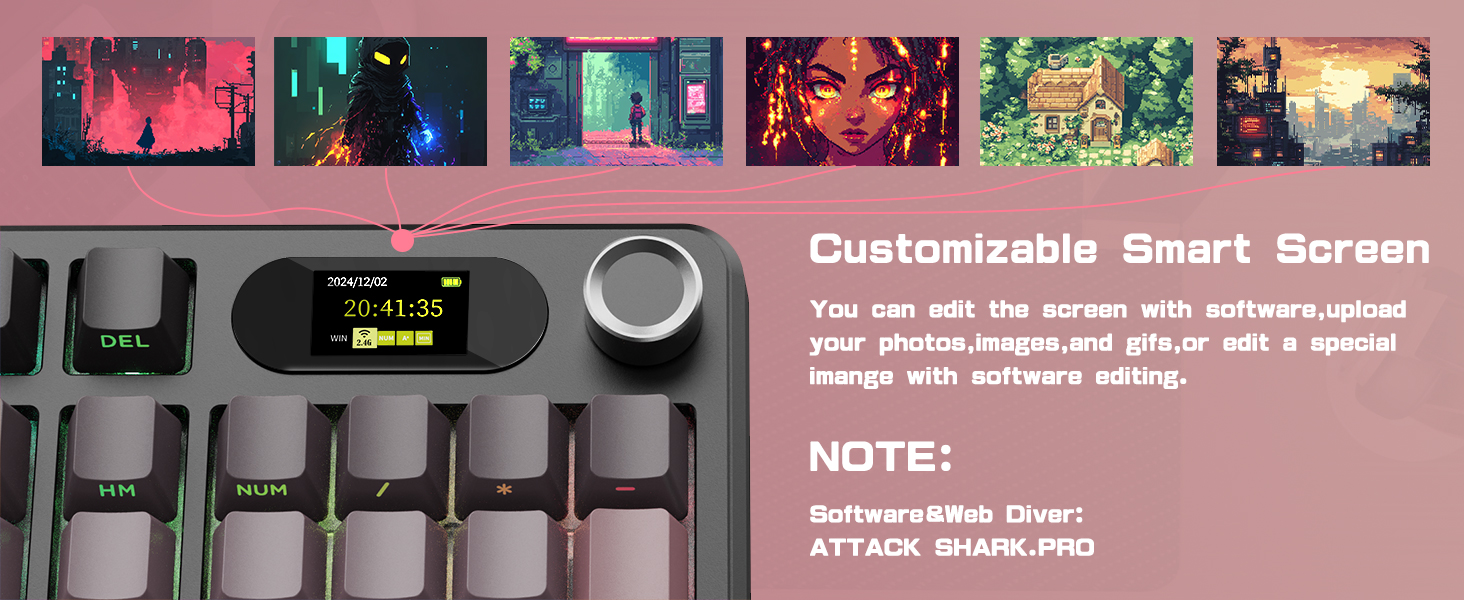
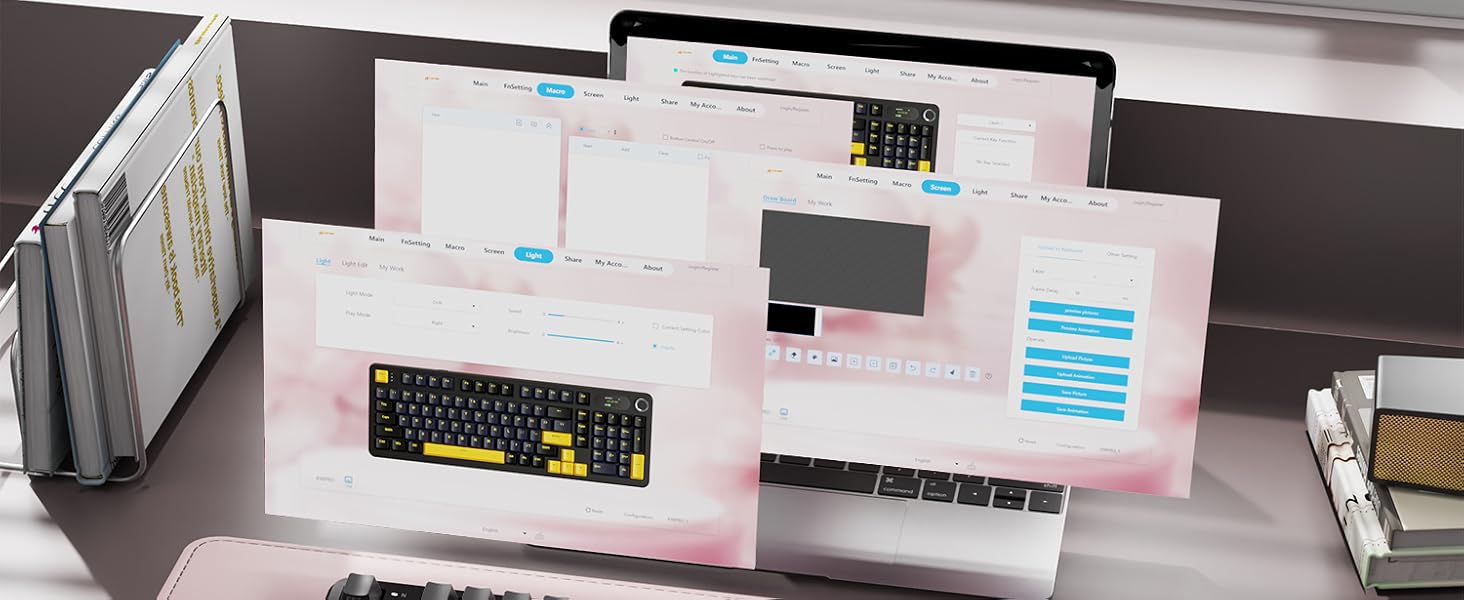
attackshark.pro/
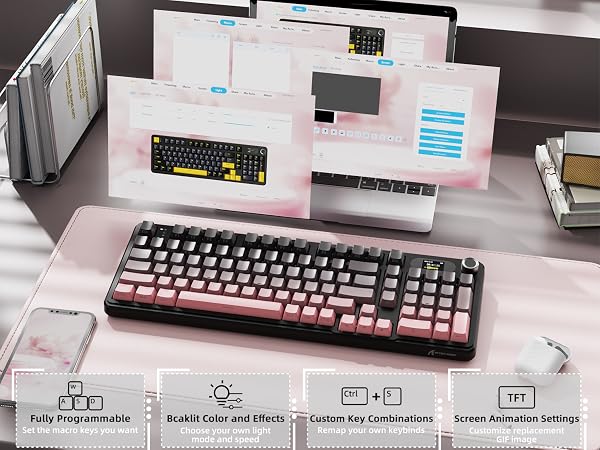
(Spport web driver,no need to download or install,the browser can be used immediately after opening)
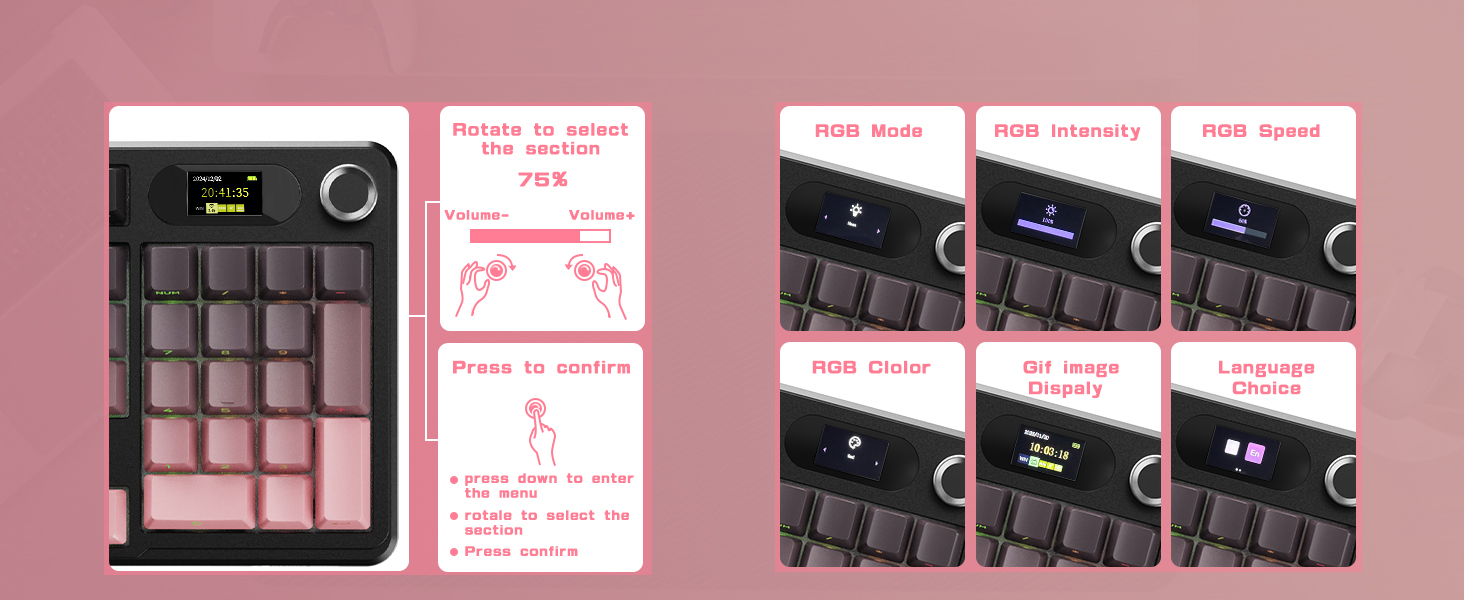
How to correct the time/volume on the screen?
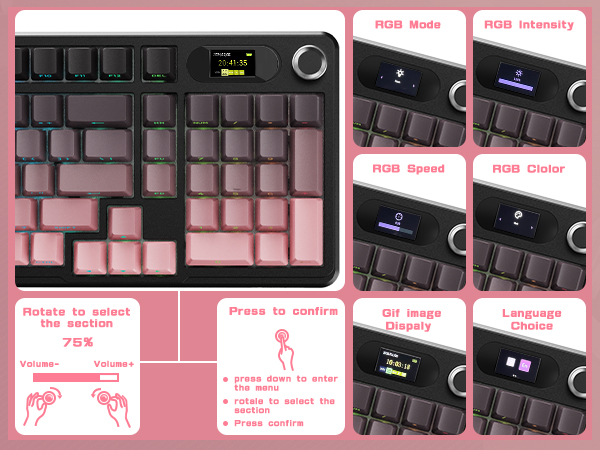
How to use custom GIF images?
Why the keyboard becomes disconnected in the BT mode?
When the battery level is low, the keyboard cannot support the BT function normally, Please re-update the BT function of the device and fully charge the keyboard.
How to use custom GIF images?
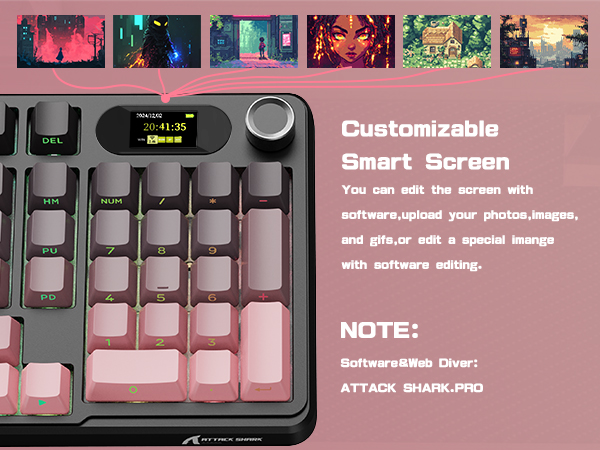
Upload an image or gif in wired mode via the X98 Pro software on your Windows computer.
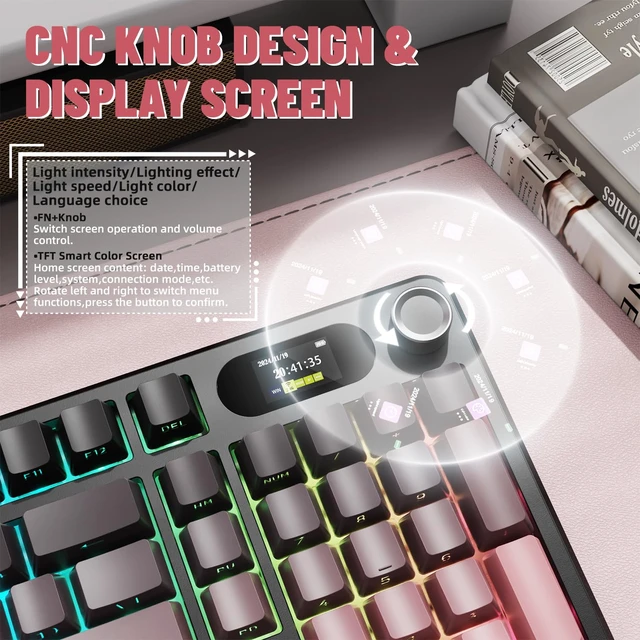
How can I toggle the screen with knob?
The dual-function knob can be used to toggle volume or the screen. Press FN+KNOB once to switch between these two modes. Once knob is in screen mode, you can turn the knob to slide through pages and press the knob to confirm.
Copy the link above to the search bar & run the driver via wired mode.
Where can I find the software?
attackshark.pro/
(Spport web driver,no need to download or install,the browser can be used immediately after opening)
How to correct the time/volume on the screen?
How to use custom GIF images?
Why the keyboard becomes disconnected in the BT mode?
When the battery level is low, the keyboard cannot support the BT function normally, Please re-update the BT function of the device and fully charge the keyboard.
How to use custom GIF images?
Upload an image or gif in wired mode via the X98 Pro software on your Windows computer.
How can I toggle the screen with knob?
The dual-function knob can be used to toggle volume or the screen. Press FN+KNOB once to switch between these two modes. Once knob is in screen mode, you can turn the knob to slide through pages and press the knob to confirm.
| Brand | MAMBASNAKE |
| Compatible Devices | Laptops Personal computers Tablet PC Projectors Game Consoles Smart TV Smartphone |
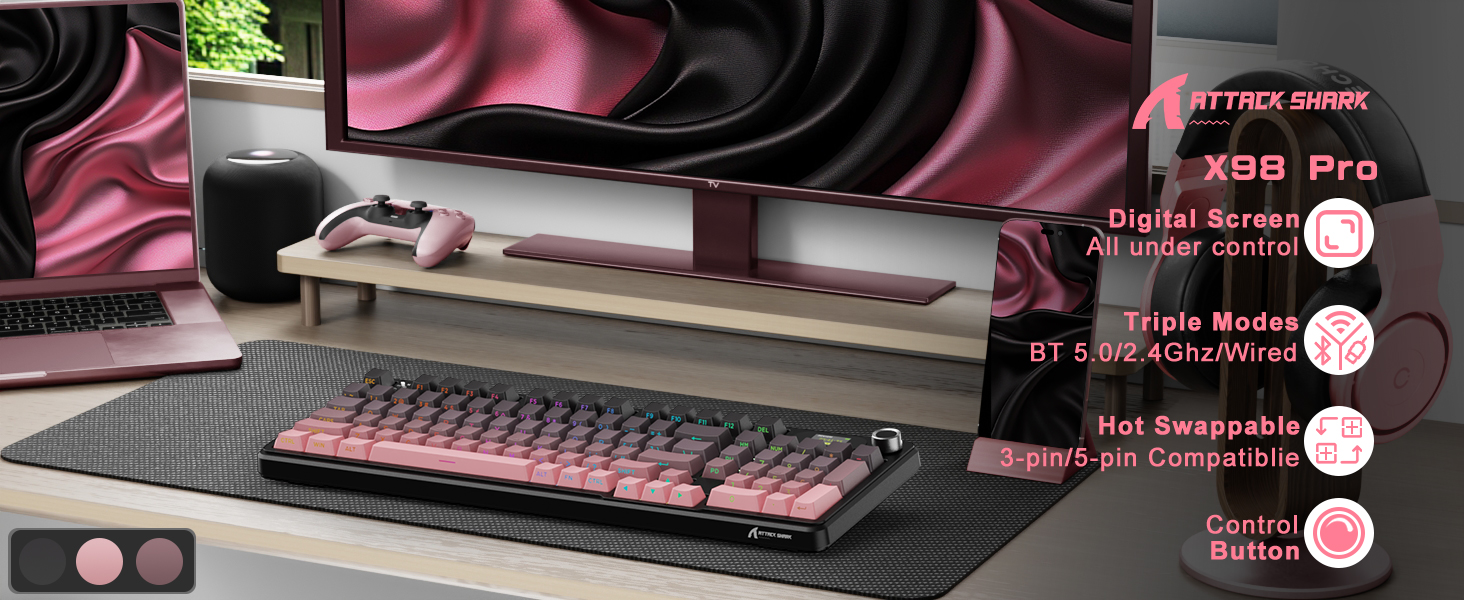
| Connectivity Technology | BT/2.4Ghz Wireless/Type-C Wired |
| Keyboard Description | Gaming |
| Recommended Uses For Product | Programming Multimedia Personal Education Daily Use Business Video Editing Student Gaming Photo Editing |
| Special Feature | Backlit, Ergonomic, Hot-Swappable, Quiet |
| Color | Pink |
| Material | Plastic |
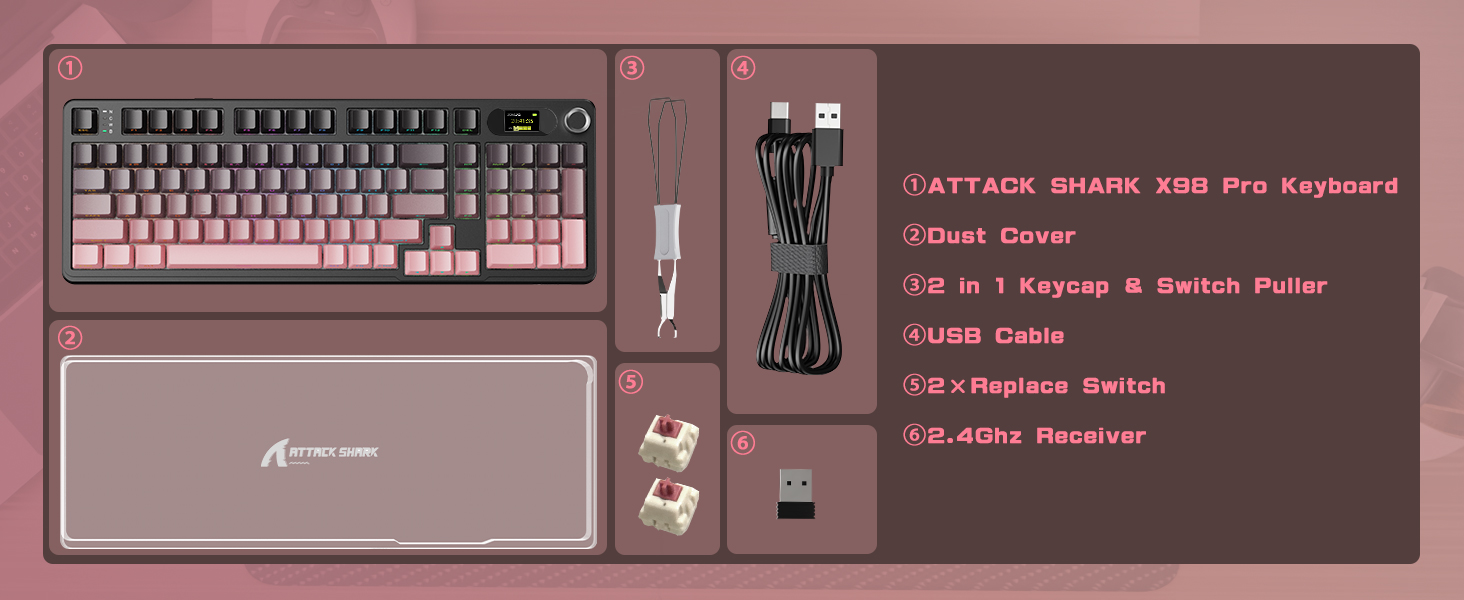
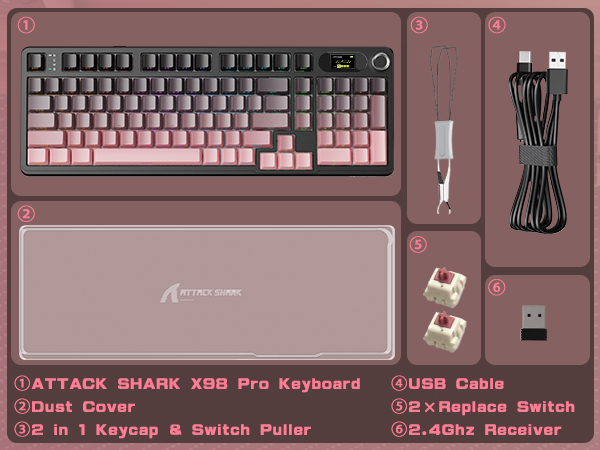
| Included Components | Keycap Puller, USB Cable |
| Switch Type | Linear |
| Additional Features | Backlit, Ergonomic, Hot-Swappable, Quiet |
| Keyboard Layout | QWERTY |
| Hand Orientation | Ambidextrous |
| Compatible Amazon Tablet Models | Amazon Fire 5th Generation, Amazon Fire 7 5th Generation, Amazon Fire 7 7th Generation, Amazon Fire 7 9th Generation, Amazon Fire HD 10 5th Generation, Amazon Fire HD 10 7th Generation, Amazon Fire HD 10 9th Generation, Amazon Fire HD 6 4th Generation, Amazon Fire HD 7 4th Generation, Amazon Fire HD 8 5th Generation, Amazon Fire HD 8 6th Generation, Amazon Fire HD 8 7th Generation, Amazon Fire HD 8 8th Generation, Amazon Fire Kids 5th Generation, Amazon Kindle Fire 1st Generation, Amazon Kindle Fire 2nd Generation, Amazon Kindle Fire HD 2nd Generation, Amazon Kindle Fire HD 3rd Generation, Amazon Kindle Fire HD 4th Generation |
| Compatible Operating System Family | Windows |
| Number of Keys | 102 |
| Enclosure Material | Plastic |
| Keyboard Plate Material | FR4 |
| Antenna Location | Programming Multimedia Personal Education Daily Use Business Video Editing Student Gaming Photo Editing |
| Built-In Media | Keycap Puller, USB Cable |
| Model Number | X98 Pro |
| Unit Count | 1 Count |
| Manufacturer | ATTACK SHARK |
| Number of Packs | 1 |
| Number of Items | 1 |