• $63.99
  • Free 30-day Returns
  • Top Rated
    Price alert
    Shop it at NeweggBusiness.

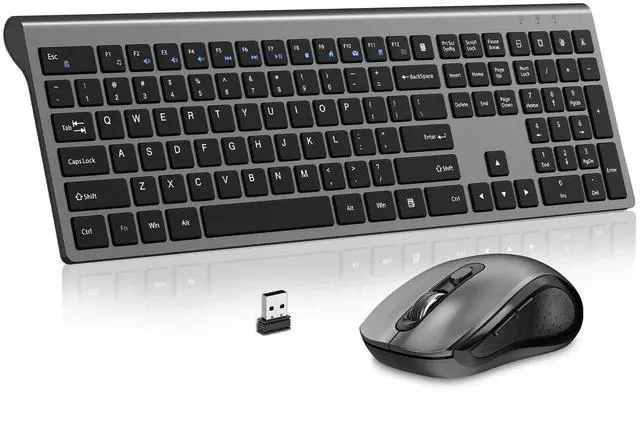
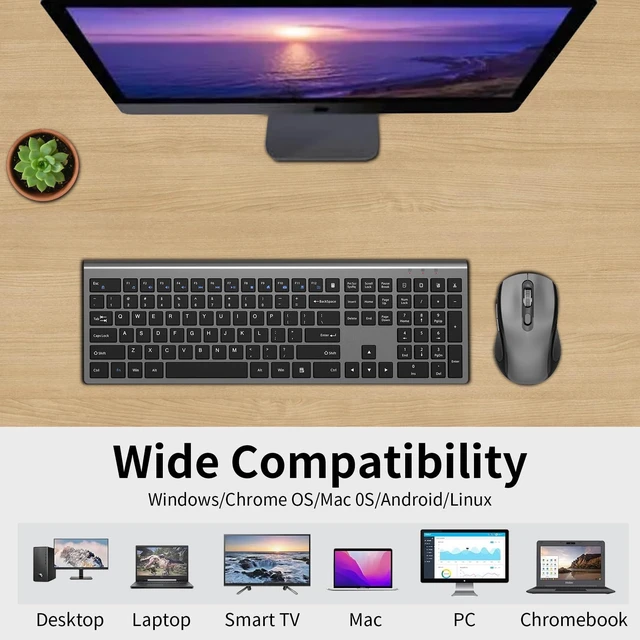
    Wireless Keyboard and Mouse Combo, Slim Silent Full Size Computer Keyboard | with Calculator Button, Sleek Design, Long Battery Life, USB Receiver, Quiet Optical Mouse 6 Buttons, for Laptop PC - Gray

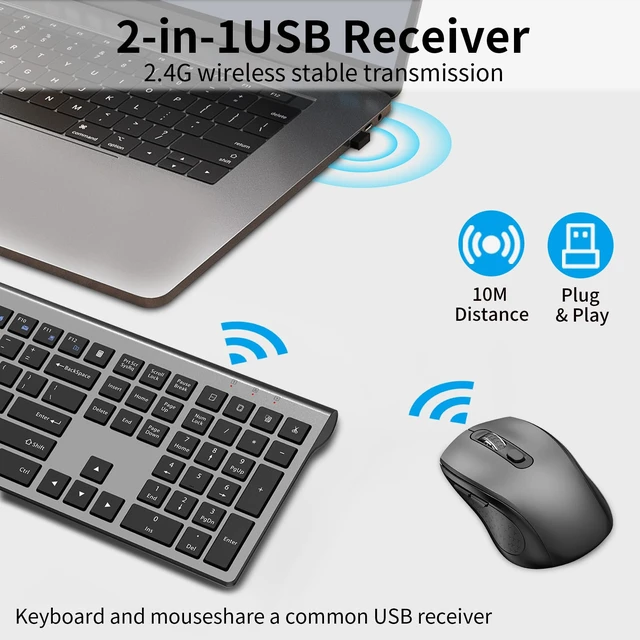
    • Plug & Play No drivers, no pairing, no IT tickets. Plug the tiny 2-in-1 USB receiver (for both keyboard and mouse) into your device and start working instantly. Reliable 2.4G wireless connection up to 33ft (10m) ensures smooth performance in meetings or at your regular desk
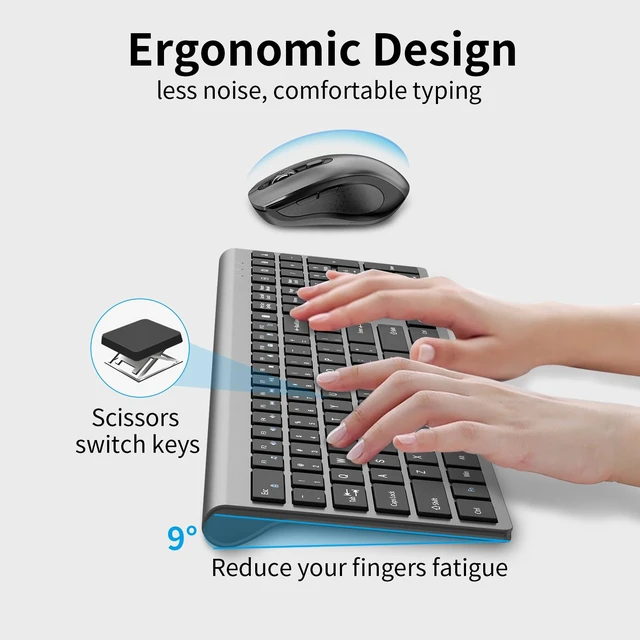
    • Ultra-Slim Keyboard with 9° Ergonomic Tilt Full-size keyboard with an ultra-slim profile saves desk space and looks sleek. The fixed 9° tilt angle provides a natural wrist position for all-day typing comfort
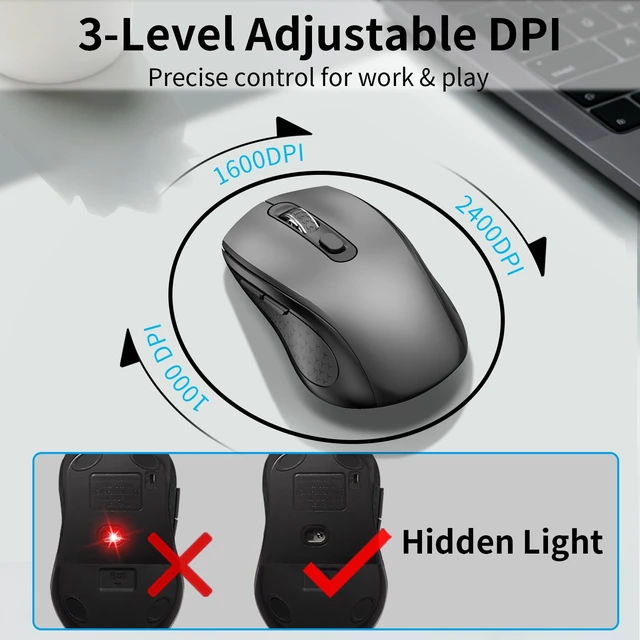
    • Comfortable Mouse with Side Buttons Sweat-resistant, contoured shape fits your palm naturally. Two handy side buttons give you instant forward/backward navigation perfect for browsing documents and web pages without moving the cursor
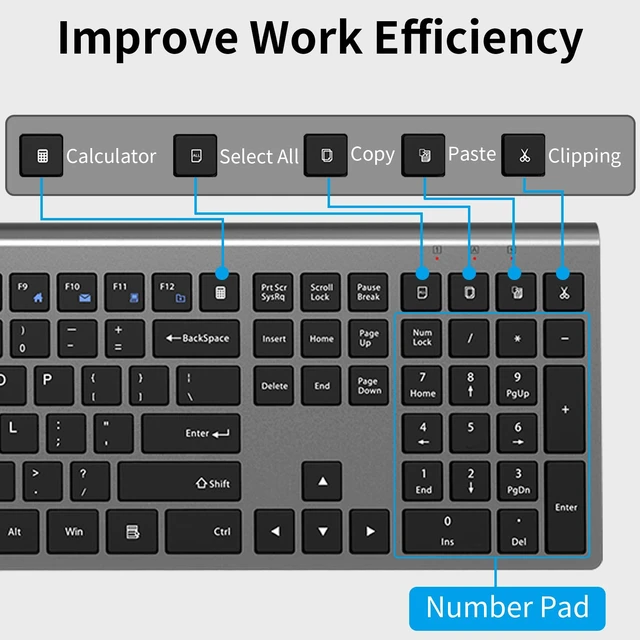
    • Productivity Hotkeys & Number Pad Dedicated numeric keypad for lightning-fast Excel and accounting entries. Plus 18 shortcut keys for email, calculator, volume, and media put your most-used tools one click away and save valuable time every day
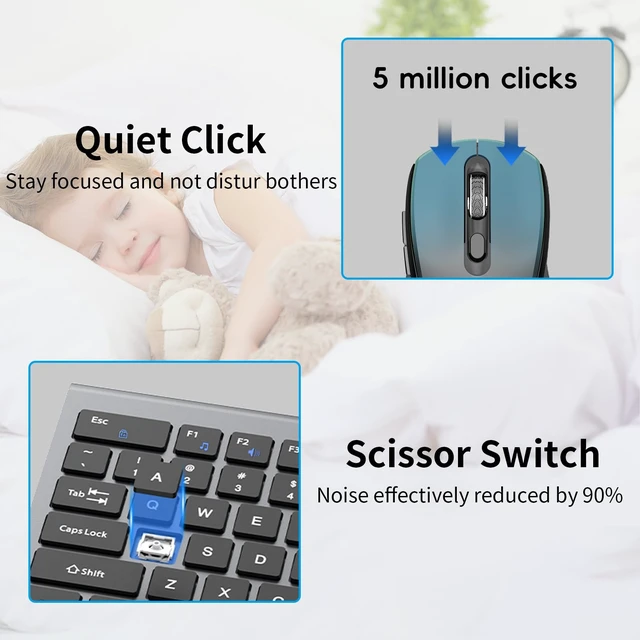
    • Ultra-Quiet Typing & Clicking Scissor-switch keys and silent mouse micro-switches produce minimal noise. Ideal for open-plan offices, libraries, or late-night overtime type and click freely without disturbing coworkers
    • Smart Power Management Auto-sleep mode and manual ON/OFF switch maximize battery life. Low-battery alert keeps you prepared (batteries not included, but you'll never be caught off guard)
    +
    +
    Overview
    Specs
    Reviews

    Any questions? Ask CelesteSM will help you find out quickly.

    What's in the box: 1 * Wireless Keyboard, 1 * Wireless Mouse, 1 * USB Receiver, (NOTE: The USB receiver is stored at the bottom of the mouse). 1 * User Manual. Trouble shooting: 1. Trying moving the keyboard and mouse more closer to USB nano receiver 2. Pull out the USB receiver and plug it firmly to USB port 3. Please Replace the battery if mouse and keyboard become lag or inconsistant connection. The RED power LED will blink every 5s if low battery 4. Plug your nano receiver to some other USB port of your PC or laptop 5. Try to pair the keyboard and mouse with nano receiver again if power led indicatesin RED but no response. Press and hold "Esc & Q" for 3 seconds, the keyboard enters pairing mode. Press and hold the "middle button and right button" of the mouse for 5 seconds, the mouse enters pairing mode.

    Warranty & Returns

    Warranty, Returns, And Additional Information

    Warranty

    • Please contact the Seller directly for warranty information. Warranty information may also be found on the Manufacturer's website.
    • CONTACT

    Return Policies

    Manufacturer Contact Info

    LOADING...