here!
here!
I’m your shopping assistant for PC builds, upgrades, and everything tech.
Got questions? Ask away!
Start a conversation
here!
I’m your shopping assistant for PC builds, upgrades, and everything tech.
Got questions? Ask away!
Start a conversation



Any questions? Ask CelesteSM will help you find out quickly.
What makes this keyboard different from other ergonomic keyboard?
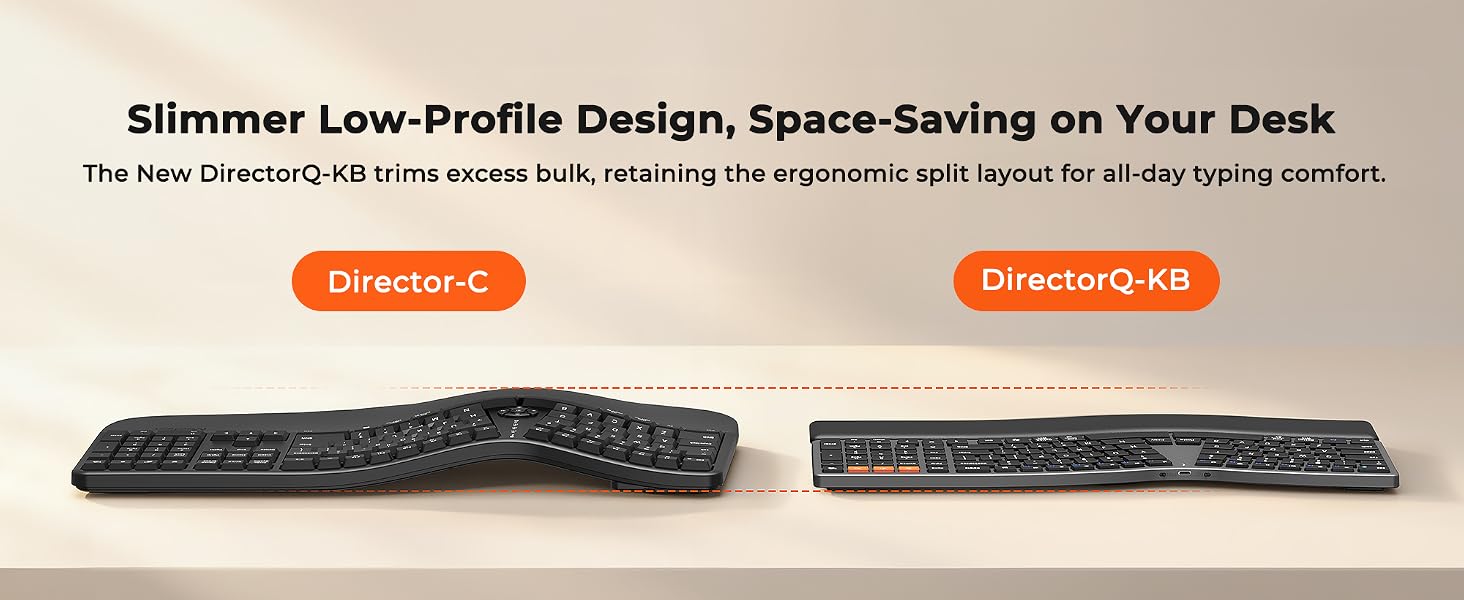
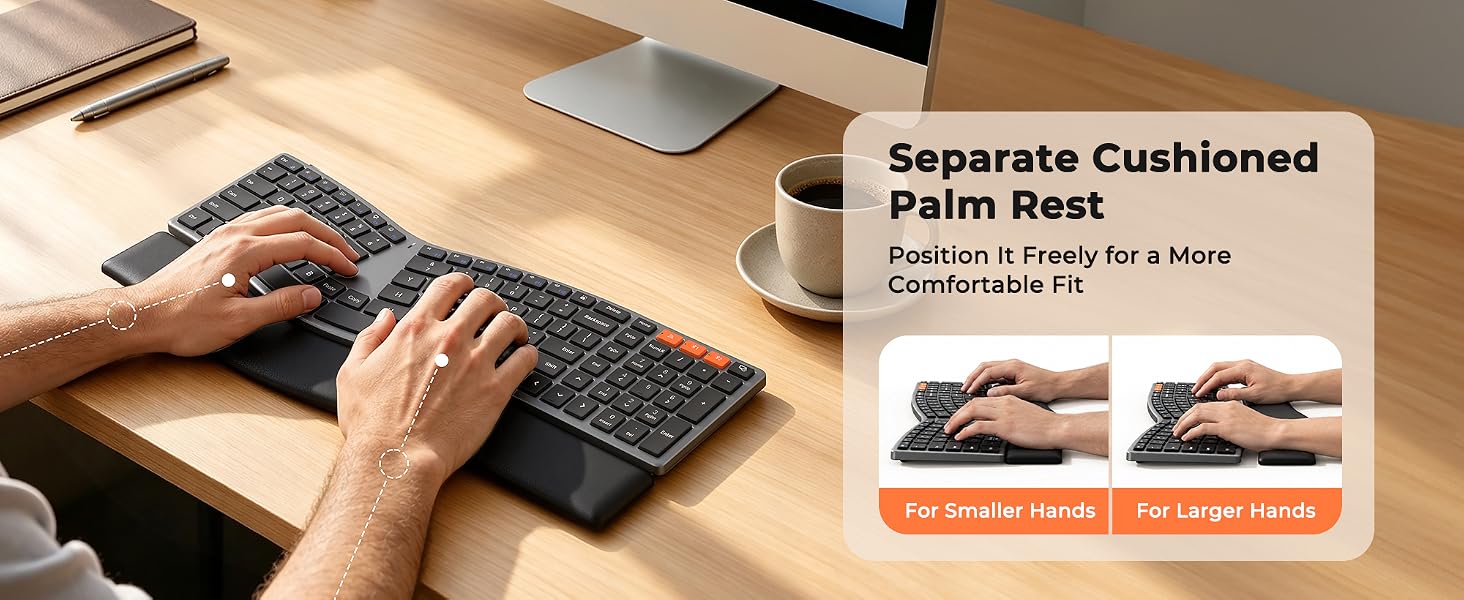
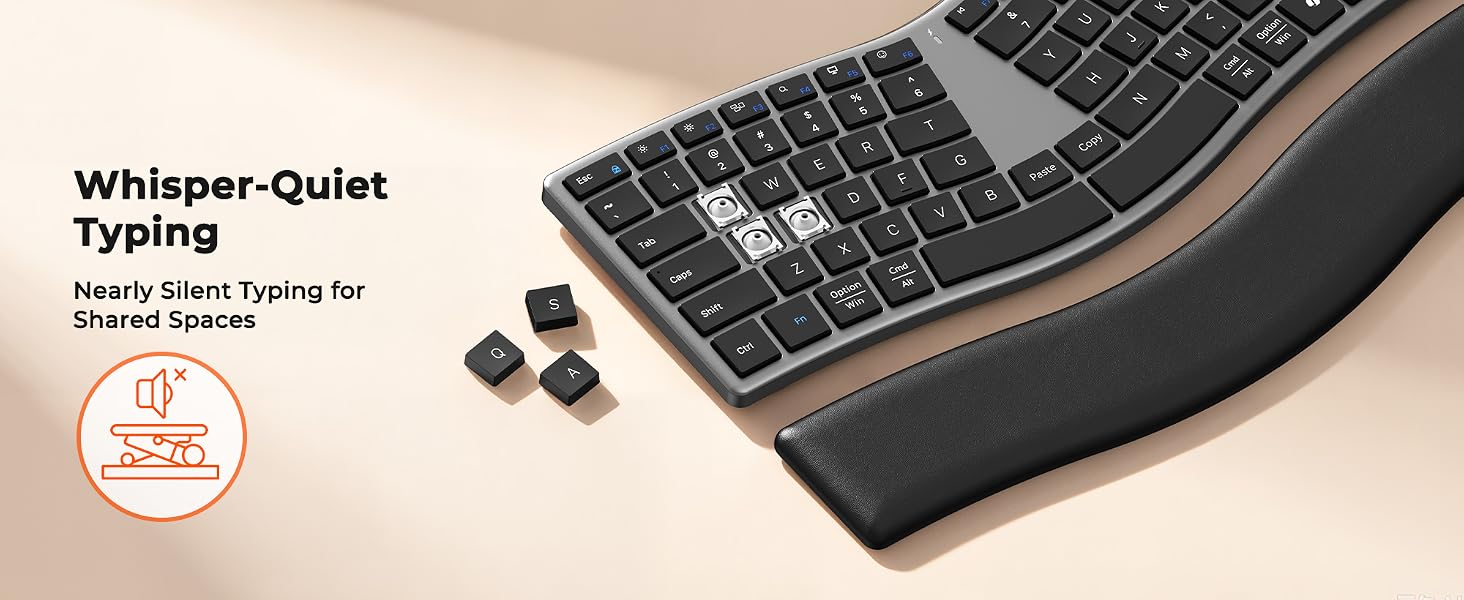
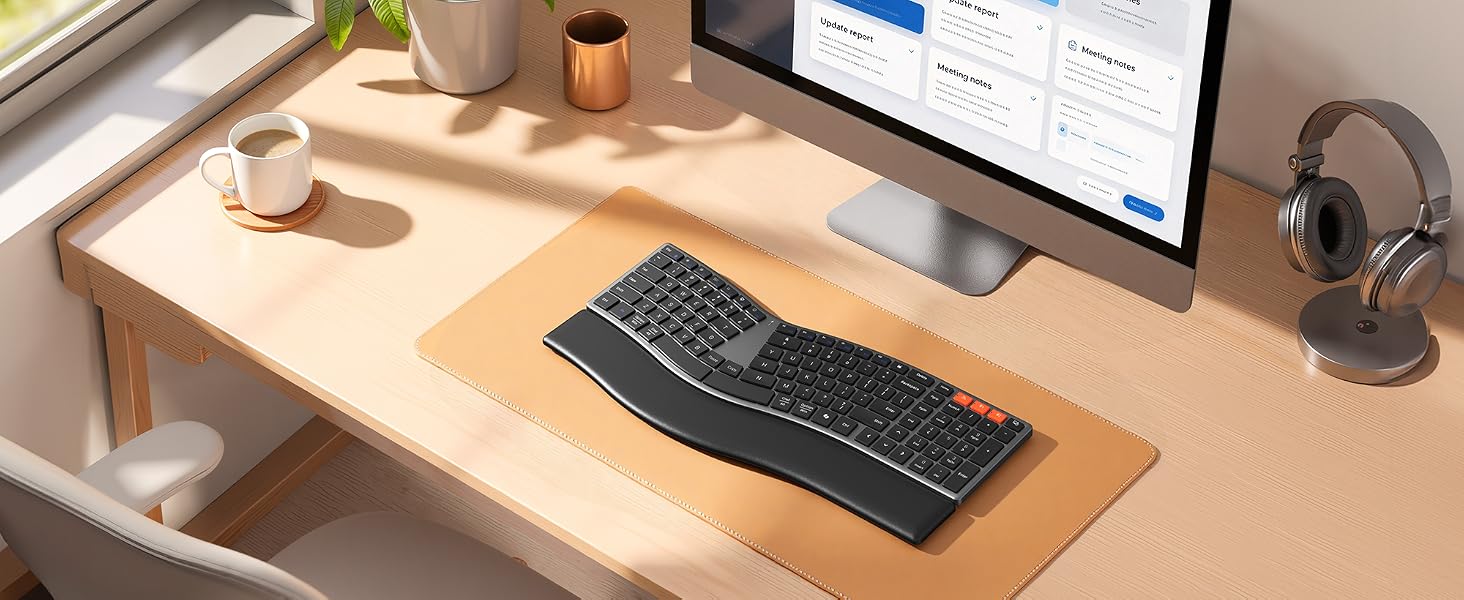
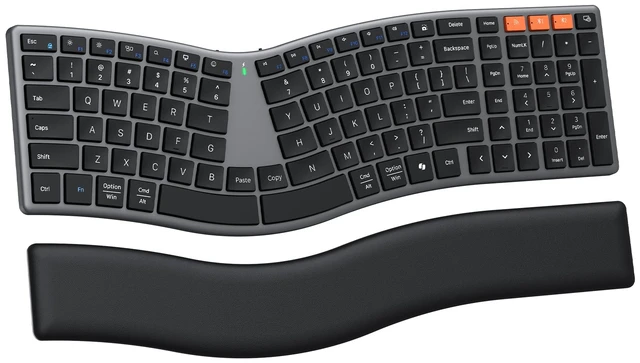
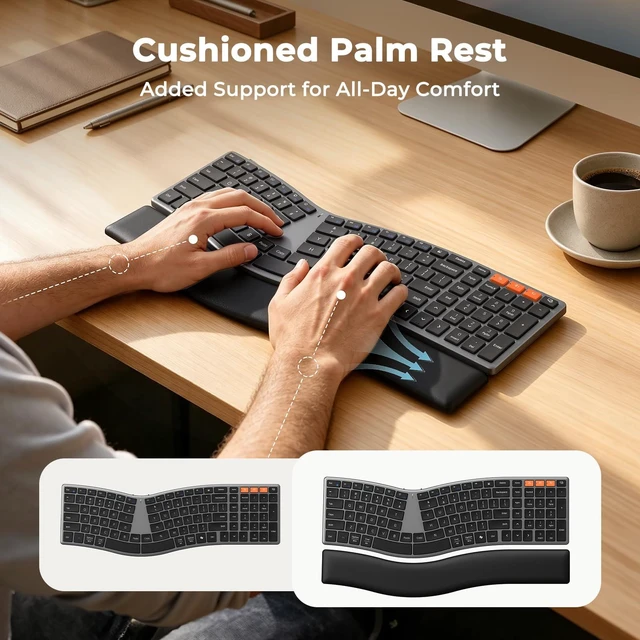
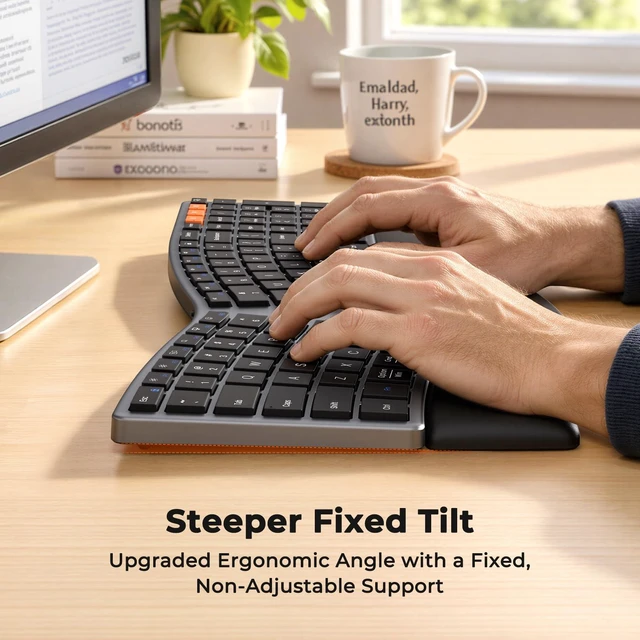
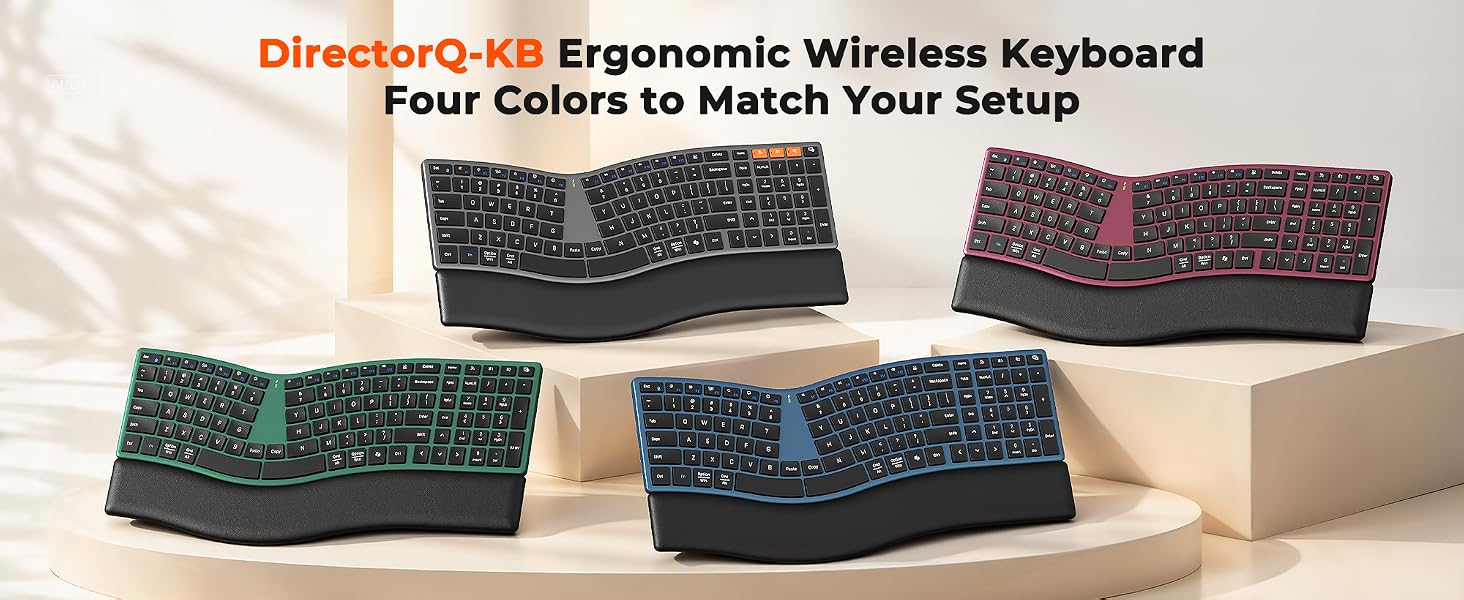
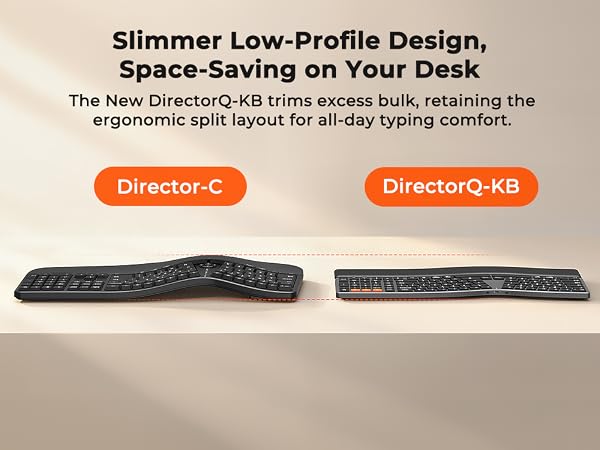
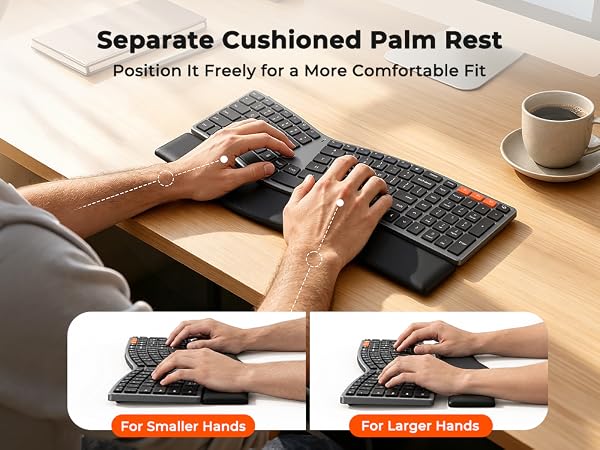
Most ergonomic keyboards are bulky and desk-hungry. The DirectorQ-KB breaks that mold. It's slim, elegant, and full-size — delivering professional-grade ergonomics in a beautifully refined form. No hand rest. No excess. Just pure function and form.
Will it take time to get used to the split design?
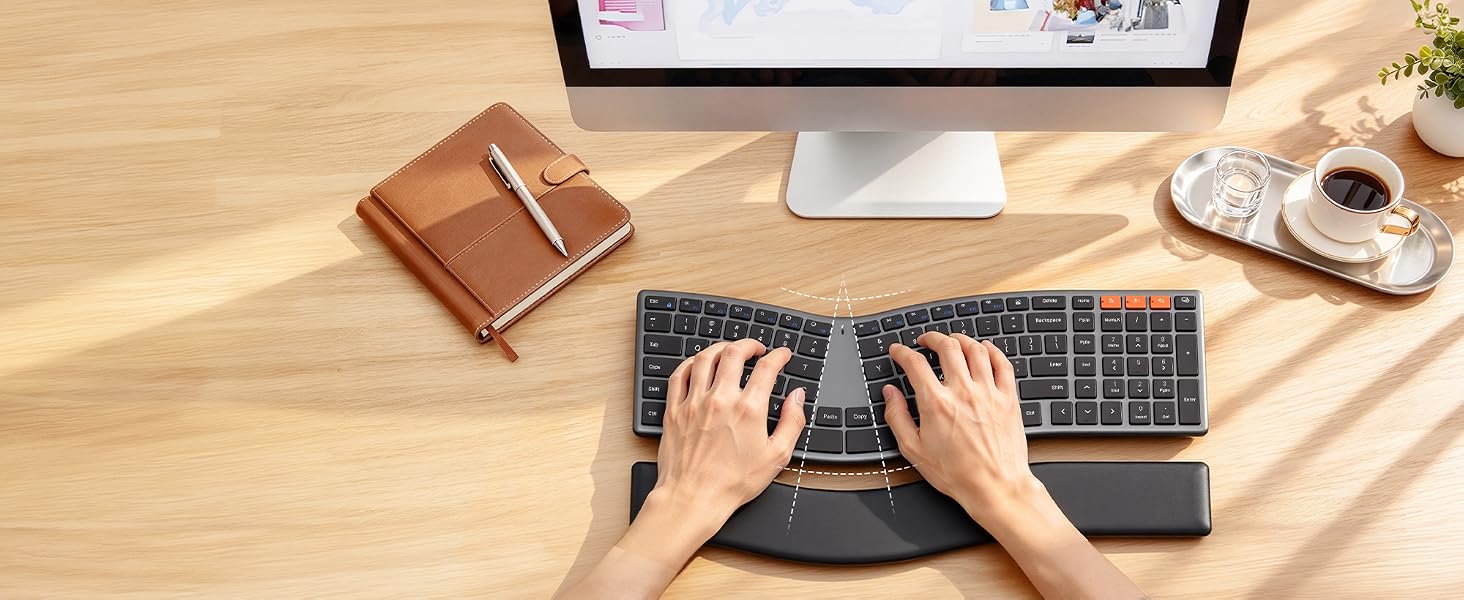
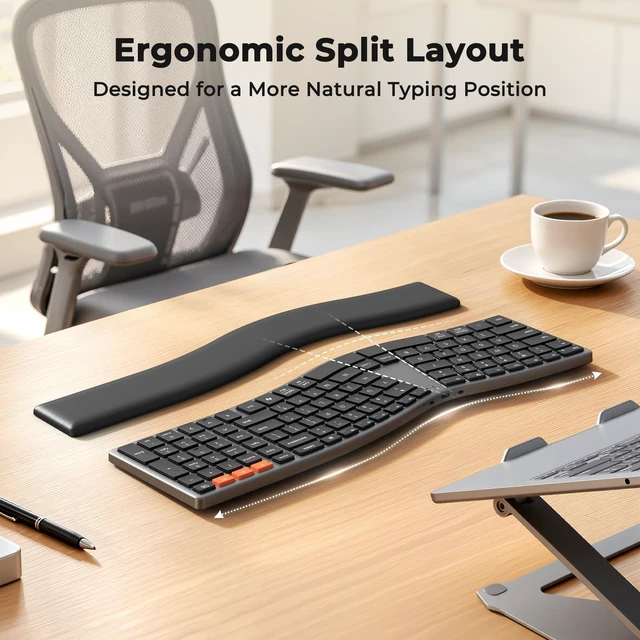
Yes, any ergonomic shift requires a short adjustment period — but ours is designed to feel natural faster. The gentle S-curve follows your hands' resting posture, so most users adapt within days, not weeks. It's ergonomic made intuitive.
My keyboard isn't connecting via Bluetooth. What should I do?
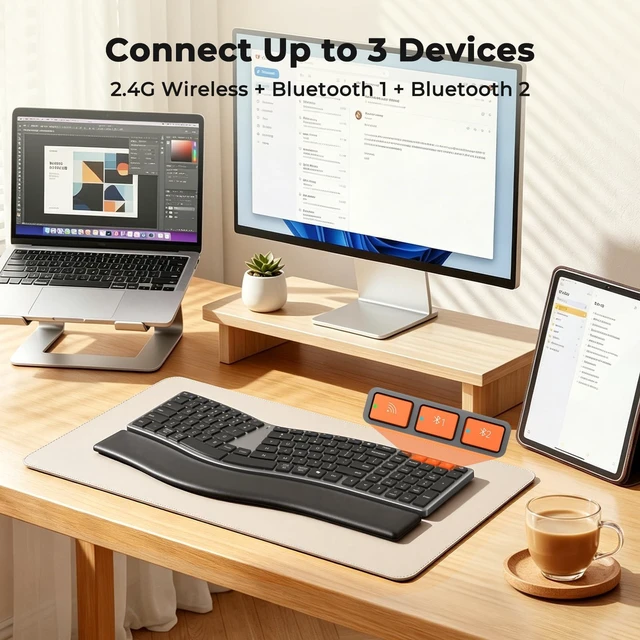
Make sure the keyboard is discoverable. Press and hold the Bluetooth channel button for 5+ seconds until the indicator flashes rapidly — this means it's in pairing mode. Then select "MEETON Director-Q" on your device to complete connection.
How do I charge the keyboard? How long does the battery last?
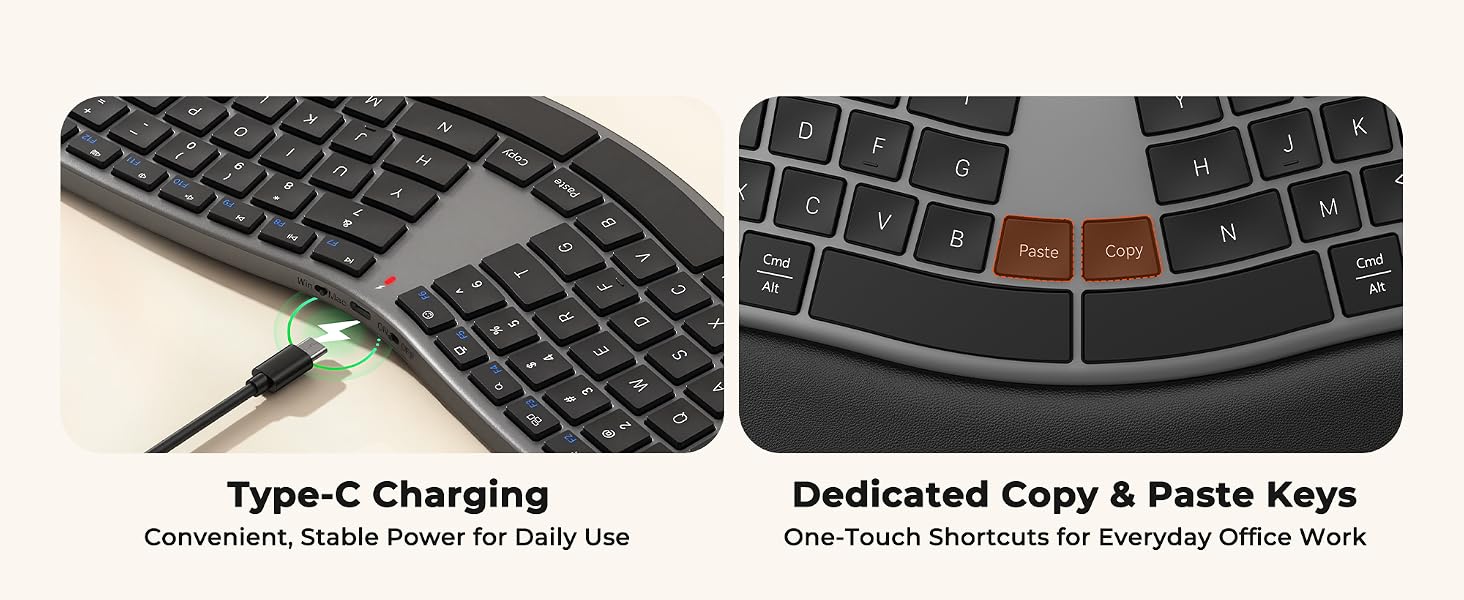
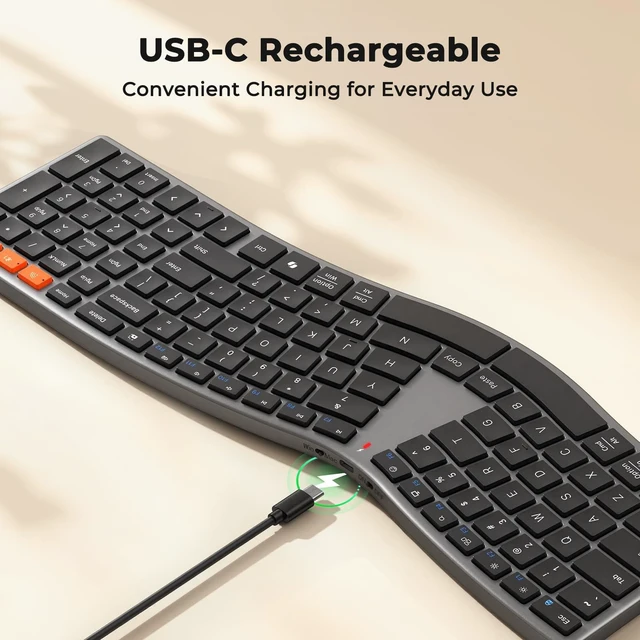
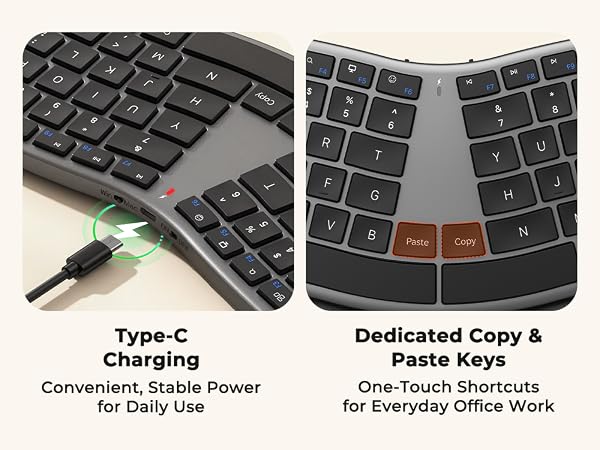
The MEETON DirectorQ-KB features USB-C charging — fast, convenient, and universal. A single full charge gives you weeks of use under typical workloads. No constant battery swaps, no downtime.
What if I have issues or questions after purchase?
We're here to help. Reach out to our support team anytime — Your comfort is our priority, even after the sale.
 DirectorQ-KB | 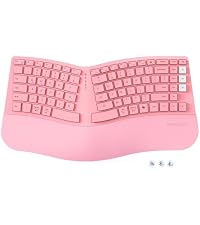 Director-H | 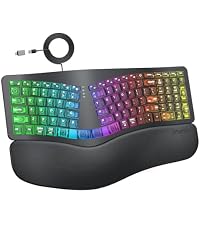 K2000 | 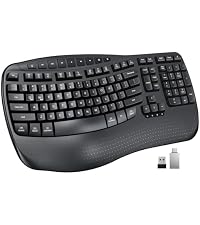 DirectorD-KB | |
|---|---|---|---|---|
Customer Reviews | — | — | — | — |
Price | — | — | — | — |
RGB | ? | ? | ? | ? |
Number of Keys | 108 | 90 | 101 | 113 |
Layout | Slim Split Design | Curved Split Design | Curved Split Design | Wave Keys |
Connectivity | Bluetooth+2.4G | Bluetooth+2.4G | Wired | 2.4G |
Battery | Rechargeable | 2*AAA Battery | No Battery | 2*AA Battery |
Key Layout | Compact with Numpad | Compact without Numpad | Compact with Numpad | Full-Size with Numpad |
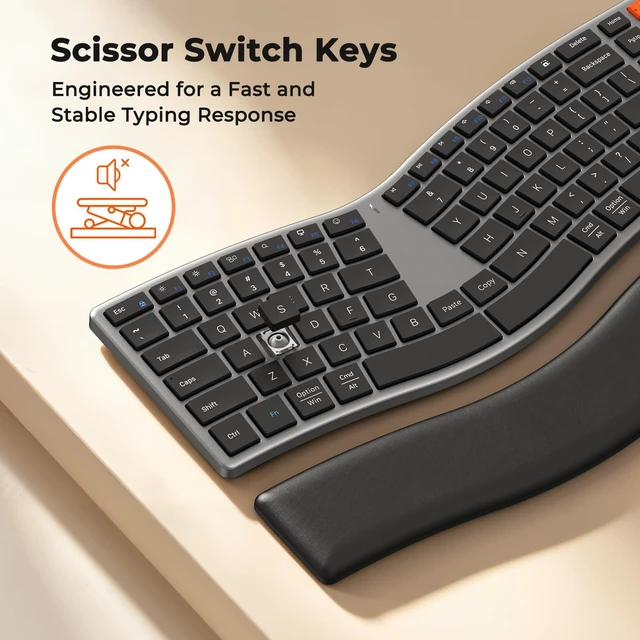
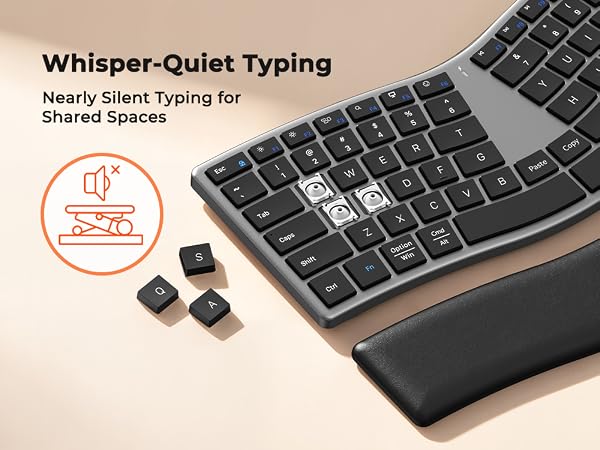
Key Structure | Scissor Switch | Scissor Switch | Scissor Switch | Rubber Dome |
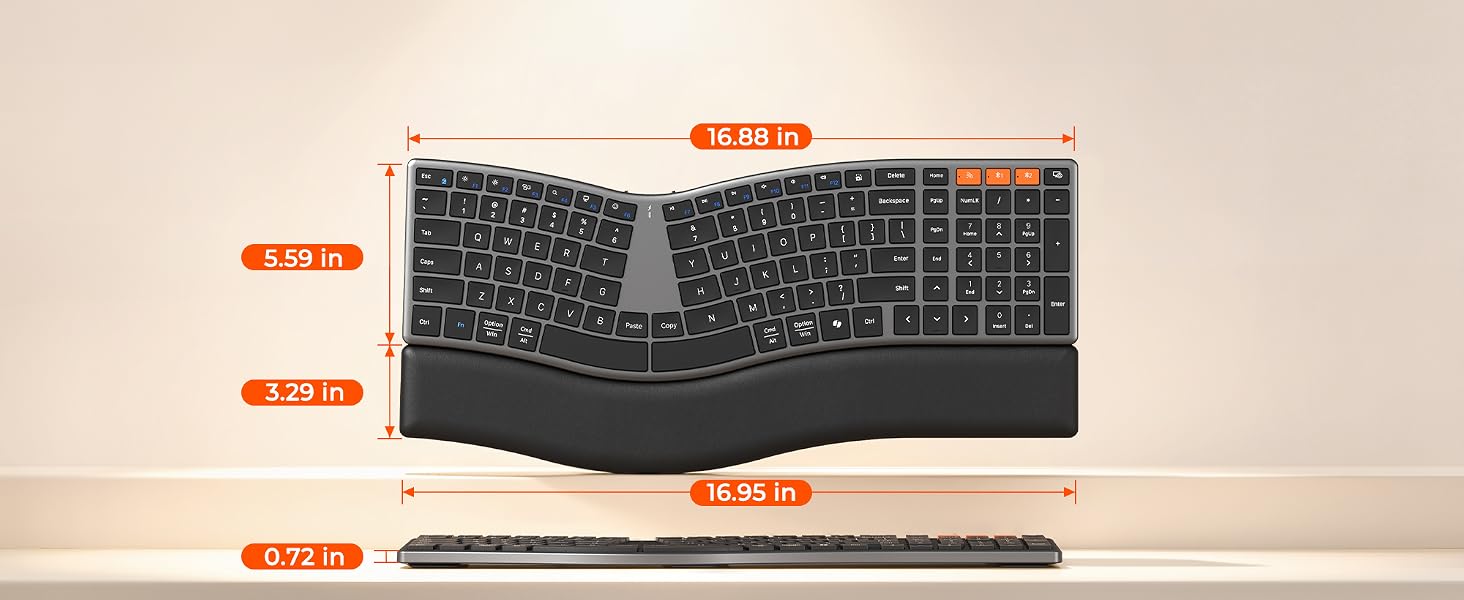
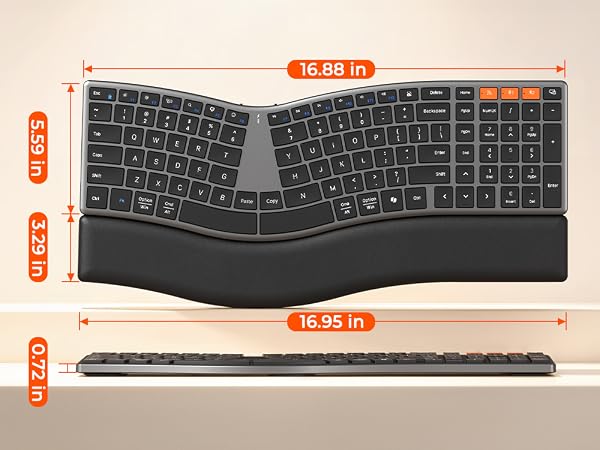
Keyboard Dimensions | 16.9*5.6*0.72 inch | 15.87*8.6*2.84 inch | 17.5*8.3*1.3 inch | 17.39*9.43*1.81 inch |
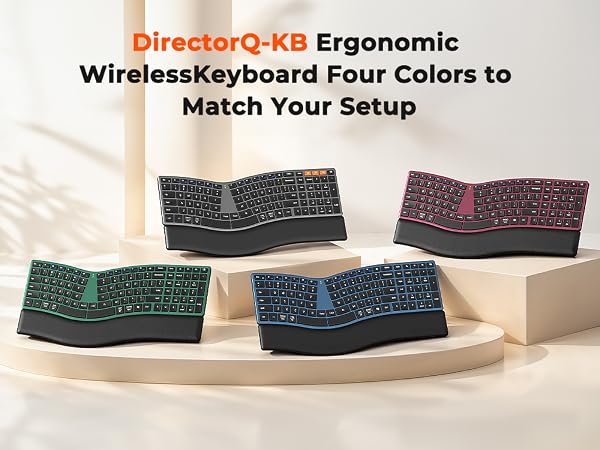
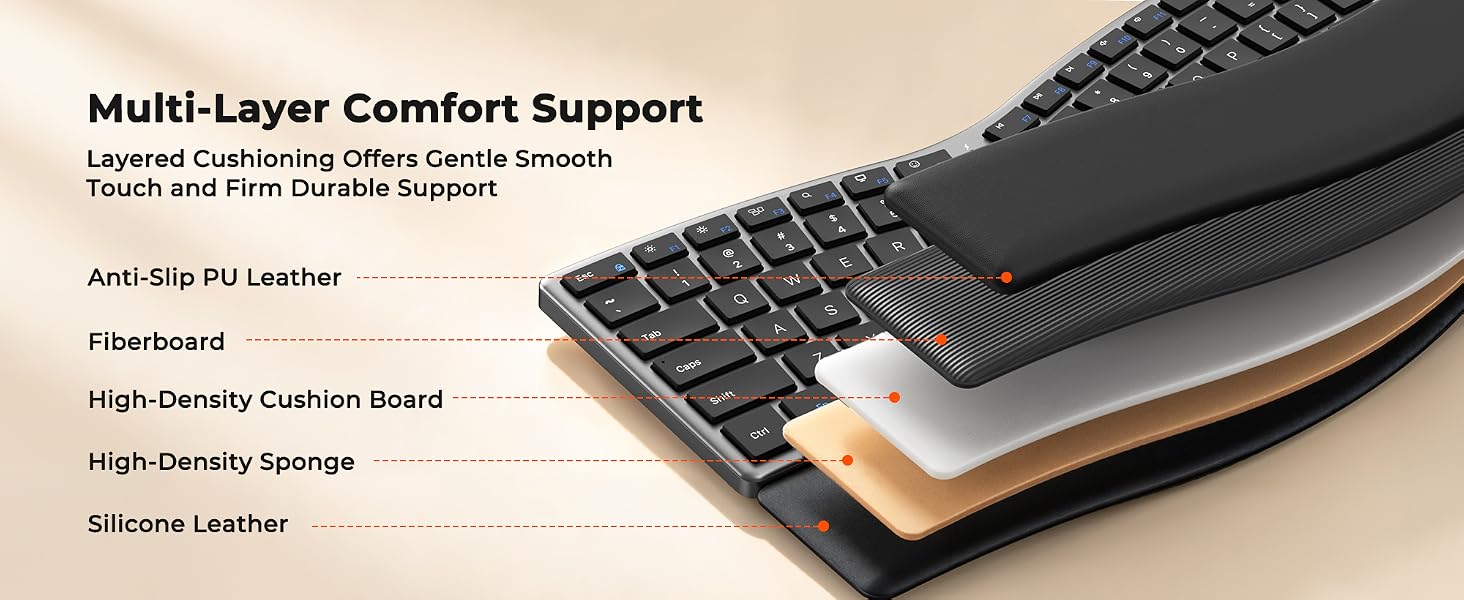
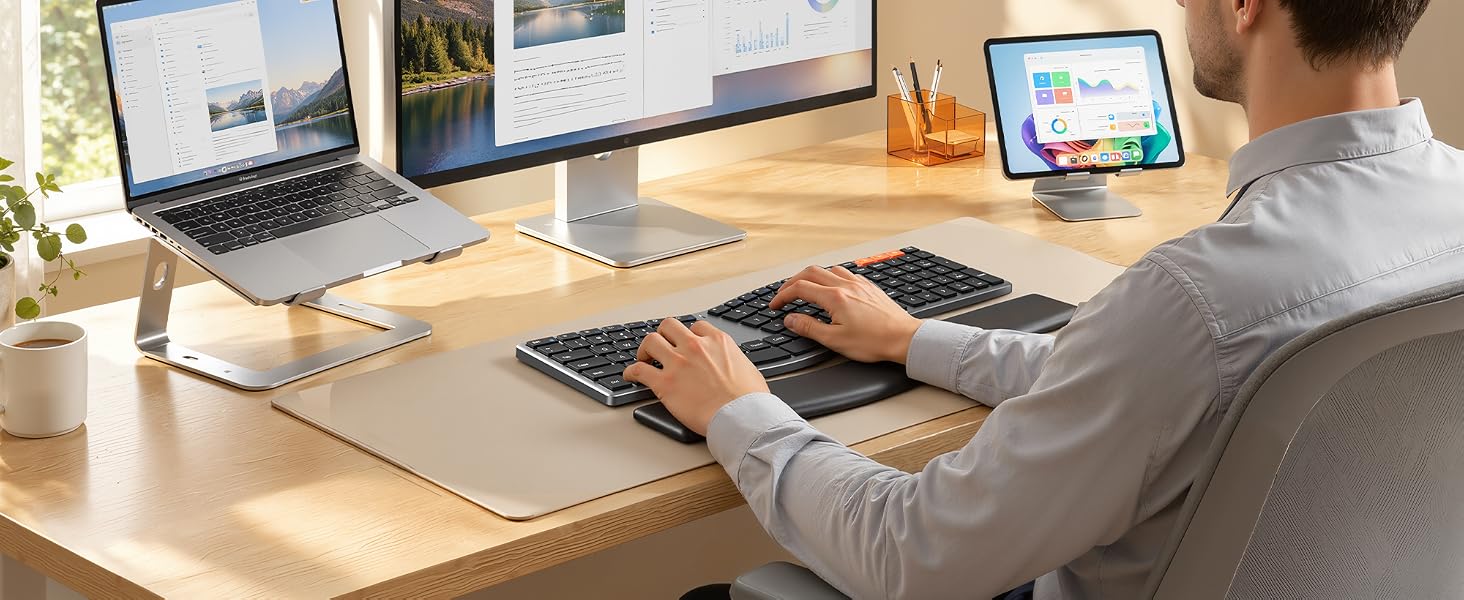
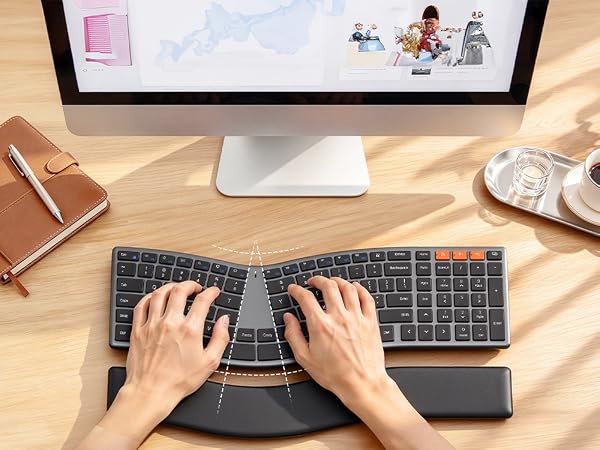
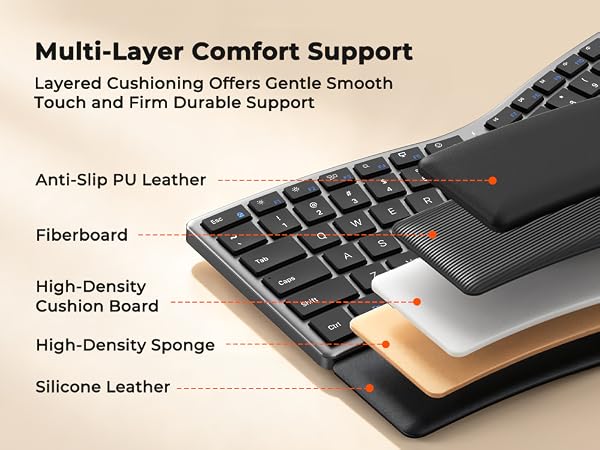
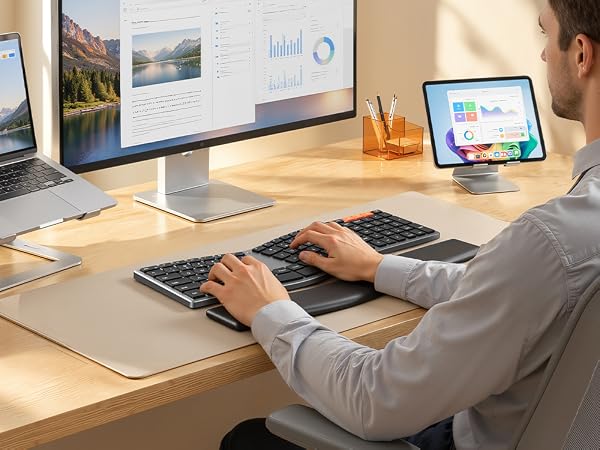
Designed to promote a more natural typing posture and help reduce wrist and shoulder strain.
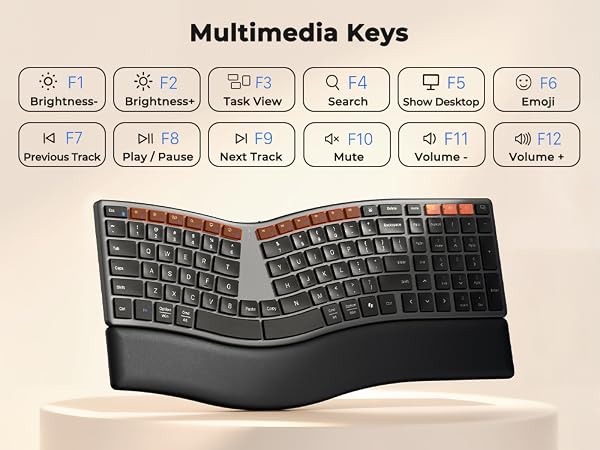
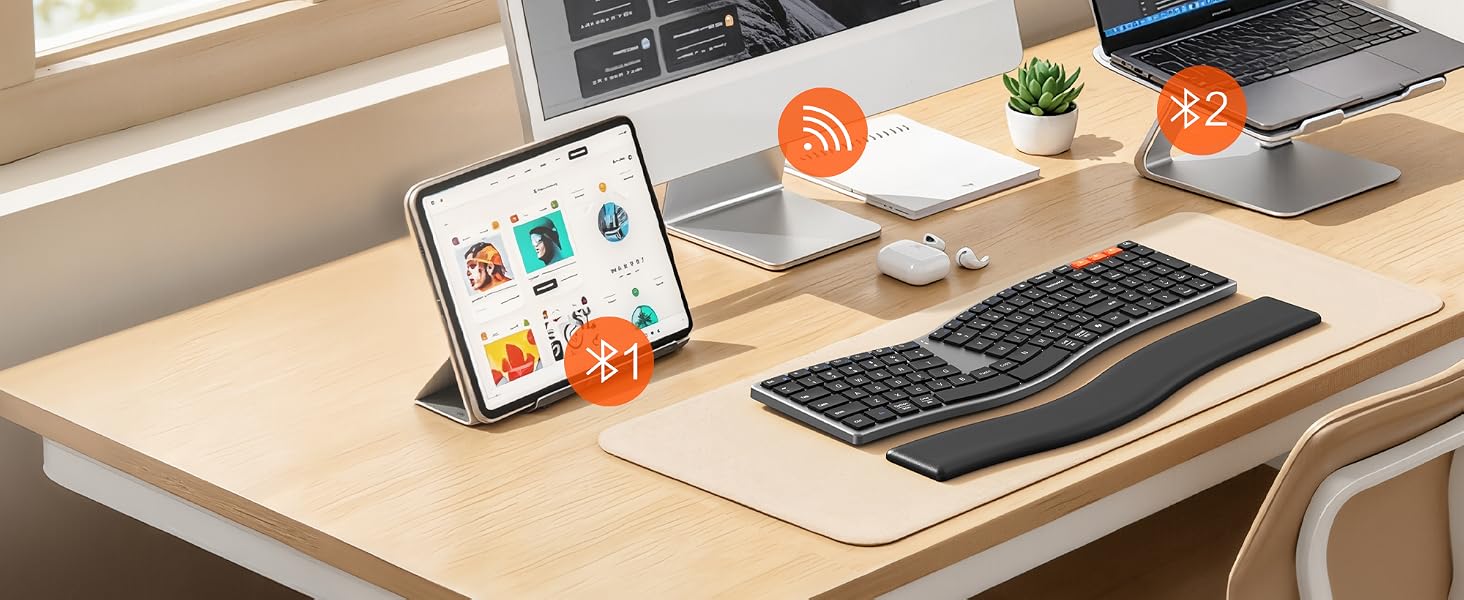
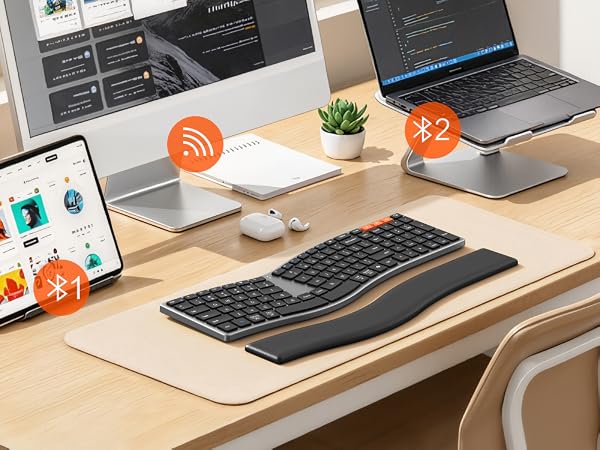
Stay connected across multiple devices and switch between them quickly with one tap.
What makes this keyboard different from other ergonomic keyboard?
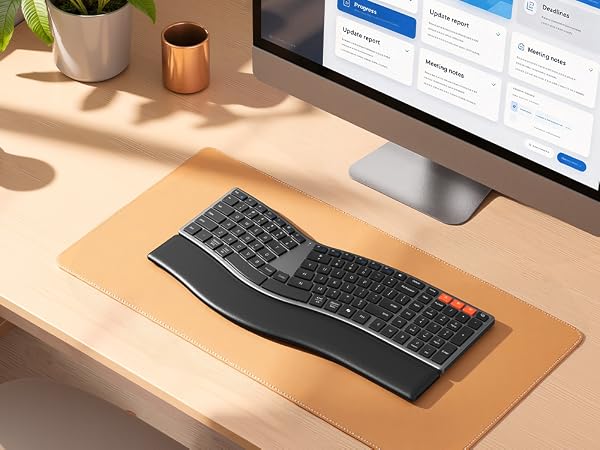
Most ergonomic keyboards are bulky and desk-hungry. The DirectorQ-KB breaks that mold. It's slim, elegant, and full-size — delivering professional-grade ergonomics in a beautifully refined form. No hand rest. No excess. Just pure function and form.
Will it take time to get used to the split design?
Yes, any ergonomic shift requires a short adjustment period — but ours is designed to feel natural faster. The gentle S-curve follows your hands' resting posture, so most users adapt within days, not weeks. It's ergonomic made intuitive.
My keyboard isn't connecting via Bluetooth. What should I do?
Make sure the keyboard is discoverable. Press and hold the Bluetooth channel button for 5+ seconds until the indicator flashes rapidly — this means it's in pairing mode. Then select "MEETON Director-Q" on your device to complete connection.
How do I charge the keyboard? How long does the battery last?
The MEETON DirectorQ-KB features USB-C charging — fast, convenient, and universal. A single full charge gives you weeks of use under typical workloads. No constant battery swaps, no downtime.
What if I have issues or questions after purchase?
We're here to help. Reach out to our support team anytime — Your comfort is our priority, even after the sale.
DirectorQ-KB | Director-H | K2000 | DirectorD-KB |
|---|---|---|---|
| Customer Reviews | |||
| — | — | — | — |
| Price | |||
| — | — | — | — |
| RGB | |||
| ? | ? | ? | ? |
| Number of Keys | |||
| 108 | 90 | 101 | 113 |
| Layout | |||
| Slim Split Design | Curved Split Design | Curved Split Design | Wave Keys |
| Connectivity | |||
| Bluetooth+2.4G | Bluetooth+2.4G | Wired | 2.4G |
| Battery | |||
| Rechargeable | 2*AAA Battery | No Battery | 2*AA Battery |
| Key Layout | |||
| Compact with Numpad | Compact without Numpad | Compact with Numpad | Full-Size with Numpad |
| Key Structure | |||
| Scissor Switch | Scissor Switch | Scissor Switch | Rubber Dome |
| Keyboard Dimensions | |||
| 16.9*5.6*0.72 inch | 15.87*8.6*2.84 inch | 17.5*8.3*1.3 inch | 17.39*9.43*1.81 inch |