




 here!
I’m your shopping assistant for PC builds, upgrades, and everything tech.
Got questions? Ask away!
Start a conversation
here!
I’m your shopping assistant for PC builds, upgrades, and everything tech.
Got questions? Ask away!
Start a conversation
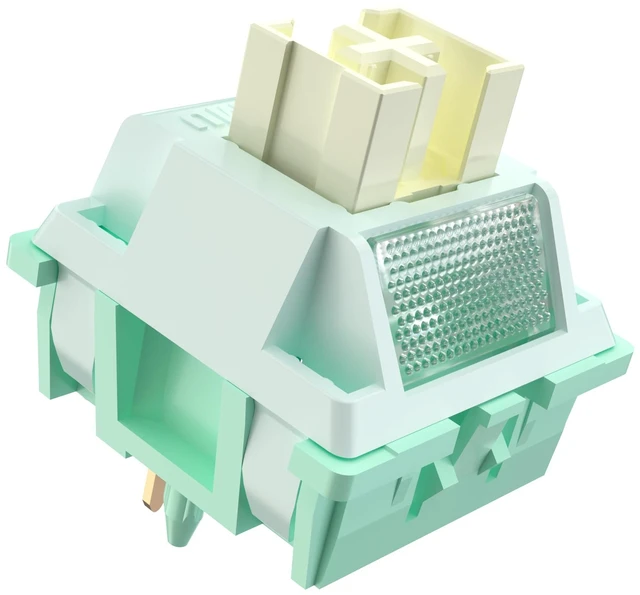



Any questions? Ask CelesteSM will help you find out quickly.

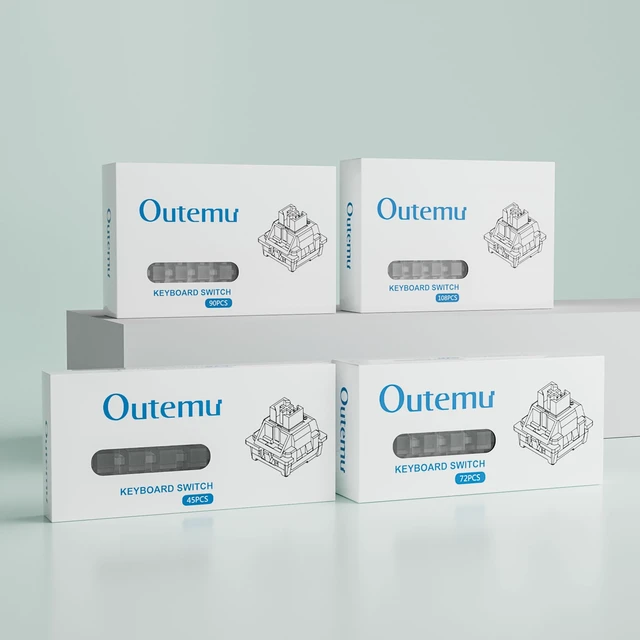
Lubrication Instructions: OUTEMU keyboard switches are pre-lubricated at the factory to improve pressing smoothness and extend mechanical life, thereby enhancing the typing experience. Regular lubrication is necessary for long-term use; manual lubrication is recommended.


Remove the keycaps with a keycap puller.Remove the old switch with the switch puller.

Remove the old switch with the switch puller.

Place the new switch on the right position.

Gently press new switches into PCB.
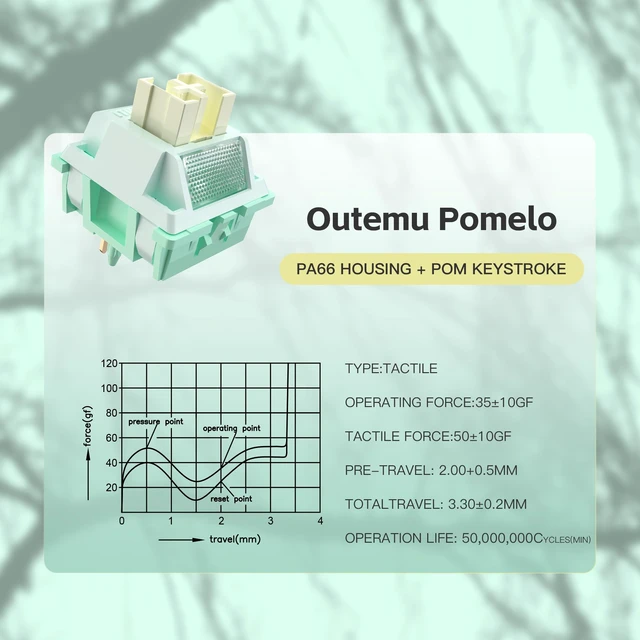
Do these have a tactile bump? Are they really silent without the clicky noise?
Yes! They feature a distinct tactile bump for feedback but use internal silicone dampeners to mute the bottom-out and upstroke. Enjoy the mechanical feel without the loud noise.
Are these quiet enough for typing in an open office or while streaming?
Absolutely. The dampened sound profile makes them the ultimate choice for shared spaces or microphones. You get satisfying tactile confirmation without disturbing anyone around you.
Can I use these for 3D printed custom fidget clickers or macro pads?
Yes! They fit standard MX cutouts. The quiet tactile bump offers a satisfying, discreet sensory experience, making them ideal for stealthy fidget toys used in classrooms or meetings.
Do these switches allow RGB light to shine through my keyboard?
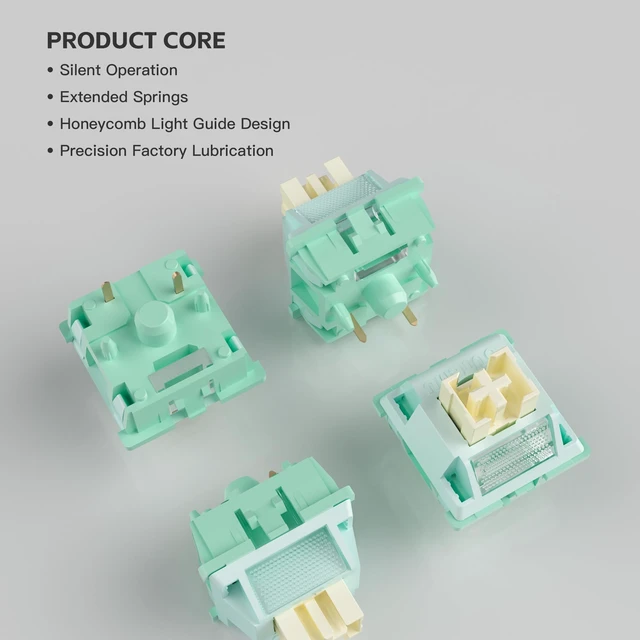
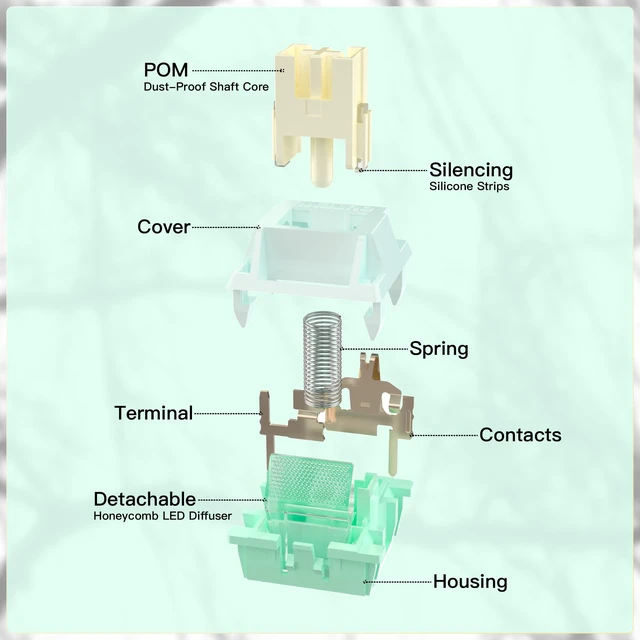
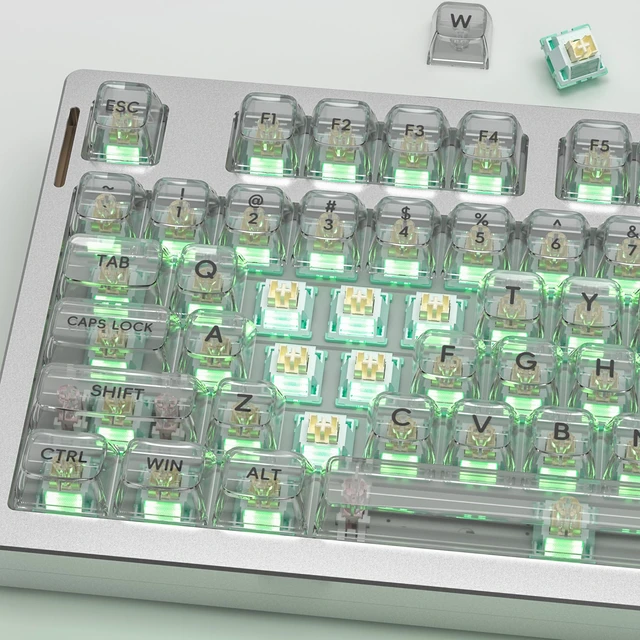
Yes! They feature a detachable light guide column that brilliantly enhances SMD RGB backlighting. If it interferes with your specific custom keycaps, simply remove it for a perfect fit.
Do I need to lube these tactile silent switches myself before installing?
No, they come lightly factory-lubed to eliminate scratchiness. The lube is carefully applied to retain the sharp tactile bump while ensuring a buttery smooth and completely silent operation.



We specialize in the research,development, and manufacturing of the mechanical keyboard ecosystem,with the goal of "making the world use Zhouwang switches and fall in love with Made in China." Zhouwang is committed to redefining the typing experience through technological innovation.With "smooth,stable,and precise" as our core standards,we create high-performance products that cover a wide range of scenarios.Your satisfaction is our driving force
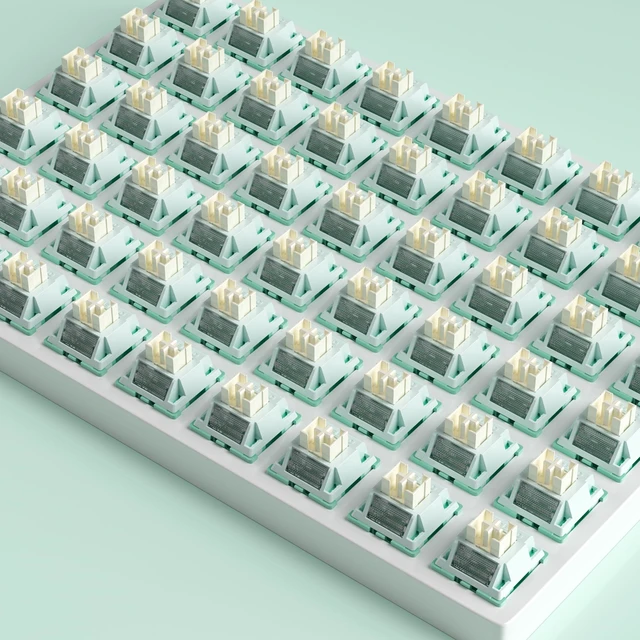
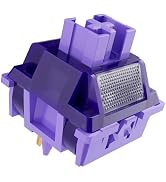
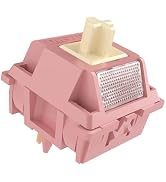
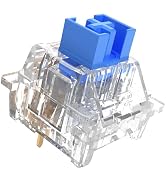
The switch is precisely lubricated by hand in the factory and is made of highly self-lubricating POM material to ensure smoother operation
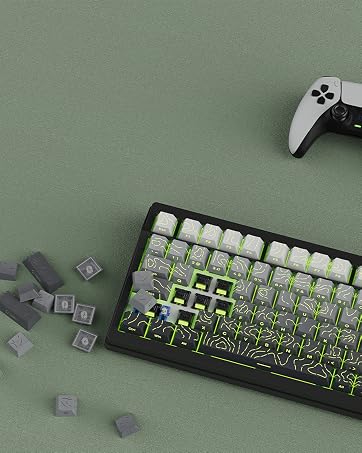
Our keyboard switches are compatible with most hot-swappable keyboards on the market and are ready to use right out of the box
This is a factory-lubricated switch, pre-lubricated and ready to use right out of the box. Advanced users can also perform lubrication to improve the feel.
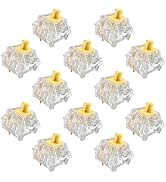
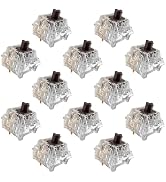
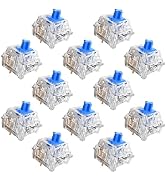
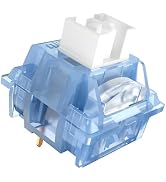
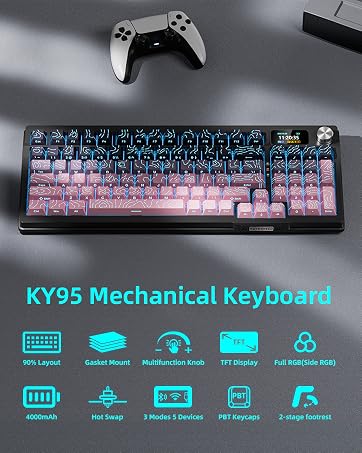
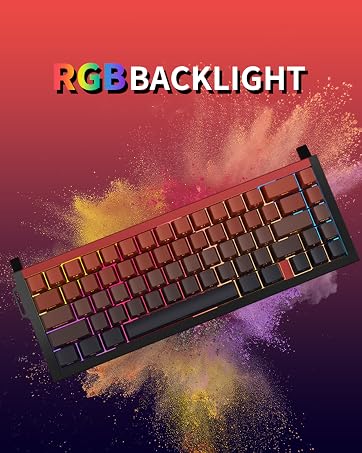
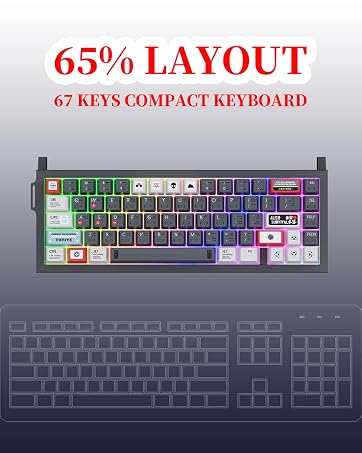
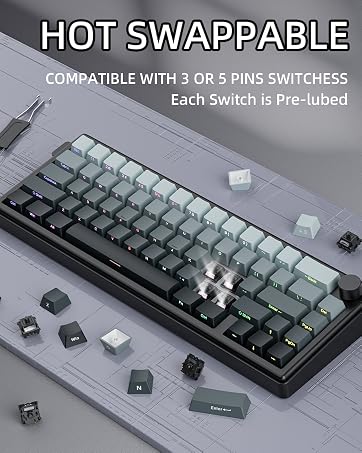
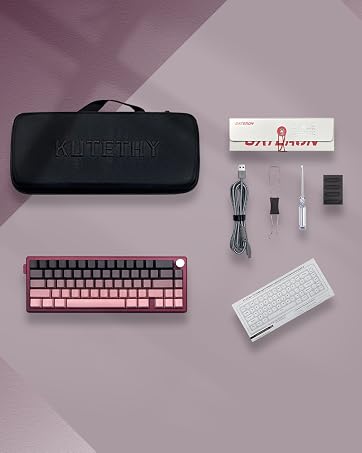
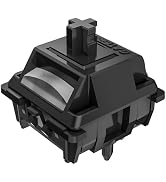
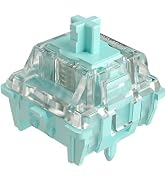
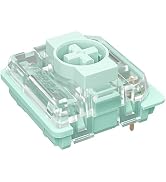
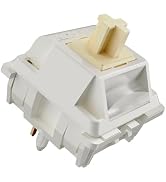

Lubrication Instructions: OUTEMU keyboard switches are pre-lubricated at the factory to improve pressing smoothness and extend mechanical life, thereby enhancing the typing experience. Regular lubrication is necessary for long-term use; manual lubrication is recommended.

Remove the keycaps with a keycap puller.Remove the old switch with the switch puller.
Remove the old switch with the switch puller.
Place the new switch on the right position.
Gently press new switches into PCB.
Do these have a tactile bump? Are they really silent without the clicky noise?
Yes! They feature a distinct tactile bump for feedback but use internal silicone dampeners to mute the bottom-out and upstroke. Enjoy the mechanical feel without the loud noise.
Are these quiet enough for typing in an open office or while streaming?
Absolutely. The dampened sound profile makes them the ultimate choice for shared spaces or microphones. You get satisfying tactile confirmation without disturbing anyone around you.
Can I use these for 3D printed custom fidget clickers or macro pads?
Yes! They fit standard MX cutouts. The quiet tactile bump offers a satisfying, discreet sensory experience, making them ideal for stealthy fidget toys used in classrooms or meetings.
Do these switches allow RGB light to shine through my keyboard?
Yes! They feature a detachable light guide column that brilliantly enhances SMD RGB backlighting. If it interferes with your specific custom keycaps, simply remove it for a perfect fit.
Do I need to lube these tactile silent switches myself before installing?
No, they come lightly factory-lubed to eliminate scratchiness. The lube is carefully applied to retain the sharp tactile bump while ensuring a buttery smooth and completely silent operation.
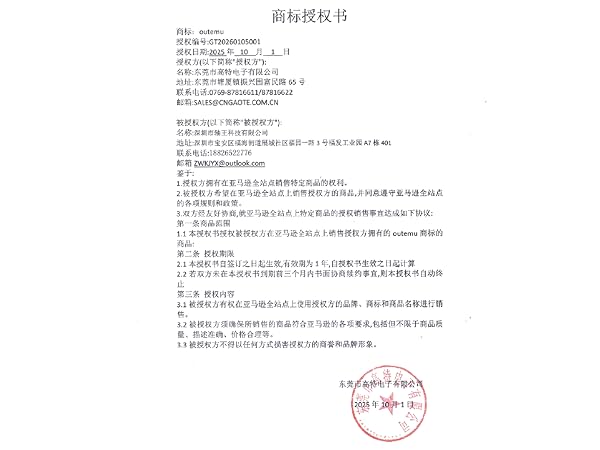



We specialize in the research,development, and manufacturing of the mechanical keyboard ecosystem,with the goal of "making the world use Zhouwang switches and fall in love with Made in China." Zhouwang is committed to redefining the typing experience through technological innovation.With "smooth,stable,and precise" as our core standards,we create high-performance products that cover a wide range of scenarios.Your satisfaction is our driving force
The switch is precisely lubricated by hand in the factory and is made of highly self-lubricating POM material to ensure smoother operation
Our keyboard switches are compatible with most hot-swappable keyboards on the market and are ready to use right out of the box
This is a factory-lubricated switch, pre-lubricated and ready to use right out of the box. Advanced users can also perform lubrication to improve the feel.


