• $86.06
  • Free 30-day Returns
  • Price alert
    Shop it at NeweggBusiness.

    Meet Your Seller

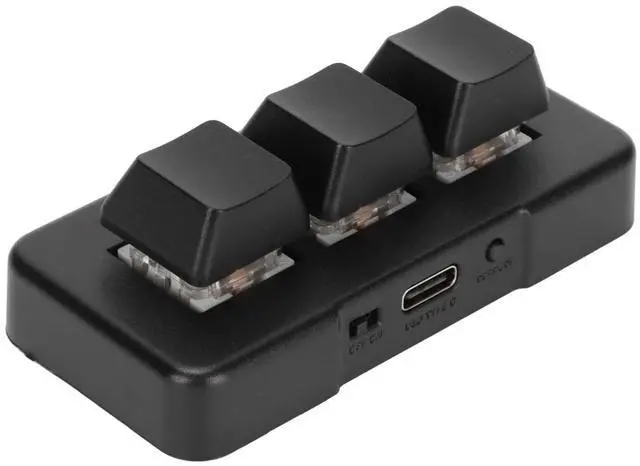
    Yunseity 3 Keys Programmable Keypad, Bluetooth Mini USB Keypad with RGB Backlight, DIY Gaming Mechanical Keyboard with Ergonomic Design for Games Multimedia

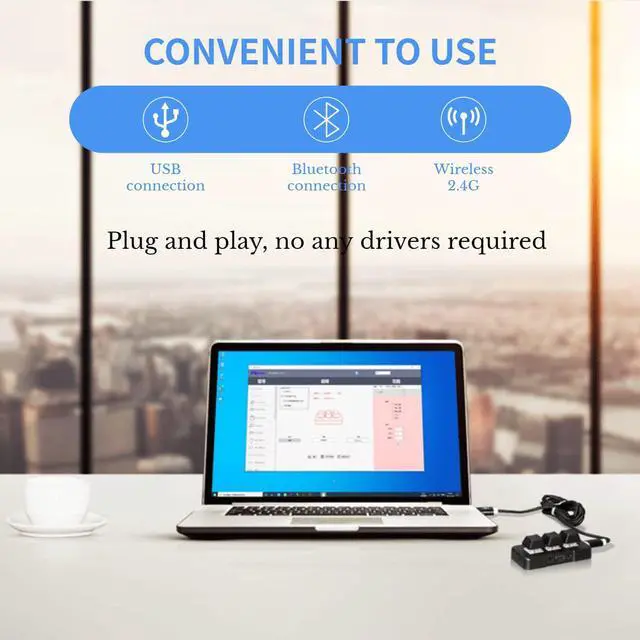
    • 3 CONNECTION METHODS: DIY programmable keyboard supports wired USB connection, 2.4G connection and Bluetooth connection, which can get rid of the shackles of cables and meet your different needs.
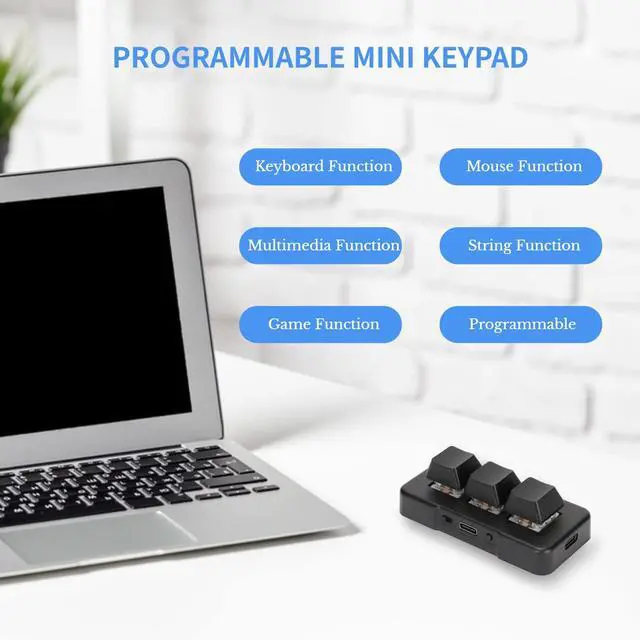
    • DIY KEYPAD: The 3-key programmable keypad supports keyboard function, function, multimedia function, string function, game function and macro definition function, which makes you set the key functions by yourself.
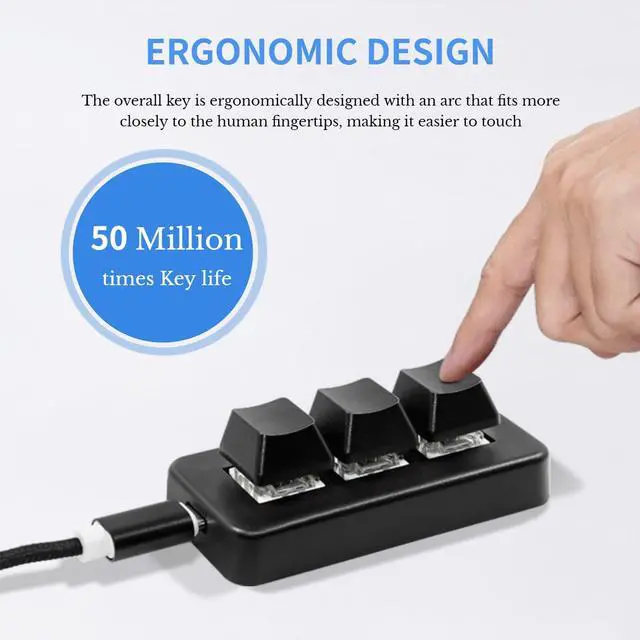
    • ERGONOMIC : The shape of the is designed in line with ergonomic principles, and the curved of the is more suitable for the human finger pulp, making itself easy and comfortable to touch.
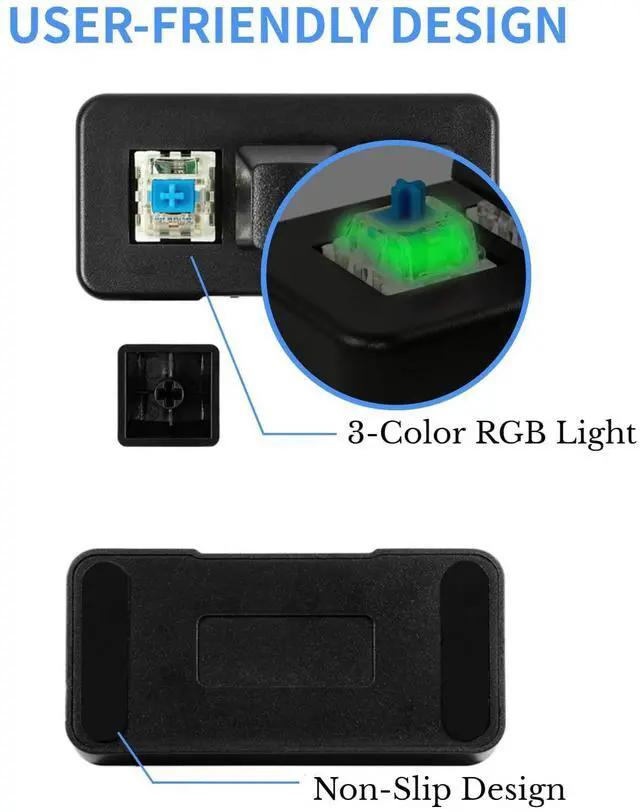
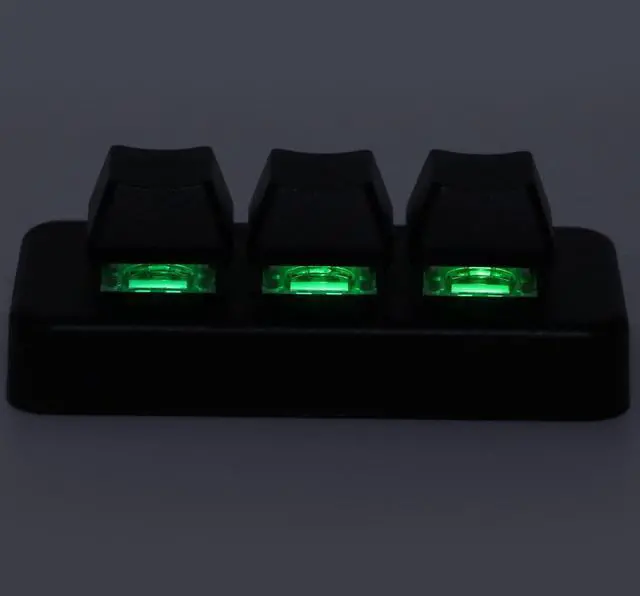
    • USER-FRIENDLY DESIGN: This universal mini keypad is equipped with 3 colors RGB backlight and nonslip base, enhancing the gaming experience and providing the safer use.
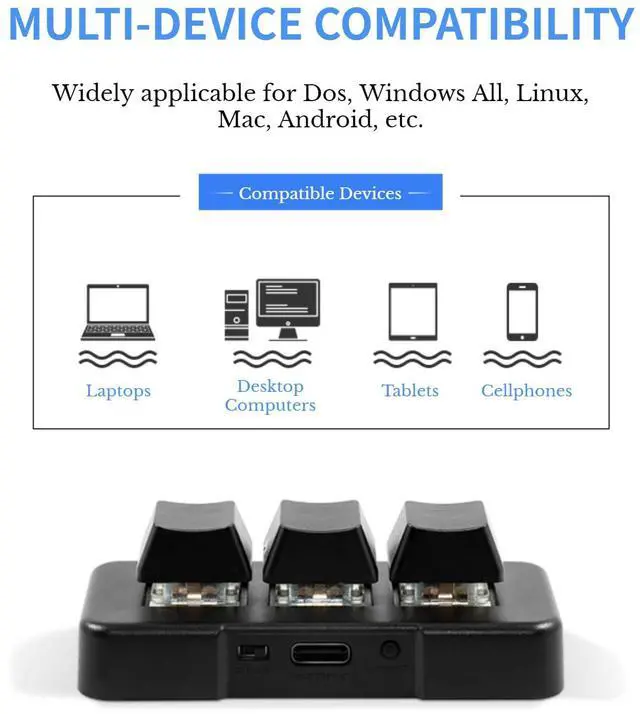
    • WIDE COMPATIBILITY: After the software is set based on the key definition under for mini USB keypad can be used in for Dos, for All, for Linux, for OS, for Android and other systems.
    +
    +
    Overview
    Specs
    Reviews

    Any questions? Ask CelesteSM will help you find out quickly.

    Specification:

    Item Type: 3 Keys Keyboard

    Material: ABS

    Lighting Effect: Color Backlight

    Connection: Wired USB, 2.4g, Bluetooth

    Battery Type: Built in 140mAh Lithium Ion Battery

    Applicable Equipment: Computer Universal

    How to Use:

    Wired USB: Plug and Play

    Bluetooth mode: In Bluetooth mode, press and hold the connect for three seconds to enter the pairing state (the red light flashes slowly). You can use the Bluetooth function such as a computer or mobile phone to search for a device named MK321 Pro, click the name to connect, after the connection is successful The red light of the device will stay on for 2 seconds and then turn off.

    2.4G mode: In 2.4G mode, press and hold the connect for three seconds to enter the pairing state (the green light flashes slowly), then insert the receiver into the computer, and the device and the receiver will be paired automatically. After the pairing is successful, the green light of the device will be constant. On for 2 seconds and then off.

    Package List:

    1 x Keyboard

    1 x Receiver

    1 x Data Cable

    Warranty & Returns

    Warranty, Returns, And Additional Information

    Warranty

    • Please contact the Seller directly for warranty information. Warranty information may also be found on the Manufacturer's website.
    • CONTACT

    Return Policies

    Manufacturer Contact Info

    LOADING...