here!
here!
I’m your shopping assistant for PC builds, upgrades, and everything tech.
Got questions? Ask away!
Start a conversation
here!
I’m your shopping assistant for PC builds, upgrades, and everything tech.
Got questions? Ask away!
Start a conversation



Any questions? Ask CelesteSM will help you find out quickly.


How to restore the keyboard to factory settings?
Press and hold the key combination "FN+ESC" for 3 seconds to restore the keyboard to factory settings.
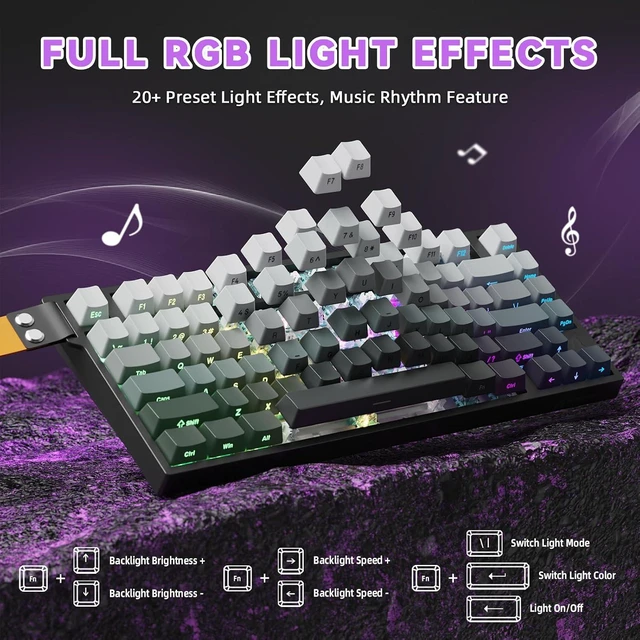
Key combination for adjusting the keyboard light (can also be adjusted in the software)
FN+\|: Switch Light Mode
FN+DEL: Switch Light Color
FN+Backspace: Light On/Off
FN+Tab: All key lights turn white
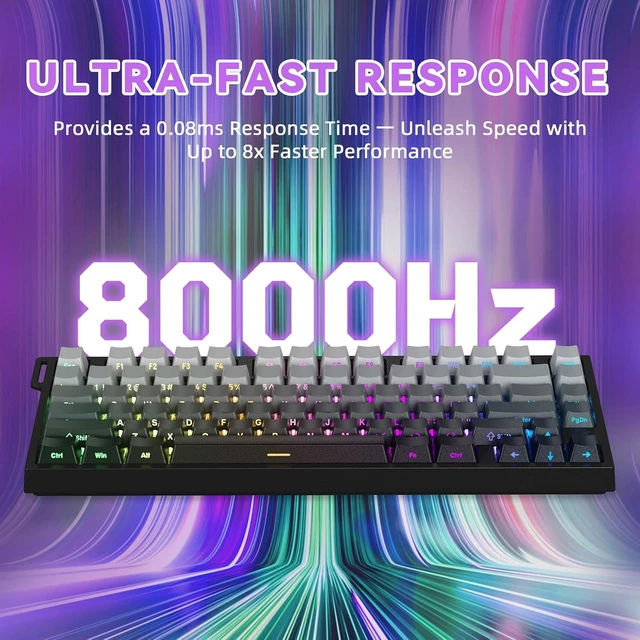
Is the R82 HE automatically on 8k polling or is there somewhere to set it?
By default, the R82 HE uses an 8K polling rate. You can change it in the "Other Settings" menu of the software or web interface.
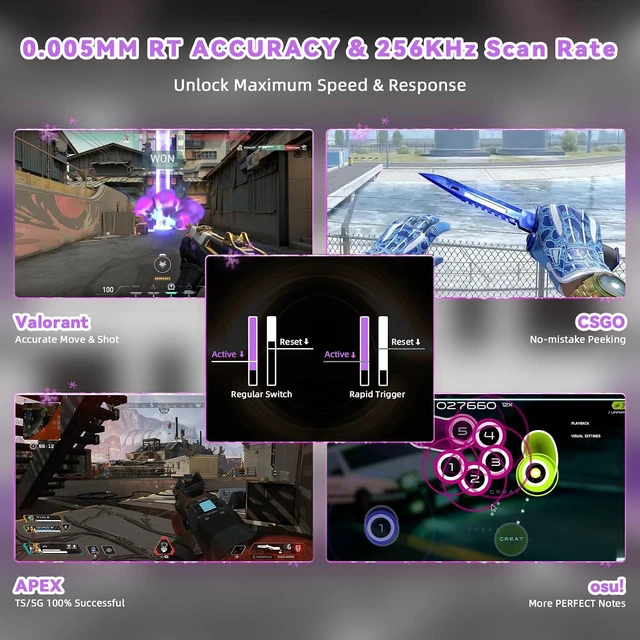
How to Enable the RT (Rapid Trigger) Function on Your Keyboard?
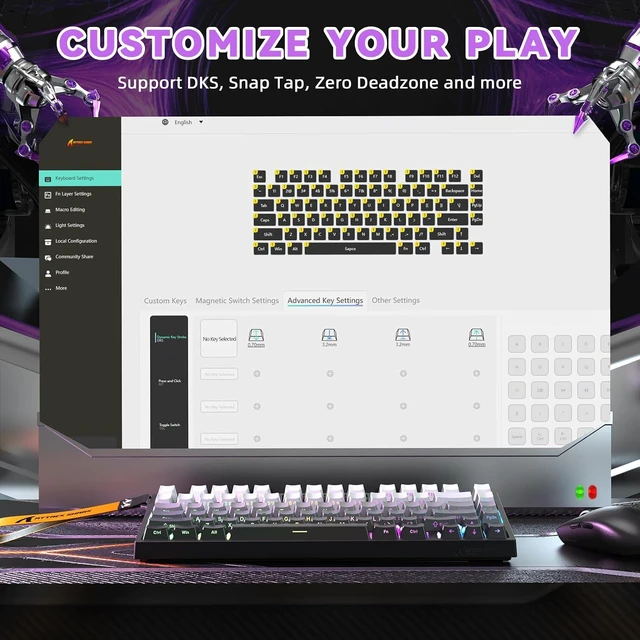
1.Connect the keyboard and go to “Magnetic Switch Settings” in the software or web interface.
2.Select the keys you want, then enable “Full Travel Continuous Rapid Trigger (RT)”.
3.Scroll down for more detailed RT customization options.
About the Win Key Constantly Showing White Backlight
If your Win key is constantly lit in white, it means the Win key is locked. To unlock it, press the Fn + Win keys together. After unlocking, the key’s lighting will sync with the rest of the keyboard.


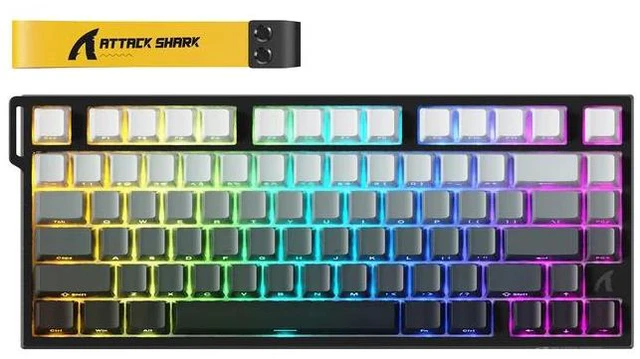
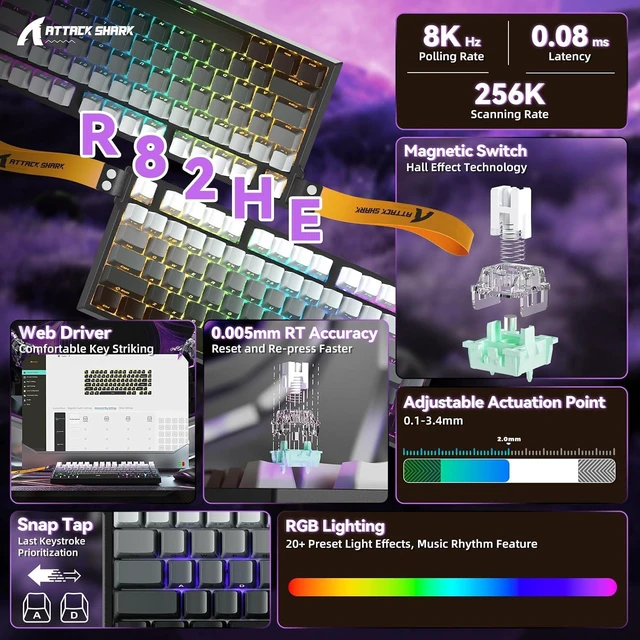
| NUMBER OF KEYS | 80 keys |
|---|---|
| SUPPORTED CONNECTION | USB-C Wired |
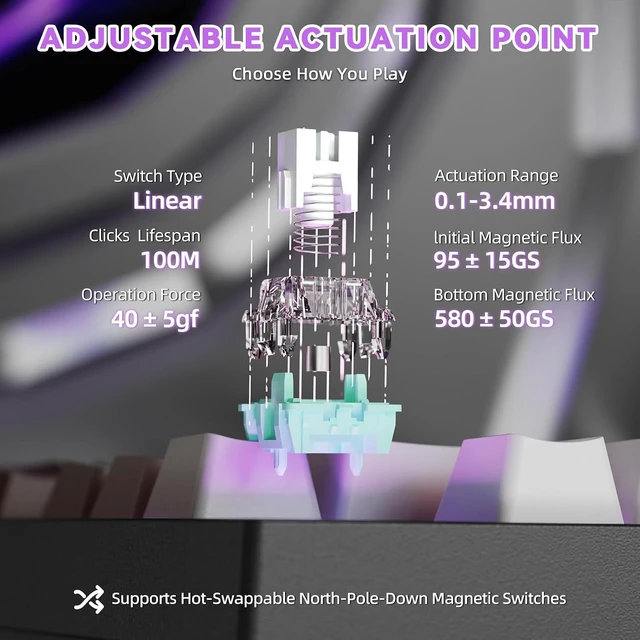
| ACTUATION POINT | from 0.1mm to 3.4mm |
| RT ACCURACY | 0.005mm |
| POLLING RATE | 8000Hz |
| SCAN RATE | 256KHZ |
| HOT SWAPPABLE | Yes, compatible with N-pole downward magnetic switch |
| BACKLIGHT | South-facing 16.8 Million RGB |
| SUPPORTED FEATURES | Rapid Trigger (RT), Snap tap, Dynamic Keystrokes (DKS), Mod-Tap (MT), Toggle Key (TGL) |
| WEB DRIVER | bit.ly/WEBSOFT (Enter this URL in your browser) |
| DRIVER DOWNLOAD | bit.ly/R82HESOFT (Enter this URL in your browser) |
| SUPPORTED DEVICES | PC, Mac |
| WHAT'S IN THE BOX | Keyboard*1, Keycap and Switches Puller*1, Manual*1 |
How to restore the keyboard to factory settings?
Press and hold the key combination "FN+ESC" for 3 seconds to restore the keyboard to factory settings.
Key combination for adjusting the keyboard light (can also be adjusted in the software)
FN+\|: Switch Light Mode
FN+DEL: Switch Light Color
FN+Backspace: Light On/Off
FN+Tab: All key lights turn white
Is the R82 HE automatically on 8k polling or is there somewhere to set it?
By default, the R82 HE uses an 8K polling rate. You can change it in the "Other Settings" menu of the software or web interface.
How to Enable the RT (Rapid Trigger) Function on Your Keyboard?
1.Connect the keyboard and go to “Magnetic Switch Settings” in the software or web interface.
2.Select the keys you want, then enable “Full Travel Continuous Rapid Trigger (RT)”.
3.Scroll down for more detailed RT customization options.
About the Win Key Constantly Showing White Backlight
If your Win key is constantly lit in white, it means the Win key is locked. To unlock it, press the Fn + Win keys together. After unlocking, the key’s lighting will sync with the rest of the keyboard.