






PRODUCT SPECIFICATIONS


-
Do I need to calibrate the keyboard before using it?
We recommend running a quick calibration before first use for it help the keyboard detect keystrokes more accurately and ensures the best typing experience,you can use the web driver or the downloaded software to calibrate it
-
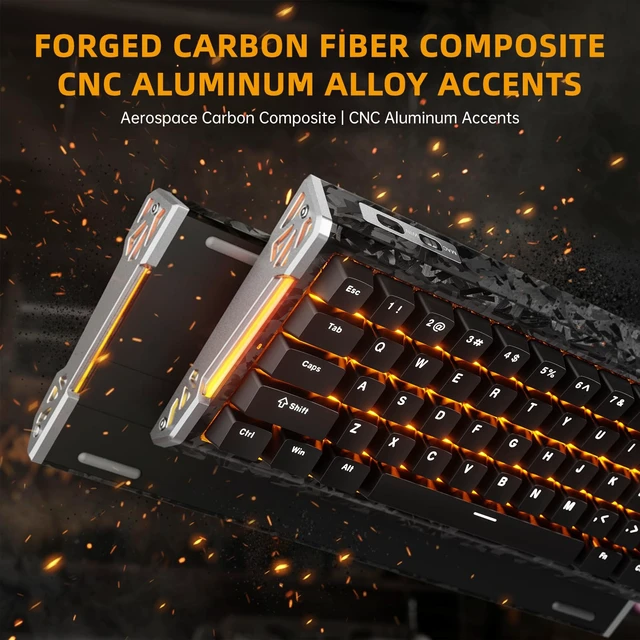
Which parts of the keyboard use Carbon Fiber composite materials?
The top case of the keyboard is made of Carbon Fiber composite materials
-
How to restore the keyboard to factory settings?
Press and hold the key combination "FN+CAPSLOCK" for 3 seconds to restore the keyboard to factory settings.
-
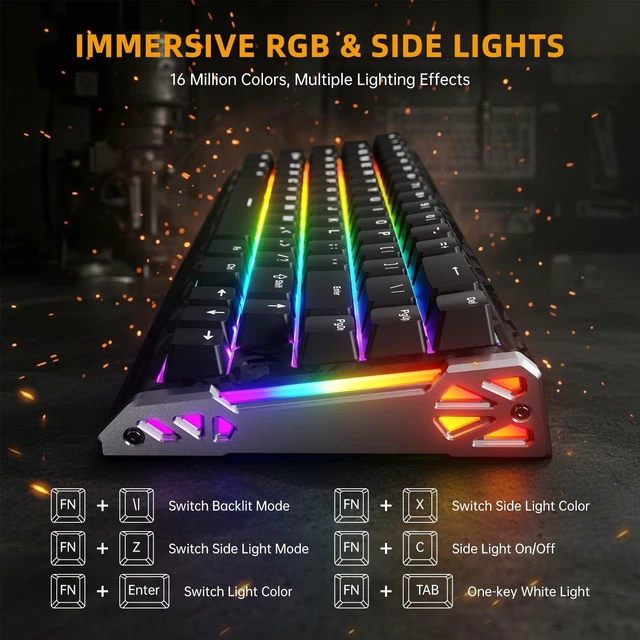
Key combination for adjusting the keyboard light (can also be adjusted in the software)
Side light: FN+Z: Switch Light Mode; FN+X: Switch Light Color
Backlit: FN+\|: Switch Light Mode; FN+Enter: Switch Light Color
-
How do I switch between "NUMBER KEYS" and "F-ROW"?
Easily switch between Function (F1–F12) keys and number keys by pressing FN + Right Shift.

PRODUCT SPECIFICATIONS
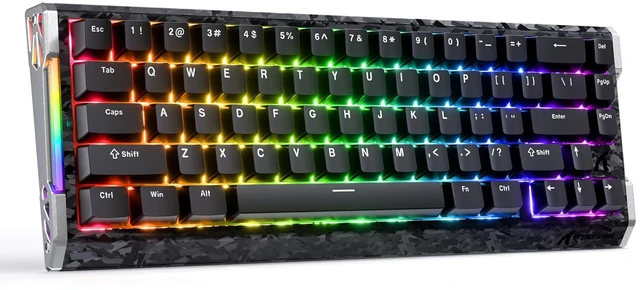
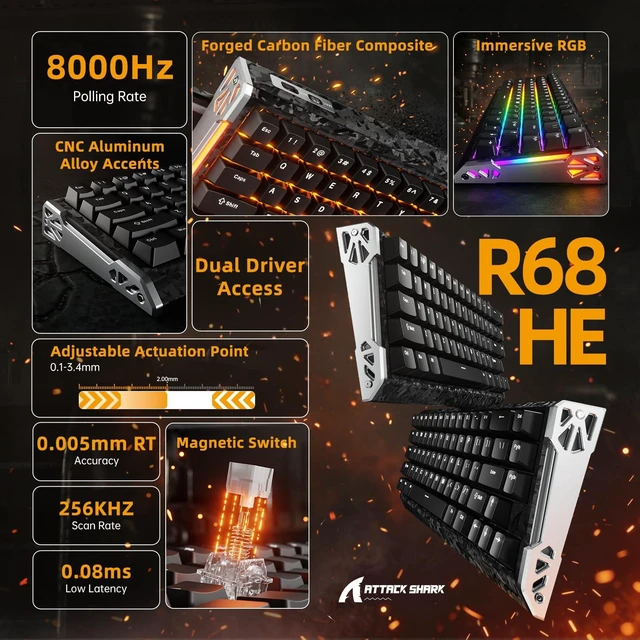
| NUMBER OF KEYS | 66 keys(Include Arrow Keys) |
|---|---|
| SUPPORTED CONNECTION | USB-C Wired |
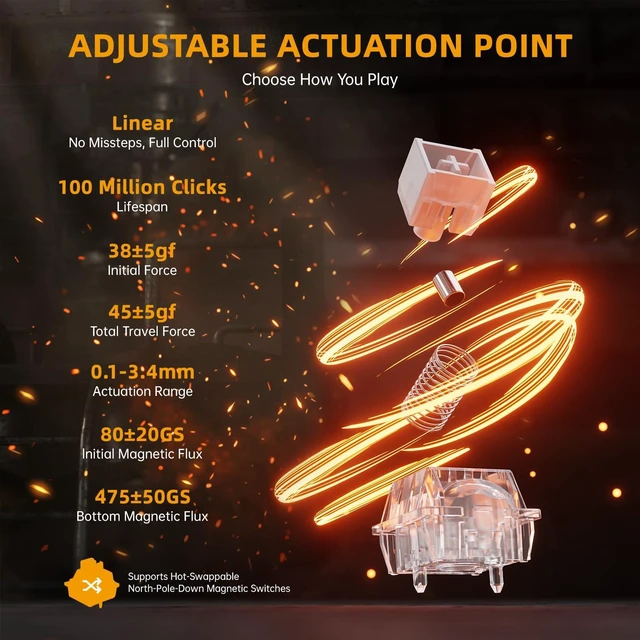
| Actuation Point | from 0.1mm to 3.4mm |
| RT ACCURACY | 0.005mm |
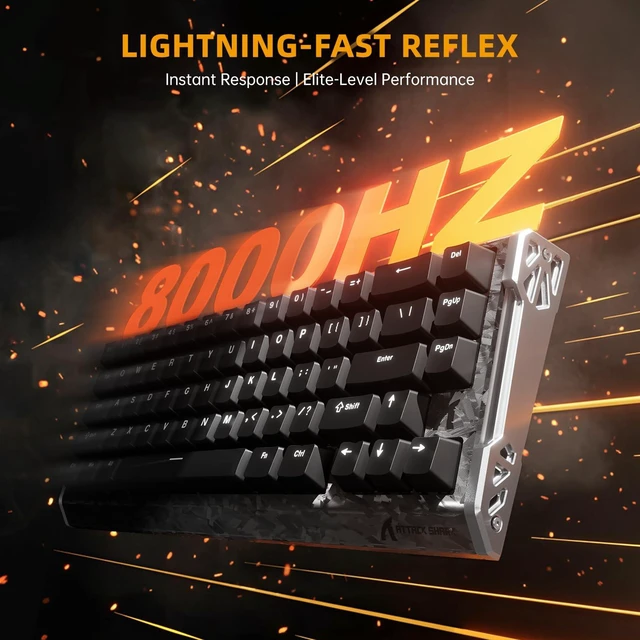
| POLLING RATE | 8000Hz |
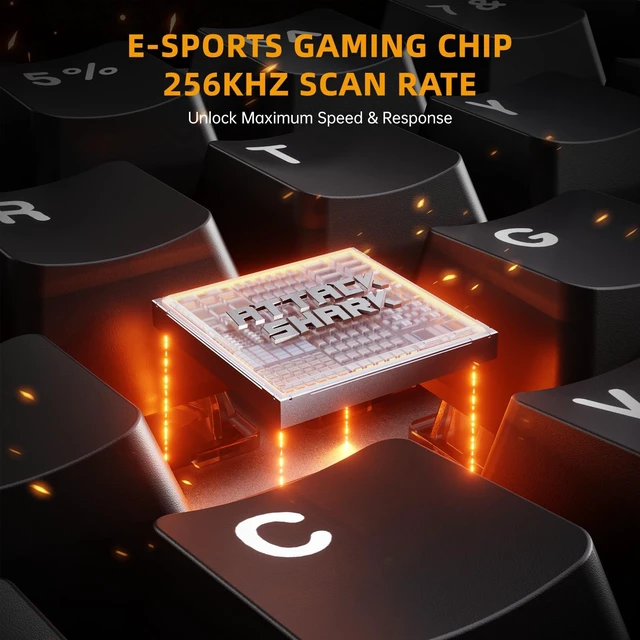
| SCAN RATE | 256KHZ |
| HOT SWAPPABLE | Yes, compatible with Outemu Magnetic Switches, Gateron Magnetic Jade, Gateron Magnetic Jade Pro, Gateron Magnetic Jade (Gaming Edition), TTC Uranus, TTC Magneto, Chixiao |
| BACKLIGHT | Full RGB & dual-sided dynamic RGB light strips |
| SWITCH TYPES | Magnetic Switches (Linear) |
| SUPPORTED FEATURES | Rapid Trigger (RT), Snap tap, Dynamic Keystrokes (DKS), Mod-Tap (MT), Toggle Key (TGL) |
| KEYCAP MATERIALS | Forged Carbon Fiber Composite Keycaps (Ice / Ink Versions) / Standard PBT Keycaps (Black Version) |
| SUPPORTED DEVICES | PC, Mac |
| WEB DRIVER | qmk.top(Enter this URL in your browser) |
| DRIVER DOWNLOAD | attackshark.com/pages/driver-download(Enter this URL in your browser) |
| WHAT'S IN THE BOX | Keyboard*1, Keycap and Switches Puller*1, Extra Switches*2, USB-C Cable*1, User Manual*1 |


-
Do I need to calibrate the keyboard before using it?
We recommend running a quick calibration before first use for it help the keyboard detect keystrokes more accurately and ensures the best typing experience,you can use the web driver or the downloaded software to calibrate it
-
Which parts of the keyboard use Carbon Fiber composite materials?
The top case of the keyboard is made of Carbon Fiber composite materials
-
How to restore the keyboard to factory settings?
Press and hold the key combination "FN+CAPSLOCK" for 3 seconds to restore the keyboard to factory settings.
-
Key combination for adjusting the keyboard light (can also be adjusted in the software)
Side light: FN+Z: Switch Light Mode; FN+X: Switch Light Color
Backlit: FN+\|: Switch Light Mode; FN+Enter: Switch Light Color
-
How do I switch between "NUMBER KEYS" and "F-ROW"?
Easily switch between Function (F1–F12) keys and number keys by pressing FN + Right Shift.