Rechargeable Wireless RGB Keyboard and
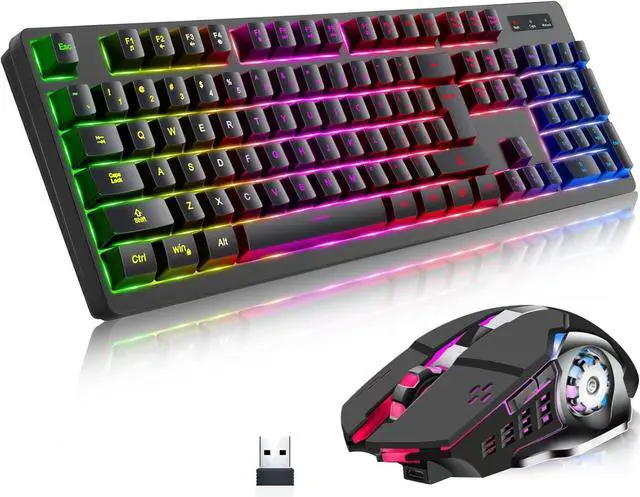
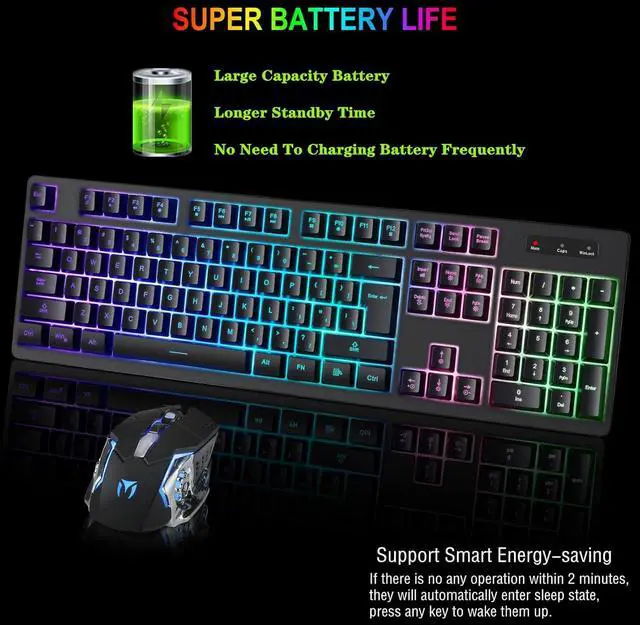
Mouse: The keyboard is made of high end chips, 104 key cap layout, fast and smooth button response, with built-in metal panel, sturdy, durable, dustproof and waterproof. Keyboard and mouse built-in large capacity battery, long standby time, no need to charge battery frequently, support smart energy-saving, if there is no any operation within 2 minutes, they will automatically enter sleep state, press any key to wake them up
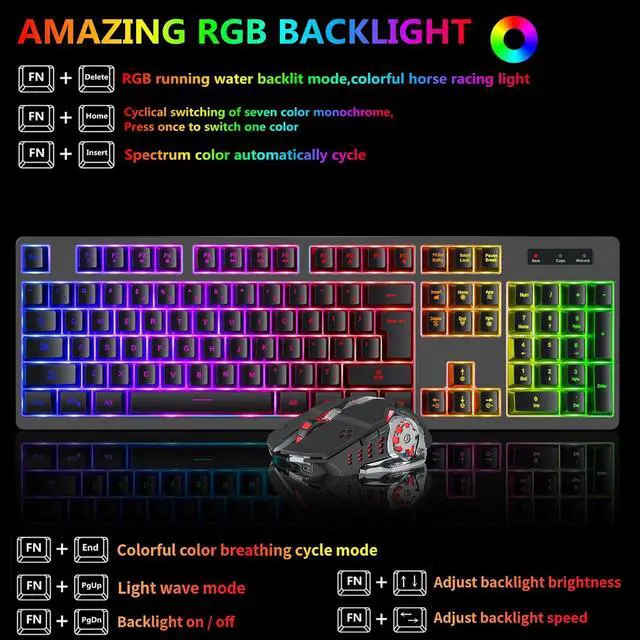
Amazing RGB Backlit Effect: The wireless gaming keyboard has many kinds of rgb backlit modes, provides you excellent visual experience. Key combination FN with
Delete: RGB running water backlit mode, colorful horse racing light; FN with
Insert: Spectrum color automatically cycle; FN with
Home: Cyclical switching of seven color monochrome, press once to switch one color; FN with
PgUp: Light wave mode; FN with
End: Colorful color breathing cycle mode; FN with
PgDn: Backlight on off
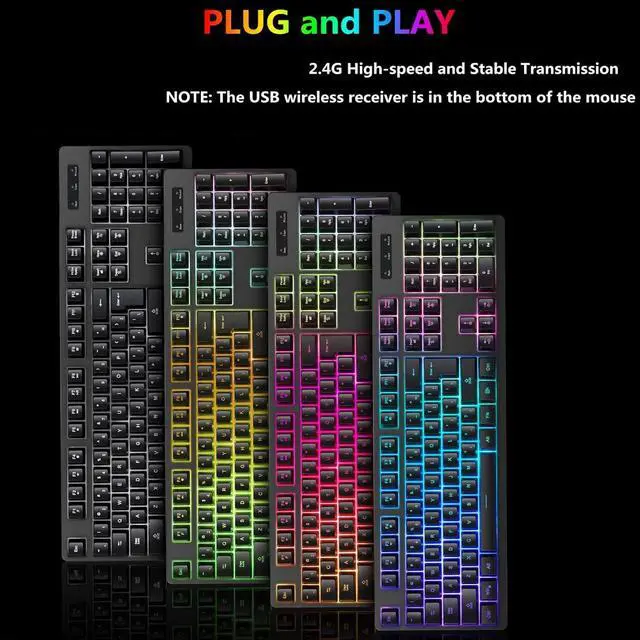
Plug and Play,
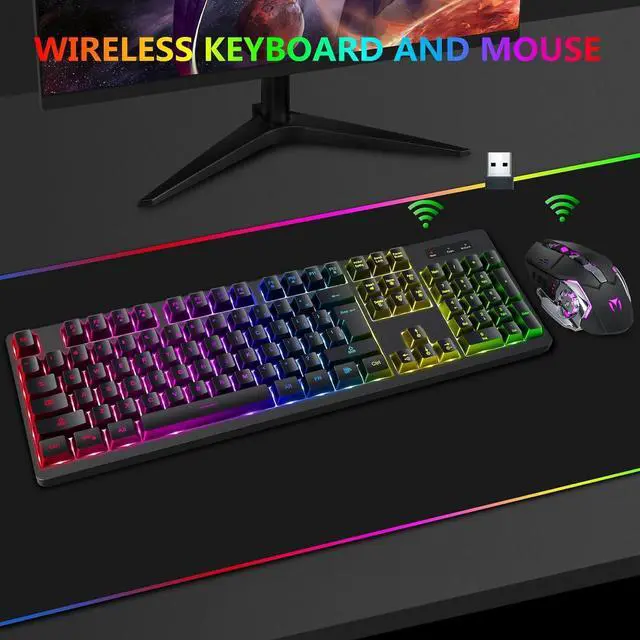
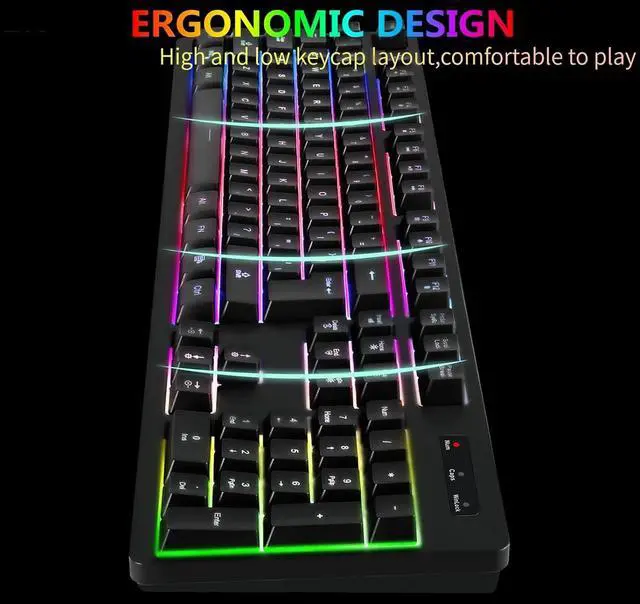
2.4G Wireless Transmission: Plug and play, the wireless gaming keyboard and mouse share an intelligent nano receiver, convenient and fast. 2.4G high speed and stable transmission technology enables the keyboard to achieve 8 meters long-distance wireless control. The keyboard with a streamlined high and low keycaps layout which is ergonomically designed for game and work.
NOTE: The USB wireless receiver is in the bottom of the mouse
Ergonomic Wireless Keyboard Mouse: Rgb backlit wireless keyboard, built-in metal panels add a sense of heaviness, all keycaps have backlight function, keycap letters never fade, 26 no-conflict keys, 12 multimedia keys. Keyboard back has 2 stand adjust keyboard height, provide a more comfortable typing experience. Wireless gaming mouse with 7 color alternately breathing, 6 buttons, fast response, 4 levels DPI adjustable 800, 1200, 1600, 2400
Use Instructions:
1. Plug USB wireless receiver which is at the bottom of the mouse into the computer USB port;
2. On the back of the keyboard top right is a power switch. Turn that on. Press FN with PgDn to turn backlight on or off;
3. On the bottom of the mouse, there is 2 different power options for the mouse, standard no backlight which is energy-saving mode and one with the backlight like the keyboard. Turn that on. Then you can use them





 here!
here!