Out of stock
  • $56.77
  • Free 30-day Returns
Sold by Leeken

Shipped by Leeken

Price alert
Shop it at NeweggBusiness.

Meet Your Seller

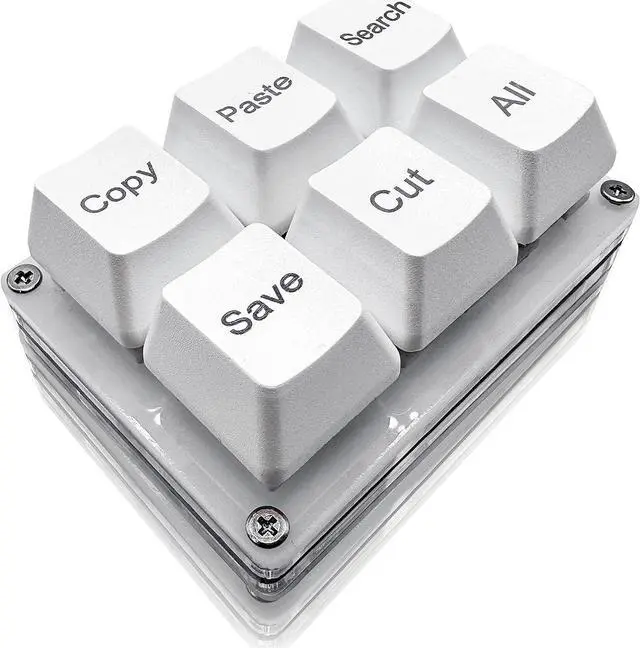
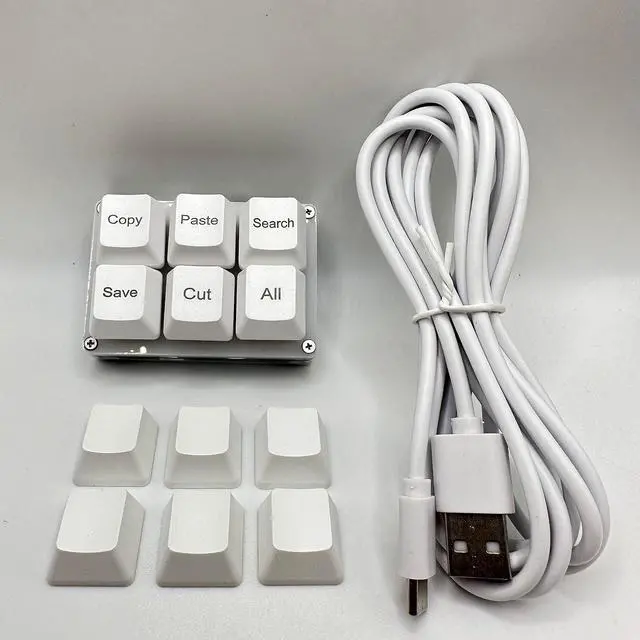
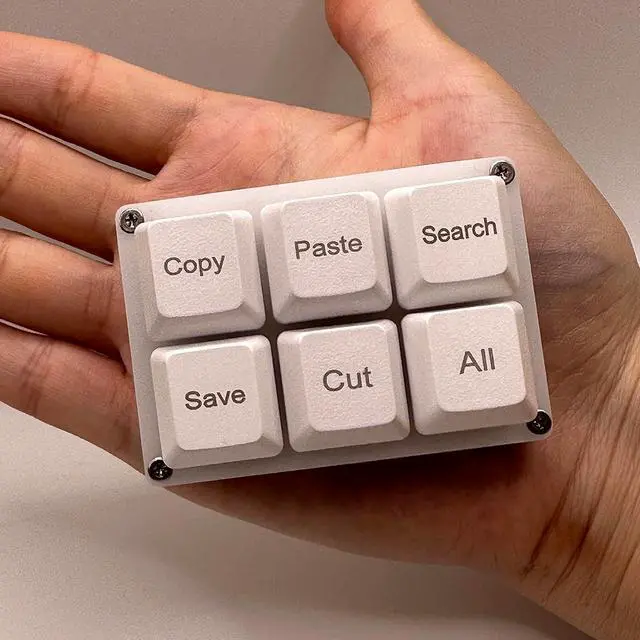
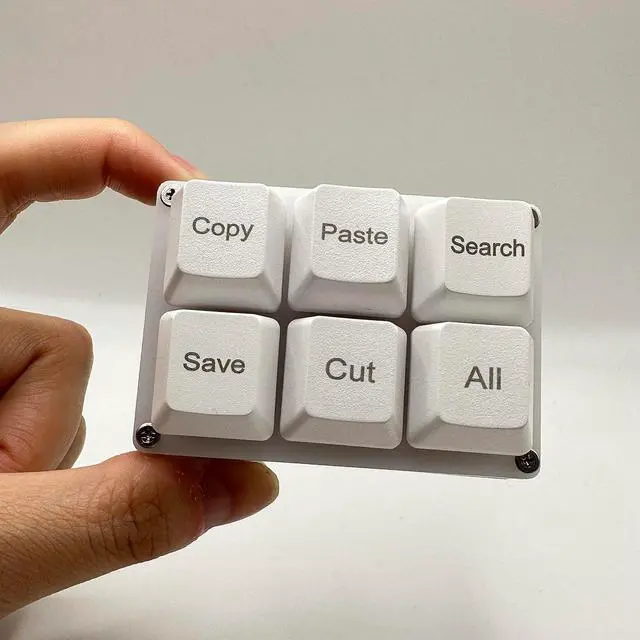
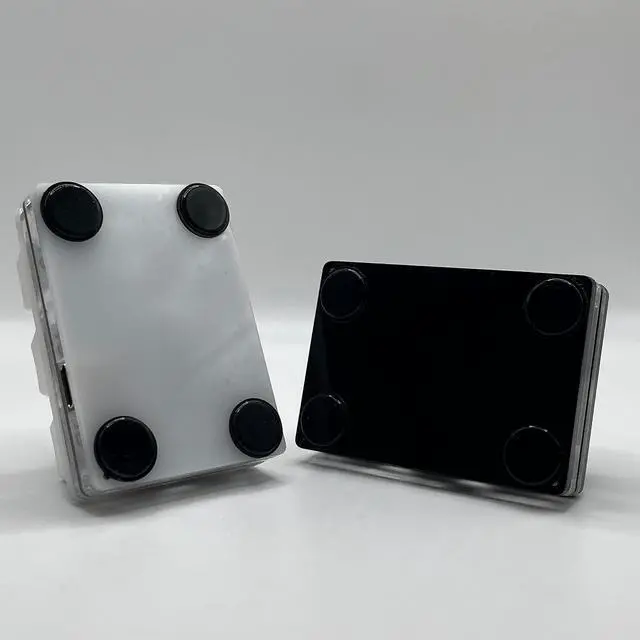
Copy Paste Search Save Cut All 6-Key Keyboard One Handed OSU Keypad Programmable Mechanical Shortcut Macro Keyboard for Working and Gaming (White)

  • Portable Mini Keyboardultra-small size,attached detachable USB-C cable,effectively saves desktop space. You can connect the mini keyboard (plug and play) and a normal-size keyboard with the same computer at the same time, they will not interfere with each other.
  • Default function The default function of three keys is Copy,Paste,Search,Save,Cut and All (Ctrl+C,Ctrl+V,Ctrl+F,Ctrl+S,Ctrl+X,Ctrl+A).Plug and play,No software needed.Makes workflow super fast.
  • Other function You can also use other functions, such as Shortcut keys, Multi-step operation, Multi-key in one, Undo, Redo, Play, Pause, Volume, Switch song, Forward, Backward, etc. You can control the light color and gradient mode of the case you want through the software or website.
  • Programming by Website The Website is applicable to MacOS,Linux and also Windows Systems.We recommend that you try to use Chrome and Edge Browser to access the website! Website:SayoDevice.com
  • Device Programming will be saved on the d
+
+
Overview
Specs
Reviews
avatar

Any questions? Our AI mode will help you find out quickly.

Portable Mini Keyboardultra-small size, attached detachable USB-C cable, effectively saves desktop space. You can connect the mini keyboard (plug and play) and a normal-size keyboard with the same computer at the same time, they will not interfere with each other.
Default function The default function of three keys is Copy, Paste, Search, Save, Cut and All (Ctrl+C, Ctrl+V, Ctrl+F, Ctrl+S, Ctrl+X, Ctrl+A). Plug and play, No software needed. Makes workflow super fast.
Other function You can also use other functions, such as Shortcut keys, Multi-step operation, Multi-key in one, Undo, Redo, Play, Pause, Volume, Switch song, Forward, Backward, etc. You can control the light color and gradient mode of the case you want through the software or website.
Programming by Website The Website is applicable to MacOS, Linux and also Windows Systems. We recommend that you try to use Chrome and Edge Browser to access the website!
Website: SayoDevice. com
Device Programming will be saved on the device. You don' t need to set it up again when you change the computer. If you encounter any problems with the keypad, please contact us, we will help you deal with it as soon as possible.

Warranty & Returns

Warranty, Returns, And Additional Information

Warranty

  • Please contact the Seller directly for warranty information. Warranty information may also be found on the Manufacturer's website.
  • CONTACT

Return Policies

  • Return for refund within: 30 days
  • Return for replacement within: 30 days
  • This item is covered by Leeken Return Policy

Manufacturer Contact Info

LOADING...