Your Browsing History
Meet Your Seller
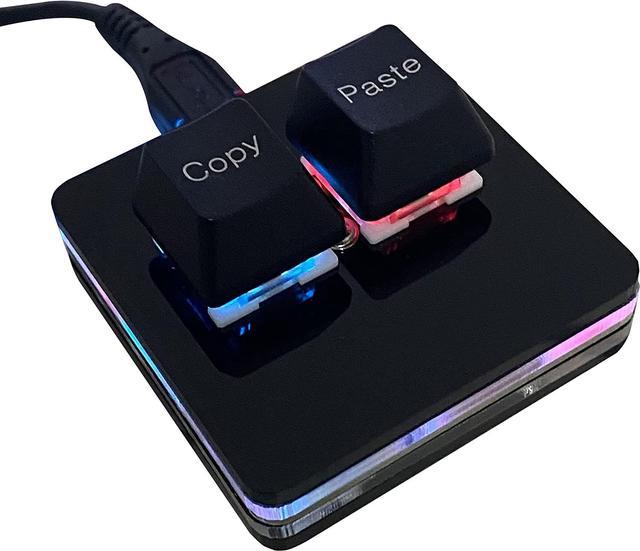
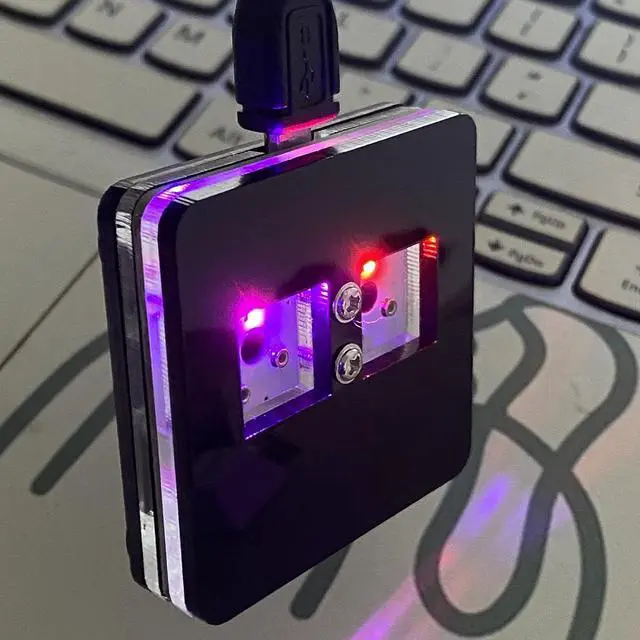
Copy and Paste 2-Key Keyboard SAYO OSU Keypad Hotswap One Handed Mechanical Gaming Keyboard Cherry Switch RGB Backlit Mini USB Keypad for macros or Rhythm Games
- Fashion & Quiet Mouse Design Desk Accessories Keyboard - Stylish retro keyboard and mouse wireless with colorful round 104keys and glossy smooth edges to brighten your workspace. Featuring low-profile whisper-quet technology, this sleek combo ensures a distraction-free typing experience. Perfect for modern desks seeking cute wireless keyboard and mouse aesthetics.
- Wireless Keyboard and Mouse - Warranty We offer a three-year worry-free warranty and a 60-day money-back guarantee or replacement option. If you have any inquiries or concerns regarding our colored wireless keyboard and mouse, please don't hesitate to contact us. Your satisfaction is our top priority.
- Reliable 2.4G Wireless Connection, Plug and Play - retro keyboard and mouse wireless with a 2.4GHz nano receiver ensures stable connectivity up to 10 meters. The cordless mouse and keyboard setup requires only one USB porteffortless plug-and-play for instant use. Ideal for users needing wireless desktop keyboa
+
+
Overview
Specs
Reviews
Any questions? Our AI beta will help you find out quickly.
Try me now
Package Listing 1*mini 2-key black keyboard 1*shaft-puller 1*5 feet long USB data cable 2*copy&paste keycaps (black and white)
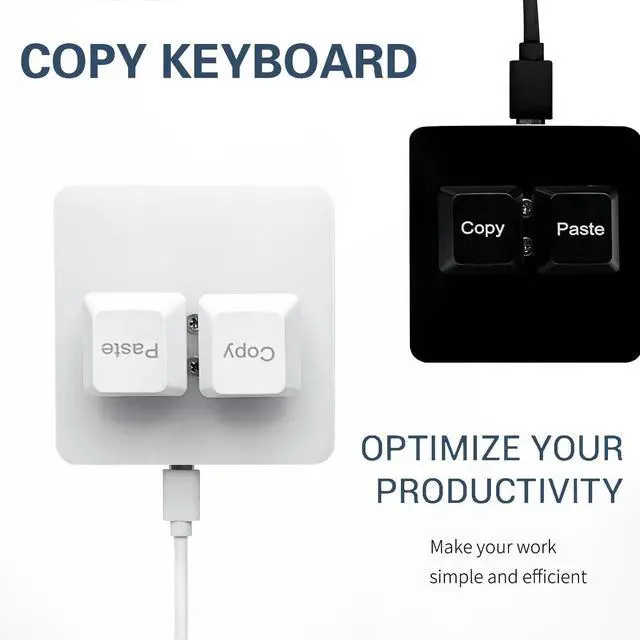
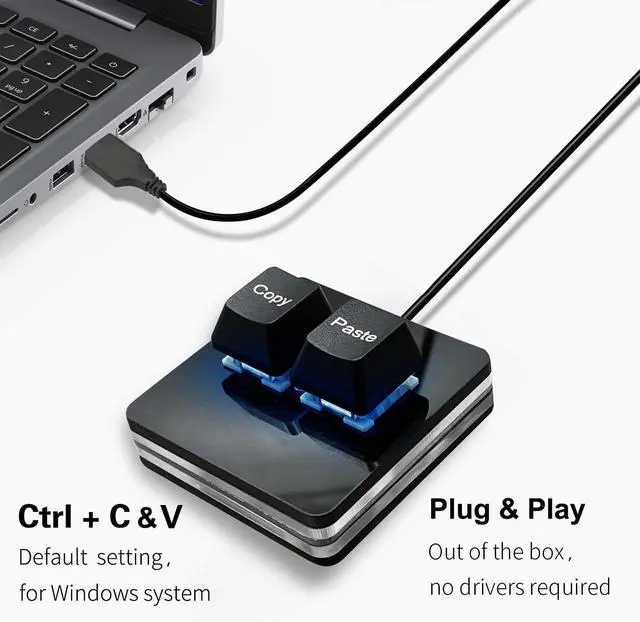
Copy KeyboardFor Windows Userthis is Plug and Play, Out of the Box, no Software and Website Required for Copying and Pasting.
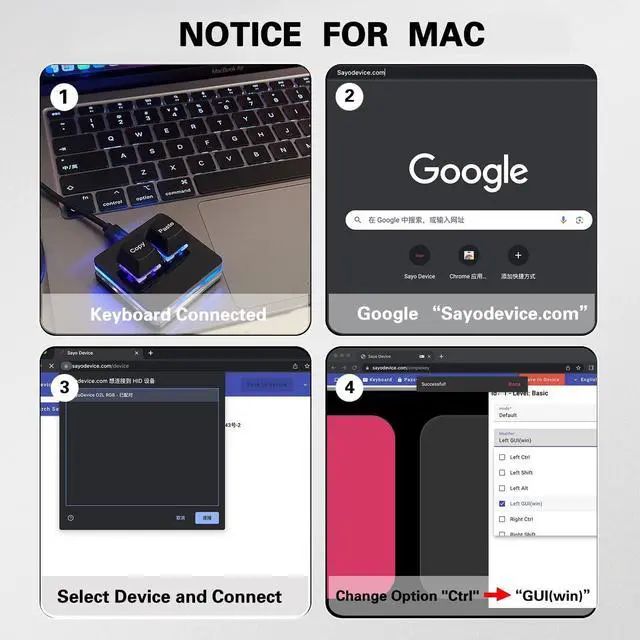
Mac User Notice Before using, you need to connect the keyboard to the MAC computer, open the webpage link " SayoDevice. com", and manually configure the settings for the two buttons: Left Button=GUI (win) +C, Right Button=GUI (win) +V.
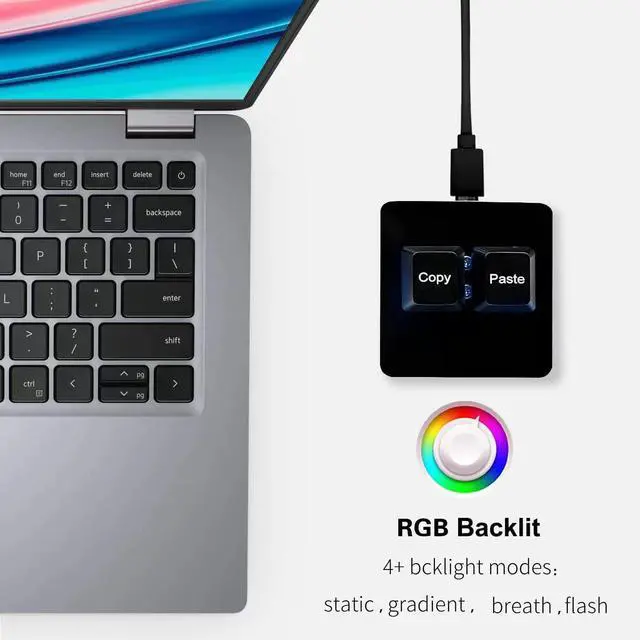
Functions The default function is " Copy" and " Paste". You can also use other functions, such as Shortcut keys, Multi-step operation, Multi-key in one, Cut, Undo, Redo, Select all, Play, Pause, Volume, Switch song, Forward, Backward, Custom script, etc. You can control the light color and gradient mode of the case you want through the software or website.

Copy KeyboardFor Windows Userthis is Plug and Play, Out of the Box, no Software and Website Required for Copying and Pasting.
Mac User Notice Before using, you need to connect the keyboard to the MAC computer, open the webpage link " SayoDevice. com", and manually configure the settings for the two buttons: Left Button=GUI (win) +C, Right Button=GUI (win) +V.
Functions The default function is " Copy" and " Paste". You can also use other functions, such as Shortcut keys, Multi-step operation, Multi-key in one, Cut, Undo, Redo, Select all, Play, Pause, Volume, Switch song, Forward, Backward, Custom script, etc. You can control the light color and gradient mode of the case you want through the software or website.
Warranty & Returns
Warranty, Returns, And Additional Information
Warranty
- Please contact the Seller directly for warranty information. Warranty information may also be found on the Manufacturer's website.
- CONTACT
Return Policies
- Return for refund within: 30 days
- Return for replacement within: 30 days
- This item is covered by ALLOKHE Return Policy
Manufacturer Contact Info
- For a directory of all our manufacturers, please click below.
- Manufacturers Directory
LOADING...