• $61.71
  • Free 30-day Returns
  • Price alert
    Shop it at NeweggBusiness.

    Meet Your Seller

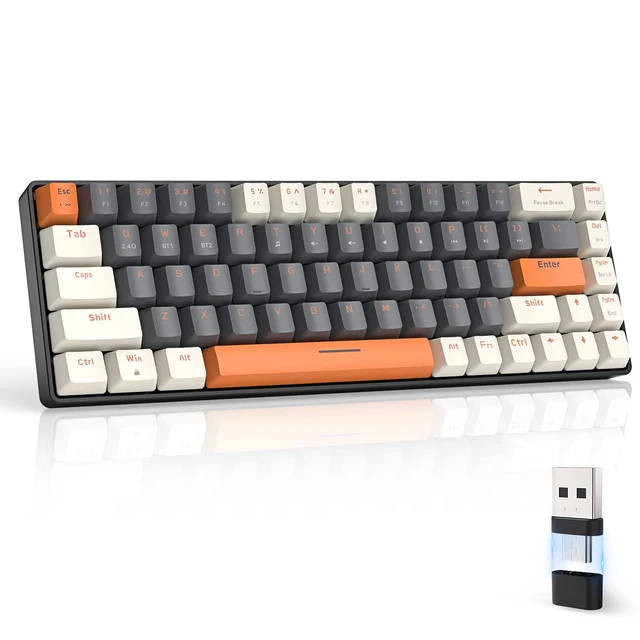
    ZIYOU LANG RK68 60% Wireless Mechanical Keyboard, Bluetooth 5.0/2.4Ghz Dual Mode 2-in-1 USB-C Receiver Mini Mechanical Keyboard, Hot Swappable Red Switch Gaming Keyboard for PC/MAC/Laptops

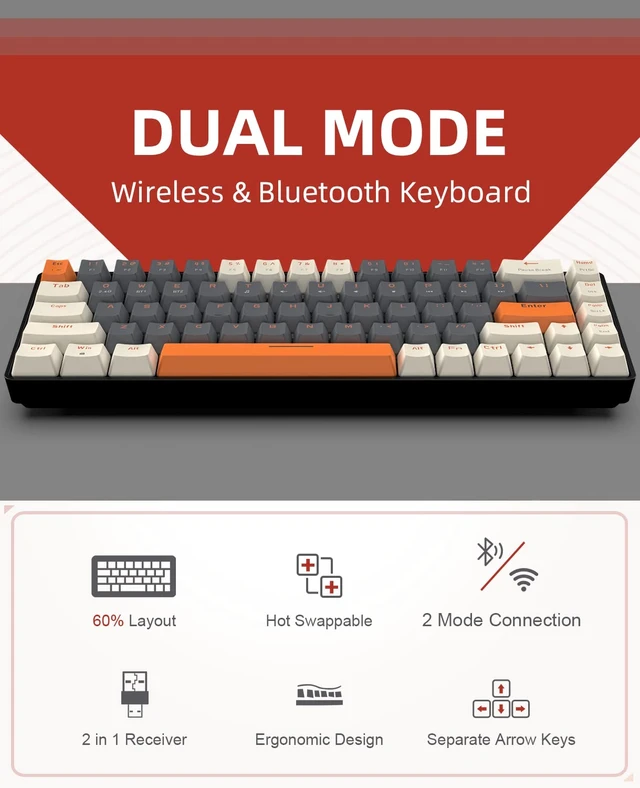
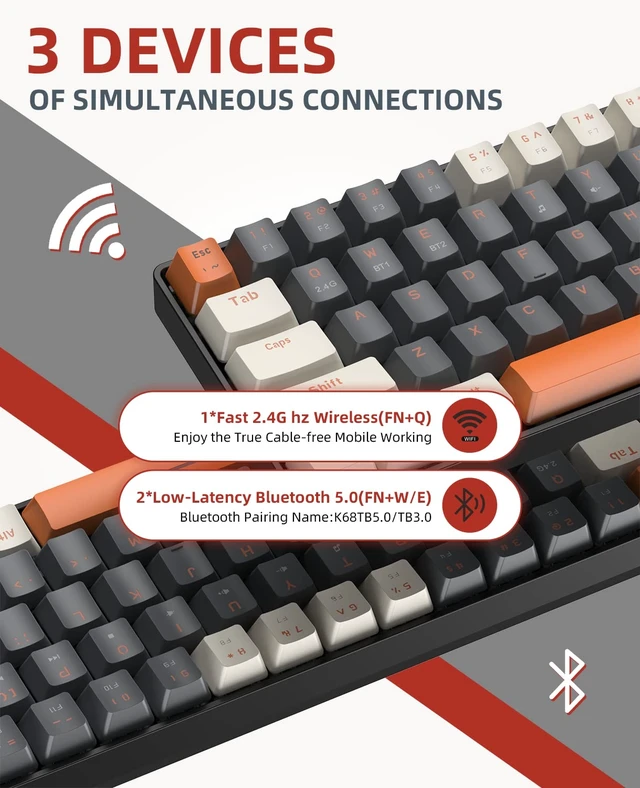
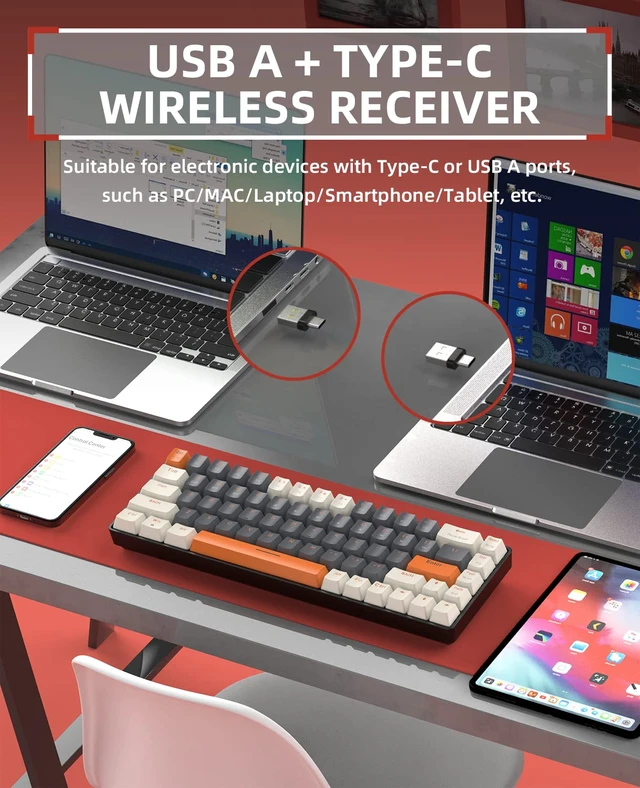
    • Dual-mode 2.4Ghz & Bluetooth 5.0This wireless keyboard is designed for dual mode, Fn+Q/W/E switching easily achieves fast and smooth switching between 3 devices(BT channel*2 + 2.4G USB channel*1). This 2-in-1 receiver with USB A and Type C works with all Windows PCs, Chromebooks, Macs, even phones and iPads with a USB C port, equipped with an upgraded wireless Bluetooth chip, the stable and low latency connection provides you with a truly wireless experience.
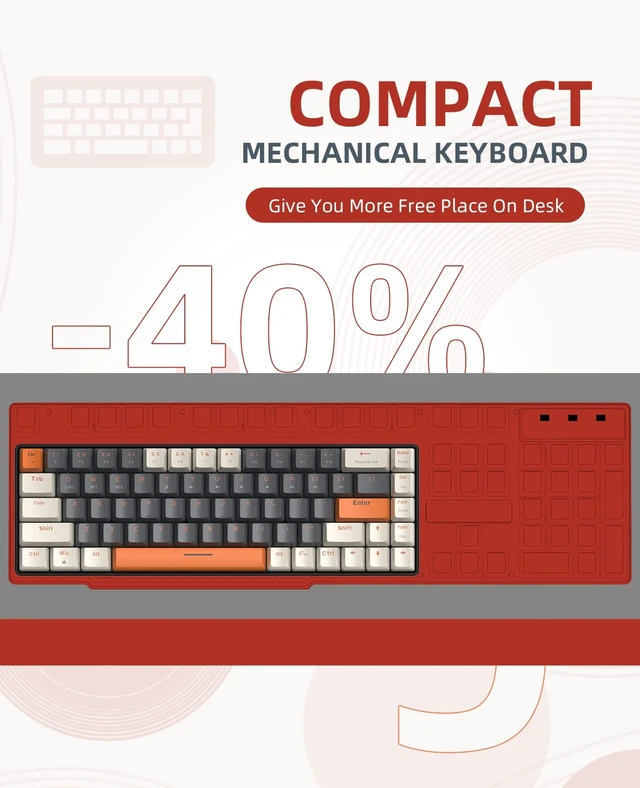
    • Classic 60% Compact Design and Ergonomic DesignThis K68 mini 60% gaming keyboard adopts an ultra-compact layout of 68 keys, with independent arrow keys, more suitable for gamers and typists, giving more space to your desktop. The small keyboard is lightweight & portable, perfect for home/office/gaming/travel.
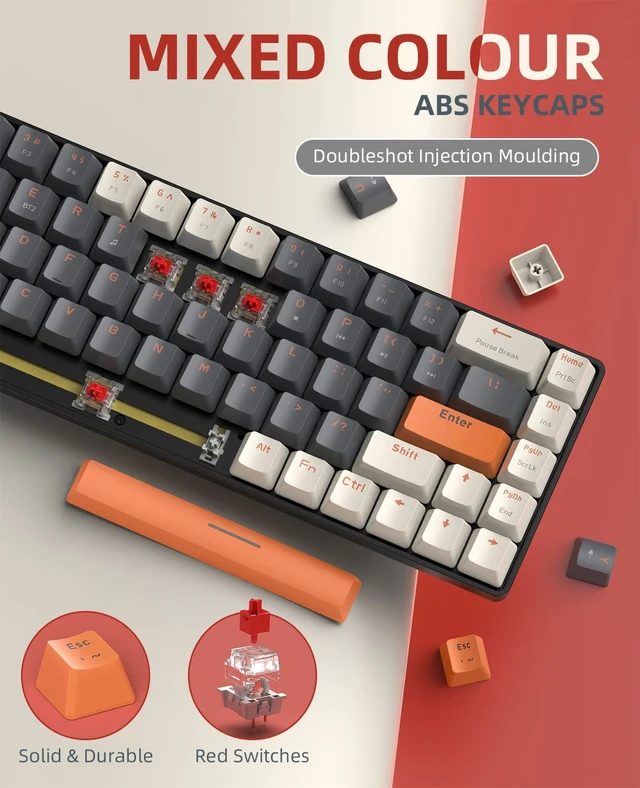
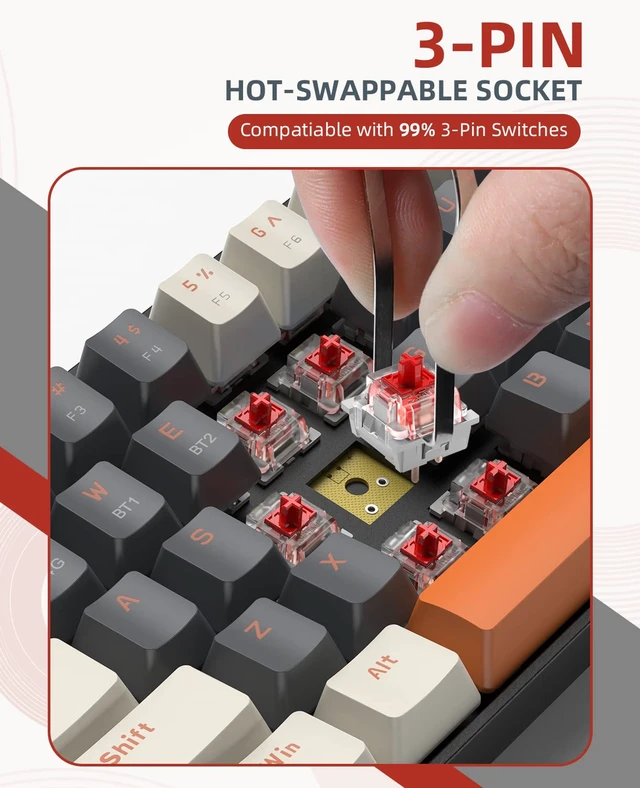
    • Hot-Swap SwitchHot-swappable PCB compatible with all 3pin switch. Easily replace mechanical switches and have fun making your own unique keyboard. Linear switches can be hot-swapped and replaced with other switches as needed. The mechanical red switch is linear, smoother, softer and quieter than other switches, and more than 60 million click tests. making it perfect for typing and office use, especially in the office.
    +
    +
    Overview
    Specs
    Reviews

    Any questions? Ask CelesteSM will help you find out quickly.

    How to connect the keyboard in bluetooth mode:

    1. Make sure the switch at the back is on and the battery is installed.

    2. Press and hold Fn+W or E for 3 seconds, the W or E key indicator flashes (indicating that the keyboard enters the Bluetooth pairing mode).

    3. Open the Bluetooth settings and search for "K68TB5.0/TB3.0 keyboard".

    4. When the pairing is successful, the W or E key is turned off, and it can be used.

    2.4G connection

    1. Make sure the switch at the back is on.

    2. Plug in the receiver.

    3. Press and hold Fn+Q for three seconds, the Q key light flashes rapidly,

    4. The light of the successful Q key is turned off.

    Important, if the above steps still cannot be used, you need to re-pair the code Specification:

    Bluetooth version: 5.0/3.0

    Dimensions: 14.2x5.27x1.35 inches (311.3x101.7x42mm) ±0.3mm

    Net weight: oz/613 g±20g

    Number of keys: 68 keys

    Batteries: Additional 2 AAA batteries are required.

    Dongle: USB A and Type C dual connectors.

    Keycap material: ABS.

    Switch life: 50 million.

    Connect 3 devices simultaneously in bluetooth mode

    Support Windows/macOS/iOS/Android system

    Warranty & Returns

    Warranty, Returns, And Additional Information

    Warranty

    • Please contact the Seller directly for warranty information. Warranty information may also be found on the Manufacturer's website.
    • CONTACT

    Return Policies

    • Return for refund within: 30 days
    • Return for replacement within: 30 days
    • This item is covered by Artbloont Return Policy

    Manufacturer Contact Info

    LOADING...