




 here!
here!
I’m your shopping assistant for PC builds, upgrades, and everything tech.
Got questions? Ask away!
Start a conversation
here!
I’m your shopping assistant for PC builds, upgrades, and everything tech.
Got questions? Ask away!
Start a conversation
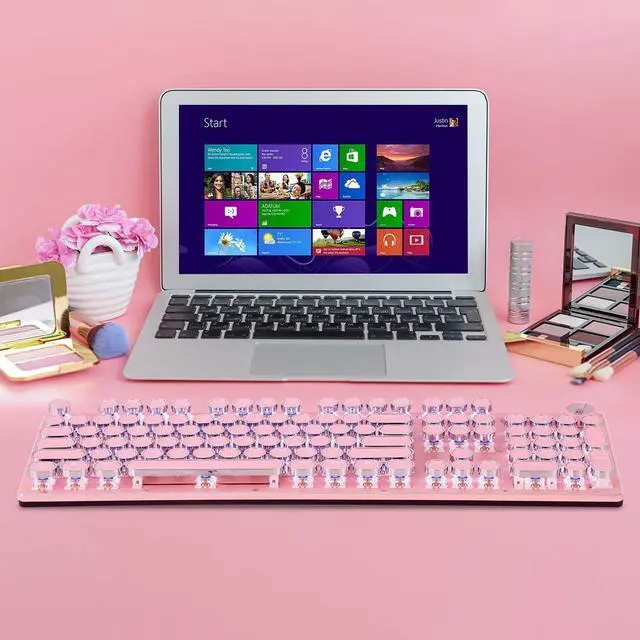
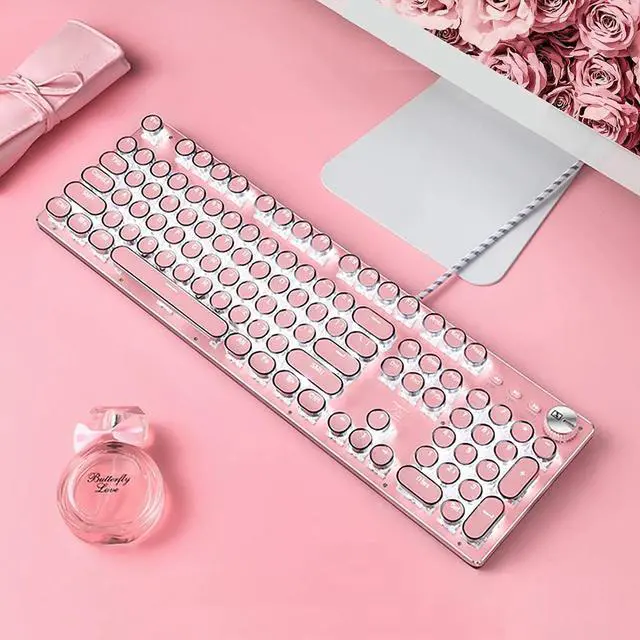
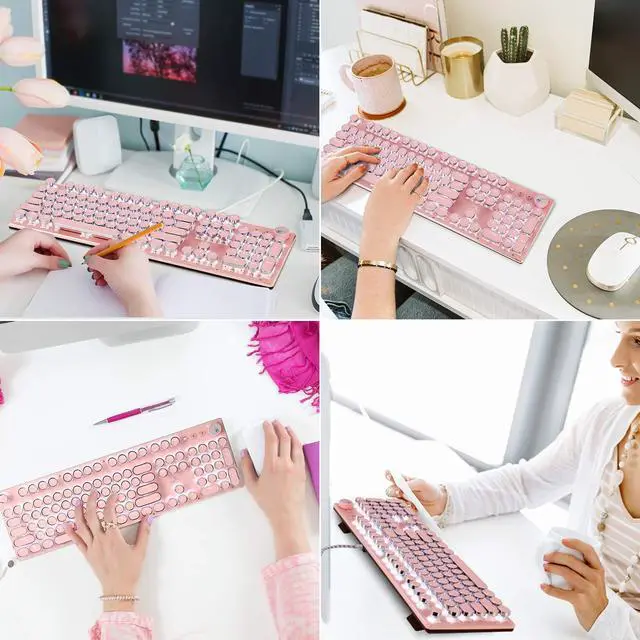



Any questions? Ask CelesteSM will help you find out quickly.
Specification:
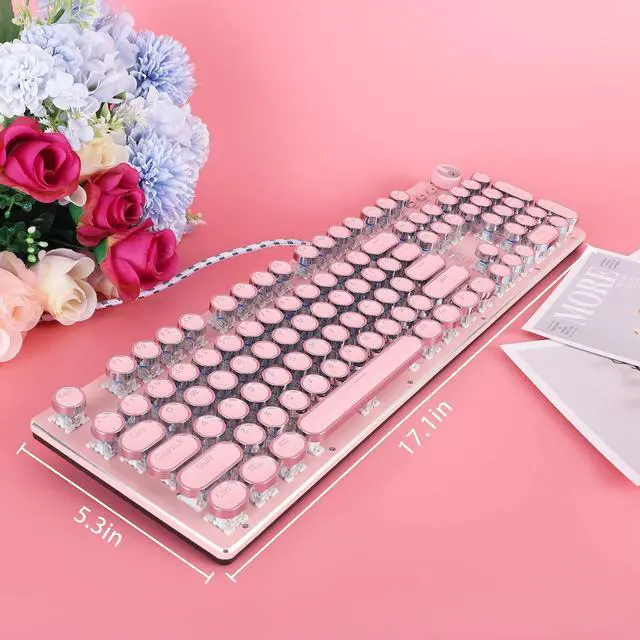
Dimensions: 445*144*30mm
Weight: 700±10g
Switch lifespan: >50 million
Cable length: 1.6m
Convenient Multimedia Shortcuts:
FN+F1: My Favorite
FN+F2: My Computer
FN+F3: E-mail
FN+F4: Browser
FN+F5: Stop
FN+F6: Previous
FN+F7: Play/Pause
FN+F8: Next
FN+F9: Music
FN+F10: Volume -
FN+F11: Volume +
FN+F12: Mute
Lighting Effects Shortcuts:
Rotary KnobHold 3 seconds to switch the backlit mode, rotate to adjust the lighting brightness.
FN+ PauseBreak: Restore Factory Settings
FN+Insert: Switching Lighting Effect
FN+"": Lighting Speed Up
FN+"": Lighting Speed Down
FN+"": Lighting Brightness Up
FN+"": Lighting Brightness Down
FN+Win: Window Lock Key
FN+1: FPS Game Mode (Lighted Keys: A, S, D, W, , , , , ESC)
FN+2: CF Mode (Lighted Keys: 1, 2, 3, 4, 5, Q, W, E, R, A, S, D, G, Left Shift, B, Left Ctrl, Left Alt, Space, Home, End, PgUp, PgDn)
FN+3: COD Mode (Lighted Keys: 1, 2, 3, 4, 5, 6, 7, Q, W, E, R, T, A, S, D, F, G, LeftShift, C, V, LeftCtrl)
FN+4: RTS Game Mode (Lighted Keys: 1, 2, 3, 4, 5, 6, 7, 8, 9, 0, Q, W, E, R, T, Y, U, P, A, S, D, F, G, H, K, L, LeftShift, Z, X, N, M, LeftCtrl, LeftAlt)
FN+5: LOL Full Mode (Lighted Keys: ESC, ~, 1, 2, 3, 4, 5, 6, Tab, Q, W, E, R, D, F, G, V, B, LeftCtrl, LeftAlt)
FN+6: CAR Game Mode (Lighted Keys: W, R, A, S, D, LeftShift, LeftCtrl, LeftAlt, , , , )
FN+7: NBA Game Mode (Lighted Keys: 1, 2, 3, 4, W, E, R, A, S, F, LeftShift, Z, X, C, V, LeftCtrl, LeftAlt, Space, , , , )
FN+8: LOL Mode (Lighted Keys: 1, 2, 3, 4, 5, 6, Q, W, E, R, D, F, B)
Customizable Light Setup Instructions:
1. Press FN+9 or FN+0 for customizable mode, press FN+End to start recording.
2. Customize keys' lightand press FN+End to save it.
3. Press FN+9 or FN+0 to light the customizable lighting zone.


