




 here!
here!
I’m your shopping assistant for PC builds, upgrades, and everything tech.
Got questions? Ask away!
Start a conversation
here!
I’m your shopping assistant for PC builds, upgrades, and everything tech.
Got questions? Ask away!
Start a conversation



Any questions? Ask CelesteSM will help you find out quickly.
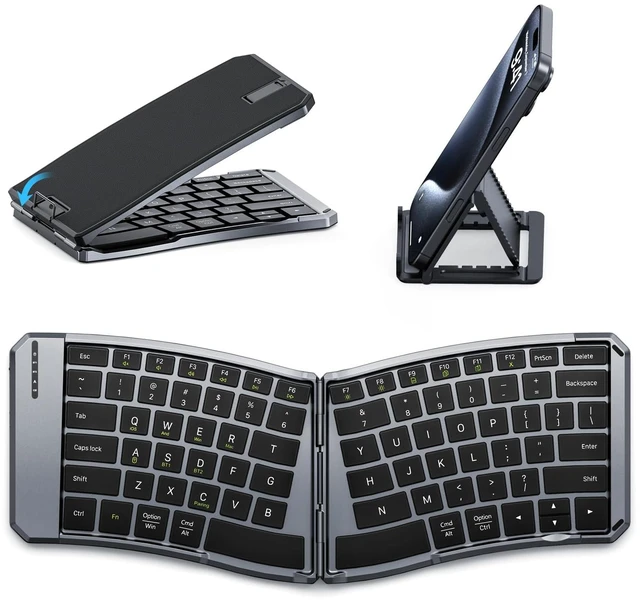
MoKo Foldable Ergonomic Keyboard
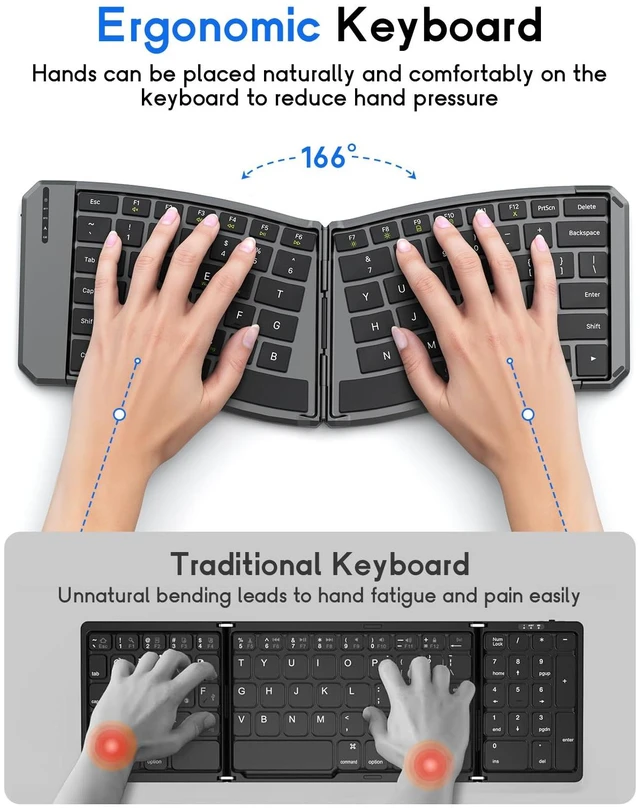
1. Foldable keyboard adopts a curved arrangement with ergonomic design, effectively reducing shoulder strain during prolonged use.
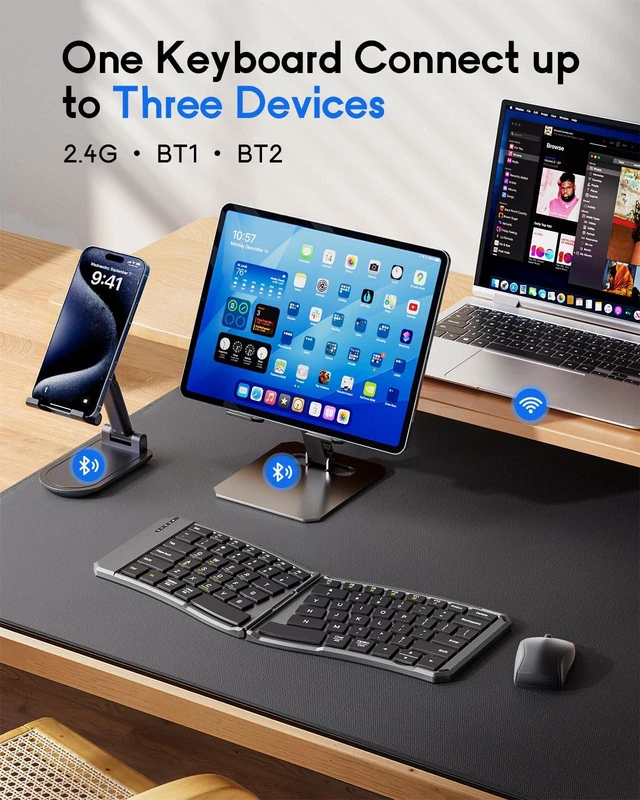
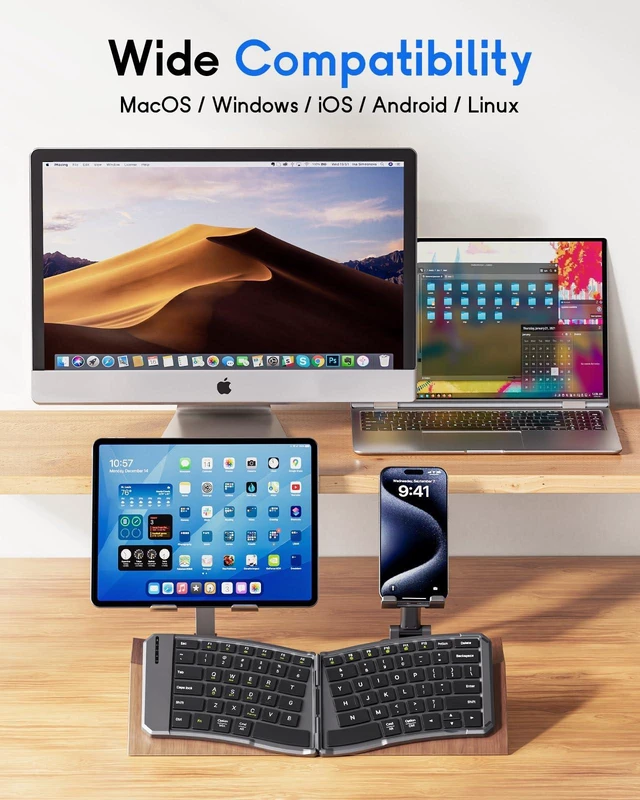
2. Up to 3 devices can be connected at the same time. Compatible with iOS, Android and Windows, works perfectly with tablets, phones, laptops or PCs.
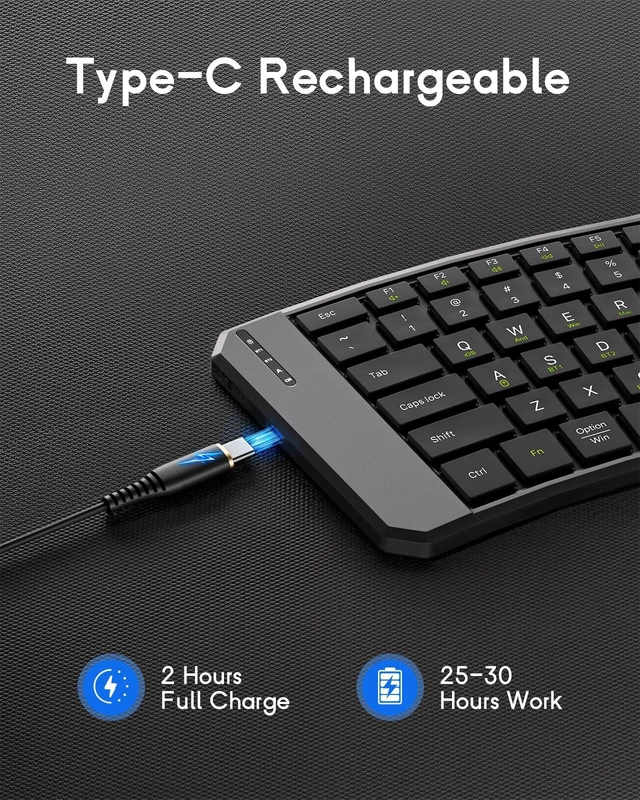
3. Built-in 140mAh battery, rechargeable via USB-C cable. Takes about 2 hours to fully charge. After fully charged, it can work for 25-30 hours. Auto sleep after 10 minutes of inactivity.
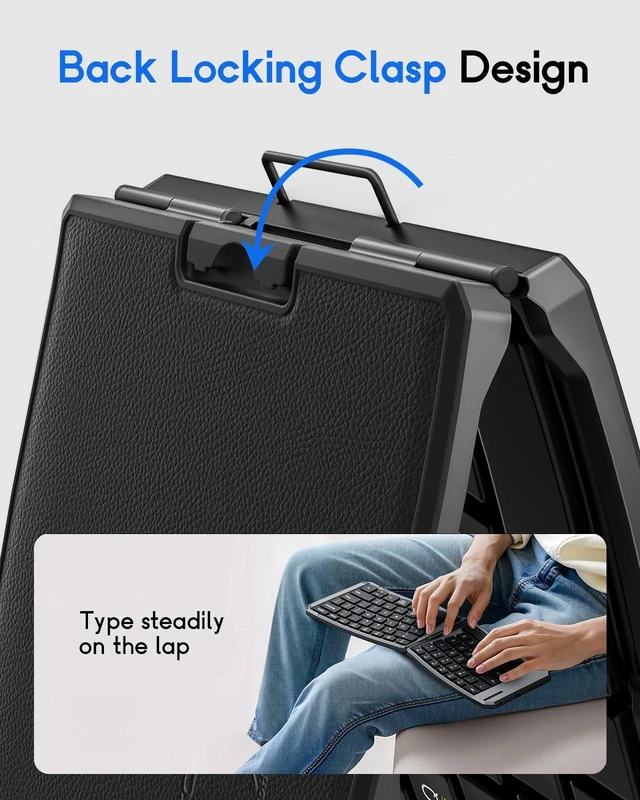
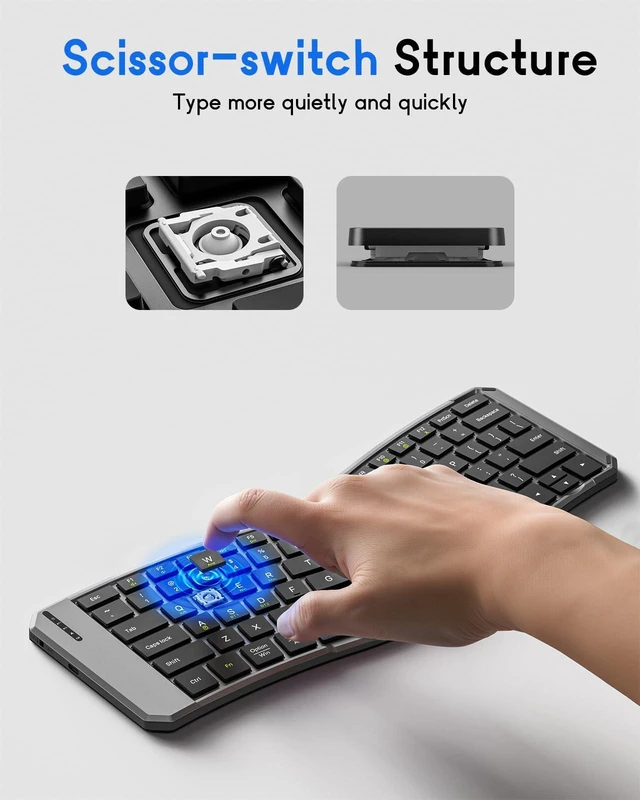
4. The back of the keyboard has a locking clasp that prevents the keyboard from accidentally folding up. The base is designed with PU leather anti-slip pad, so it won't move when working on a smooth desktop. The keys are scissor structure for noiseless typing.
5. Dual-mode Wireless Connection:
A. 2.4G Connection Mode: Turn the keyboard on, then press F1 to switch to 2.4G mode. Connect the keyboard to the system using the receiver. Then press FN+Q (Android) / FN+W (Window) / FN+E (iOS) to select the operating system you are using.
B. Bluetooth Connection Mode: Turn the keyboard on, then press F2 to switch to Bluetooth 1 or press F3 to switch to Bluetooth 2. Then long press F2/F3 to enter the pairing mode. The keyboard will enter the pairing state. Open the Bluetooth settings on your device and find the keyboard named "Bluetooth Keyboard", then click to connect. Finally, press FN+Q (for Android) / FN+W (for Windows) / FN+E (for iOS) to select the operating system you are using.
6. Folded size: 7.09 × 4.92 × 1.5 in/18 × 12.5 × 3.8 cm, unfolded size: 14.09 × 4.92 × 0.75 in/35.8 × 12.5 × 1.9 cm.
7. Package: Ergonomic bluetooth keyboard × 1, 2.4G USB receiver × 1, USB-C charging cable × 1, stand × 1, instruction manual × 1


