




 here!
here!
I’m your shopping assistant for PC builds, upgrades, and everything tech.
Got questions? Ask away!
Start a conversation
here!
I’m your shopping assistant for PC builds, upgrades, and everything tech.
Got questions? Ask away!
Start a conversation



Any questions? Ask CelesteSM will help you find out quickly.
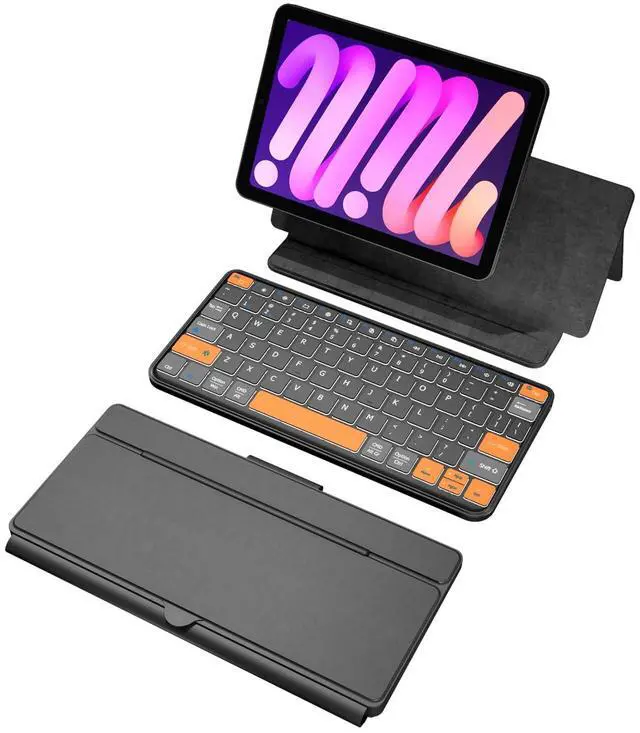
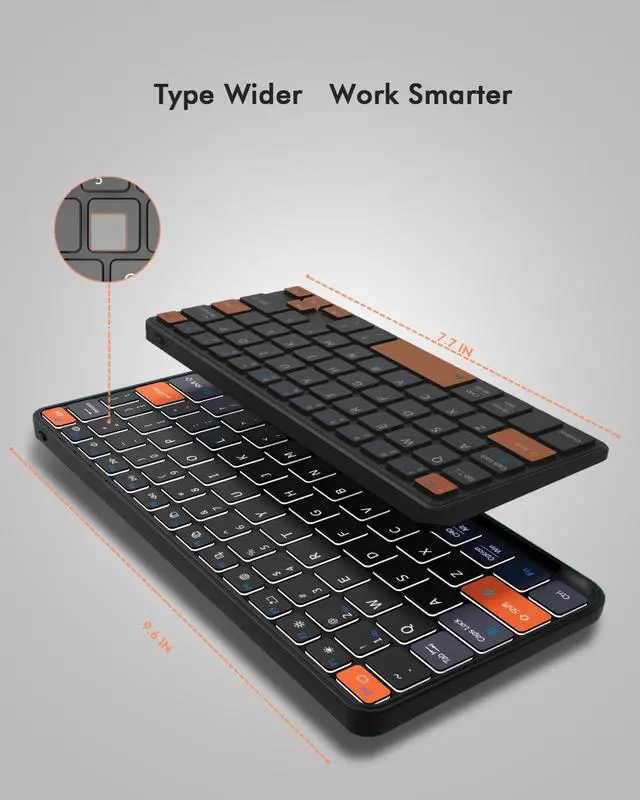
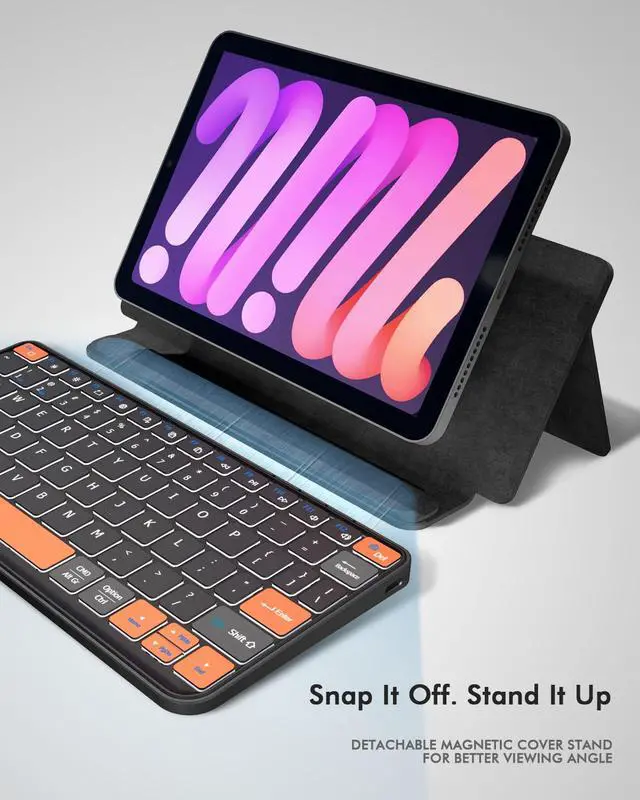
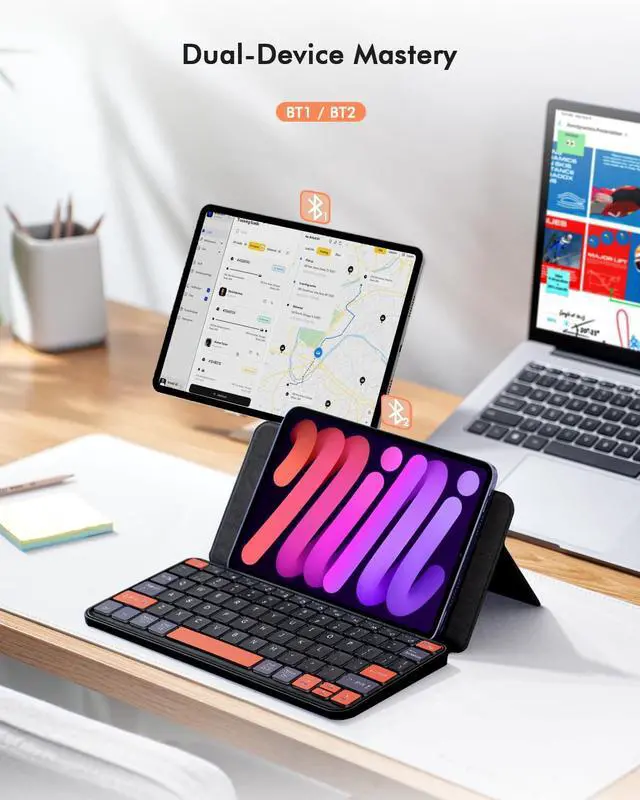
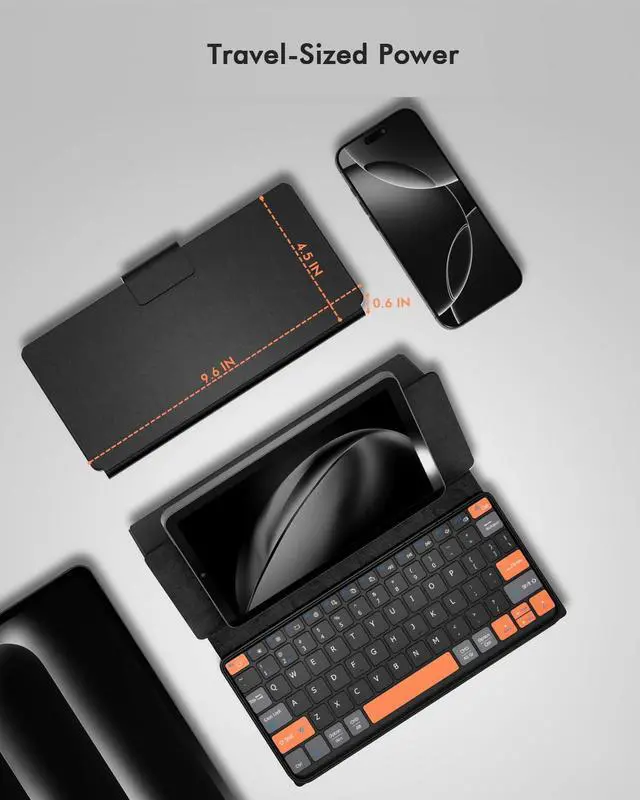
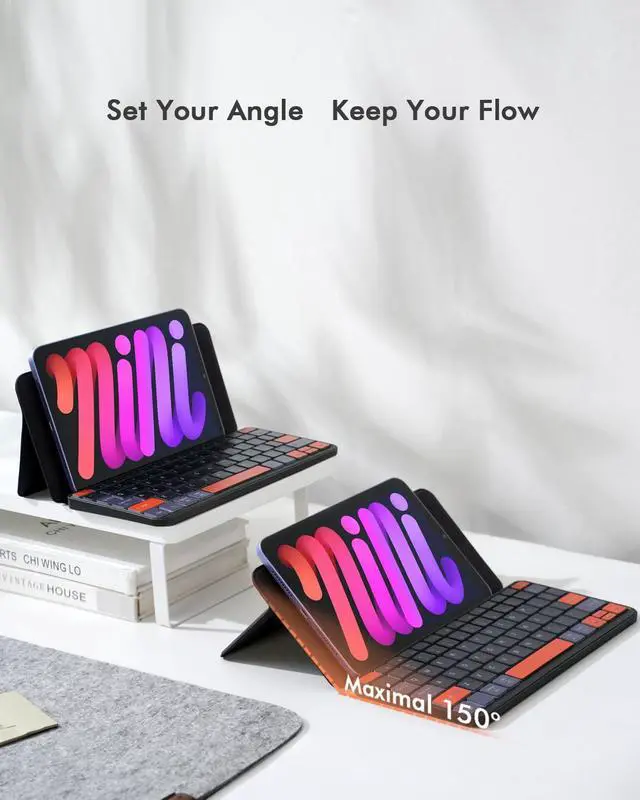
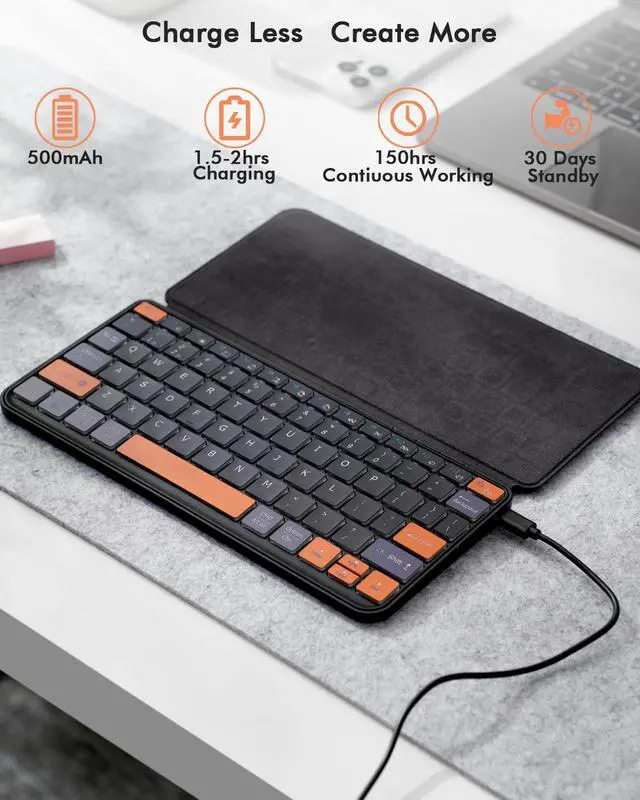
Universal Keyboard Plus Detachable, Dual Bluetooth Portable Keypad with Removable Stand & 7-Color Backlit, Wireless Travel Keyboard for iPad/Z Fold/Galaxy Tabs/Phones, Keypad for iOS/Android/Windows
| Brand | Doohoeek |
| Compatible Devices | Laptop, Smartphone, Tablet |
| Connectivity Technology | Bluetooth |
| Keyboard Description | Universal Keyboard Plus Detachable for iPad/Z Fold/Galaxy Tabs/Phones |
| Recommended Uses For Product | CAN'T find the Bluetooth? Please reset the keyboard and then reconnect the Bluetooth: 1. Turn on the keyboarad; 2. Press and hold the first and the last key at the top row of the keyboard until all indicators start flashing; 3. Bluetooth light flickers quickly, auto entering Bluetooth pairing mode (If not, press Fn + 1 or 2); 4. Search and find "Wireless keyboard". |
| Special Feature | Backlit, Integrated Stand, Rechargeable |
| Included Components | Keyboard x1, USB Cable, User Manual |
| Keyboard layout | QWERTY |
| Compatible Operating System Family | Android, Windows |
| Unit Count | 1 Count |
| Additional Features | Backlit, Integrated Stand, Rechargeable |
| Antenna Location | CANT find the Bluetooth? Please reset the keyboard and then reconnect the Bluetooth: 1. Turn on the keyboarad; 2. Press and hold the first and the last key at the top row of the keyboard until all indicators start flashing; 3. Bluetooth light flickers quickly, auto entering Bluetooth pairing mode (If not, press Fn + 1 or 2); 4. Search and find "Wireless keyboard". |
| Built-In Media | Keyboard x1, USB Cable, User Manual |
| Manufacturer | Doohoeek |
| Number of Items | 1 |
| Warranty Description | 1 Year Warranty |


