- Free 30-day Returns
Meet Your Seller
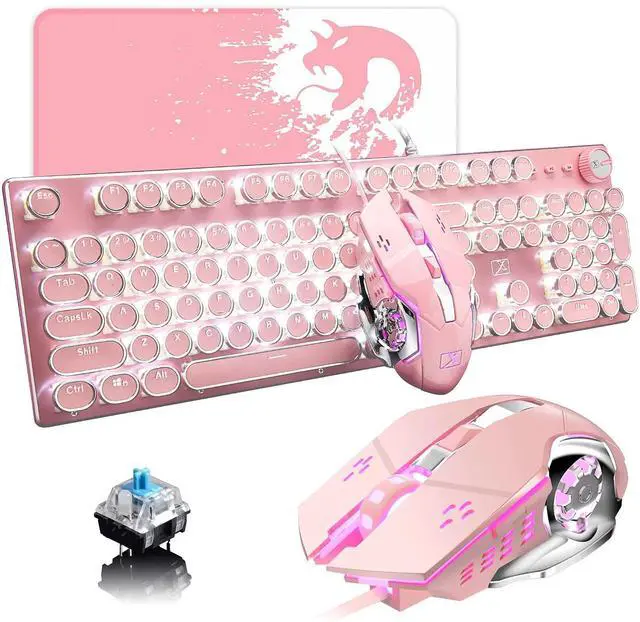
Pink Typewriter Keyboard and Mouse,Retro Vintage Mechanical Gaming Keyboard with White LED Backlit,104 Keys Anti-Ghosting Blue Switch Wired Cute Keyboard,Round Keycaps for Desktop PC/Laptop Mac
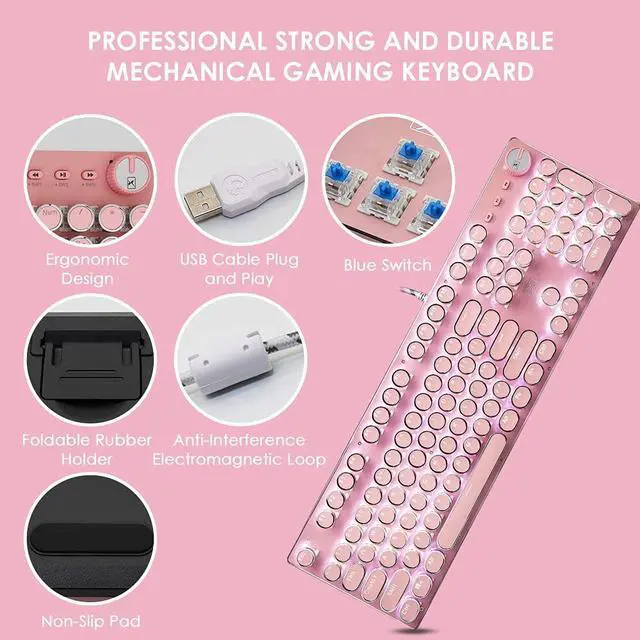
- Pink Mechanical Gaming KeyboardThe Mechanical Gaming Keyboard is so beautiful!Retro keycap blue switches looks like a classical typewriter, brings you comfortable typing feeling & stable clicking touch. The Mechanical Keyboard Keys offer medium resistance, audible Click Sound & Tactile Feedback. Sensitive and Responsive. Easy to press and fast response.
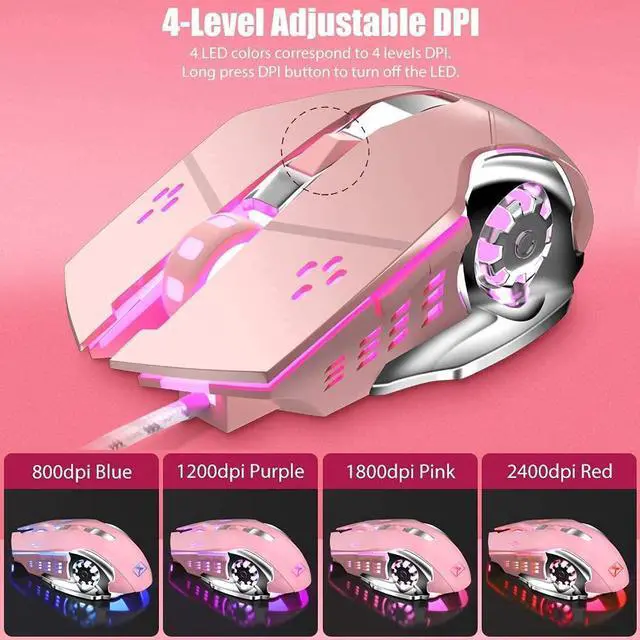
- Wired Gaming MouseThis gaming mouse supports 4 color lighting and 5 level DPI. Great value gaming keyboard and mouse combo for FPS, also excellent combo for MOBA/RTS/CF games.
- All 104-Key Anti Ghosting KeyboardThis is a Full-Size keyboard, and all 104 keys non-conflict. N-key rollover. Allows multiple keys to work simultaneously with high speed. Let you enjoy high-grade games with fast response. 12 easy-to-reach multimedia keys.
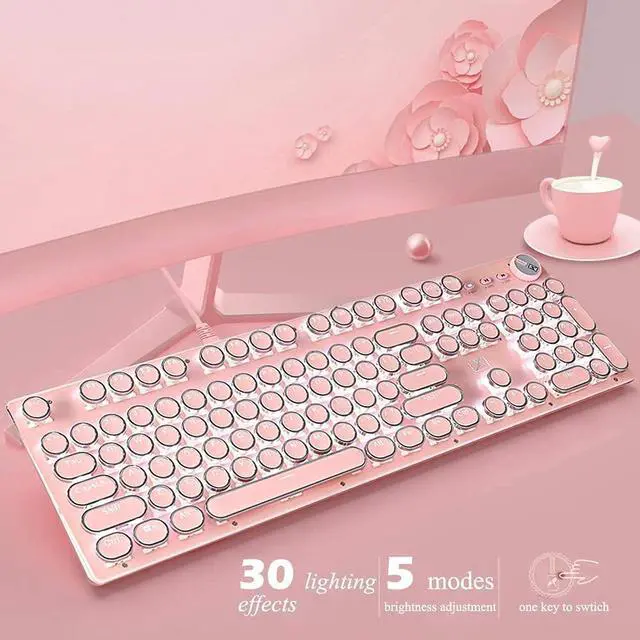
- White Backlit KeyboardThis white led backlit mechanical gaming keyboard has 30 LED backlit modes, you can hold the knob 3 seconds to switch the backlit mode, and rotate it to adjust the lighting brightness.
- Metal Panel & Removable KeycapsThis keyboard is made of top-grade metal panel and heavy-duty plastic body, with matte-finish texture, sturdy and robust enough to protect it from scratch. The blue switch mechanical keys stand up to hardcore gaming. Fully removable keycaps, easy to change the switches to Red Switch, Brown Switch or Black Switch.
Any questions? Ask CelesteSM will help you find out quickly.
Lexonelec Pink Gaming Keyboard and Mouse Combo is born for Gaming. The High Performance ensure you faster and stronger during every competition. The ergonomic design makes you more comfortable during long time gaming.
Keyboard Specifications:
Normal Keys: 104
Keyboard Dimensions: about 440*160*45mm
Interface Type: Usb
System Support: Windows 7 / 8 / 10 / Vista / XP / Mac OS / Linux and Latest
Light effects: White LED backlit
About lighting effects
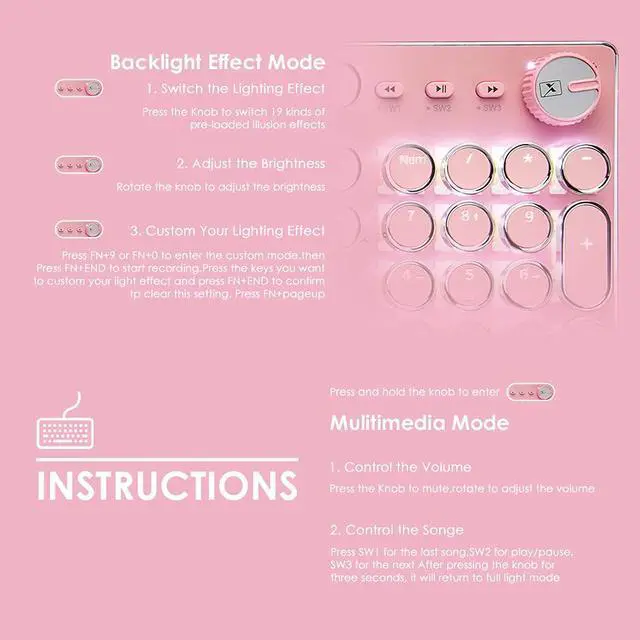
FN + INS: switch lighting effects(30 types with white backlight)
FN + / : Adjust the speed of the light effects
Knob: adjust backlight brightness
To adjust the backlight brightness:
Press FN + 9 or FN + 0 to enter the custom mode, then press FN + END to start recording. Click the keys you want to make them light up, and press FN + END again when finished to maintain the setting.
To clear this setting, press FN + pageup to clear.
After long pressing the knob for three seconds, SW1 / SW2 / SW3 and the knob will enter the multimedia mode:
1.Short press the knob to mute; turn to adjust the volume
2.Short press SW1, the previous one
3.Short press SW2 to play / pause
4.Short press SW3, next song
After pressing the knob for three seconds, it will return to full light mode
Warranty & Returns
Warranty, Returns, And Additional Information
Warranty
- Please contact the Seller directly for warranty information. Warranty information may also be found on the Manufacturer's website.
- CONTACT
Return Policies
- Return for refund within: 30 days
- Return for replacement within: 30 days
- This item is covered by Temonick shop Return Policy
Manufacturer Contact Info
- For a directory of all our manufacturers, please click below.
- Manufacturers Directory