here!
here!
I’m your shopping assistant for PC builds, upgrades, and everything tech.
Got questions? Ask away!
Start a conversation
here!
I’m your shopping assistant for PC builds, upgrades, and everything tech.
Got questions? Ask away!
Start a conversation


Any questions? Ask CelesteSM will help you find out quickly.
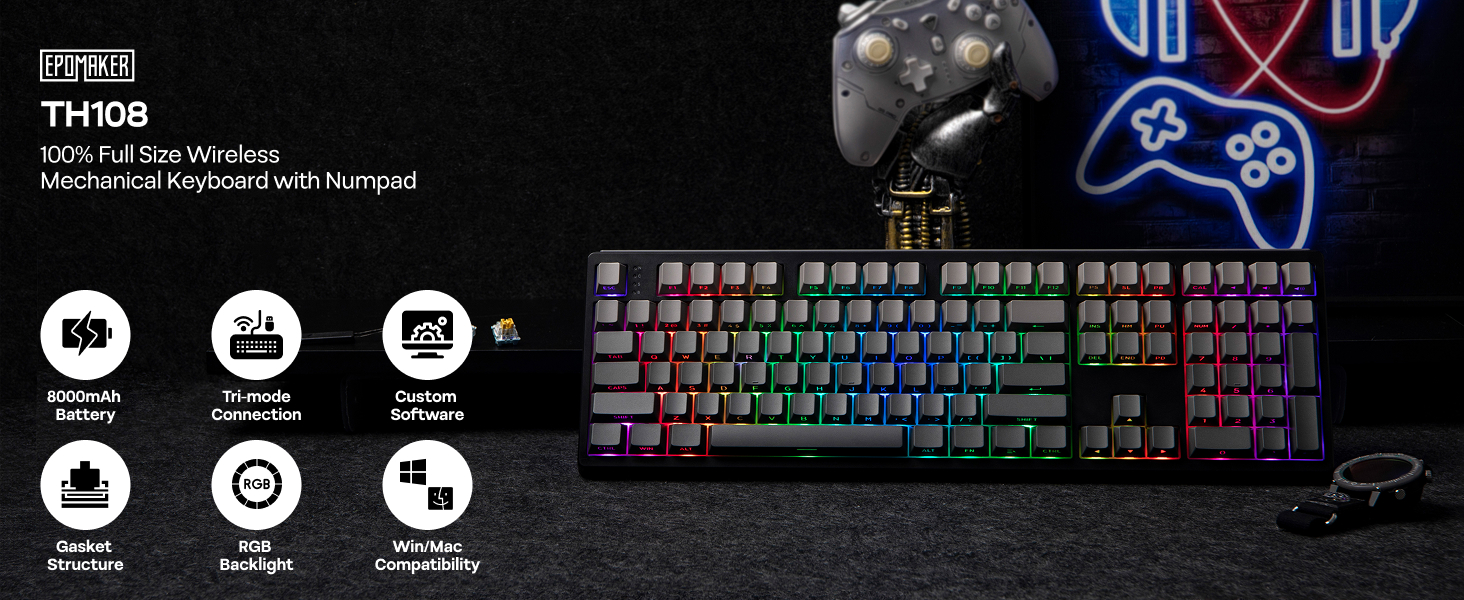
Offline Driver (bit.ly/EpomakerUpgear) is not compatible with Mac; Online driver (epomaker.driveall.cn) supports key remapping, macro recording, RGB settings, and more.
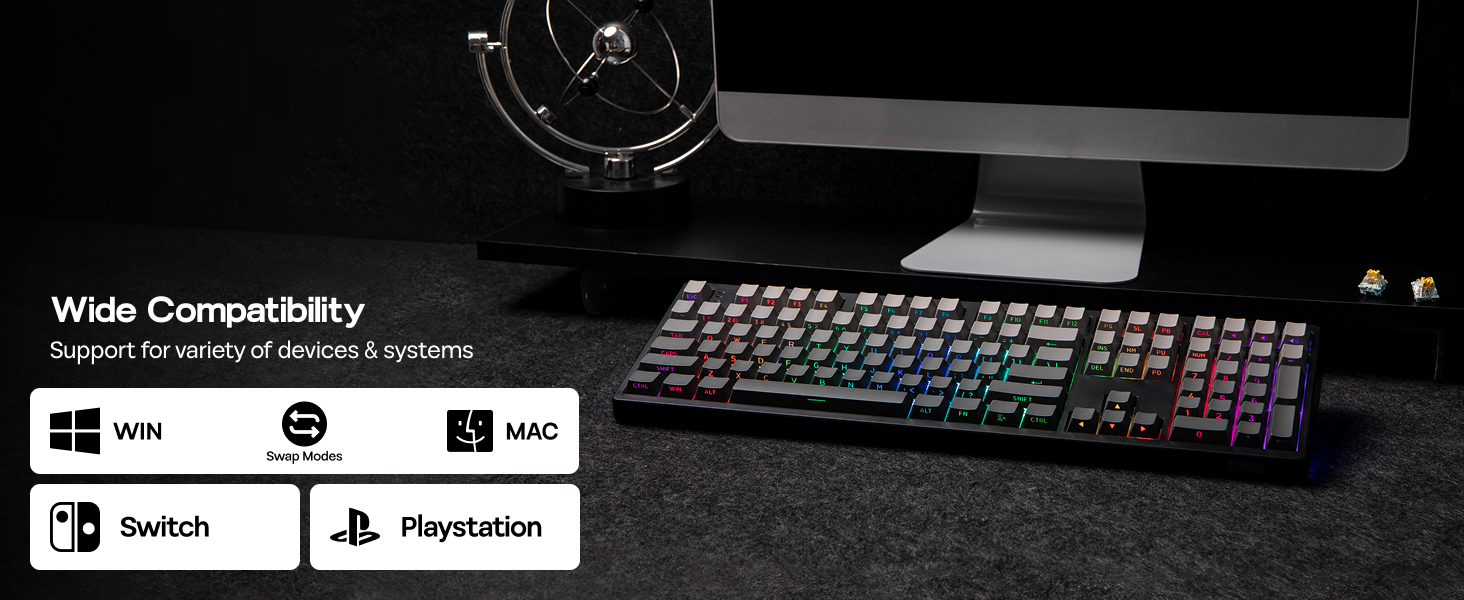
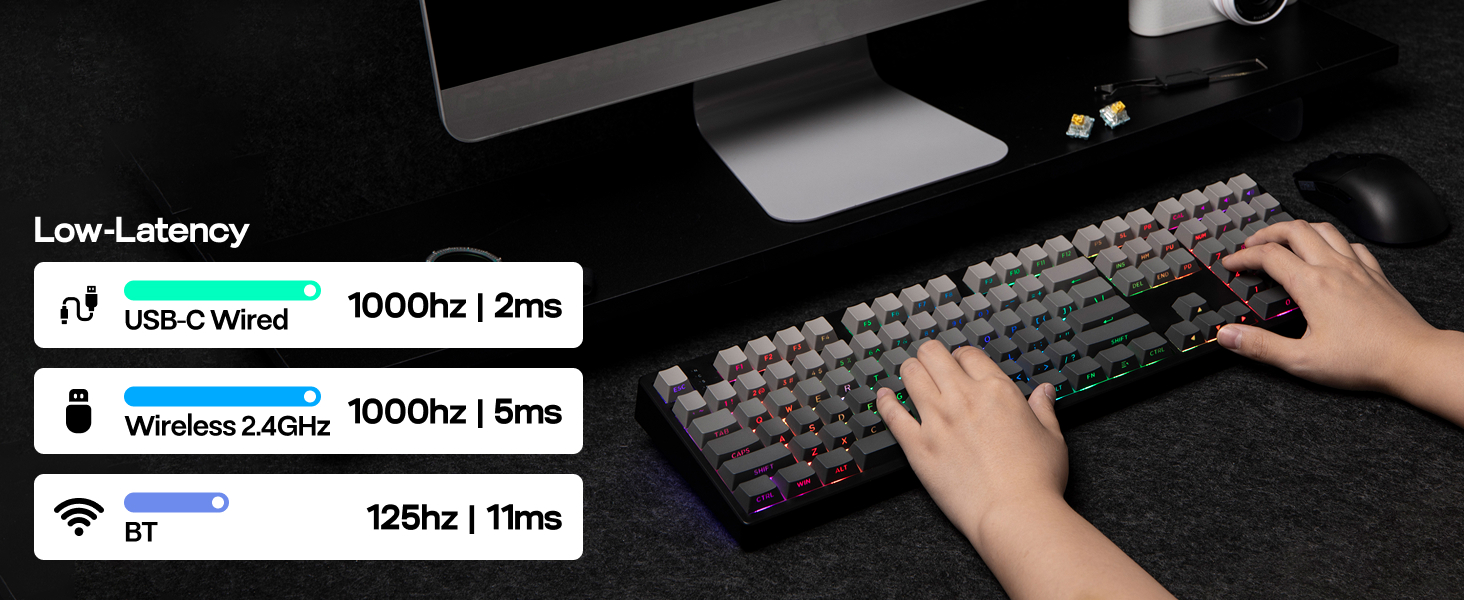
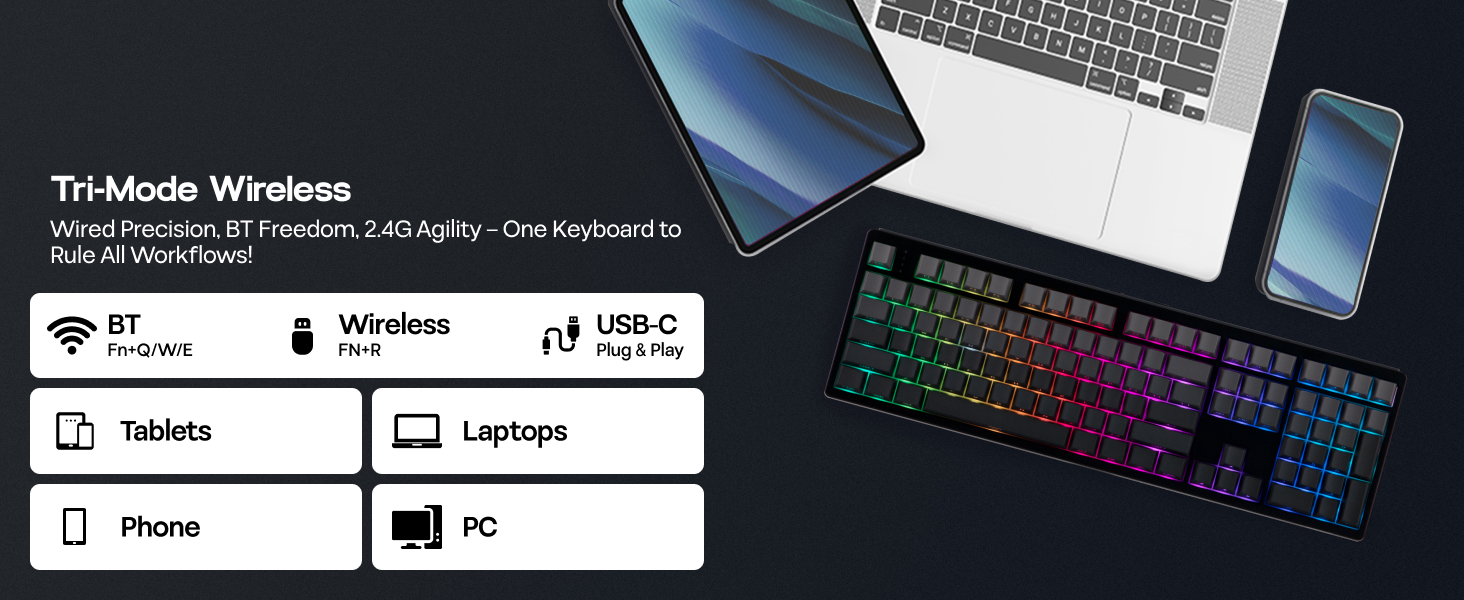
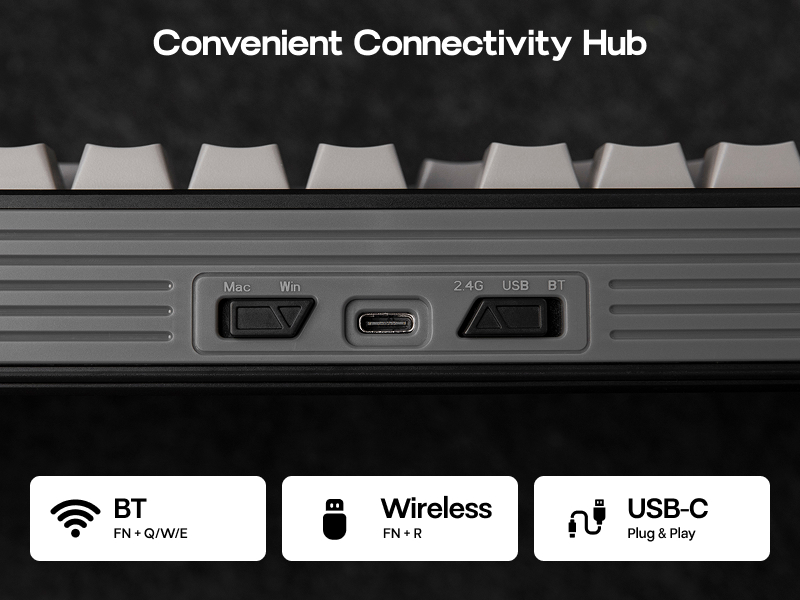
Packed with three modes of connection and an easily accessible mode switch besides the USB port, the TH108 keyboard offers reliable 2.4GHz wireless, low-latency cable mode, and versatile Bluetooth connectivity.
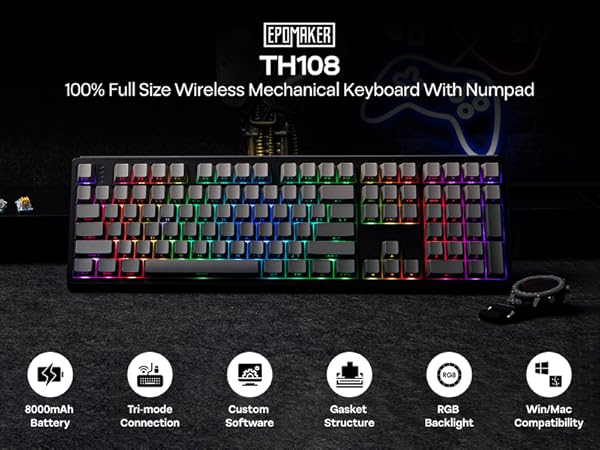


Offline Driver (bit.ly/EpomakerUpgear) is not compatible with Mac; Online driver (epomaker.driveall.cn) supports key remapping, macro recording, RGB settings, and more.
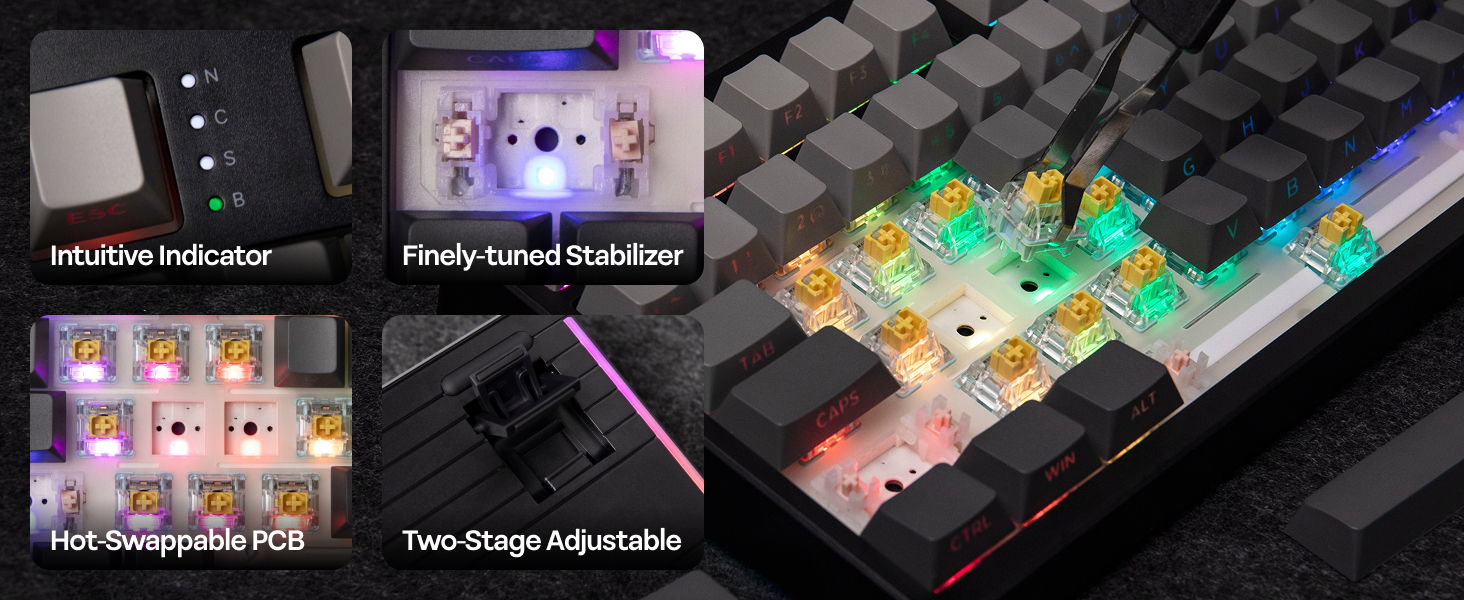
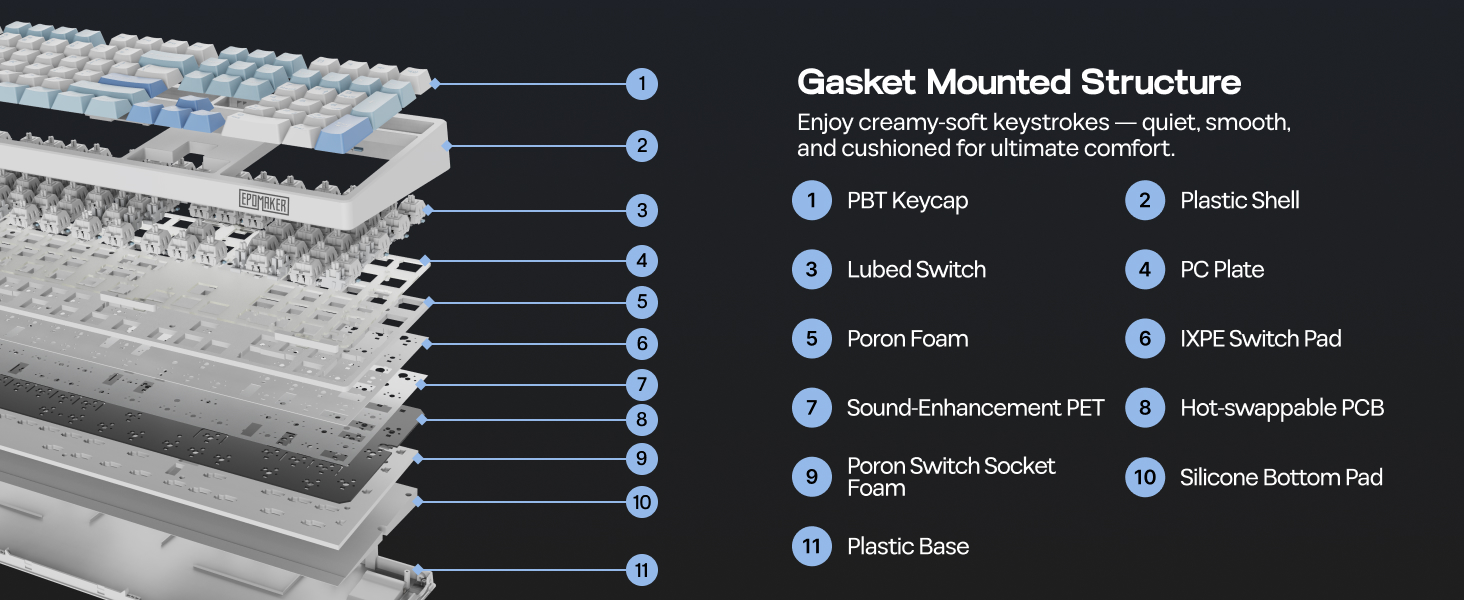
Experience the TH108’s soft, flexible typing and creamy acoustics, engineered through its integrated Gasket Structure. Enjoy a flawlessly smooth feel thanks to pre-lubed plate stabilizers and precision-tuned linear switches.
Packed with three modes of connection and an easily accessible mode switch besides the USB port, the TH108 keyboard offers reliable 2.4GHz wireless, low-latency cable mode, and versatile Bluetooth connectivity.
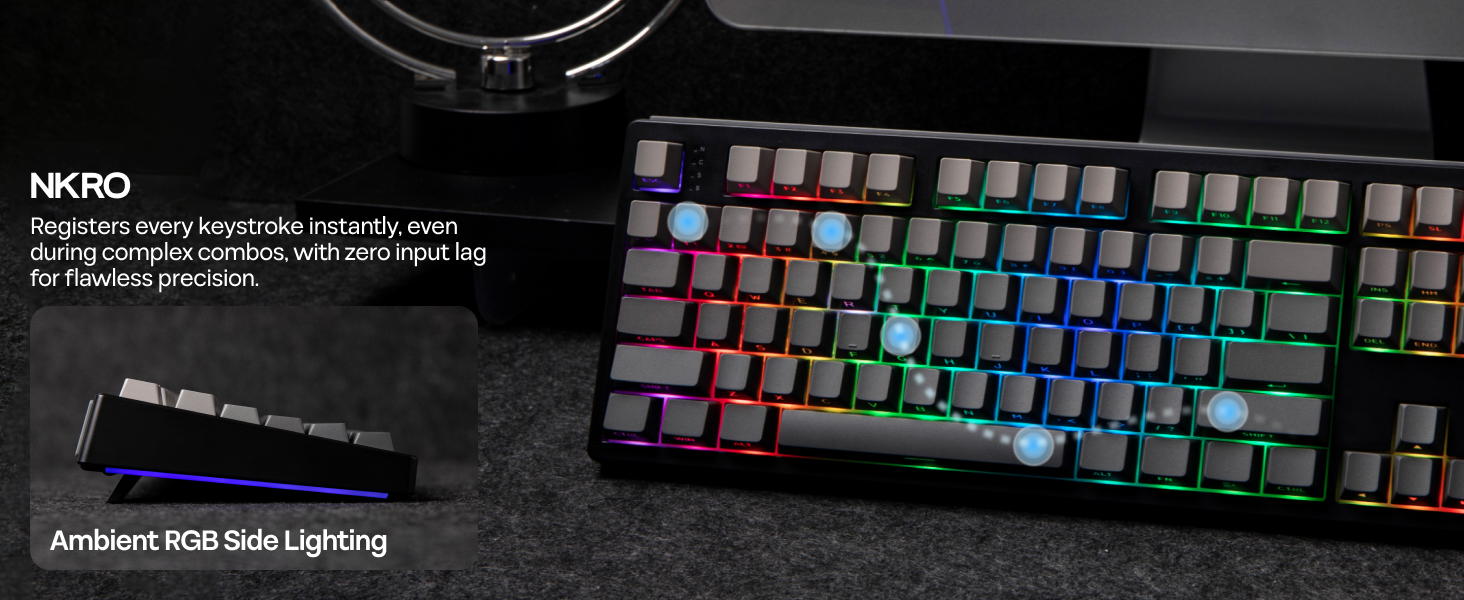
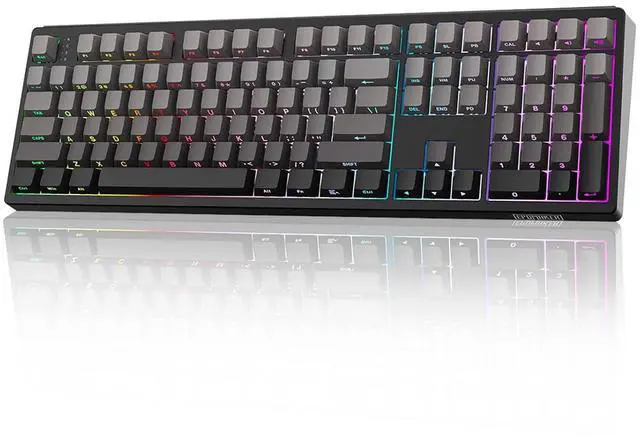
The TH108 mechanical keyboard's RGB backlighting transforms the keys into a mesmerizing river of light, where colors cascade and dance seamlessly across the surface. Choose from dynamic effects like breathing, cycling, and chasing to infuse your typing experience with vibrant energy and motion.
What's in the package:
Details
on Keyboard / Packing List Silent + Linear + Pre-Lubed EPOMAKER Sea Salt Silent Switch Immerse yourself in the TH108s comfortable and flexible typing sensation, crafted using an innovative gasket structure that ensures silent acoustics. Experience an exceptionally smooth performance with the help of pre-lubed plate stabilizers and meticulously tuned linear switches.Details
Intuitive Indicator: N for Numpad, C for Capslock, S for Scroll Key, B for