Your Browsing History
Meet Your Seller
EPOMAKER Split70 Wireless Ergonomic Keyboard with QMK/VIA and Knob, Mechanical Gaming Keyboard with RGB, Hot-Swap, Creamy Linear Switch, PBT Keycap, Gasket, Mac Modifier, 70% Split Layout (Black)
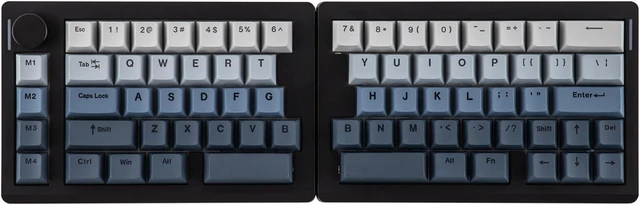
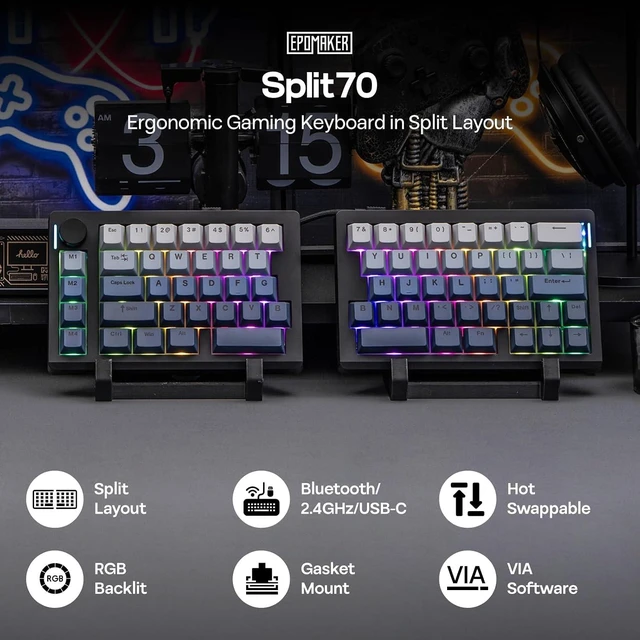
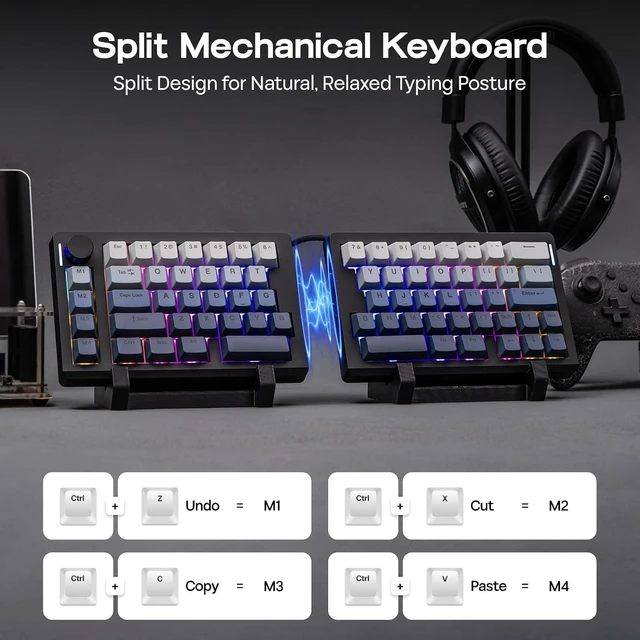
- 70% Layout in Ergonomic Split: Detach in haves or linking them together with cable, experience ultra comfortability and flexibility in typing angles with our Split70 ergonomic keyboard. Type in a natural posture without strain on wrists or forearms by putting distance in-between and enjoy comfort typing for hours working or gaming. Whatever you like, Split70 ergonomic keyboard is ready to meet your needs.
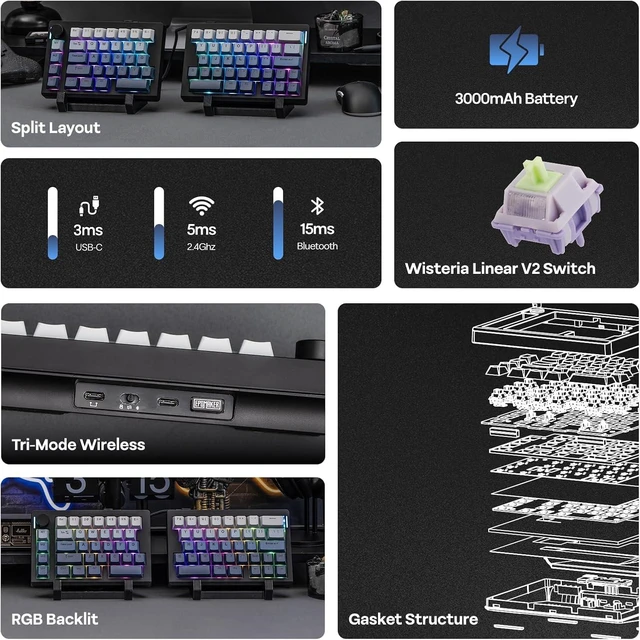
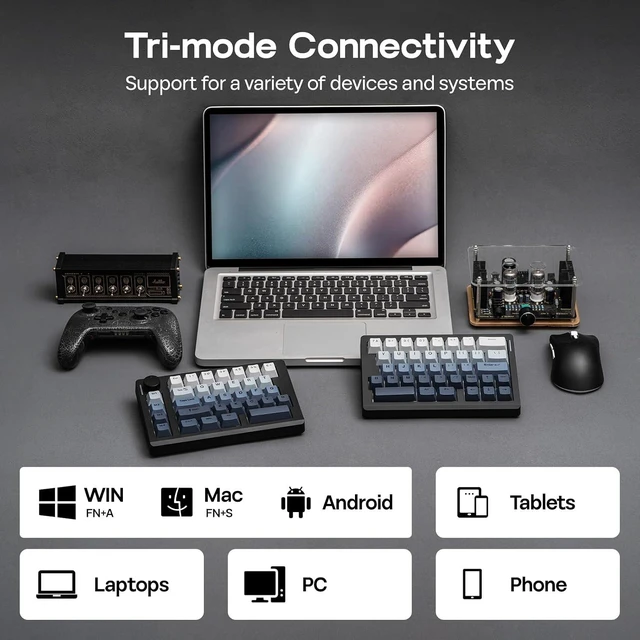
- Tri-Mode Wireless for Mac/WIN: Equipped with Bluetooth 5.0, 2.4GHz Wireless, and USB-C Cable mode, the Split70 Wireless Gaming Keyboard offers versatile compatibility that connects to 5 paired devices at once. Seamlessly work across multiple devices from PC, Mac, to Android Tablet, with no interruption from re-pairing. (Mac Modifier keycaps included).
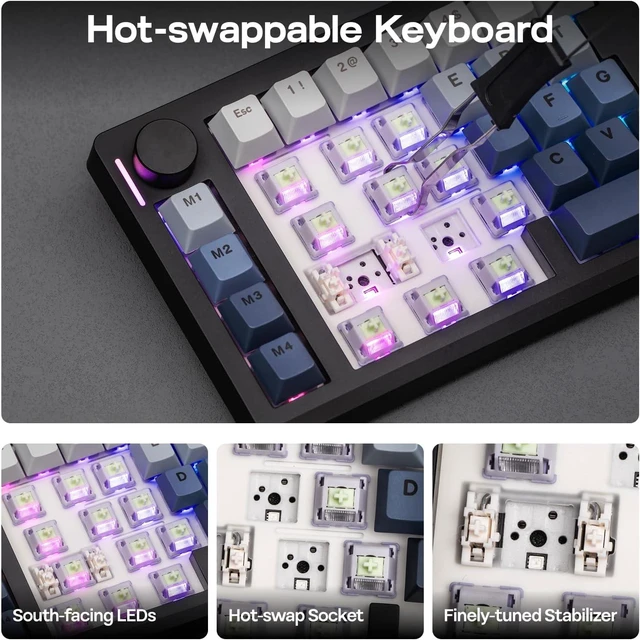
- Creamy Linear Switch & Programmable Knob: Relish in the intuitive control from the rotary knob of the Split70 Mechanical Keyboard, which toggles anything from volume, brightness, to multimedia with a spin. Enjoy the factory-lubed Wisteria Linear V2 switch for creamy smooth typing, or hot-swap to any 3/5-pin mechanical switch for customization.
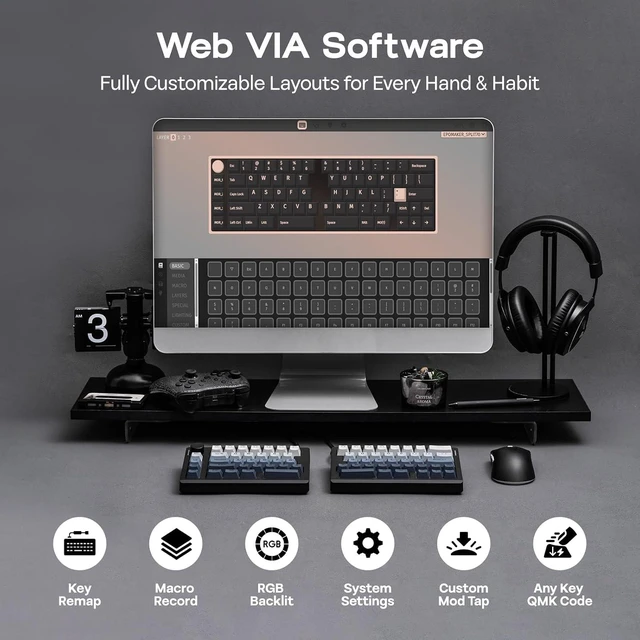
- Powerful QMK/VIA Configure: Map keys or set macros for productivity, accessibility or fun, and enjoy the highly customizable Split70 wireless keyboard that tailors to your personal and professional needs. Connect to VIA software with custom JSON file and configure with maximum freedom in real-time display.
- Long-Lasting RGB Keyboard: Aesthetics and functionality, the Split70 Backlit Keyboa
+
+
Overview
Specs
Reviews
Any questions? Ask CelesteSM will help you find out quickly.
Try me now
Dynamic & Bright RGB BacklightPreset dozens of RGB lighting effects
Tired of your dull office setup? Add color to your workspace with the Split70 keyboardit has dozens of stunning light effects to bring your desk to life instantly. Via VIAs intuitive interface, adjust brightness, speed, and color, save custom settings, and switch scenarios with one click, making every keystroke full of creative fun.
- FN + Tab: Toggle Backlight Effect
- FN + X: Turn On/Off Backlight
- FN +: Adjust Brightness/Speed
Warranty & Returns
Warranty, Returns, And Additional Information
Warranty
- Please contact the Seller directly for warranty information. Warranty information may also be found on the Manufacturer's website.
- CONTACT
Return Policies
- Return for refund within: 30 days
- Return for replacement within: 45 days
- This item is covered by Pinpoint One Return Policy
Manufacturer Contact Info
- For a directory of all our manufacturers, please click below.
- Manufacturers Directory
LOADING...