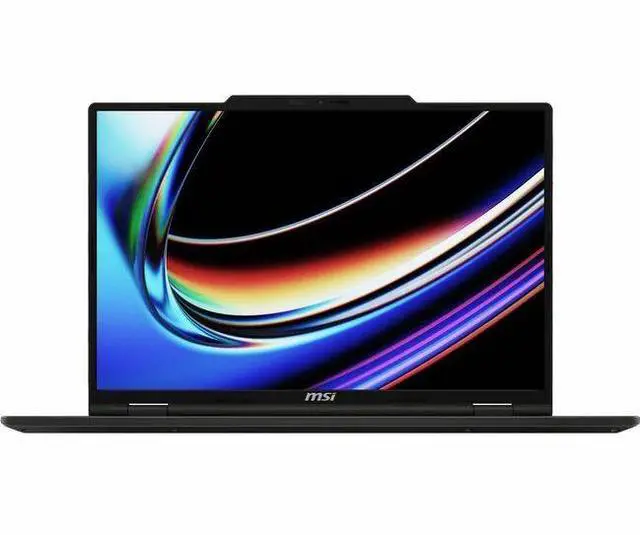
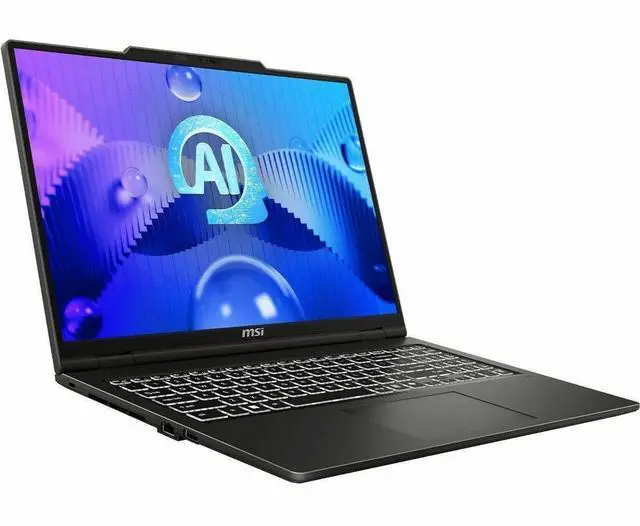
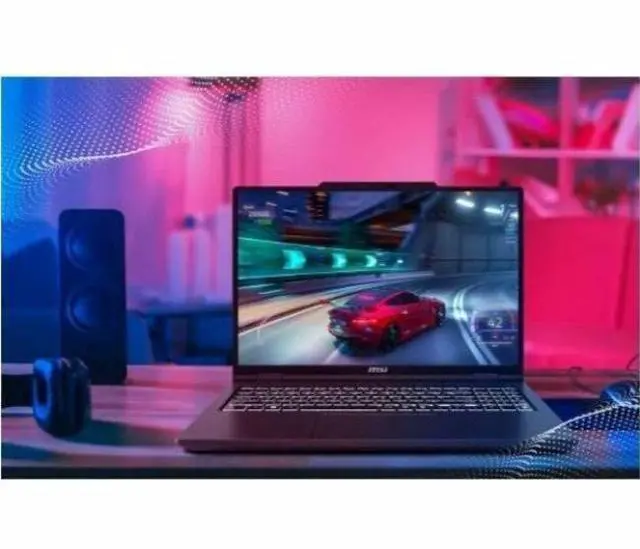
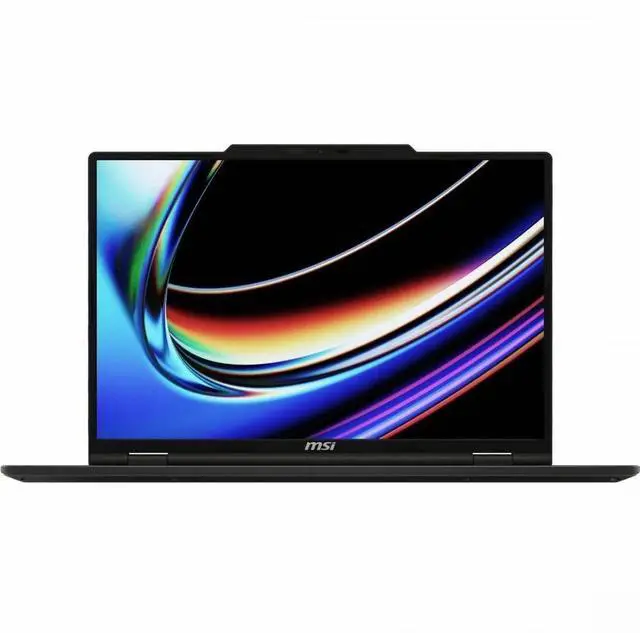
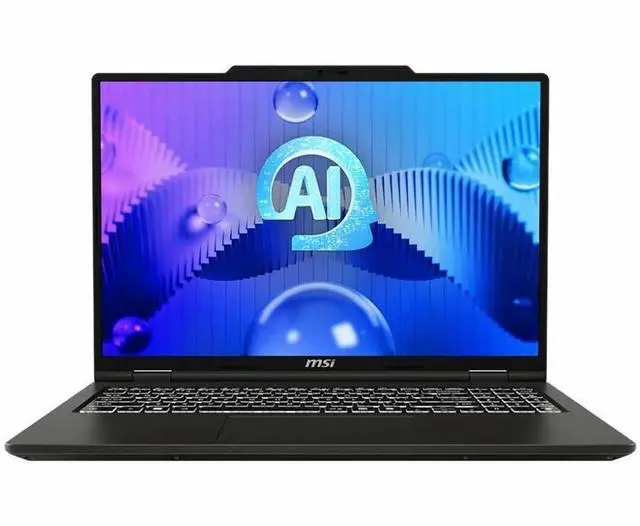
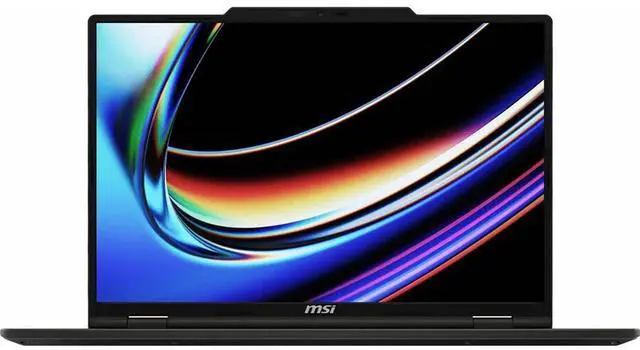
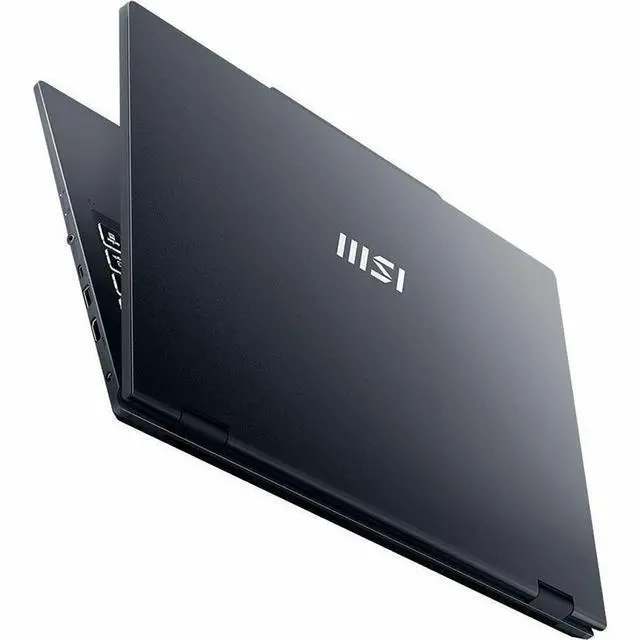
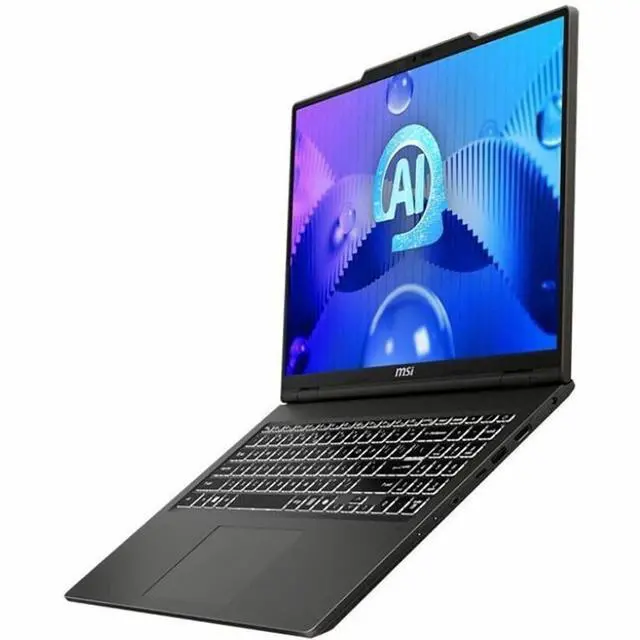
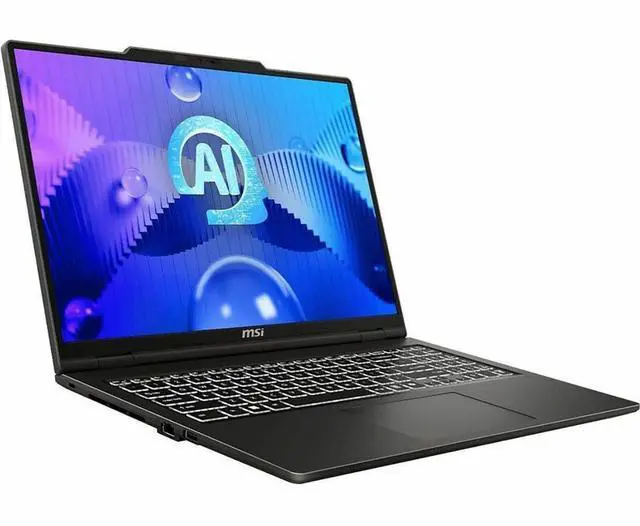
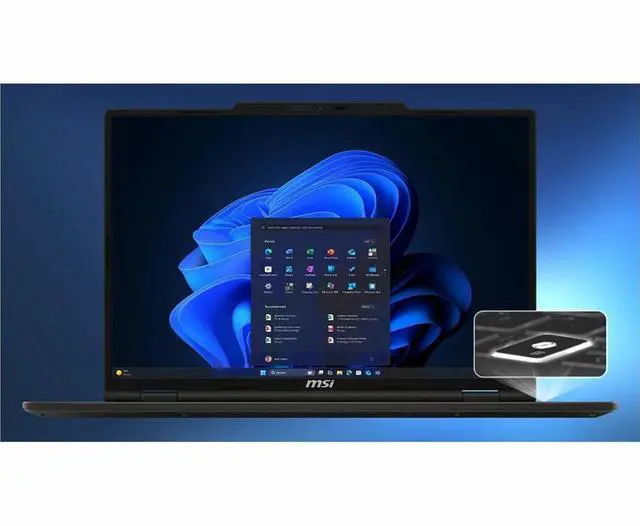
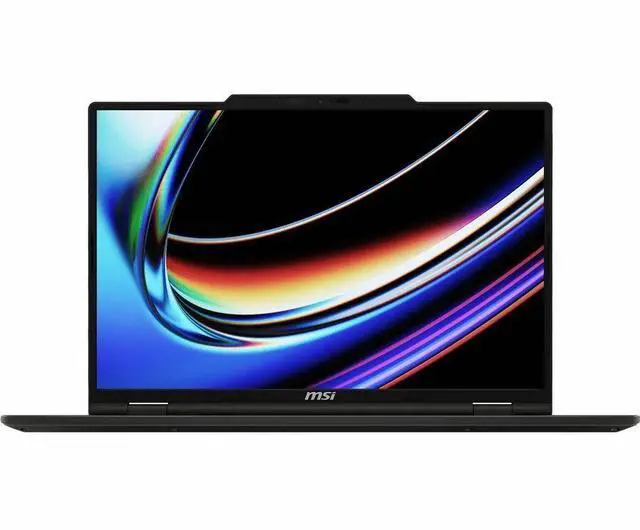
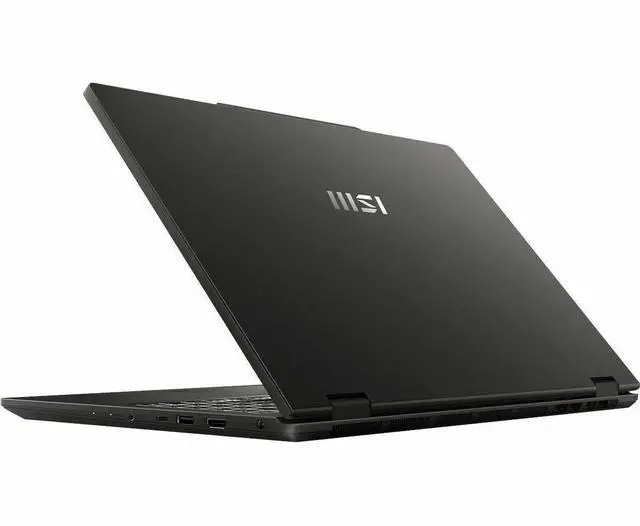
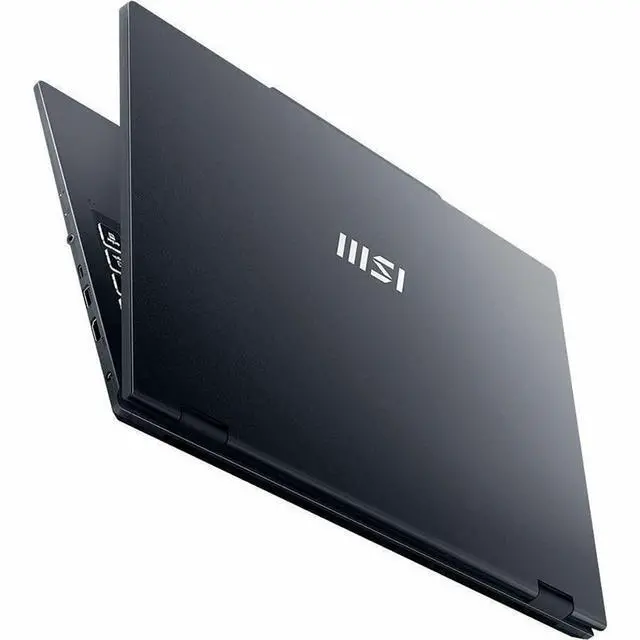
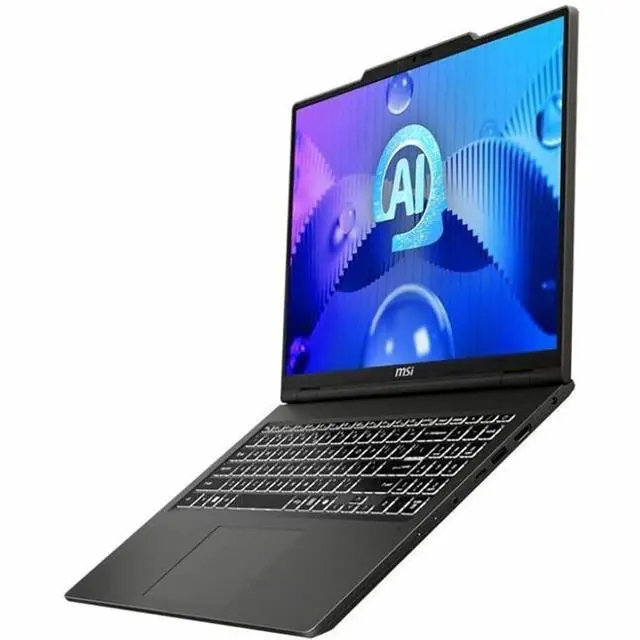
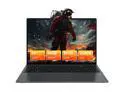
The MSI Venture 16 AI A2HMTG-015US is a 16-inch touchscreen laptop with an Intel Core Ultra 9 285H, 32GB DDR5 RAM, and 1TB NVMe SSD, making it a strong fit for professionals, students, and home users who want fast everyday performance, multitasking headroom, and a large productivity-focused display in a thin-and-light design.
Recommended For
- Students or home-office users who keep many apps and browser tabs open and want a roomy 16-inch screen with touch for documents, research, spreadsheets, and everyday multitasking.
- Buyers who want an office-first 16-inch laptop with a numeric keypad, upgradeable memory access, and enough CPU headroom for heavier Excel work, light coding, and routine productivity without moving to a gaming model.
- Remote workers who mainly join occasional video calls, work from a desk, and value a full-size display, touch input, Wi‑Fi 6E, and a 1TB SSD more than ultra-light travel design.
- Shoppers comparing mainstream 16-inch laptops who care more about CPU-led multitasking and day-to-day responsiveness than dedicated-graphics gaming or creator-grade display quality.
Real-World Use Scenarios
- Running many everyday work apps at once—such as a large spreadsheet, dozens of browser tabs, video calls, and Office apps—usually feels smooth, with enough headroom for multitasking rather than frequent slowdowns.
- For students or home-office users who split time between documents, web research, streaming, and occasional touch input, the 16-inch touchscreen layout is practical and comfortable, but this is still a conventional clamshell laptop rather than a tablet-style device.
- Light photo work, presentations, and general content handling are a sensible fit, but users doing color-critical editing should expect limits from the base FHD+ IPS touchscreen, which reviewers found narrow in color coverage compared with better OLED options.
- On a normal day away from an outlet—email, browsing, documents, and meetings—the laptop should get through a partial workday, but frequent travelers may still want the charger because tested battery life is closer to several hours than all-day endurance.
- For casual games, media playback, and lighter GPU tasks, the integrated Intel Arc graphics are usable, but buyers should not expect the experience of a gaming laptop in newer or more demanding titles.
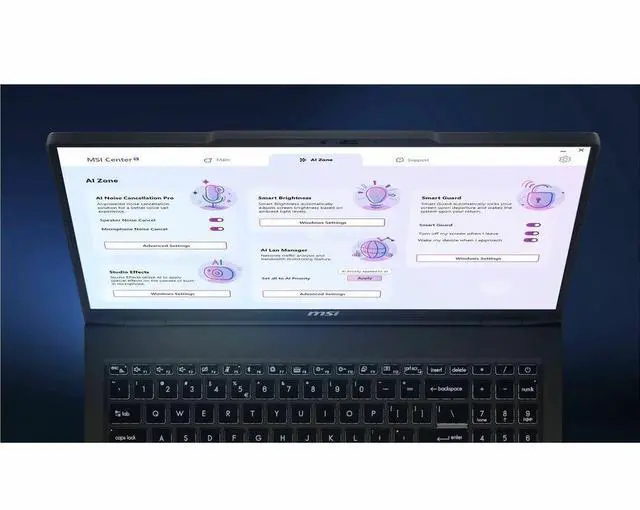
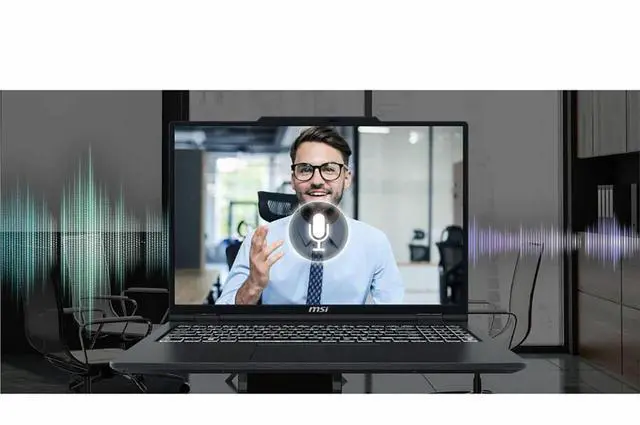
- For frequent video meetings, the built-in mic features help basic call usability, but users who care about image quality should expect a modest webcam experience and may prefer an external camera for client-facing calls.
Spec Summary
| Attribute | Value |
|---|
| Best For | Best for power users and creators who need a thin-and-light 16-inch Windows laptop for heavy multitasking, productivity, and touch-enabled workflows — combines a 16-core Intel Core Ultra 9, 32GB DDR5, and 1TB NVMe with a touchscreen |
|---|
| Processor And Core Count | Intel Core Ultra 9 285H (Series 2), 16-core (6P+8E+2LPE) with 24 MB L3 cache |
|---|
| GPU And VRAM | Intel Arc integrated graphics using shared system memory (no dedicated VRAM listed) |
|---|
| Display Spec | 16-inch IPS FHD+ touchscreen (1920 x 1200, 16:10 aspect) with wide-screen support |
|---|
| Memory Configuration | 32GB DDR5-5600 (2 x 16GB) |
|---|
| Storage And Expansion | 1TB NVMe SSD; no optical drive |
|---|
| High Speed I O | 1 x USB 3.2 Gen 2 Type-C; 2 x USB 3.2 Gen 1 Type-A; 1 x HDMI 2.1; 1 x Headphone/Microphone combo jack |
|---|
| Battery And Power | 90-watt AC adapter and 4-cell 55Whr Li-Polymer battery |
|---|
| Wired And Wireless Networking | Gigabit Ethernet (10/100/1000 Mbps); Wi‑Fi 6E (802.11ax); Bluetooth 5.3 |
|---|
| Webcam And Privacy | 720p HD webcam |
|---|
| Keyboard And Control | White backlit 99-key keyboard |
|---|
| Audio Setup | DTS audio processing with Noise Cancellation Pro, 3-microphone spatial array, Hi-Res Audio, and 2 x 2W speakers |
|---|
| Portability | Thin-and-light design; dimensions 15.56 x 9.66 x 0.87 inches; weight 4.19 lbs |
|---|
| External Display And Docking Fit | External display output via HDMI 2.1 (USB-C port available for peripherals) |
|---|
| Model Identifiers | MSI Venture 16 AI A2HMTG-015US in Solid Gray running Windows 11 Home; AI Ready |
|---|
Reference Q&A
Q: Should I choose the MSI Venture 16 AI or a Core Ultra 7 Venture 16 configuration?
A: Choose this Core Ultra 9 Venture 16 when you want the faster H-series tier for heavier multitasking, larger projects, or longer CPU-bound workloads without moving to a different laptop class. Choose a Core Ultra 7 255H Venture 16 if the price gap matters more than a modest speed gain, because Intel lists both chips with the same 16-core layout and Arc 140T graphics, and Notebookcheck reports the typical Core Ultra 9 285H advantage over the 255H is relatively small in real laptops. In short: Core Ultra 9 makes sense for extra headroom, while Core Ultra 7 is usually the value choice in the same chassis.
Q: Is the MSI Venture 16 AI a better buy than the MSI Prestige 16 AI Evo?
A: Choose the Venture 16 AI when you want more affordable 16-inch productivity hardware with upgradeable DDR5 memory and do not need premium travel features. Choose the Prestige 16 AI Evo when display quality, portability, and connectivity matter more, because MSI positions Venture as the more entry-level office line while Prestige models offer higher-end screen options such as QHD+ or OLED and more premium I/O like dual Thunderbolt 4 on official MSI specs. The trade-off is simple: Venture favors practical value, while Prestige favors a lighter, more premium work setup.
Q: Should I buy this MSI Venture 16 AI or a Ryzen AI 9 365 laptop?
A: Choose this Venture 16 AI when your priority is strong general productivity performance in an affordable 16-inch laptop. Choose a Ryzen AI 9 365 alternative when battery efficiency or AMD-based platform preferences are more important in the models you are comparing. Across published CPU comparisons, the Core Ultra 9 285H generally leads the Ryzen AI 9 365 in many productivity tests, while graphics differences are smaller and can depend on laptop tuning, power limits, and drivers. That makes the MSI a better fit for office, school, and creator workloads that are more CPU-focused than gaming-focused.
Q: Is this MSI Venture 16 AI good for portability, or should I pick a lighter 16-inch laptop instead?
A: Choose this Venture 16 AI if you want a home, desk, or classroom laptop with a large touchscreen, full-size ports, and solid everyday performance. Choose a lighter 16-inch alternative if you travel often, because professional reviews describe the Venture 16 as a more basic office design with a relatively heavy build, a 55Wh battery, a 720p webcam, and only one USB-C port. The Venture is better for value-oriented stationary use, while lighter premium models are better for frequent commuting and video calls.
Q: Should I get this MSI Venture 16 AI or move up to a laptop with dedicated graphics?
A: Choose this Venture 16 AI if your main use is productivity, web work, office apps, and light creative tasks with occasional casual gaming. Move up to a laptop with dedicated graphics if gaming or GPU-heavy work is a core requirement, because the Core Ultra 9 285H's integrated Arc graphics are improved for an iGPU but reviews still place discrete-GPU laptops in a different performance class for sustained gaming and demanding visual workloads. The MSI is the better fit when you want lower complexity and better everyday efficiency than a gaming laptop.
Q: Is this a good laptop for travel, meetings, and everyday office work?
A: Yes, it fits that use case well. The MSI Venture 16 AI combines a high-end Intel Core Ultra 9 285H processor, 32GB RAM, a 1TB SSD, a 16-inch touch display, and Wi-Fi 6E, which is more than enough for multitasking, browser-heavy work, video calls, documents, and note-taking. The main trade-off is portability: at 4.19 lbs, it is reasonable for a 16-inch laptop, but not especially light compared with smaller ultrabooks.
Q: Is the touchscreen useful for note-taking and presentations, and does it come with a pen?
A: The touchscreen is useful for tapping, scrolling, light annotation, and presentation use, but this model should be treated as a standard clamshell laptop rather than a pen-first 2-in-1. Based on the provided specifications, a stylus is not listed, so buyers should not assume a pen is included. If handwriting or sketching is a primary need, a convertible model with confirmed pen support is usually the safer choice.
Q: Who is this laptop best suited for?
A: It is best suited for buyers who want a large-screen Windows laptop for productivity, multitasking, study, business use, and general home computing. The 32GB RAM and 1TB SSD make it a strong fit for users who keep many apps and browser tabs open. It is less ideal for buyers who need premium creator features such as a higher-resolution display, a faster webcam, or dedicated NVIDIA graphics.
Q: What are the main trade-offs versus a more premium 16-inch alternative?
A: The MSI Venture 16 AI offers strong CPU performance, ample memory, touch support, and useful everyday connectivity, but it makes several value-oriented compromises. Its display is 1920 x 1200 rather than a higher-resolution 2.5K, 3K, or 4K panel; graphics are integrated Intel Arc rather than dedicated NVIDIA graphics; and the webcam is 720p. A more premium 16-inch model can be better for photo/video work, sharper visuals, and heavier GPU tasks, but it will usually cost much more.
Q: Is this a good choice for photo editing, video editing, or gaming?
A: It is fine for light creative work and casual gaming, but it is not the best choice for users whose main priority is demanding editing or modern AAA gaming. The processor and 32GB RAM are strong, but the laptop uses integrated Intel Arc graphics and shared memory rather than a dedicated GPU. That means it is better positioned as a productivity laptop with some creative headroom, not as a creator or gaming-focused machine.
Q: Is the MSI Venture 16 AI a good buy for work, school, and heavy multitasking?
A: Yes for productivity-focused buyers. The 32GB RAM, 1TB SSD, 16-core Core Ultra 9 285H, and 16-inch 1920x1200 touchscreen make it well suited for office work, many-browser-tab use, spreadsheets, research, and general school or home use. The main trade-off is that it uses integrated Intel Arc graphics, so its value is strongest for CPU-heavy productivity rather than gaming or GPU-heavy creative workloads.
Q: Is it a good choice if I also want to game?
A: Only for light or casual gaming. This model has Intel Arc integrated graphics and shared memory, not a dedicated GPU. That makes it fine for lighter games and older titles at modest settings, but not a strong choice if gaming performance is a main priority. If you want modern AAA gaming or GPU-intensive creative work, a laptop with dedicated NVIDIA or AMD graphics is the safer choice.
Q: Who is this laptop best suited for?
A: It fits buyers who want a large-screen productivity laptop with strong everyday performance, lots of memory, and a touchscreen without moving to a heavier gaming model. It is a better fit for students, office users, research work, writing, and general home use than for creators who need color-critical displays or users who need a very light travel laptop.
Q: What are the main trade-offs of choosing this model over more premium or gaming laptops?
A: The trade-offs are portability, graphics power, and some premium features. At 4.19 lbs with a 16-inch chassis, it is more of a desk-to-bag laptop than an ultra-portable option. Its 1920x1200 IPS touchscreen is practical, but not positioned as a high-end OLED or creator display. It also has a 720p webcam and integrated graphics, so buyers should see it as a practical productivity machine rather than a premium media, gaming, or workstation laptop.