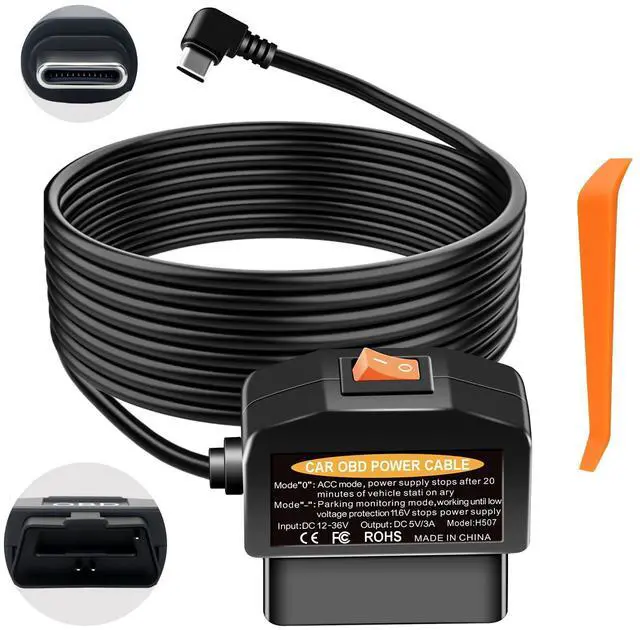
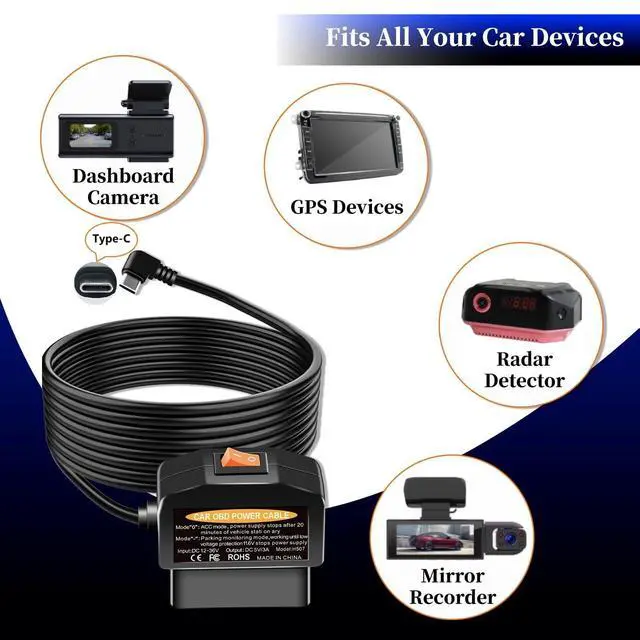
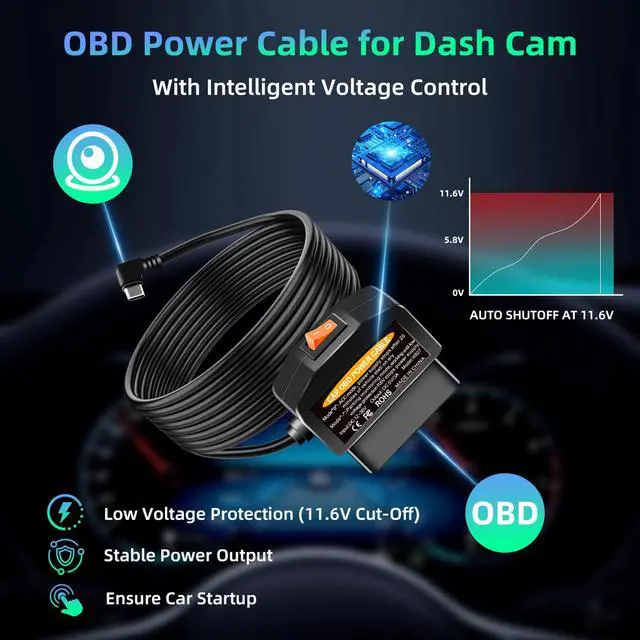
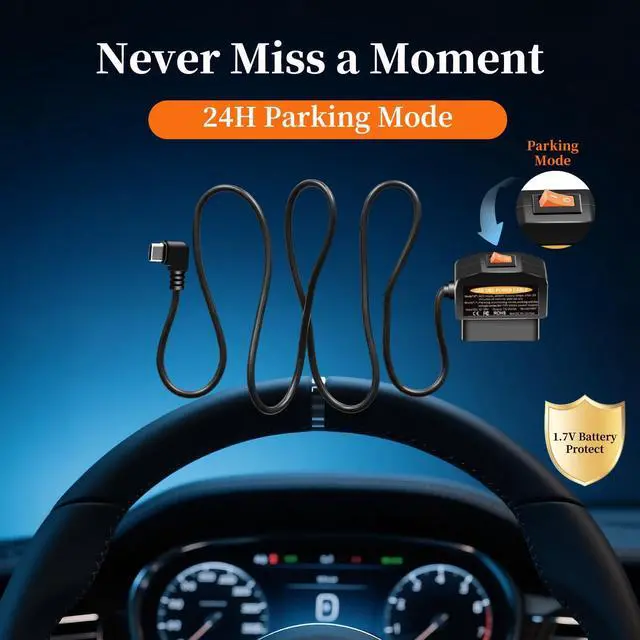
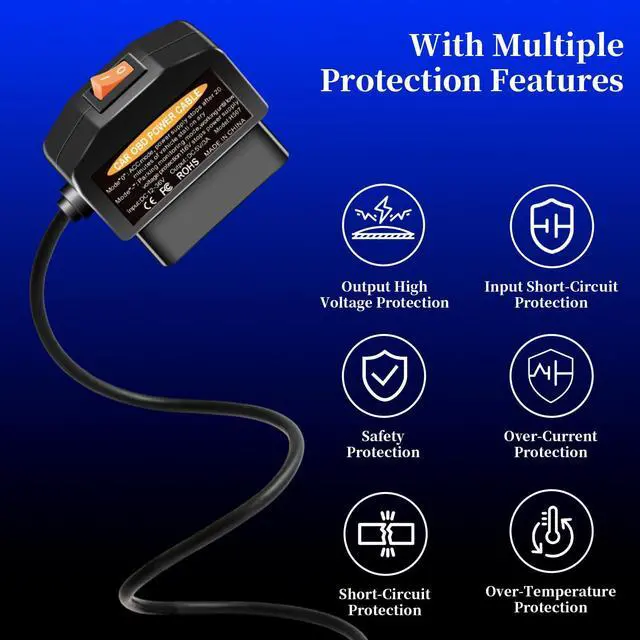
dash cam power cable USB C ,OBD to Type-C Adapter Hardwire Kit with 24/7 Parking Mode, Low Voltage Protection (11.6V/23.4V) with 2 Modes Switch , Acc Detection, Plug and Play Continuous Recording
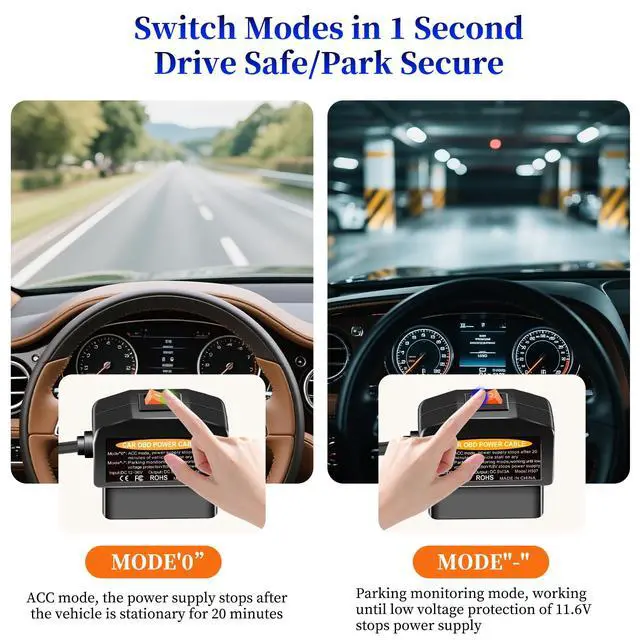
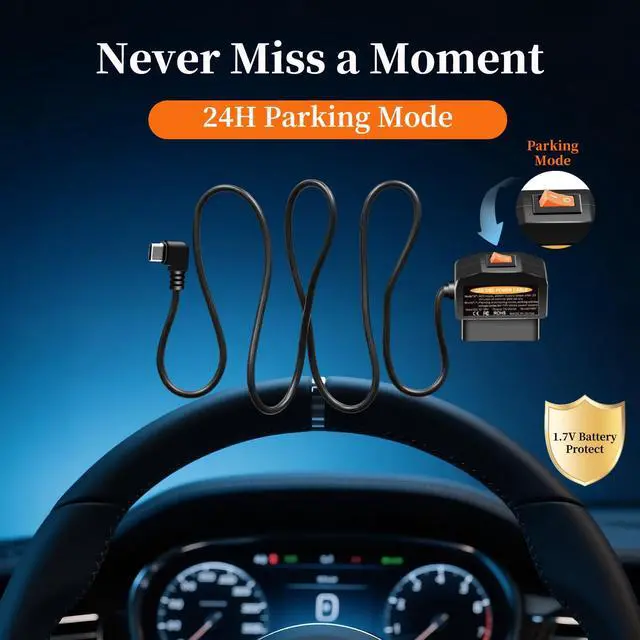
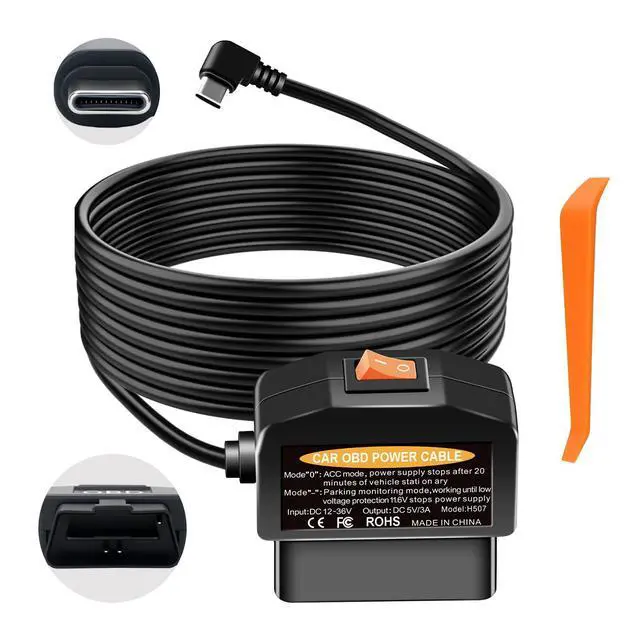
Smart Dual-Mode Switch for Dash Cam Toggle the physical switch to choose between: Daily Mode 0 (auto power-off ~20 minutes after engine shut-off) and 24/7 Surveillance Mode - (continuous parking monitoring). A versatile OBD2 power adapter for dash cam.
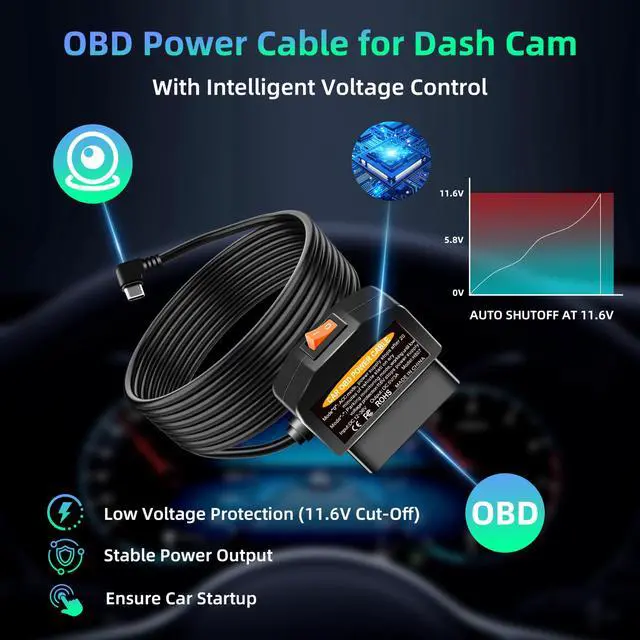
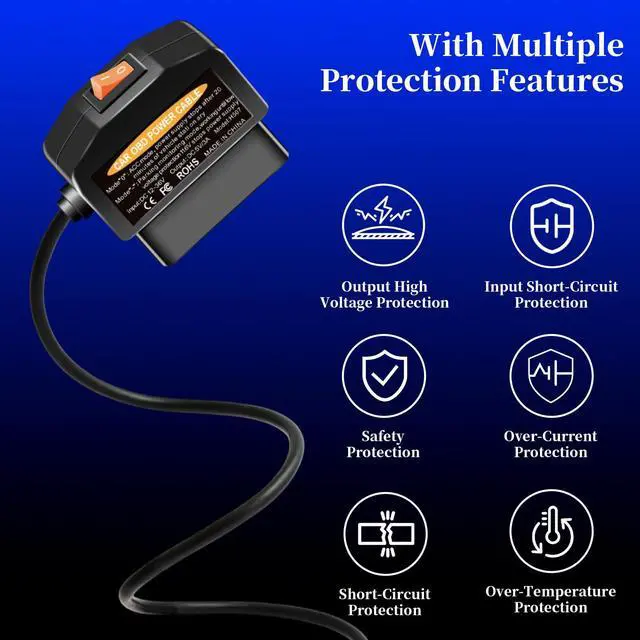
11.6V/23.4V Smart Low-Voltage Protection Built-in chip monitors battery voltage in real-time. Automatically cuts power when voltage drops below 11.6V (12V vehicles) or 23.4V (24V vehicles), preventing a dead battery.
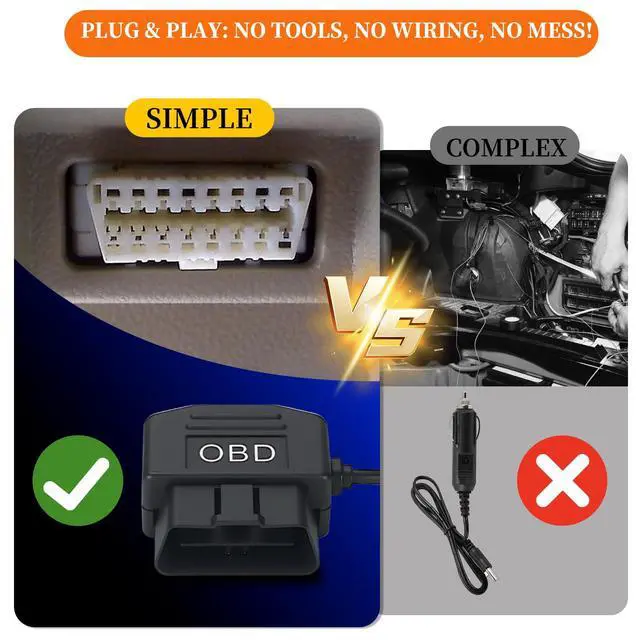
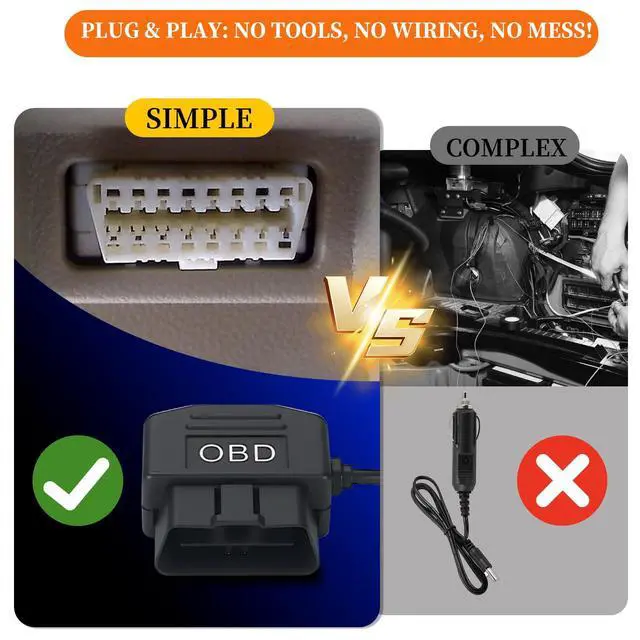
Plug & Play in 3 Minutes No Tools Needed Skip complex hardwiring. This OBD power cable for dash camera plugs directly into your vehicle's OBD-II port. The 3.5-meter cable allows for easy, clean, and hidden installation.
Frees Up Cigarette Lighter & 100% Data Safe Powers your dash cam directly, freeing your 12V socket. It only draws power and does NOT access or interfere with your vehicle's ECU data or diagnostics.
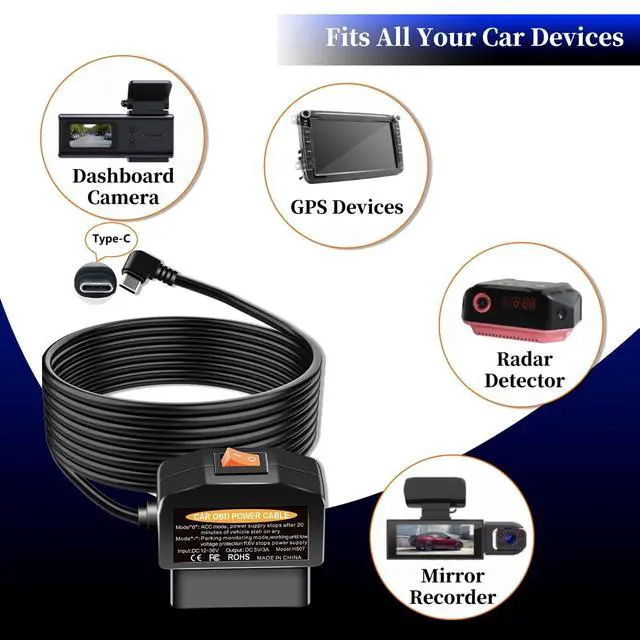
Important Compatibility Notes Your dash cam must have a USB-C power input. It must use the A5-B5 pin definition. NOT compatible with devices requiring A8-B8 pins or 12V input.
Key Usage Note & Vehicle Compatibility Some vehicles cut power to the OBD/ODB port when off. If no power after startup, simply drive to ~20 km/h (12 mph) to activate it. This OBD2 dash cam power cable is designed to work with this common vehicle logic.
+
+
Overview
Specs
Reviews
Any questions? Our AI beta will help you find out quickly.
Try me now
dash cam power cable USB C, OBD to Type-C Adapter Hardwire Kit with 24/7 Parking Mode, Low Voltage Protection ( 11.6V / 23.4V ) with 2 Modes Switch, Acc Detection, Plug and Play Continuous Recording
Learn more about the Detailed Specifications
Additional Information
First Listed on Newegg
May 19, 2026
There are no reviews yet.
Do you own this product?
Warranty & Returns
Warranty, Returns, And Additional Information
Warranty
Please contact the Seller directly for warranty information. Warranty information may also be found on the Manufacturer's website.