

Product Comparison
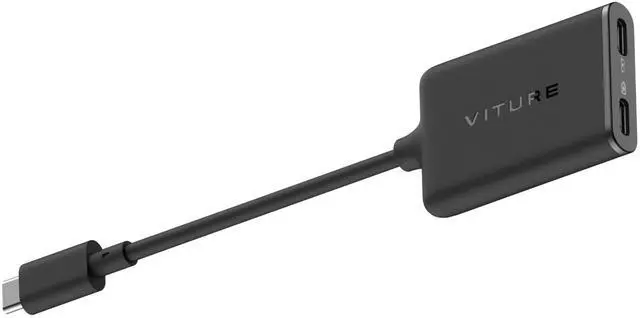
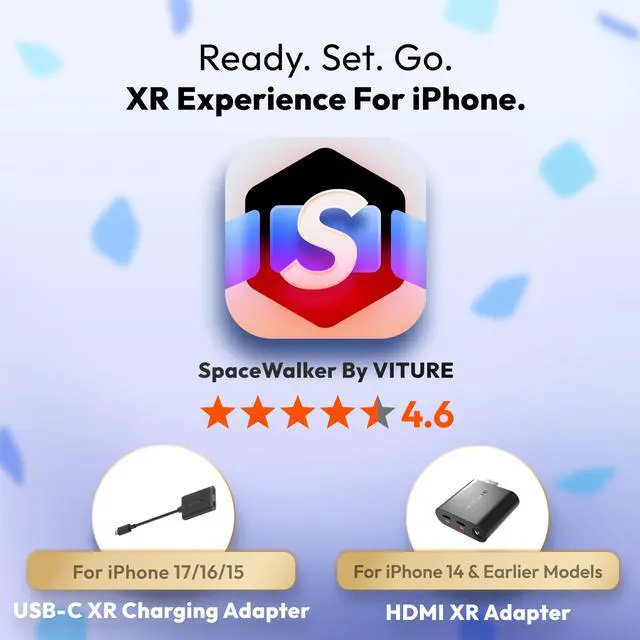
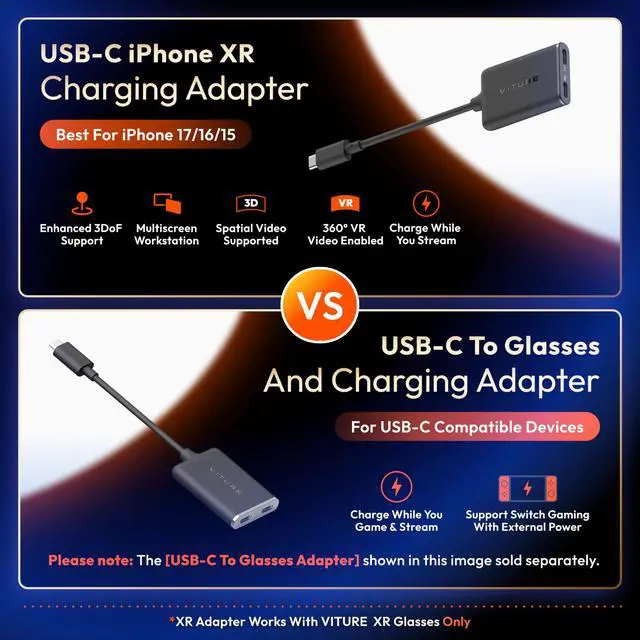
 USB-C Adapter For USB-C iPhone |  HDMI XR Adapter For iPhone |  USB-C Charging Adapter |
|---|---|---|
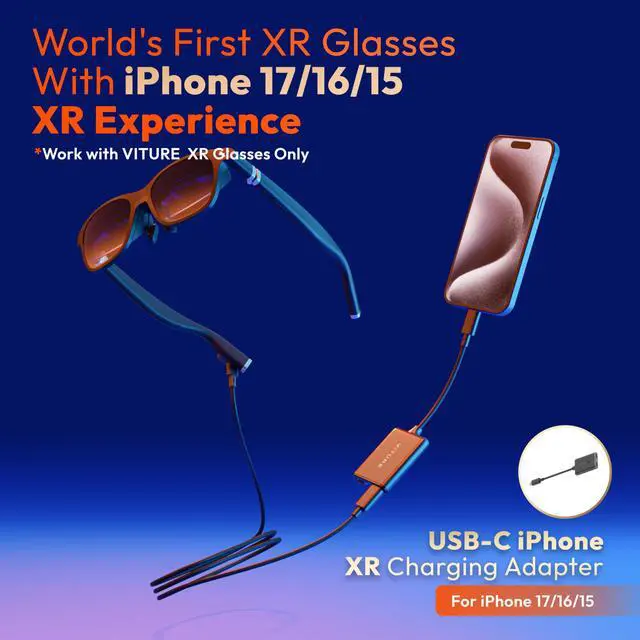
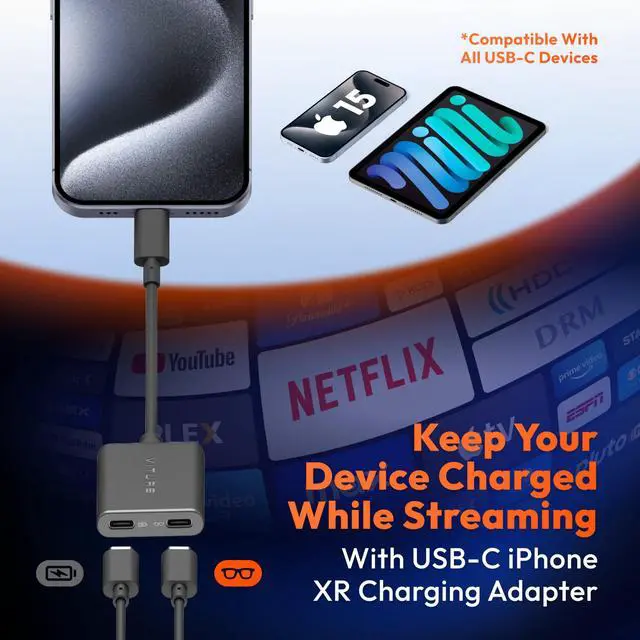
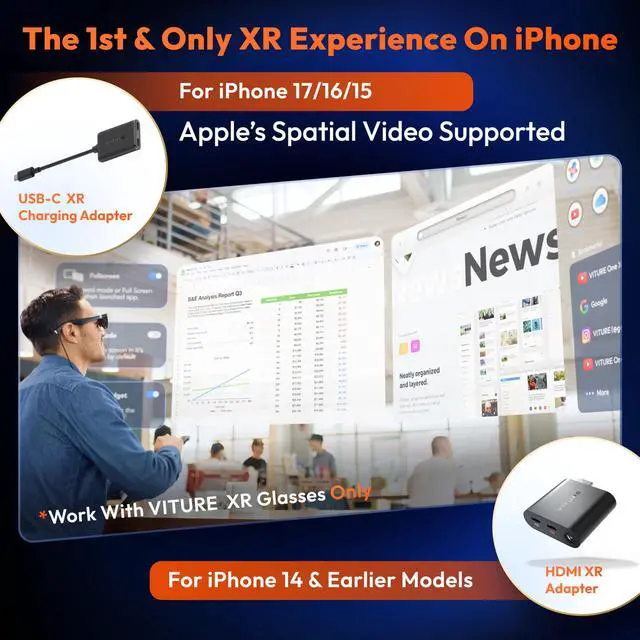
Best For For iPhone 17/16/15, iPad with USB-C port, Charge While Playing | Best For For Lightning iPhone: iPhone 14 & Earlier Models | Best For Charge While Playing, perfect for Steam Deck, ROG Ally, android phones and more |
More Key Features Enabling Mutiscreen/ Enhanced 3DoF/ VR video/ 1-Click 3D features | More Key Features Enabling Mutiscreen/ Enhanced 3DoF/ VR video features | More Key Features Support Switch together with external power bank |
Spatial Videos & 1-Click 3D* ?? | Spatial Videos & 1-Click 3D* No | Spatial Videos & 1-Click 3D* No |
Multi-screen & Enhanced 3DoF ?? | Multi-screen & Enhanced 3DoF ?? | Multi-screen & Enhanced 3DoF No |
VR 360 Videos & Ambient Mode ?? | VR 360 Videos & Ambient Mode ?? | VR 360 Videos & Ambient Mode No |


About VITURE
Founded by Google & Apple alumni, VITURE has quickly become the leader of the next generation of digital entertainment devices.
A benchmark-setting company in the field, we've engineered our XR ecosystem for mass-market appeal by combining true technological innovation with fashion-driven design, enabling users to stream videos, play games, and work anywhere, anytime.
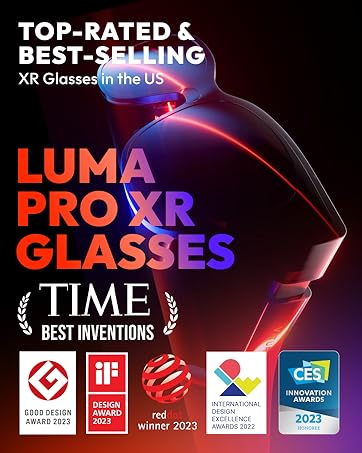





Buy One, Get One Free!
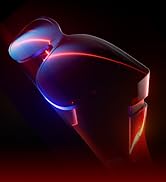
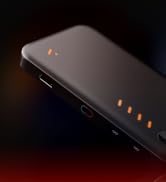
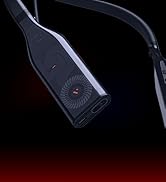
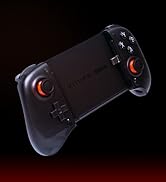
The BEST Of Everything!




Game & Stream Anywhere Anytime



Portable Private Workstation!




Play Together, Stay Together!
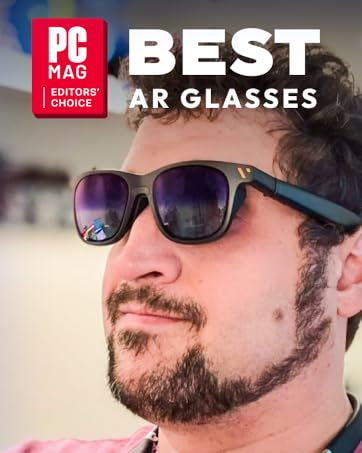
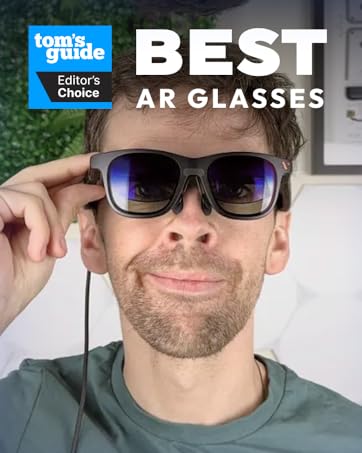
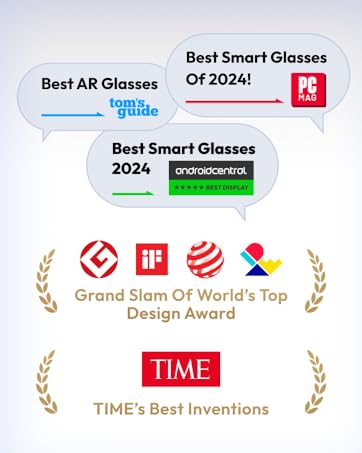


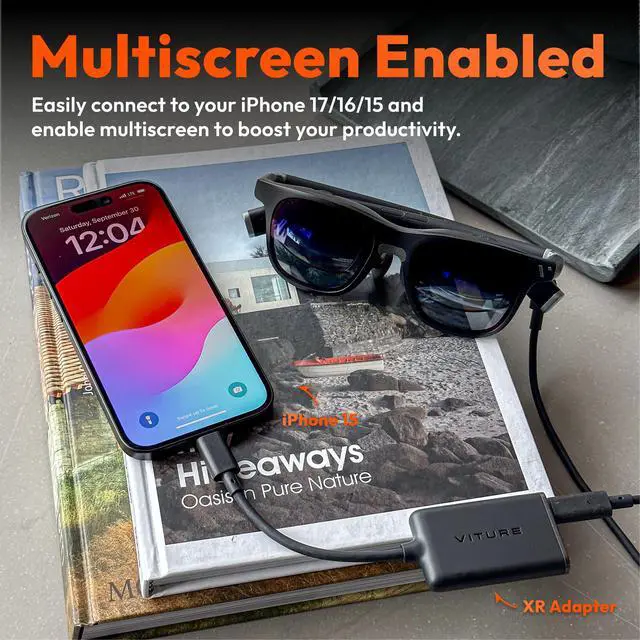
Multiscreen Workstation Boosts Your Productivity
Unlock Your iPhone's Potential. Take your productivity to the next level with multi-screen workflows and access to all your apps in XR.
360° VR Video Enabled
With the VR video player widget, you can play and interact with VR video on your iPhone, simulating the 360° environment of VR headsets — perfect for exploring maps or immersing yourself in multi-dimensional virtual spaces.
Mobile Cinema Experience For Streaming Apps
A direct connection to VITURE XR Glasses means you can access Netflix, Disney+, Hulu and more without DRM and HDCP restrictions.
They Love It, You Will Too!


Product Comparison
About VITURE
Founded by Google & Apple alumni, VITURE has quickly become the leader of the next generation of digital entertainment devices.
A benchmark-setting company in the field, we've engineered our XR ecosystem for mass-market appeal by combining true technological innovation with fashion-driven design, enabling users to stream videos, play games, and work anywhere, anytime.
Buy One, Get One Free!
The BEST Of Everything!
Game & Stream Anywhere Anytime
Portable Private Workstation!
Play Together, Stay Together!