8-in-1 USB C Hub Multiport Adapter, USB C Docking Station for Laptop with 4K@60Hz HDMI, 100W PD Charging, SD/TF Card Reader, USB 3.0 Ports for MacBook Pro/Air, iPad, Windows, School & Office
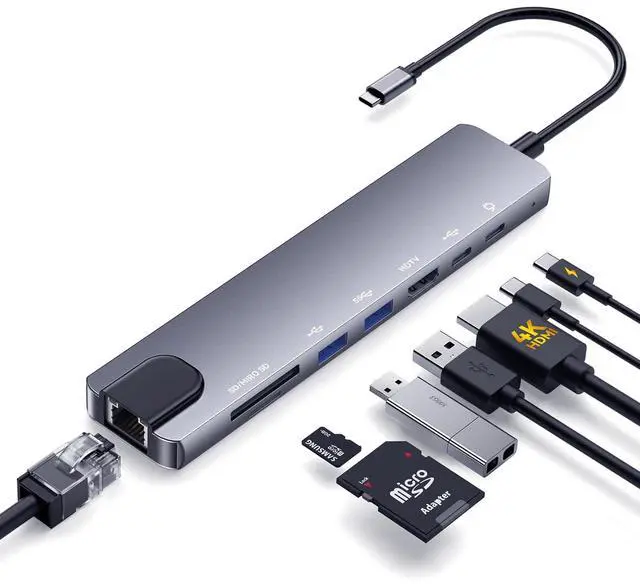
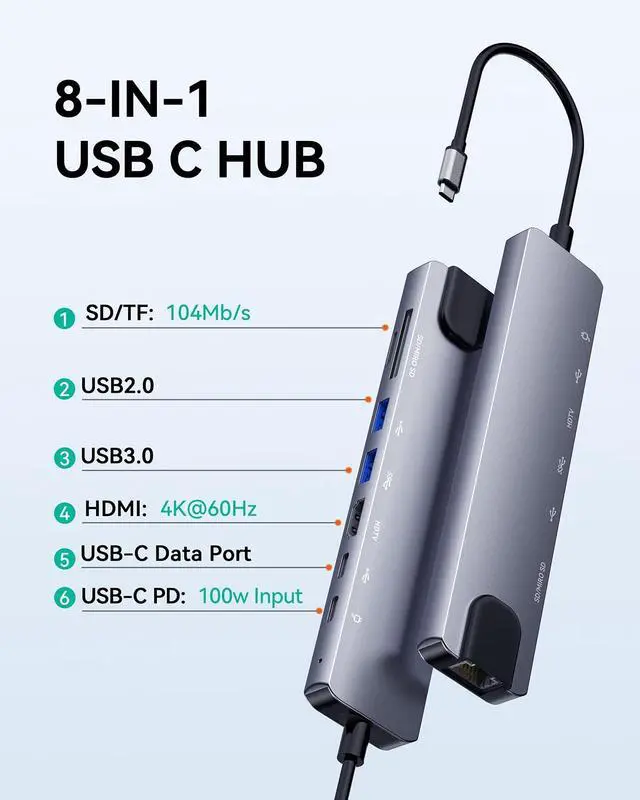
8-in-1 USB-C Hub with EthernetExpand a single USB-C port into 8 essential ports:1×HDMI (4K@60Hz), 1×USB-C PD (100W), 1×USB-C data (5Gbps), 1×USB-A 3.0, 1×USB-A 2.0, 1×Ethernet (100Mbps), 1×SD, 1×TF. More functional than typical 7-in-1 hubsideal for work, office, meeting and travel.
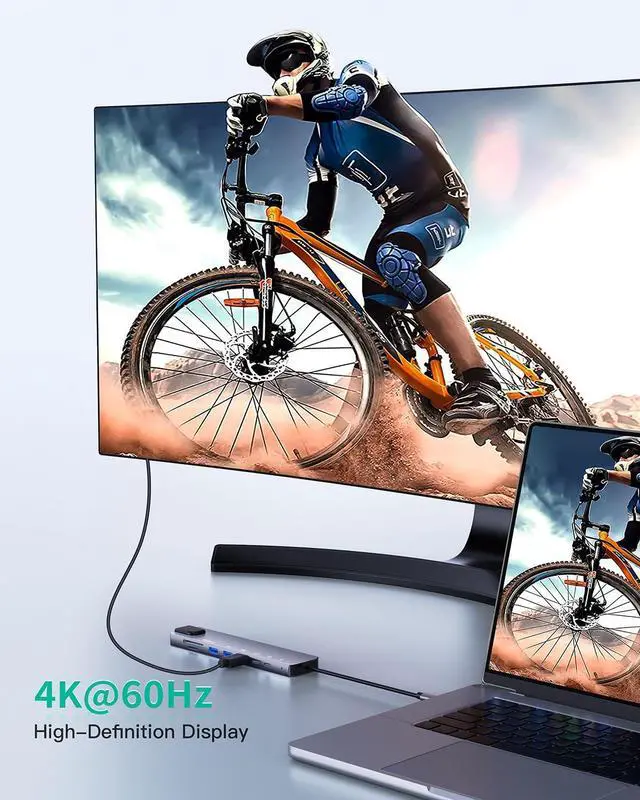
4K@60Hz USB-C to HDMI AdapterSupports 4K@60Hz HDMI output for crystal-clear and smooth visuals. Mirror or extend your screen to monitors, TVs, or projectorsperfect for professional presentations, multitasking, video editing, and entertainment. Note: Your USB-C port must support DisplayPort Alt Mode.
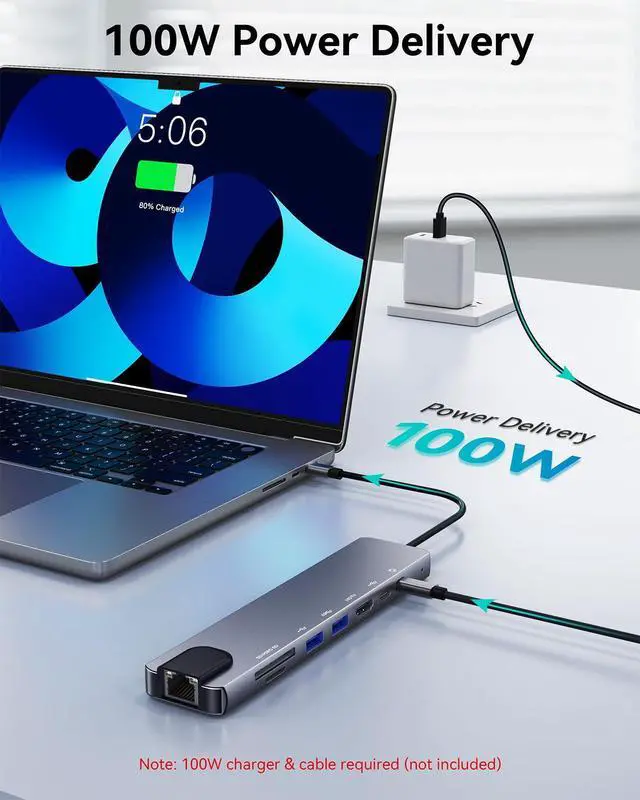
100W Power Delivery Fast ChargingThe USB-C PD port provides up to 100W input (87W max output) to keep your laptop powered while all other ports are in use. No need to sacrifice performance for charging. For best results, use a 65W or higher power adapter.
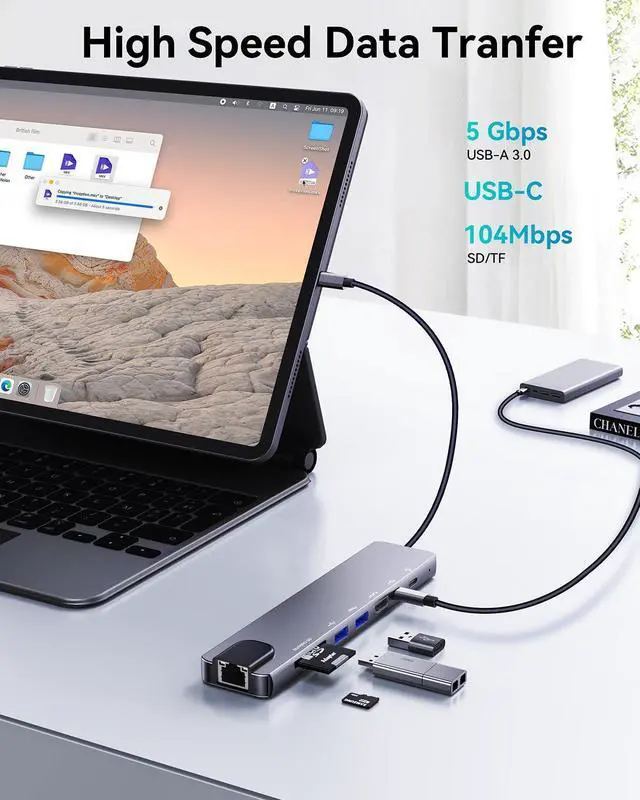
Fast 5Gbps Data TransferHigh-speed USB-A 3.0 and USB-C data ports support transfers up to 5Gbpsideal for external drives and accessories. USB-A 2.0 ensures stable connections for keyboard and mouse. Built-in SD/TF card readers simplify photo and video imports. USB-C data port supports data transfer only (no video/audio).
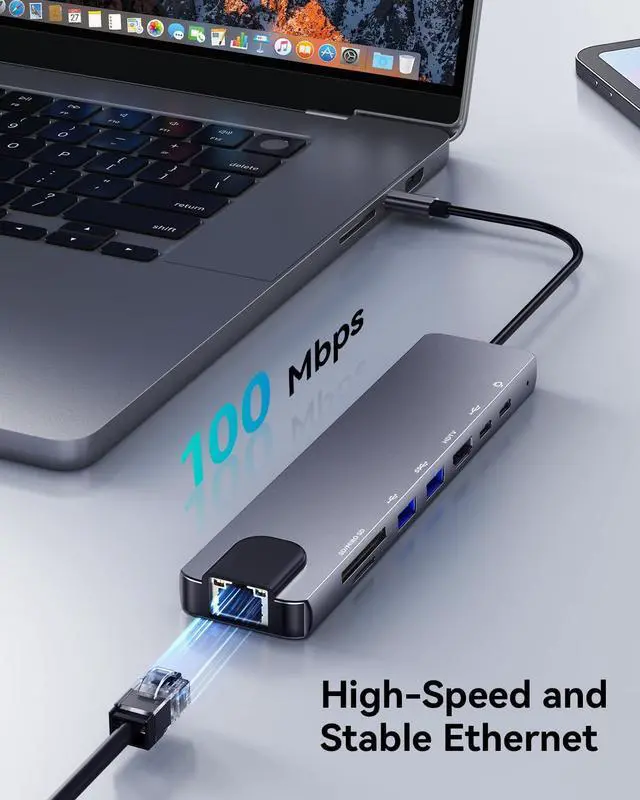
Stable Wired Ethernet ConnectionBuilt-in 100Mbps RJ45 Ethernet delivers a reliable wired internet connectionperfect for video calls, online meetings, gaming, and file downloads in environments with unstable Wi-Fi.
+
+
Overview
Specs
Reviews
Any questions? Our AI beta will help you find out quickly.
Try me now
8-in-1 USB C Hub Multiport Adapter, USB C Docking Station for Laptop with 4K@60Hz HDMI, 100W PD Charging, SD/TF Card Reader, USB 3.0 Ports for MacBook Pro/Air, iPad, Windows, School & Office
Learn more about the Detailed Specifications
Additional Information
First Listed on Newegg
March 12, 2026
There are no reviews yet.
Do you own this product?
Warranty & Returns
Warranty, Returns, And Additional Information
Warranty
Please contact the Seller directly for warranty information. Warranty information may also be found on the Manufacturer's website.