





ABOUT THE PARBLO
Parblo is named after the great Spanish cubist painter Pablo Picasso
Established in 2015, Parblo has been deeply involved in the field of digital drawing tools for 9 years. It mainly develops and produces drawing design products such as digital tablets and digital monitors. Its key markets cover the United States, UK, Germany, Russia, Japan, China, Canada, Australia, and other countries.
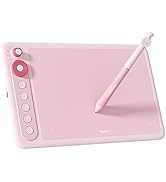
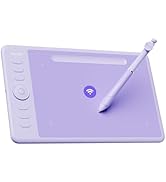
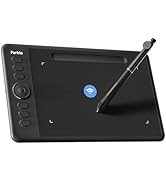
Parblo
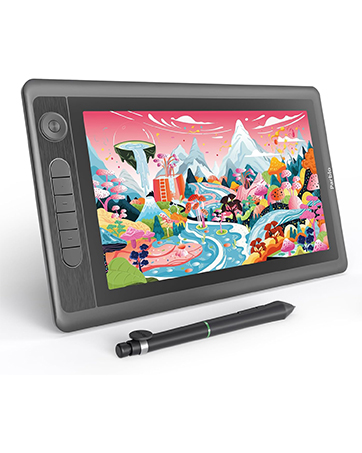
Parblo Coast 12 Pro Gen2
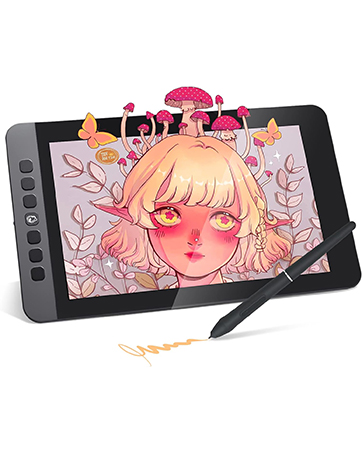
Parblo Coast 10 Pro
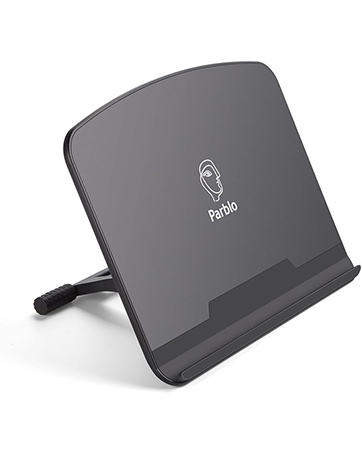

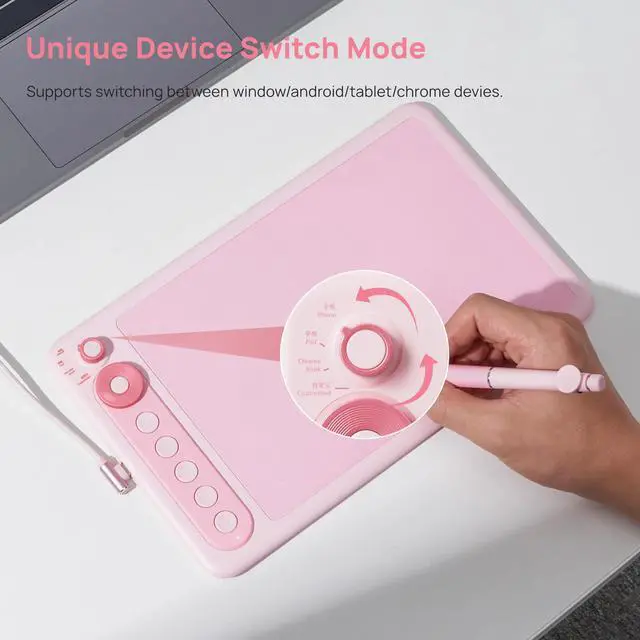
Premium Device Switch Mode
Supports switching between window/android/tablet/chrome devices
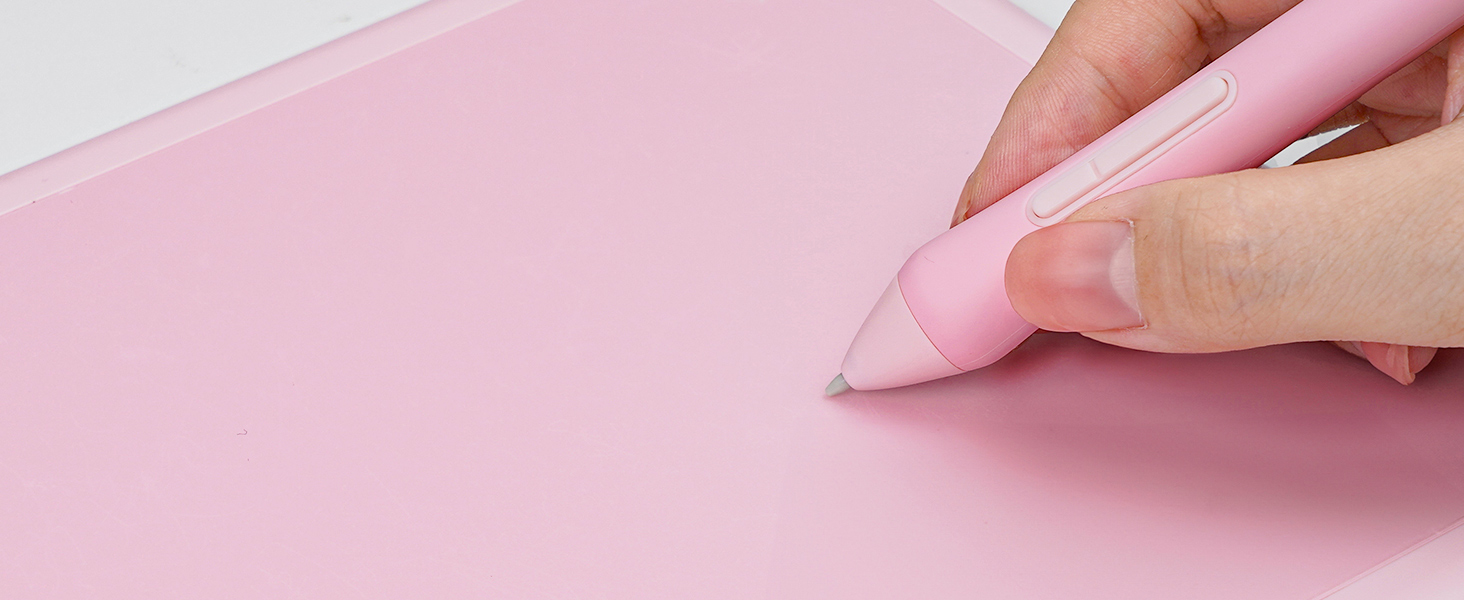
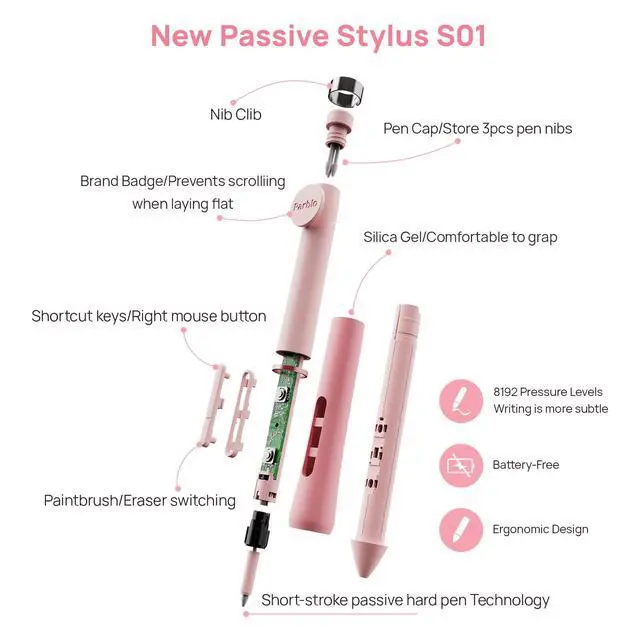
New Passive Stylus S01
8192 levels of pressure sensitivity, 266 PPS and 60° tilt battery-free stylus constantly deliver precise and natural lines and strokes.

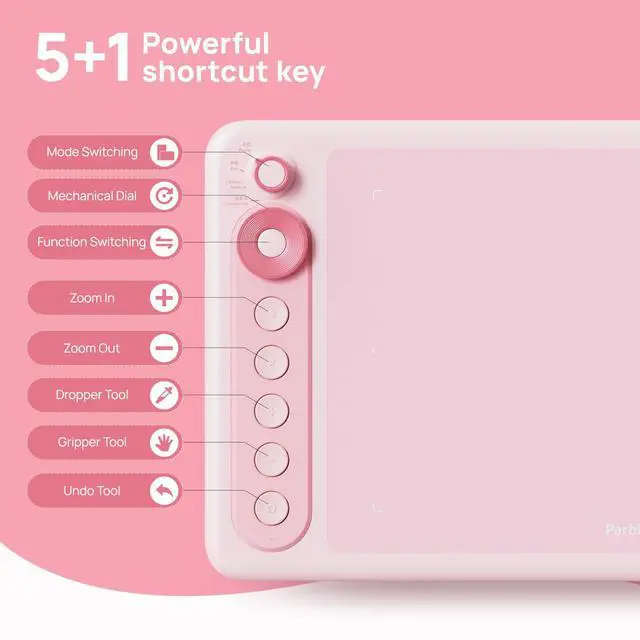
5+1 Powerful Shortcut Key
Plenty of shortcuts to make your drawing go smoothly!
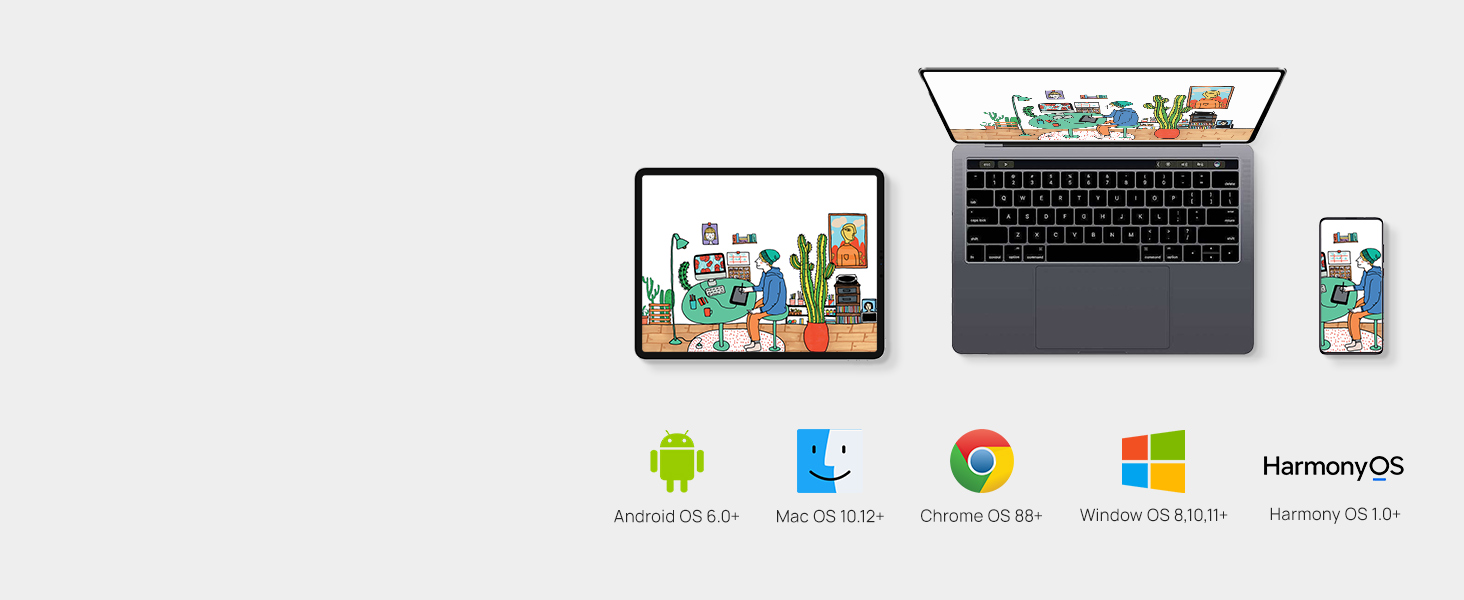
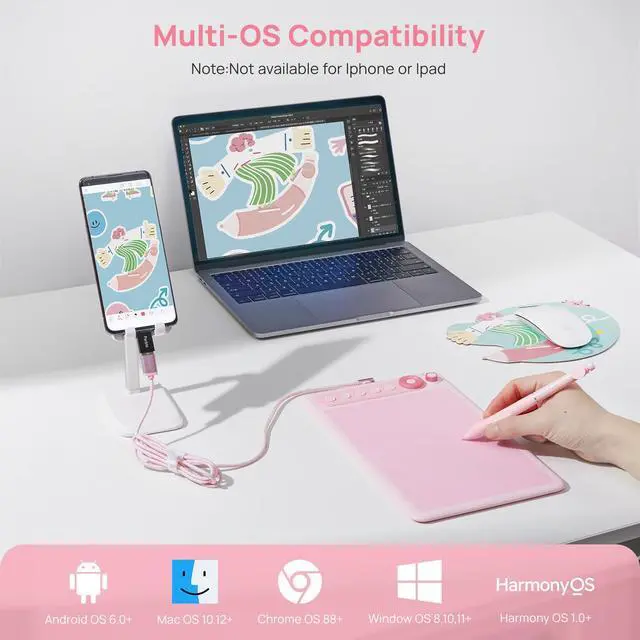
Multi-OS Compatibility
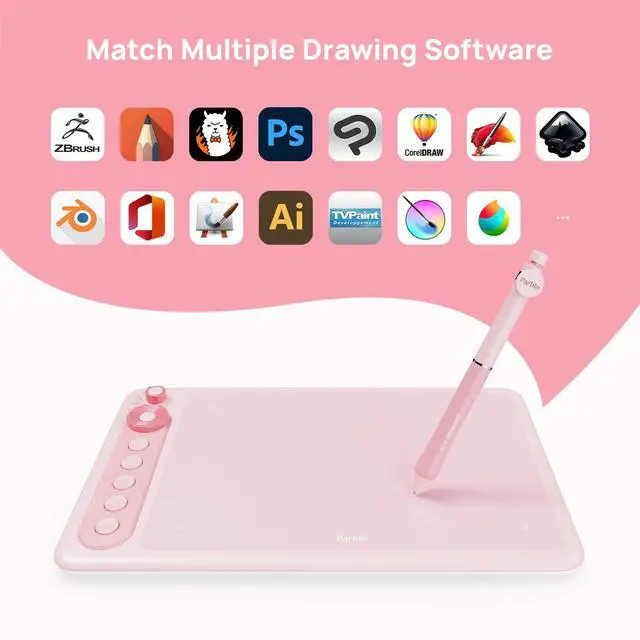
Compatible with Mac (MacOS 10.12 or later), PC (Windows 8 or later), and Android devices (OS version 6.0 or later).Harmony devices (OS 1.0 and or later),Chrome devices( OS 88 or later)


Is there an instruction manual?
Yes, we have detailed instructions
How do I get the drawing tablet drive included?
Please go to parblo official web to dowmload.Note:You need to download the driver in advance only when you connect it to your computer
How do I use device switch Button?
No adjustment required when connected to a computer,You need to switch when you connect your graphics tablets to your android phone, android tablet and chrome book device.Different modes represent different resolutions, and coordinate scales.
How to know if my mobile phone or tablet is compatible with this drawing tablet?
Your phone or tablet must be equipped with Android 6.0 or above ,Harmony OS 1.0 and above,and should have OTG function. If you are not sure, please consult us for further information.Please note :Not compatible with Iphone or Ipad

Premium Device Switch Mode
New Passive Stylus S01
5+1 Powerful Shortcut Key
Multi-OS Compatibility


Supports switching between window/android/tablet/chrome devices
8192 levels of pressure sensitivity, 266 PPS and 60° tilt battery-free stylus constantly deliver precise and natural lines and strokes.
Plenty of shortcuts to make your drawing go smoothly!
Compatible with Mac (MacOS 10.12 or later), PC (Windows 8 or later), and Android devices (OS version 6.0 or later).Harmony devices (OS 1.0 and or later),Chrome devices( OS 88 or later)


| Model name | Intangbo X7 |
|---|---|
| Work Area Size | 7.2x4.5 inch |
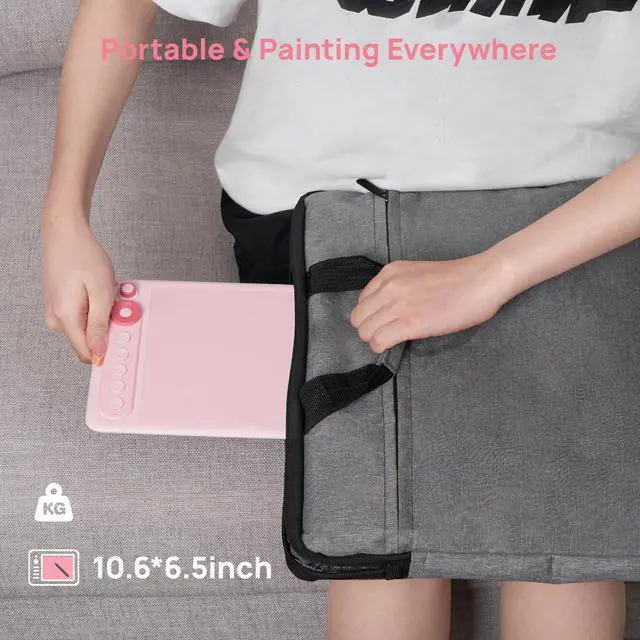
| Dimension & Weight | 271x166x7.2mm & 320g |
| Pressure Sensitivity | 8192 Levels |
| Report Rate | 266 |
| Tilt Support | ±60° |
| Reading Height | 8-10MM |
| Interface | USB Type C |
| Pen | Battery-Free Stylus S01 |
| Express Keys | 5+1Shortcut Key |
| Phone OS Support | Android OS 6.0 and above,Harmony OS 1.0 and above |
| PC OS Support | Window OS 8 and above,Mac OS 10.12 and above,Chrome OS 88 and above |
Is there an instruction manual?
Yes, we have detailed instructions
How do I get the drawing tablet drive included?
Please go to parblo official web to dowmload.Note:You need to download the driver in advance only when you connect it to your computer
How do I use device switch Button?
No adjustment required when connected to a computer,You need to switch when you connect your graphics tablets to your android phone, android tablet and chrome book device.Different modes represent different resolutions, and coordinate scales.
How to know if my mobile phone or tablet is compatible with this drawing tablet?
Your phone or tablet must be equipped with Android 6.0 or above ,Harmony OS 1.0 and above,and should have OTG function. If you are not sure, please consult us for further information.Please note :Not compatible with Iphone or Ipad

ABOUT THE PARBLO
Parblo is named after the great Spanish cubist painter Pablo Picasso
Established in 2015, Parblo has been deeply involved in the field of digital drawing tools for 9 years. It mainly develops and produces drawing design products such as digital tablets and digital monitors. Its key markets cover the United States, UK, Germany, Russia, Japan, China, Canada, Australia, and other countries.
Parblo
Parblo Coast 12 Pro Gen2
Parblo Coast 10 Pro