




- If the acquisition screen appears for the first time when using OBS, delete it and reopen the screen to recognize USB2.0. First restore the default value or deactivate and then activate to restore recognition to USB2.0.
- Not all USB ports support 3.0 transmission. To ensure proper functionality, connect the device to a USB 3.0 port (often marked in blue or labeled "SS") and confirm your computer has the required USB 3.0 drivers installed
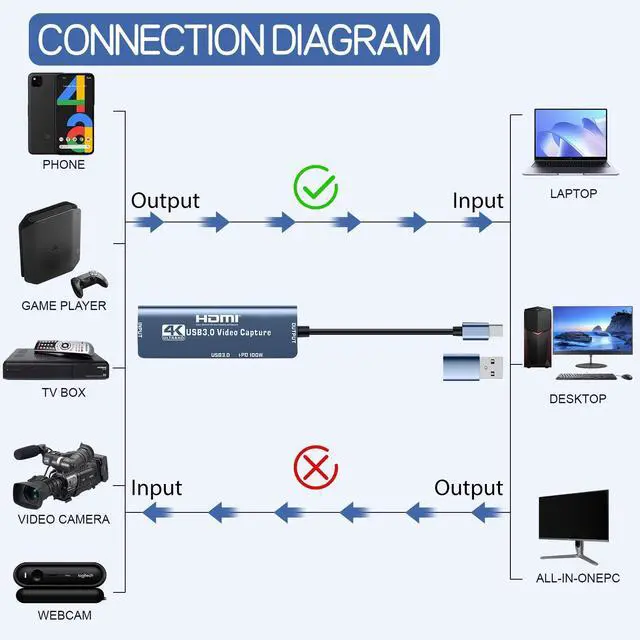
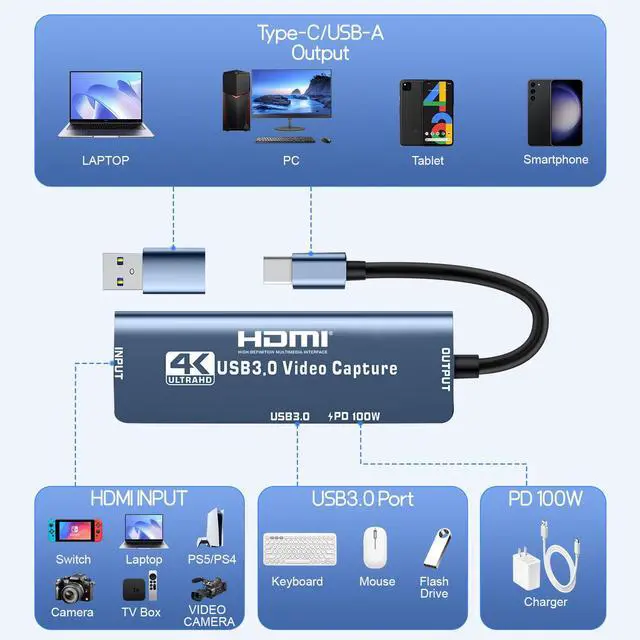
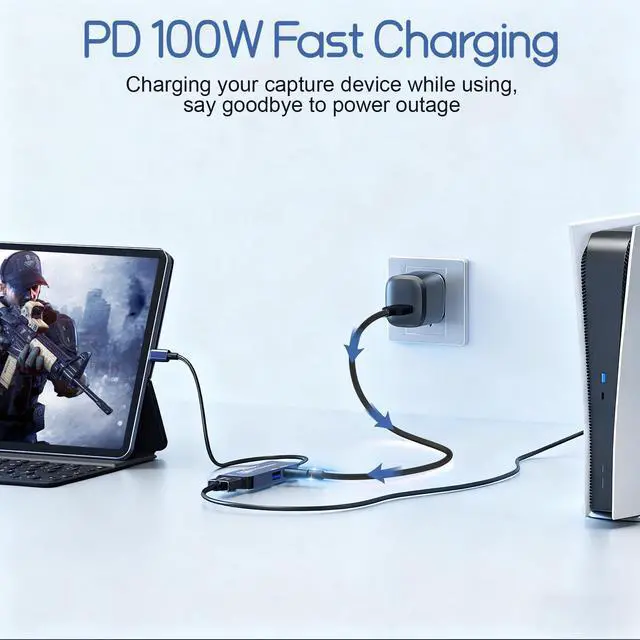
- If you are unfamiliar with the operation, you can download the instruction manual available on the page or watch our connection tutorial video. Ensure the input and output ports are connected to the correct devices. Incorrect connections may result in no signal
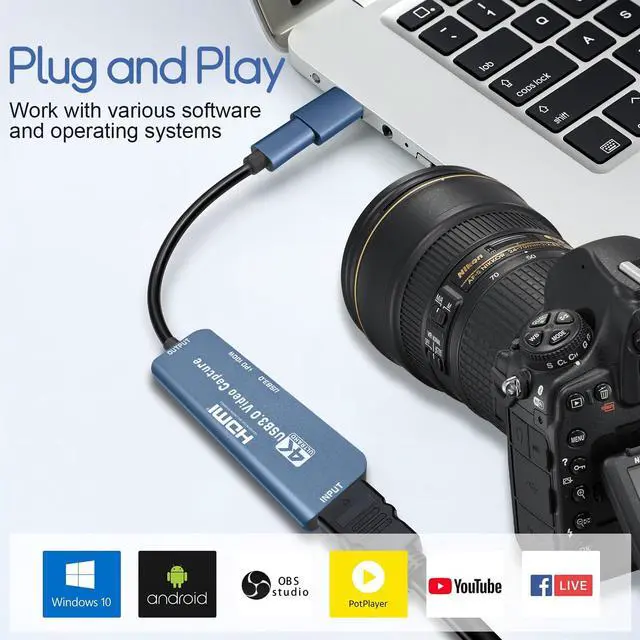
- Check System Compatibility: Please ensure your system is within the compatibility range. Some products may require disabling HD CP settings to function properly.
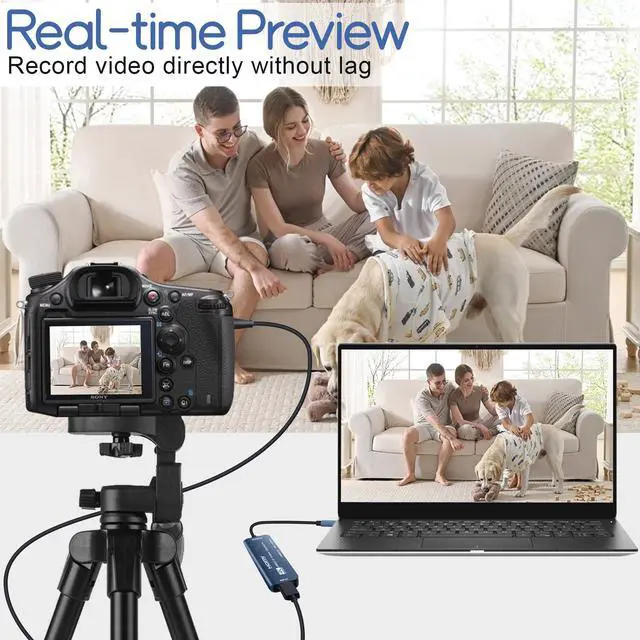
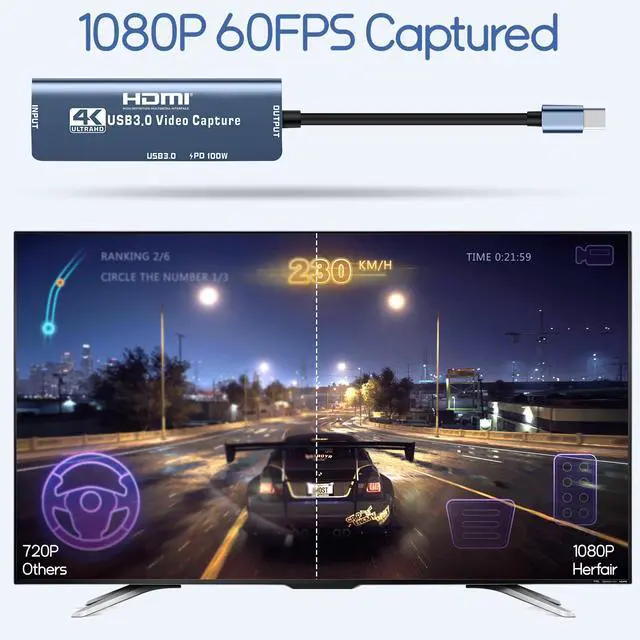
- Ultra Low Capture Delay: There may be a slight delay in the capture, but it is within an acceptable millisecond range and does not affect the video quality.
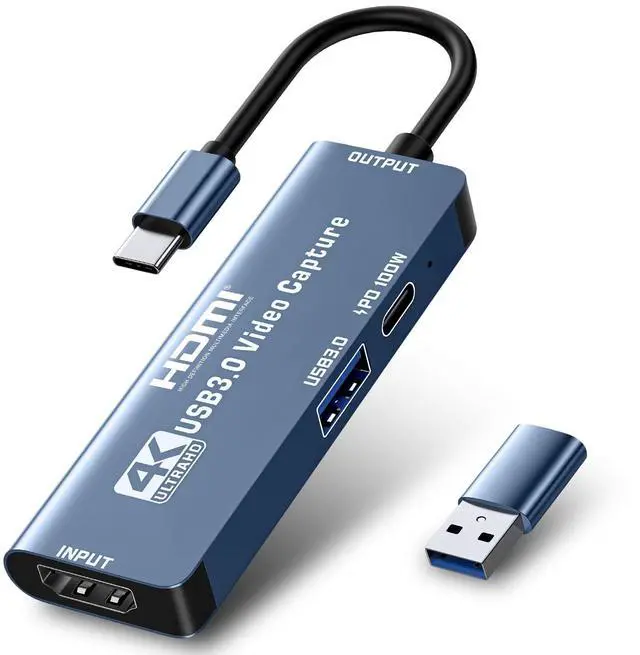
- USB-C for Signal Output: The USB-C port (or USB-A when using a USB-C to USB-A adapter) is for signal output. Please ensure your signal output device has corresponding video capture software, as OBS, to enable screen capture.
If you have any problem with the product, please do not hesitate to reach to Herfair for full re-fu-nd or re-pla-ce-me-nt!


Steps of How to Use with OBS capture software:


- If the acquisition screen appears for the first time when using OBS, delete it and reopen the screen to recognize USB2.0. First restore the default value or deactivate and then activate to restore recognition to USB2.0.
- Not all USB ports support 3.0 transmission. To ensure proper functionality, connect the device to a USB 3.0 port (often marked in blue or labeled "SS") and confirm your computer has the required USB 3.0 drivers installed
- If you are unfamiliar with the operation, you can download the instruction manual available on the page or watch our connection tutorial video. Ensure the input and output ports are connected to the correct devices. Incorrect connections may result in no signal
- Check System Compatibility: Please ensure your system is within the compatibility range. Some products may require disabling HD CP settings to function properly.
- Ultra Low Capture Delay: There may be a slight delay in the capture, but it is within an acceptable millisecond range and does not affect the video quality.
- USB-C for Signal Output: The USB-C port (or USB-A when using a USB-C to USB-A adapter) is for signal output. Please ensure your signal output device has corresponding video capture software, as OBS, to enable screen capture.
If you have any problem with the product, please do not hesitate to reach to Herfair for full re-fu-nd or re-pla-ce-me-nt!